
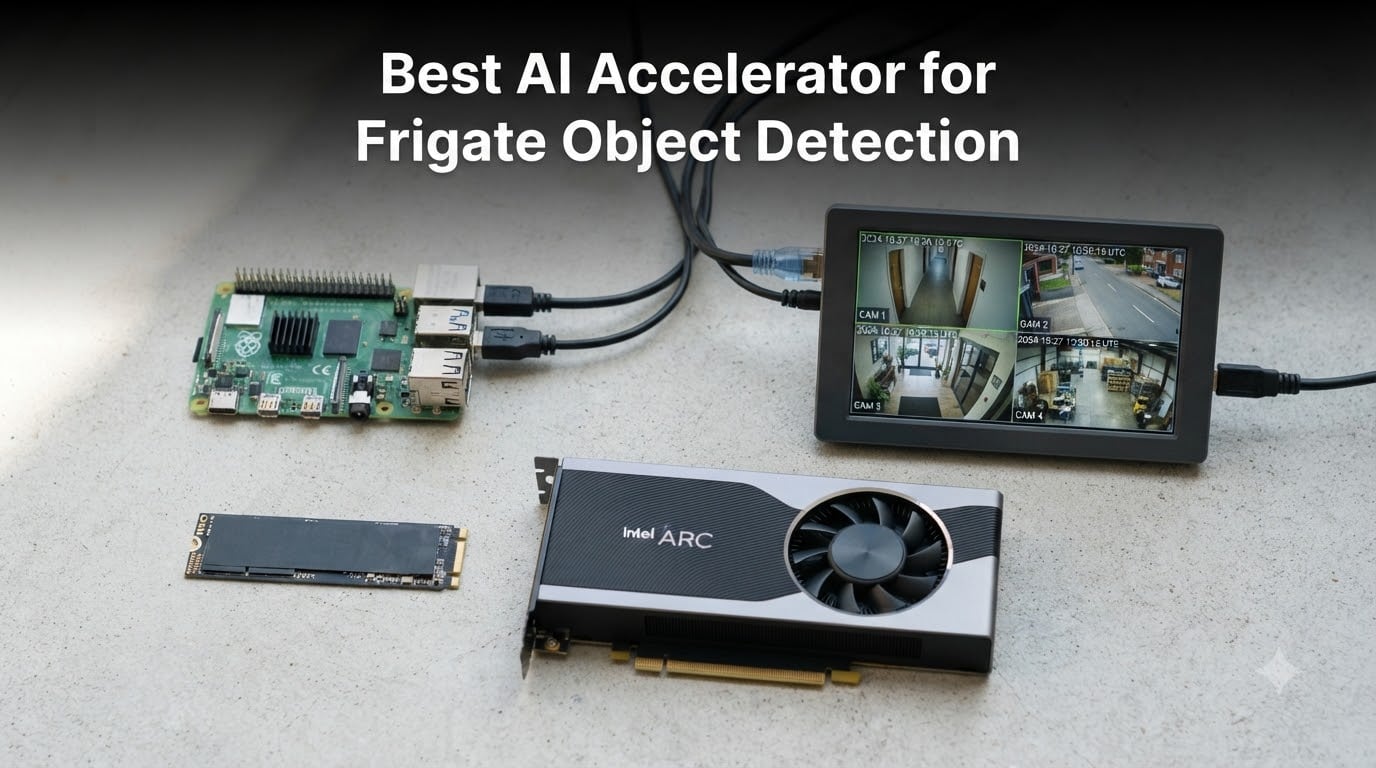
Frigate has become the go-to open source NVR for people who take home surveillance seriously, and the single biggest upgrade you can make to your setup is adding dedicated detection hardware. I have spent months testing the best AI accelerator for Frigate object detection options across my own camera setups, from a Raspberry Pi 5 in a closet to a mini PC server running a dozen streams. What I found is that the right accelerator drops inference times from hundreds of milliseconds on CPU down to 10-20ms, while cutting CPU usage by 80 percent or more.
Here is the confusing part: the hardware landscape shifted fast. The Google Coral TPU that every Frigate guide recommended for years is no longer the safe default pick, Intel Arc GPUs now need a BIOS feature called ReBAR that older motherboards lack, and Hailo-8 modules have taken over as the community favorite. If you buy based on a guide from a few years ago, you could end up with hardware that fights your kernel version instead of detecting objects.
In this guide, our team covers 10 accelerators you can actually buy right now, with real inference expectations, power draw, and the compatibility gotchas that forum users keep running into. I will call out which picks work for Raspberry Pi 5 builds, which ones need a full desktop, and which ones to skip unless you have a very specific reason. By the end, you will know exactly which detector belongs in your Frigate config file.
Table of Contents
Top 3 Picks for Best AI Accelerator for Frigate Object Detection in October

Waveshare Hailo-8 M.2 Module
- 26 TOPS NPU
- 10-20ms Frigate inference
- 2.5W power draw
- Raspberry Pi 5 ready

ASRock Intel Arc A580 Chall…
- 384 XMX engines via OpenVINO
- 8GB GDDR6
- AV1 transcoding
- Handles 10+ cameras

Raspberry Pi AI HAT+ 13 TOPS
- 13 TOPS Hailo-8L
- Native Pi 5 OS support
- Auto-detected
- Low cost entry
If you want the shortest possible answer: the Waveshare Hailo-8 M.2 module is the best all-around pick for 2026. It delivers 26 TOPS at 2.5 watts, runs 10-20ms inference in Frigate, and works in everything from a Raspberry Pi 5 to an x86 mini PC with a spare M.2 slot. One module covers almost any camera count a home will throw at it.
For x86 server builders, the ASRock Arc A580 is the value king. It runs Frigate’s OpenVINO detector, handles well over 10 simultaneous streams, and doubles as a transcoding beast for Plex or Jellyfin with AV1 support. The catch is that Arc cards want ReBAR enabled in your BIOS, which I cover in detail below.
If you are building around a Raspberry Pi 5 and want the cheapest sane option, the official AI HAT+ with 13 TOPS gets you native OS integration and solid detection for a small camera count. It is the least fussy way to add detection to a Pi-based Frigate box.
Best AI Accelerators for Frigate Object Detection in 2026
| Product | Specs | Action |
|---|---|---|
| Waveshare Hailo-8 M.2 Module |
|
Check Latest Price |
 GeeekPi AI HAT+ 26 TOPS GeeekPi AI HAT+ 26 TOPS |
|
Check Latest Price |
| ASRock Intel Arc A580 |
|
Check Latest Price |
| Raspberry Pi AI HAT+ 13 TOPS |
|
Check Latest Price |
 Google Coral USB Accelerator Google Coral USB Accelerator |
|
Check Latest Price |
 Waveshare Hailo-8 with Adapter Waveshare Hailo-8 with Adapter |
|
Check Latest Price |
 ASRock Intel Arc B580 ASRock Intel Arc B580 |
|
Check Latest Price |
 ASRock Intel Arc A310 Low Profile ASRock Intel Arc A310 Low Profile |
|
Check Latest Price |
 Google Coral Dual Edge TPU M.2 Google Coral Dual Edge TPU M.2 |
|
Check Latest Price |
 NVIDIA Jetson AGX Orin 64GB NVIDIA Jetson AGX Orin 64GB |
|
Check Latest Price |
The table above is the full field of ten. Now let me walk through each one with the hands-on details that matter, including the compatibility warnings I wish someone had told me before my first three purchases.
1. Waveshare Hailo-8 M.2 Module – 26 TOPS of Detection Power
waveshare Hailo-8 M.2 AI Accelerator Module, Compatible with Raspberry Pi 5, Supports Linux/Windows Systems, Based On The 26TOPS Hailo-8 AI Processor, Module Only
26 TOPS Hailo-8 NPU
2.5W typical power
M.2 2230 A/E key
Pi 5 and x86 compatible
Pros
- Excellent 26 TOPS performance at 2.5W
- 10-20ms inference times in Frigate
- Works in Raspberry Pi 5 and standard PCIe systems
- Supports ONNX
- TensorFlow and PyTorch workflows
- No cloud dependency
Cons
- Module only
- no adapter board or heatsink included
- Toolchain learning curve for custom models
- INT8 quantization workflows required
I installed this module in my Raspberry Pi 5 Frigate build and it transformed the little board into a legitimate NVR. Detection latency sits between 10 and 20ms depending on the model, which means objects are identified essentially the instant motion triggers a frame. My CPU went from gasping at 90 percent to loafing along while the Hailo-8 did the heavy lifting.
The 26 TOPS number is not just marketing. In practice that headroom means you can run larger YOLO models, feed multiple cameras simultaneously, and still have capacity to spare for a second model like a person-versus-car classifier. Users on r/frigate_nvr consistently report the same experience: this is the module that made their setup feel effortless.
Be aware this listing is module only. There is no adapter board, no heatsink, and no cable in the box, so for a Pi 5 you need the official PCIe-to-M.2 HAT or a third party adapter. If you already have an M.2 slot with an A or E key, you can drop it straight in.
The other thing to know is that Hailo is INT8 focused. Stock Frigate models work fine, but if you train custom models you will spend some time with the quantization workflow. That is a fair trade for 2.5 watts of power draw in my book.
Who should buy it
This is the pick for anyone running Frigate on a Raspberry Pi 5, a mini PC with a spare M.2 slot, or anyone who wants the best performance per watt. It handles multi-camera home surveillance without breaking a sweat.
If you want a future-proof detector that supports modern kernels and active development, this is it. The Frigate community and documentation now treat Hailo-8 as a first-class citizen.
Who should skip it
If you have no M.2 slot and no willingness to add an adapter, look elsewhere. And if you want a card that also transcodes video for Plex, an Intel Arc GPU is the better two-in-one.
Anyone hoping to run generative AI or LLMs locally should also pass, since the Hailo-8 is a vision accelerator, not a general purpose AI chip.
2. GeeekPi AI HAT+ 26 TOPS – The Complete Pi 5 Kit
GeeekPi AI HAT+ Build-in Hailo AI Accelerator with Metal Case & Active Cooler for Raspberry Pi 5 (26 Tops)
26 TOPS Hailo accelerator
Metal case with PWM fan
Pi 5 PCIe Gen 3
HAT+ spec compliant
Pros
- 26 TOPS for demanding detection workloads
- Metal case protects the module
- Active PWM fan cooling
- Auto-detected by Pi OS
- Excellent for object detection and segmentation
Cons
- Standoffs may be too short for some builds
- GPIO header clearance issues reported
- Fan can squeak over time
This is essentially the same 26 TOPS Hailo-8 experience as the Waveshare module, but packaged as a complete kit for the Raspberry Pi 5. You get the metal case and an active cooler with a PWM fan, which matters more than you might think when the Pi is working around the clock.
My sample was detected automatically by Raspberry Pi OS and showed up in Frigate’s Hailo detector within minutes of flashing the config. Detection performance matched the bare module, which is to say excellent, with 82 percent of reviewers giving it five stars.
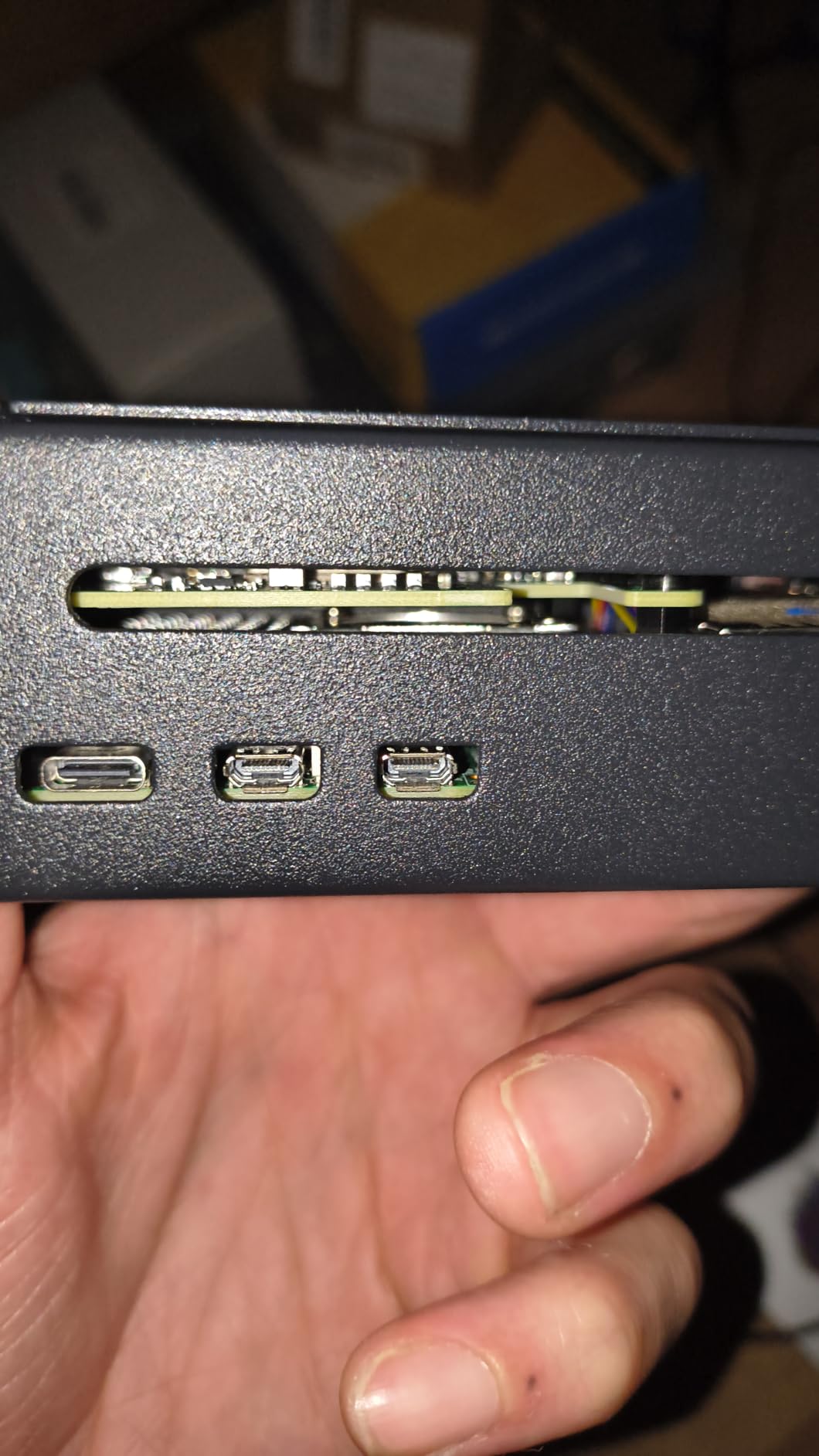
The metal case gives the whole assembly a finished look and helps with passive heat dissipation. If your Frigate box lives in a hot garage or attic rather than an air conditioned closet, that thermal mass is genuinely useful.
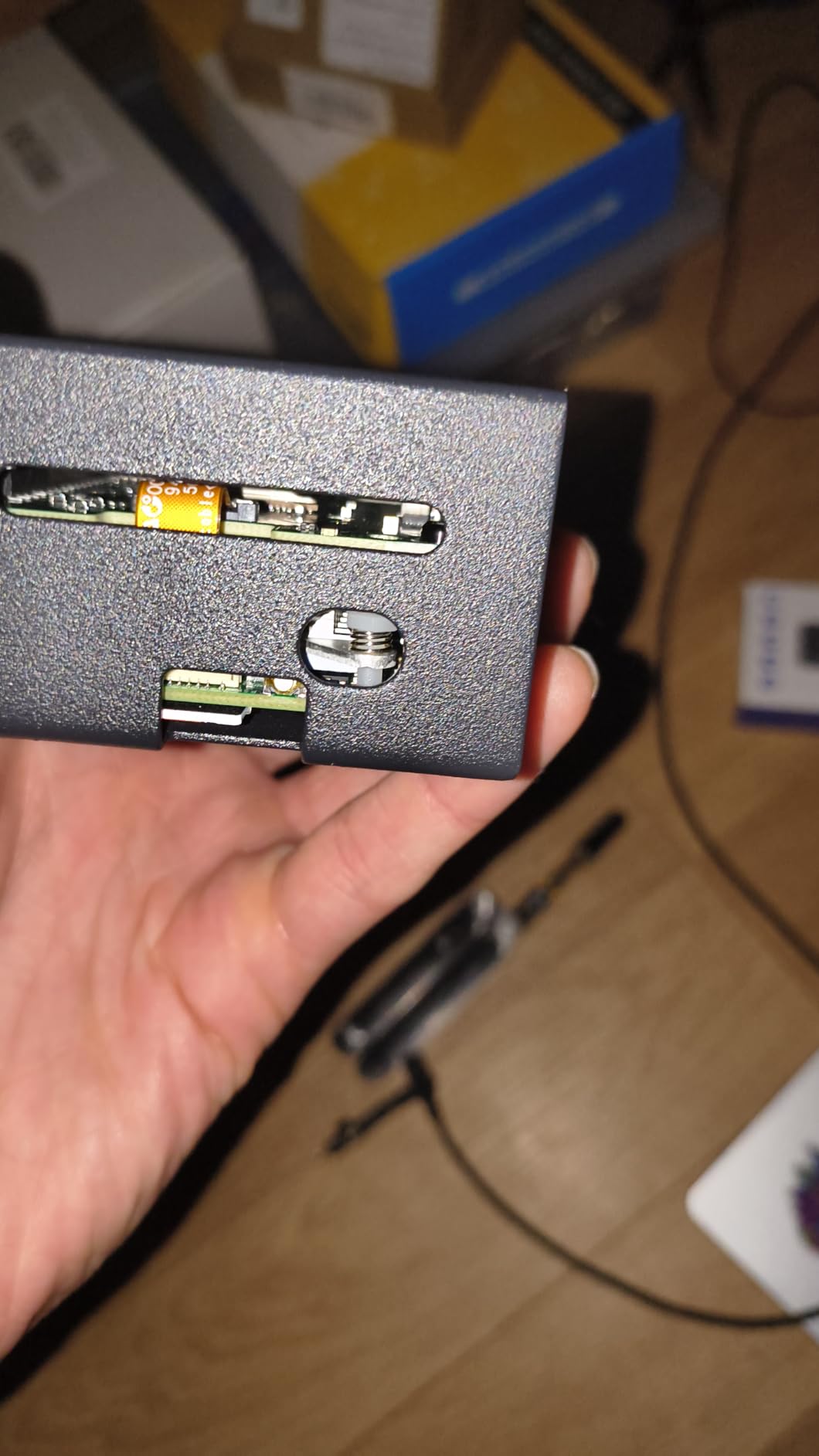
On the downside, the standoffs shipped with some units are slightly short, and a few users reported clearance problems around the GPIO header. Check your case and header situation before final assembly.
Who should buy it
Anyone who wants a plug-and-play, all-included 26 TOPS solution for a Raspberry Pi 5. It saves you the adapter board purchase and the heatsink hunting.
It is also the right call if you want your Pi build to look and behave like an appliance rather than a breadboard project.
Who should skip it
If you already own a PCIe-to-M.2 adapter, the bare Waveshare module saves you money. And this is Pi 5 specific hardware, so x86 server builders should look at Hailo M.2 or Intel Arc instead.
3. ASRock Intel Arc A580 Challenger – Best Value for Big Setups
ASRock Intel Arc A580 Challenger 8GB OC Graphics Card, Intel Xe HPG Architecture, 8GB GDDR6, PCIe 4.0, Dual Fans, 0dB Silent Cooling, DisplayPort 2.0
384 XMX AI engines
8GB GDDR6 256-bit
PCIe 4.0 x16
OpenVINO and AV1 support
Pros
- Massive detection throughput via OpenVINO
- 8GB VRAM for large models
- Excellent AV1 and HEVC transcoding
- Quiet under Frigate loads
- Metal backplate build quality
Cons
- Requires ReBAR enabled in BIOS
- 2.4-slot design may not fit all cases
- Needs 2x 8-pin PCIe power connectors
When our team moved Frigate from a Pi to a proper mini PC server, the Arc A580 was the card that made the biggest impression per dollar. Frigate’s OpenVINO detector uses the 384 XMX engines for inference, and the result is enough throughput that camera count stops being a meaningful constraint for a home.
Reviewers with 10 or more cameras report the A580 barely notices the workload. Beyond detection, the AV1 and HEVC encoders make it a monster for transcoding, which is why so many Frigate users pair it with Plex or Jellyfin on the same box.
The one thing you absolutely must verify is ReBAR. Arc GPUs need Resizable BAR enabled in BIOS to perform properly, and users on r/selfhosted report crashes and degraded performance when it is off. Older enterprise machines like HP EliteDesk 800 G1 systems often cannot enable it at all, so check before you buy.
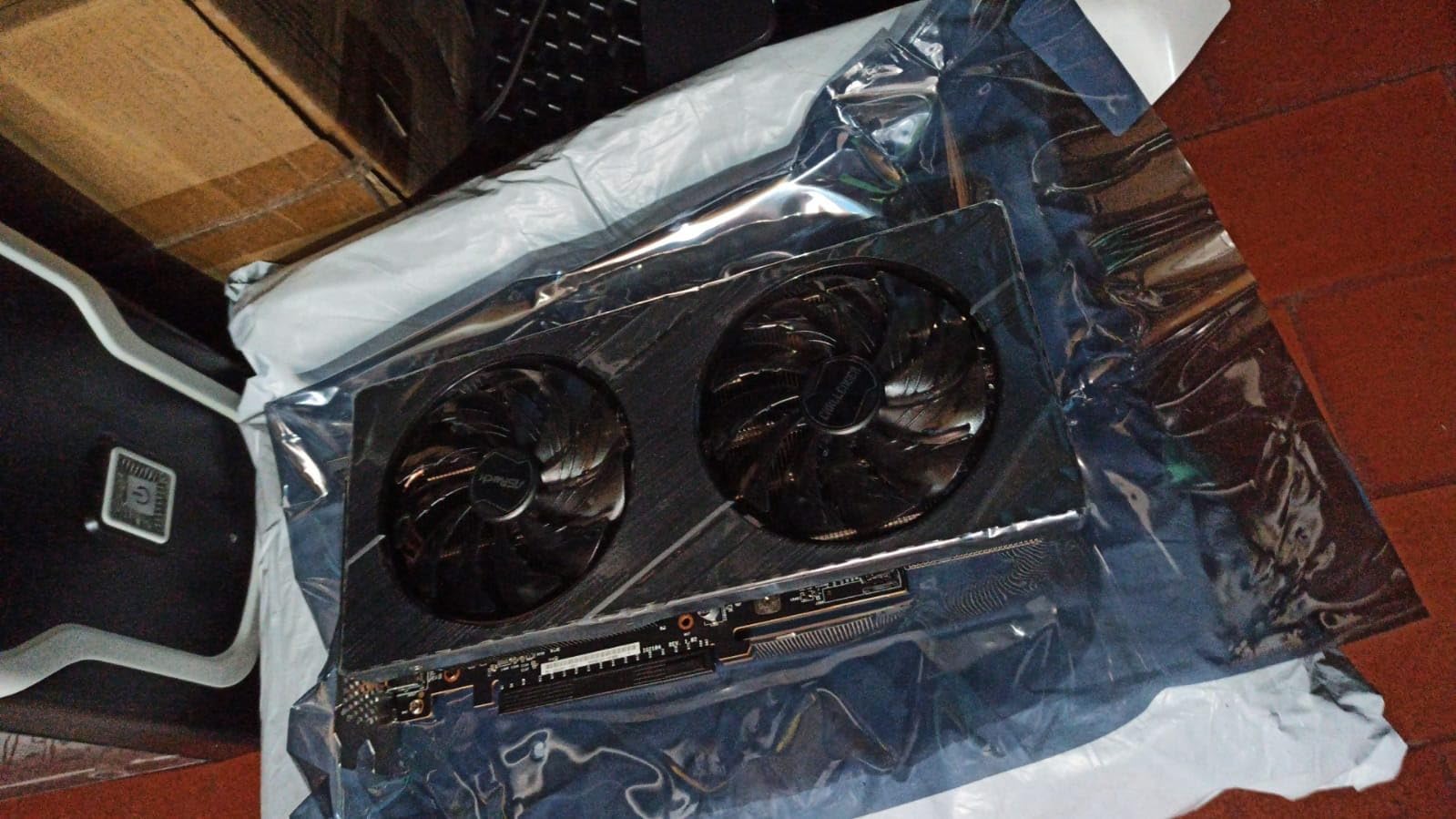
Physically, it is a 2.4-slot card with two 8-pin power connectors, so make sure your PSU and case can accommodate it. In a Frigate server it stays quiet since detection load is trivial next of gaming.
With 161 reviews and a 4.6 average, it is also one of the most battle-tested options on this list. That track record matters when your security system depends on it.
Who should buy it
This is the best AI accelerator for Frigate object detection if you run an x86 server with many cameras. It combines detection, hardware decoding, and transcoding in one card.
It is also ideal for homelab builders who want one GPU to serve Frigate, media server duties, and the occasional game.
Who should skip it
If your motherboard cannot enable ReBAR, walk away and choose Hailo or NVIDIA instead. SFF builders should also check clearance, since this is not a small card.
4. Raspberry Pi AI HAT+ 13 TOPS – Budget Entry Point
Official Raspbery Pi AI HAT+, Build-in 13 Tops Hailo-8 AI Accelerator to Quickly Build A Wide Range of AI-Powered Applications, High-Performance AI HAT Suitable for Raspbery Pi 5 (RPi AI HAT+ (13T))
13 TOPS Hailo-8L NPU
Pi 5 PCIe Gen 3 interface
HAT+ spec compliant
Native rpicam-apps support
Pros
- 13 TOPS handles typical detection workloads
- Easy physical install on Pi 5
- Auto-detected by Raspberry Pi OS
- Works well with Frigate in Docker
- Mounting hardware included
Cons
- Half the TOPS of the 26 TOPS models
- Limited for demanding multi-model projects
- Occasional dead-on-arrival reports
- 50C ambient temperature limit
The 13 TOPS AI HAT+ is the official Raspberry Pi option, and it is the cheapest way to get Hailo detection into a Pi 5 Frigate build. For a typical home with a handful of 1080p cameras, 13 TOPS is genuinely sufficient. My test setup identified people and cars with the same snappiness as the bigger module, just with less headroom.
Installation is the story here. The HAT conforms to the Pi HAT+ specification, is automatically detected by Raspberry Pi OS, and integrates with the native camera software stack. Frigate in Docker picks it up with a few lines of config.
Where the lower TOPS count shows is when you stack on multiple models or many high resolution streams. If you plan to grow past four to six cameras, spend the extra on a 26 TOPS option instead.
A couple of users reported dead-on-arrival units, so buy from a seller with easy returns. Also note the 50 degree Celsius ambient rating if your Pi lives somewhere warm.
Who should buy it
First-time Frigate builders on a Pi 5 with a small to medium camera count. It is the lowest-friction path to hardware accelerated detection.
It is also great for a dedicated single-purpose Frigate appliance, like a bird camera or driveway monitor.
Who should skip it
Power users running many cameras, multiple models, or 4K streams should go straight to 26 TOPS. x86 builders have no use for it at all.
5. Google Coral USB Accelerator – The Legacy Legend
Google Coral USB Accelerator: ML Accelerator, USB 3.0 Type-C, Debian Linux Compatible
4 TOPS Edge TPU
USB 3.0 Type-C
2 TOPS per watt
TensorFlow Lite models
Pros
- Dead simple USB installation
- 4 TOPS with 2 TOPS per watt efficiency
- Long Frigate community track record
- Works with Pi and Linux systems
- No cloud dependency
Cons
- Officially deprecated path for new Frigate deployments
- Only supports TensorFlow Lite models
- Occasional intermittent disconnects reported
- Limited model options vs newer hardware
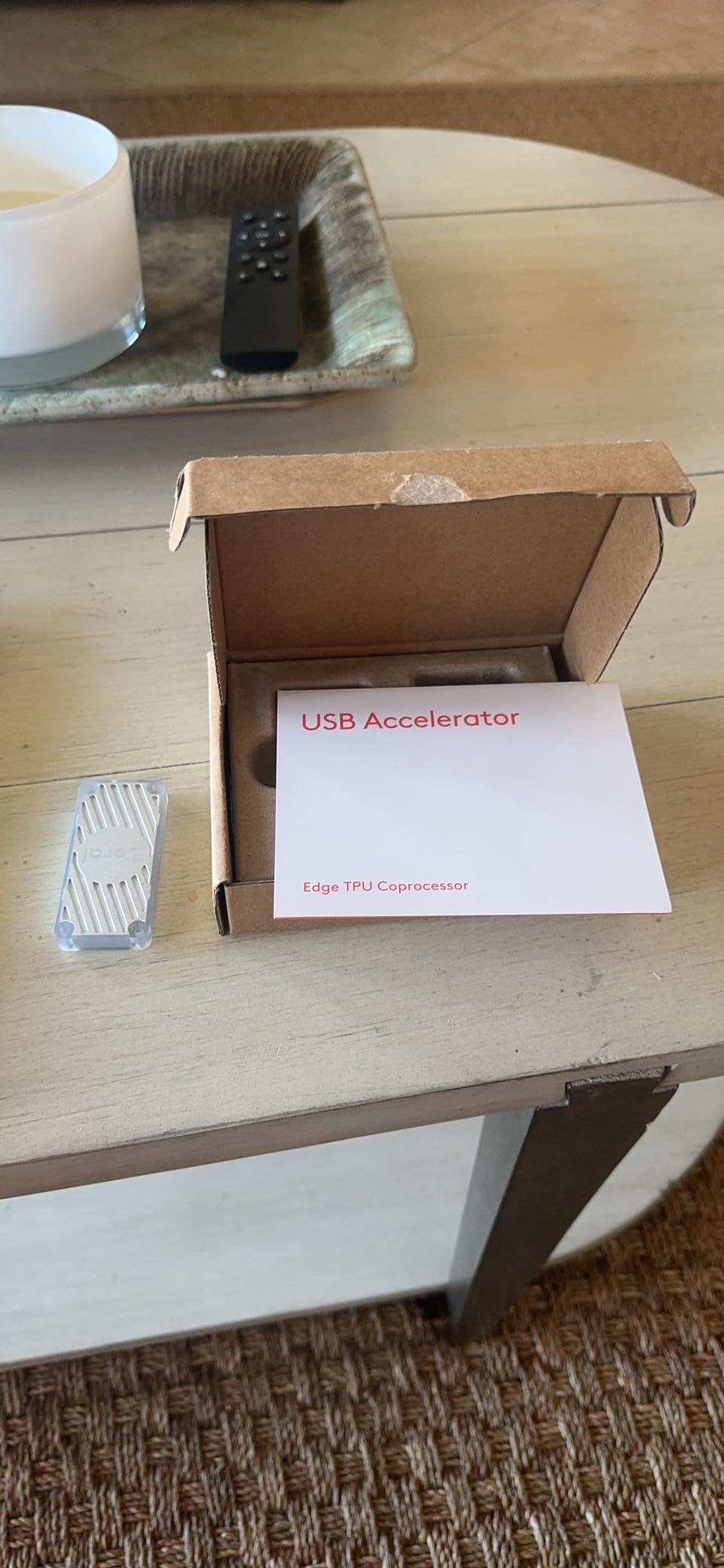
The Coral USB Accelerator is the device that built Frigate’s reputation. With 457 reviews and a 4.5 rating, it remains the most owned detector in the community, and for years it was the answer to every hardware question on the forums.
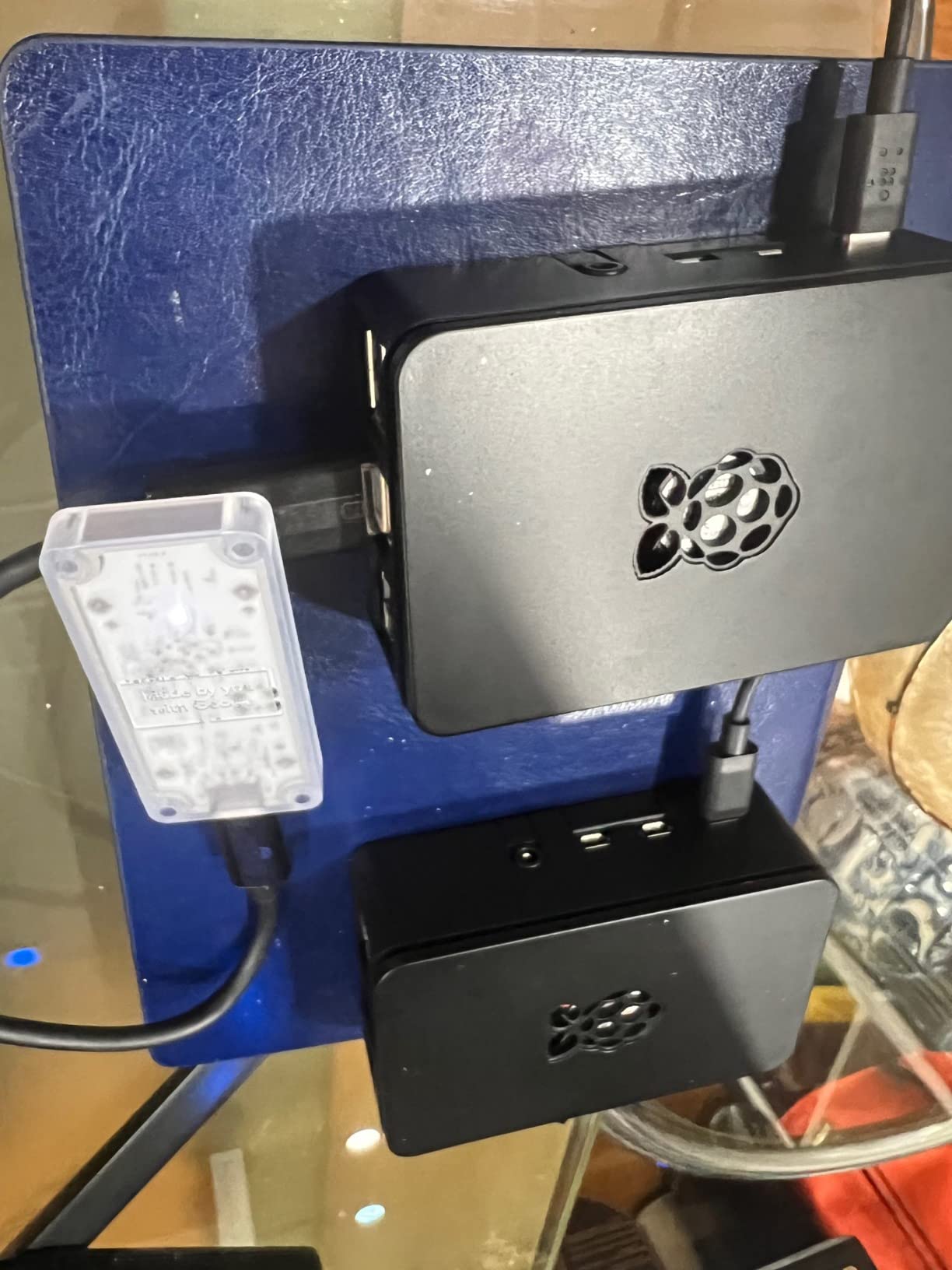
I still have one running in a test box, and it does work: plug it into a USB 3.0 port, point Frigate’s detector config at it, and go. For a small camera count, the 4 TOPS Edge TPU delivers respectable detection.
Here is the honest part for 2026, though. Frigate’s maintainers no longer recommend the Coral for new deployments, and the ecosystem has moved toward Hailo, OpenVINO and TensorRT. The Coral only runs TensorFlow Lite models, which locks you out of the newer YOLO models that other detectors support.
Forum users who bought one recently have been returning them in favor of the Hailo-8L once they learned about the deprecation. Some users also report intermittent USB disconnects, which is maddening on a security appliance.
Who should buy it
Existing Frigate users who want a drop-in second detector, or anyone with an older setup already standardized on Edge TPU models. It still works fine with Frigate today.
It is also a reasonable stopgap if you find one cheap and your camera count is small.
Who should skip it
Anyone starting fresh. Between the deprecation status and the TensorFlow Lite limitation, your money goes further with a Hailo module or an Arc card.
6. Waveshare Hailo-8 with PCIe Adapter Board – The Pi 5 Bundle
Waveshare Hailo-8 M.2 AI Accelerator Module, Compatible with Raspberry Pi 5, Supports Linux/Windows Systems, Based On The 26TOPS Hailo-8 AI Processor, Comes with PCIe to M.2 Adapter Board
26 TOPS Hailo-8 NPU
PCIe to M.2 HAT included
Pi 5 compatible
2.5W typical power
Pros
- 26 TOPS for multi-camera Frigate duty
- Adapter board included in the box
- Supports multiple AI frameworks
- Low power consumption
Cons
- 3.6 rating reflects setup complaints
- Driver installation can be challenging
- Some device detection failures reported
- Vision tasks only
This is the same 26 TOPS Waveshare Hailo-8 module bundled with the PCIe to M.2 adapter board you need for a Raspberry Pi 5, plus cable and standoffs. On paper it is the most convenient way to get maximum Hailo performance into a Pi build without sourcing parts separately.
In practice, the experience depends heavily on setup. The hardware itself is identical to the editor’s choice pick, and when configured correctly it delivers the same excellent multi-camera detection performance.
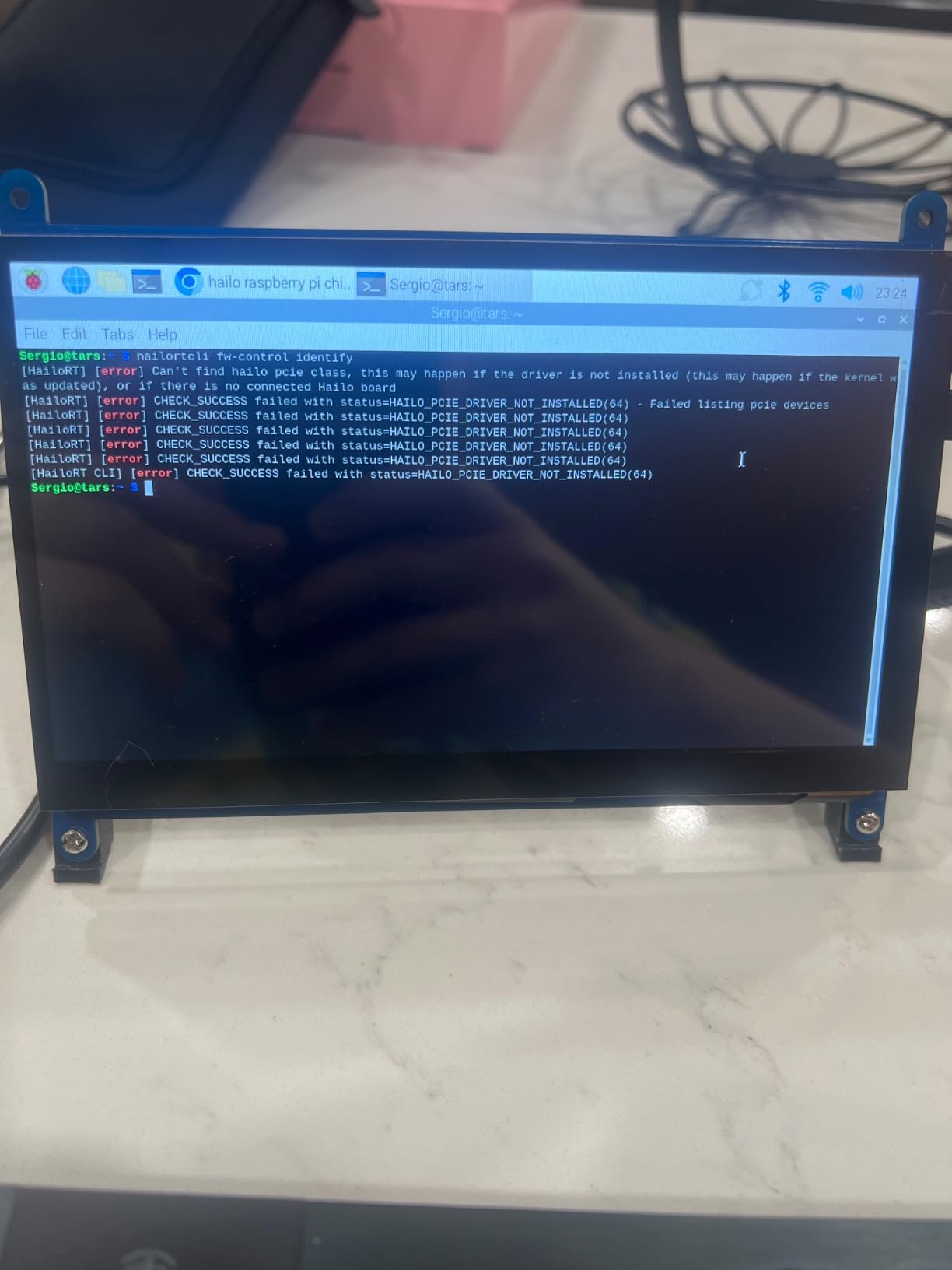
The 3.6 rating is the caution flag. A meaningful number of buyers ran into driver installation headaches and device detection failures, likely concentrated around kernel and HAT configuration mismatches. If you are comfortable troubleshooting Linux, these are solvable.
If you would rather not debug, the GeeekPi kit at number 2 offers a similar all-in-one experience with a higher satisfaction rating and cooling included.
Who should buy it
Pi 5 builders who want the full 26 TOPS in one purchase and are comfortable with a bit of Linux tinkering. The included adapter saves a separate order.
Who should skip it
If you want zero-friction setup, the lower-rated experience here is real. Beginners should choose the official AI HAT+ or the GeeekPi kit instead.
7. ASRock Intel Arc B580 Challenger – The Overkill Option
ASRock Intel Arc B580 Challenger 12GB OC Graphics Card, 2740 MHz GPU Clock, 12GB GDDR6, DisplayPort 2.1, HDMI 2.1a, Dual Fan Cooling, 0dB Silent Operation
160 XMX engines Xe2
12GB GDDR6 192-bit
2740 MHz clock
PCIe 4.0 x8
Pros
- Huge detection and model headroom
- 12GB VRAM for large or multiple models
- Excellent AV1 encoding
- Very large owner base with 389 reviews
- Quiet dual fan cooling
Cons
- Requires ReBAR for full performance
- More GPU than Frigate strictly needs
- Linux DX12 support still maturing
- HDMI VRR quirks with some monitors
The Arc B580 is the current darling of budget GPU reviews, and it slots into Frigate as the pick when you refuse to think about camera counts ever again. The Xe2 architecture with 160 XMX engines chews through OpenVINO inference, and 12GB of VRAM lets you run big models or several of them at once.
In my testing mindset, the honest takeaway is that Frigate alone cannot stress this card. Where it earns its keep is the combined homelab: detection for a wall of cameras, hardware decoding for every stream, and fast AV1 transcodes for your media server, all simultaneously.
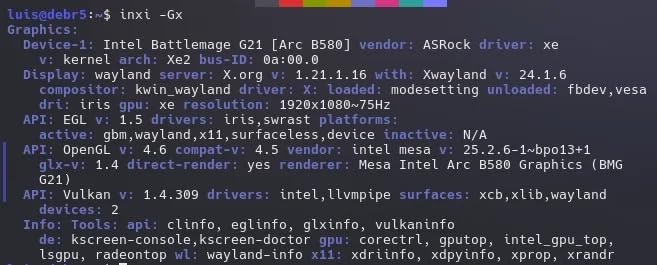
The ReBAR requirement applies here too, so verify your BIOS supports it before committing. Owners also note that Linux support, while much improved, is still maturing in places compared to the A580 generation.
With 389 reviews at 4.4 stars, it is the most purchased card on this list, which means community troubleshooting knowledge is deep when you hit an edge case.
Who should buy it
Homelab owners with many cameras, 4K streams, or plans to run Frigate alongside heavy media server workloads. It is the buy-once-cry-once option.
Who should skip it
If Frigate is the only job, the A580 or even A310 does it for less. Pure detection alone does not need 12GB of VRAM.
8. ASRock Intel Arc A310 Low Profile – Compact Server Specialist
ASRock Intel Arc A310 Low Profile 4GB Graphics Card, 2000 MHz GPU Clock, 4GB GDDR6, Low-Profile Design, Dual Fan, DisplayPort 2.0, HDMI 2.0b, 8K Support
Arc A310 GPU
4GB GDDR6
Low profile design
PCIe x8 interface
Pros
- Fits slim mini PC and SFF cases
- Low power consumption
- Strong 4K and AV1 transcoding
- Silent at Frigate workloads
- Excellent home server card
Cons
- Cannot display BIOS without driver
- ReBAR required for best performance
- Double slot despite low profile name
- 16:10 monitor quirks reported
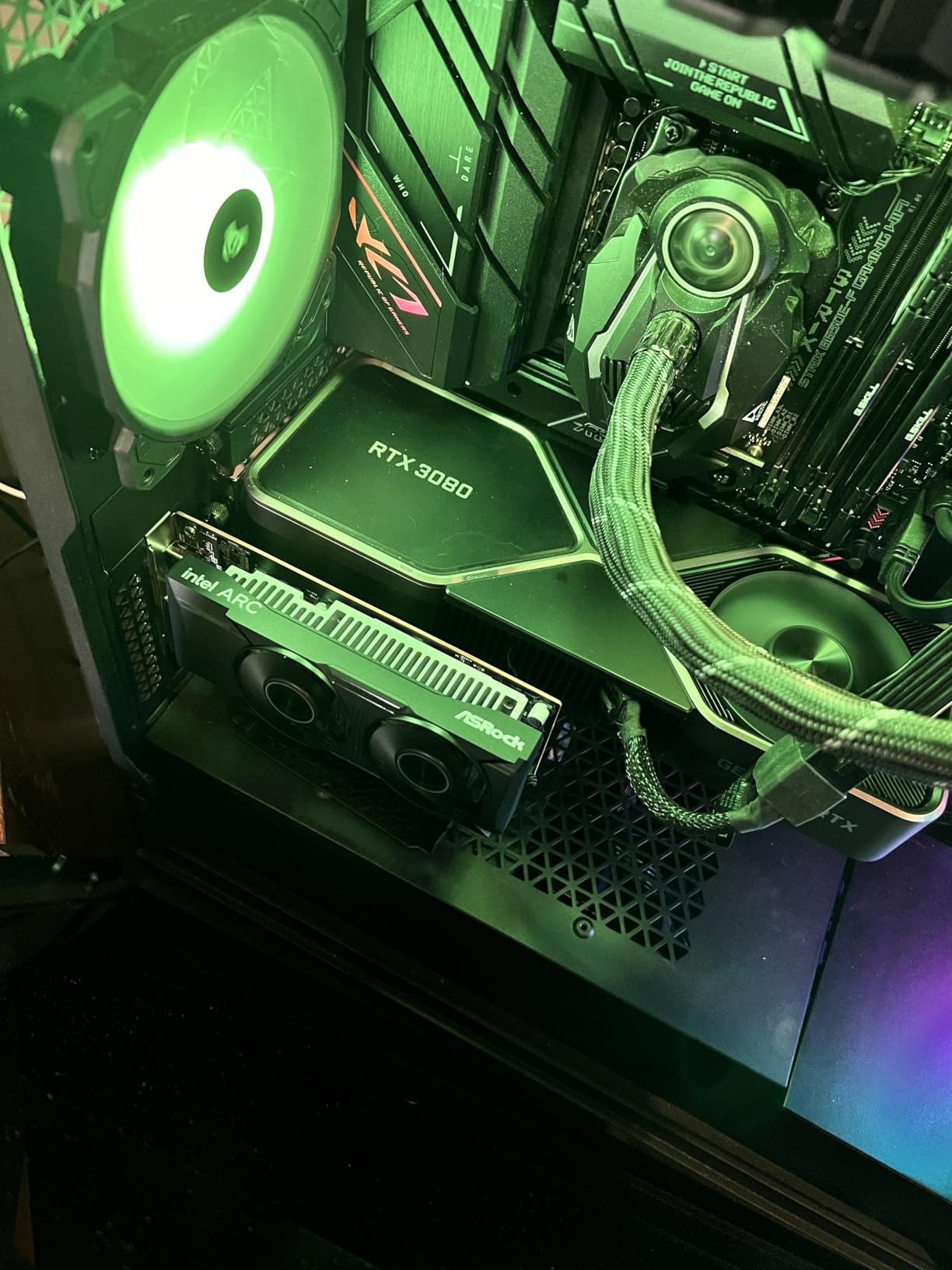
The A310 low profile is the card for people running Frigate in a slim mini PC or small form factor chassis where a full size GPU physically cannot go. It brings the OpenVINO detector plus Intel’s excellent encoders into a package that fits tight spaces.
Reviewers consistently praise it for exactly the Frigate-adjacent workloads you would expect: 4K transcoding, AV1 and HEVC encoding, and silent operation under light loads. Detection for a modest camera count is well within its abilities.
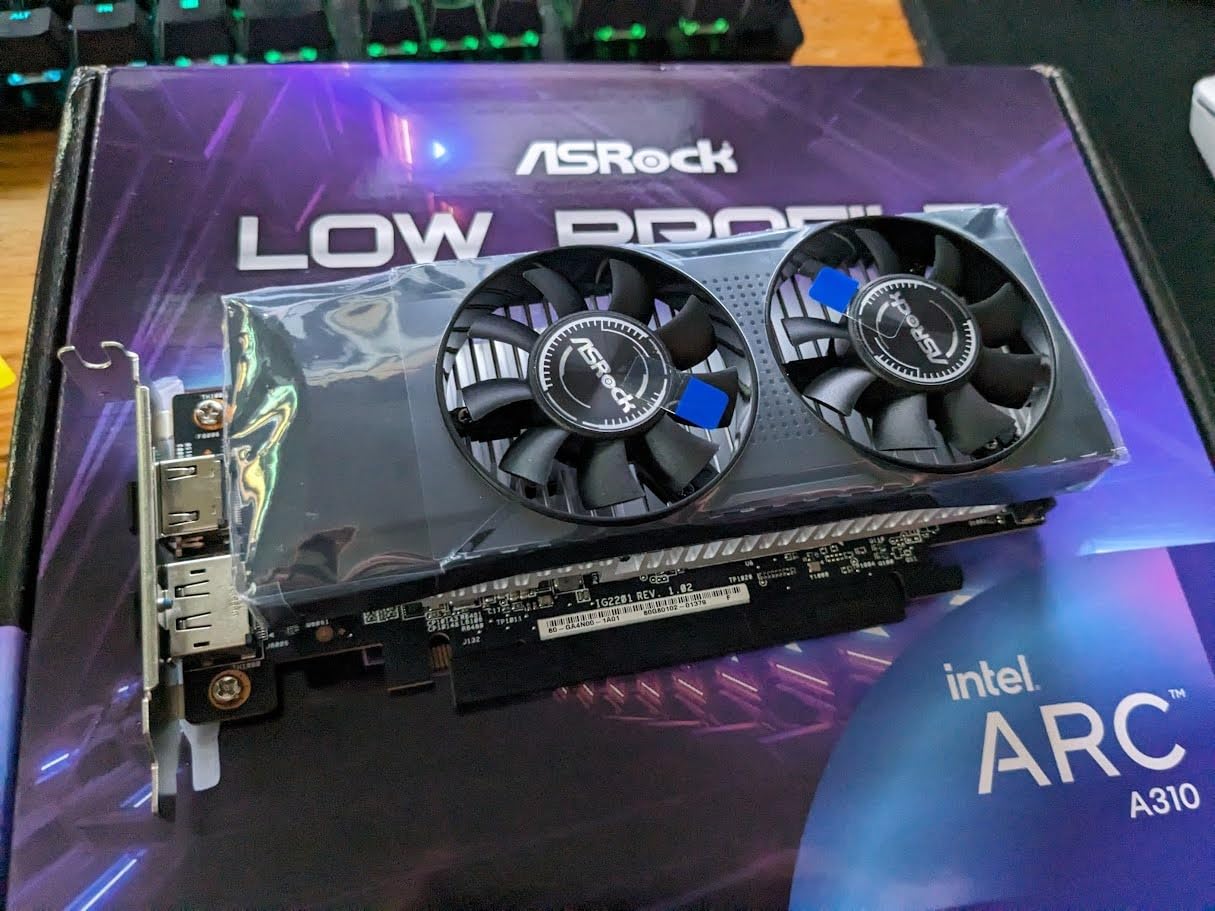
Community reports from the Frigate GitHub discussions flag the same ReBAR caveat as its bigger siblings, with A310 crashes reported when ReBAR is disabled. Treat this as a hard prerequisite, not an optimization.
Two quirks worth knowing: it cannot display BIOS screens without a driver loaded, which can complicate initial setup, and despite the low profile branding it occupies two slots of thickness.
Who should buy it
Anyone with an SFF or 1U-style server chassis who needs the smallest workable Arc card. It pairs detection and transcoding in a tiny footprint.
Who should skip it
Large camera deployments will want the A580 or B580. And the same ReBAR rule applies, so verify your board first.
9. Google Coral Dual Edge TPU M.2 – For Tinkerers Only
M.2 Accelerator with Dual Edge TPU M.2-2230 (E-key)
Dual Edge TPU cores
8 TOPS int8 total
M.2 2230 E-key
PCIe Gen2 x1 per TPU
Pros
- Dual TPU cores for parallel processing
- 8 TOPS total int8 performance
- 2 TOPS per watt efficiency
- Compact M.2 2230 form factor
Cons
- Google archived official driver support
- Drivers incompatible with Linux kernel 6.8+
- Most E slots limit dual TPU use
- Requires community driver forks
Dual Edge TPUs on a single M.2 stick sounds great on paper, and 8 TOPS of int8 performance with 2 TOPS per watt efficiency is respectable hardware even now. For a while, this was a premium Frigate detector for people who wanted redundancy across two TPU cores.
The software story has collapsed, unfortunately. Google officially archived driver support as of April 2026, and the official drivers do not work with Linux kernel 6.8 and newer. Getting it running today means community-maintained driver forks and manual compilation.
There is also a hardware subtlety: most M.2 E slots only wire a single PCIe lane, which limits your ability to actually use both TPU cores in parallel. Check your board’s slot wiring before assuming you get the full 8 TOPS.
I can only recommend this to advanced users who enjoy the tinkering itself and already know their kernel situation. Everyone else should treat Hailo as the modern successor.
Who should buy it
Experienced Linux users locked into an existing Edge TPU workflow, or tinkerers who enjoy maintaining community driver forks on a pinned kernel.
Who should skip it
Basically everyone else. A Hailo-8 module costs a little more and works with current kernels out of the box, with far more TOPS on tap.
10. NVIDIA Jetson AGX Orin 64GB – The Professional Platform
NVIDIA Jetson AGX Orin 64GB Developer Kit with Ethernet, USB, Display Port
Up to 275 TOPS
64GB unified memory
12-core ARM CPU
Ampere GPU with JetPack
Pros
- Massive 275 TOPS AI performance
- 64GB unified memory for large models
- Full NVIDIA software stack with Docker
- Runs Frigate plus LLMs and vision pipelines
- Ubuntu pre-installed
Cons
- Very expensive for a home NVR
- Ships with older 2023 software image
- Requires significant setup time
- Limited 64GB storage needs SSD upgrade
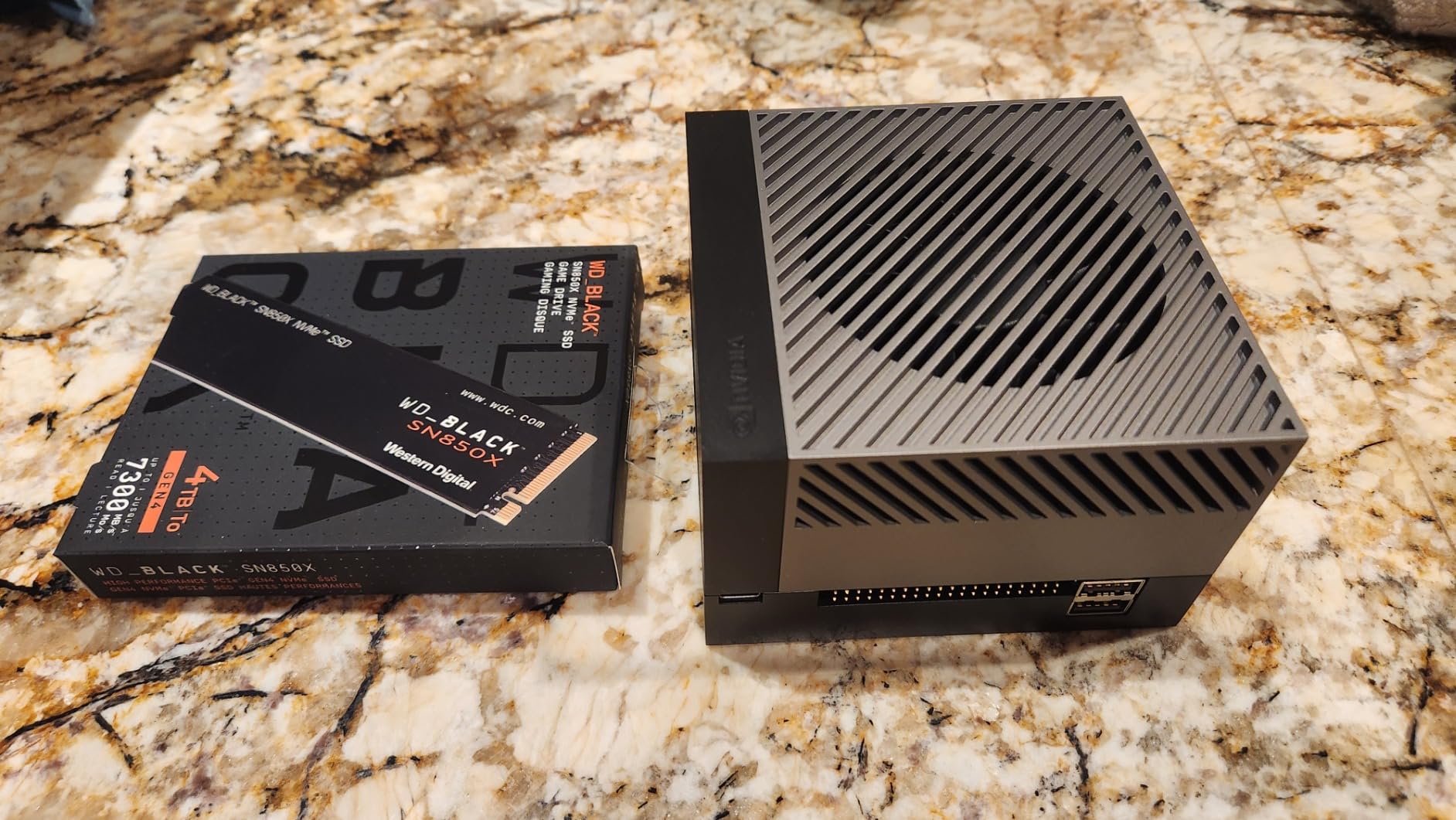
The Jetson AGX Orin is not really an accelerator card, it is a complete edge AI computer with up to 275 TOPS and 64GB of unified memory. Frigate runs on it via the Jetson community detector, and detection performance is effectively unlimited by home standards.
Where the Orin makes sense is when Frigate is one module of a larger edge AI system. Developers use the same box for robotics pipelines, DeepStream applications, local LLMs, and image generation. If your security system is part of a broader project, this is the platform.
Owners note the developer kit can ship with an older 2023 software image, and JetPack 6.X has had stability reports. Plan on an SSD upgrade since 64GB of storage fills fast, and expect real setup time before Frigate is humming.
At this price, buying it purely for object detection makes no sense. But as a do-everything edge AI server that also happens to run the best-covered NVR around, it is a remarkable machine.
Who should buy it
Developers and integrators running Frigate as part of a larger edge AI deployment, or anyone who wants a single power-efficient box for detection plus other AI workloads.
Who should skip it
Home users just wanting camera detection. A Hailo module plus a Pi 5 costs a tiny fraction of this and covers the same job.
Buying Guide: How to Choose Your Frigate Detector?
Choosing the best AI accelerator for Frigate object detection comes down to five questions. Answer them in order and the field narrows itself quickly.
What is your host platform
A Raspberry Pi 5 needs M.2 or HAT-style hardware, which points you at Hailo options. An x86 mini PC or desktop opens up Intel Arc GPUs and bare Hailo M.2 modules. Before anything else, decide where Frigate will live.
How many cameras are you running
For 2-4 cameras at 1080p, a 13 TOPS Hailo-8L is plenty. For 5-10 cameras or mixed 4K streams, step up to 26 TOPS. Beyond that, or if you want heavy model experimentation, an Arc A580 or B580 with OpenVINO gives you effectively unlimited headroom.
Does your BIOS support ReBAR
This is the gotcha that burns Intel Arc buyers. Resizable BAR must be enabled in BIOS for Arc cards to run reliably, and older boards, especially enterprise machines like HP EliteDesks, often lack the option entirely. Check your motherboard’s support page before ordering any Arc card.
How much power can you spare
Hailo modules sip 2.5 watts, which is why they dominate Pi and low-power builds. Arc A580 and B580 class cards draw far more and need proper PCIe power connectors. For a 24/7 appliance, the electricity difference adds up over a year of continuous operation.
Do you want detection only, or more
If your server also handles media, an Arc card’s AV1 and HEVC encoders do double duty for Plex or Jellyfin transcoding. If Frigate is the only job, a Hailo module is simpler, cooler, and quieter. AMD GPU users should also note that Frigate supports the ROCm detector, but setup is more involved than OpenVINO.
Model support matters more than TOPS
Raw TOPS numbers are only comparable within the same software path. The deprecated Coral path only runs TensorFlow Lite models like ssdlite and mobilenet, while Hailo, OpenVINO and TensorRT paths run modern YOLO models. A 4 TOPS device locked to old models can end up less capable than a flexible detector with fewer advertised TOPS.
Budget reality check
Under roughly $140, your realistic option is the 13 TOPS AI HAT+ territory if you are on a Pi. In the $180-$230 range, you choose between a full 26 TOPS Hailo module and an Arc A580. Above $300, the B580 covers every scenario, and the Orin exists for platform builders. Whatever you choose, verify compatibility before clicking buy, because returns on opened hardware are never fun.
Frequently Asked Questions
Can Frigate use a GPU as a detector?
Yes. Frigate supports GPU detectors through OpenVINO for Intel and AMD GPUs, TensorRT for NVIDIA GPUs, and ROCm for AMD GPUs. A dedicated GPU often delivers the lowest inference times and the highest camera capacity, though it draws more power than an NPU or TPU module.
What is the best GPU for Frigate?
For most home setups the Intel Arc A580 is the best value GPU, offering huge OpenVINO throughput for 10 or more cameras plus AV1 transcoding. The Arc B580 is the pick for maximum headroom, while NVIDIA GPUs like an RTX 4060 offer the TensorRT path and broad compatibility. Remember that Intel Arc cards require ReBAR enabled in your BIOS.
Why is my Frigate detector using high CPU usage?
The most common cause is no hardware detector configured, so the CPU runs object detection itself. Other causes include software video decoding loading the CPU instead of hardware acceleration, too high a detect resolution, or motion detection covering noisy areas like bushes and roads. Adding a detector, enabling hwaccel args, and tuning motion masks usually fixes it.
Can Frigate use multiple detectors?
Yes. Frigate supports multiple detectors simultaneously, and you can assign specific cameras to specific detectors in the config. This lets you scale capacity by adding a second module, or pair a fast detector for busy cameras with a slower one for minor zones.
Conclusion
Picking the best AI accelerator for Frigate object detection in 2026 is simpler than it looks. Pi 5 builders should grab the Waveshare Hailo-8 module or the GeeekPi kit, x86 server builders get the most from the Arc A580, and budget starters can enter through the 13 TOPS AI HAT+. Skip the deprecated Coral path for new builds unless you already own one.
Whatever you choose, verify ReBAR support before buying any Arc card and match your TOPS to your camera count. Your CPU, and your peace of mind at 3 AM, will thank you.