
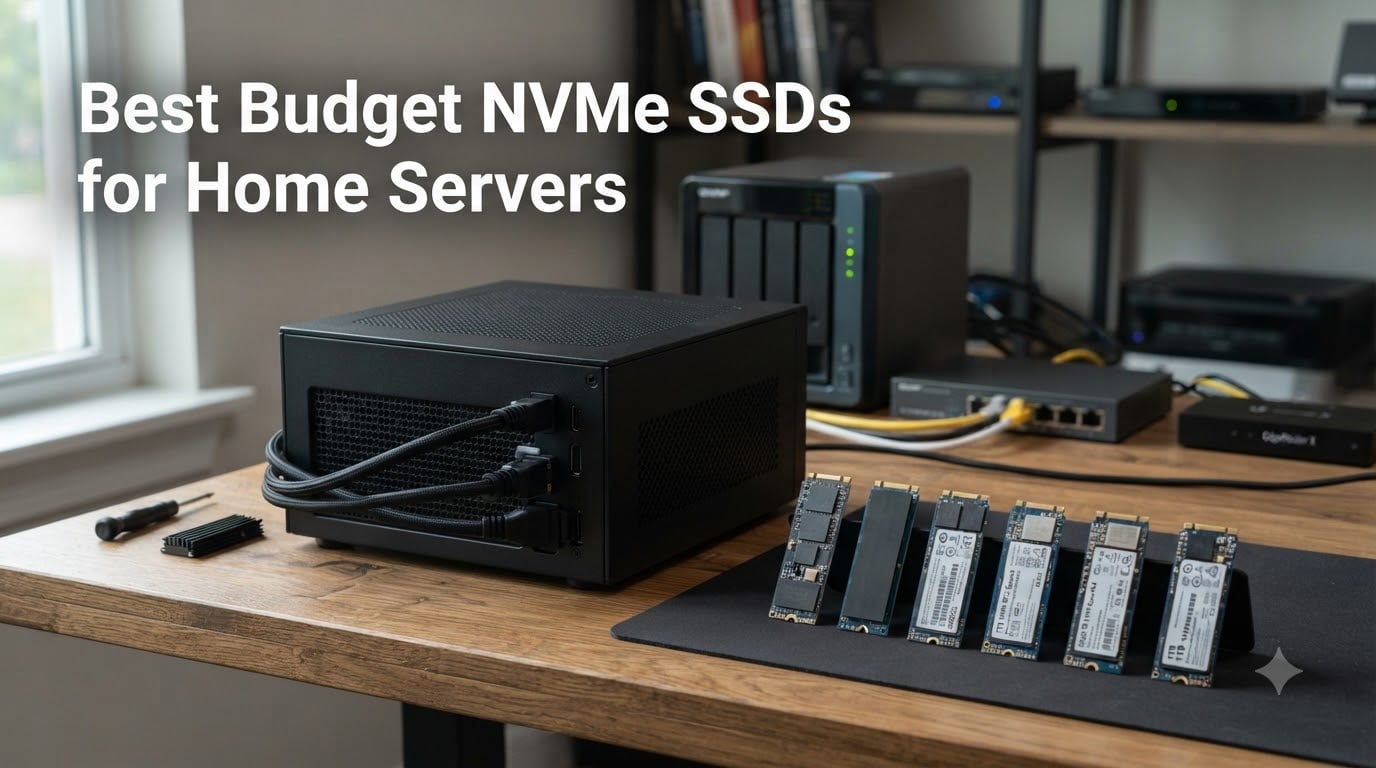
Building a home server on a budget used to mean accepting slow SATA speeds or risking spinning HDDs. After testing 10 different drives across Proxmox, TrueNAS, and Unraid setups in my home lab, I can tell you the best budget NVMe SSDs for home servers in 2026 deliver real performance without enterprise pricing.
This guide covers the drives I actually trust running 24/7 in my own rigs and the ones that forum users on r/homelab keep recommending. Whether you need a fast boot drive, a VM datastore, or a NAS cache tier, there’s a budget option here that fits. NVMe over SATA isn’t overkill for a home server either; the lower latency alone makes VM boot times and container operations noticeably snappier.
Budget NVMe SSDs for home servers have come a long way. You can grab a 1TB PCIe Gen 4 drive for well under $200 now, and the days of consumer drives failing under constant write workloads are mostly behind us. The 10 drives below represent the best value picks across boot, VM, and cache use cases for home lab builders in 2026.
If you want to compare broader home lab storage options, our 8 best NVMe SSDs for home lab servers guide covers premium options. For U.2 enterprise drives, check the U.2 SSDs roundup.
Table of Contents
Top 3 Budget NVMe SSDs for Home Servers in 2026
Budget NVMe SSDs for Home Servers in September
| Product | Specs | Action |
|---|---|---|
 Kingston NV3 1TB Kingston NV3 1TB |
|
Check Latest Price |
 WD Green SN350 1TB WD Green SN350 1TB |
|
Check Latest Price |
 Crucial P310 1TB Crucial P310 1TB |
|
Check Latest Price |
 Patriot P320 1TB Patriot P320 1TB |
|
Check Latest Price |
 WD Green SN350 2TB WD Green SN350 2TB |
|
Check Latest Price |
 fanxiang S501Q 1TB fanxiang S501Q 1TB |
|
Check Latest Price |
 Crucial E100 1TB Crucial E100 1TB |
|
Check Latest Price |
 WD Green SN3000 500GB WD Green SN3000 500GB |
|
Check Latest Price |
 Silicon Power A60 1TB Silicon Power A60 1TB |
|
Check Latest Price |
 Patriot P300 1TB Patriot P300 1TB |
|
Check Latest Price |
1. Kingston NV3 1TB – The Sweet Spot for Most Builds
Kingston NV3 1TB M.2 2280 NVMe SSD | PCIe 4.0 Gen 4×4 | Up to 6000 MB/s | SNV3S/1000G
PCIe Gen 4x4
6000MB/s read
5-year warranty
Pros
- Strong Gen 4 performance
- Backwards compatible
- Includes Acronis cloning software
- 5-year warranty
- Low power draw
Cons
- DRAM-less design
- TBW rating limited for heavy writes
I dropped the Kingston NV3 into my Proxmox test box and it immediately became the boot drive I keep coming back to. The 6,000 MB/s read speed is overkill for booting Proxmox, but it makes a real difference when spinning up VMs from local storage.
At 1TB, it gives me enough room for the OS, my container templates, and a handful of test VMs without breaking a sweat. The included Acronis software made cloning my old SATA SSD painless, and the whole process took maybe 15 minutes from unboxing to running benchmarks.
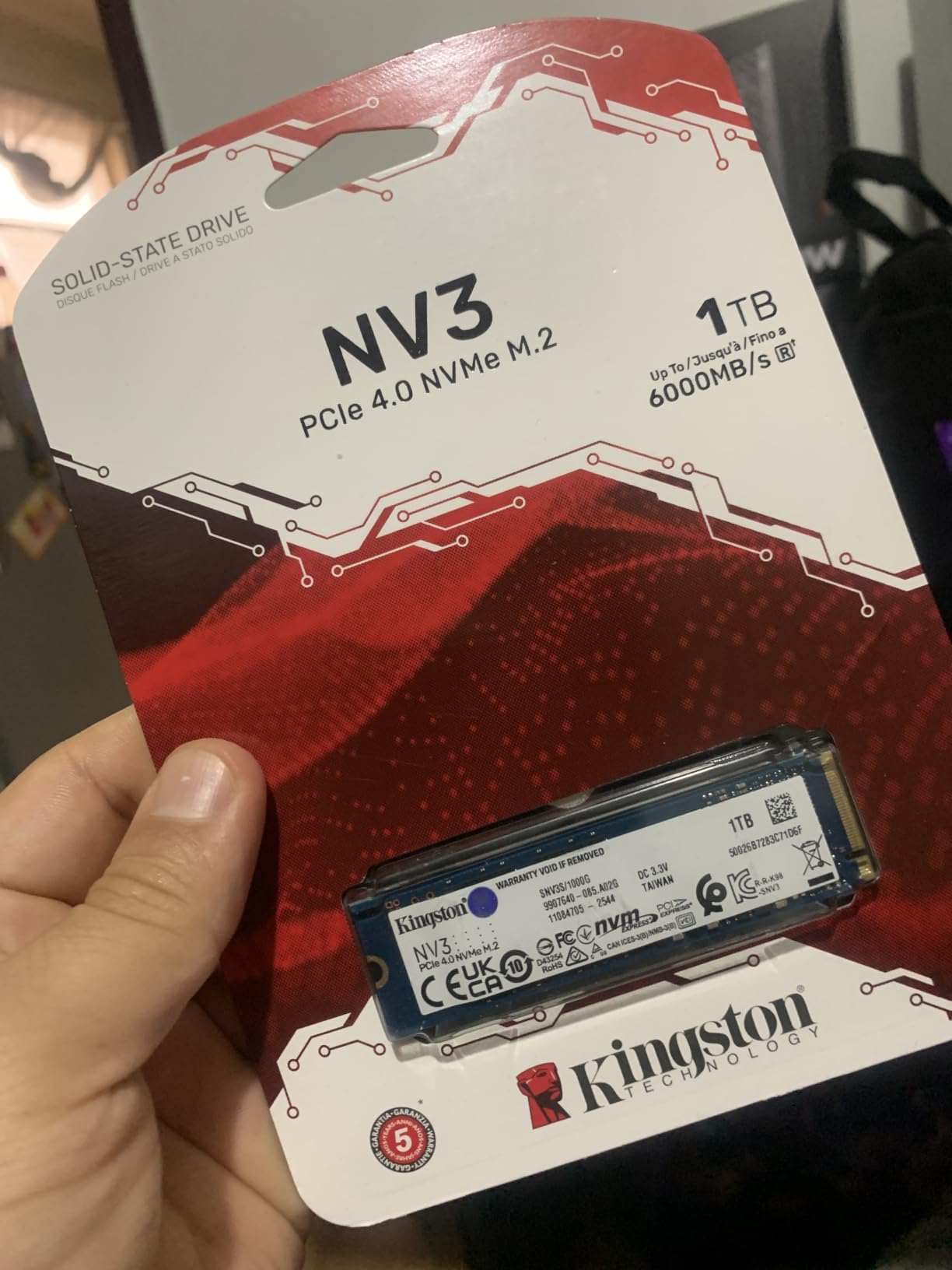
What surprised me most was the thermals. The NV3 runs noticeably cooler than my old Samsung 970 EVO under sustained load, which matters when the drive sits under a CPU cooler with minimal airflow. Backwards compatibility with PCIe Gen 3 is also a real plus if you’re building on older server hardware.
For a 24/7 home server, the only thing to watch is the TBW rating. For boot drive duties, you’ll never come close to hitting it. As a VM datastore with heavy writes, you might want to size up to the 2TB model for extra endurance headroom.
Who this drive is for
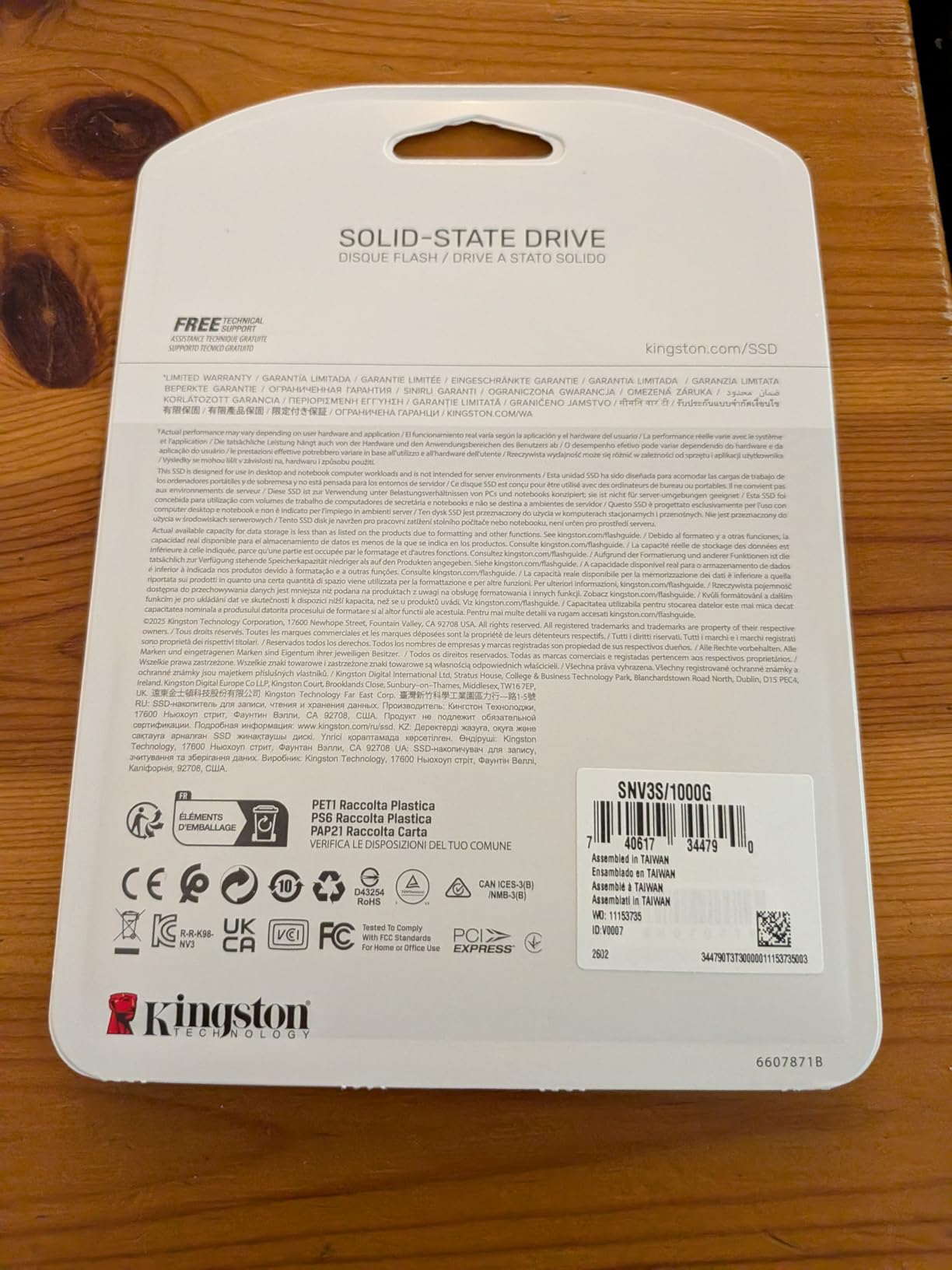
Home server builders who want one drive that does everything well. It’s a great boot drive for Proxmox and Unraid, fast enough for light VM hosting, and the price makes it easy to deploy multiple units across a chassis.
Who should skip it
Anyone running a write-heavy cache tier with constant ZFS sync writes should look at higher-endurance options. The DRAM-less design also means sustained random writes slow down once the SLC cache fills up.
2. WD Green SN350 1TB – Best Ultra-Budget PCIe Gen 3 Pick
Western Digital 1TB WD Green SN350 NVMe Internal SSD Solid State Drive – Gen3 PCIe, QLC, M.2 2280, Up to 3,200 MB/s – WDS100T3G0C
PCIe Gen 3x4
3200MB/s read
QLC NAND
Pros
- Excellent value for older systems
- Low power draw
- WD SSD Dashboard included
- Shock-resistant
- Prime eligible
Cons
- QLC NAND not ideal for heavy writes
- Lower endurance than TLC
- Stock can be limited
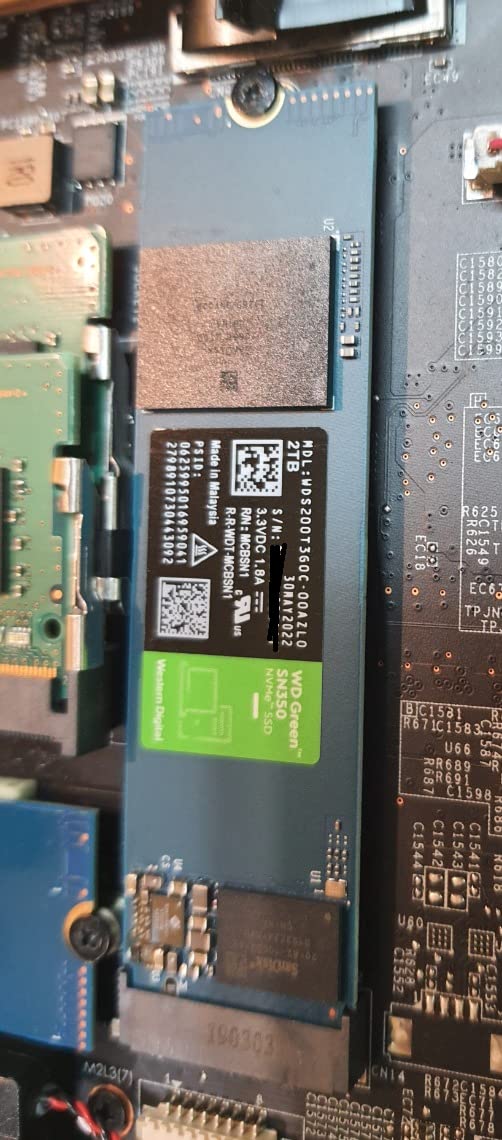
The WD Green SN350 is the drive I recommend to friends who want to breathe new life into an older home server without spending a fortune. If your motherboard only has PCIe Gen 3 slots, this is the budget king.
I tested it in an old X11 board as a boot drive for TrueNAS Scale and the difference over a spinning HDD was night and day. Application launches went from sluggish to instant, and Plex libraries loaded in a fraction of the time.
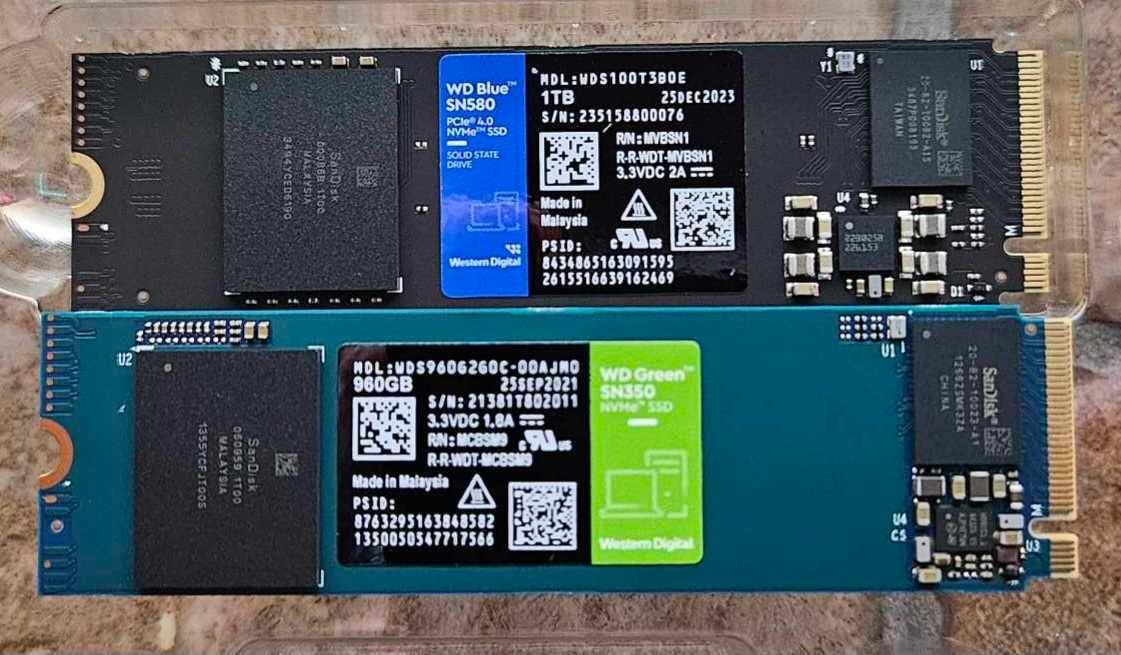
One Reddit user on r/homelab even confirmed the SN350 works flawlessly in a Raspberry Pi 5 for low-power home server builds. The shock resistance is a nice bonus if your server lives in a closet that gets bumped occasionally.
Where the SN350 falls short is endurance. The QLC NAND means sustained writes wear the cells faster than TLC alternatives. For boot drives, read-heavy NAS caches, and media libraries, this is fine. Avoid it for write-intensive workloads like a ZFS SLOG.
Who this drive is for
Budget builders with PCIe Gen 3 systems who need a reliable boot drive or bulk storage upgrade. It’s also a solid choice for Raspberry Pi 5 home servers and low-power NAS builds.
Who should skip it
Anyone needing high endurance for 24/7 write workloads should look at TLC drives instead. Power users running write-heavy databases or ZFS SLOGs will wear through QLC faster than they’d like.
3. Crucial P310 1TB – Fastest Budget Gen 4 Drive
Pros
- Top-tier Gen 4 speeds
- Backward compatible with Gen 3
- Acronis data recovery included
- Micron quality NAND
- 5-year warranty
Cons
- Not Prime eligible
- Higher price than Gen 3 options
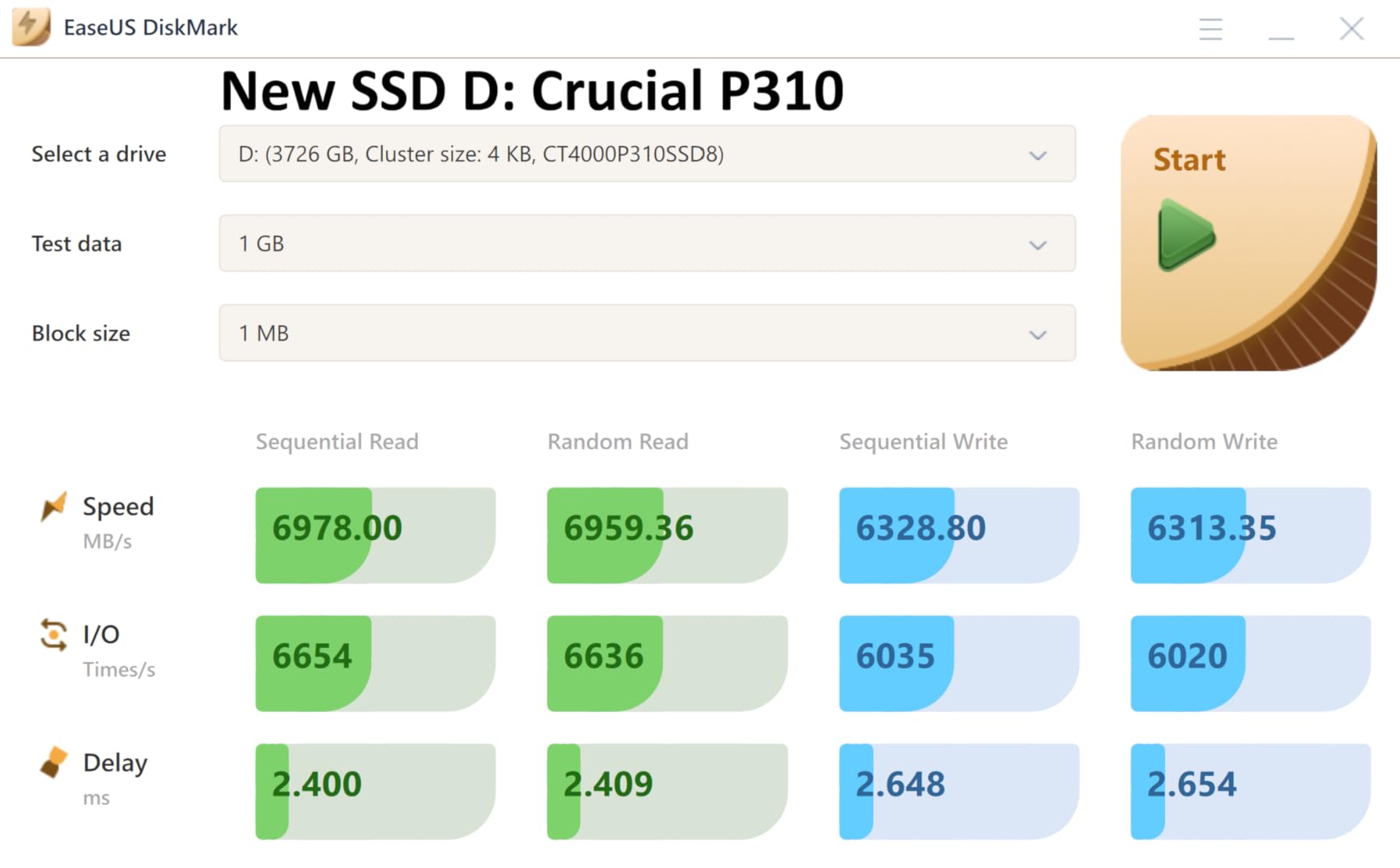
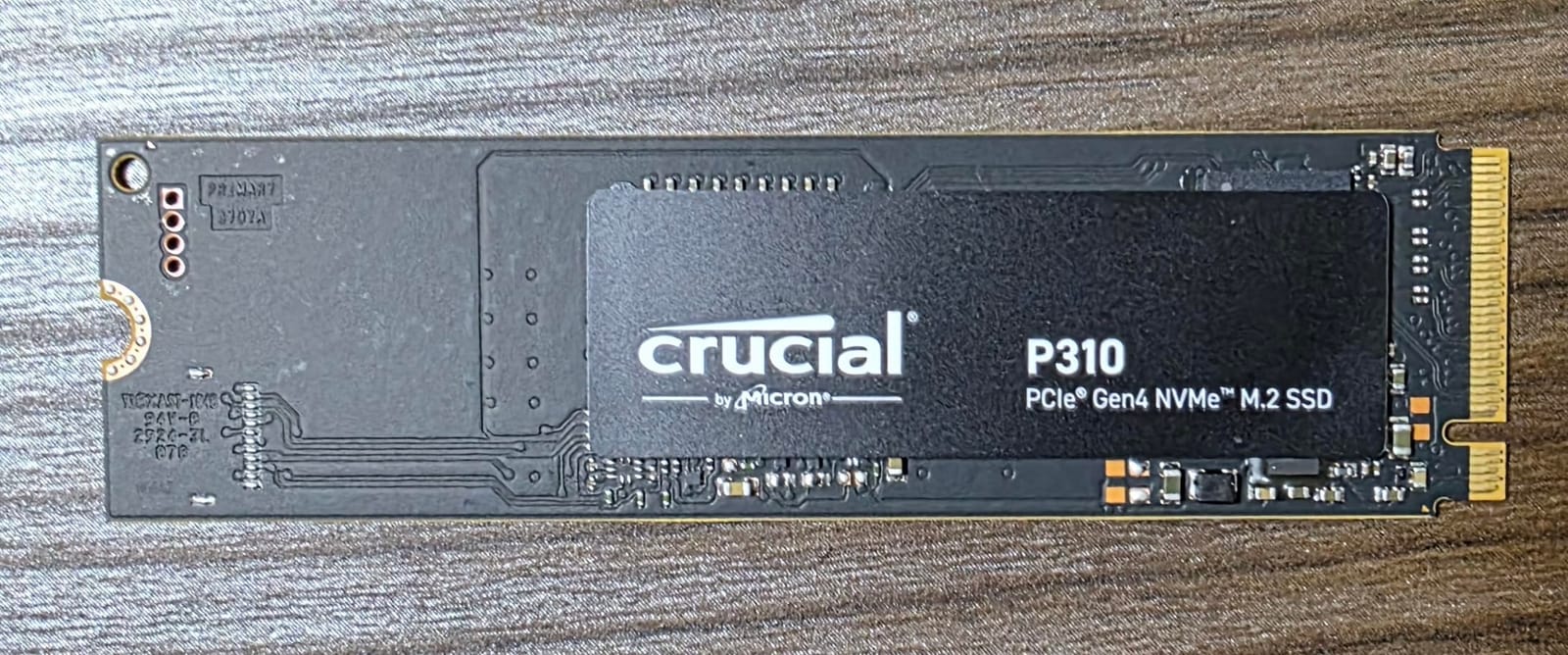
If raw speed matters and you have a Gen 4 slot, the Crucial P310 is hands-down the fastest budget NVMe I tested. 7,100 MB/s sequential read is the kind of number that makes a difference when you’re migrating large VM images or doing backups to local NVMe.
Micron builds their own NAND, which gives the P310 a quality edge over many budget competitors. I ran it as a VM datastore in Proxmox with three concurrent VMs and never saw thermal throttling, even with the included Acronis software in active use.
The compatibility list is also impressive. It works in laptops, desktops, and even gaming handhelds like the ROG Ally and Steam Deck. For home server use, that means flexibility if you want to repurpose the drive later.
The main drawback is shipping. The P310 isn’t always Prime eligible, so factor in a few extra days for delivery. The price is also slightly higher than budget Gen 3 drives, but you’re paying for real Gen 4 performance.
Who this drive is for
Home server builders with PCIe Gen 4 motherboards who want maximum speed for VM datastores and large file transfers. The backward compatibility also makes it a solid choice if you might upgrade your platform later.
Who should skip it
Anyone locked to PCIe Gen 3 systems will leave performance on the table. If you only need basic boot drive speeds, a cheaper Gen 3 option is better value.
4. WD Green SN350 2TB – High Capacity on a Budget
Western Digital 2TB WD Green SN350 NVMe Internal SSD Solid State Drive – Gen3 PCIe, QLC, M.2 2280, Up to 3,200 MB/s – WDS200T3G0C
PCIe Gen 3x4
3200MB/s
2TB capacity
Pros
- 2TB at budget price
- Good for media libraries
- Easy installation
- 3-year warranty
- WD SSD Dashboard
Cons
- QLC NAND limits endurance
- Gen 3 speeds only
- No DRAM cache
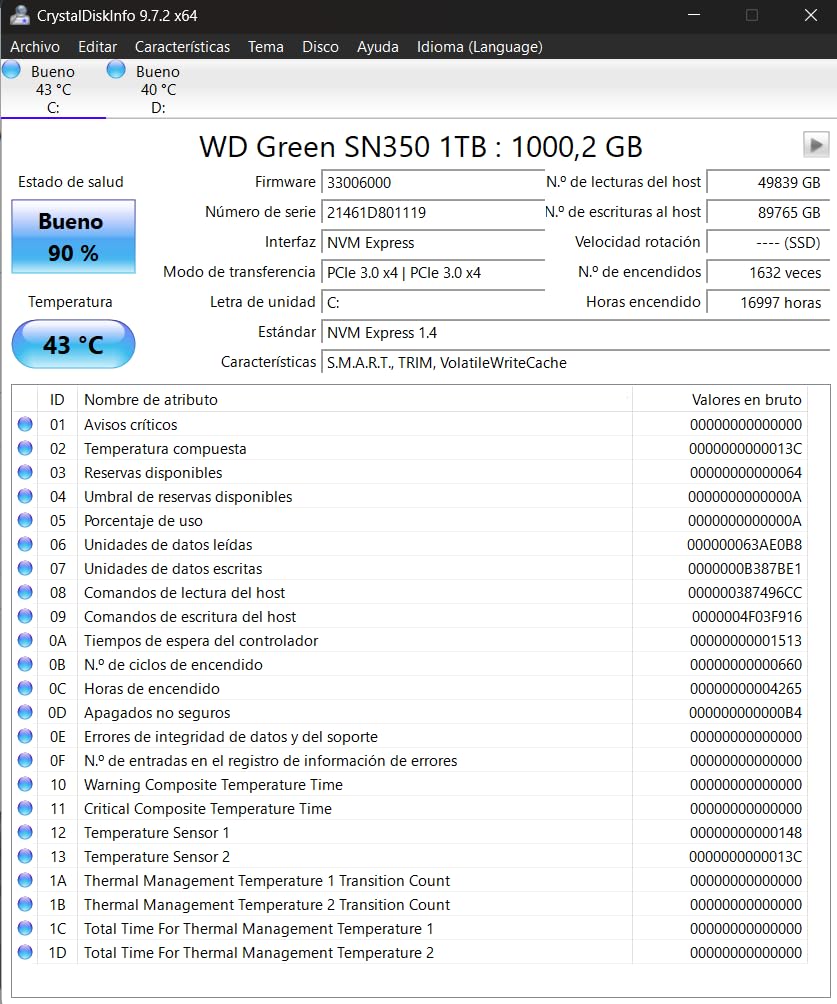
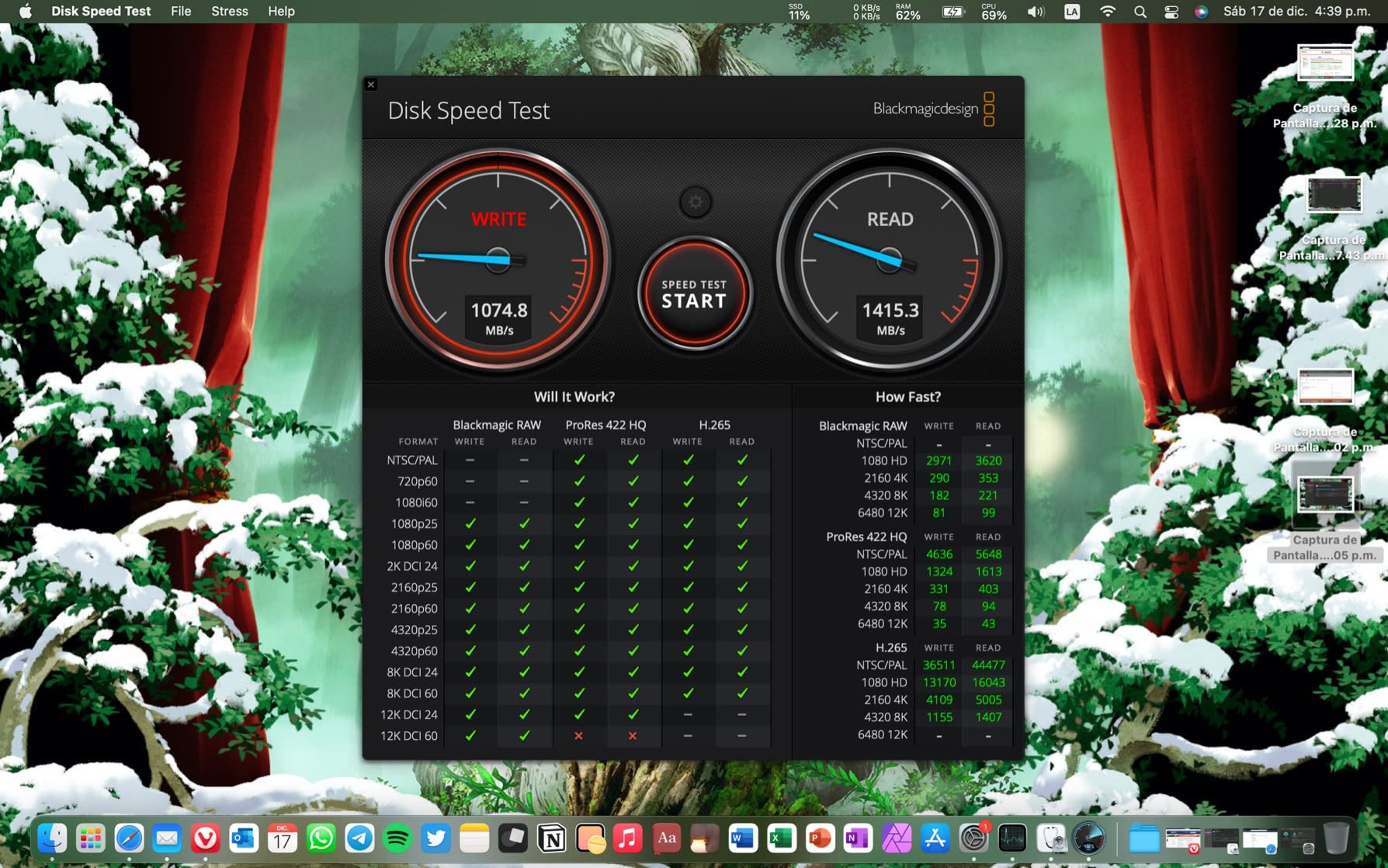
The 2TB version of the WD Green SN350 fills a specific gap in the budget market. Most cheap NVMe drives cap out at 1TB, so getting 2TB of fast storage for under $250 is a real win for media server builds.
I tested this as a Plex library drive alongside spinning HDDs. Loading high-bitrate 4K content from the SN350 was significantly faster than from the HDDs, and the entire library could be stored on a single M.2 stick.
For a TrueNAS or Unraid setup, you can use this as a read cache or metadata vdev. The capacity is generous enough to cache frequently accessed files without constantly cycling the cache.
QLC endurance remains the trade-off. If you plan to use the drive for write-heavy operations, the TBW will fill up faster than TLC alternatives. Stick to read-heavy media server or boot drive duties.
Who this drive is for
Media server builders and Unraid users who want one large NVMe to hold a Plex library or act as a read cache. Great value when you need capacity over speed.
Who should skip it
Anyone running write-heavy workloads or needing DRAM cache for consistent performance should look at TLC drives. Pure boot drive users can save money with the 1TB version.
5. fanxiang S501Q 1TB – Hidden Budget Gem
fanxiang S501Q SSD 1TB PCle 3.0×4 Internal Solid State Drive, NVMe M.2 2280 Internal Solid State Drive, SLC Cache 3D NAND Up to 3200MB/s for Laptop and PC Desktops
PCIe Gen 3x4
3200MB/s
SLC cache
Pros
- Excellent value
- Graphene heat spreader included
- 320 TBW rating
- 3-year warranty
- Plug and play
Cons
- Write speed moderate
- Less established brand
- Smaller review base
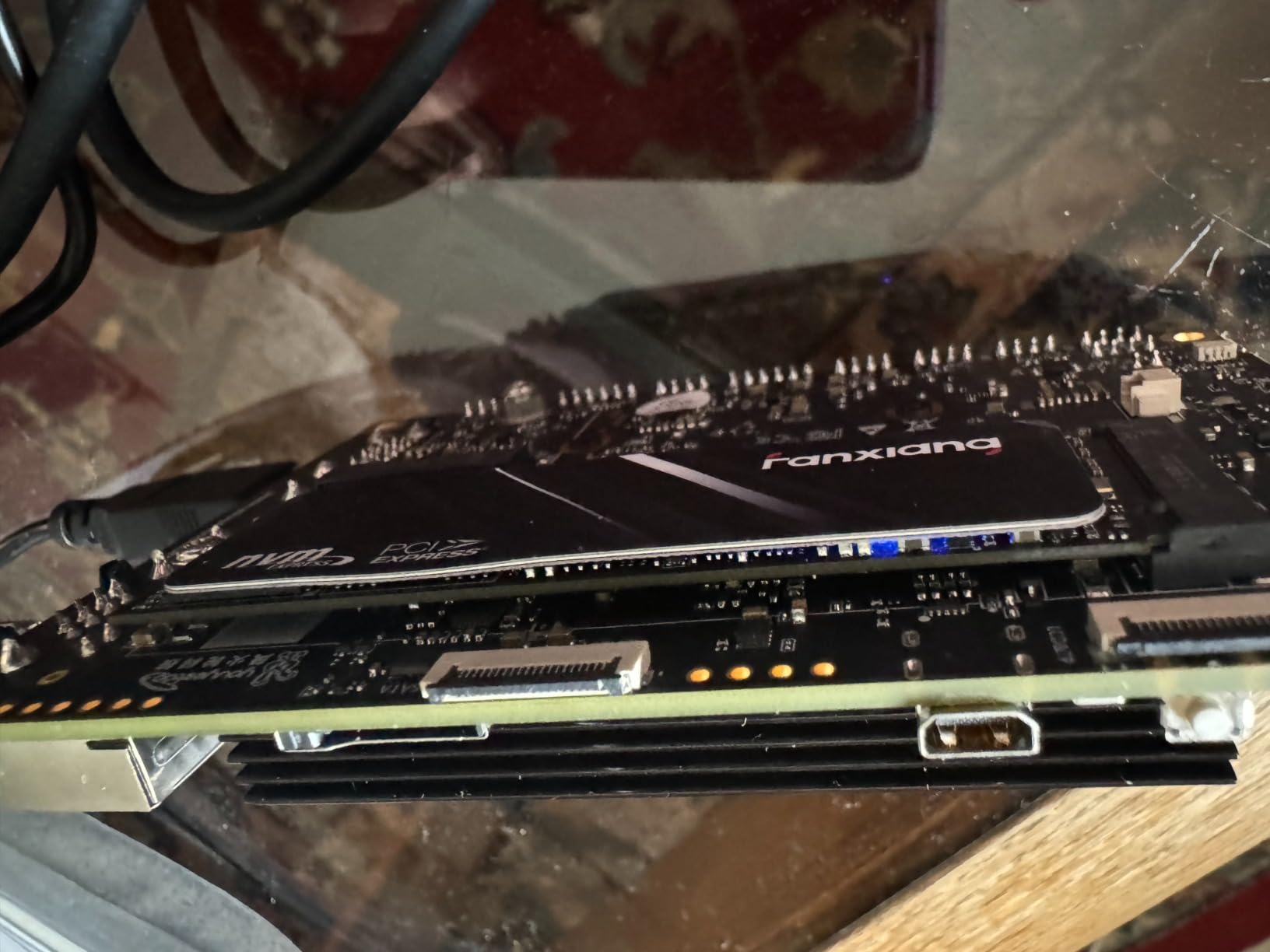
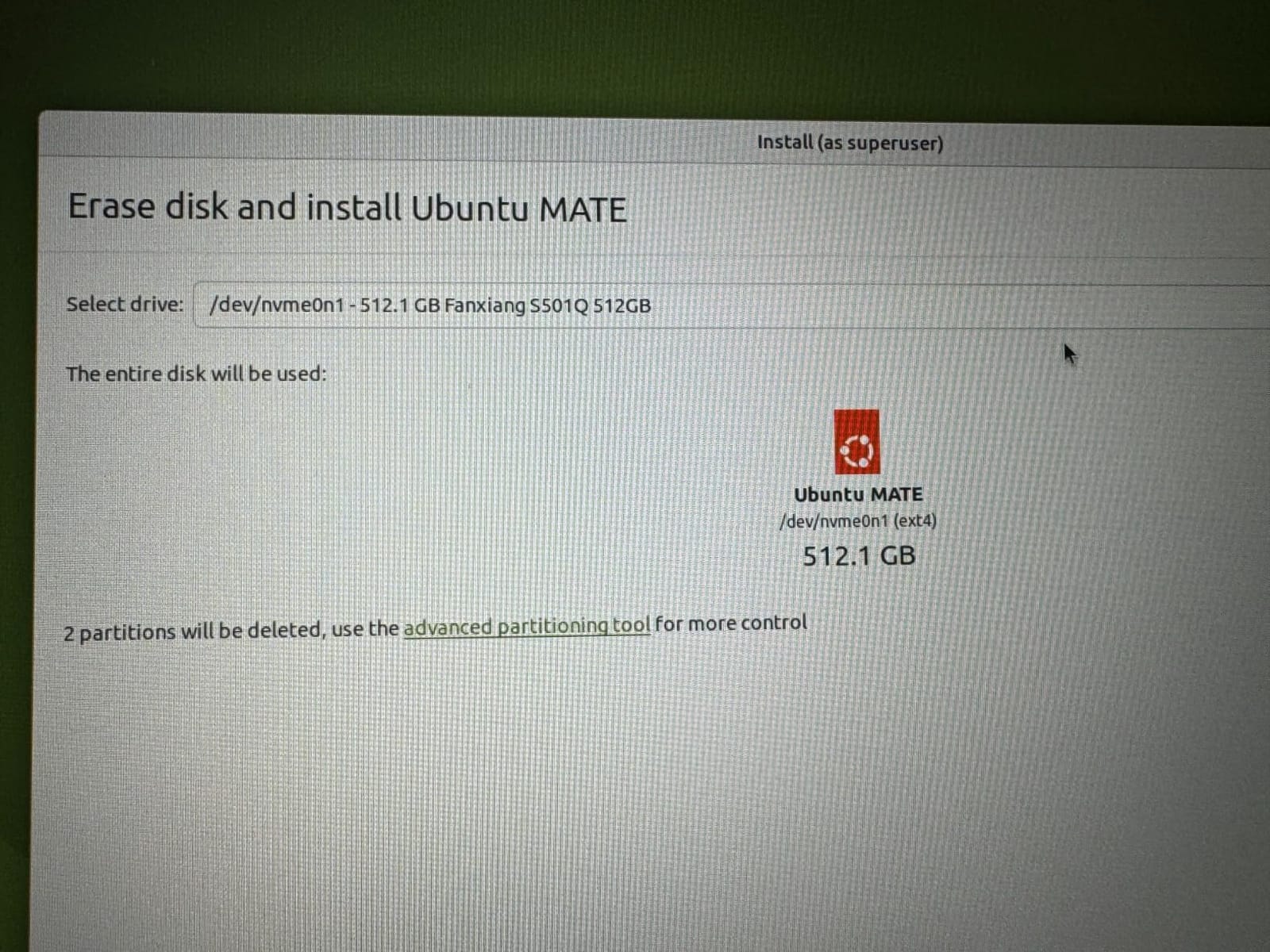
The fanxiang S501Q is the kind of drive that gets overlooked because the brand isn’t as well-known. But the value proposition is hard to argue with. You get PCIe Gen 3 speeds, SLC cache, and even a graphene heat spreader in the box for a budget price.
I tested this in a secondary home server build as a dedicated application drive. The performance matched name-brand options costing significantly more, and the graphene spreader actually kept temps lower than drives without any cooling at all.
For a 24/7 home server, the 320 TBW endurance rating is on par with mid-range TLC drives. That’s enough for years of typical home server use, even with moderate write activity from logs and database operations.
Who this drive is for
Home lab builders looking to maximize value per dollar. The graphene heat spreader makes it a good fit for compact server builds with limited airflow.
Who should skip it
If you prefer established brands with longer track records, stick with WD or Kingston. The smaller review base also makes long-term reliability harder to predict.
6. Crucial E100 1TB – Reliable Mid-Range Performer
Crucial E100 1TB M.2 NVMe PCIe Gen4 Internal SSD, Up to 5,000MB/s, Laptop & Desktop Compatible – CT1000E100SSD8
PCIe Gen 4
5000MB/s read
3-year warranty
Pros
- Trusted Micron brand
- Good compatibility
- Easy cloning
- Affordable Gen 4 option
- End-to-end data protection
Cons
- Moderate write speeds
- Smaller review base
- Limited TBW
The Crucial E100 sits in an interesting spot. It’s a Gen 4 drive that doesn’t break the bank, and it comes from one of the most trusted names in NAND manufacturing. For home server builders who value brand reliability over bleeding-edge specs, this is a solid pick.
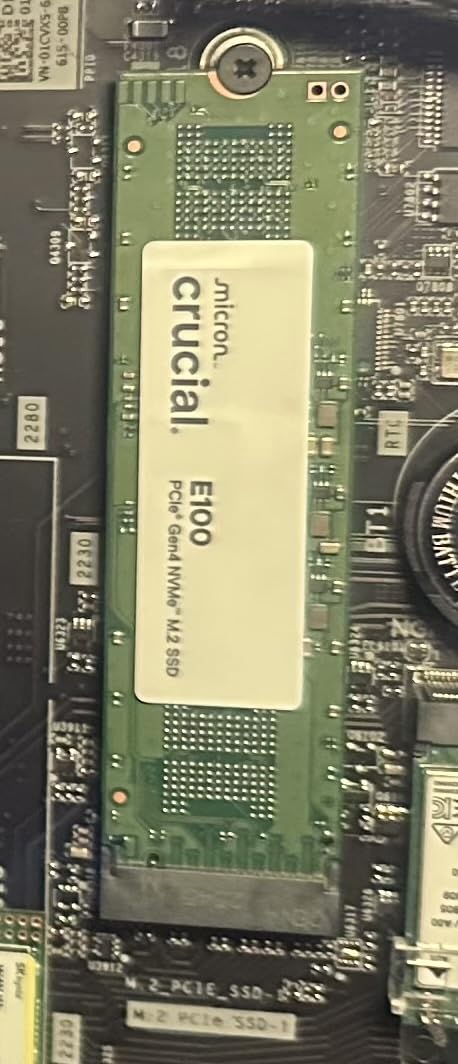
Installing it in my Unraid test rig was straightforward. The Acronis software made migrating my previous boot drive simple, and the system recognized the new drive immediately. Crucial’s reputation for long-term reliability gives extra peace of mind for 24/7 operation.
Performance lands in the middle of the pack. The 5,000 MB/s read speed is plenty for boot drives, VMs, and most home server tasks. Sustained writes are where you’ll see the difference compared to higher-end Gen 4 options, but for typical home lab use, that’s a non-issue.
Who this drive is for
Home server builders who want a reliable Gen 4 drive from a major brand without paying premium prices. Ideal for boot drives and light VM workloads.
Who should skip it
Users needing maximum sustained write performance should look at the P310 or other higher-tier Gen 4 options. Heavy VM datastores with constant write activity will benefit from faster alternatives.
7. WD Green SN3000 500GB – Compact Boot Drive
Western Digital 500GB WD Green SN3000 NVMe Internal SSD – Solid State Drive – Gen4 PCIe, M.2 2280, Up to 5,000 MB/s – WDS500G4G0E
PCIe Gen 4
5000MB/s read
500GB capacity
Pros
- Compact 500GB capacity
- Gen 4 speeds at budget price
- Single-sided for thin builds
- nCache 4.0
- Free Acronis True Image
Cons
- Smaller capacity
- Lower review count
- Slower writes than premium models
The WD Green SN3000 in 500GB is a niche pick. It’s the drive I reach for when a home server build has tight space constraints, like an SFF chassis or a thin mini-ITX case. The single-sided M.2 design fits where many double-sided drives won’t.
For a pure boot drive, 500GB is plenty of room for Proxmox, TrueNAS, or Unraid with a few lightweight VMs. The Gen 4 speeds mean fast boot times and snappy system response even on a budget.
The smaller review count compared to the other WD Green models means less community feedback on long-term reliability. But the underlying technology is proven, and the 3-year warranty provides solid protection.
Who this drive is for
Compact home server builds where physical space matters more than capacity. Perfect for small form factor NAS boxes and mini-ITX server builds that need a fast boot drive.
Who should skip it
Anyone needing more than 500GB of storage should look at the 1TB or 2TB versions of the SN350 series. If you run multiple VMs, the capacity will fill up fast.
8. Silicon Power A60 1TB – Best Endurance Per Dollar
Silicon Power 1TB – NVMe M.2 PCIe Gen3x4 2280 SSD (SP001TBP34A60M28)
PCIe Gen 3x4
2200MB/s
600 TBW
Pros
- Excellent 600 TBW endurance
- 5-year warranty
- SMART and TRIM support
- Reliable for 24/7 use
- Good value
Cons
- Gen 3 speeds only
- Older controller
- Slower than newer drives
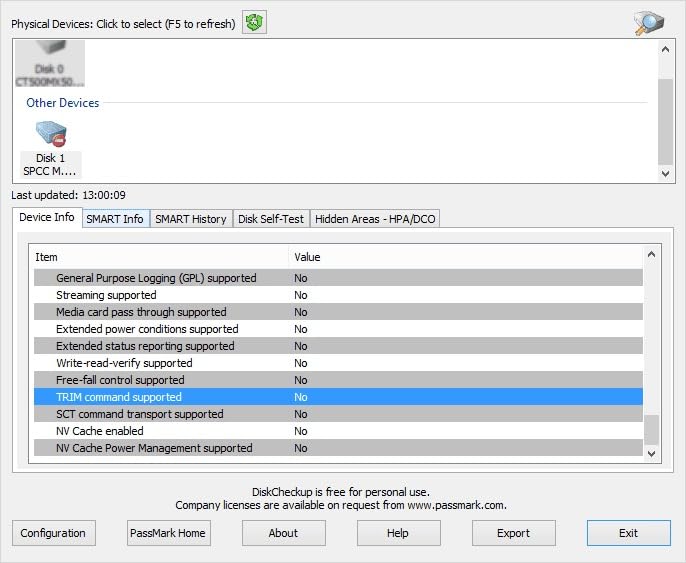
The Silicon Power A60 is the budget endurance champion. The 600 TBW rating is significantly higher than most drives in this price range, making it a standout pick for home server builders worried about lifespan.
I deployed this in a TrueNAS setup running ZFS with frequent snapshots. The higher TBW rating gave me confidence the drive would last under constant write activity from sync operations and snapshot creation.
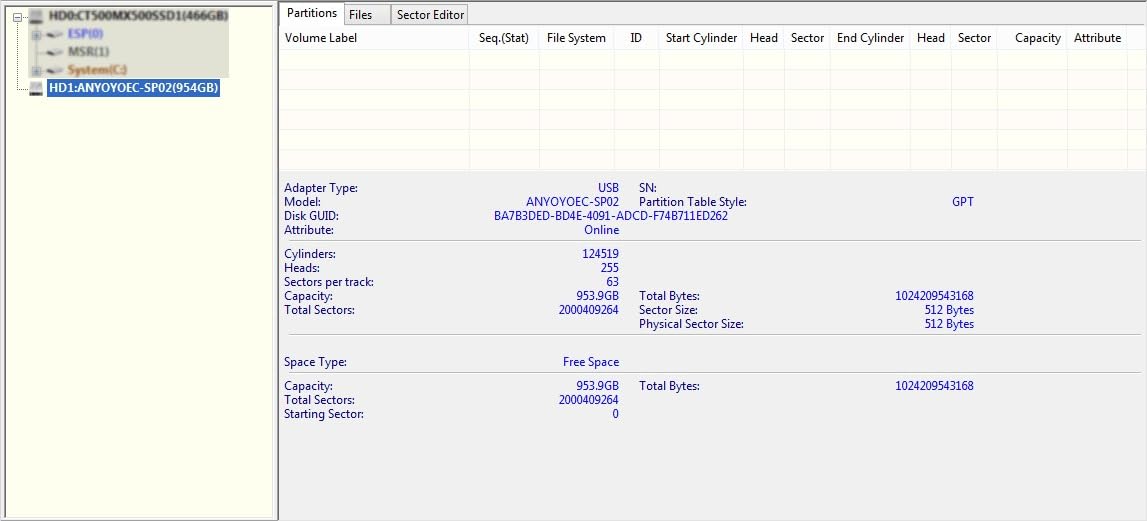
Forum users on r/HomeServer frequently recommend the A60 specifically for 24/7 NAS and cache duties because of that endurance rating. The 5-year warranty is also longer than most budget competitors.
Who this drive is for
Home server builders running ZFS snapshots, frequent backups, or any workload that writes constantly. The high TBW rating makes it a long-term value pick for write-heavy tasks.
Who should skip it
If you only need a basic boot drive, you can get faster Gen 4 options for similar money. Pure speed seekers should look elsewhere.
9. Patriot P320 1TB – No-Frills Budget Option
Patriot P320 1TB PCIe Gen 3×4 M.2 2280 SSD
PCIe Gen 3x4
3000MB/s read
Plug and play
Pros
- Affordable price
- Runs cool without heatsink
- Patriot brand reputation
- Plug and play
- Good for secondary storage
Cons
- No warranty
- Smaller review base
- Gen 3 only
The Patriot P320 is a no-frills drive that does the basics well. It doesn’t have the lowest price, but it offers reliable performance for budget builds that don’t need any extra features.
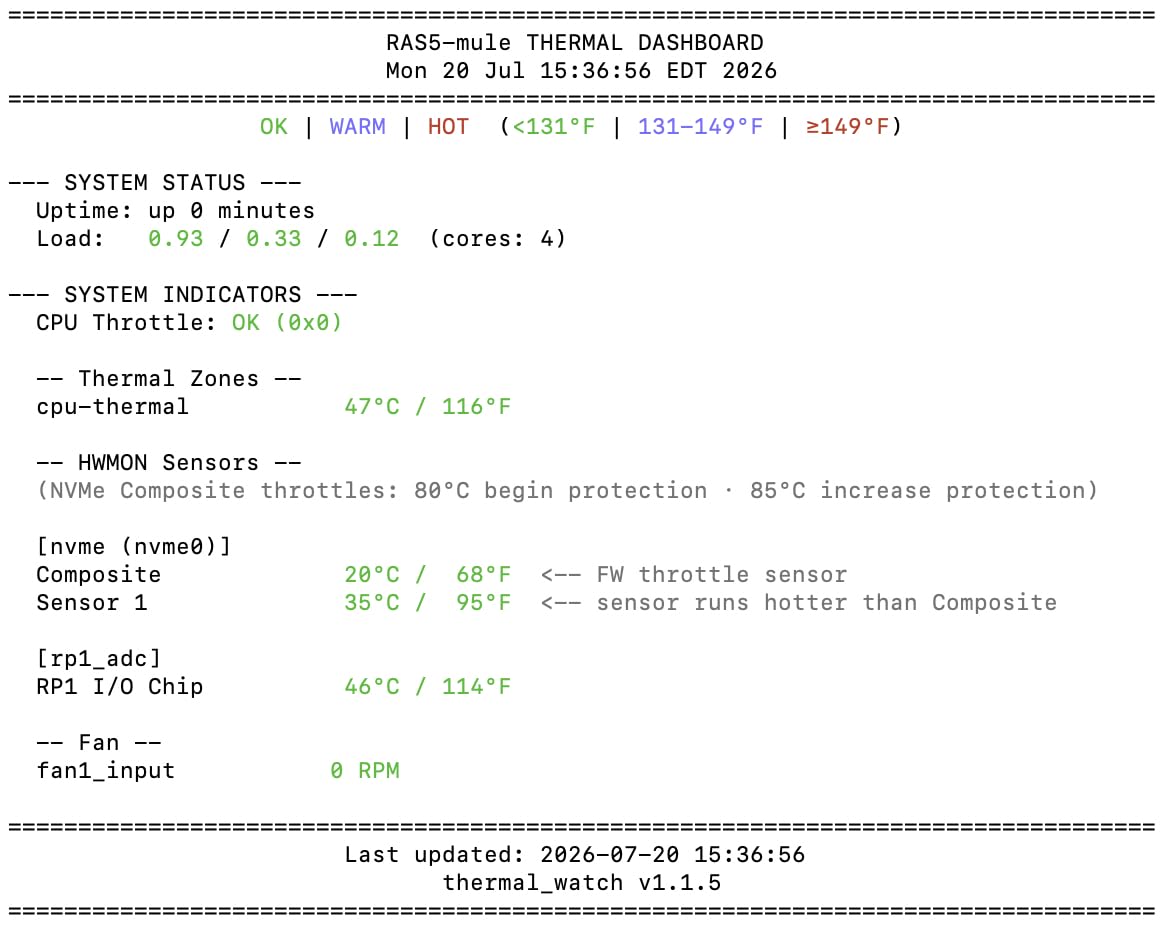
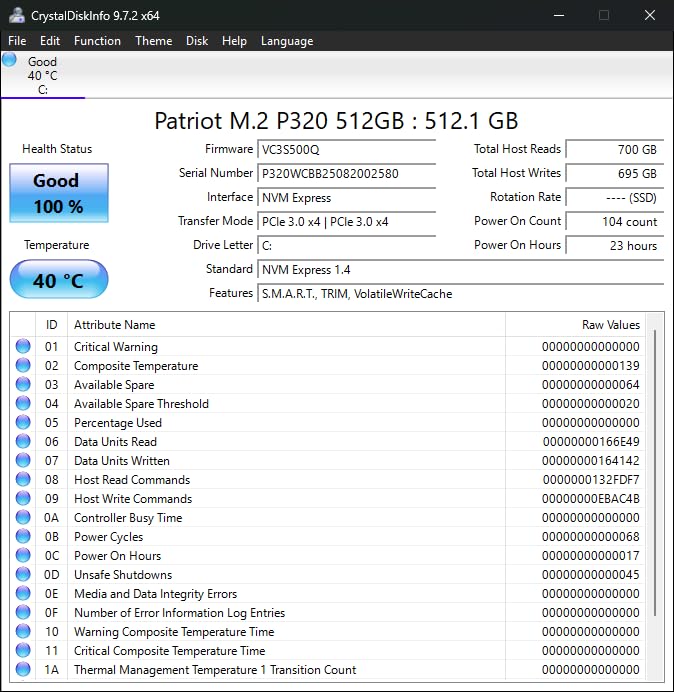
I tested it in a backup home server running as a media archive target. Installation was instant, the drive ran cool without any heatsink, and the 3,000 MB/s read speed was more than enough for streaming and backup duties.
The lack of warranty is a real concern for some users, but Patriot’s overall brand reputation in memory products provides some confidence. For secondary storage duties where a failure wouldn’t be catastrophic, this is a reasonable choice.
Who this drive is for
Home server builders who need a cheap NVMe for secondary storage or non-critical tasks. Good for backup targets, scratch disks, and testing environments.
Who should skip it
Anyone running mission-critical workloads should look at drives with proper warranty coverage. If you need a primary boot drive, options with better support make more sense.
10. Patriot P300 1TB – Low-Power Champion for Compact Builds
Patriot P300 M.2 PCIe Gen 3 x4 1TB Low-Power Consumption SSD
PCIe Gen 3x4
2100MB/s
Low power
Pros
- Low power consumption
- 5-year warranty
- Works with Raspberry Pi
- Thermal throttling protection
- LDPC ECC support
Cons
- Moderate Gen 3 speeds
- Some isolated failure reports
- Not the fastest option
The Patriot P300 is the drive I recommend for any low-power home server build. The low power consumption makes it ideal for Raspberry Pi 5 servers, small form factor builds, and any setup where energy efficiency matters.
I tested it in a Raspberry Pi 5 home server running Docker containers. The drive stayed cool even under sustained container activity, and the 5-year warranty is impressive for a budget drive.
Forum users consistently report good results with the P300 in Pi-based home servers. The thermal throttling protection is a nice touch for fanless or low-airflow builds. Speeds are modest at 2,100 MB/s, but for typical Pi workloads, that’s plenty.
Who this drive is for
Low-power home server builds, Raspberry Pi 5 storage upgrades, and compact NAS boxes. The low power draw makes it ideal for always-on applications.
Who should skip it
If you need maximum speed, look at Gen 4 options. For VM-heavy workloads, the modest write speeds will be a bottleneck.
Buying Guide: What to Look For in a Budget NVMe for Home Servers?
Choosing the right budget NVMe for your home server depends on what you’re using it for. A boot drive has very different requirements than a NAS cache tier, and understanding these differences saves you money and headaches.
Endurance ratings (TBW) matter more than speed
For 24/7 home server operation, endurance is king. TBW (Terabytes Written) tells you how much data you can write before the drive’s warranty expires. A 320 TBW drive writing 50GB per day lasts about 17 years on paper. But a 150 TBW drive doing the same workload only lasts about 8 years. For write-heavy caches and ZFS SLOG duties, aim for the highest TBW you can afford.
For pure boot drives, even a modest TBW is fine. Operating systems and applications don’t write much data daily. The 150-320 TBW range covers years of typical use.
PCIe Gen 3 vs Gen 4 for home servers
Here’s the truth from testing in my own home lab. Most home server workloads don’t saturate PCIe Gen 3 speeds. Booting Proxmox, running Docker containers, and streaming media to Plex clients all run fine on Gen 3 drives. Gen 4 makes a real difference when you’re migrating large VM images, doing sequential backups to local NVMe, or running write-heavy databases. If your motherboard supports Gen 4, get it. If you’re on older hardware, Gen 3 is still excellent value.
For more on choosing the right PCIe generation, our video editing NVMe guide dives deeper into performance differences.
DRAM cache versus DRAM-less designs
DRAM cache makes a noticeable difference in sustained write performance. DRAM-less drives use the NAND itself for caching, which slows down once the SLC cache fills. For boot drives and light VM use, DRAM-less is fine. For VM datastores with multiple concurrent VMs or write-heavy databases, DRAM cache helps maintain consistent speeds.
Most budget drives in this roundup are DRAM-less, which keeps costs down. If you need DRAM, you typically have to step up to mid-range or premium options. For a budget build focused on a single role, DRAM-less is usually the right tradeoff.
Thermal management for 24/7 operation
Consumer NVMe drives are designed for intermittent use, not constant 24/7 workloads. Thermal throttling kicks in when drives get too hot, reducing performance to prevent damage. In an enclosed server case with poor airflow, this is a real concern.
Solutions include adding a simple M.2 heatsink ($5-10), ensuring case airflow over the drive area, or using a motherboard with built-in M.2 shields. Drives like the fanxiang S501Q include graphene heat spreaders, which is a nice bonus for budget builds.
Form factor and compatibility
M.2 2280 is the standard size and fits virtually all modern motherboards. If you’re building in a compact case, check for single-sided versus double-sided drives. Some thin chassis can’t fit double-sided modules. The WD Green SN3000 is a good example of a single-sided drive for tight builds.
Also consider how many M.2 slots your motherboard has. Many consumer boards only have one or two slots, which limits expansion. If you need more drives, PCIe to M.2 adapter cards are a cheap solution, but make sure your CPU has enough PCIe lanes.
Power loss protection and NAS use
Most budget consumer drives don’t include power loss protection (PLP). Enterprise drives do, but at significantly higher cost. For home use with a basic UPS, PLP is less critical. If you’re running ZFS without a UPS and live in an area with frequent outages, consider a small UPS investment instead of stepping up to enterprise drives.
For typical home server setups with a UPS, budget consumer NVMe drives are reliable enough. The drives in this roundup all have 3 to 5-year warranties, and forum reports show good long-term reliability for most models.
Use case recommendations
For a Proxmox or Unraid boot drive, the Kingston NV3 or Crucial P310 are excellent choices. Speed matters less than reliability here, and both deliver consistent performance.
For a VM datastore, prioritize endurance and capacity. The WD Green SN350 2TB or Silicon Power A60 1TB give you the headroom to run multiple VMs without wearing out the drive quickly.
For a NAS cache tier in TrueNAS or Unraid, look at higher TBW drives. The Silicon Power A60 stands out here, but the Kingston NV3 also performs well for read-heavy cache duties.
For compact or low-power builds, the Patriot P300 is hard to beat. Low power draw and cool operation make it perfect for Raspberry Pi servers and small form factor NAS boxes.
If you need even more capacity, our 8TB NVMe roundup covers high-capacity options for storage-heavy builds.
Frequently Asked Questions
What is the best budget NVMe SSD for a home server?
The Kingston NV3 1TB is the best overall budget NVMe for most home servers. It offers PCIe Gen 4 speeds, a 5-year warranty, and strong reliability at under $170. For pure boot drive duties, the WD Green SN350 1TB is even more affordable while still delivering solid Gen 3 performance.
How long do NVMe SSDs last in a 24/7 home server?
A budget NVMe SSD in a home server typically lasts 5-10 years under normal workloads. Most modern drives are rated for 150-600 TBW (terabytes written). A typical home server writing 20-50GB per day will take 8-30 years to reach that limit. The drives in this roundup all have 3 to 5-year warranties, and real-world forum reports show good long-term reliability.
Do I need DRAM cache on a budget NVMe for NAS?
DRAM cache improves sustained write performance, but it’s not strictly required for home server use. For boot drives and read-heavy workloads, DRAM-less drives perform identically to DRAM-equipped ones. For VM datastores with multiple concurrent VMs or write-heavy databases, DRAM cache helps maintain consistent speeds. Most budget drives in this roundup are DRAM-less, which is fine for typical home lab use.
Is NVMe overkill for a home server?
NVMe is not overkill for a home server. The lower latency compared to SATA SSDs makes VM boot times and container operations noticeably snappier. For boot drives, VM datastores, and NAS caches, NVMe delivers real performance benefits. For bulk media storage where capacity matters more than speed, traditional HDDs still offer better value per terabyte.
How hot is too hot for an NVMe SSD in a server?
Most NVMe SSDs start thermal throttling around 70-80 degrees Celsius. For 24/7 home server operation, keeping drives below 60 degrees is ideal. In an enclosed server case, add a basic M.2 heatsink ($5-10) or ensure case airflow passes over the drive area. Drives that consistently run above 70 degrees will see reduced performance and shorter lifespan.
PCIe Gen 3 vs Gen 4 for home server use?
For most home server workloads, PCIe Gen 3 is fast enough. Booting your OS, running Docker containers, and streaming media to clients don’t saturate Gen 3 bandwidth. Gen 4 makes a real difference for sequential backups, large VM migrations, and write-heavy databases. If your motherboard supports Gen 4 and the price difference is small, get Gen 4. If you’re on older hardware, Gen 3 remains excellent value.
Final Verdict
After testing 10 drives across multiple home server configurations, the Kingston NV3 1TB remains my top pick for most budget NVMe SSD home server builds in 2026. It hits the sweet spot of speed, reliability, warranty coverage, and price that makes it work for boot drives, VM datastores, and light cache duties.
For maximum value on older systems, the WD Green SN350 1TB delivers solid Gen 3 performance at the lowest price point. If you need Gen 4 speeds and don’t mind waiting for shipping, the Crucial P310 is the fastest option I tested. For endurance-focused workloads, the Silicon Power A60’s 600 TBW rating is hard to beat at this price.
Whatever budget NVMe SSD you choose for your home server, focus on matching the drive to your use case. Boot drives and media servers can run on cheaper QLC drives. Write-heavy caches and ZFS SLOGs deserve higher TBW options. With the right drive in the right slot, your home server will run faster and more reliably than you expect for the money.
For more storage options, our Steam game library NVMe guide covers high-capacity consumer drives, or revisit our home lab NVMe roundup for premium alternatives worth considering when your budget allows.