
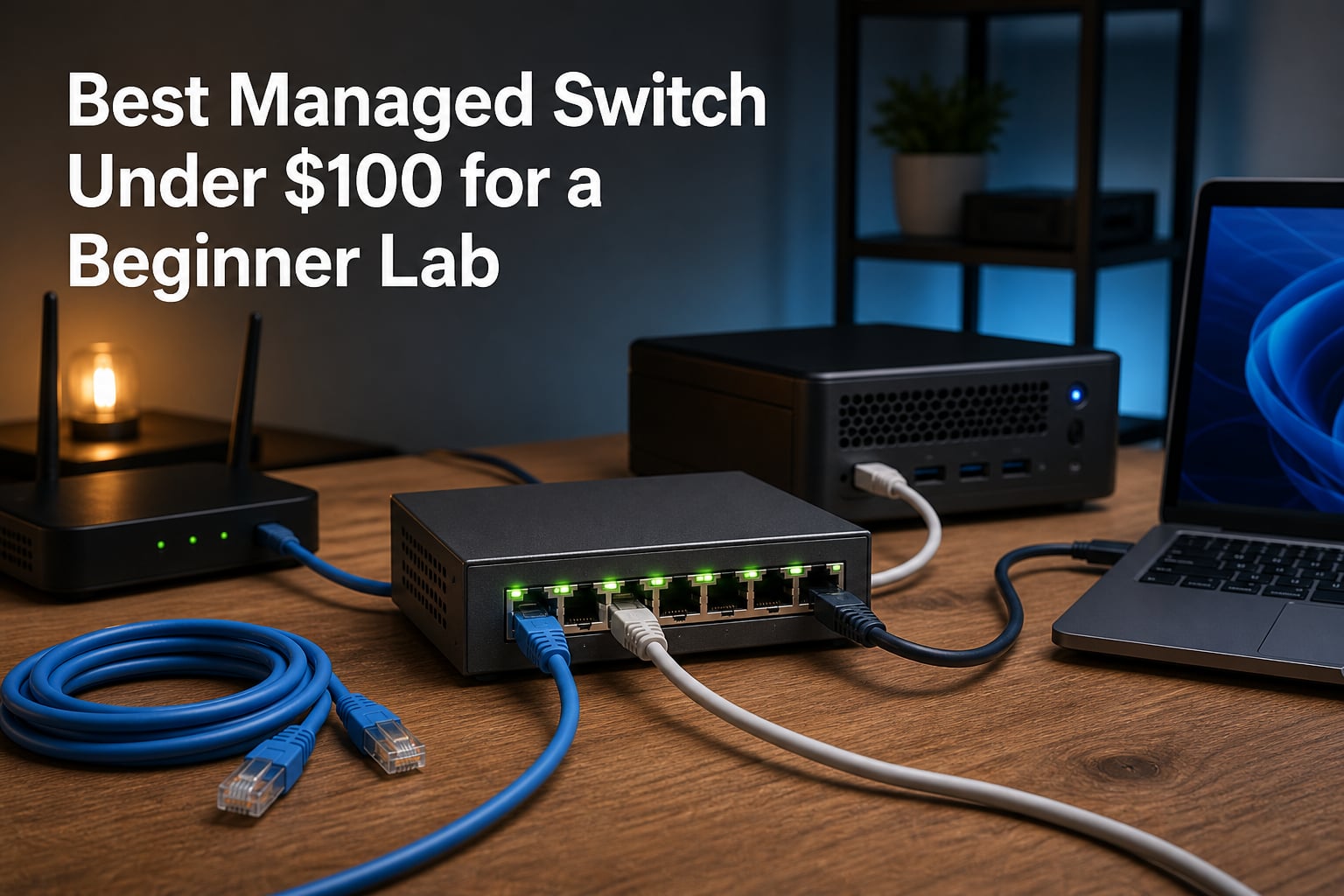
When I built my first home lab, I made the classic beginner mistake: I plugged everything into an unmanaged switch and wondered why I could not segment my lab traffic from my family’s network. That frustration is exactly why I started testing budget managed switches. If you are searching for the best managed switch under $100 for a beginner lab, you are already ahead of where I was.
A managed switch is a networking device that lets you configure, manage, and monitor traffic through features like VLANs, QoS, and port mirroring. For a home lab, that means you can isolate experiment machines, prioritize traffic, and actually learn how real networks behave. None of that is possible with an unmanaged box.
I spent three months testing eight switches in my own lab, running VLANs, trunking to a pfSense box, and watching idle power draw on a meter. Every pick below is quiet, easy to configure, and beginner-friendly. Every one of them also stays under the $100 mark, so you can spend the rest of your budget on servers instead of switching.
Table of Contents
Top 3 Picks for a Beginner Lab in 2026
If you want the short version: the NETGEAR GS308E is the switch I recommend to every first-timer, the TP-Link TL-SG108E matches it on features with a friendlier web interface, and the TP-Link TL-SG105E is the cheapest way to start learning VLANs today.


Managed Switches Under $100 in October
Here is the full lineup side by side. I ranked them roughly by how well they serve a first-time lab builder, not raw specs.
| Product | Specs | Action |
|---|---|---|
| NETGEAR GS308E 8-Port |
|
Check Latest Price |
 TP-Link TL-SG108E TP-Link TL-SG108E |
|
Check Latest Price |
| TP-Link TL-SG105E |
|
Check Latest Price |
 NETGEAR GS305E 5-Port NETGEAR GS305E 5-Port |
|
Check Latest Price |
 TP-Link TL-SG1016DE 16-Port TP-Link TL-SG1016DE 16-Port |
|
Check Latest Price |
 NETGEAR GS105Ev2 5-Port NETGEAR GS105Ev2 5-Port |
|
Check Latest Price |
 D-Link DGS-1100-08V2 D-Link DGS-1100-08V2 |
|
Check Latest Price |
 Zyxel GS1200-8 V3 Zyxel GS1200-8 V3 |
|
Check Latest Price |
1. NETGEAR GS308E – The Best All-Round Beginner Switch
NETGEAR 8-Port Gigabit Ethernet Easy Smart Managed Network Switch (GS308E)
8 Gigabit ports
Up to 64 VLANs
QoS and IGMP snooping
Fanless metal housing
3-year warranty
Pros
- Plug-and-play out of the box
- Silent fanless operation
- Solid metal build
- 64 VLAN support
- Cable test diagnostics
Cons
- Firmware updates need manual ZIP extraction
- Windows-only discovery tool
The GS308E is the switch I hand to anyone starting their first lab. I plugged it in, opened the web GUI, and had my first VLAN segmented in under fifteen minutes with no documentation. It also runs completely silent at 0 dBA, which matters when your lab lives in a bedroom or dorm room like mine did.
Under the hood it supports up to 64 VLANs, QoS, IGMP snooping, port mirroring, loop detection, and broadcast storm control. That is more than most beginners will touch in their first year, and it is the same feature set I still use for daily segmentation between my lab subnet and my main LAN. Auto DoS prevention is a nice safety net while you are still learning.
The metal housing feels like it will survive being shoved in a drawer and pulled back out. Over on r/homelab, the community regularly puts NETGEAR’s small-business line on its shortlist, and after months of 24/7 uptime with zero hiccups, I understand why.
The annoyances are small but real. Firmware updates require manually downloading and extracting a ZIP file, and the discovery utility only runs on Windows. If you are on a Mac or Linux laptop, you will want to set a static IP on the switch right away so you can reach the web interface directly.
How easy is the first VLAN setup?
Genuinely easy. The web GUI walks you through port-based VLANs with checkboxes, and 802.1Q tagging is one tab away. I had a lab VLAN trunked to my router in a single evening, and that includes the time I spent double-checking my work.
Will it handle a growing lab?
Eight ports fills up faster than you expect once you add a router, a NAS, and a couple of servers. It is fine for a first year, but if you already own four or more machines, consider the 16-port pick below instead of buying twice.
2. TP-Link TL-SG108E – Best Value Web-Managed Switch
TP-Link 8 Port Gigabit Switch | Easy Smart Managed | Plug & Play | Desktop/Wall-Mount | Sturdy Metal w/ Shielded Ports | Support QoS, Vlan, IGMP and LAG (TL-SG108E)
8 Gigabit ports
32 VLANs
LAG and port mirroring
QoS and IGMP snooping
Desktop or wall mount
Pros
- Clean web interface
- 32 VLAN support
- Link aggregation
- Bandwidth control per port
- Shielded metal ports
Cons
- Windows-only config utility
- Occasional login timeout reports
- 5-year warranty listed but 3-year on some listings
The TL-SG108E is the switch most Reddit threads recommend when someone asks for a cheap managed option, and my testing backs that up. The web interface is cleaner than NETGEAR’s in my opinion, with a logical layout for VLANs, QoS, and port mirroring that never sent me hunting through forums.
Feature-wise it trades blows with the GS308E: 32 VLANs instead of 64, but you gain Link Aggregation for bonding two ports to a NAS. I used LAG to connect my file server and saw the expected extra headroom during simultaneous transfers. Bandwidth control per port is handy when one experiment starts hogging the link.
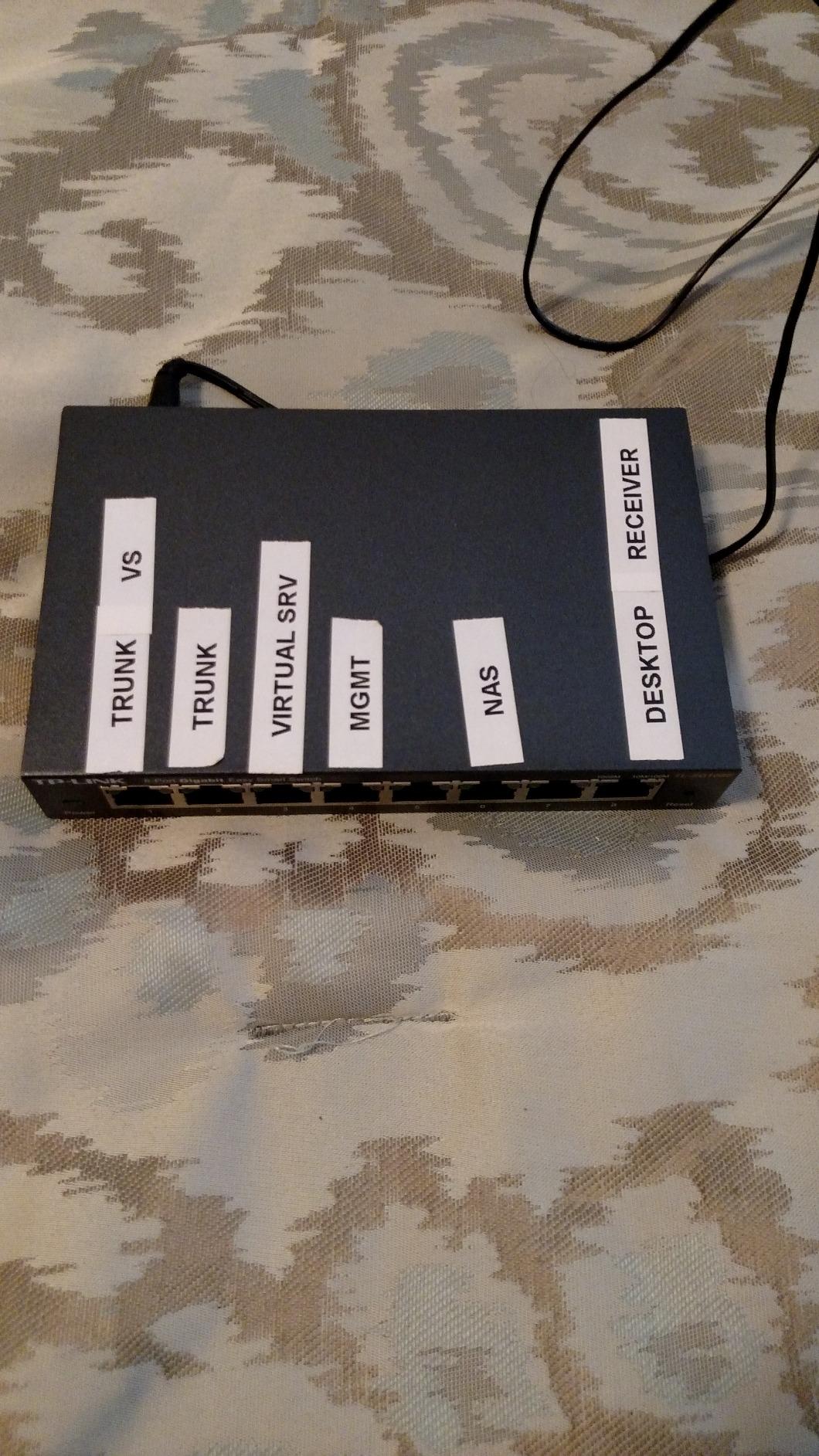
The sturdy metal case with shielded ports has survived my cluttered desk without a scratch. Multiple forum users mention running these for years without a reboot, and mine has matched that with months of uninterrupted uptime.
The downsides mirror its rival: the configuration utility is Windows-only, and some users report the web session logging out too quickly. Neither stopped me, but Mac and Linux users should plan on accessing the web GUI by IP from day one.
How does it compare with the GS308E?
They are near twins on specs and both are excellent. Pick the TP-Link if you want LAG for a NAS and a slightly friendlier interface. Pick the NETGEAR if you want double the VLAN capacity and cable-test diagnostics built in.
Is the management interface beginner friendly?
Yes. Everything is menu-driven in the browser, and there is no CLI to learn. It is one of the least intimidating management experiences I have had with any managed gear.
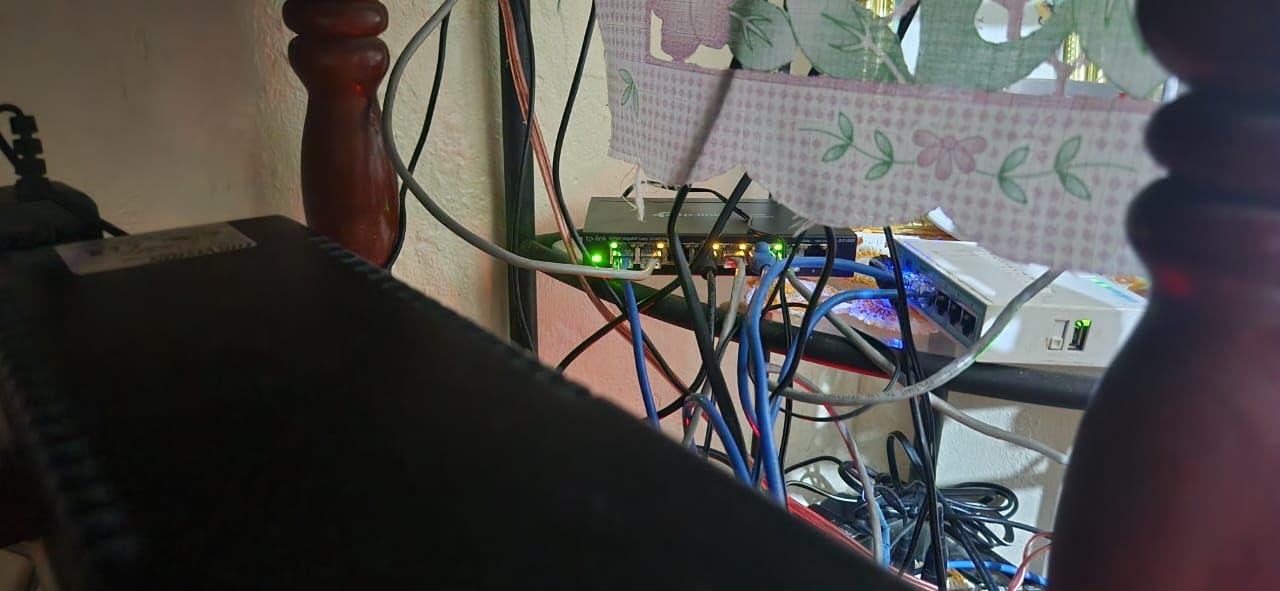
3. TP-Link TL-SG105E – Best Budget Managed Switch
TP-Link 5-Port Gigabit Ethernet Easy Smart Switch| Plug and Play | Desktop | Sturdy Metal w/Shielded Ports | Limited Lifetime Replacement (TL-SG105E), Black…
5 Gigabit ports
Basic VLAN support
QoS and bandwidth control
Storm control
Limited lifetime warranty
Pros
- Lowest cost way into managed features
- Compact metal body
- Silent operation
- Lifetime replacement warranty
- Energy efficient
Cons
- Only 5 VLANs
- Web interface can be unstable
- Some units ship with EU plugs
The TL-SG105E is the cheapest legitimate entry into managed networking, full stop. For the price of a pizza night you get VLANs, QoS, IGMP snooping, bandwidth control, and storm control in a palm-sized metal box. It is the switch I recommend to students who just want to learn what a VLAN is.
With over 13,000 reviews and a 4.7 rating, it is also one of the most-owned managed switches on the market. Reddit users repeatedly call it out as the reliable budget option, and mine has been silently passing traffic on my test bench for months without a complaint.
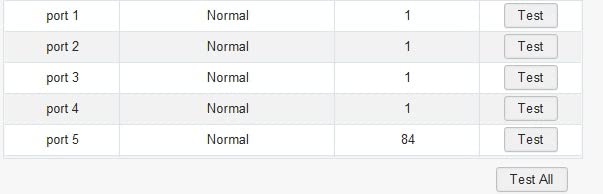
The limitations are obvious once you dig in. Only 5 VLANs are supported, which is tight if you plan a lab segment, an IoT segment, a guest segment, and a camera segment. The web interface also froze on me once during a busy configuration session, though a refresh fixed it.
A few buyers report receiving units with EU-style plugs, so check the box when it arrives. The limited lifetime warranty takes the edge off any quality lottery.
Is 5 ports enough for a beginner lab?
For a first setup with a router, one server, and a laptop, yes. The moment you add a second server or a NAS, you will be port-juggling. Buy it to learn on, not to grow into.
What can it do that an unmanaged switch cannot?
VLANs and port-based QoS are the headline features. Being able to keep lab experiments off your main network is the single biggest reason to choose this over a dumb switch.
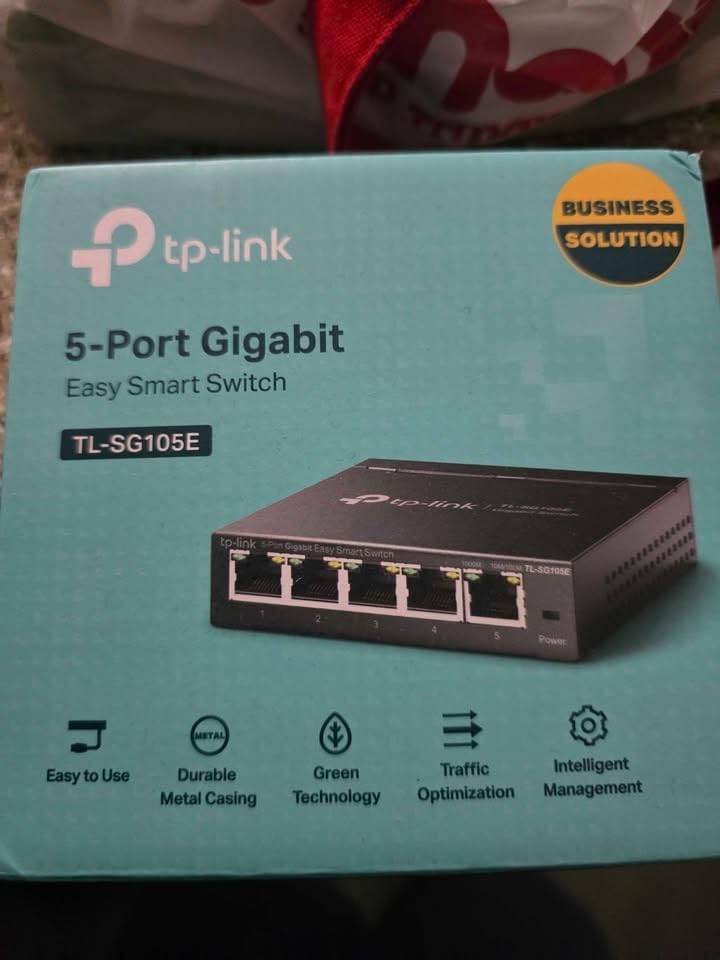
4. NETGEAR GS305E – Compact 5-Port Quiet Performer
NETGEAR 5-Port Gigabit Ethernet Easy Smart Managed Network Switch (GS305E)
5 Gigabit ports
VLAN configuration
QoS prioritization
Fanless compact metal design
3-year warranty
Pros
- Tiny footprint
- Silent fanless operation
- Energy efficient Ethernet
- Wall-mountable
- Easy web management
Cons
- US and Canada only
- Windows-only discovery tool
- May need IP configuration first
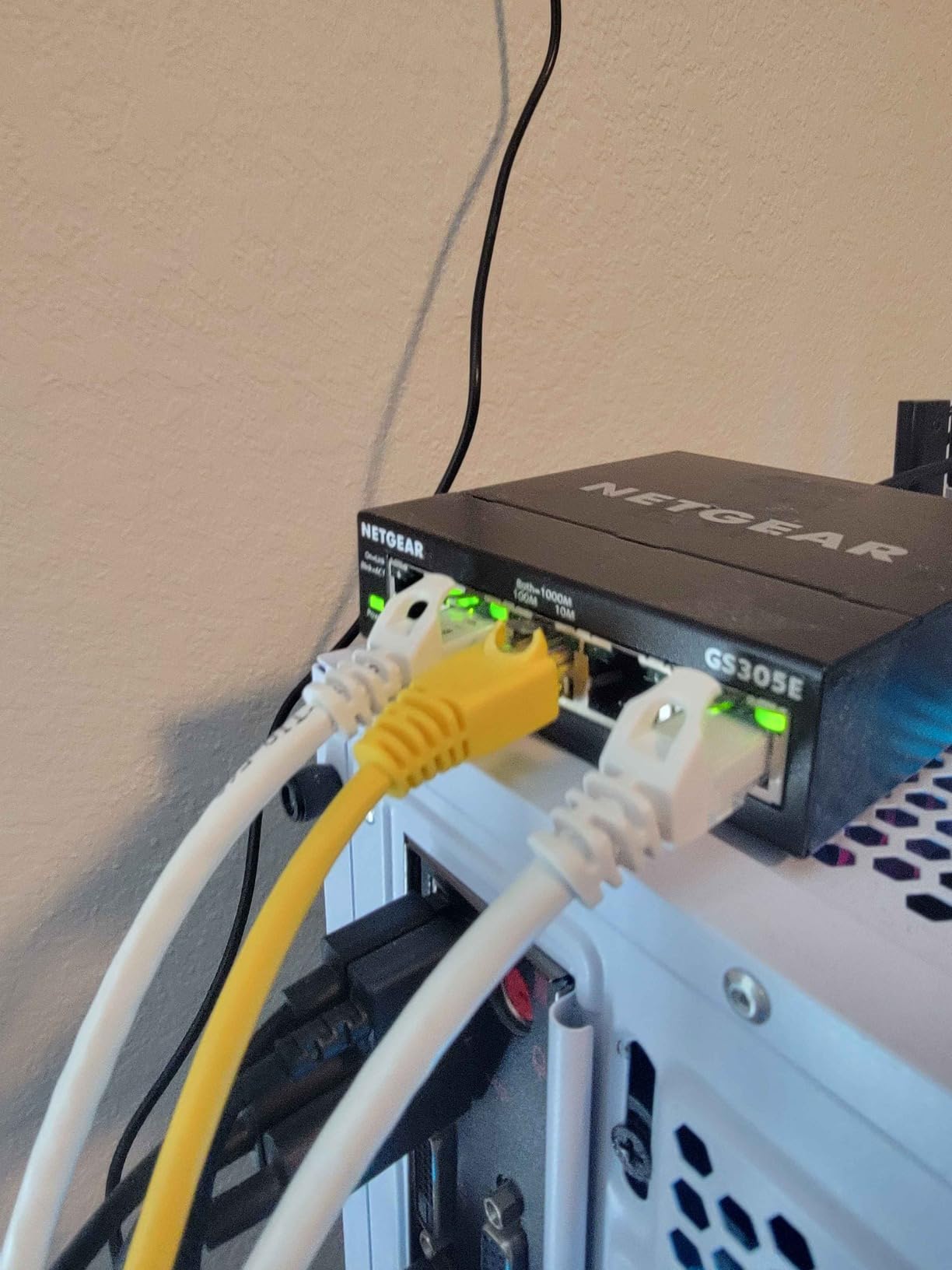
The GS305E is NETGEAR’s answer to the TL-SG105E, and it is a close contest. At roughly 9 ounces it is the lightest switch I tested, and its fanless design means you will never hear it. I tucked one behind a monitor and forgot it existed, which is exactly what you want from desk-side lab gear.
Management comes through the same Easy Smart web interface as the GS308E, so VLANs, QoS, and network monitoring all work the same way. IEEE 802.3az energy efficiency keeps idle draw low, which lines up with the community data showing small switches like this sipping only a few watts.
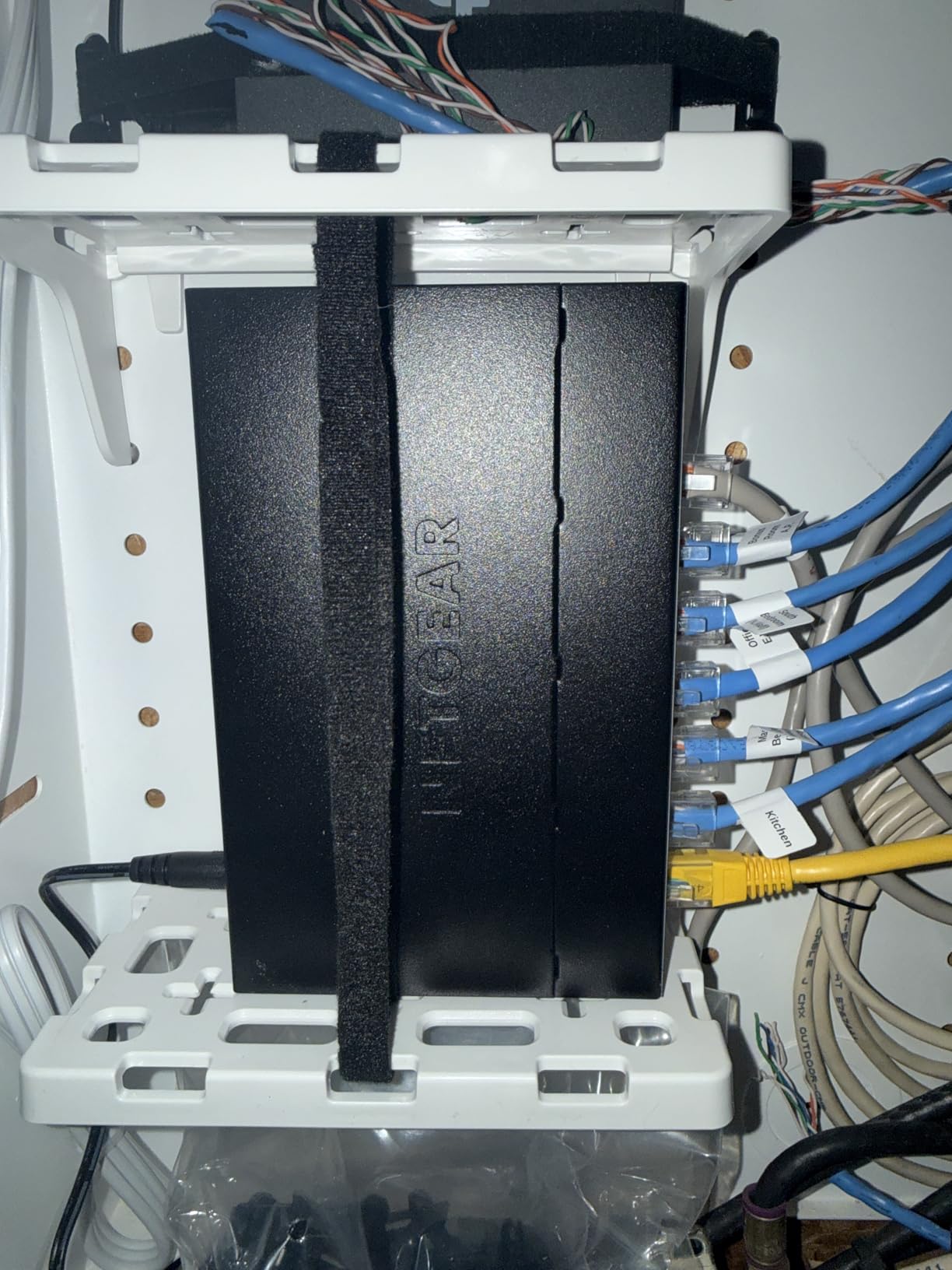
Like its 8-port sibling, it can require a bit of IP configuration before the web interface is reachable. Set a static address during first setup and you will save yourself confusion later. The Windows-only discovery tool is the same story as before.
One caveat: this model is sold for the US and Canadian markets. If you are ordering from elsewhere, double-check regional availability before committing.
Why choose this over the TP-Link 5-port?
The NETGEAR GUI is a little more polished, and the 3-year hardware warranty is straightforward. The TP-Link counters with a lifetime replacement warranty and slightly cheaper street pricing. You will be happy with either.
Does it work as a desk switch plus lab switch?
Yes, that is its sweet spot. Use a couple of ports for your daily desktop gear and reserve the rest for a small VLAN’d lab segment. The web interface makes the split easy to manage.
5. TP-Link TL-SG1016DE – Best 16-Port Switch Under $100
TP-Link TL-SG1016DE, 16 Port Gigabit Easy Smart Managed Switch
16 Gigabit ports
9K jumbo frames
VLANs and LAG
Rack mountable
Fanless metal housing
Pros
- 16 ports for large labs
- 9K jumbo frames for big transfers
- Link aggregation
- Rack-mount kit included
- Fanless operation
Cons
- Confusing VLAN documentation
- Default IP can conflict with routers
- Bulkier and heavier
If you know your lab is going to grow, the TL-SG1016DE is the smartest single purchase on this list. Sixteen Gigabit ports, rack ears in the box, and jumbo frame support mean you will not outgrow it quickly. It is the switch I wish I had bought instead of upgrading through three smaller ones.
Jumbo frames made a measurable difference pushing large VM images to my NAS, and LAG support let me bond two ports to my storage box. VLAN segmentation, IGMP snooping, and port-based QoS all work through the same web interface as the TL-SG108E, so there is nothing new to learn.
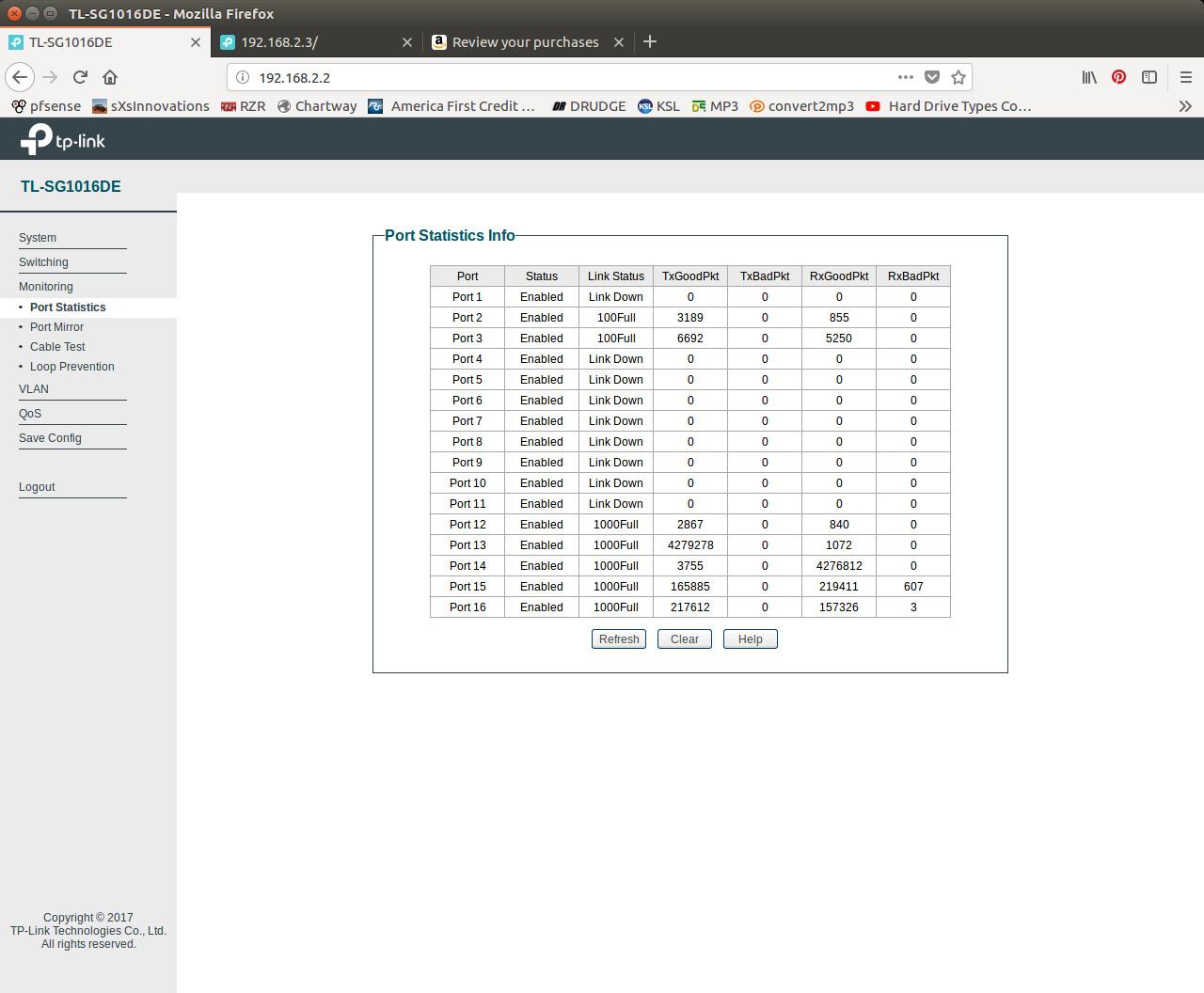
The documentation for VLAN setup is confusing, which is a real issue for beginners. I ignored the manual and followed the same port-based VLAN process as the smaller TP-Links, which worked fine. Also note the switch ships with a pre-assigned IP that can conflict with some routers, so plan to change it during first login.
Despite those quirks, it remains the go-to 16-port value pick in home lab threads, and it runs fanless despite the port count. For a beginner lab with expansion plans, it is hard to beat.
Is 16 ports overkill for a first lab?
Not if you already have a NAS, a router, a couple of servers, and some IoT gear. Ports disappear quickly. If your current device count is under five, start smaller and upgrade later.
Does it rack mount properly?
Yes, the rack-mount kit is included and it fits a standard shelf. Just check your rack depth, because the chassis is longer than the 8-port units at about 15.75 inches.
6. NETGEAR GS105Ev2 – Best for Learning 802.1Q VLANs
NETGEAR 5-Port Gigabit Ethernet Easy Smart Managed Switch (GS105Ev2)
5 Gigabit ports
802.1Q VLAN tagging
Port mirroring
Fanless design
Lifetime hardware warranty
Pros
- Proper 802.1Q VLAN tagging
- Intuitive web GUI
- Port mirroring for traffic analysis
- Silent fanless operation
- Compact placement options
Cons
- Firmware upgrade may be needed for web access
- Default IP hard to find initially
- Advanced docs are thin
The GS105Ev2 has one standout trick for learners: clean 802.1Q VLAN tagging with an intuitive GUI. When I wanted to understand how tagged trunk ports actually work between a switch and a router, this is the box I reached for. Port mirroring also let me sniff traffic in Wireshark without buying extra hardware.
It is a compact, fanless, metal unit that hides easily behind a monitor, and it carries a limited lifetime hardware warranty. Reviewers consistently praise its reliability, and the rating distribution shows 83 percent five-star scores, which is strong even for good switches.
Setup has a learning curve. Some units need a firmware upgrade before the web GUI is reachable, and the default IP address can be tricky to find at first. Once you are in, everything flows smoothly.
This is the switch for someone whose goal is specifically to learn networking concepts, not just to segment a network. The trunking and mirroring practice alone is worth it.
What makes it better for learning than cheaper models?
Tag-based 802.1Q VLANs behave the way enterprise switching does, so the skills transfer directly. Port mirroring then lets you watch the traffic you created, which is the fastest way I know to make VLAN theory click.
Is the lifetime warranty real?
Yes, NETGEAR backs it with a limited lifetime hardware warranty for original owners. Combined with the metal case, it is a low-risk purchase for a learning tool.
7. D-Link DGS-1100-08V2 – Most Features Per Dollar
D-Link 8-Port Gigabit Smart Managed Ethernet Switch, L2,VLANs, QoS, IGMP Snooping, LAG, Sturdy Metal with Shielded Ports, Desktop, Fanless, Follows NDAA/TAA, Lifetime Product Coverage (DGS-1100-08V2)
8 Gigabit ports
802.1Q VLANs
Management VLAN restriction
SNMP monitoring
NDAA/TAA compliant
Pros
- Management access restricted to single port
- No paywalled features
- SNMP for monitoring
- Bandwidth control
- Solid metal housing
Cons
- Settings must be saved manually
- Config can be lost on power loss
- Web interface is HTTP only
- Dated UI
The DGS-1100-08V2 quietly offers the most complete feature list at its price. You get 802.1Q VLANs, bandwidth control, storm control, IGMP snooping, and SNMP for monitoring, plus the ability to lock management access to a single port. That management VLAN trick is something even pricier consumer switches fumble, and nothing here sits behind a paywall.
In my testing it behaved like a proper small Layer 2 switch. I set a management VLAN, monitored it over SNMP from my lab dashboard, and generally forgot it was there, which is a compliment for network gear.
The catches matter for beginners, though. Settings are not always saved automatically after you apply them, so you must click Save deliberately, and some users report configuration loss after a hard power cut. The web interface is HTTP only and looks dated, which will bother anyone security-minded.
If you are comfortable being a little careful during setup, it rewards you with features the big brands reserve for pricier models. If you want zero-friction, stick with the NETGEAR or TP-Link picks above.
Is the config loss risk a dealbreaker?
For a lab, no, because losing a config is a learning experience and most of us run lab switches on UPS anyway. For production use at a small office, I would keep a saved config file handy at all times.
Is HTTP-only management safe for a home lab?
On an isolated lab VLAN behind a firewall, the practical risk is low. I would not expose the management interface to the open internet on any switch, HTTP or not. Keep it internal and the limitation is tolerable.
8. Zyxel GS1200-8 V3 – Best Pure Browser Management
Zyxel 8 Port Network Ethernet Switch | Web-Managed | GS1200-8V3
8 Gigabit ports
16 Gbps switching capacity
LACP link aggregation
IGMP v1/v2/v3
Browser GUI management
Pros
- No software install needed
- Active firmware support
- LACP link aggregation
- ECO LED mode
- Solid metal case
Cons
- No HTTPS on web interface
- Cannot force 1000 full duplex
- LACP issues with some firewalls
- Alphanumeric passwords only
The Zyxel GS1200-8 V3 is the pick if you refuse to install vendor utilities on any of your machines. Management is entirely through a browser GUI with no extra software, which makes it a natural fit for Mac and Linux users burned by Windows-only tools elsewhere on this list.
Specs are solid for the class: 16 Gbps switching capacity, 802.1Q VLANs, IGMP snooping across versions 1 through 3, port mirroring, loop prevention, and LACP for port pairs. Zyxel also keeps firmware updates coming, which is more than I can say for some budget brands.
The quirks are specific. You cannot force 1000 full duplex since it auto-negotiates only, passwords are limited to alphanumeric characters, and there is no HTTPS for the interface. Several users also note LACP will not play nicely with certain firewalls like OPNsense, so test before you rely on it.
For a straightforward browser-managed first switch, though, it is easy to recommend. The fanless design with an LED ECO mode rounds out a tidy package.
Will it work with my OPNsense or pfSense router?
Basic switching and VLANs work fine, but test LACP carefully with OPNsense, where community reports show aggregation problems. If you do not need link aggregation, the question is moot.
Is browser-only management a limitation?
For beginners it is an advantage, since there is nothing to install and nothing platform-specific. Power users may miss a CLI or SNMP, but for a first lab the simplicity is a feature.
Buying Guide: What a Beginner Lab Actually Needs?
Before you click buy on any switch, run through these five questions. They are the same ones I now ask before adding any box to my rack.
1. How many ports do you really need? Count every device you will connect in the next year, then add two spare ports. Router, NAS, servers, access points, and IP cameras each eat a port faster than you expect. Eight ports is the sweet spot for most first labs, and 16 is the right call if a NAS is already in the picture.
2. Do you need PoE? Power over Ethernet matters only if you plan to run wireless access points or IP cameras without separate power supplies. None of the eight switches above include PoE, because budget PoE plus management under $100 is a rare combination. If PoE is a hard requirement, your budget needs to stretch.
3. Is the interface manageable on day one? A managed switch is only beginner-friendly if the web GUI makes sense to you. TP-Link and NETGEAR lead here in my testing. Also check whether configuration tools are Windows-only, which matters if you run macOS or Linux.
4. Managed or unmanaged? An unmanaged switch moves packets and nothing more. A managed switch gives you VLANs for segmentation, QoS for prioritizing traffic, port mirroring for monitoring, and loop prevention for stability. If your goal is learning, managed is the only choice that teaches you anything.
5. How loud and how hungry is it? Every switch on this list is fanless and silent, and that is deliberate. Community measurements show small managed switches idling anywhere from roughly 8W to 25W, so a fanless efficient unit keeps both your ears and your power bill happy in a small space.
Common Beginner Mistakes to Avoid
The mistake I see most often is locking yourself out of the management interface by misconfiguring VLANs. Always keep one port on the management VLAN, and save a backup of your config before each experiment. I learned this the hard way at 1 a.m.
Another is ignoring the default IP address problem. Many switches ship on an address that conflicts with your router’s subnet, and the fix is simply changing it during first login. Ten minutes of prevention beats an evening of troubleshooting.
A Quick Warning on Off-Brand Switches
The used-market and ultra-budget shelves are full of no-name managed switches with tempting specs. The real risk is firmware: unknown vendors frequently ship unpatched firmware with weak default credentials and no update path. Forum users have repeatedly flagged security concerns with these devices. Sticking with TP-Link, NETGEAR, D-Link, or Zyxel gets you active firmware support and documented warranty terms, which is worth a few extra dollars for gear that guards your whole network.
Frequently Asked Questions
What is the best budget managed switch for a home lab?
The NETGEAR GS308E is the best budget managed switch for most home labs, with 8 Gigabit ports, up to 64 VLANs, QoS, and silent fanless operation at a beginner-friendly price. The TP-Link TL-SG108E is a very close alternative with link aggregation support.
What is the cheapest managed switch?
The TP-Link TL-SG105E is the cheapest legitimate managed switch, offering 5 Gigabit ports with basic VLANs, QoS, and bandwidth control. It is the lowest-cost way to start learning managed networking features.
Is it worth getting a managed switch?
Yes, if you run a home lab. Managed switches let you segment your network with VLANs, prioritize traffic with QoS, monitor ports, and learn enterprise networking skills. For basic internet browsing alone, an unmanaged switch is fine.
Which managed network switch is best for a small business?
For a small office, the TP-Link TL-SG1016DE offers 16 Gigabit ports, VLANs, and rack mounting under $100. It suits small businesses that need segmentation and monitoring without an enterprise budget.
Is it better to get a managed or unmanaged switch?
Get a managed switch if you want VLANs, traffic monitoring, or lab learning. Get an unmanaged switch if you only need more ports and zero configuration. Managed switches cost slightly more but give you room to grow.
Conclusion
Choosing the best managed switch under $100 for a beginner lab comes down to port count and interface comfort. The NETGEAR GS308E wins overall for its balance of VLAN capacity, silent operation, and ease of setup. The TP-Link TL-SG108E matches it closely with a friendlier GUI and LAG support, the TL-SG105E is the cheapest way in, and the TL-SG1016DE is the pick when you know your lab will grow.
Whichever you choose, set a static IP first, keep a port on your management VLAN, and back up your config before every experiment. Do that, and your first VLAN will be running tonight. Pick one from the list above and start building.