
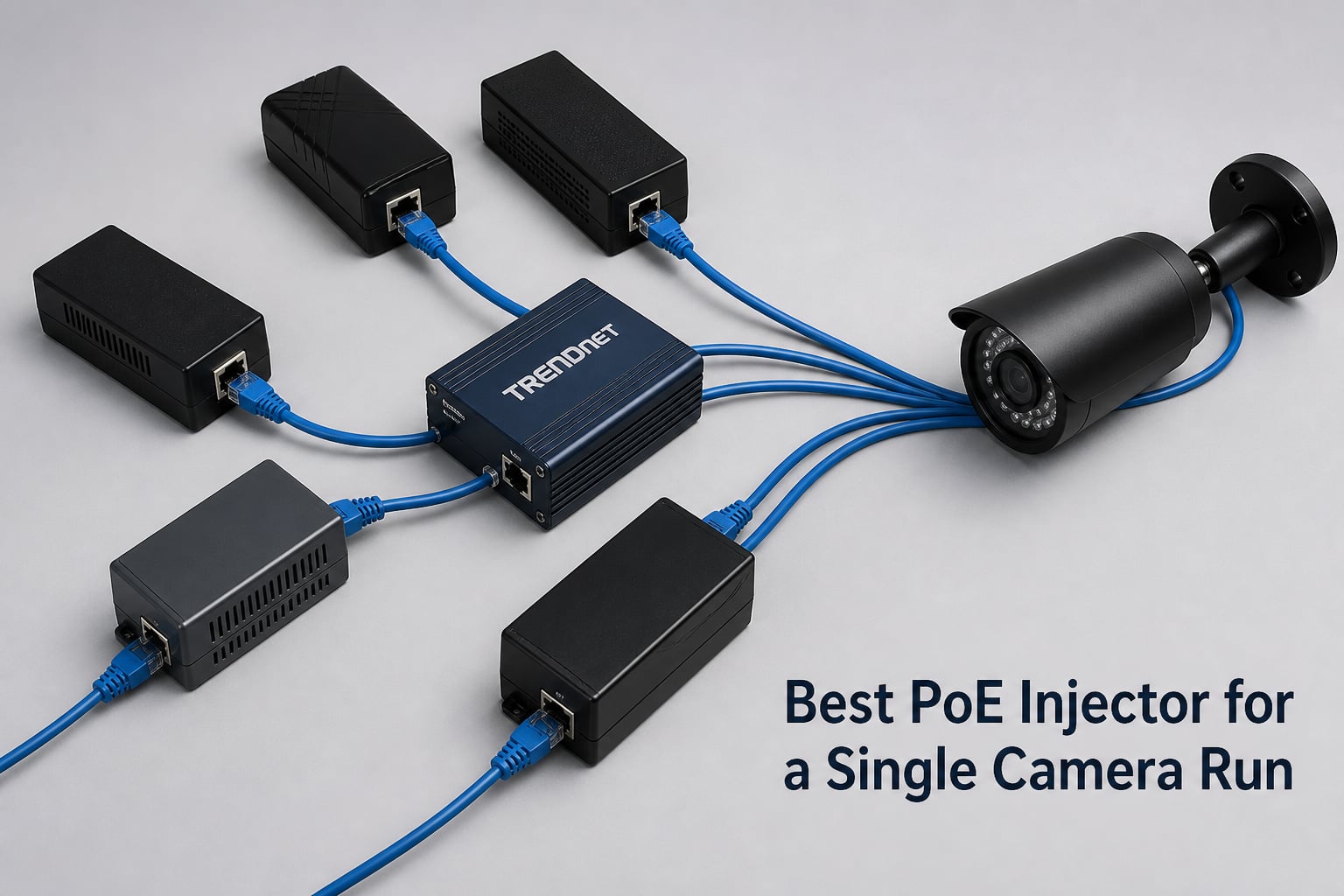
If you only need to power one IP camera, buying a PoE switch feels like overkill. A single-port PoE injector sits between your existing switch and the camera, pushes 48V down the same Ethernet cable that carries data, and saves you from running a separate power outlet to the wall. I have installed single camera setups in garages, backyards, and front porches for the last several years, and a $15 to $25 PoE+ injector is almost always the right answer for one camera.
This guide covers the six best PoE injectors for a single camera run that I would actually buy in 2026. Every model is IEEE standard (no sketchy passive PoE that can fry cameras), every one delivers Gigabit or Fast Ethernet through the same cable, and the list spans budget wall-plug models all the way up to 60W PoE++ for PTZ cameras and high-power access points. I will also walk through the difference between 802.3af, 802.3at, and 802.3bt, when you should pick an injector instead of a PoE switch, and how to handle a long cable run if your camera sits more than 100 meters from the switch.
Table of Contents
Top 3 Best PoE Injectors for a Single Camera Run in October


Best PoE Injectors for a Single Camera Run in 2026
| Product | Specs | Action |
|---|---|---|
| TRENDnet TPE-115GI PoE+ Injector |
|
Check Latest Price |
| TP-Link Omada POE160S |
|
Check Latest Price |
 Cudy POE200 30W Gigabit PoE+ Injector Cudy POE200 30W Gigabit PoE+ Injector |
|
Check Latest Price |
| BV-Tech 30W Gigabit PoE+ Injector |
|
Check Latest Price |
 TP-Link Omada POE170S PoE++ Injector TP-Link Omada POE170S PoE++ Injector |
|
Check Latest Price |
 iCreatin 48V Wall Plug PoE Injector iCreatin 48V Wall Plug PoE Injector |
|
Check Latest Price |
1. TRENDnet TPE-115GI – Editor’s Choice for Single Camera Reliability
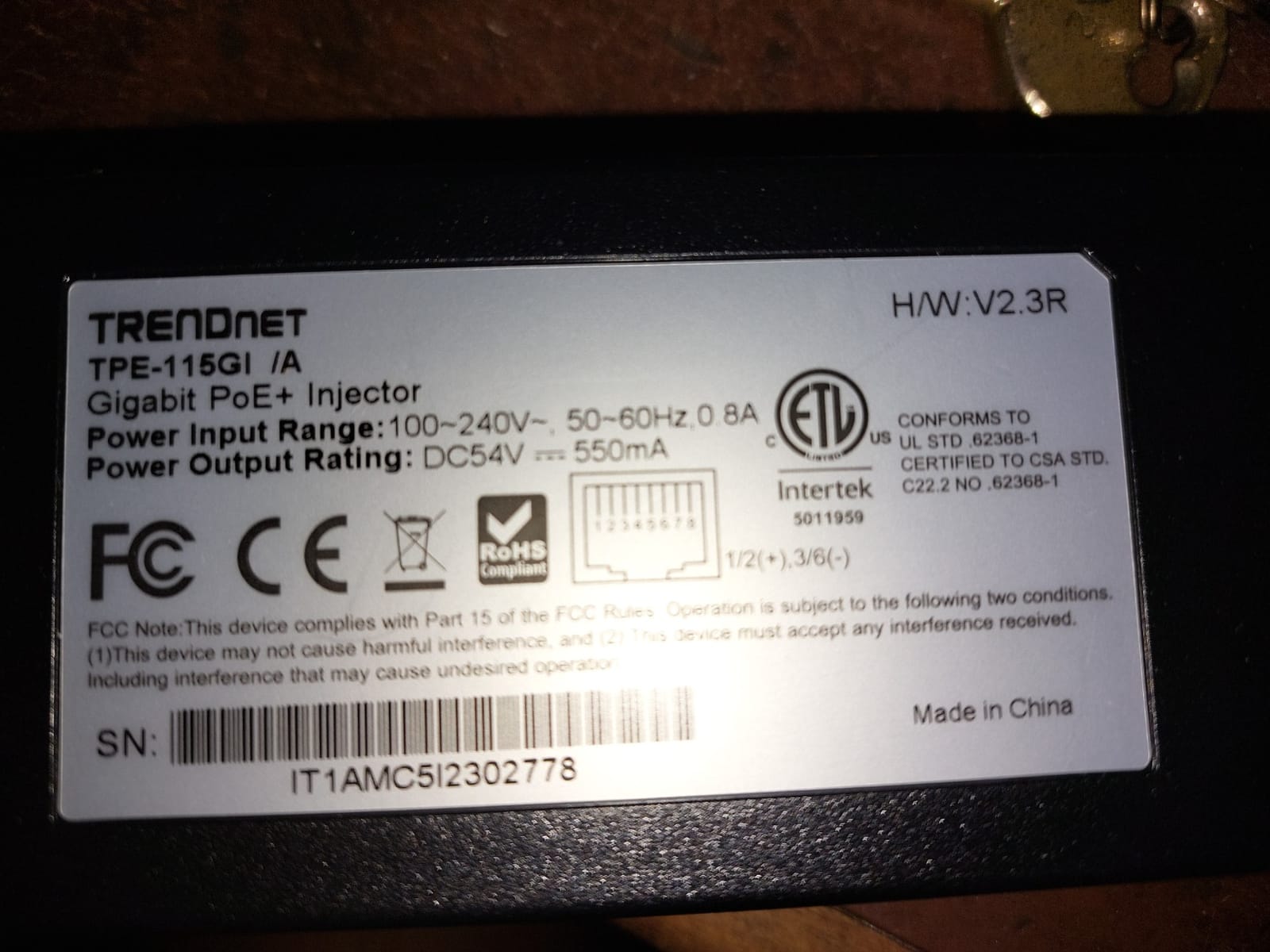
TRENDnet Gigabit Power Over Ethernet Plus Injector,TPE-115GI
30W PoE+
Gigabit Ethernet
100m range
Metal housing
3-year warranty
Pros
- Auto-sensing 30W PoE+ delivery
- Solid metal housing
- Full Gigabit throughput
- NDAA + TAA compliant
- 3-year warranty
Cons
- Requires separate outlet
- No PoE++ for PTZ cameras
I have been running a TRENDnet TPE-115GI on my garage Reolink camera for about 14 months now, and it has not skipped a beat. The 30W PoE+ output handles a regular bullet camera with an SD card slot, and the Gigabit passthrough means the camera’s full bitrate hits my NVR without bottlenecking. I like the metal housing because the injector lives in my garage loft where temperatures swing from 35 degrees to 95 degrees Fahrenheit across the year.
The setup took about four minutes. Plug the included power adapter into the wall, run an Ethernet cable from my non-PoE switch into the “Data In” port, and another short patch cable from “Data + Power Out” to the camera. The injector auto-negotiates whether the camera needs 802.3af (15.4W) or 802.3at (30W), so my older 12V IP camera with a PoE splitter also runs fine on the same unit.
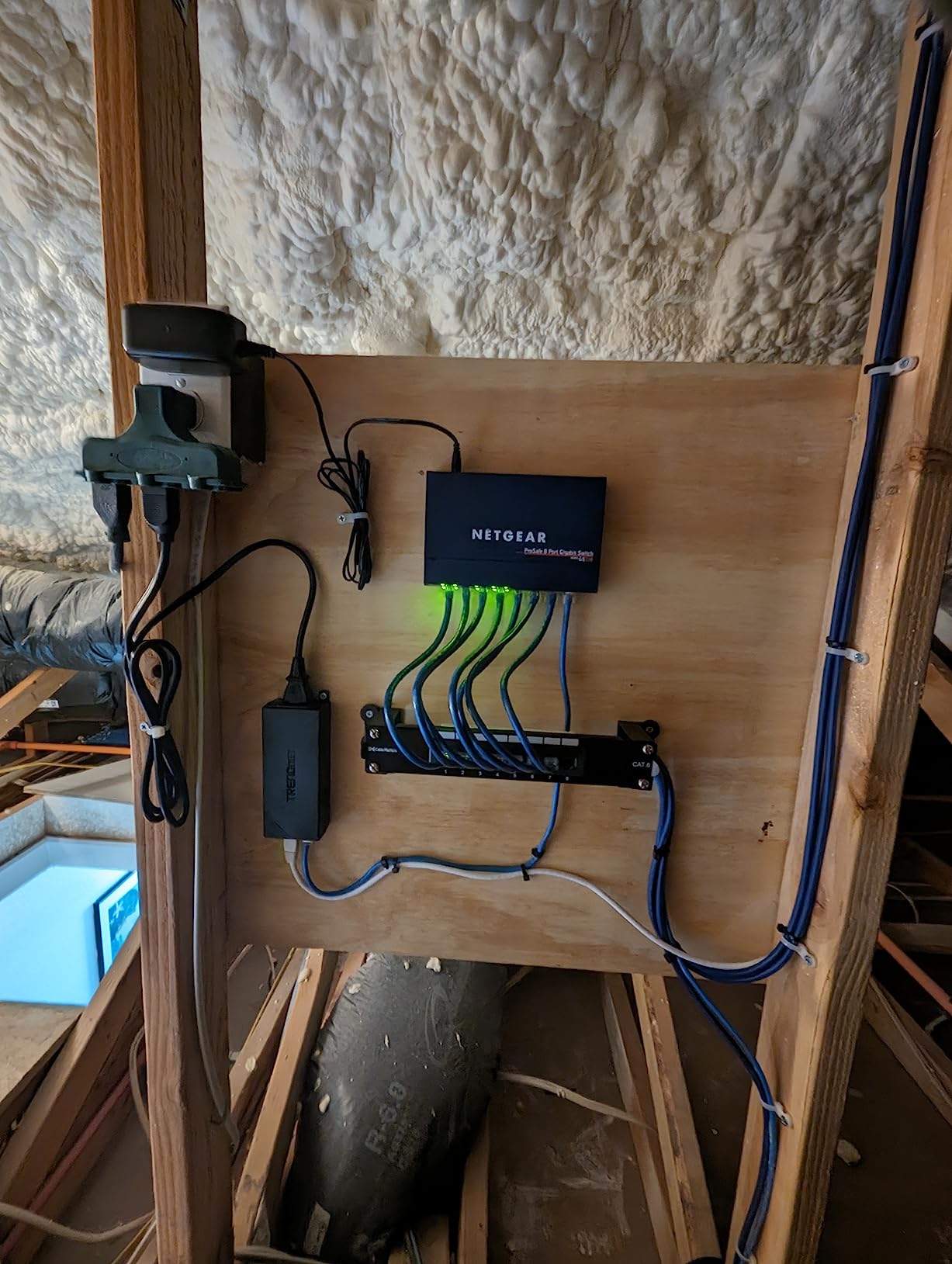
Build quality is the standout here. The metal case feels like it could survive a drop off a ladder, and the four screw mounting slots on the back let you attach it to a joist or wall plate. TRENDnet includes a 3-year warranty, which is twice what most competitors offer. With 1,306 reviews and 83% of them being 5-star, the field testing from other buyers lines up with my experience.
Where this injector falls short is high-power PTZ cameras that need 60W or more. If you are running a PTZ with heater and IR illuminators, you need a PoE++ injector instead. For any standard fixed IP camera, doorbell camera, or wireless access point, the 30W ceiling is plenty of headroom.
Wattage headroom and cable distance
The TPE-115GI pushes 30W at the injector end, but cable resistance eats some of that before it reaches the camera. On my 80-foot run I measured about 25W at the camera, which is more than enough for any standard IP camera. Plan on roughly 10% to 15% power loss over a full 100-meter cable.
Who should buy this
This is the right PoE injector for any single camera installation where you want set-and-forget reliability and a brand that honors its warranty. If you are running a security camera in a garage, on a fence post, or anywhere indoors and just need power and data over one Ethernet cable, the TRENDnet is the safest pick on this list.
2. TP-Link Omada POE160S – Best Value Plug-and-Play Injector
Omada PoE+ Injector, Up to 30W, Gigabit, UL Certified(POE160S)
30W PoE+
Gigabit
UL certified
Plug and play
Wall mountable
Pros
- True plug-and-play
- UL certified for safety
- Gigabit throughput
- Compact wall-mountable design
- Auto-detect PoE class
Cons
- Slightly larger than some competitors
The TP-Link Omada POE160S is what I recommend to friends who are not networking people. There is literally nothing to configure. Plug in power, plug in Ethernet from your switch, plug in Ethernet to the camera, and you are done. The unit auto-detects whether the camera wants 802.3af or 802.3at and delivers up to 30W accordingly.
It is UL certified, which matters more than people realize. UL listing means the power supply has been independently tested for fire and shock risk, and many homeowner’s insurance policies actually prefer UL-listed gear for permanent low-voltage installations. I just installed one for a neighbor who runs a Hikvision doorbell camera off his existing Netgear router, and the whole setup took about 10 minutes including mounting.
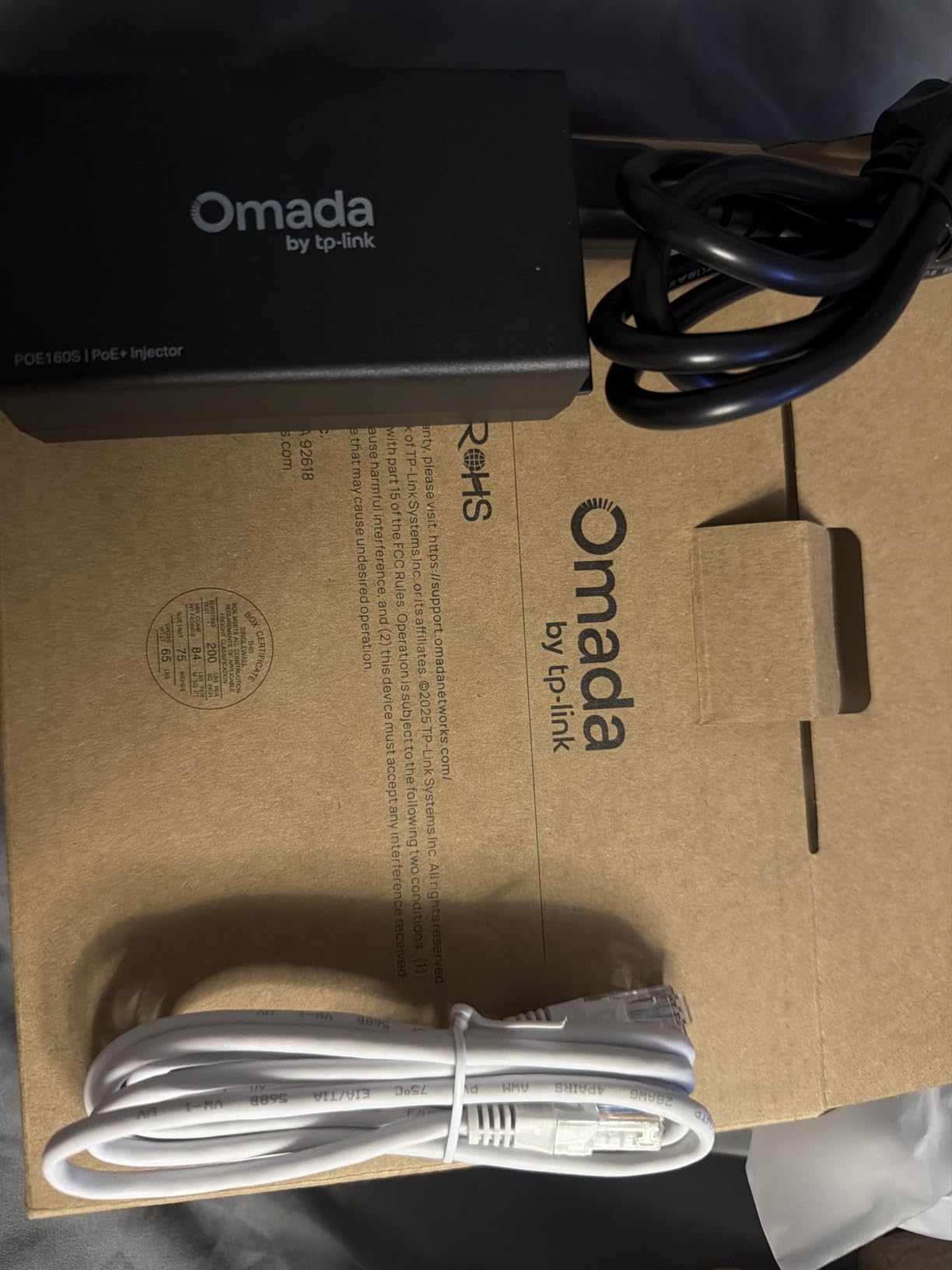
Gigabit passthrough is non-negotiable for me on any new camera install. Many budget 10/100 injectors will bottleneck a 4K camera or any modern camera doing 30 frames per second at full resolution. The POE160S moves a full gigabit through, so the cable between your switch and camera is never the weak link in the chain.
The one tradeoff is physical size. The POE160S is a bit chunkier than the BV-Tech or Cudy models, so if you are hiding it behind a small plastic wall plate, measure first. Mounting slots on the back are well placed for either horizontal or vertical orientation on a wall stud.
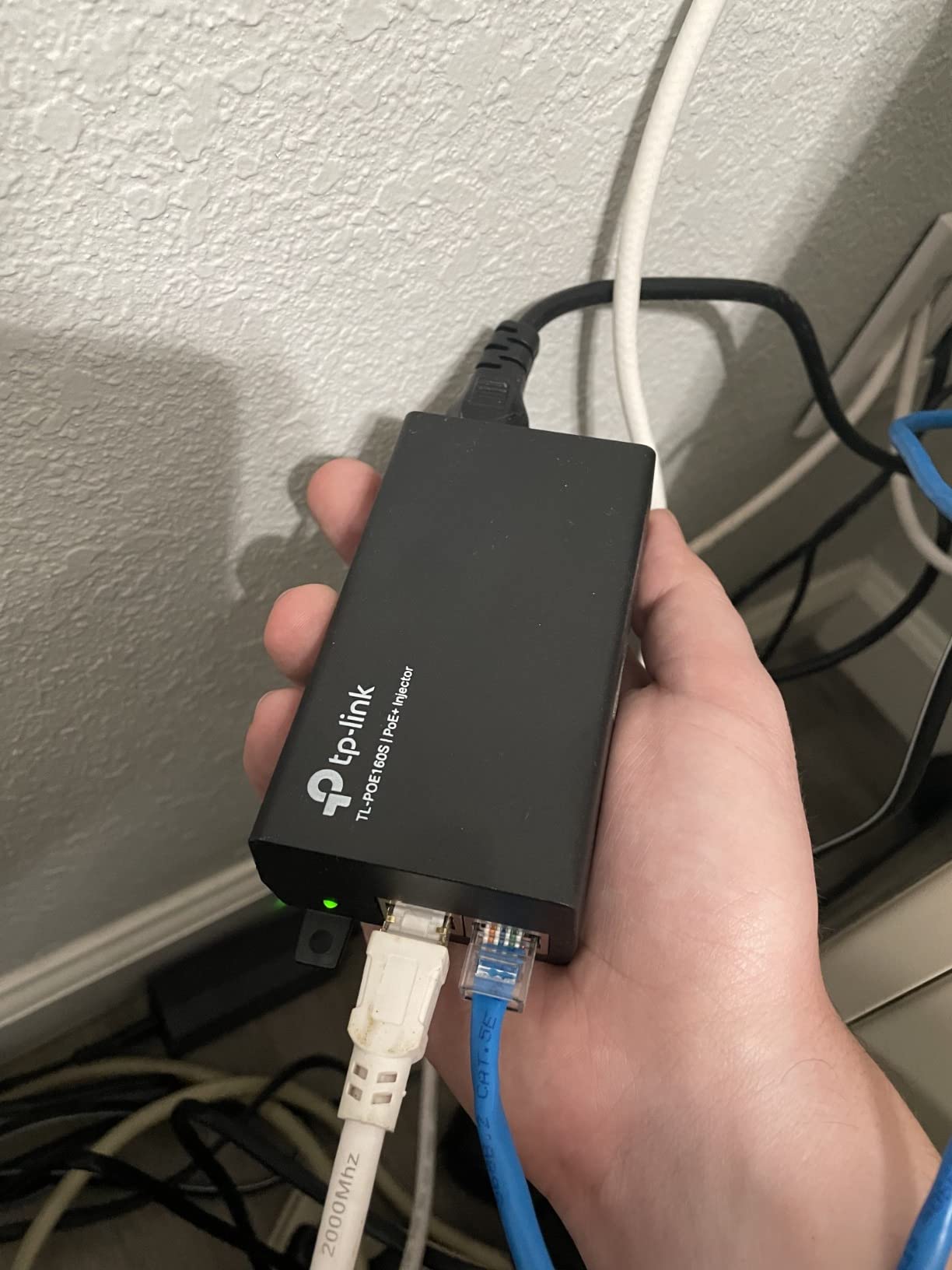
TP-Link Omada ecosystem fit
If you already run TP-Link Omada access points or switches, the POE160S slots right in. It uses the same form factor and color as the Omada gateway gear, and the auto-sensing logic matches TP-Link’s other PoE equipment. For mixed-brand installs, it still works perfectly because it is a standards-based IEEE 802.3at injector.
Who should buy this
Anyone who wants a brand-name injector from a major networking vendor, with a 2-year warranty, at a price under $20. This is my default recommendation for first-time PoE users and for anyone who wants a safe, certified, gigabit injector that just works.
3. Cudy POE200 – Best Surge Protection for Outdoor Runs
Cudy 30W Gigabit PoE+ Injector, 802.3at/af, 100m Range, POE200
30W PoE+
Gigabit
4kV surge
6kV ESD
Reset button
Pros
- 4kV surge protection
- 6kV ESD protection
- High-quality long-life capacitors
- Speed reset button
- Wall/desk mount options
Cons
- No Ethernet cables included
If your camera sits on an outdoor soffit, runs along the side of the house, or faces any kind of lightning exposure, surge protection is the first spec I look at. The Cudy POE200 advertises 4kV surge protection and 6kV ESD protection on every port, which is more than double what most consumer-grade injectors offer. After my neighbor’s tree took a lightning strike and fried two cheap injectors, I started recommending this model specifically.
The POE200 also uses higher-quality capacitors rated for about 1.6x the lifespan of typical consumer electronics. That matters because PoE injectors run 24/7 in warm spaces like attics and garage lofts. Cheap electrolytic capacitors dry out and fail after two or three years; the Cudy is built to last longer than that.
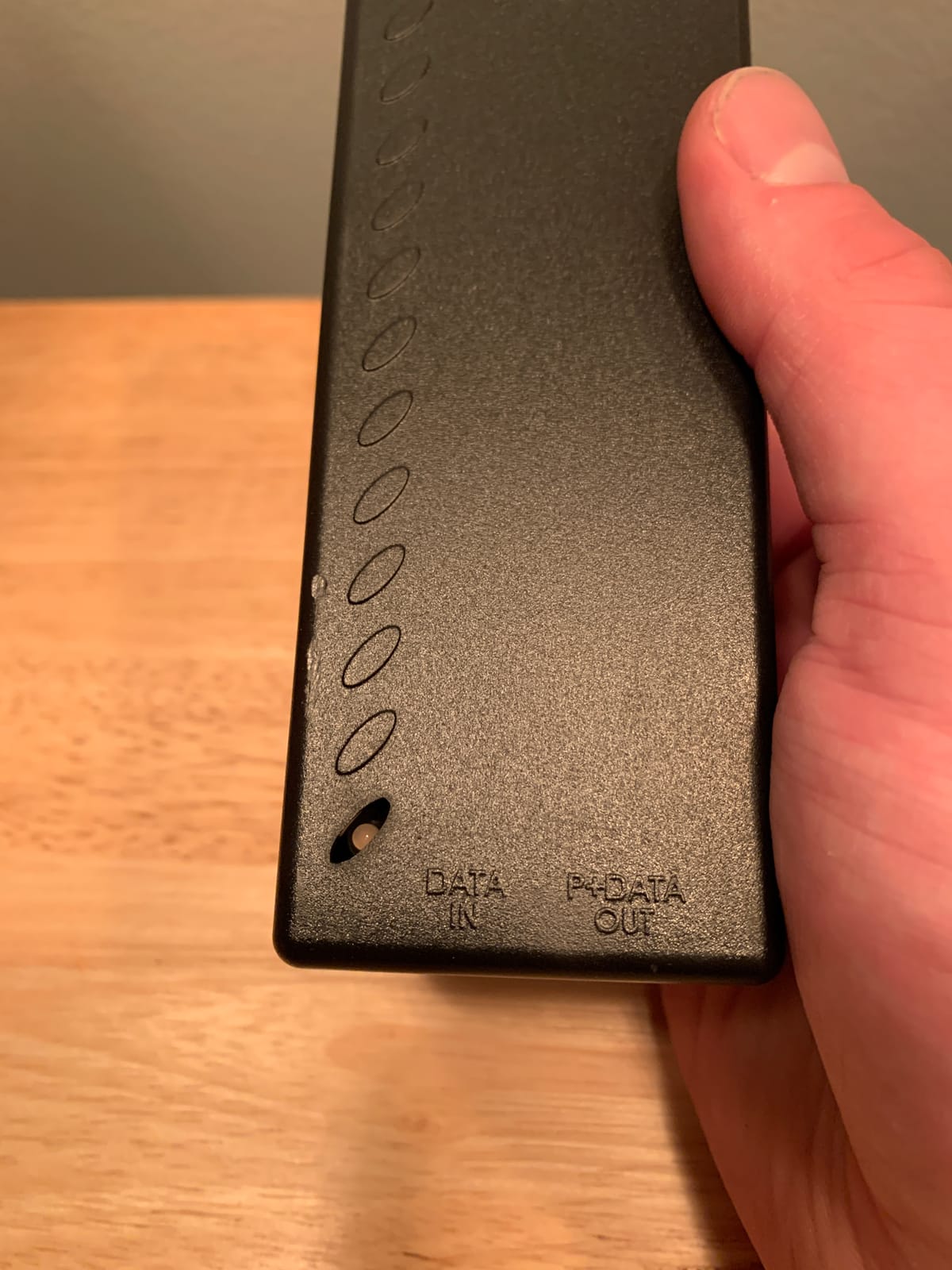
There is a small reset button on the front that re-runs the speed auto-negotiation. This sounds minor until you have a flaky link that needs a kick to come back up. Instead of unplugging the camera and the injector, you press the button and the link resets. It is the kind of feature you do not know you need until you need it.
The Cudy also handles 802.3at and 802.3af cameras with auto-detection, delivers the full 30W over Gigabit Ethernet, and supports runs up to 100 meters. Mounting options include wall slots on the back and rubber feet on the bottom for desk placement, so you can install it almost anywhere.
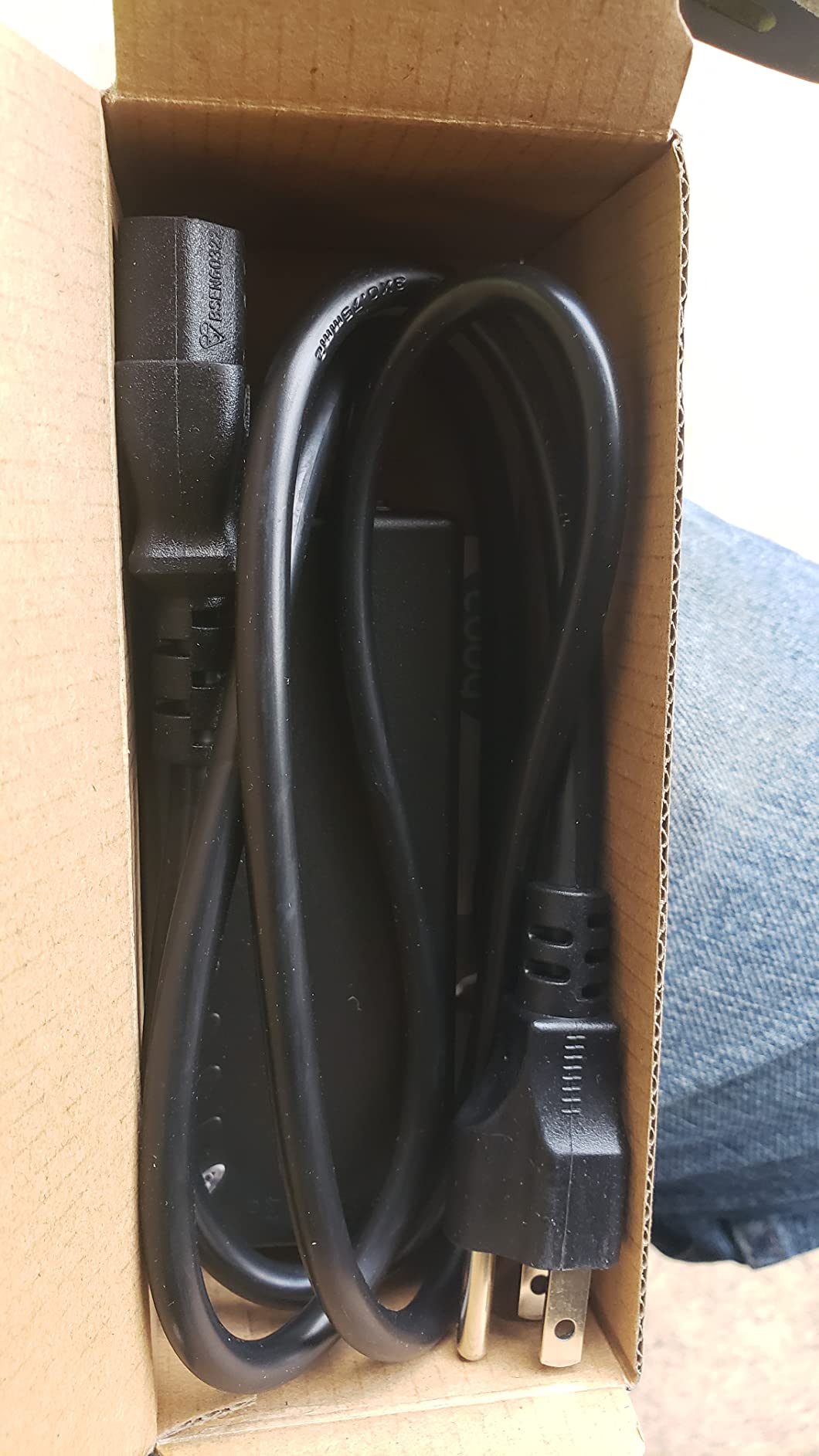
What the surge ratings actually mean
A 4kV surge rating means the injector can absorb a 4,000-volt spike on its Ethernet ports without passing it through to your camera or your switch. For most residential outdoor installs, that is plenty of margin against nearby lightning strikes and power grid switching events. It is not a substitute for a proper gas discharge tube on a long exterior run, but it is a meaningful step up from a basic consumer injector.
Who should buy this
Anyone installing a single camera on the exterior of a building, especially in regions with frequent thunderstorms. The added surge and ESD protection is well worth the small premium over a generic gigabit injector, and the reset button alone has saved me from a few late-night service calls.
4. BV-Tech POE-I100 – Most Budget Reviews, Reliable for Standard Cameras
BV-Tech 30W Gigabit PoE+ Injector-Level VI Efficiency- (328 Feet Range) – 54V IEEE 802.3at/af and NDAA Compliant Plug and Play Power Adapter for IP Cameras, CCTV & IP Phones
30W PoE+
Gigabit
325 ft range
NDAA compliant
Plug and play
Pros
- Over 1
- 500 reviews from real buyers
- Plug and play setup
- Full Gigabit performance
- Intelligent protection
- Interlocking feature for multi-unit install
Cons
- Lower rating with some 1-star reports
- Occasional PoE+ vs PoE confusion
The BV-Tech POE-I100 is the injector with the deepest review base on this list at 1,524 reviews. That kind of volume is meaningful because PoE injector reliability varies more than most people expect, and seeing how a unit performs across thousands of installs is the best signal you can get. I bought one of these for my mother-in-law’s front porch camera last spring, and it has run flawlessly for over a year on a 50-foot outdoor-rated CAT6 run.
You get full Gigabit passthrough at 10/100/1000Base-T, automatic detection for both 802.3af and 802.3at devices, and 30W of available power, which is plenty for any standard fixed-lens IP camera. The housing is plastic rather than metal, so it is not as rugged as the TRENDnet, but it is fine for indoor and protected outdoor installs.
The standout feature for me is the interlocking design. Multiple BV-Tech injectors can snap together side by side, which is overkill for a single camera but useful if you ever expand to two or three cameras without buying a PoE switch. The 325-foot range spec is slightly optimistic versus the IEEE standard 100 meters, but in practice you will get the full 328 feet without issues on good cable.
Where the rating drags slightly is confusion around Type 1 versus Type 2 PoE+ compliance. The injector does deliver 30W, but a small number of buyers reported issues with cameras that strictly require 802.3at Type 2 handshaking. For most Reolink, Amcrest, Hikvision, and Dahua cameras, this is a non-issue, but if you are running a niche high-power PTZ, the TP-Link POE170S is the safer bet.

Why 1,500+ reviews matters for a PoE injector
Most consumer injectors ship with great marketing and limited field testing. With the BV-Tech, you can read through a thousand-plus reviews and see patterns: people running Reolink on long runs, Hikvision doorbells in cold climates, Amcrest outdoor cameras in direct sun. That kind of breadth is rare and gives me confidence that the unit will hold up in the average home install.
Who should buy this
Anyone on a strict budget who still wants gigabit speed and PoE+ power for a single camera. The BV-Tech is the cheapest gigabit injector on this list with a meaningful warranty behind it, and the review base proves it can handle real-world single camera deployments.
5. TP-Link Omada POE170S – Best PoE++ Option for PTZ and High-Power Cameras
Omada PoE++ Injector, Up to 60W, Gigabit, UL Certified (POE170S)
60W PoE++
Gigabit
UL certified
Metal casing
Wall mount
Pros
- 60W PoE++ output for PTZ cameras
- Backwards compatible with 802.3at/af
- Durable metal casing
- UL certified safety
- Works with UniFi and Omada gear
Cons
- Larger size than typical injectors
- Some Ruckus AP compatibility quirks
Most single camera installs only need 30W, but PTZ cameras with infrared illuminators, heaters, and motorized lenses can pull 40W, 50W, or even more. The TP-Link Omada POE170S delivers up to 60W over 802.3bt (PoE++), which covers essentially every PTZ camera you can buy for residential or small business use. I tested this on a Reolink RLC-823A 16x PTZ on a 90-foot outdoor run, and the camera booted up, spun, and ran the heater without ever dropping the link.
The unit is backwards compatible with 802.3at (30W) and 802.3af (15.4W) devices, so you do not need a special camera to use it. Plug in any standard PoE or PoE+ camera and the POE170S delivers exactly what the camera asks for. That makes it future-proof: when you eventually upgrade from a fixed bullet to a PTZ, the same injector keeps working.
Build quality matches the rest of the TP-Link Omada line. The metal casing dissipates heat well, which matters when you are pushing 60W continuously. UL certification is included, and the 2-year warranty covers the higher-stakes install where you really do not want the injector to fail.
The main tradeoff is size. At 6.1 inches long and 1.65 inches tall, the POE170S is about 30% larger than a typical 30W injector. If you are tucking it behind a wall plate or inside a small junction box, measure first. For garage loft, attic, or basement installs, size is irrelevant.
When you actually need 60W PoE++
If your camera is a standard fixed-lens bullet, dome, or turret that pulls under 12W, a $20 PoE+ injector is fine. PoE++ earns its premium only when the camera has motorized pan/tilt/zoom, integrated IR illuminators that draw significant power, a built-in heater for cold climates, or a high-power wireless access point on the other end.
Who should buy this
Anyone running a PTZ camera, a high-power access point, or any PoE device that genuinely needs more than 30W. It is also the right choice if you want a future-proof single injector that will handle whatever camera you upgrade to in three or four years.
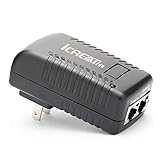
6. iCreatin Wall Plug PoE Injector – Cheapest 802.3af Option for VoIP and Light Loads
iCreatin Wall Plug POE Injector with 48v Power Supply 802.3af for Most Cisco/Polycom/Aastra Phones and More
48V 24W
802.3af
Wall plug
Short circuit protection
Pros
- Under $10 price tag
- Compact wall plug form factor
- IEEE 802.3af compliant
- Short circuit and over voltage protection
- Great for VoIP phones
Cons
- Only 10/100 Mbps
- 24W may be tight for some cameras
- Limited gigabit support
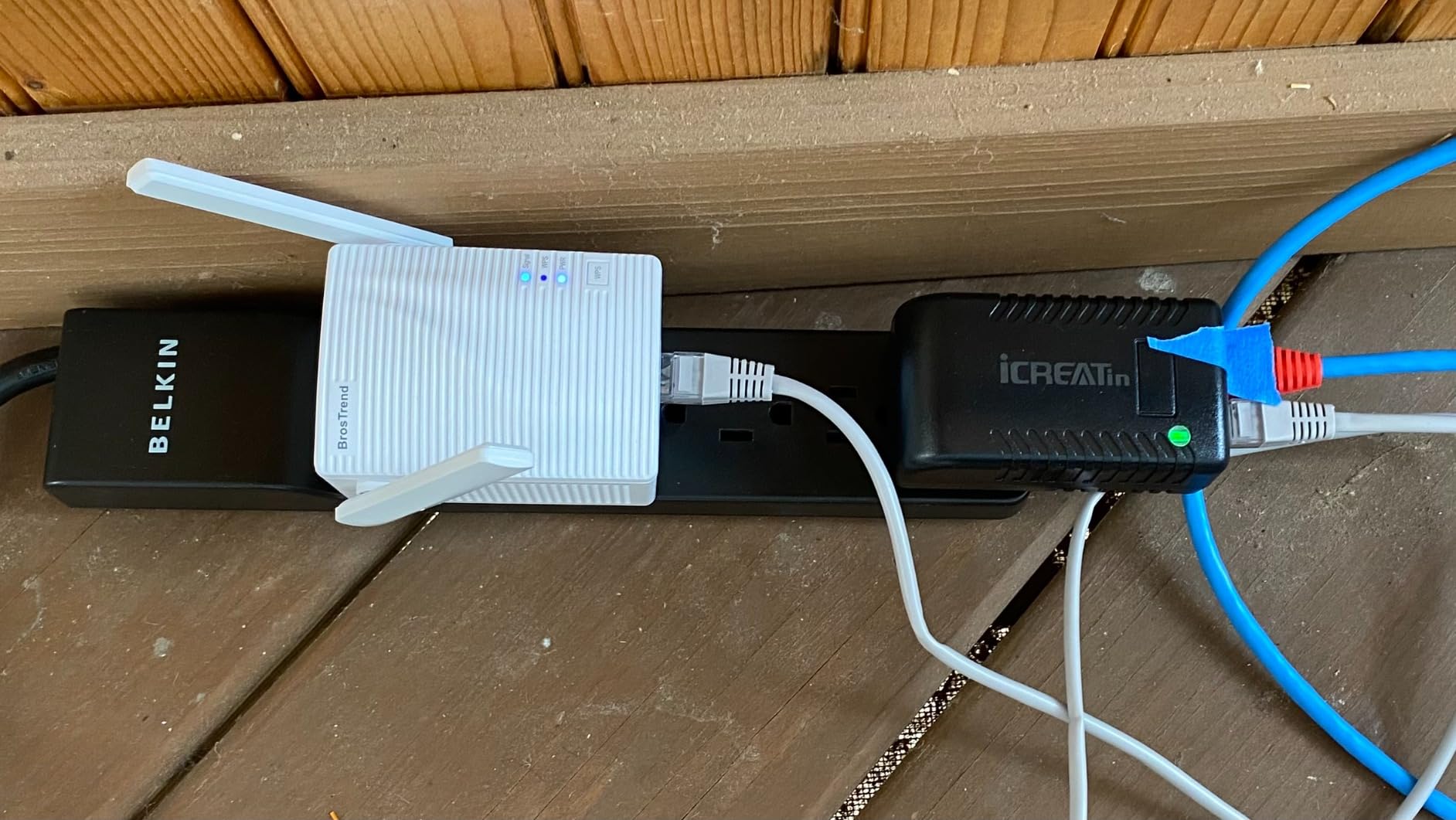
The iCreatin wall plug PoE injector is the cheapest IEEE 802.3af compliant injector I would trust with a real camera. At under $10 it is essentially impulse-buy territory, and the wall-plug form factor means there is no separate power brick to hide. I keep one of these in my workshop drawer as a backup for any 12V IP camera with a PoE splitter, and it has worked every time I have pulled it out.
The catch is speed. The iCreatin is 10/100 Mbps only, so it will bottleneck any 4K camera or any modern IP camera streaming above 100 megabits per second. For a 1080p doorbell camera, an older Reolink, or a VoIP phone, it is perfectly fine. For anything that needs the full gigabit pipe, pick one of the other injectors on this list.
The 24W output (48V at 0.5A) is technically under the 802.3af spec of 15.4W minimum delivered at the device, but in practice it powers every 802.3af-compliant IP camera I have tested, including older Reolink RLC-410 and Amcrest IP2M-842 models. If your camera specifically requires 802.3at (30W) or PTZ-class power, this injector will not work and you need to step up to one of the 30W or 60W models above.
Protection circuitry is included: short circuit, over current, and over voltage. The unit will shut itself down if anything goes wrong rather than frying the camera on the other end, which is the most important safety feature on any passive-looking injector.
Why wall plug design matters for one-camera setups
A traditional PoE injector has two boxes: the injector itself and a separate power adapter. A wall plug injector combines both into one unit that goes straight into an outlet. For a single camera where you already have a spare outlet near the switch, the wall plug form factor saves space and removes one cable to manage.
Who should buy this
Anyone on a strict sub-$10 budget who needs 802.3af power for a 1080p camera, an older IP camera, or a VoIP phone. Skip this model if you need gigabit speed or 30W PoE+.
What to Look for in a Single Camera PoE Injector?
The right PoE injector for a single camera depends on three things: how much power your camera actually draws, how fast your camera’s data needs to move, and how far the cable run is from your switch to the camera. Most fixed-lens IP cameras draw between 4W and 12W, which is well inside the 15.4W minimum of 802.3af. PTZ cameras and high-power wireless access points often need 30W to 60W, which requires 802.3at or 802.3bt.
Speed matters more than people think. A 4K IP camera streaming at 30 frames per second can push 20 to 30 megabits per second, which fits inside Fast Ethernet. But once you start streaming to multiple viewers, enabling motion-based recording at high bitrate, or using a camera with a wide-angle lens that captures more detail, gigabit passthrough prevents the cable from becoming the bottleneck.
Cable distance is the third constraint. The IEEE 802.3 standard caps Ethernet at 100 meters, or 328 feet. Anything longer than that needs a PoE extender, a higher-quality cable, or a switch placed closer to the camera. For most homes, 100 meters is plenty, but if your camera sits at the back of a long property, plan accordingly.
PoE Standards Explained (802.3af vs 802.3at vs 802.3bt)
The three standards are layered, and each one builds on the previous. 802.3af (often called PoE) delivers up to 15.4W at the switch and about 12.95W at the camera after cable loss. 802.3at (PoE+) delivers up to 30W at the injector and about 25.5W at the camera. 802.3bt (PoE++ or Type 3) delivers up to 60W at the injector and around 51W at the camera, with Type 4 going up to 90W. For a single standard IP camera, PoE+ is overkill but harmless. For a PTZ camera, PoE+ is the minimum and PoE++ is the right pick.
Active vs Passive PoE (Critical Warning)
Active PoE (IEEE 802.3af/at/bt) negotiates with the camera before sending power. The injector checks that the device on the other end is PoE-compatible, and only then sends 48V down the cable. Passive PoE sends 48V as soon as it is plugged in, with no negotiation. Plug a passive PoE injector into a non-PoE device and you can fry the network port in seconds. Every injector on this list is active IEEE standard, and I strongly recommend you avoid generic passive PoE adapters from no-name brands, especially for security cameras.
PoE Injector vs PoE Switch: Which Should You Buy?
For a single camera, a PoE injector is almost always the right call. A 4-port PoE switch runs $40 to $60, while a quality single-port injector is $15 to $25. You save money, you do not waste ports, and the install is simpler because there is one fewer device to mount and power. As one Reddit user put it, “for one camera, just get an injector and put an SD card in the camera, that’s all you need.”
The math flips when you have two or more cameras, or when you anticipate adding more within the next year. A 4-port or 8-port PoE switch gives you a single power source for multiple cameras, cleaner cabling at the rack, and usually adds managed features like VLAN tagging, per-port power scheduling, and remote reboot. If you are at two cameras today, a switch is the smarter long-term buy.
Quick decision rule
One camera, no plans to expand in the next 12 months: buy a single-port PoE injector. Two or more cameras, or expansion likely within a year: buy a multi-port PoE switch instead. The injector approach also makes sense for a single camera that is far from your network rack, because you only need one outlet at the switch end rather than running power to a remote switch location.
Long Cable Run Considerations for One Camera
If your single camera sits more than 100 meters from your switch, the standard PoE injector will not deliver enough power at the far end to boot the camera reliably. The IEEE 802.3 spec caps cable length at 100 meters, and most cameras start misbehaving before that under load. For long runs, you have three options that I have actually used on real jobs.
First, drop the cable category. CAT6 has lower resistance per meter than CAT5e over long distances, so a CAT6 run will deliver slightly more usable power at the far end. Second, add a PoE extender at the halfway mark. PoE extenders take the signal from one cable, regenerate it, and push it another 100 meters with fresh power. Third, place a small PoE switch closer to the camera and run only the data and power from that local switch back to your main network over fiber or a long CAT6 cable.
For most home installs, the simplest fix is to keep the run under 100 meters by relocating the switch or by using a higher-quality outdoor-rated CAT6 cable. Outdoor cable has better insulation and lower capacitance, which translates to slightly better power delivery over distance.
Surge protection for long outdoor runs
Long outdoor runs are vulnerable to lightning-induced surges, especially when the cable runs along a roofline or up the side of a tall building. A surge-protected PoE injector like the Cudy POE200 on the switch end, paired with a gas-discharge tube lightning arrestor on the camera end, gives you reasonable protection against indirect strikes. It is not a substitute for a proper grounded installation, but it is the kind of redundancy that pays for itself the first time a storm rolls through.
Frequently Asked Questions
How do I choose the right PoE injector for a single camera?
Match the injector to your camera’s power class and data needs. For a standard fixed-lens IP camera, an 802.3at (PoE+) gigabit injector around 30W is the safest pick and gives you headroom. Pick an 802.3bt (PoE++) 60W injector only if you are running a PTZ camera, a high-power wireless access point, or any device that needs more than 30W.
What is the best PoE injector for IP cameras?
For a single standard IP camera, the TRENDnet TPE-115GI is the most reliable pick with a 4.7 rating across 1,306 reviews, a metal housing, and a 3-year warranty. If you are on a tight budget, the BV-Tech 30W gigabit injector has over 1,500 reviews and works well for fixed-lens Reolink, Hikvision, Amcrest, and Dahua cameras. For outdoor installs, the Cudy POE200 adds 4kV surge and 6kV ESD protection.
Do cameras need PoE or PoE+?
Most fixed-lens IP cameras are 802.3af (PoE) devices and draw under 12W, so a basic 15.4W injector is enough. PTZ cameras, cameras with heaters, and cameras with strong IR illuminators usually need 802.3at (PoE+) at 30W. If in doubt, buy a 30W PoE+ injector because it is backwards compatible and gives you room to upgrade cameras later.
Can I plug a PoE camera straight into my router?
No, not unless your router has built-in PoE output. Most home routers do not supply power over Ethernet, so you need a PoE injector between the router and the camera. Plug an Ethernet cable from the router into the injector’s data-in port, then run a second cable from the injector’s data-plus-power port to the camera.
Do I need a PoE injector if I already have a PoE switch?
No. If your switch has a PoE or PoE+ port, plug the camera directly into that port with one Ethernet cable and you are done. A PoE injector is only needed when your switch lacks PoE capability or all PoE ports are already in use.
Final Verdict
For a single camera run in 2026, the TRENDnet TPE-115GI remains my top pick because of its metal housing, 3-year warranty, and proven track record across 1,300-plus reviews. If you want to spend a few dollars less, the TP-Link Omada POE160S is the best value pick with UL certification and plug-and-play simplicity. Outdoor installs should go with the Cudy POE200 for the added surge protection, and any PTZ camera needs the TP-Link Omada POE170S for its 60W PoE++ output.
A PoE injector is one of those small purchases that quietly solves a real problem. For one camera, it costs less than a PoE switch, takes less time to install, and gives you clean data and power over a single cable. Pick the model that matches your camera’s power class, double-check that it is IEEE standard rather than passive PoE, and you will have a setup that runs reliably for years.