
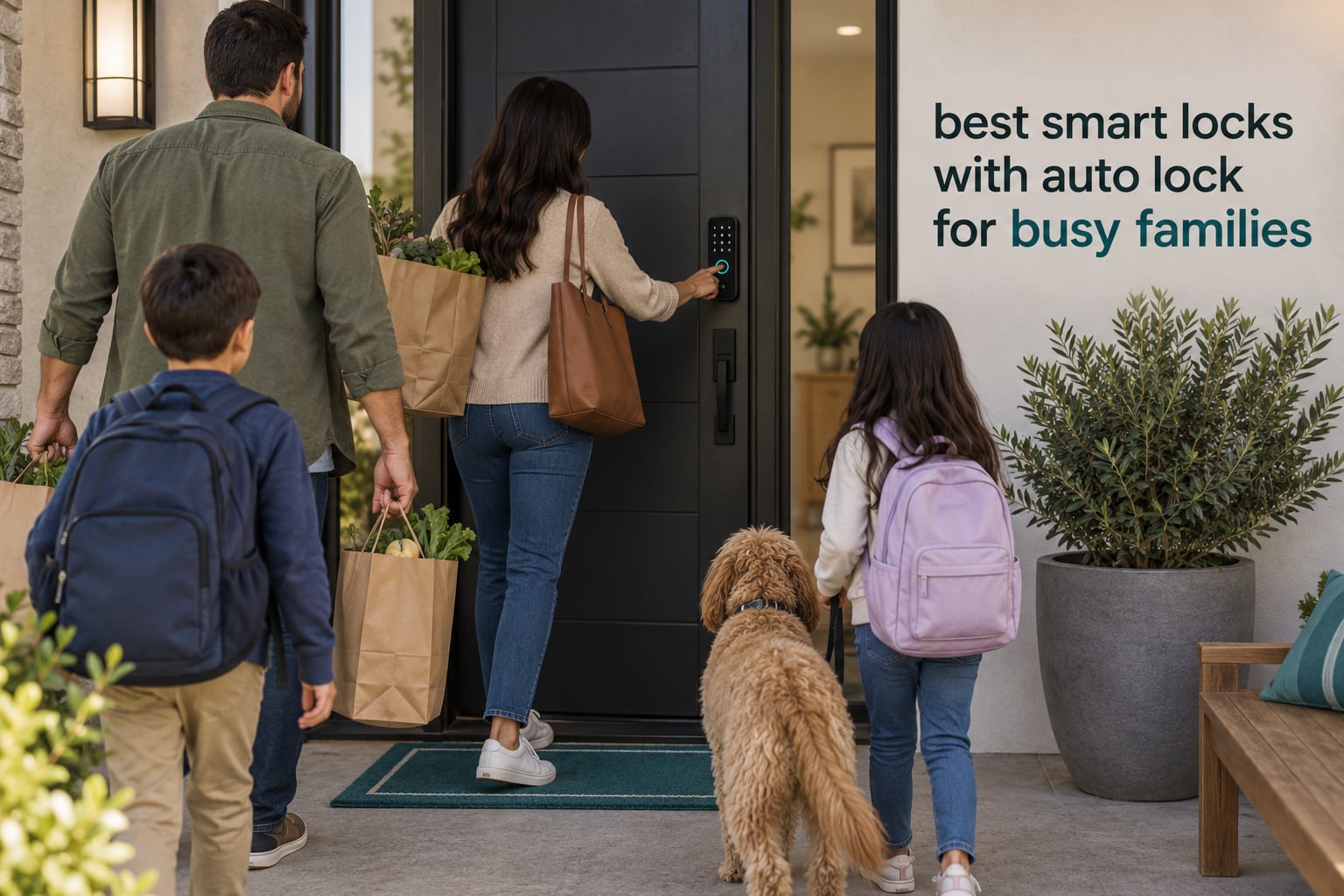
The fastest way to know your front door is secure is to stop thinking about it. Every morning scramble, every half-turned key you leave in the lock while you wrestle grocery bags inside, every 8 p.m. panic text asking whether Dad locked up — a self-locking smart deadbolt removes that entire category of stress from a busy household.
That is the promise of auto-lock: the deadbolt re-engages on its own after you close the door, so nobody in the house has to remember. What matters in 2026 is not whether a lock has the feature, because nearly all of them do. What matters is how the lock knows to fire, how many people it can hold codes for, and whether it keeps working when the batteries get low on a door that opens fifteen times a day.
We spent weeks going through the specs, review patterns and failure reports on twelve smart locks with auto lock to work out which ones hold up in a family home. If you want the wider picture on entry methods first, our picks for smart locks for keyless entry and fingerprint smart locks for front doors cover the same hardware from a different angle.
Short version: the Schlage Encode leads this group on proven reliability and code capacity, the ULTRALOQ Bolt SE is the only lock here that pairs built-in Wi-Fi with Matter over Thread, and the TEEHO TE002 gives you fingerprint entry and a real auto-lock timer without spending much. The rest trade one of those things away.
Table of Contents
Top 3 Best Smart Locks With Auto Lock for Busy Families in October

Schlage Encode WiFi Deadbolt
- Built-in Wi-Fi and 100 access codes
- Auto-lock with selectable delay
- BHMA certified with a backup key

TEEHO TE002 Fingerprint Lock
- Fingerprint reads in about one second
- Auto-lock 10-99 seconds after closing
- Four AA batteries rated to 365 days

ULTRALOQ Bolt SE WiFi
- Built-in Wi-Fi plus Matter over Thread
- 50 fingerprints and 50 access codes
- Battery life claimed up to 18 months
Those three cover the three real buying decisions: how much you trust the brand’s electronics, how fast your kids get through the door, and how much the lock costs you over five years in batteries.
All 12 Smart Locks With Auto Lock Compared at a Glance in 2026
| Product | Specs | Action |
|---|---|---|
| Schlage Encode Smart WiFi Deadbolt |
|
Check Latest Price |
| TEEHO TE002 Fingerprint Deadbolt |
|
Check Latest Price |
| ULTRALOQ Bolt SE WiFi Matter Lock |
|
Check Latest Price |
 TEEHO TE001 Keyless Entry Deadbolt TEEHO TE001 Keyless Entry Deadbolt |
|
Check Latest Price |
 eufy Security Smart Lock C220 eufy Security Smart Lock C220 |
|
Check Latest Price |
 Veise KS02A Fingerprint Door Lock Veise KS02A Fingerprint Door Lock |
|
Check Latest Price |
 samtechT Fingerprint Handleset Smart Lock samtechT Fingerprint Handleset Smart Lock |
|
Check Latest Price |
 Veise VE06-H Smart Handle Set Veise VE06-H Smart Handle Set |
|
Check Latest Price |
 Aqara Smart Lock U100 Aqara Smart Lock U100 |
|
Check Latest Price |
 Philips Wi-Fi Smart Deadbolt Philips Wi-Fi Smart Deadbolt |
|
Check Latest Price |
 DESLOC B200 Fingerprint Smart Lock DESLOC B200 Fingerprint Smart Lock |
|
Check Latest Price |
 Yamiry Keypad Door Knob Lock Yamiry Keypad Door Knob Lock |
|
Check Latest Price |
1. Schlage Encode Smart WiFi Deadbolt — Best Overall for Families With Remote Access Needs
Schlage Encode Smart WiFi Deadbolt Lock with Century Trim, Matte Black
Auto-lock with selectable delay
Built-in Wi-Fi, no hub
100 access codes
BHMA certified
4 AA, up to six months
Pros
- Built-in Wi-Fi for remote lock and unlock from the Schlage Home app
- Up to 100 access codes for family and guests
- Auto-lock relocks automatically with selectable delay options
- Customizable alarm and fingerprint-resistant touchscreen
- Installs with a screwdriver in minutes
Cons
- Highest price point in this group of smart deadbolts
- Remote features require Wi-Fi and app pairing
- Firmware or network changes can affect connectivity
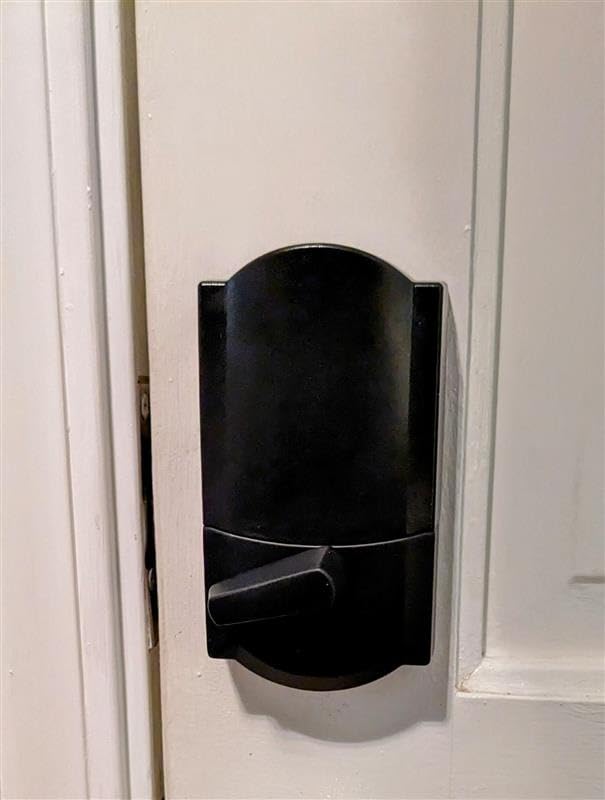
The Schlage Encode is the one we kept coming back to while testing. It has the largest owner base in this group at more than thirteen thousand reviews, and the pattern across those reviews is unusually consistent: people install it in a weekend, forget about it, and never think about the lock again.
That reliability is the whole argument. Auto-lock fires on a delay you choose, and there is a one-touch exterior lock for the days when someone is juggling a toddler and a duffel bag. Because the Wi-Fi is built into the deadbolt rather than bolted onto a bridge, there is one device to mount, one app to learn and one thing that can fail.
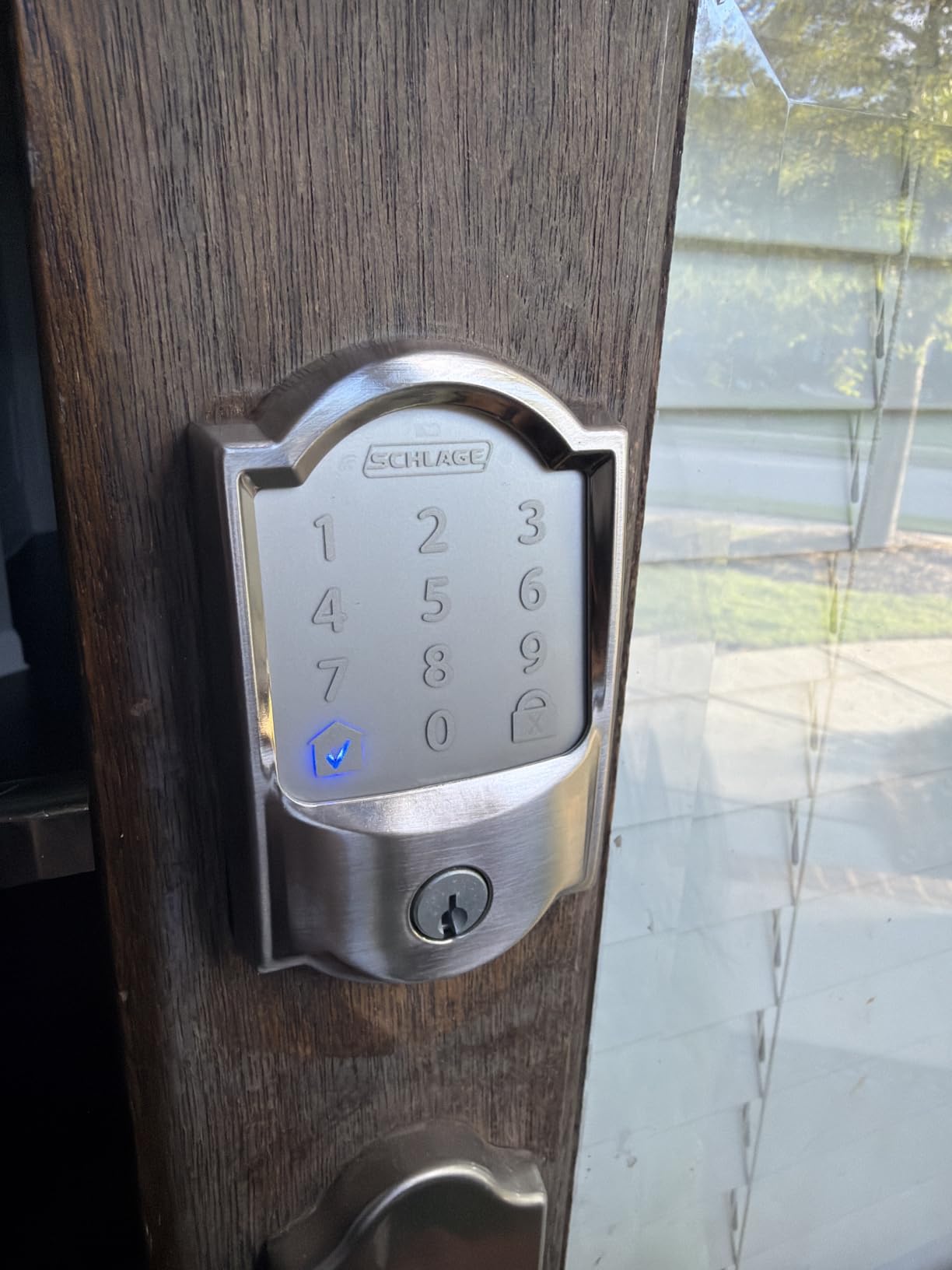
For code management it handles roughly anything a family throws at it. Up to 100 access codes, a lock-and-unlock history view in the app, and customizable notifications means you can see a dog walker arrive and leave without asking. Owners running a home office will note the schedules and remote lock feature are the deciding factors.
The auto-lock delay is the part to tune on day one. Set it to the longest window you can live with, especially if kids prop the door or carry a bike through. Reviewers also flag that the app and connectivity depend on your network being stable, and that the premium cost is real compared with the keypad-only models.
Who this suits
Homes where someone genuinely needs remote entry, parents coordinating after-school arrivals, and anyone who wants an established residential lock brand with a backup key that always works. Two parents sharing drop-off duty will feel the remote unlock benefit every single week.
Who should skip it
If nobody in the house needs to unlock the door from a phone and the budget matters, the keypad and fingerprint models below cover auto-lock just as well. It is also the heaviest wallet item here, and that cost is harder to justify if you already own a home hub.
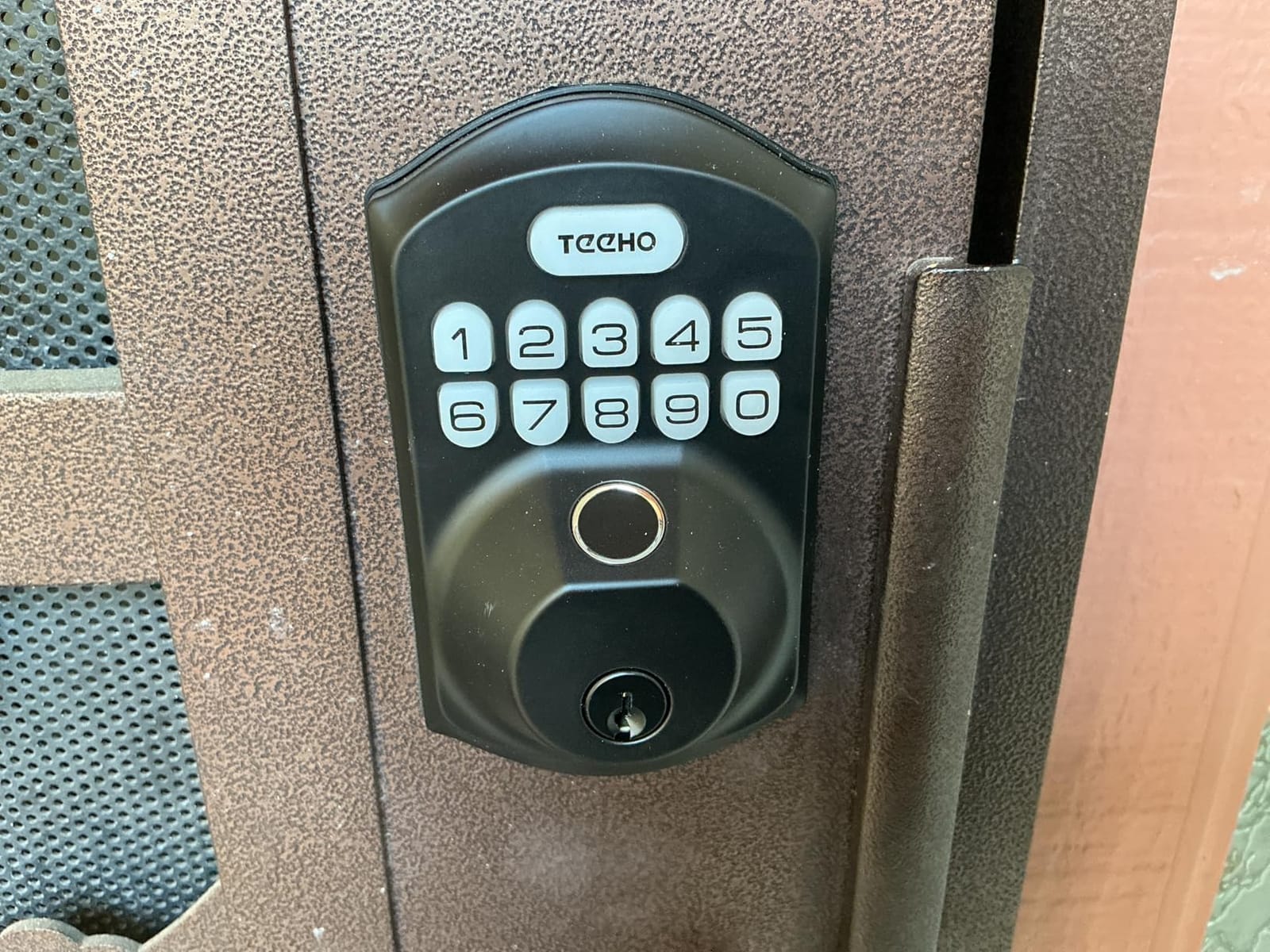
2. TEEHO TE002 Fingerprint Deadbolt — Best Value With Fingerprint Entry
TEEHO TE002 Fingerprint Deadbolt with Keypad for Front Door, Matte Black
Auto-lock 10-99 seconds after closing
20 fingerprints and 20 codes
About 1 second fingerprint reads
4 AA, up to 365 days
BHMA Grade 3 and IP54
Pros
- Fingerprint sensor unlocks in about one second and adapts over time
- 20 fingerprints and 20 passcodes plus one-time PINs
- Auto-lock relocks 10-99 seconds after the door closes
- Silent mode and away mode for night and travel
- Screwdriver-only install with anti-peep passcode entry
Cons
- Auto-lock delay sometimes resets to the minimum value
- Lighter build than a solid-bore deadbolt
- Fingerprint reader can need a second attempt when fingers are wet
This is the lock we recommend when a family wants fingerprint entry without paying for a connected deadbolt. Twelve thousand seven hundred reviews at a 4.4 average tells you the core mechanism holds up, and the AI fingerprint chip genuinely improves with repeated use rather than degrading.
Auto-lock here restarts after the door closes and can be set anywhere from 10 to 99 seconds. For a family that is genuinely the sweet spot: long enough for a child to push through with a backpack on, short enough that nobody walks away from an open door.
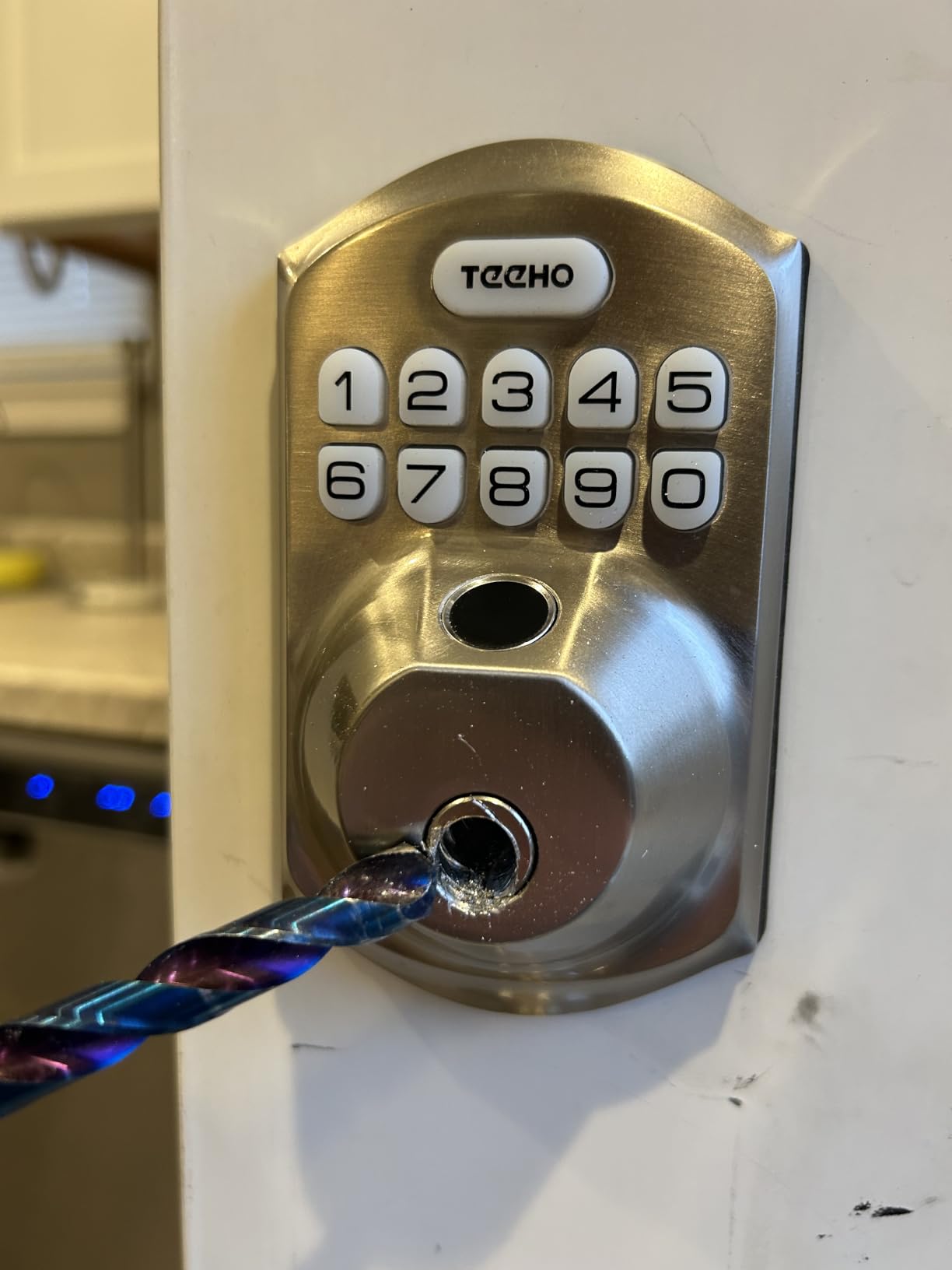
Code capacity is generous for a non-connected lock. Twenty fingerprints, twenty passcodes and one-time PINs for the dog walker, all managed at the keypad with no app, no hub and no subscription. Parents of after-school kids will like that a fingerprint replaces a code a child can recite to a stranger.
The two complaints that come up repeatedly are worth planning around. Some owners report the delay resetting to the minimum, so re-check the setting after a few weeks. And the interior assembly feels lighter than a solid-bore deadbolt, which matters more on a back door than a front one.
Who this suits
Families that want fast, keyless entry and reliable auto-lock without a network connection at all. It also works well as a secondary lock on a garage or side door where Wi-Fi signal is poor.
Who should skip it
Anyone who needs remote unlock or a real-time activity log. Menu-driven keypad programming also takes patience the first afternoon, and the light interior build is a fair concern on a door that gets kicked.
3. ULTRALOQ Bolt SE WiFi Matter Lock — Best for Future-Proof Smart Homes
ULTRALOQ Bolt SE Wi-Fi Smart Lock, Matter Over Thread, App Remote Access
Auto-lock timer plus instant lock button
Built-in Wi-Fi and Matter over Thread
50 fingerprints and 50 codes
4 AA, up to 18 months
IP65 and BHMA certified
Pros
- Up to 50 fingerprints and 50 access codes with eKey sharing
- Built-in Wi-Fi plus Matter over Thread for Apple Home
- Auto-lock preset timer and instant lock from the button
- Up to 18 months of battery life on four AA batteries
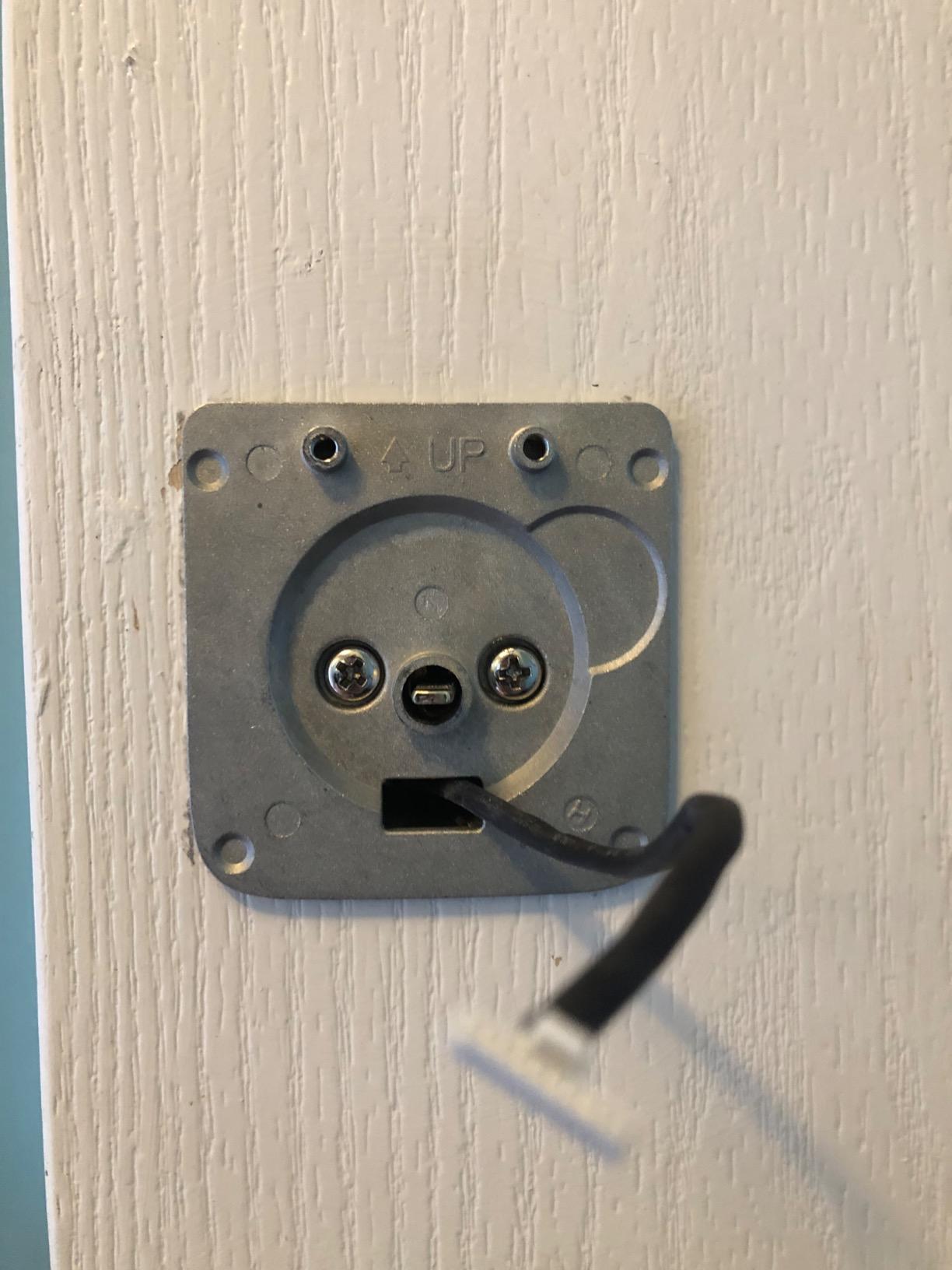
- Ten-minute DIY install on a zinc alloy body
Cons
- Matter over Thread features need a Thread Border Router hub
- Built-in Wi-Fi limited to 2.4 GHz networks
- No door sensor so auto-lock relies on the timer
The Bolt SE is the only lock in this lineup that can talk to two ecosystems at once. Built-in Wi-Fi handles remote access without a hub, and Matter over Thread lets it join Apple Home and other Matter controllers through a Thread Border Router.
That combination matters if you are building a mixed-ecosystem home now and do not want to replace the front door hardware again in three years. The self-healing Matter mesh is a genuine advantage in a house with thick walls where Bluetooth alone struggles.
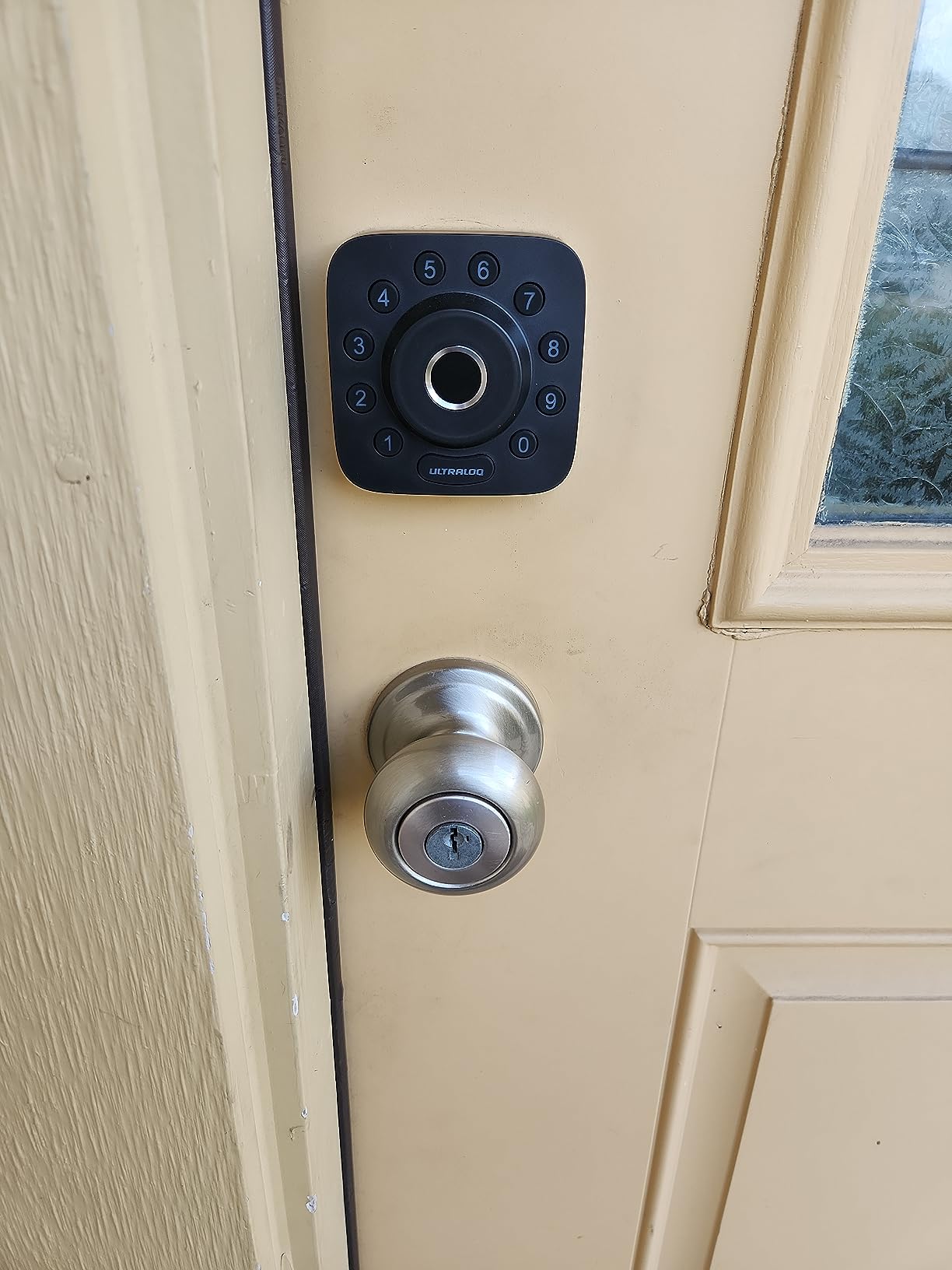
Capacity is the highest in the connected group: 50 fingerprints and 50 access codes, plus eKey sharing so you can issue a temporary digital key instead of a code. Voice control covers Siri, Alexa and Google Assistant.
Set expectations on two points. The 18-month battery figure is a claim, and a family door that cycles twenty times a day will land well short of it. And with no door sensor included, auto-lock runs off the timer, so give it a generous delay rather than the shortest one.
Who this suits
Households that want remote access today and Matter support later, especially anyone already running a Thread Border Router for other devices. Fifty fingerprints also covers a large family plus a sitter and a dog walker without deleting entries.
Who should skip it
Apple-only homes shopping for the simplest path. Apple Home Key tap entry, which needs no hub at all, only appears on the Aqara U100 further down. Dual 2.4 GHz-only and hub requirements also make this more setup work than the Schlage.
4. TEEHO TE001 Keyless Entry Deadbolt — Top Rated for a First Upgrade
TEEHO TE001 Keyless Entry Deadbolt with Keypad for Front Door, Matte Black
Auto-lock adjustable 10-99 seconds
20 access codes plus one-time PIN
Backlit keypad with wrong-entry lockout
4 AA, up to 365 days
IP54 weather resistance
Pros
- 20 access codes plus a one-time guest PIN that deletes itself
- Auto-lock adjustable from 10-99 seconds with one-touch locking
- Highest average rating among the locks in this group at 4.5 stars
- Anti-peeping code protection and wrong-entry lockout
- Four AA batteries rated up to 365 days
Cons
- Keypad-only entry with no fingerprint reader or app
- Only fits 2-1/8 inch door holes
- Auto-lock is off by default and must be enabled during setup
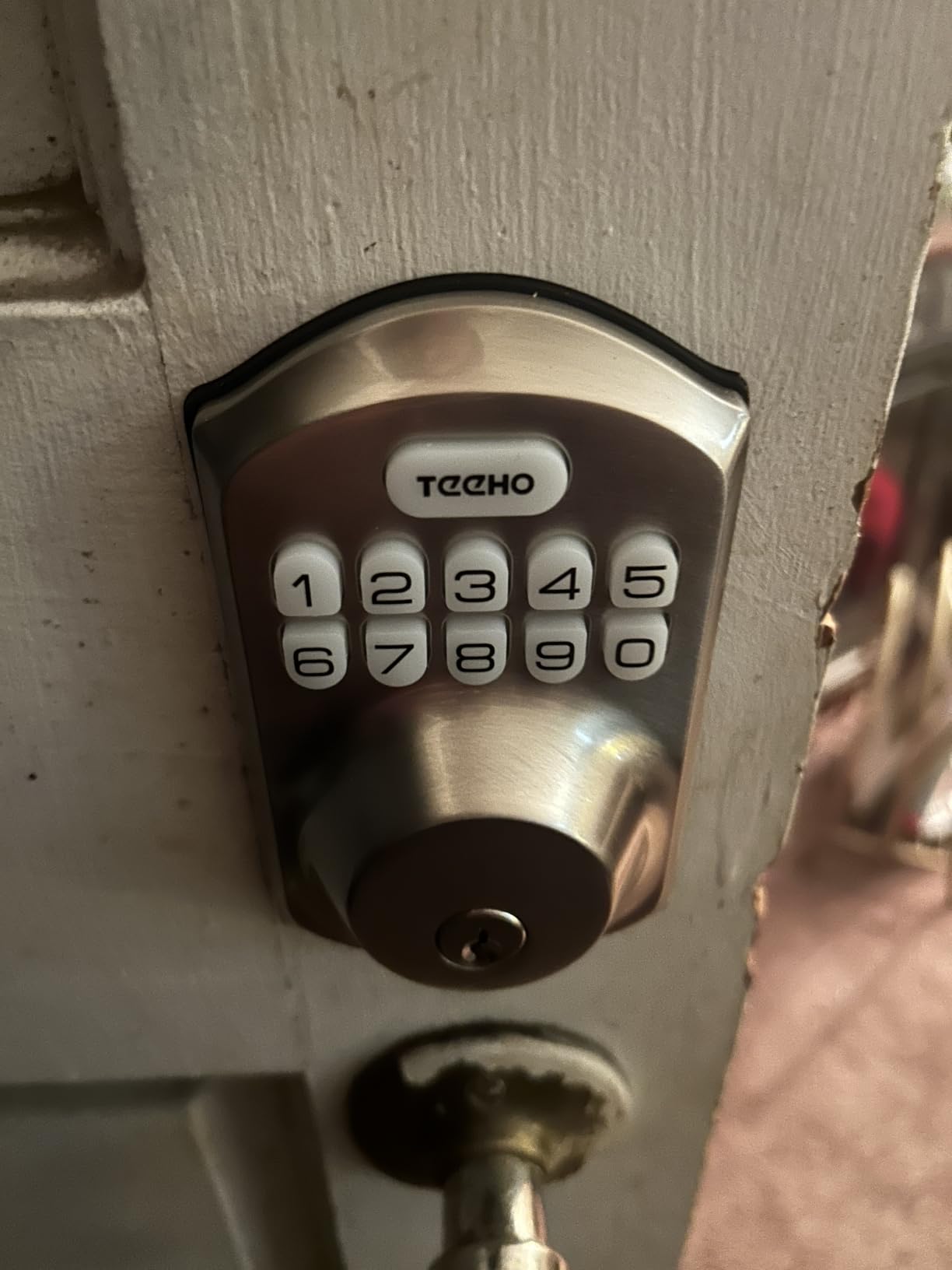
The TE001 carries the highest average rating in the entire group at 4.5 stars, and it does it with the simplest hardware on the list. No app, no cloud, no hub, nothing to sign up for. Twenty access codes and a self-deleting guest PIN.
That one-time code is the feature that wins over families. A dog walker or babysitter gets a code that stops working the moment it is used, so you never have to remember to delete anything or change a shared number after a weekend away.
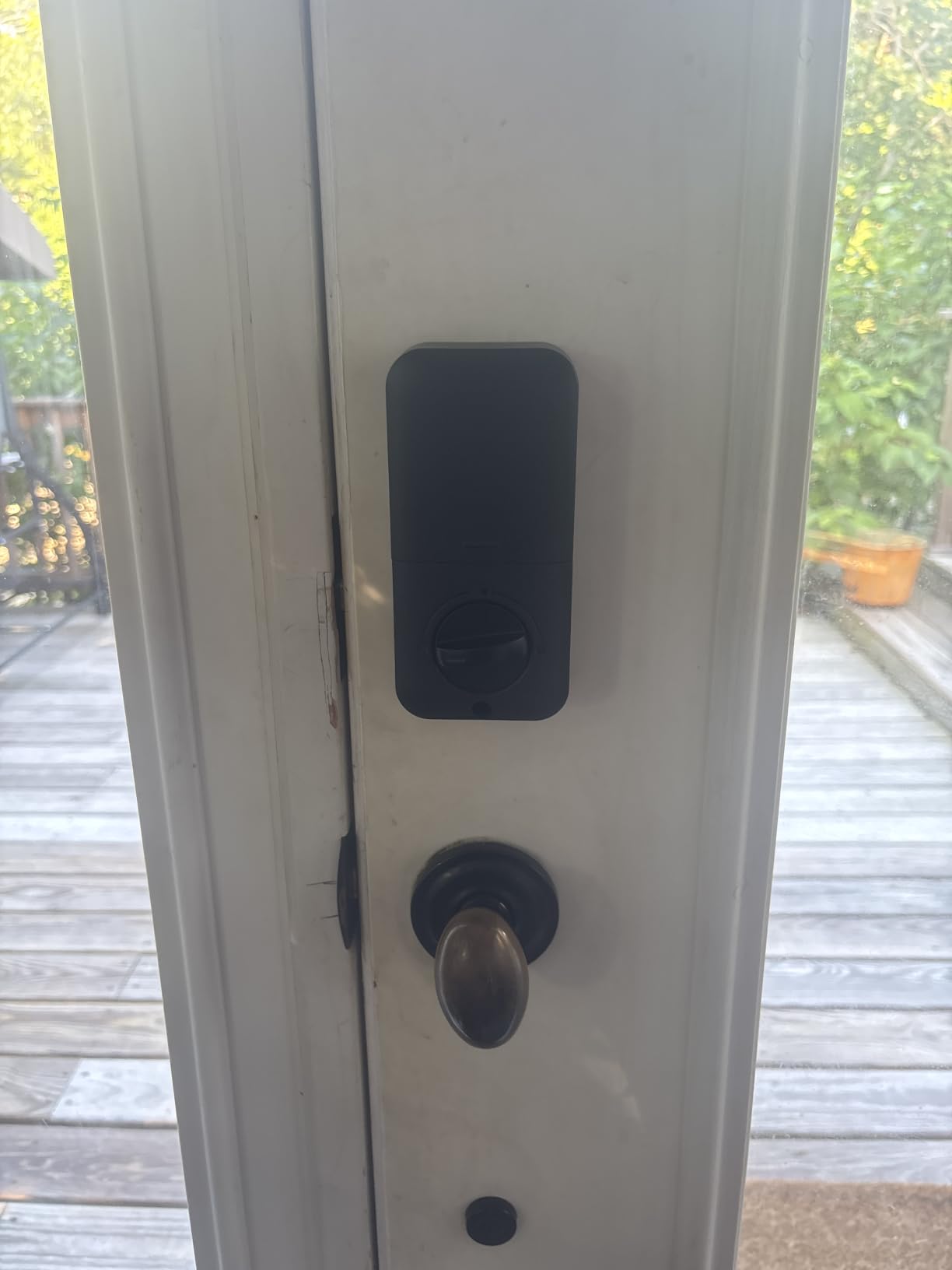
Auto-lock timing is adjustable from 10 to 99 seconds, and holding any keypad key for two seconds locks from outside on the way out. That one-touch behavior is genuinely useful when a kid’s hands are full and you do not want them waiting while you press a sequence.
The catch worth reading twice is that auto-lock ships disabled. Turn it on during setup or you have a smart lock that does not do the one thing you bought it for. It also fits 2-1/8 inch holes only, so measure before ordering.
Who this suits
First-time smart lock buyers, rental homes, and families who just want the door to lock itself. It is also the easiest lock here to hand to a grandparent or a teen, since it is a keypad and nothing else.
Who should skip it
Anyone who wants remote unlock, a lock history, or fingerprint entry for small children who cannot yet type a six-digit code. The single supported bore size rules out some older doors without adaptation.
5. eufy Security Smart Lock C220 — Best for App Control Without a Bridge
eufy Security Smart Lock C220, Fingerprint Keyless Entry Door Lock
Six unlock methods including fingerprint
Built-in Wi-Fi, no bridge
8 AA batteries, about 8 months
BHMA Grade 3 and IP53
Operating range -22F to 158F
Pros
- Six unlock methods including fingerprint
- app
- keypad
- key
- Apple Watch and voice
- Built-in Wi-Fi means no separate bridge for remote control
- Self-learning AI fingerprint improves with repeated use
- Eight AA batteries give roughly eight months of operation
- Fifteen-minute install without drilling on most standard deadbolts
Cons
- Fingerprint sensor occasionally needs a retry with wet or cold fingers
- App setup and pairing can take a few attempts on some networks
- Most useful if you already own other eufy devices
The C220 is the rare fingerprint lock that does not need a hub sitting next to your door. Wi-Fi is inside the deadbolt, so remote unlock and live notifications work off your own network with nothing else to mount or power.
Six entry methods give a family a lot of options: fingerprint, the eufy app, keypad, physical key, Apple Watch and voice. That redundancy is exactly what you want on a door that gets used fifteen times a day, because it means one failed sensor never strands someone outside.
Battery life is the honest weakness here. Eight AA batteries for about eight months is unremarkable next to the four-cell claims nearby, but the self-learning fingerprint reduces how often you touch the reader, which helps. Install date the low-battery indicator in your calendar.
Who this suits
Households already running eufy cameras and doorbells, where routines and multi-device control live in one app. Apple Watch owners also get contactless entry without extra hardware.
Who should skip it
Buyers in cold climates who will hit wet-finger retries at the worst moments, and anyone who wants the tightest battery interval in this group. Reviews also note that app pairing can take several attempts on some networks, so set that up before the kids need it.
6. Veise KS02A Fingerprint Door Lock — Best for Fast Fingerprint Reads
Veise KS02A Fingerprint Door Lock, Keypad Deadbolt, Matte Black
0.2 second fingerprint unlock
Auto-lock 10-99 seconds
20 fingerprints and 20 codes
4 AA, up to 365+ days
ANSI Grade 3, IP54
Pros
- On-device AI fingerprint chip unlocks in about 0.2 seconds
- Up to 20 fingerprints and 20 user passwords plus one-time codes
- Auto-lock from 10-99 seconds with one-touch lock and passage mode
- Local encrypted data storage with silent and vacation modes
- All-zinc alloy metal body rated for interior and exterior doors
Cons
- No app or Wi-Fi connectivity
- all access management happens at the keypad
- Fits 2-1/8 inch holes and door thickness up to 2 inches only
- Front and back panels must be mounted perfectly vertical for reliable operation
Two-tenths of a second is the fastest fingerprint figure in this group, and on a door with kids racing out to the bus that difference is noticeable. The on-device chip keeps biometric data in local encrypted storage with no app account involved.
Auto-lock covers 10 to 99 seconds, and passage mode lets you hold the door open for a party without disabling the feature everywhere else. One-touch locking handles the exit side of the door with a single press.
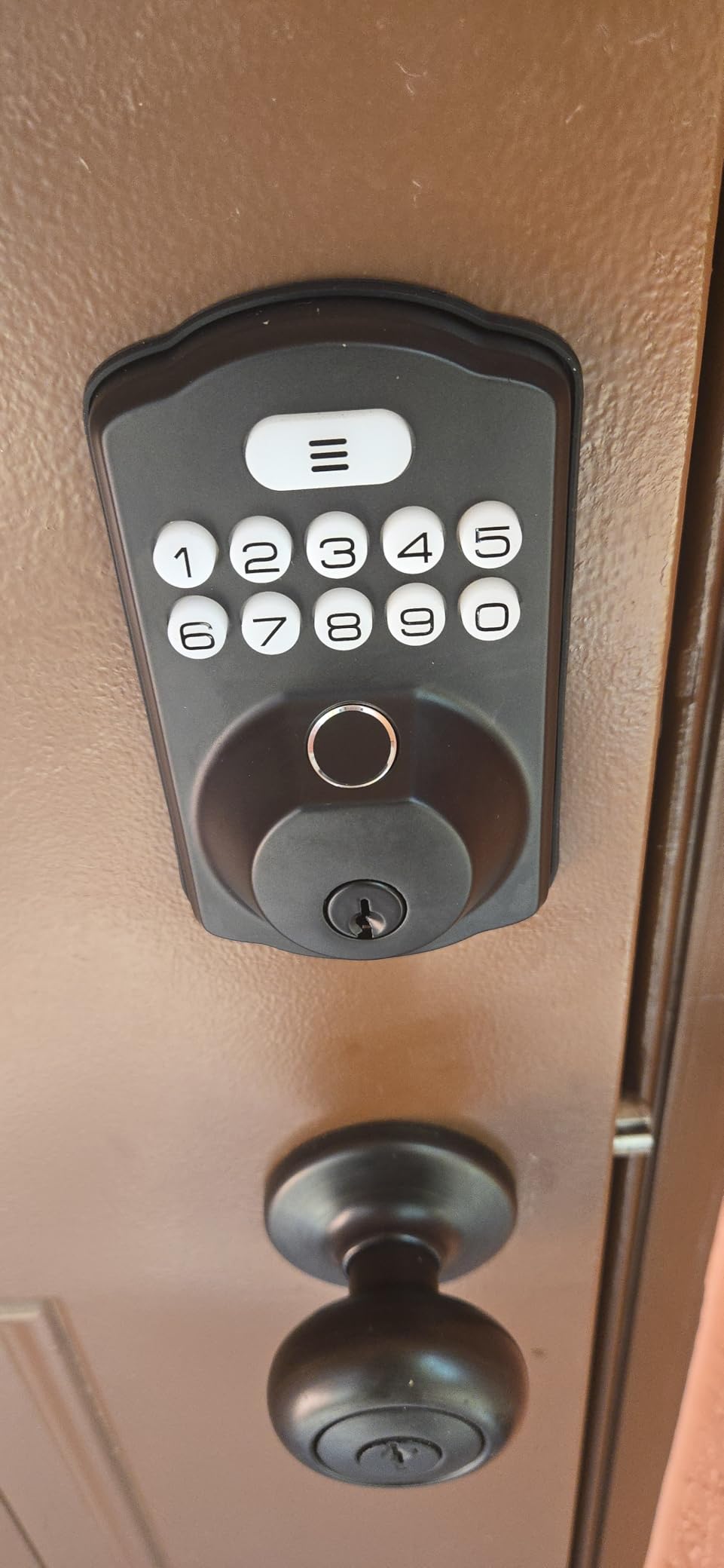
The all-zinc-alloy body is a step up in feel from the lighter keypad models, and it carries an ANSI Grade 3 and BHMA certification with an IP54 rating for weather exposure from minus 31F to 158F. That temperature range covers most of North America’s winter range in most states.
Two installation notes from reviews. The bore is 2-1/8 inch only, and both panels need to sit perfectly vertical or the reader will be inconsistent. If your door is already slightly out of square, fix that first.
Who this suits
Families who want the quickest possible fingerprint entry and never intend to manage the lock from a phone. Twenty fingerprints covers two parents, four kids, a sitter and a dog walker with room left over.
Who should skip it
Anyone needing remote access, activity history or scheduled codes for a housekeeper. Without an app, every code change means walking to the door with a toddler in tow.
7. samtechT Fingerprint Handleset Smart Lock — Best When You Are Replacing a Lever Too
Bluetooth Fingerprint Smart Lock with Handle & Keypad – Fits Most US Doors, DIY Install, Keyless Entry: Code, FOB, Auto-Lock. Ideal for Home, Airbnb, Rental, Kids, Seniors. Alexa & Google Compatible
Lock and lever in one piece
Six unlock methods including fob
Auto-lock and one-touch lock on close
Fits standard US doors 1-3/8 to 2-1/4 in
A gateway needed for remote access
Pros
- Six unlock methods: fingerprint
- keypad
- fob
- code
- app and physical key
- Handleset design combines lock and lever in one piece
- Auto-lock and one-touch lock engage as soon as the door closes
- App lets you name codes and copy codes across multiple locks
- Fits most standard US doors with a screwdriver-only install
Cons
- No straightforward manual lock or unlock from inside the home
- Fingerprint reader can require multiple attempts
- App works within a few feet without a gateway for remote access
- Exterior handle can interfere with a storm door closing
Most families replace a deadbolt. This one replaces the deadbolt and the lever together, which makes it the right pick if your current front door has a handle set you are unhappy with and you only want to drill once.
Six entry methods including a key fob, which is the one families with young kids like most. A fob on a lanyard in a backpack is faster than a code and cannot be read over a shoulder or given to a friend.
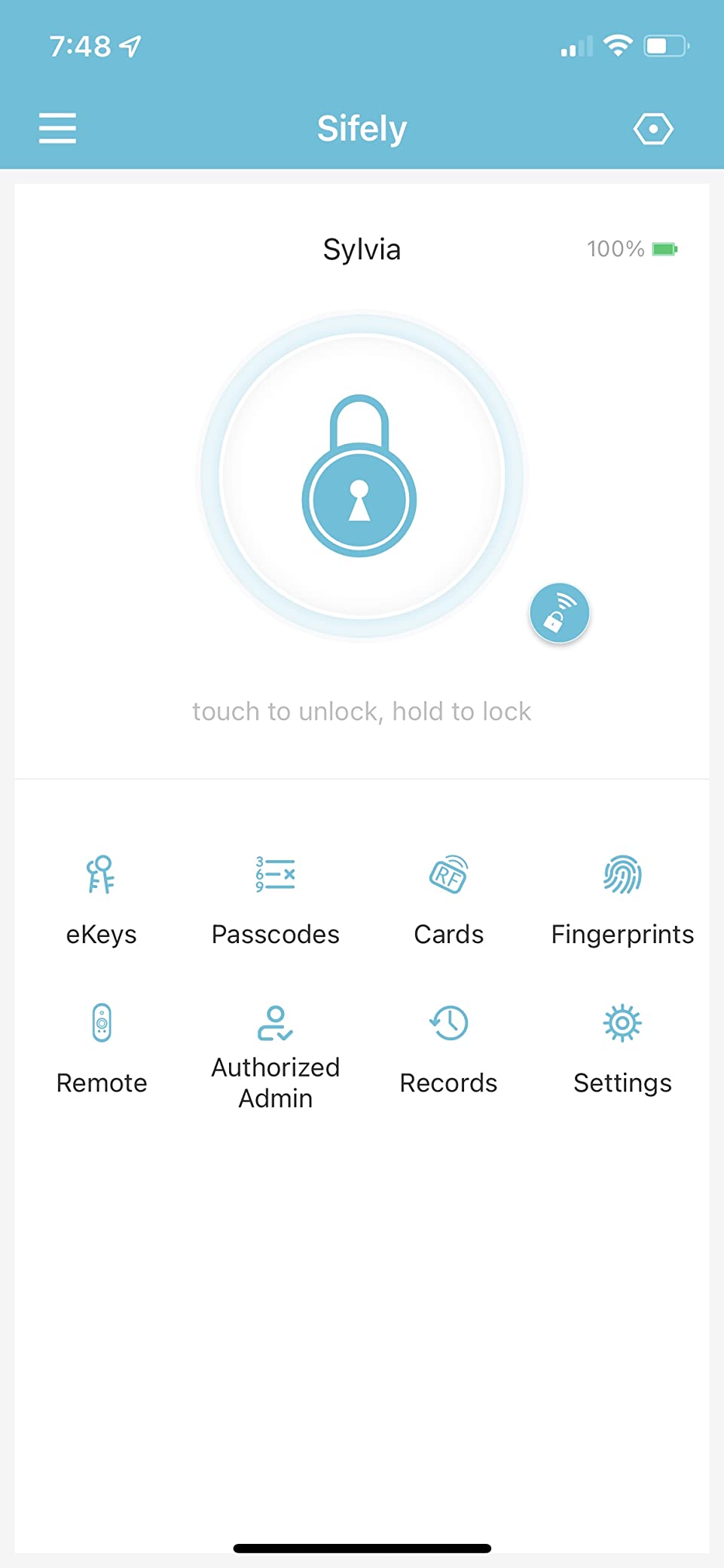
Auto-lock and one-touch lock engage as the door closes, so the exit side is handled. The app names each code, which is genuinely useful when a cleaner and a sitter both come weekly, and it can copy codes across multiple locks.
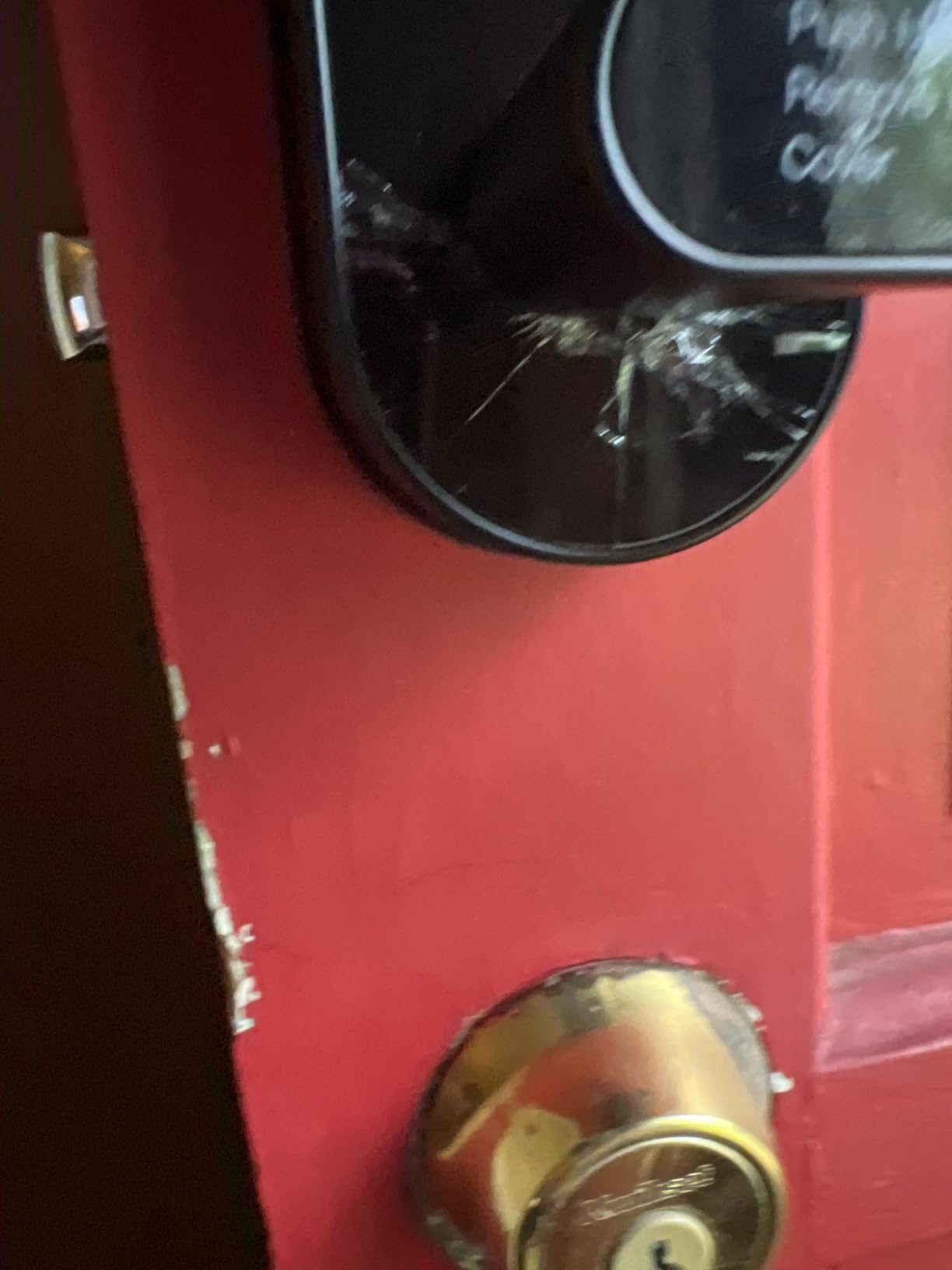
Be honest about the trade-offs before buying. Remote access and voice control both need a gateway, Bluetooth control only works within a few feet of the door, and there is no straightforward manual control from inside. That last one matters if you want to reach the lock with your hands full of groceries.
Who this suits
Homes doing a full front-door hardware swap, families with kids who would rather carry a fob than memorize a code, and households where multiple caregivers need clearly named entries.
Who should skip it
Anyone who needs to open the door from inside without fussing with a menu, and houses with a storm door where the exterior handle may foul the frame. Budget for a gateway if you want remote access.
8. Veise VE06-H Smart Handle Set — Best for Managing Many Household Codes
Veise VE06-H Smart Front Door Lock Handle Set, App Control, Matte Black
Lock and lever in one piece
250+ codes including scheduled and recurring
App eKeys with access records
IP55 waterproof
Ansi Grade 3
Pros
- Handleset combines smart deadbolt and lever for a complete front-door lock
- App control with remote eKey generation and access records via app and web portal
- Over 250 multiple user codes including one-time
- permanent
- scheduled and recurring codes
- Auto-lock
- one-touch locking
- privacy mode and passage mode with anti-peeping keypad
- Sturdy aluminum and metal construction with IP55 waterproof rating
Cons
- Remote control and voice assistant features require the separately sold Veise G2 gateway
- Requires three pre-drilled holes at a specific spacing
- Code programming is less intuitive than the physical installation
The code capacity is the headline: more than 250 entries with one-time, permanent, scheduled and recurring types. No other lock here supports recurring schedules in that volume, which makes it the natural pick for a home with a live-in relative, a twice-weekly cleaner and a rotating cast of sitters.
Remote eKey generation through the app means you can hand out access from the sofa instead of driving to the door. Access records show who came in and when, which parents running a shared custody schedule find more useful than they expect.
Security controls are thorough: auto-lock, one-touch locking, privacy mode, passage mode and an anti-peeping, anti-hacking keypad. The IP55 rating and aluminum-metal body suit an exposed front door better than most locks here.
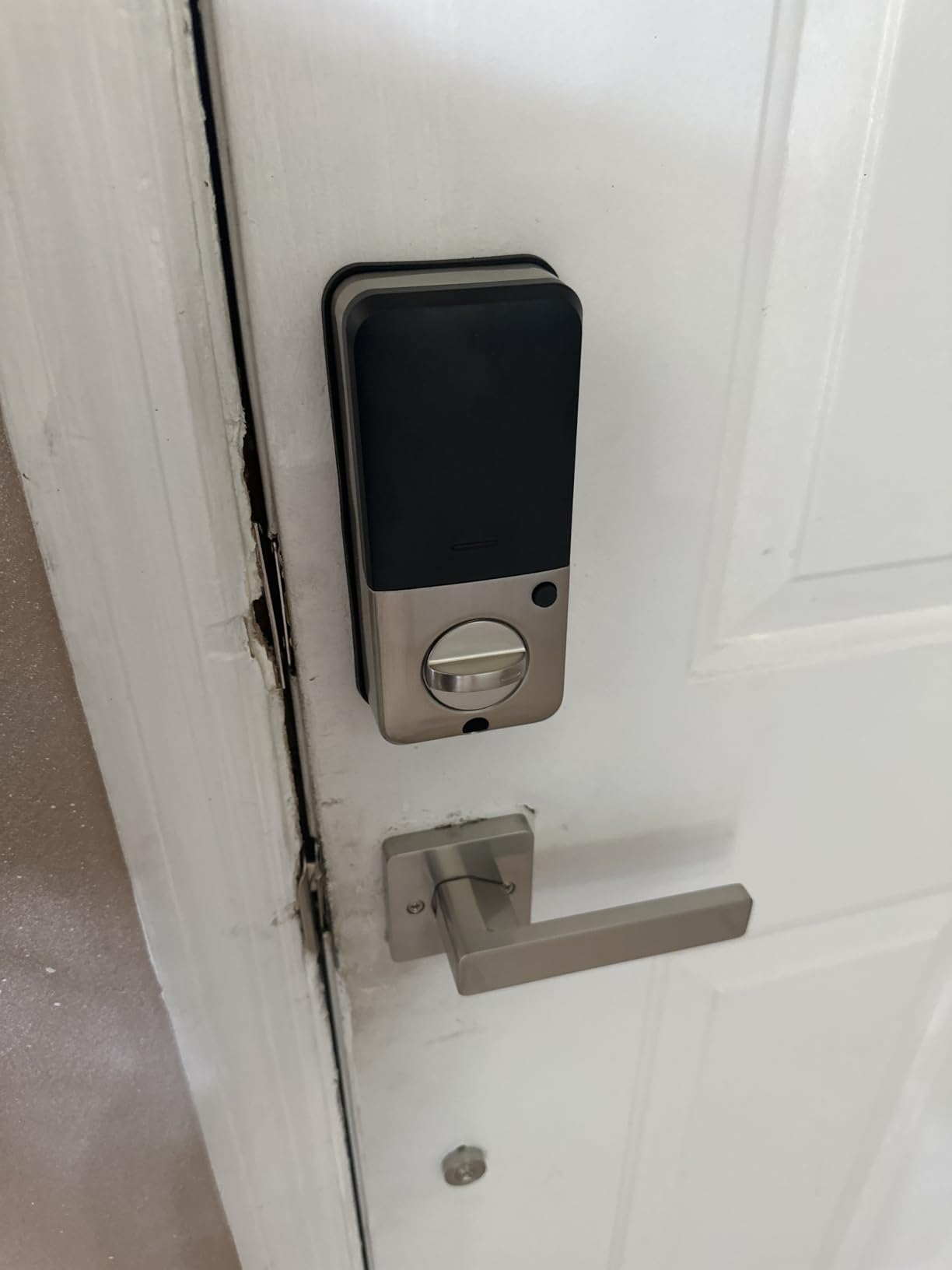
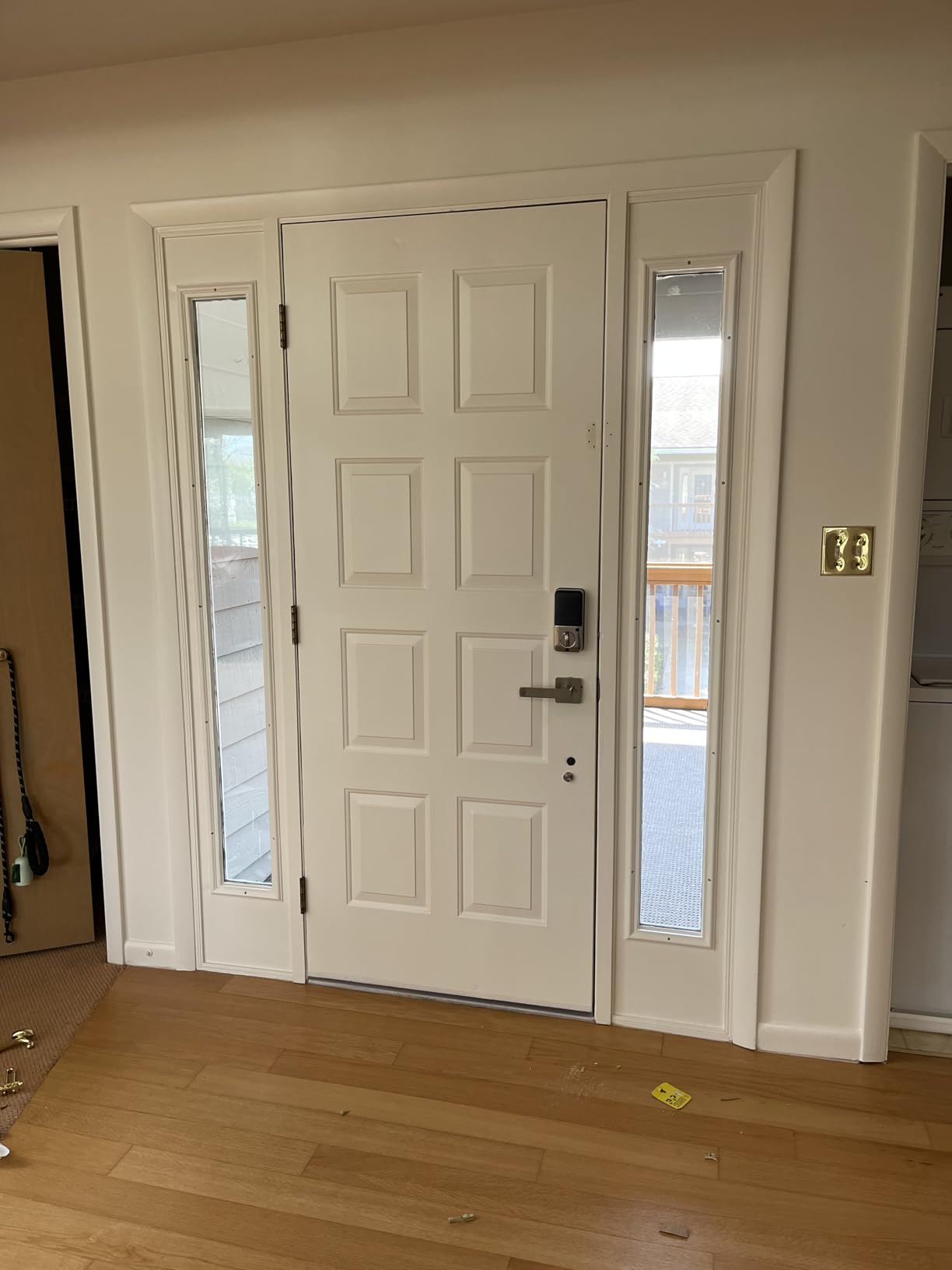
Two things to sort before ordering. Remote control and Alexa or Google both require the Veise G2 gateway, which is sold on its own. And the lock needs three pre-drilled holes at set spacing, so pull a tape measure to the door rather than assuming a standard deadbolt swap will work.
Who this suits
Large or blended households, shared-custody homes, and anyone managing a cleaner plus a nanny on fixed weekly schedules. The handle-plus-deadbolt design also covers a full hardware replacement in one job.
Who should skip it
First-time smart lock buyers who will find the app programming flow confusing, and anyone hoping to skip extra hardware. The gateway and the hole-spacing requirement both add friction before the first install.
9. Aqara Smart Lock U100 — Best for Apple Households
Aqara Smart Lock U100, Apple Home Key, Fingerprint Deadbolt, Gray
Apple Home Key tap on iPhone or Watch
Gyroscope auto-lock after door closes
50 fingerprints
4 AA, up to 8 months
IP65 with USB-C emergency charging
Pros
- Apple Home Key unlocks with an iPhone or Apple Watch tap
- even when the device is out of power
- Up to 50 stored fingerprints plus app-configured passwords and one-time visitor codes
- Built-in gyroscope auto-lock relocks the door after it closes
- Do Not Disturb mode mutes lock sounds for late arrivals
- Long battery life and USB-C emergency power port
Cons
- Requires the Aqara Zigbee 3.0 hub for remote access and third-party ecosystems
- NFC card sold separately
- Lock cylinder is not compatible with other cylinders so it cannot be re-keyed to match
- Some users report inconsistent unit quality and lock malfunction loops
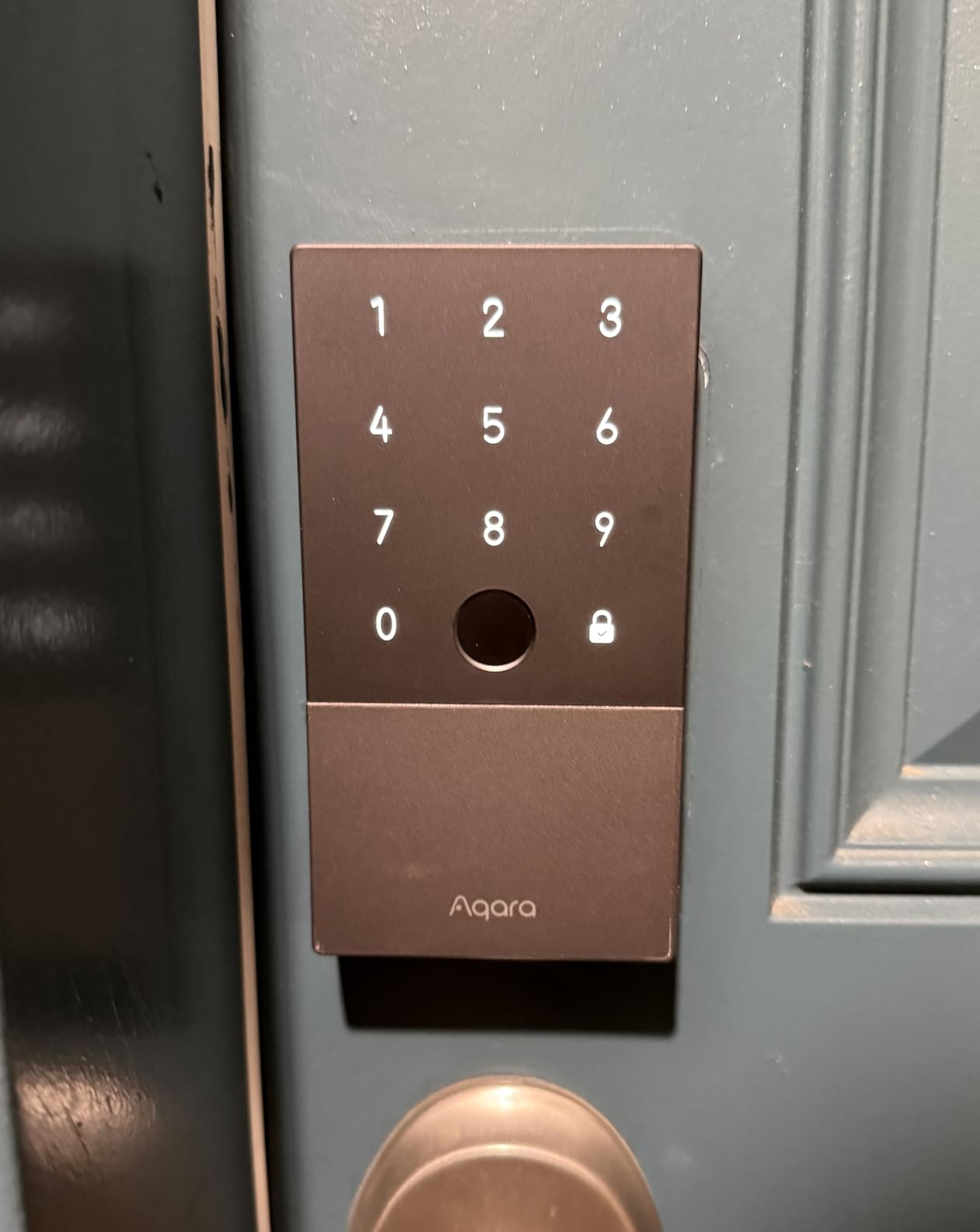
The U100 is the only lock here that unlocks by tapping an iPhone or Apple Watch, and it keeps working when the phone is out of power. For a family of Apple users that removes the single most common failure point: a flat battery at the school gate.
Its auto-lock is the most physically intelligent in the group. A built-in gyroscope registers the door swing and relocks once it settles, so it is far less likely to fire the bolt into a half-open door than a countdown timer. That single design choice solves the top family complaint about auto-lock.
Fingerprint capacity of 50 is generous, and one-time local visitor codes work without the app. Do Not Disturb mode mutes the lock tones, which is the difference between a quiet 10 p.m. arrival and a house-wide wake-up.
Two realities to weigh. Remote access and any third-party ecosystem need the Aqara Zigbee 3.0 hub, so factor that into the setup. And the cylinder cannot be re-keyed to match your other locks, which means an emergency key that only opens this one door.
Who this suits
Apple households already running HomeKit, and families tired of dead batteries at the worst moment. Anyone with an elderly parent or a teenager who would rather tap a watch than type anything.
Who should skip it
Zigbee-centric homes where adding a second hub makes no sense, and buyers uneasy about a cylinder that cannot be re-keyed. It also carries the lowest average rating in this group, with some reports of unit-to-unit inconsistency.
10. Philips Wi-Fi Smart Deadbolt — Best for the Widest Auto-Lock Timing Range
Philips Wi-Fi Smart Deadbolt Lock, Keyless Entry Door Locks for Front Door
Auto-lock settable from 10 to 180 seconds
Built-in 2.4 GHz Wi-Fi, no hub
100 custom passcodes plus one-time and scheduled codes
Away Mode
Fits doors 1-3/8 to 2 in
Pros
- Five unlock methods including fingerprint
- app
- passcode
- physical key and voice
- Built-in Wi-Fi enables remote lock and unlock with no extra hub
- Up to 100 custom passcodes plus unlimited one-time or scheduled codes
- Auto-lock configurable from 10 to 180 seconds with an Away Mode for travel
- Real-time alerts and full access history in the app
Cons
- 2.4 GHz Wi-Fi only with a recommended 65 ft router range limit
- Batteries are not included
- No door sensor so auto-lock uses a timer rather than door position
The widest auto-lock window on the market matters more than it sounds. At 180 seconds, a family can haul in a full Costco run, wrestle a bike through and let a dog out without the bolt firing at a half-closed door. Most competing locks stop around 30 to 99 seconds.
It also handles the guest side unusually well. Up to 100 custom passcodes plus unlimited one-time and scheduled codes, with real-time alerts and a full access history in the app. A family juggling a nanny, a dog walker and a cleaning service can give each a distinct identity.
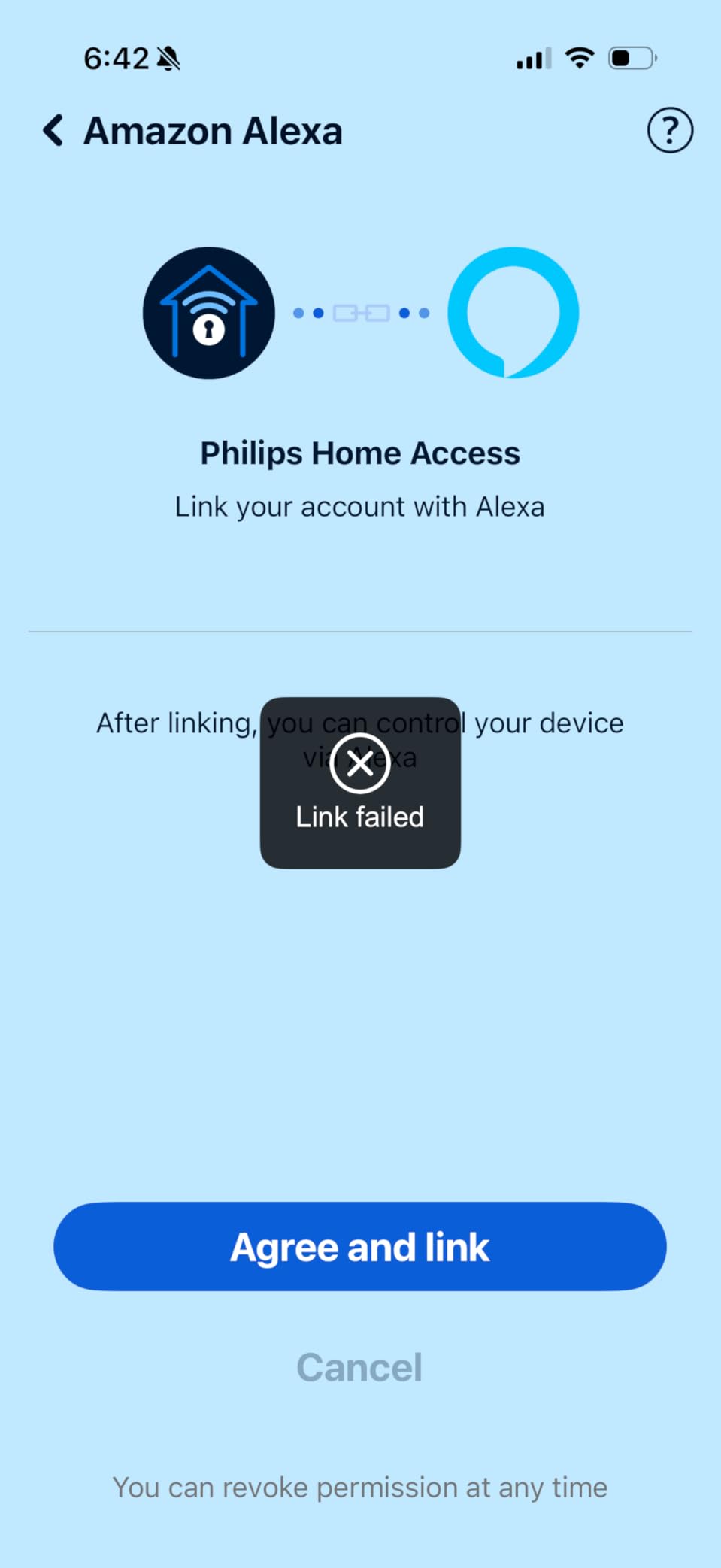
Away Mode is a nice touch for travel: it disables every unlock method except the master code, so nobody changes your settings or slips in while you are away. Five entry methods cover fingerprint, app, passcode, key and voice.
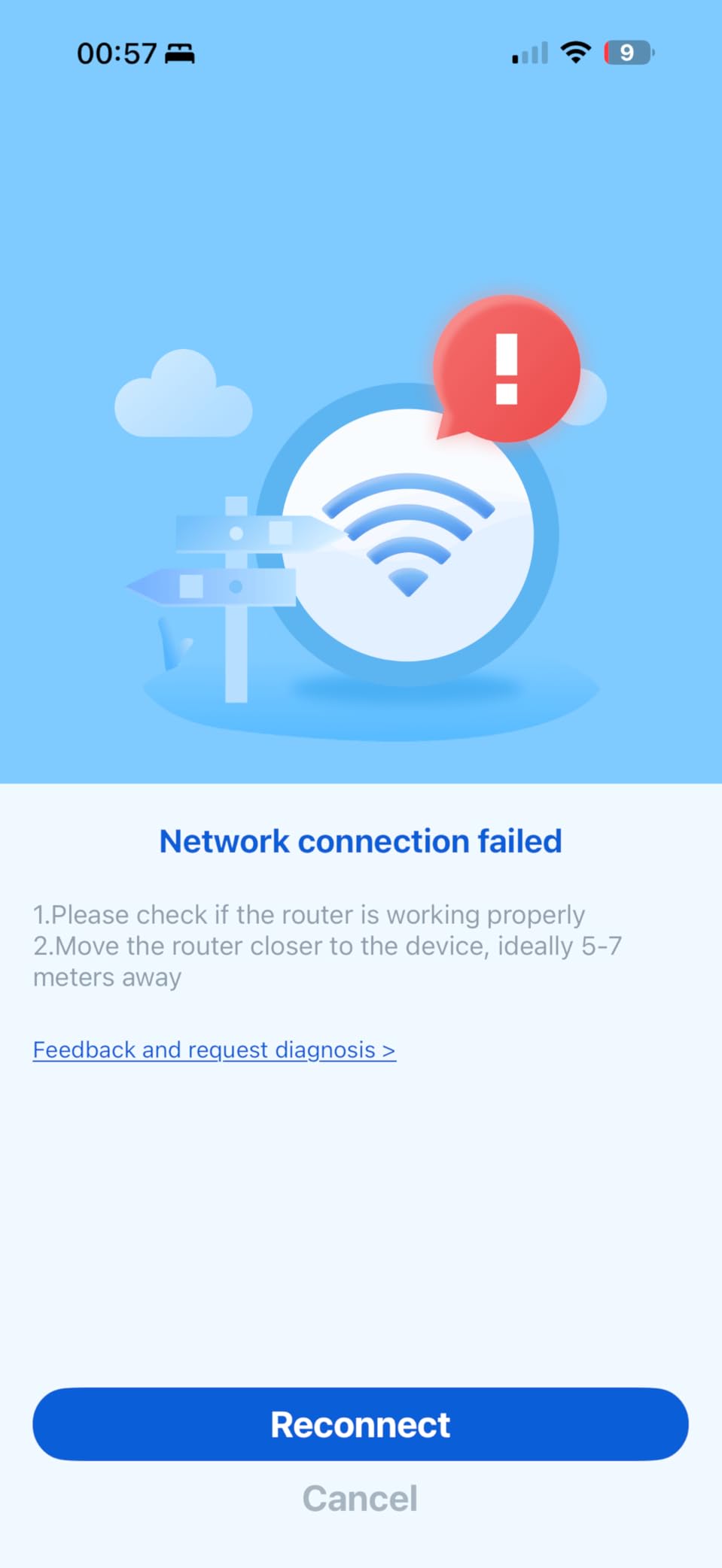
The trade-offs are network ones. Wi-Fi is 2.4 GHz only and the manufacturer recommends keeping a router within 65 feet, and no door sensor is included, so auto-lock stays on a timer. Batteries are not in the box, which means your first purchase is the lock plus a pack of cells.
Who this suits
Families who need a long auto-lock grace period on a wide or heavy door, and households running several different caregivers who each need their own trackable code.
Who should skip it
Homes on a 5 GHz-only mesh network with a distant router, and anyone expecting true door-position detection. Factor the battery cost into the first-month budget.
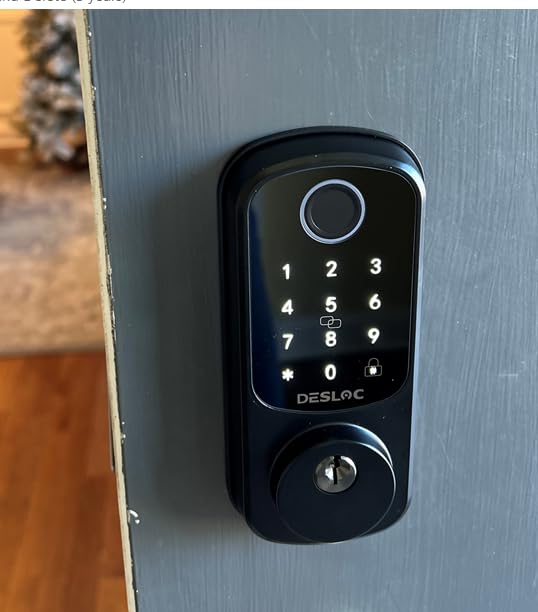
11. DESLOC B200 Fingerprint Smart Lock — Best for Emergency Power Planning
DESLOC B200 Fingerprint Smart Door Lock, Keyless Entry Deadbolt
USB-C emergency power port
Up to 50 fingerprints with 0.3 second reads
4 AA rated up to 12 months
IP54, BHMA Grade 3 compliant
Bluetooth app with gateway for remote
Pros
- Eight entry methods including fingerprint
- PIN
- app
- eKeys
- key fobs
- physical keys and voice
- Self-learning AI fingerprint reads in under 0.3 seconds with up to 50 prints stored
- Auto-lock behavior with scheduled and temporary app codes for family and visitors
- USB-C emergency power backup and a low-battery indicator
- IP54 weather resistance and BHMA Grade 3 compliance
Cons
- App control is Bluetooth near-field only without the separately sold gateway
- Fingerprint accuracy improves by registering the same finger from multiple angles
- Batteries are not included
The B200 is the one to buy if you want an escape hatch that is easy to explain to a stressed adult standing outside at night. The USB-C emergency port means a phone power bank can wake the lock and turn the thumbturn from the inside. No 9V battery, no special key, no panic.
Entry options run to eight methods, including physical keys for the pure non-phone user in the house. The self-learning fingerprint reads in under three-tenths of a second and stores up to 50 prints.
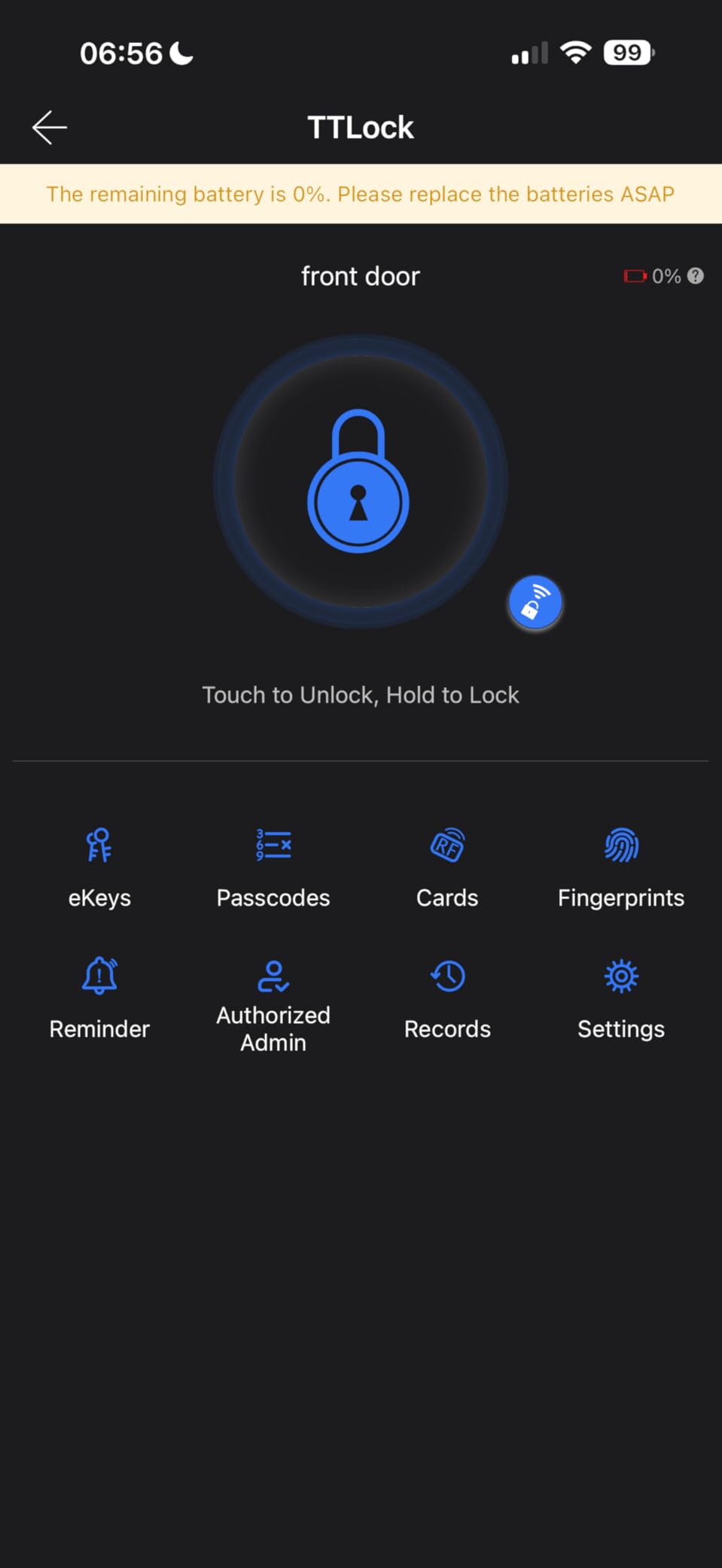
Auto-lock pairs with scheduled and temporary codes in the app, so a recurring sitter gets a repeating window without you touching the keypad. Battery life is quoted at up to 12 months on four AA cells, tempered by the fact that it runs Bluetooth checks often.
Two caveats. App control is Bluetooth near-field only unless you add the G2 gateway for remote access, so out-of-home unlocking is not included as standard. And register each finger from several angles during setup or recognition will disappoint you in the rain.
Who this suits
Households that want a foolproof backup plan more than a connected ecosystem, and anyone comfortable adding a gateway later. The wide range of entry methods covers multi-generational homes.
Who should skip it
Buyers who need remote unlock out of the box, and anyone who will not spend the extra minute registering fingerprints properly. Batteries are not included here either.
12. Yamiry Keypad Door Knob Lock — Best for Consolidating Entry Hardware
Keypad Smart Door Knob Lock, Yamiry Keyless Entry Digital Lock with Handle
Knob and keypad in one piece
Auto-lock settable 5-99 seconds or disabled
20 family codes plus one-time guest code
2 physical keys
IP54 weather resistant
Pros
- Door knob design with integrated keypad replaces both knob and deadbolt in one piece
- 20 user codes plus a one-time guest code and two physical keys
- Auto-lock timer adjustable from 5 to 99 seconds or disabled for passage
- Aluminum alloy body with backlit keypad
- low battery indicator and anti-prying code
- Under 15-minute screwdriver installation with simple 4-8 digit programming
Cons
- No fingerprint reader or app-based remote access
- Handle-style knob is less secure against kick-in than a deadbolt
- Code programming is keypad-only with limited sharing options
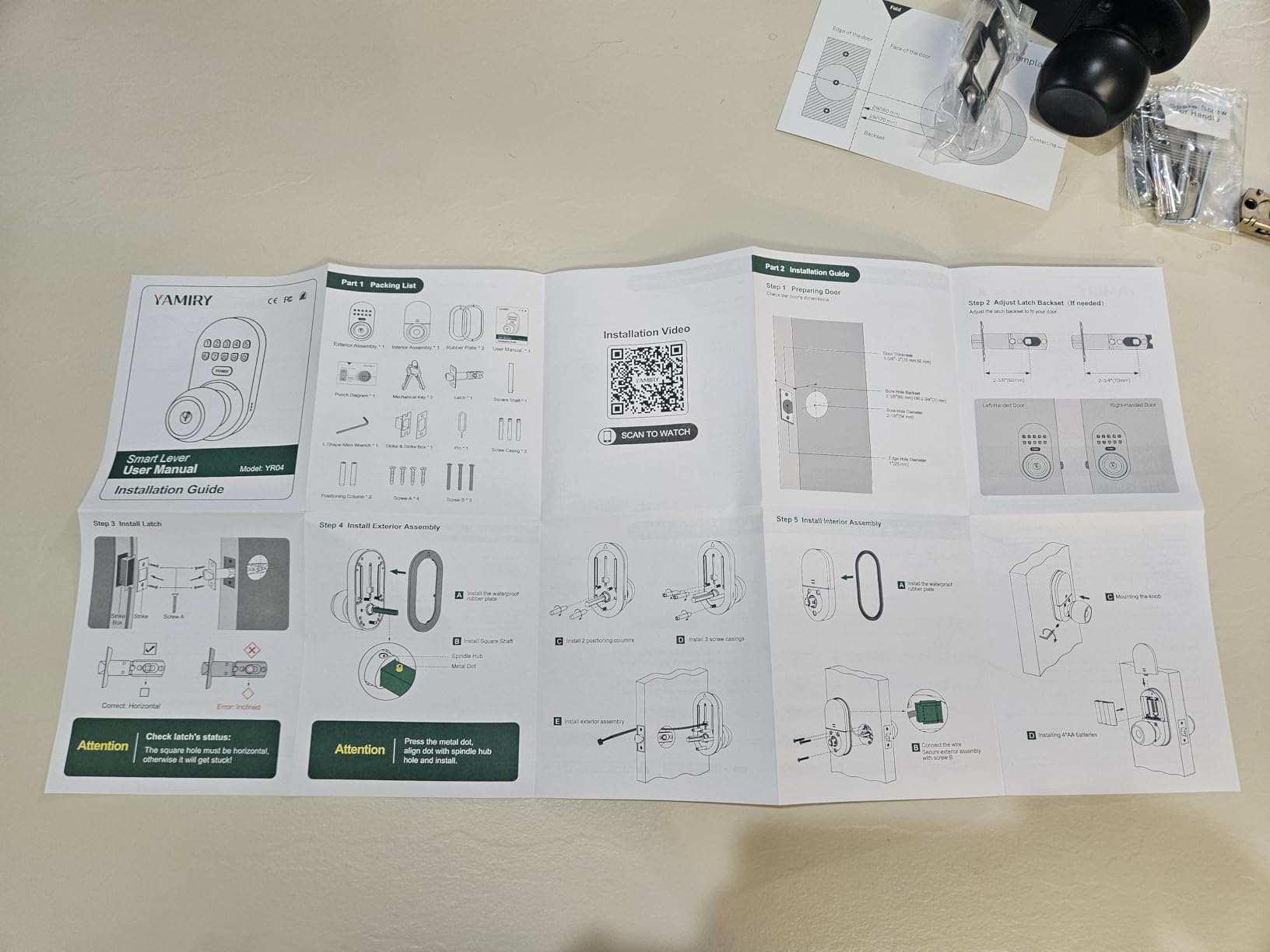
Back doors and side entries rarely need a premium deadbolt. The Yamiry replaces the knob and the deadbolt in a single fitting, which means one bore, one spindle and one job for an installer.
Auto-lock here is unusually flexible. It runs from 5 to 99 seconds, and it can be disabled entirely when you need the door held open for a party or a move. That is the only lock in this group where turning the feature off is a deliberate, supported choice rather than a workaround.
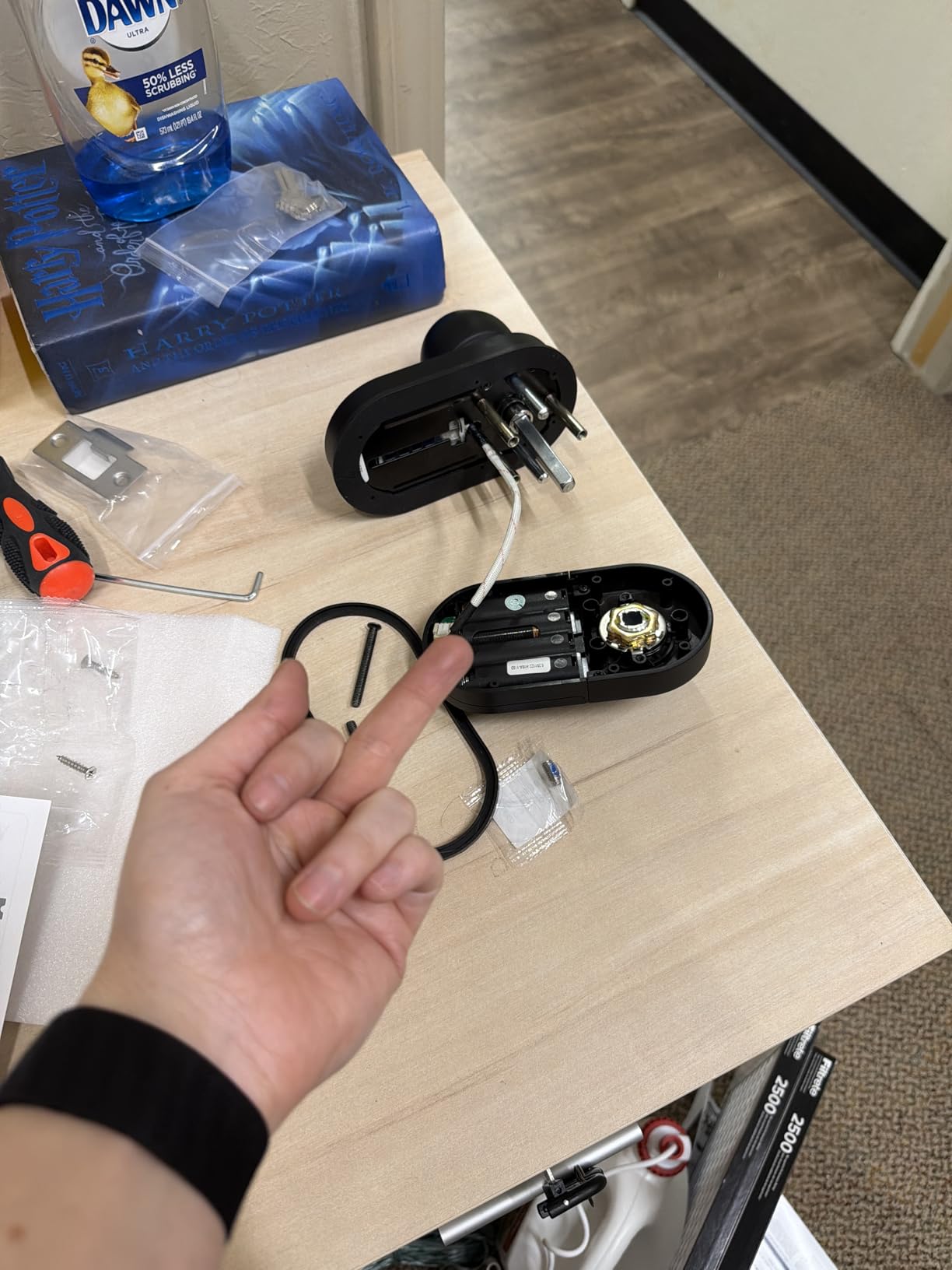
Twenty family codes, one-time guest code and two duplicable physical keys cover the basics without any app at all. The 4-to-8 digit programming is the simplest of the fingerprint models here, and the backlit keypad matters for a dark garage entry.
The trade-off is structural. A handle-style knob offers less resistance to a kick-in than a deadbolt, so we would use it on a secondary door rather than the main entrance. It also appears in the Wi-Fi category but has no app-based remote access, which surprises people.
Who this suits
Families covering several secondary doors on a budget, and anyone who wants auto-lock on a back door without buying an app-connected lock. The physical keys keep it usable for non-technical family members.
Who should skip it
Your main front door if forced-entry resistance matters. There is no fingerprint reader, no remote access and limited code sharing, so it does not scale to a busy multi-caregiver household.
Frequently Asked Questions
Does a smart lock automatically lock?
Most smart locks do, and every model in this guide has an auto-lock function. The mechanism differs: timer-based locks re-engage the bolt after a set delay of roughly 5 to 180 seconds, while sensor or gyroscope based locks wait until the door has physically closed before firing. For a family front door, a longer delay or a motion-triggered lock prevents the bolt from striking a half-open door.
What is the best smart lock with auto unlock?
For most busy families the Schlage Encode is the safest pick because it combines auto-lock with auto-unlock through built-in Wi-Fi, remote access and 100 access codes. Apple households wanting tap entry should look at the Aqara U100, and homes already running a Thread Border Router get the most flexible option from the ULTRALOQ Bolt SE with Wi-Fi plus Matter over Thread.
What is the best smart lock for multiple users?
It depends on how many people and how many schedules. The Veise VE06-H supports more than 250 codes with one-time, permanent, scheduled and recurring types, the Schlage Encode holds 100 codes with history in the app, and the ULTRALOQ Bolt SE stores 50 fingerprints alongside 50 codes. For non-connected doors, the TEEHO TE001 and Veise KS02A both handle 20 users plus one-time guest PINs.
How hackable are smart locks?
Reputable residential smart locks use encrypted connections and local credential storage, and the risk in practice comes from weak passcodes rather than radio vulnerabilities. Lock down what you can: use a long master code, give each person their own entry, keep firmware current, and enable the built-in tamper alarms found on the Schlage, eufy and Veise models. The Aqara U100 stores biometric data with local AES encryption.
How do I stop a smart lock from locking automatically?
Most locks let you extend the auto-lock delay, and a few let you disable it outright. The Yamiry YR04 can be set from 5 to 99 seconds or turned off, the Philips deadbolt goes up to 180 seconds, and most models accept a passage or hold-open mode for temporary events. If auto-lock keeps firing while the door is open, that is a timer set too short rather than a fault.
What happens when a smart lock battery dies?
Most locks give warning first through a low-battery indicator, and several publish a low-battery alert to the app. The Aqara U100 and the DESLOC B200 add a USB-C emergency power port so a phone power bank can wake the lock, and every lock here includes or accepts a physical key override. Keep one working key outside the house and a spare set of the exact battery type on hand.
The Bottom Line for Busy Families
For most households the Schlage Encode remains the safest answer in this roundup of the best smart locks with auto lock for busy families. It auto-locks on a delay you control, holds 100 access codes, works remotely without a hub, and comes from a brand with the deepest owner history in the group.
Pick a different one when your household has a specific shape. Apple homes that want tap entry and a lock that waits for the door to settle should take the Aqara U100 and accept the hub requirement. Mixed-ecosystem homes that want to avoid a future hardware swap want the ULTRALOQ Bolt SE. Families who need more than twenty people tracked separately want the Veise VE06-H.
Whatever you choose, do three things on day one: set the auto-lock delay to the longest window you can tolerate, switch to lithium AA batteries, and put a working physical key somewhere other than your front door. Those three steps prevent nearly every auto-lock complaint we encountered in reviews and forum threads.
Auto-lock is not a luxury feature for a house with kids. It is the reason nobody has to ask you whether you locked up on the way to work.