
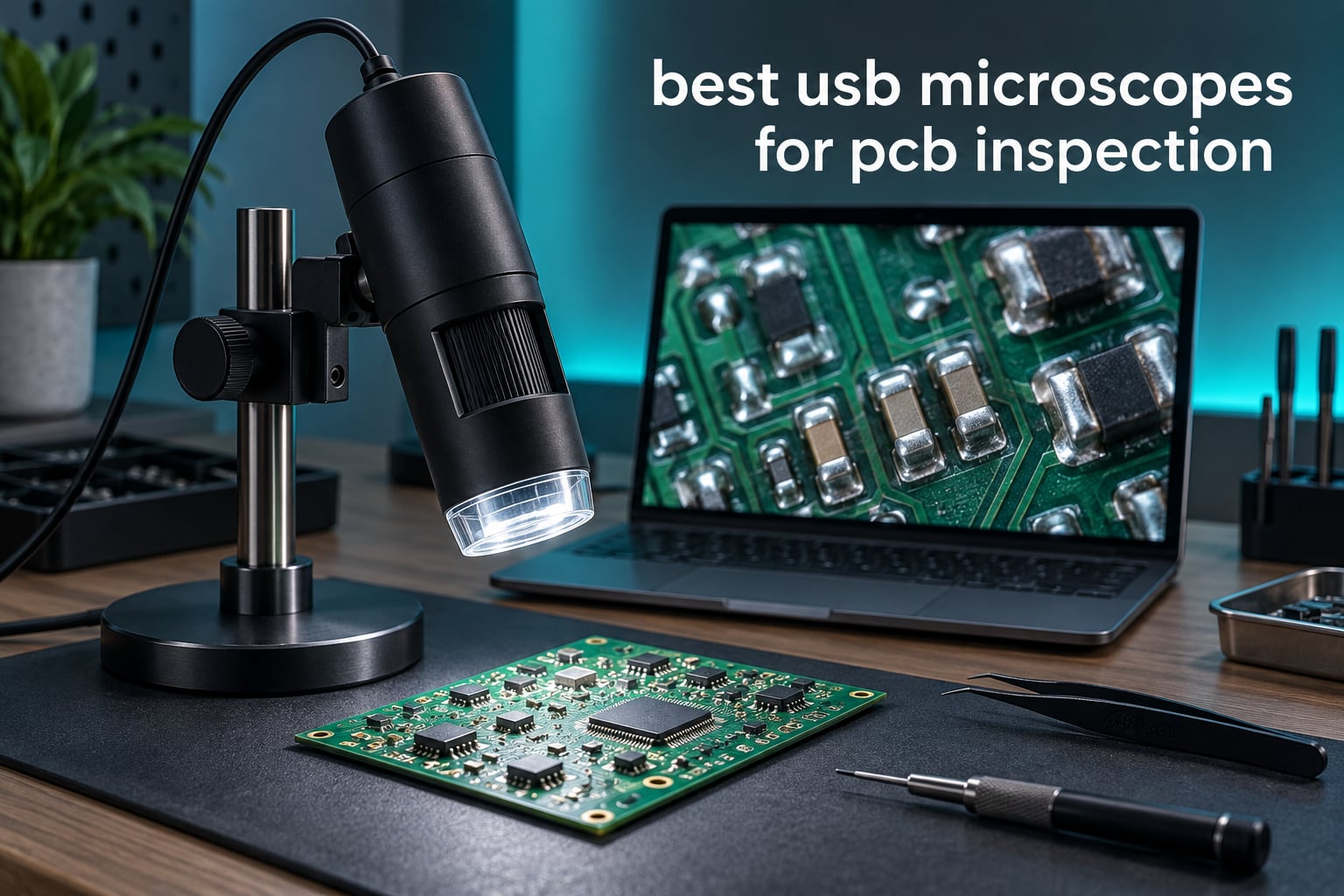
If you want the short version, the best USB microscopes for PCB inspection in 2026 come down to three picks: the TOMLOV DM9 for the best all-round balance of screen size, stand rigidity and lighting, the Plugable USB 2MP 250x for anyone who already works at a computer and just wants a webcam that shows a board, and the Jiusion 40 to 1000x if the budget is the deciding factor. The trade-off that matters more than any spec on the box is what you plan to do with the image. A USB microscope is an inspection and documentation tool. A stereo eyepiece microscope is a tool you put your face behind while your hands are still moving.
That distinction is the single most useful thing we learned while comparing these ten units, and it is the one the forums agree on almost without exception. A USB scope shows you solder bridges, cold joints, cracked pads and damaged traces that your eyes literally cannot resolve at normal bench distance, and it lets you photograph the defect and the finished repair as evidence. What it does not do is let you work through the image in real time with a soldering iron in your hand. Get that decision right first and everything else on this page becomes much easier.
We put all ten through the same lens: sensor and claimed magnification, working distance and hand clearance under the lens, how the lighting behaves on a shiny solder joint, stand rigidity, how the device actually connects to your computer or phone, and what owners report back after living with them. Everything below is drawn from the published specifications, the review patterns in the customer feedback, and the recurring complaints in electronics repair communities. If you are still building a bench rather than a repair kit, our digital camera microscope guide for students covers the classroom end of the market.
Table of Contents
Top 3 Best USB Microscope Picks for PCB Inspection in October

TOMLOV DM9 7 inch LCD Microscope
- 12MP stills and 1080P video
- 7 inch LCD plus PC live view
- 8 onboard LEDs and 2 gooseneck lights
- 8.5 inch metal stand with metal base

Plugable USB Digital Microscope 250x
- True 60x to 250x optical-style zoom
- Standard webcam chipset
- LED halo light with brightness control
- Flexible arm stand included
Jiusion 40 to 1000x USB Microscope
- Separate focus and brightness knobs
- 8 built-in LED lights
- Windows measurement software
- Metal stand and OTG adapter
All 10 USB Microscopes for PCB Inspection Compared (2026)
| Product | Specs | Action |
|---|---|---|
| TOMLOV DM9 7 inch LCD Digital Microscope |
|
Check Latest Price |
 TOMLOV DM10 10.1 inch Digital Microscope TOMLOV DM10 10.1 inch Digital Microscope |
|
Check Latest Price |
 TOMLOV DM9 Max 20MP 10.1 inch TOMLOV DM9 Max 20MP 10.1 inch |
|
Check Latest Price |
 Andonstar AD210 10.1 inch LCD Microscope Andonstar AD210 10.1 inch LCD Microscope |
|
Check Latest Price |
 PalliPartners 4.3 inch LCD Microscope PalliPartners 4.3 inch LCD Microscope |
|
Check Latest Price |
| Plugable USB Digital Microscope 250x |
|
Check Latest Price |
 Bysameyee 40X to 1000X USB Microscope Bysameyee 40X to 1000X USB Microscope |
|
Check Latest Price |
| Jiusion 40 to 1000x USB Microscope |
|
Check Latest Price |
 Jiusion 4K 50-1000x WiFi Microscope Jiusion 4K 50-1000x WiFi Microscope |
|
Check Latest Price |
 Skybasic 50X-1000X WiFi Microscope Skybasic 50X-1000X WiFi Microscope |
|
Check Latest Price |
Two patterns jump out of that table before you read a single review. First, the budget end of the market all advertise 1000X and none of them deliver it as optical magnification, while the two units that publish honest optical figures (Plugable at 60x to 250x and Andonstar at a maximum of 260X) sit in the middle of the pack on paper and beat most of the 1000X claims in practice. Second, the LCD-equipped desktop units are the ones built for soldering, because they give you a stand with a real column and a base that does not move when you touch the board.
Magnification Reality Check: What 1000X Actually Buys You
The number on the front of the box is the least trustworthy specification in this entire category, and it is worth understanding why before you spend anything. Most of these units use a fixed focal length lens and a small sensor. Beyond a certain point, “magnification” stops being optical and becomes digital cropping, which just stretches the same pixels into bigger ones. The picture gets larger on screen and gets no more detailed.
The customer feedback on these ten units makes this concrete rather than theoretical. An owner of the TOMLOV DM9 Max measured the real maximum at roughly 45X against a headline claim of 1500X, and concluded the advertised figure was wildly overstated. A reviewer of the Jiusion 4K documented that its 3840×2160 mode captures no more real detail than 1920×1080, because the extra resolution is interpolated. The Bysameyee and the standard Jiusion carry a 1000X claim that their own owners describe as an electronic zoom figure with usable detail far below it.
Meanwhile the Andonstar AD210 advertises a maximum of 260X, which sounds modest next to those numbers, and the Plugable states 60x to 250X outright. Those two are not underperforming. They are the only two in the group telling you the truth about the optical range. If you take one thing from this roundup, make it that one: judge a USB microscope by sensor resolution, working distance and lighting, and treat the magnification figure as decoration.
There is a practical sweet spot worth knowing. For inspecting a populated board and reading component markings, somewhere between 20X and 60X of genuine optical magnification is where the detail lives. Above that, depth of field collapses and you are hunting for focus. Below it, you are still leaning in too far. The endoscope-style units that claim to hit 1000X spend most of their useful range in that lower band, which is not a criticism, it is just what the optics allow.
1. TOMLOV DM9 7 inch Digital Microscope – Our Best Overall Pick
TOMLOV DM9 7″ Digital Microscope: 1080P 1200X Coin Microscope Magnifier, 12MP Ultra-Precise Focusing LCD Soldering Microscopes for Adults, PC View, 16GB
12MP stills and 1080P video
7 inch LCD plus PC live view
8 onboard LEDs and 2 gooseneck lights
8.5 inch metal stand
Pros
- Metal base and 8.5 inch stand stay steady during soldering
- Large built-in LCD avoids leaning in for long sessions
- 8 onboard LEDs plus 2 gooseneck lights dial out shadows
- PC connection gives a bigger live view for board work
- 12MP stills and 1080P video with 16GB card for documentation
Cons
- 7 inch screen is smaller than 10.1 inch rivals
- Some units reported lint trapped in the lens from the factory
- On-screen menu system is not intuitive
We use the DM9 as our default inspection scope and it earns the position. The build is the part that matters most on a soldering bench: an 8.5 inch metal stand on a heat-resistant metal base, so when you lean in to look at a pad the picture does not swim. The 7 inch LCD sits at a comfortable angle, and owners consistently report that the combination of eight onboard LEDs and two flexible gooseneck lights is what lets them kill the shadows that a ring light alone would leave behind.
For PCB work specifically, the pairing of a 12MP sensor with 1080P video capture and an included 16GB card means you can photograph a defect, send it to a customer, and photograph the repair afterwards without leaving the bench. That documentation loop is the part of the job nobody warns you about and the part that a USB microscope genuinely does better than an eyepiece scope.
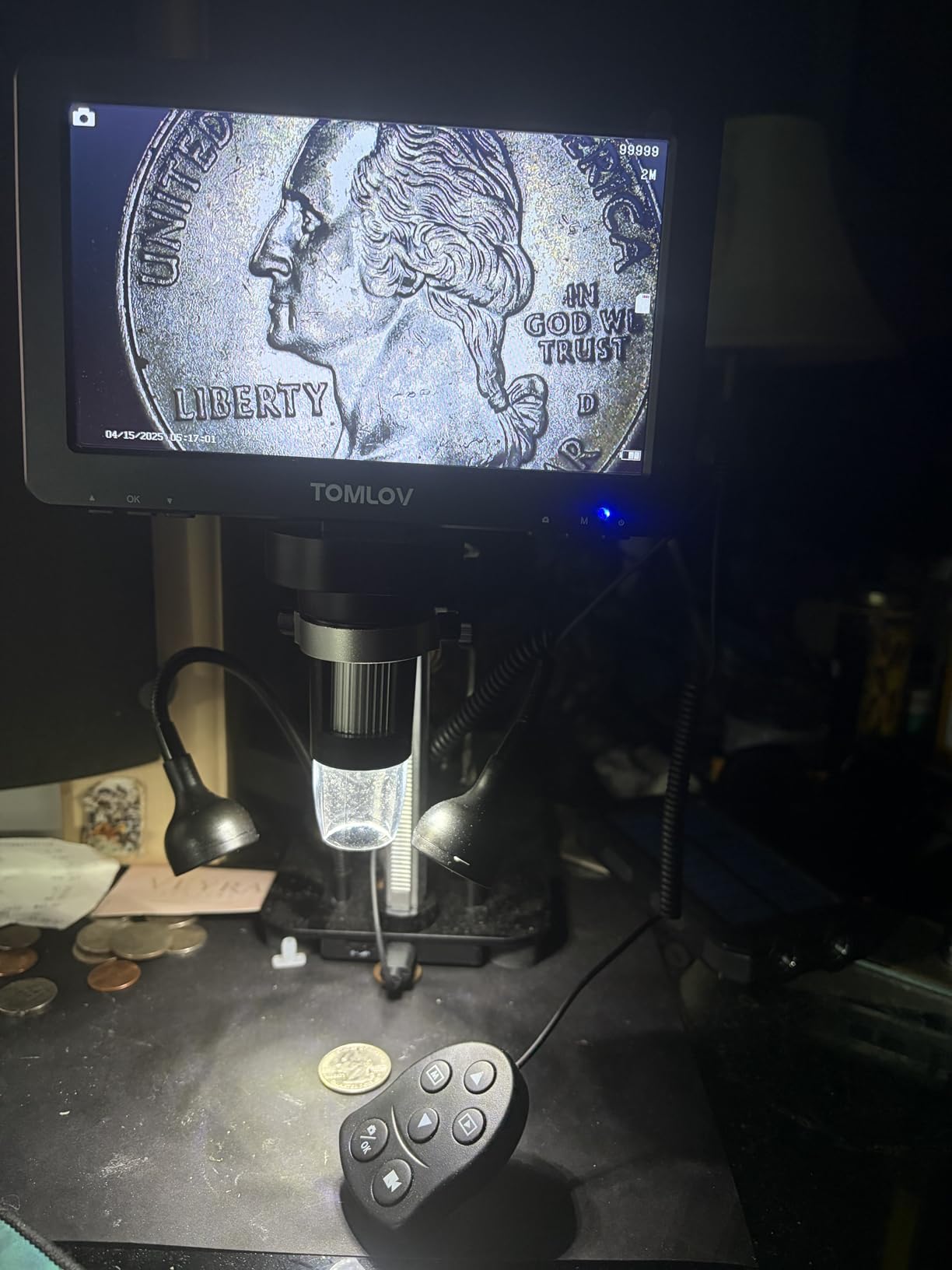
The DM9 also connects to a PC, which matters more than the built-in screen does. When you are working through a dense board, a 24 inch monitor at desk distance gives you a field of view the 7 inch panel cannot, and the stand stays where you put it while you type. The claimed 1200X range is marketing in the way we described above, but the working range is more than sufficient for solder joints, component markings and general board survey work.
Factory quality control is the weak spot. Some owners report a small piece of lint trapped inside the lens and sensor assembly out of the box, and the rubber feet on the base can be pushed out of position during packaging. Neither is a dealbreaker, but both are worth checking in the first ten minutes. The on-screen menu is also less intuitive than it should be, and the manual is thin on instructions.

Check these before you commit to it
Decide whether the 7 inch screen is enough for your eyesight and your bench depth. If you are over 45, or if you have two monitors already in your workflow, skip straight to the 10.1 inch models, because the DM9’s own owners most often cite screen size relative to newer rivals as the thing they would change.
Then check that you have a USB port free on the PC you intend to use for live view, and accept that the on-board menu will take an evening to learn. If you mostly inspect and photograph rather than solder, the DM9 is more camera than you need and a simpler unit will serve you.
Where it falls short for you
If your work is continuous live soldering rather than inspection, the latency of the PC feed is the limitation to plan around. Moving a hot iron to a component you are watching on a screen introduces a lag that slows you down, and no amount of screen quality fixes that. The DM9 is a look-then-work tool, not a look-while-you-work tool.
It is also not the right pick for measuring pad and trace dimensions against a calibrated scale, because the bundled software is a general capture tool rather than a metrology package. And if you plan to work on large four-layer boards, the 7 inch panel means a lot of screen-shuttling to survey them. For those cases, read the USB versus stereo section below before you order.
2. TOMLOV DM10 10.1 inch Digital Microscope – Best Tiltable Desktop View
TOMLOV DM10 Digital Coin Microscope with Light, 10.1″ Soldering Magnifier
10.1 inch IPS screen at 178 degrees
5X to 1200X claimed range
Real-time USB output to a PC
Wireless remote and SD card slot
Pros
- Large 10.1 inch IPS screen is comfortable for long inspection sessions
- Rack-and-pinion focus holds position and stays smooth
- Heavy base reduces vibration while you work on small parts
- Tiltable display improves the viewing angle over a bench
- Wireless remote captures without disturbing the sample
Cons
- Only about 3 hours of battery and no external battery pack support
- USB webcam output uses heavy compression and is mediocre
- No HDMI or DisplayPort output so external viewing is USB only
- PC mode disables the on-screen menu entirely
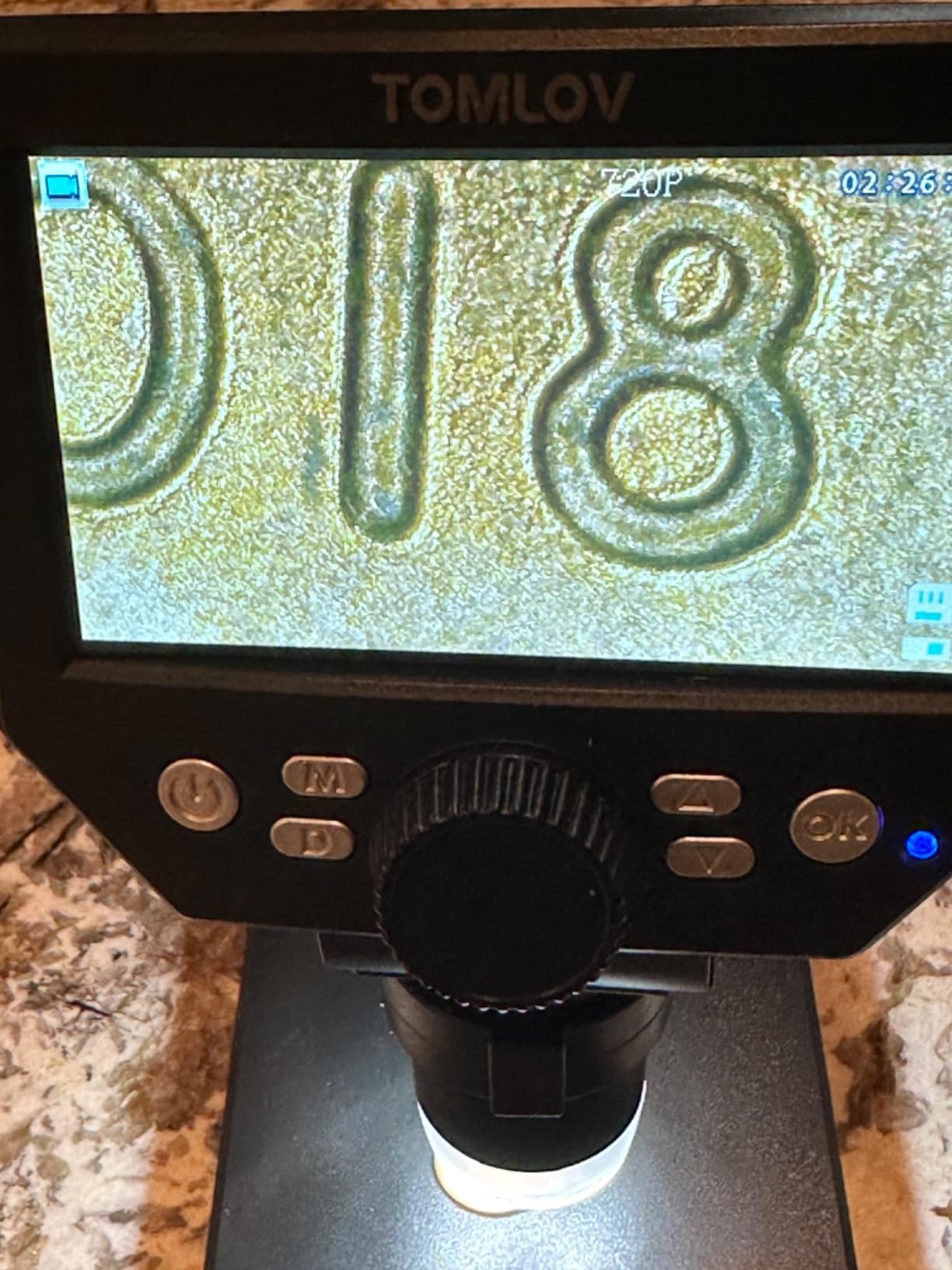
The DM10 is the DM9 with a bigger, tiltable screen and a two-year manufacturer warranty, and the tilt is the feature that earns it a place. A 10.1 inch IPS panel at a 178 degree viewing angle that you can angle down toward a bench makes a real difference when you are working above the board rather than beside it. Owners praise the accurate colours and the smooth rack-and-pinion focus, which holds position instead of drifting back when you let go.
The heavy base is the other thing that matters for PCB work. At 1500 g the unit does not creep when you touch a component, and the detachable screen and base assembly plus battery power means you can carry the whole thing off the bench entirely, which suits field work where there is no screen to plug into.
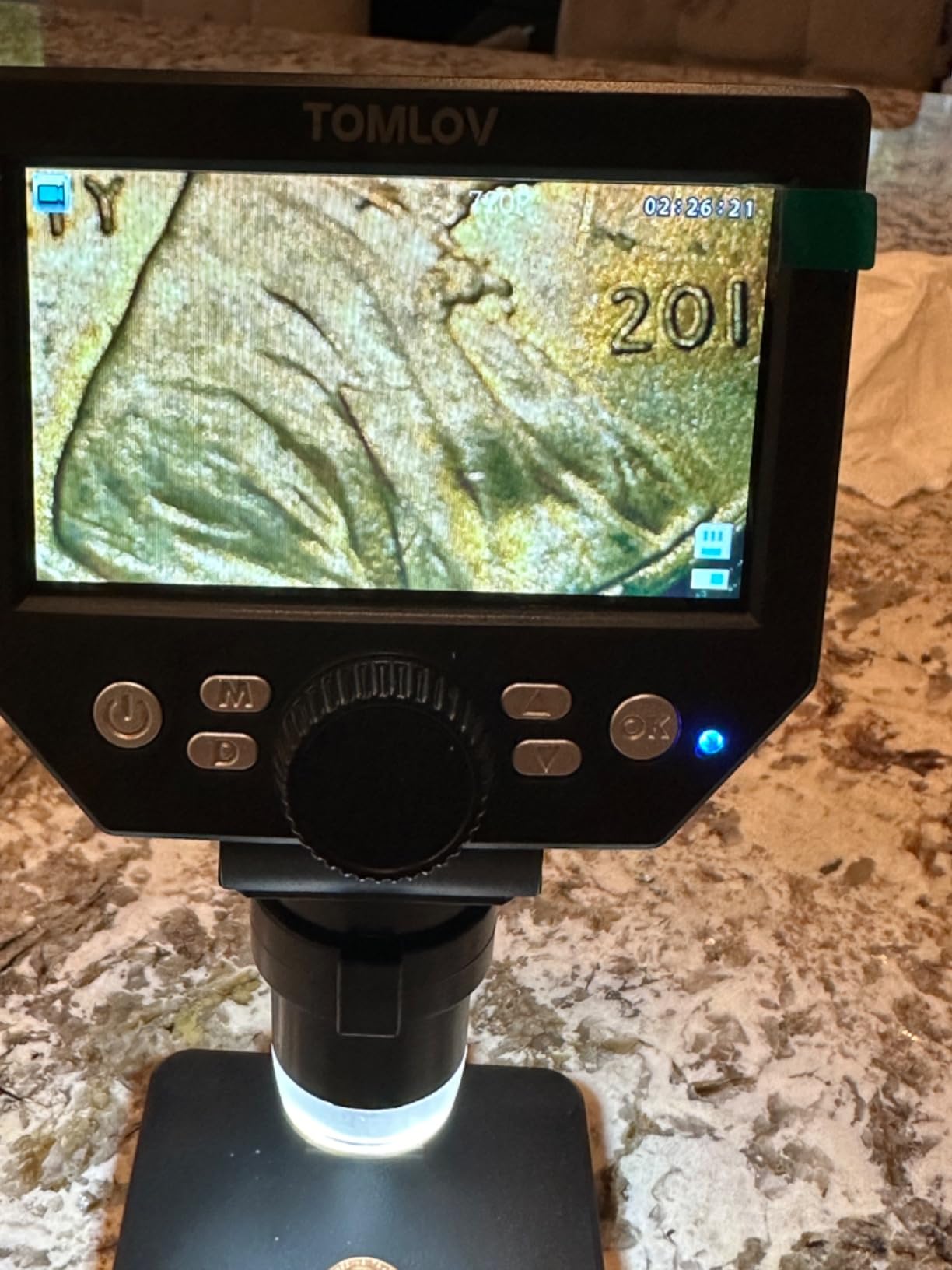
Lighting is the familiar eight dimmable LEDs around the lens plus two gooseneck side lights that can be dimmed independently. That independence is what lets you rake light across a solder joint to pick out a cold joint or a hairline crack, rather than washing the surface flat with a coaxial ring. Photo resolutions run from 16MP down to 2MP and video from 1080FHD to 720P, with a wireless remote for one-touch capture.
The limitations are honest ones. Battery life is roughly three hours, and the unit does not accept an external power bank, which matters if you planned a long session away from a wall. The USB webcam output uses hard-coded compression that owners describe as mediocre, and there is no HDMI or DisplayPort, so a larger external display is not an option. In PC mode the on-screen menu and OSD are disabled entirely, so you lose the controls you have on the built-in screen.
What to verify before buying
Check whether your inspection sessions are longer than three hours away from mains power. If they are, buy the corded Andonstar instead, because a microscope that dies mid-diagnosis is worse than one with a smaller screen. The same applies if you plan to run this beside a large external display, since USB is your only output path.
Also confirm you can live without on-screen menu access in PC mode. Some owners expected the same controls on their computer and were not happy to find them gone. If your workflow is capture-and-review rather than live adjustment, this matters less than it sounds.
Where the DM10 is the wrong tool
If your board work is heavy documentation rather than close inspection, the 351-review history of this model is thinner than the established units around it, and the 2-year warranty is the main thing mitigating that. The compression on the USB feed also makes it a poor choice if you intend to record video of a repair sequence for training or for customer evidence.
And if you need a calibrated measurement workflow, the capture tools here will not give you pad and trace dimensions you can defend in a quality record. We cover what to look for in measurement software in the buying guide below.
3. TOMLOV DM9 Max 20MP – Best for a Large Bench Work Area
TOMLOV DM9 Max Digital Microscope: 20MP 10.1″ 1500X HD IPS Coin Microscope Magnifier for Error Coins with Screen, LCD Soldering Microscopes for Adults, 10 LED Lights, PC/TV Compatible, 16GB
20MP maximum photo resolution
10.1 inch IPS display at 178 degrees
12.6 inch stand with 7x8 inch base
PC and TV output plus 16GB card
Pros
- Tall 12.6 inch stand and 7x8 inch base leave real room for soldering
- Three-point lighting with independently adjustable side and lower lights
- Large 10.1 inch IPS screen shows a wide viewing area
- Rechargeable battery lets you work unplugged
- Video capture with sound documents repair work
Cons
- 1500X claim is overstated with one measurement near 45X
- Focus mechanism and stand post feel cheaply made
- Power button needs a five second long press that is undocumented
- Screen mount wobbles and shifts the viewing angle
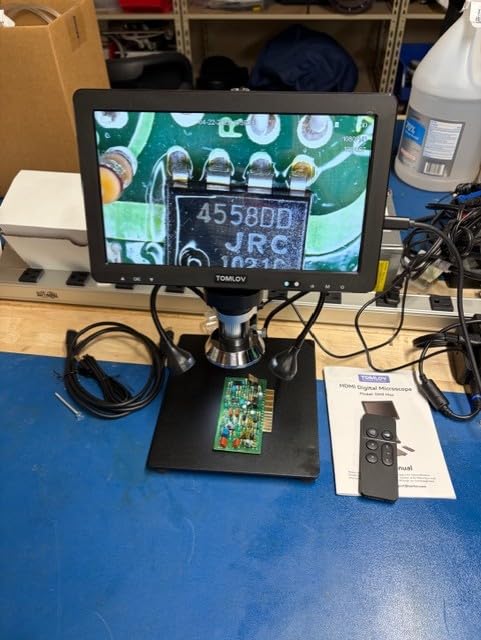
This is the one to buy if your soldering is on a big motherboard rather than a small breakout board. The 12.6 inch stand height and 7×8 inch base give you genuine vertical clearance under the lens, so you can get a board, a hand and an iron in the working area without the whole rig tipping forward. The stand height is the spec that actually decides whether you can work under a microscope, and this is the tallest in the group.
Owners also like the 10.1 inch IPS display for its brightness and viewing area, and the three-point lighting arrangement with eight dimmable LEDs around the lens plus two gooseneck side lights that adjust independently. There is a noise reduction chip and an ultra-sensitive microphone, so recorded video of a repair carries usable audio, and a 16GB card is pre-installed.

Now the part nobody will thank us for. This unit carries a 5X to 1500X claim, and an experienced microscopist in the reviews measured real maximum at about 45X. That does not make it a bad tool, because the useful range is where you work anyway, but it is the clearest proof in this roundup that the headline number is a marketing ceiling. Judge it on the stand, the screen and the sensor, which are genuinely good here.
Build quality is where the price shows. The focus mechanism and the stand post feel like cheap plastic, the screen is not held securely on the bracket and can wobble enough to shift your viewing angle mid-inspection, the power button needs a long press of about five seconds that is not in the manual, and some owners have had base LED lighting fail within weeks. Supplied USB cables are short and no charging block is included.
What to check before you order
Measure your tallest working setup. If you routinely work on laptop motherboards or phone boards held in a fixture above the bench, the 12.6 inch height here is the reason to buy it, and it is worth more than the extra megapixels. If you only ever work on small PCBs lying flat, a shorter stand with a bigger base is a better use of the same money.
Check the wobble in person if you can, or buy somewhere with a straightforward return window. A screen that shifts under a light touch is genuinely disruptive when you are trying to hold a component in frame to photograph it, and it is not something the specification sheet will tell you.
Where it disappoints
The stand is the weak point long after purchase. Feedback flags the focus mechanism and post as feeling cheap, and a microscope stand that feels cheap is usually a microscope stand that drifts, and drifting costs you refocus time on every board. If your workflow involves working through many components in sequence rather than inspecting a finished board, that refocus tax is the real cost here.
The 1500X claim will also disappoint anyone buying it specifically to look at die shots. At roughly 45X real, this is an inspection and documentation tool with a very good stand, not a high-magnification instrument. Judge it on the stand height and the screen, and it holds up well.
4. Andonstar AD210 – Best for Whole-Board Inspection
Andonstar AD210 10.1 Inch LCD Digital Microscope for Soldering, Coin
10.1 inch Super IPS display at 178 degrees
1cm to 26cm adjustable working distance
12.6 inch metal stand with large base
Three LED lighting types plus 32GB card
Pros
- 1cm to 26cm working distance range covers whole coins and small boards
- Upgraded 12.6 inch metal stand with larger base is very stable
- Three-way LED illumination including a bottom light stage
- Corded power means no battery downtime in long repair sessions
- Generous accessory kit with 32GB card reader and slide kit
Cons
- Maximum magnification is only about 260X by design
- Long working distance favours whole-board views over fine component detail
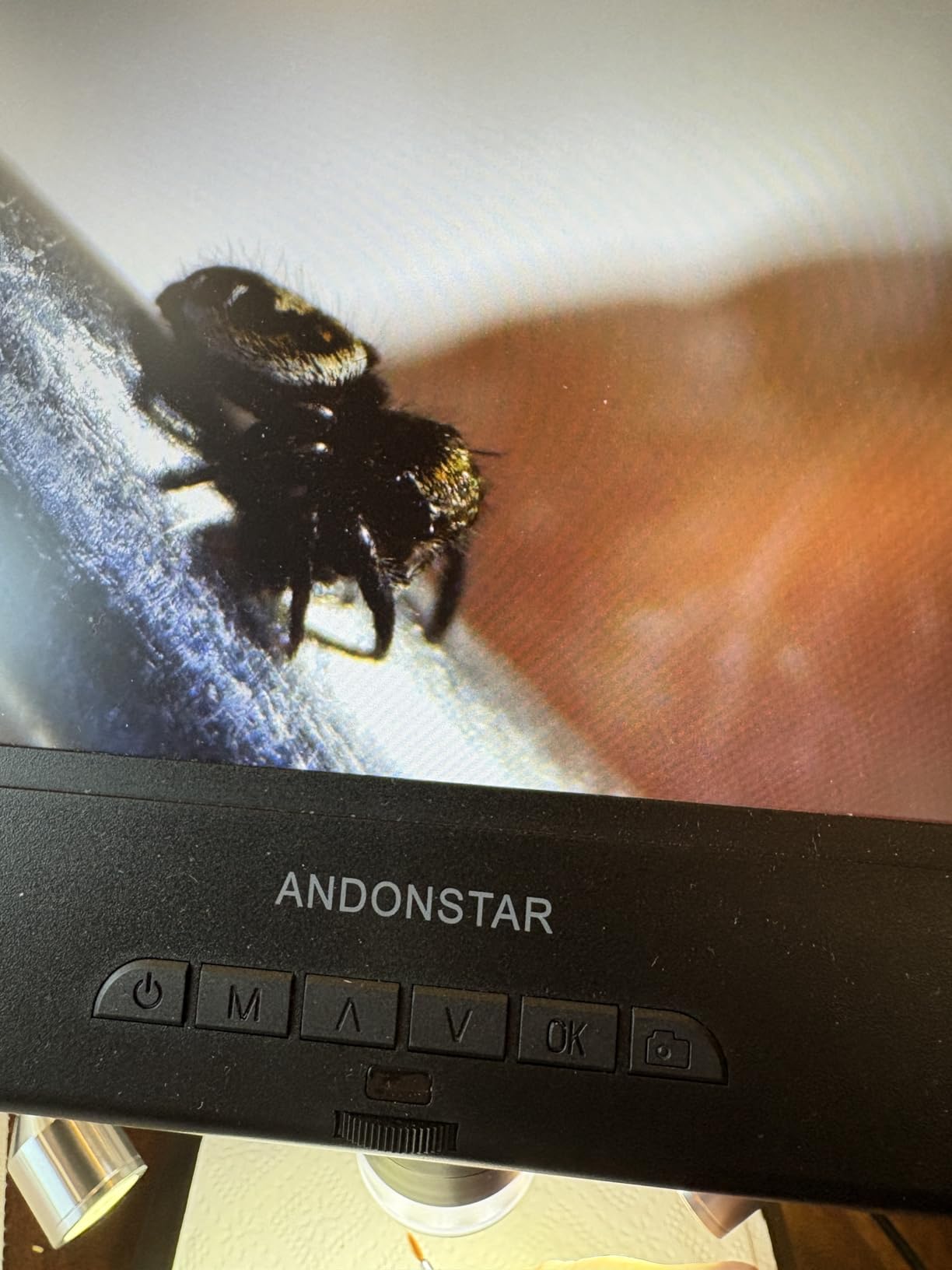
The AD210 does something none of the other nine do: it publishes a working distance instead of a magnification headline. One centimetre to 26 centimetres of adjustable clearance means you can pull the camera all the way back and survey an entire populated board in one frame, then push in to inspect a single pad, without swapping lenses or guessing at focus. For incoming inspection and post-reflow board surveys that is exactly the right behaviour, and it is why this is our pick for whole-board work.
The stand is a 12.6 inch metal unit with a larger base for the height, and owners consistently rate it as solid and stable for soldering. The 10.1 inch Super IPS display runs at 178 degrees with 1080P video and 12MP stills, and there is a wireless remote for photo, video, digital zoom and colour adjustment so you can capture without leaning into the stand.
Lighting is the most thorough in the group: top light, side lights and a bottom light stage, which means you can light a board from behind for flux residue and lifted-pad inspection as easily as you can light it from above. The accessory kit is unusually complete for the money, with a 32GB memory card, card reader, biological slide kit and prepared slides, plus an AC adapter and power cable. Corded electric power means no battery downtime during a long repair session, which we would rank above battery convenience for bench work.
The honest limitation is the 260X maximum, which will read as low next to a 1000X claim on a cheaper endoscope. But that figure is a real working distance design limit, not a marketing trick, and 260X genuine optical detail beats a 1000X electronic crop every time. If you are the buyer who needs to see a whole board and then a specific joint, the variable working distance is worth more than headline magnification.

What to verify first
Check the clearance under the lens against your actual tooling. The design favours whole-board views, so if you need to work a hot iron underneath while watching, confirm the 12.6 inch stand height plus the wide base really clears your hand and your bench. If it does not, the shorter but heavier units in this list may suit you better.
Also decide whether you need a bottom light stage. For SMD rework and pre-solder joint checks it is a genuine advantage. For pure board inspection with a solder mask finish, the top and side lights do the work and the extra kit is unused.
Where it is the wrong choice
It is the wrong choice if your work is die-level inspection on densely packed components, because the long working distance trades fine detail for the whole-board view. Buyers who wanted extreme close-up magnification are the main source of dissatisfaction in the reviews, and they were not disappointed by a defect, they bought the wrong tool for the job.
The 1.92 kg unit and the slide kit also make it a bulky thing to carry, and there is no battery option, so it stays on the bench. For field repair work, one of the battery-powered desktop units is a better fit.
5. PalliPartners 4.3 inch LCD Microscope – Best Cordless Field Unit
PalliPartners Digital Microscope for Coins with Light HD Screen
4.3 inch LCD with 1080p video
50X to 1000X claimed with 2.0MP camera
8 adjustable LEDs with brightness slider
Rechargeable battery of 4 to 5 hours
Pros
- Rechargeable battery of roughly 4 to 5 hours for cordless work
- Connects to a laptop as a PC camera for larger viewing
- 32GB micro SD card included for images and video
- Smooth focus wheel that holds as magnification increases
- 8 adjustable LEDs let you view dark objects and dark boards
Cons
- 4.3 inch screen is small next to 10 inch models
- Low quality sensor where settings above about 5MP only add noise
- On-body shutter button shakes the unit and blurs the shot
- Focus is touchy and less sharp than expected for macro work
The PalliPartners is the pick when the work does not happen on a bench. A built-in rechargeable lithium battery of roughly four to five hours plus a metal bracket for hands-free use means you can carry it to a customer site, a machine room or a vehicle and still have a screen. It ranks in the Lab Stereo Microscopes category rather than the handheld camera category, and at 0.55 kg it is light enough to move between jobs without thinking about it.
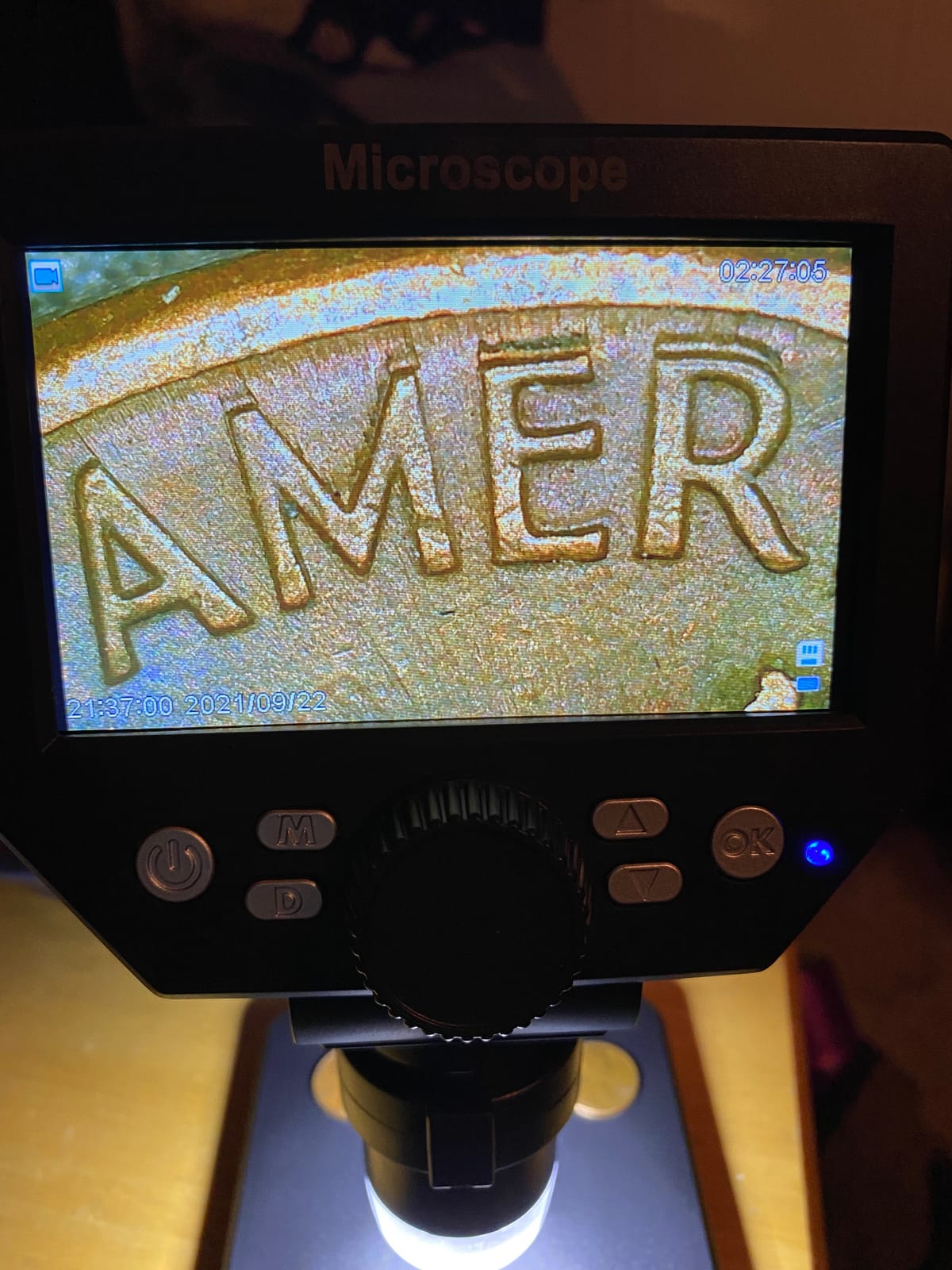
Owners repeatedly highlight the clarity of the 4.3 inch LCD at 1080p or 720p, the true-to-colour output and the smooth focus wheel that stays sharp as you increase magnification. The 8 adjustable LEDs with a brightness slider handle dark boards and dark components, and the included 32GB card means captures are stored without needing a computer. The detail we like most is that photo capture has a short pause that lets camera shake settle, which is a small design decision that visibly improves your images.
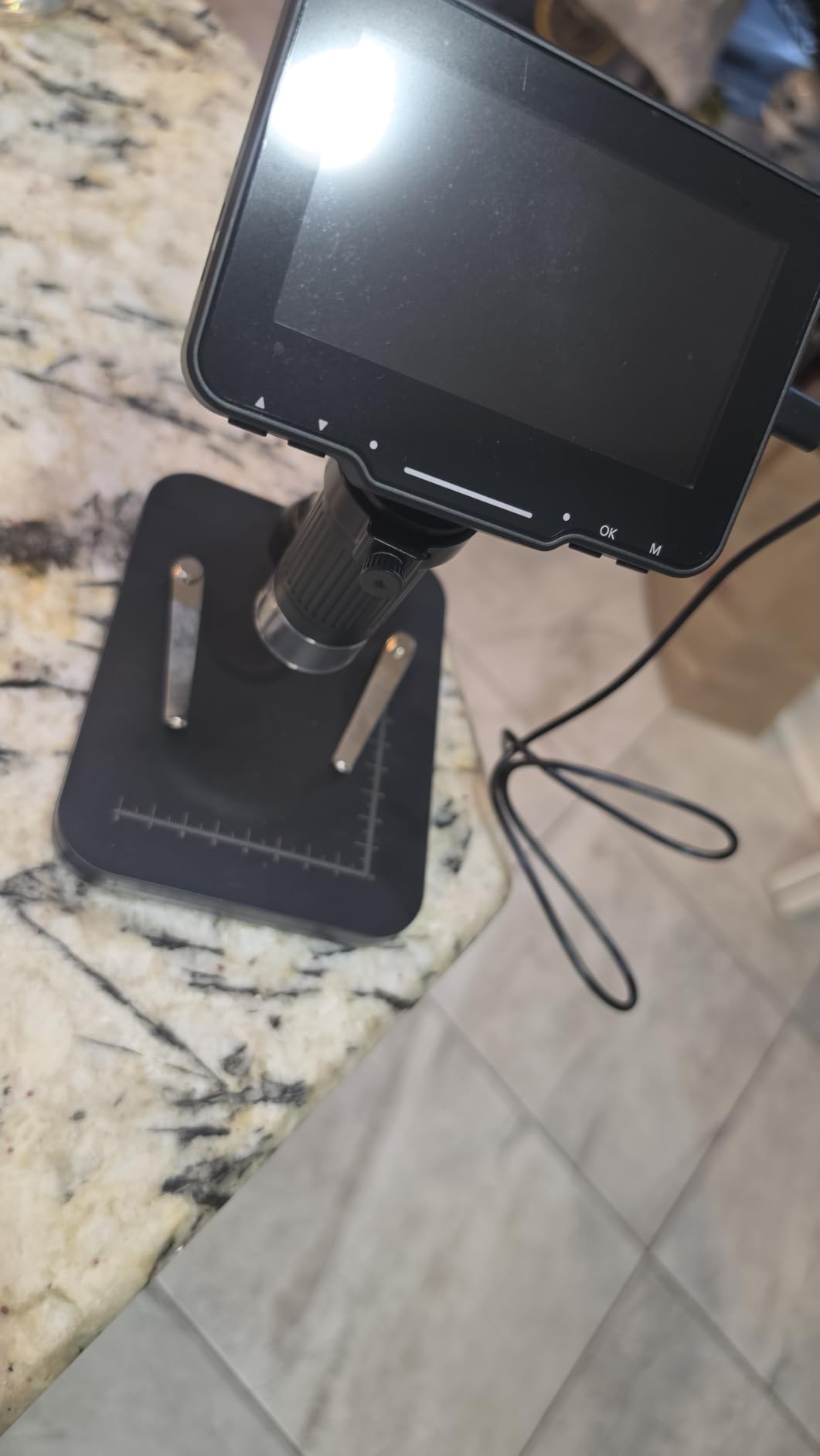
The biggest practical trick here, and one worth stealing as a habit, is to connect it to a laptop as a PC camera. Owners report that this gives a noticeably larger, sharper view than the on-body screen, and it lets you use standard capture software instead of the built-in buttons. Several buyers do their serious inspection work that way and treat the 4.3 inch panel as the portability feature.
The sensor is the limitation. It is a 2.0MP unit, and owners report that resolution settings above about 5MP add noise rather than detail, so pushing the capture settings is not worth doing. The on-device buttons are not intuitive and need the instructions. Pressing the on-body photo button shakes the unit and can blur the shot, which is exactly why the pause-before-capture design still needs the laptop habit. Focus is very touchy, and one detailed review documents a bundled SD card holder bent in transit that made recording unusable, so check the slot when it arrives.
What to check before you buy
Decide how much of your work is off-bench. If the answer is a meaningful share, the battery is the reason to buy this and nothing else on the list replaces it. If you are permanently at a desk, buy a larger screen and skip this.
Check that you can live with a 4.3 inch panel for the on-site portion, and plan to use a laptop for anything that needs careful judgement. Confirm your phone or tablet can be used for the live view, since that connectivity is a listed supported device category rather than a promise.
Where it falls short
This is not the microscope for die-level work or for dense multi-layer boards where you need to resolve individual trace widths. At 2.0MP with a touchy focus wheel, the image is clear enough to find a defect and not sharp enough to certify one. Owners looking for macro sharpness report the results are not as good as they expected.
The 50X to 1000X claim is the same marketing ceiling we described earlier, so read the useful range as the lower optical band. And if your inspection sessions are long and detail-critical, a fixed 4.3 inch screen will fatigue you faster than a 10.1 inch IPS panel with an adjustable viewing angle.
6. Plugable USB Digital Microscope 250x – Best Value USB Microscope for Electronics
Plugable USB Digital Microscope 250x, 2MP Micro Camera, Flexible Arm Stand
True 60x to 250x magnification
2.0 megapixel sensor
LED halo light with brightness control at 7000K
Flexible arm stand and observation pad
Pros
- Works as a standard webcam with no driver or app installation
- Publishes a true 60x to 250x optical-style range
- LED halo light with brightness control handles shiny surfaces
- Works on Mac Windows Linux ChromeOS Android and iPad from one device
- Backed by lifetime support from a North American connectivity team
Cons
- No built-in display so you need a computer tablet or monitor
- 250X ceiling is low for inspecting individual SMD components
- 2MP sensor trails the 12MP and 20MP screen-equipped models
The Plugable is the only USB microscope in this roundup that tells you the truth about its optics, and that honesty is why we rank it as the best value. It uses a standard webcam chipset and sensor, so it registers as a webcam on Mac, Windows, Linux, ChromeOS, Android and iPad with no driver and no app, and it ships with both USB and USB-C or Thunderbolt connectors. You open whatever camera software you already use and you are working.
That single decision removes an entire category of frustration. The bundled endoscope units need their own software installed, lose the on-screen menu, and frequently carry a measurement tool that only runs on Windows. The Plugable does none of that, and with more than 6,500 reviews at 4.2 it has the deepest proven support history of anything in this group. Owners point to lifetime support from a North American connectivity team as part of why it has lasted.
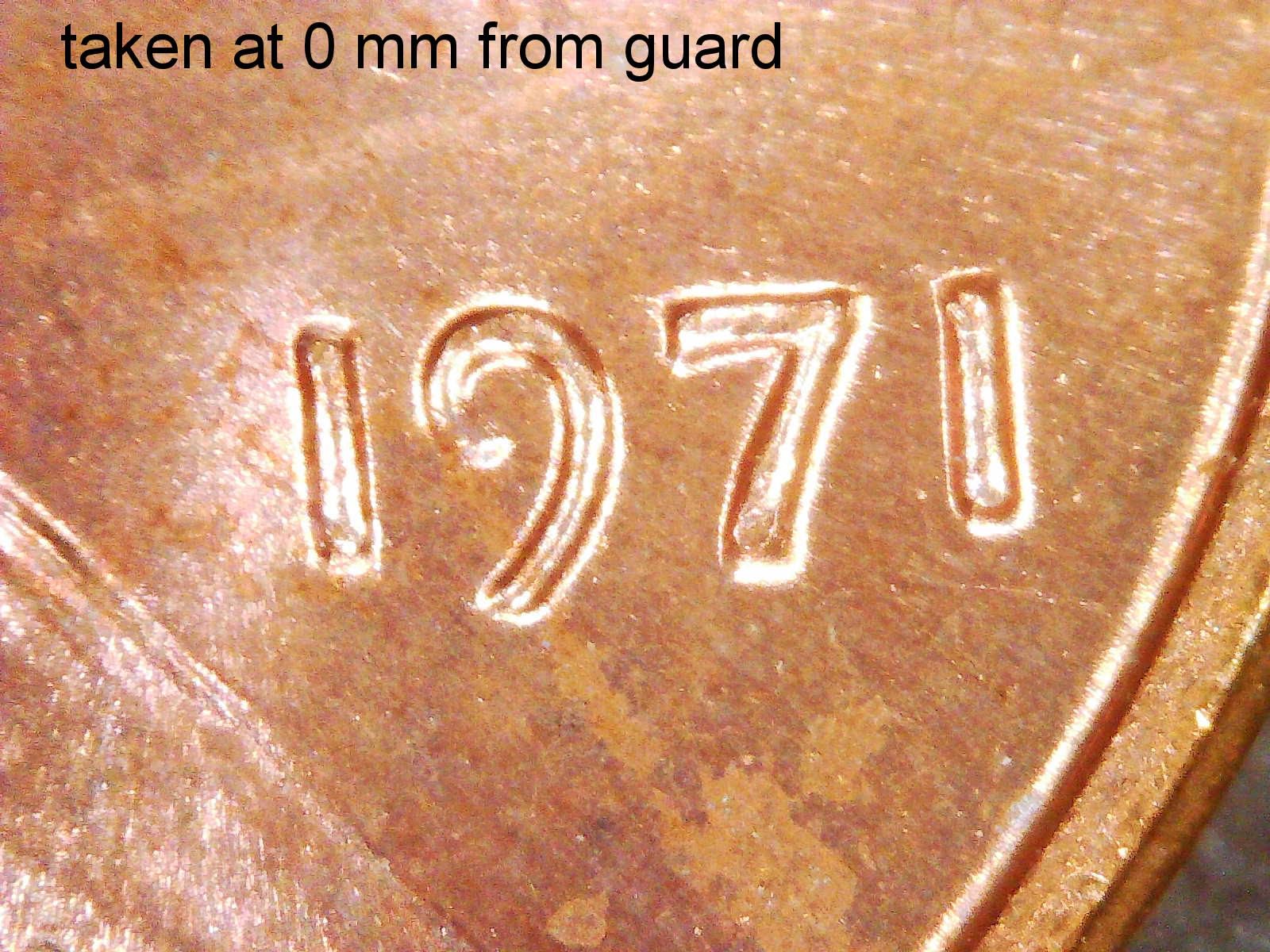
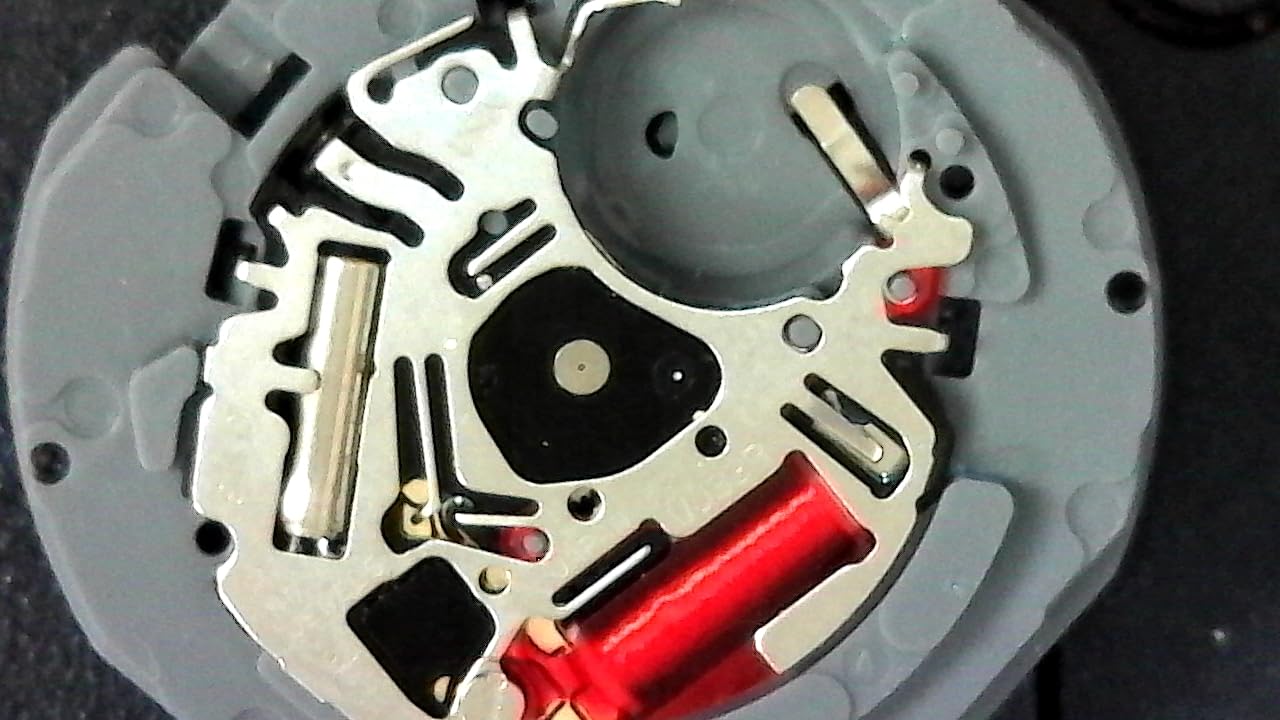
For PCB work the 60x to 250x optical-style range is genuinely usable, not a compromise, because that band covers solder joint inspection, component marking and board survey. The LED halo light has brightness control at a 7000K colour temperature, and dialling it down is the fastest way to see relief on a shiny joint rather than a flat white blob. The flexible arm stand and observation pad make hands-free work easy, and the unit can also be used handheld for quick checks on a part before you commit it to the bench.
The trade-offs are the ones you would expect from a two-megapixel sensor. There is no built-in display, so you need a laptop, tablet or monitor, which is a problem only if you planned to use the microscope away from any screen. The 250X ceiling is genuinely low for inspecting individual SMD components on a dense board, and the sensor trails the 12MP and 20MP models for photographing fine defects.
What to check before you buy
Check that you are comfortable working with the image on a monitor rather than under a dedicated screen. If you have any eye strain or neck strain from looking at a small panel, a monitor at desk distance is better, not worse. If you plan to inspect away from a computer entirely, this is the wrong device and you want a screen-equipped model.
Also check the operating system on the machine you will plug it into, since it will work on all of them, and confirm you have a free USB or USB-C port. ChromeOS needs version 108 or above for the USB-C path.
Where it is the wrong tool
It is the wrong tool for die shots, for inspecting the underside of a dense BGA, or for anything where you need to confirm a hairline crack rather than a visible bridge. At 250X with a 2MP sensor, you are looking for gross defects, not subtle ones. The flexible arm is also deliberately simple, and while it holds position for inspection it is not a place to rest a soldering iron handle.
If your work is a mix of inspection and live soldering, keep reading. This is the microscope for the first half of that job, and it is very good at it, but it will not help you with the second half.
7. Bysameyee 40X to 1000X USB Microscope – Best Starter Kit
USB Digital Microscope 40X to 1000X, 8 LED Magnification Endoscope Camera with Carrying Case & Metal Stand, Compatible for Android Windows 7 8 10 11 Linux Mac (Not for iPhone/iPad)
40X to 1000X endoscope camera
8 LEDs with dimming knob and diffuser
Measurement software for Windows
Complete kit with stand adapter ruler and case
Pros
- Complete kit including metal stand OTG adapter ruler and carrying case
- 8 LEDs with a dimming knob and diffuser for even soft light
- Works with Windows Mac Linux and OTG-enabled Android phones
- Measurement software is included for Windows users
- Metal construction feels more solid than the price suggests
Cons
- No built-in display so you view on a phone tablet or computer
- Requires separate software installation before use
- Does not work with iPhone or iPad
- Measurement feature is Windows-only
- 1000X is electronic zoom and usable detail is far lower
The Bysameyee is the kit you hand to someone learning electronics, and the reason is the box contents. You get a metal stand, an OTG adapter, a ruler for scale reference, the driver and a carrying case. For a classroom, a club bench or a first purchase, having the ruler and the case included removes the small annoyances that make a cheap tool feel disposable.
With more than 10,000 reviews averaging 4.0, it is also one of the most examined budget scopes in existence, which means the failure modes are well known before you buy. That is a genuine advantage. The eight LED lights with a dimming control knob and a diffuser give softer, more even illumination than bare LEDs, and the metal construction feels more substantial than the entry price suggests. It works with Windows 7 through 11, Mac OS X 10.5, Linux, and Android phones with OTG.
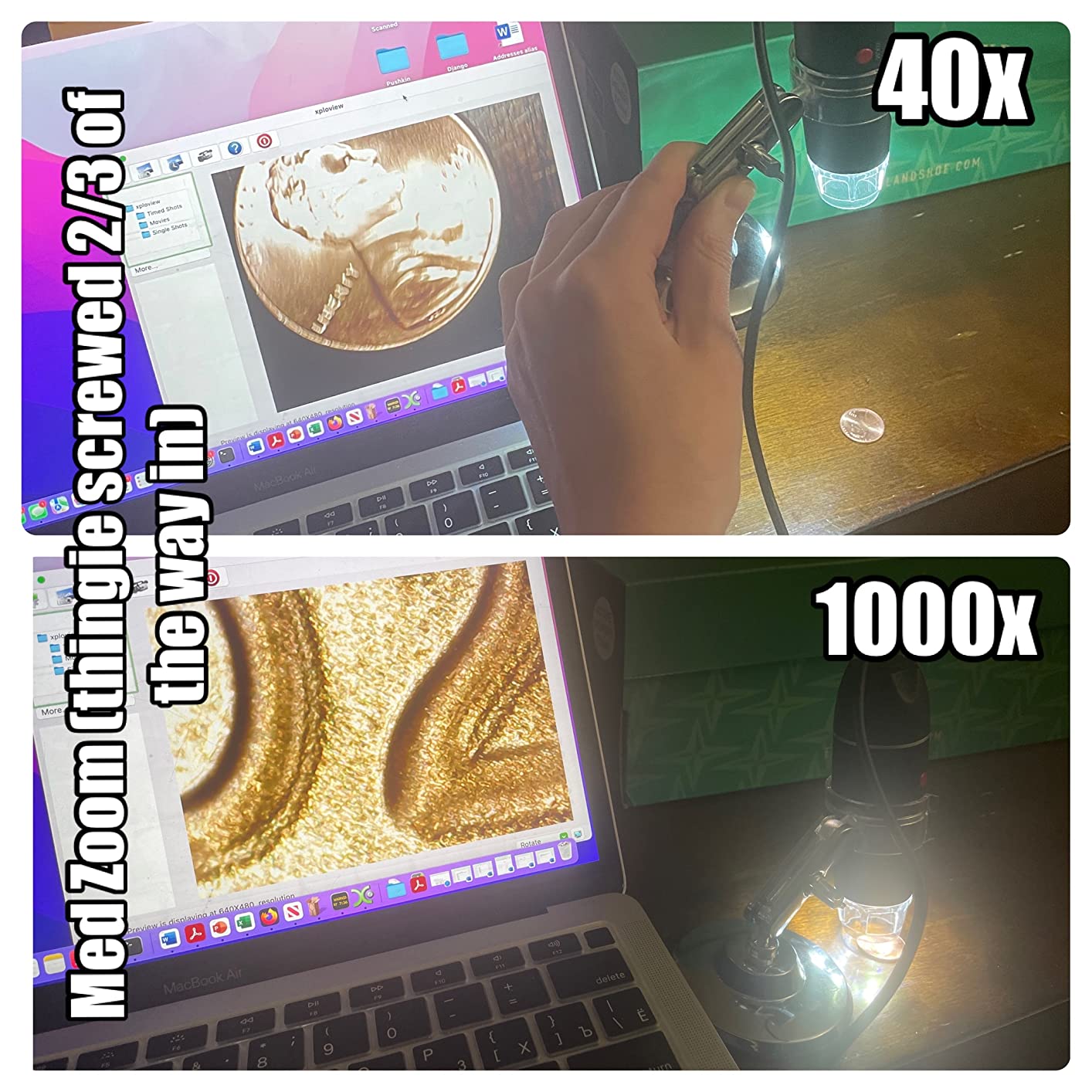
The measurement software is worth knowing about for students learning to read component dimensions, and it is a Windows-only feature, which is the one part of the software story that frustrates Mac and Linux users. Screenshot capture and video recording run through the supplied software, which means an install step before the scope does anything. That is the difference between this and the Plugable that we flagged earlier, and for a first tool it is a smaller deal than it becomes later.
The limitations are the standard budget set. There is no built-in display, so you need a phone, tablet or computer. It does not work with iPhone or iPad, which matters more in 2026 than it used to. The 1000X figure is an electronic zoom and the usable optical detail is far lower, and the fixed-focus design with a modest sensor gives basic image quality for serious solder-joint work. Buyers who want to inspect rather than look are the ones who end up moving up a tier.

What to check before you buy
Check what you will plug it into. If it is a Windows PC, you get the measurement software and the full documented compatibility list. If it is a Mac or Linux machine, you are giving up the measurement tool. If the device is an iPhone or iPad, this is not the scope, full stop, and no adapter fixes that.
Also check whether you need a screen in the field. Without one, this scope is a phone-and-computer accessory rather than a standalone tool, and you should set your expectations around the image quality accordingly.
Where it falls short for you
It falls short the moment your work becomes precision work. The fixed focus and modest sensor mean image quality is basic for serious solder-joint inspection, and the 1000X headline will frustrate anyone who bought it expecting die-level detail. Forum users consistently report that a cheap scope of this class is fine for checking a board or a component but stops helping once you are diagnosing a hairline defect.
The software install step is also a small ongoing tax. Every reconnect on a new machine means reinstalling, and on a locked-down work laptop that can be a real blocker. If your work computer is managed by IT, the Plugable is the safer choice because it needs no software at all.
8. Jiusion 40 to 1000x USB Microscope – Best Budget Pick
Jiusion 40 to 1000x Magnification Endoscope, 8 LED USB 2.0 Digital Microscope, Mini Camera with OTG Adapter Metal Stand, Compatible with Mac Windows 7 8 10 11 Android Linux Chrome Not for iPhone/iPad
40X to 1000X variable magnification
8 built-in LED lights
Two separate focus and brightness knobs
Windows software with measurement function
Pros
- Lowest entry cost in the group with a very large review base
- Two separate knobs let you set focus and brightness independently
- 8 LED lights illuminate small parts evenly
- Windows software includes a measurement function for component size
- Works with Mac Windows Linux Chrome OS and OTG Android
Cons
- No built-in display so you need a phone tablet or computer
- Will not work with iPhone or iPad
- Android use requires OTG and a third-party checker app
- Claimed 1000X is electronic zoom and real magnification is far lower
- Image quality and manual focus are basic for serious PCB work
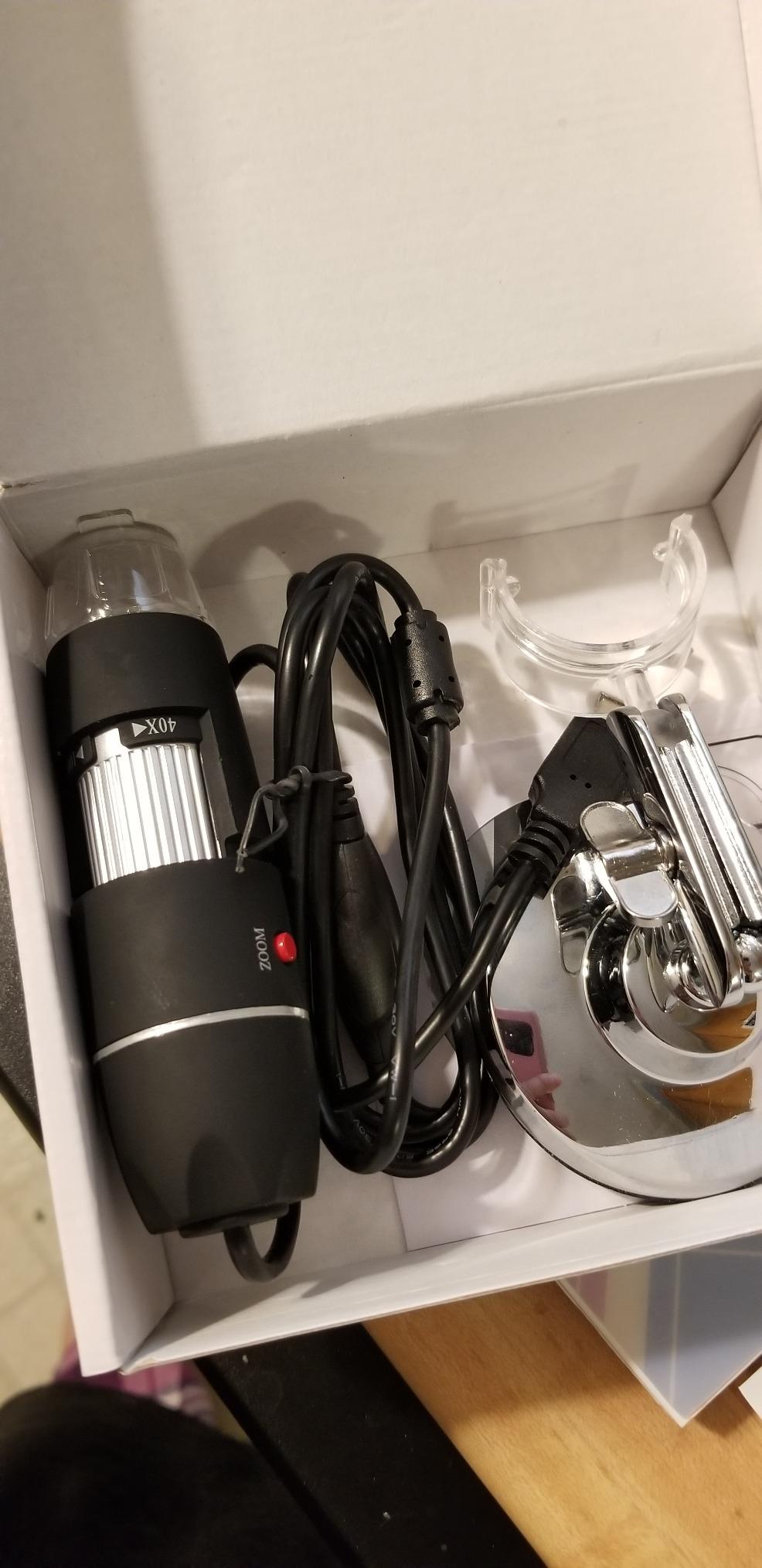
The Jiusion 40 to 1000x is the cheapest way to put a magnified view of a circuit board in front of someone, and with more than 20,000 reviews it has the largest proven user base of any budget scope here. That number matters more than it sounds, because it means there is no mystery about how it behaves: you can read a decade of owner experience in an afternoon and know exactly what you are getting.
The design decision we like is the pair of separate adjusting knobs, one for focus and one for brightness. Most budget scopes in this class combine them or give you brightness only, and having brightness as an independent control is what lets you see a dark board or a dark component. The eight built-in LED lights are even for this price, and the Windows software includes a measurement function for checking component size against the included scale. A metal stand holds it steady for hands-free inspection.

Compatibility is broad for the money: Mac, Windows XP through 11, Linux, Chrome OS, and Android phones that support OTG. The OTG adapter and metal stand are both in the box. That makes it a sensible second tool to keep in a laptop bag, because it costs almost nothing and works on whatever machine is in front of you.
The constraints are the ones the reviews repeat. There is no built-in display, so you always need a phone, tablet or computer. It will not work with iPhone or iPad, which is a hard exclusion rather than an inconvenience. Android use requires OTG support plus a third-party OTG checker app, which is an extra step on every new phone. The 1000X is electronic zoom with real useful magnification far below it, and the image quality and manual focus are basic for serious PCB work, which means this is an inspection and learning tool rather than a diagnosis tool.
What to verify before buying
Verify that your inspection device is not an Apple phone or tablet, because there is no workaround. On anything else, confirm you have a USB port free and, on Android, check OTG support before you start the setup.
Verify that the measurement function is worth anything to you, because it only runs on Windows. If you are on Windows and learning to measure pads and traces, this is genuinely useful. If you are anywhere else, treat the software as capture-only.
Where it disappoints
It disappoints on detail. At this tier the image is good enough to find a bridged joint or a missing component and not good enough to confirm a hairline crack or a pad lift. Owners moving from casual inspection to real repair work consistently reach the end of what this scope can show them, and that is the honest limit of the class rather than a defect in the unit.
It also disappoints on convenience. The separate software, the OTG requirement and the missing screen all add friction to a tool you may use weekly. If you are buying one microscope and expect it to be your main inspection tool for years, spend up a tier. If you are buying something to keep in a drawer for occasional checks, this is the right answer.
9. Jiusion 4K WiFi Microscope – Best for iPhone and iPad
Jiusion 4K 50-1000x WiFi USB Digital Handheld Microscope with Metal Stand
Claimed 3840x2160 wireless video
50X to 1000X with 8 built-in LEDs
WiFi works with iPhone iPad Android and tablets
Wired USB to Mac Windows Linux and Chrome OS
Pros
- Wireless WiFi to phone or tablet removes cable clutter at the bench
- Also connects by cable to a laptop for a bigger screen
- All metal stand with rubber feet and smooth fine adjustment
- Only budget scope here that also works with iPhone and iPad
- App allows resolution brightness contrast saturation and RGB adjustment
Cons
- Very small field of view makes finding and holding a feature fiddly
- Brightness on the device itself cannot be adjusted only in the app
- No autofocus so you must focus manually and hold very still
- Claimed 4K is interpolated and real detail is closer to 1080p
Everything else in the budget class says not for iPhone or iPad. This one does not, and that single fact puts it in a category of one. The WiFi connection reaches your iPhone, iPad, Android phone or tablet through its own hotspot, and a wired USB path covers Mac, Windows, Linux and Chrome OS. For anyone whose inspection device is an Apple product, that is not a preference, it is eligibility.
The hardware is better than the price band suggests in one specific way. The stand is all metal with rubber feet and plastic-tipped bolts, and owners describe the fine adjustment as smooth. Several engineers in the reviews compare it favourably to more expensive professional units. The app gives you resolution, brightness, contrast, saturation and RGB adjustment, which is a level of control the pure USB budget units simply do not offer.
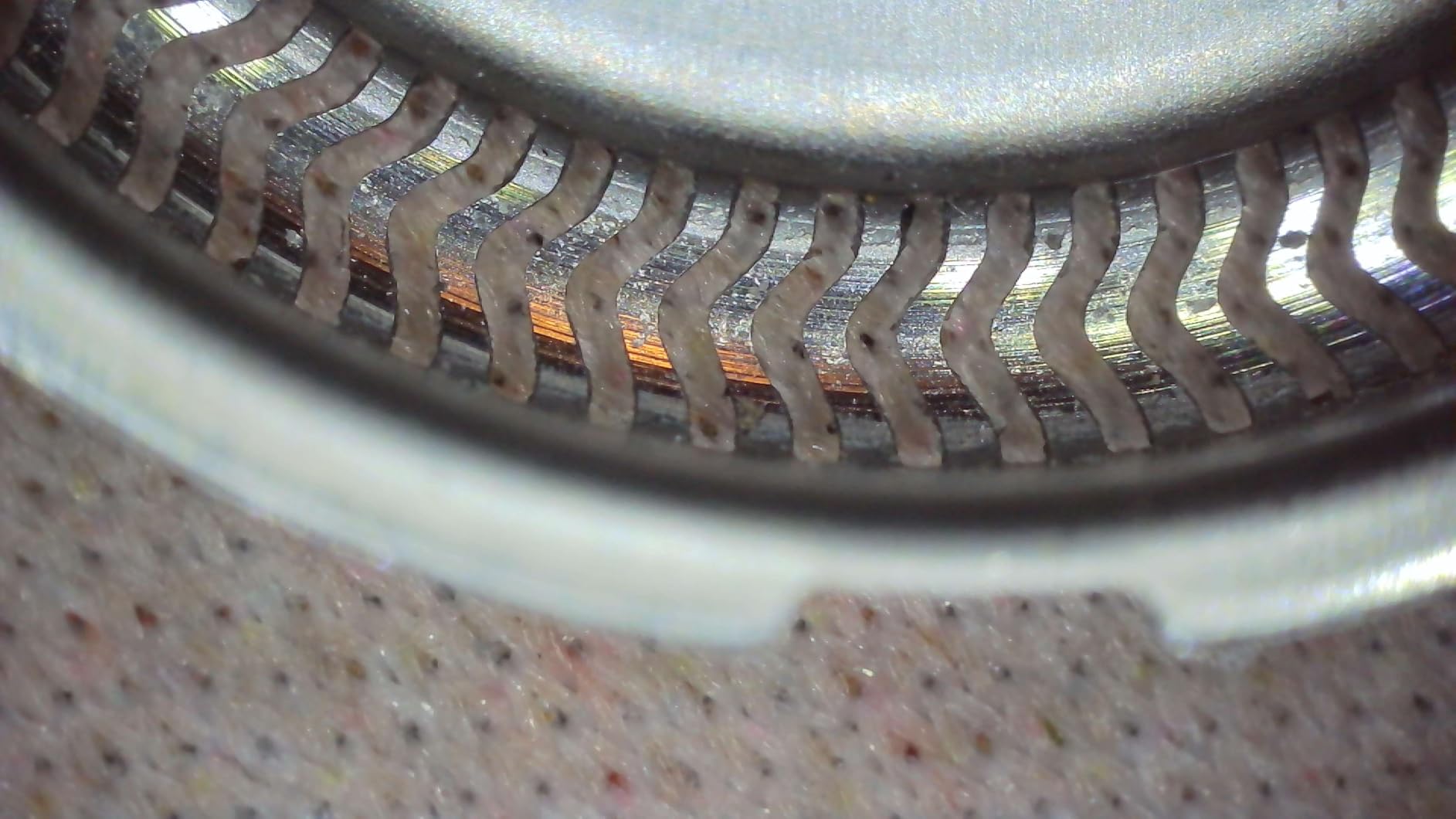
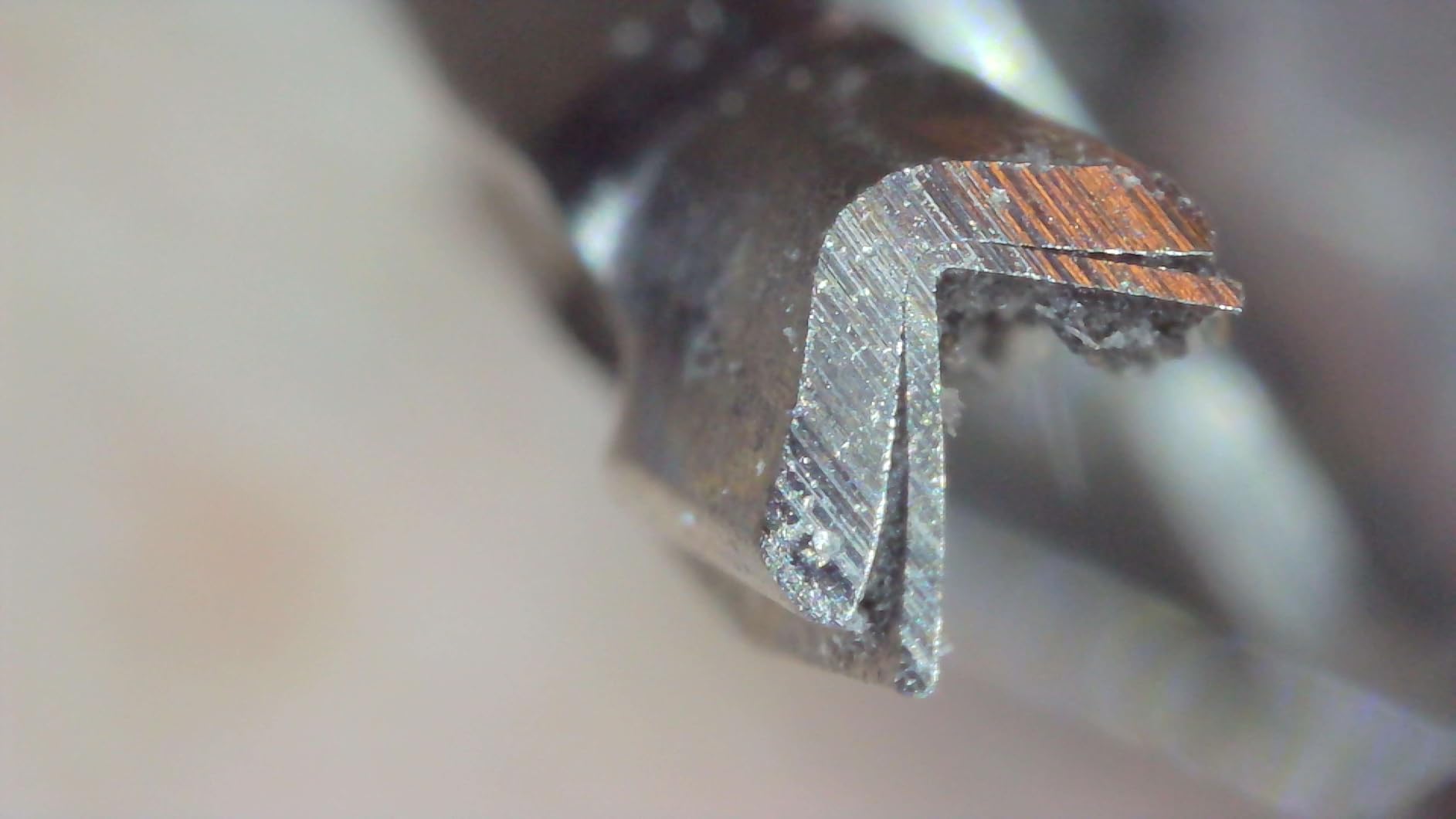
Now the complaints, which are consistent enough to plan around. The field of view is very small, so finding a specific feature and holding it in frame is fiddly work, and this is the single biggest practical limitation for PCB work where you are hunting across a board. There is no autofocus, so you focus manually and hold the scope very still. Brightness cannot be adjusted on the device itself, only through the app’s image settings. At high zoom the casing can block the view of anything but very small subjects, and the single knob combines zoom and focus, giving effectively only two zoom levels.
The 4K claim deserves the direct treatment. The stated 3840×2160 is interpolated, and one reviewer documented that it captures no more real detail than 1920×1080 while adding noise. Zoom buttons for 1.2x to 2.0x digital magnification work on iOS and Android only, not on desktop, and the mobile app itself is poorly designed and light on features.
What to check before you buy
Check whether you work from an Apple device. If you do, this is the only scope in the group that will serve you at the budget tier, and the WiFi path removes the cable between the scope and your phone entirely. If you do not, compare it against the Plugable, which gives you a much larger view on a computer screen for a similar outlay.
Then check your patience. No autofocus plus a very small field of view means a slow, deliberate workflow, which is fine for a single defect and frustrating for a board survey. If you are inspecting one component at a time on a known board, this works well.
Where it is the wrong choice
It is the wrong choice for surveying large boards or for any workflow that moves between components quickly, because the small field of view and manual focus make you re-find and re-focus constantly. It is also the wrong choice if you want to record a repair video, since the wired path to a computer drops to lower resolution output and the app is not built for long recordings.
And if you are buying on the 4K label, do not. Judge it on the metal stand and the WiFi, which are its real strengths, and set the image quality expectations from the interpolated resolution rather than the number on the box.
10. Skybasic 50X-1000X WiFi Microscope – Best for Handheld Quick Checks
Wireless Digital Microscope, Skybasic 50X-1000X Magnification WiFi Portable Handheld Microscopes with Adjustable Stand HD USB Microscope Camera Compatible with iPhone Android iPad Windows Mac Computer
50X to 1000X claimed magnification
2MP HD CMOS sensor with 1080p phone output
8 adjustable LED lights
WiFi to iPhone iPad and Android plus USB to Windows and Mac
Pros
- Works over WiFi with iPhone iPad and Android as well as USB to Windows and Mac
- Lightweight at 0.31 kg and easy to set up after the Max-see app
- One-button photo and video capture on the device itself
- Adjustable stand and charging base included with a one-year replacement service
- 3 to 60 mm optimal focal length range
Cons
- No real focus control since the wheel only changes zoom
- Two on-device enlarge and reduce buttons do nothing
- Included stand cannot hold the scope in position and lets it fall
- App requests broad photo library permissions and withdrawing them breaks capture
- Claimed 50X to 1000X is closer to a fixed-focus magnifier
The Skybasic is built for the thirty-second check. You pick it up, connect over the Max-see WiFi hotspot, look at a part, take a photo, and put it down. There is no password to enter, the app is on both the App Store and Google Play, and at 0.31 kg the unit is light enough to genuinely use that way. With more than 9,500 reviews it is one of the most established WiFi handheld magnifiers available.
The 2MP HD CMOS sensor outputs 1920×1080 on a smartphone and 720P on a computer, and the eight adjustable LED lights give usable illumination. A USB path covers Windows and Mac for anyone who prefers a bigger screen, though on older Windows the PC route needs AMCap installed. One-year replacement service is a nice touch at this price, and the adjustable stand and base are included.

The problem is focus control, and it is the thing to understand before you buy. The wheel on the device only changes zoom, not focus, so to focus you have to physically move the microscope toward or away from the subject. That is workable for a quick look and awkward for sustained work. Two of the on-device buttons labelled enlarge and reduce do nothing at all, which owners find irritating, and the included stand’s tightening mechanism cannot hold the scope in position so it drops.
Two further issues. The app requests broad photo library permissions, and withdrawing them breaks capture entirely, which is a meaningful privacy consideration if you photograph customer equipment. And the 50X to 1000X claim is over-advertised, with owners describing it as closer to a fixed-focus magnifier. Auto-exposure can also leave the image very dark as the field of view moves, a common complaint with fixed-exposure sensors in this class.

What to check before buying
Check whether quick handheld checks are genuinely part of your work. If you are verifying a component before fitting it, photographing a fault for a customer record, or doing an occasional survey away from a bench, this fits the job. If you intend to sit and inspect a board in detail, the manual focus model will frustrate you within an hour.
Check the stand carefully on arrival, because the reported weakness is in the tightening mechanism rather than in the scope. If yours will not hold position, plan to use it handheld, which is what it is designed for anyway.
Where it lets you down
It lets you down on anything sustained. Without focus control and with a stand that will not hold the scope, there is no configuration where this becomes your primary inspection tool, and treating it as one is the mistake. It is a companion device to a proper microscope, not a replacement for one.
It also lets you down on documentation quality. The 720P computer output and 1080p phone output are fine for a quick reference photo, but neither is the resolution you want for post-reflow inspection records or for evidence you send to a customer disputing a repair. If documentation is a large part of your role, spend the money on one of the 12MP or 20MP screen-equipped units instead.
Buying Guide: 7 Criteria That Decide Which USB Microscope You Need
Magnification is the last criterion, not the first. These seven, in the order they actually matter, are what separate a microscope you will use for four years from one that ends up in a drawer.
1. Resolution beats magnification. A 2MP sensor at a true 250X shows you more than a 20MP sensor at an electronic 1000X, because one is resolving detail and the other is cropping it. Read sensor resolution and treat any magnification figure above roughly 60X as digital zoom unless the manufacturer states the optical range explicitly, as the Plugable and Andonstar do. The Andonstar publishes a working distance of 1cm to 26cm instead of a magnification headline at all, which is a model of honest specification.
2. Working distance and hand clearance. This is the criterion that decides whether you can solder under the microscope or only look at it. You need enough clearance above the board to get your hand, your iron and the component in the working area. The taller stands in this group, at 12.6 inches, are the ones built for that. If you have never checked the clearance before buying, do it now, because it is the mistake buyers report regretting most often.
3. Lighting: coaxial ring versus side light. Almost every unit here has a ring of LEDs around the lens, and a ring light on its own flattens everything. A shiny solder joint under pure coaxial light becomes a featureless white blob, which is exactly how a cold joint and a good joint end up looking identical. The two gooseneck side lights on the TOMLOV units, the independently dimmable side lights on the Andonstar, and the dimming knob plus diffuser on the Bysameyee all let you light from an angle, which produces the shadow relief you need to see the actual contour of a joint. If glare on IC packages is your problem, a polarising filter is the other half of the answer, and none of the units here includes one.
4. Stand rigidity. Look for a metal base, a metal column and a real tightening mechanism. A stand that drifts means you refocus on every board, and refocusing is a throughput tax on every component you touch. The Plugable-style flexible arm is fine for inspection, where nothing is touching the board, and wrong for soldering.
5. Frame rate and latency. This is the criterion most roundups skip, and it is the one that forum users raise first. If you want to solder while watching, you need a scope that behaves like a real-time instrument, and the honest answer is that a USB microscope on a computer is a camera feed with lag, not a stereo eyepiece. Treat latency as a reason to pick a particular class of tool rather than a particular brand. If you want more insight into the same category, we covered USB passthrough setups in our guide to passing a USB device through to a virtual machine, which matters if you plan to run your inspection software in a VM.
6. OS compatibility and OTG. Check what you will plug it into, and check the operating system of that device. The Plugable works on Mac, Windows, Linux, ChromeOS, Android and iPad as a standard webcam with no software, which is the most compatible design here. The Bysameyee and the standard Jiusion work everywhere except iPhone and iPad, and both need a third-party OTG checker app on Android. The Jiusion 4K and the Skybasic reach Apple phones over WiFi instead. If your inspection device is an iPhone, only those last two are in the running.
7. Output and documentation. A built-in screen is convenience. USB output is compatibility. HDMI or TV output, which the TOMLOV DM9 Max and Andonstar-style desktop units provide, is what lets you share the view with a customer sitting across the bench from you. For repair shops, the ability to capture stills and video, store them and send them, is worth more than any spec on the box, and the units with 12MP or 20MP sensors produce photographs you can put in front of a customer. If your work is mostly on drains and pipes rather than boards, our inspection camera guide covers that adjacent category.
USB Microscope vs Stereo Eyepiece Microscope: Which One Do You Actually Need?
If you solder with your face over the work for hours at a time, you want a stereo eyepiece microscope, and no USB scope in this roundup will change that. The reason is structural rather than a quality gap. A stereo microscope gives you true three-dimensional vision with two optical paths and your eyes at the eyepieces, so depth perception works and your hands operate in the same space your eyes are looking at. A USB microscope gives you a two-dimensional image on a screen that is a different distance from your hands than the board is, mediated by a camera with a lag. You can learn to work with it, and thousands of people do, but you are working around a handicap rather than without one.
The forum consensus is consistent on this. Electronics StackExchange discussion separates the small USB scopes from proper stereo and eyepiece instruments and concludes that USB suits inspection and documentation while eyepieces suit continuous hands-on work. On the other side, an arduino.cc user abandoned USB microscopes for live PCB work specifically because of image lag, and a badcaps forum thread notes the refocus-per-board requirement on stereo bodies as a real productivity cost in the other direction. Both complaints are legitimate, and both are structural.
For model names, the most frequently recommended stereo instruments in these discussions are the AmScope SE-400, SE-410 and SE-420 family, with users citing the 10x to 20x versions as the most usable and the SE-400 as having the widest field of view for general inspection. A long-term owner on a pedal PCB forum reports more than four years of use with an AmScope SE400-Z binocular stereo microscope and LED light, using it for SMD soldering, trace modification and general board inspection with zero complaints. That kind of report, from a specific model over a specific span, tells you far more than any roundup verdict.
The practical resolution most people reach is to own both roles rather than pick one. A USB microscope documents, teaches, shares and inspects from a comfortable distance. A stereo eyepiece microscope is what you solder through. If you can only buy one and your work is currently inspection and board bring-up, buy from this list. If your work is currently micro-soldering, buy a budget stereo microscope and add one of the USB units from this roundup later for documentation. Electrologika, Elektroda and the other repair communities reach the same conclusion from different starting points: match the tool to the task rather than looking for one tool that does both.
Frequently Asked Questions
What digital microscope is best for PCB repairing?
The TOMLOV DM9 is the best all-round choice for PCB repair, with a 12MP sensor, 1080P video, a 7 inch LCD, a metal base and eight onboard LEDs plus two gooseneck lights. If you inspect from a computer rather than a dedicated screen, the Plugable USB 2MP 250x is a cheaper and more compatible option because it registers as a standard webcam. If you solder live rather than inspect and document, a stereo eyepiece microscope is the correct instrument and no USB scope replaces it.
What is the best USB microscope?
It depends on what you view it on. The Plugable USB 2MP 250x is the best general-purpose USB microscope because it works as a standard webcam on Mac, Windows, Linux, ChromeOS, Android and iPad with no software, publishes a true 60x to 250x optical range and has more than 6,500 reviews behind it. The TOMLOV DM9 is the best choice if you want a built-in screen, a metal stand and high-resolution stills for documentation.
What type of microscope is best for soldering electronics?
A stereo eyepiece microscope with a trinocular or binocular head is best for hands-on soldering, because it gives true three-dimensional vision and your eyes sit in the same space as your hands. A USB microscope is best for inspection, documentation and teaching. If your work is continuous live micro-soldering, buy the stereo instrument and add a USB scope later for photographing repairs.
What magnification is good for soldering?
Between about 20X and 60X of genuine optical magnification covers the useful range for SMD work, component marking and board survey. Above that, depth of field collapses and focus becomes a constant hunt. Most advertised 1000X figures are electronic zoom rather than optical, and the Andonstar AD210 openly caps at 260X while the Plugable states 60x to 250X, which are real optical figures.
Why is my USB microscope blurry?
Four usual causes. First, a factory dust or lint speck inside the lens assembly, which owners of several models in this roundup reported out of the box, so check the lens before anything else. Second, digital zoom rather than optical focus, which fills the screen with interpolated pixels. Third, a low-quality sensor pushed to a resolution setting it cannot support, as reported on 2MP units. Fourth, focus set manually with a very small depth of field at high magnification, in which case back off to a lower magnification to focus and then move in.
Why does my USB microscope not show up on my computer?
Check the port and the cable first, since these units are picky about connectors and some ship with a USB-A lead only. A unit using a standard webcam chipset such as the Plugable will appear immediately, while units requiring bundled software need that software installed before the device registers. On a managed work laptop, driver installation is often blocked by policy. On Android, the device also needs OTG support, and an OTG checker app will confirm it.
Do I need a digital microscope to solder?
For hobbyist-level through-through work, a good loupe is enough. For SMD work, reworking phone and laptop motherboards, or checking solder joint quality before a board goes back into a case, you cannot see what you are doing without magnification. A USB microscope handles inspection and documentation well. It is a poor tool for soldering through in real time, and for that a stereo eyepiece microscope is the right answer.
Can a USB microscope see bacteria, or is this the right tool for biology?
A USB microscope in this category cannot resolve individual bacteria, which are typically a micron or less across, and none of these units offers the compound optical path and stained slide preparation that a laboratory instrument provides. The most commonly used instrument in a biology laboratory is the compound light microscope, not a USB inspection scope. If you need teaching-grade images of prepared slides, the Andonstar AD210 includes a slide kit and bottom light stage for demonstration work, but that is a classroom aid rather than a laboratory instrument.
Conclusion: Pick Your USB Microscope in 30 Seconds
The best USB microscopes for PCB inspection in 2026 split cleanly by what you need them to do. Buy the TOMLOV DM9 if you want one tool that does inspection, documentation and desk work properly, with a metal base, a 7 inch screen and enough lighting control to see a cold joint. Buy the Plugable 250x if you work at a computer and want a microscope that behaves like any other webcam, on any operating system, with an honest optical range. Buy the Jiusion 40 to 1000x if the budget decides it, and accept that it is a learning and quick-check tool rather than a diagnostic one.
Move up to the Andonstar AD210 for whole-board survey work with a genuine 1cm to 26cm working distance, or to the TOMLOV DM9 Max when the height under the lens is the constraint, since the 12.6 inch stand is the tallest here. The Jiusion 4K and the Skybasic cover Apple phones over WiFi, and the Bysameyee and PalliPartners fill the classroom and off-bench roles respectively.
And before you order anything, read the USB versus stereo section one more time. If you will be soldering with your hands while you look, a stereo eyepiece microscope is the instrument and this list is the companion. Choose on working distance, lighting control and sensor resolution, and treat every magnification number above 260X as decoration. The board under your iron is the only test that matters, and every unit here will show you something the naked eye cannot.