
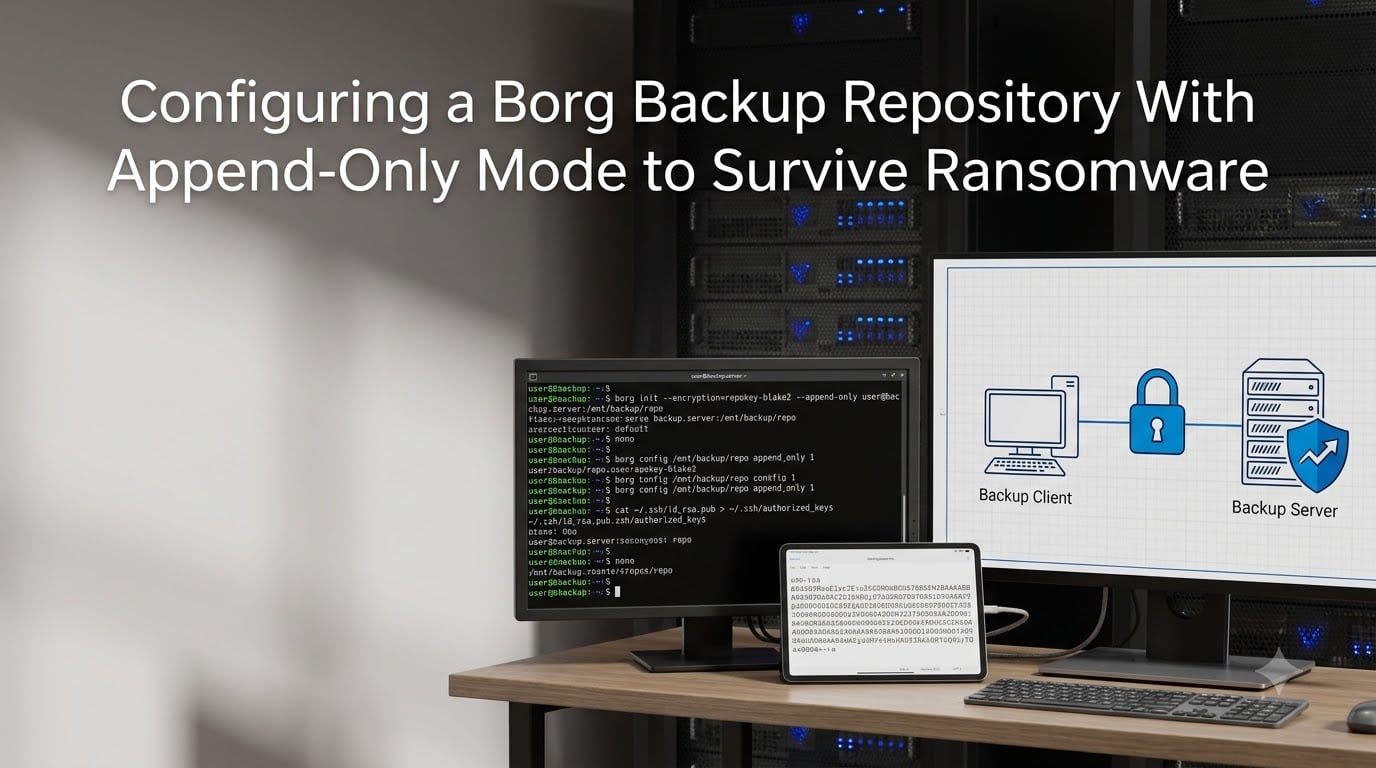
Ransomware attacks have evolved to target backup infrastructure directly. A compromised client machine can delete or encrypt your backups before you even realize there is a problem. That is where Borg Backup append-only mode becomes critical. In this guide, I will show you exactly how to configure an append-only repository to survive ransomware attacks and protect your data immutably.
You will learn how append-only mode works at the technical level, how to set it up step by step, and the SSH key restrictions that enforce it securely. I will also cover the limitations most guides miss, including Borg 2.0 changes and rollback procedures when something goes wrong.
Table of Contents
- What Is Borg Backup Append-Only Mode?
- How Append-Only Mode Protects Against Ransomware?
- How to Configure Borg Backup Append-Only Mode
- SSH Key Restrictions for Append-Only Repositories
- Rollback Procedures in Append-Only Mode
- Limitations and Drawbacks of Append-Only Mode
- Borg 2.0 Changes to Append-Only Mode
- Best Practices for Ransomware-Resistant Backups
- Frequently Asked Questions
- What is append-only mode in Borg backup?
- How do I enable append-only mode in Borg Backup?
- How does append-only mode protect against ransomware?
- Can ransomware delete Borg backups if append-only mode is enabled?
- What are the limitations of Borg append-only mode?
- Can I still prune archives when using append-only mode?
- Conclusion
What Is Borg Backup Append-Only Mode?
Borg Backup append-only mode is a repository setting that prevents Borg from overwriting or deleting committed data. When enabled, the repository becomes immutable from the client’s perspective, ensuring that existing backups cannot be permanently removed or corrupted by a compromised machine.
In normal operation, Borg writes data to segment files and maintains a transaction log. Each archive operation creates a new transaction entry in the transactions file, and the manifest is updated to reflect the current state. Without append-only mode, a compromised client could issue delete or prune commands that remove segment files and free disk space permanently.
Append-only mode changes this behavior. When you set append_only=1 in the repository configuration, Borg creates new transactions but cannot overwrite existing segment files. Data marked for deletion becomes orphaned rather than physically removed. The blocks remain on disk until an administrator runs compaction from a trusted context.
How Append-Only Mode Protects Against Ransomware?
Understanding the threat model helps clarify why append-only mode matters. Imagine your backup client machine gets infected with ransomware. The attacker now has access to your SSH keys and can connect to your backup server. In a normal Borg setup, they could run borg delete or borg prune to erase all your backups before encrypting your local files.
This is not hypothetical. Ransomware operators specifically target backup infrastructure because destroying backups eliminates your recovery option. Once they control the backup client, they control the backup server too.
Append-only mode breaks this attack path. Even with full access to the backup client, the attacker cannot physically delete segment files from the repository. They can mark archives as deleted, but the underlying data remains in segment files on the server. When you discover the compromise, you can roll back the transaction, restore orphaned blocks, and recover your data.
The key insight is that append-only mode shifts trust from the client to the server. The backup server becomes the authoritative source of truth, not the potentially compromised client machine.
How to Configure Borg Backup Append-Only Mode
Setting up append-only mode requires three steps: creating the repository, enabling the append-only flag, and configuring SSH access correctly. I will walk you through each step.
Step 1: Install Borg and Initialize the Repository
First, install Borg on both your backup client and server. On most Linux distributions, you can install it via your package manager or use the standalone binary.
On the backup server, initialize the repository with encryption enabled:
borg init --encryption=repokey-blake2 /path/to/repositoryThis creates a new repository with client-side encryption using AES-256-CTR and authentication with HMAC-SHA256. The encryption key is stored in the repository config file, which you should back up separately.
Step 2: Enable Append-Only Mode
Enable append-only mode by setting the repository configuration option:
borg config /path/to/repository append_only 1You can verify the setting was applied:
borg config /path/to/repository append_onlyThis should return 1 if append-only mode is enabled.
Alternatively, you can enforce append-only mode at the server level using borg serve --append-only. This is useful when you want to ensure append-only behavior regardless of the repository configuration.
Step 3: Test the Configuration
Create a test archive and verify that delete operations fail to remove data:
borg create /path/to/repository::test-archive /path/to/data
borg delete /path/to/repository::test-archive
Check the repository size before and after deletion. The data should remain on disk even though the archive appears deleted in the manifest.
SSH Key Restrictions for Append-Only Repositories
Simply enabling append-only mode on the repository is not enough. A sophisticated attacker with SSH access could disable append-only mode by modifying the repository config file. To prevent this, you must restrict SSH access using forced commands in the authorized_keys file.
The Restrict-to-Path and Restrict-to-Repository Options
Borg provides two critical options for SSH restrictions: --restrict-to-path and --restrict-to-repository. These ensure that the SSH connection can only run Borg commands against specific paths or repositories.
Edit the authorized_keys file on your backup server:
command="borg serve --append-only --restrict-to-path /path/to/repository",no-pty,no-port-forwarding,no-X11-forwarding,no-agent-forwarding ssh-ed25519 AAAAC3NzaC1lZDI1NTE5AAAA... backup-client-keyThis configuration forces several important restrictions. The client can only run borg serve with the append-only flag. Path restrictions prevent accessing other directories on the server. The no-pty and related options prevent shell access entirely.
Creating Separate Keys for Different Operations
For more complex setups, consider creating multiple SSH keys with different restrictions. For example, you might have one append-only key for regular backups and an unrestricted key stored offline for administrative tasks like compaction and repository repair.
This approach ensures that even if your backup client is compromised, the attacker cannot disable append-only mode or run compaction. They are limited to creating new archives, which is exactly what you want.
Rollback Procedures in Append-Only Mode
One advantage of append-only mode is that logical deletes can be undone. When a client issues a delete or prune command, Borg marks the archive as deleted in the manifest but does not remove the underlying segment files. You can roll back this transaction to restore the deleted archive.
Understanding the Transaction Log
Borg maintains a transactions file that records every operation. Each transaction has a unique ID and references segment files that were created or modified. In append-only mode, new transactions are appended to this log without modifying existing entries.
When an archive is deleted, a new transaction marks it as removed in the manifest. The segment files containing the archive data remain on disk as orphaned blocks.
Performing a Manual Rollback
To restore a deleted archive, you need to undo the transaction that marked it as deleted. First, identify the transaction:
borg list /path/to/repository --format="{archive} {time}"Note that deleted archives may not appear in the list. You need to examine the transactions file directly or use the rollback command:
borg rollback /path/to/repositoryThis undoes the most recent transaction, restoring any archives that were logically deleted. For multiple transactions, run rollback multiple times or specify a specific transaction ID.
After the Rollback
After rolling back, verify the repository integrity:
borg check /path/to/repositoryThe archive should now appear in the archive list again, and you can extract files normally.
Limitations and Drawbacks of Append-Only Mode
Append-only mode provides strong protection against ransomware, but it comes with trade-offs. Understanding these limitations helps you plan your backup strategy effectively.
Storage Space Does Not Shrink
The most obvious limitation is that deleted archives do not free disk space. Segment files remain on disk until you run compaction from a trusted administrative context. If you are backing up large amounts of data with frequent pruning, you need sufficient storage capacity to handle this growth.
This is not a bug. It is the mechanism that protects your data. But it requires monitoring and planning.
Logical Deletes Still Appear Successful
When a compromised client runs borg delete or borg prune, the command appears to succeed. The archive disappears from the archive list. This can be confusing for users who expect append-only mode to block these operations entirely.
The key point is that the data remains on disk even though the manifest says it is deleted. You can recover it through rollback procedures if you discover the compromise quickly enough.
Compaction Cannot Run from Client
In append-only mode, borg compact is blocked from running on the client side. This prevents the client from freeing disk space and potentially overwriting critical data. An administrator must run compaction from the server side after verifying the repository state.
This adds operational complexity but is necessary for security. You need a process for periodic compaction from a trusted context.
No Real-Time Ransomware Detection
Append-only mode protects your data but does not detect ransomware attacks. An attacker could still fill your repository with encrypted garbage archives, consuming disk space. You need monitoring and alerting to detect unusual backup behavior.
Borg 2.0 Changes to Append-Only Mode
Borg 2.0 introduced significant changes that affect how append-only mode works. If you are migrating from Borg 1.x, you need to understand these differences.
Server-Side Append-Only Removed
Borg 2.0 removed the server-side append-only feature that existed in Borg 1.x. The --append-only flag for borg serve no longer enforces append-only behavior at the protocol level.
Instead, Borg 2.0 uses a permissions system that provides both delete and overwrite protections through repository-level access controls. This offers similar security but with a different implementation.
Migration Considerations
If you are using Borg 1.x with append-only mode enforced via SSH forced commands, your existing configuration will continue to work. The borg serve --append-only flag in the forced command still provides the same protection.
However, if you relied on repository-level append-only without SSH restrictions, you need to review your configuration for Borg 2.0. The new permissions system requires explicit configuration of access modes.
Implications for Ransomware Protection
The fundamental protection against ransomware remains intact in Borg 2.0. The ability to prevent compromised clients from deleting backup data still exists through the permissions system. But the implementation details have changed, and you should test your configuration after upgrading.
Best Practices for Ransomware-Resistant Backups
Append-only mode is one layer of defense. A comprehensive ransomware protection strategy includes multiple complementary approaches.
Multi-Repository Strategy
Do not rely on a single repository. Maintain multiple backup repositories in different locations with different access controls. If one repository is compromised or corrupted, you have others to fall back on.
Consider having an offline backup that is physically disconnected from the network. An air-gapped backup cannot be accessed by ransomware regardless of how sophisticated the attack is.
Separate Keys for Different Operations
Create separate SSH keys for different operations. Your regular backup key should be append-only with path restrictions. Administrative keys for compaction and repository repair should be stored offline and used only when needed.
This separation ensures that day-to-day backup operations cannot accidentally or maliciously compromise your repository.
Backup Verification
Regularly verify that your backups can be restored. Run borg check periodically to verify repository integrity. Test restores in a sandboxed environment to confirm that your backup process is working correctly.
Ransomware protection is useless if your backups are corrupted in ways unrelated to the attack. Regular verification catches these issues early.
Monitoring and Alerting
Set up monitoring for your backup infrastructure. Track repository size growth, archive creation frequency, and any failed operations. Unusual patterns may indicate a compromised client or failed backup process.
Alerting on abnormal backup sizes or frequencies can help you detect ransomware activity before it fills your repository.
Offline Backup Rotation
For critical data, consider a rotation of offline backups. Weekly or monthly, copy your repository to external media and store it securely. This provides recovery capability even if your entire online infrastructure is compromised.
Frequently Asked Questions
What is append-only mode in Borg backup?
Append-only mode is a repository setting that prevents Borg from physically deleting or overwriting committed data. When enabled, segment files remain on disk even when archives are logically deleted, ensuring backup immutability and protection against data removal by compromised clients.
How do I enable append-only mode in Borg Backup?
Enable append-only mode by running: borg config /path/to/repository append_only 1. Alternatively, enforce it at the server level with: borg serve u002du002dappend-only. Both approaches prevent the client from deleting committed data.
How does append-only mode protect against ransomware?
Append-only mode prevents a compromised backup client from permanently deleting backup data. Even if ransomware gains access to your SSH keys and runs delete commands, the underlying segment files remain on disk. You can roll back the transaction and recover your backups.
Can ransomware delete Borg backups if append-only mode is enabled?
Ransomware can mark archives as deleted, but the data remains in segment files on the server. The attack succeeds only if the ransomware also gains administrative access to run compaction from a trusted context. With proper SSH restrictions, this is not possible from the client.
What are the limitations of Borg append-only mode?
Limitations include: storage space does not shrink when archives are deleted, logical deletes appear successful which can be confusing, compaction cannot run from the client side, and unusual backup behavior like garbage archives filling disk space is not automatically detected.
Can I still prune archives when using append-only mode?
Yes, you can run prune commands from the client. Archives will be logically deleted from the manifest but the data remains in segment files on disk. Physical deletion requires running compaction from a trusted administrative context on the server.
Conclusion
Configuring Borg Backup append-only mode is a critical step in building ransomware-resistant backups. By preventing compromised clients from permanently deleting backup data, you maintain a recovery option even when your primary systems are encrypted. The combination of repository configuration, SSH key restrictions, and proper monitoring creates a defense-in-depth approach that significantly improves your security posture.
Remember that append-only mode is one layer of protection. Combine it with multi-repository strategies, offline backups, and regular verification to build a robust backup infrastructure. Test your configuration now, before you need it in a crisis. When ransomware strikes, you will be glad you did.