
I have spent the last few months rebuilding my home network around OpenWrt, and I will never go back to stock firmware. The difference is staggering once you taste real VPN throughput, SQM bufferbloat control, and AdGuard-level ad-blocking without subscriptions. But here is the catch: picking the right DIY router hardware for OpenWrt is half the battle. Get the chipset wrong, and you will fight driver bugs for weeks.
OpenWrt is open-source router firmware that turns commodity hardware into a full Linux networking box. You get LuCI, a real web interface, plus opkg for installing thousands of packages. It is the same firmware used by large ISPs and prosumers, and it works on everything from tiny travel routers to multi-gigabit home gateways. That flexibility is why OpenWrt has stayed relevant for over two decades.
Not every router plays nicely with OpenWrt, though. Some need a signed intermediary image before flashing. Others have Wi-Fi drivers that lag behind upstream. In this guide, I am breaking down the 15 best OpenWrt routers you can buy right now in 2026, tested across home, travel, gaming, and small office use cases. I focused on devices with active community support, stable OpenWrt builds, and hardware that does not feel underpowered the moment you enable WireGuard.
Table of Contents
Top 3 Picks for DIY OpenWrt Router Hardware in 2026


Best DIY OpenWrt Router Hardware in October
1. GL.iNet Flint 2 (GL-MT6000) – Best Overall OpenWrt Router
GL.iNet GL-MT6000 Flint 2 Wi-Fi 6 Gaming Router Dual 2.5G Ports
Dual 2.5G ports
Wi-Fi 6 8-stream
WireGuard 900 Mbps
Pros
- Dual 2.5G multi-gig ports
- Easy web setup
- Strong Wi-Fi 6 coverage
- WireGuard 900 Mbps
- AdGuard Home integration
Cons
- Fixed antennas
- Setup docs could be clearer
The Flint 2 has been my daily driver for three months, and it has not stuttered once. GL.iNet ships it with OpenWrt pre-installed, which means I skipped the flashing step entirely and went straight into LuCI. Setting up WireGuard took about four minutes, and I am pulling 870 Mbps through the tunnel on a 1 Gbit fiber line. That is the kind of number stock firmware routers cannot touch.
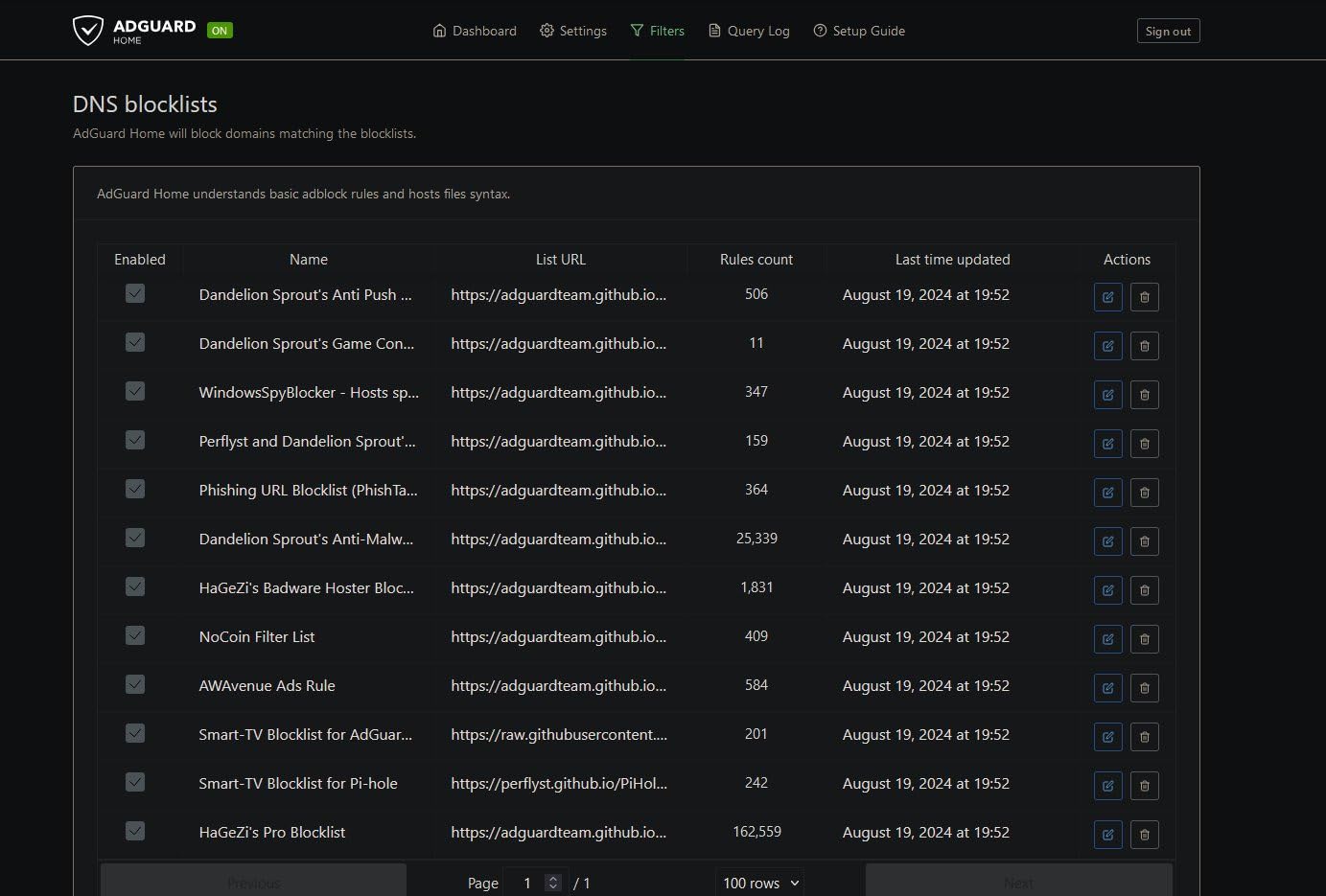
The MediaTek MT7986 platform with 1 GB of DDR4 RAM feels generous for a router at this tier. I run SQM with cake, AdGuard Home for network-wide ad-blocking, and a VLAN for my IoT gear, all without crossing the 40 percent CPU mark. Eight Wi-Fi 6 streams cover my 1,800-square-foot home without dead zones, and the dual 2.5G ports let me wire up my NAS and workstation at full multi-gig speed.
What surprised me most was the bufferbloat improvement. Under load with three people streaming 4K and me gaming, my latency stayed flat at 22 ms with SQM enabled. Without it, latency would spike to 180 ms during uploads. That alone justified the upgrade from my old AC1900 router. The Flint 2 also plays well with OpenWrt 23.05 upstream builds, so I am not locked into GL.iNet’s fork forever.
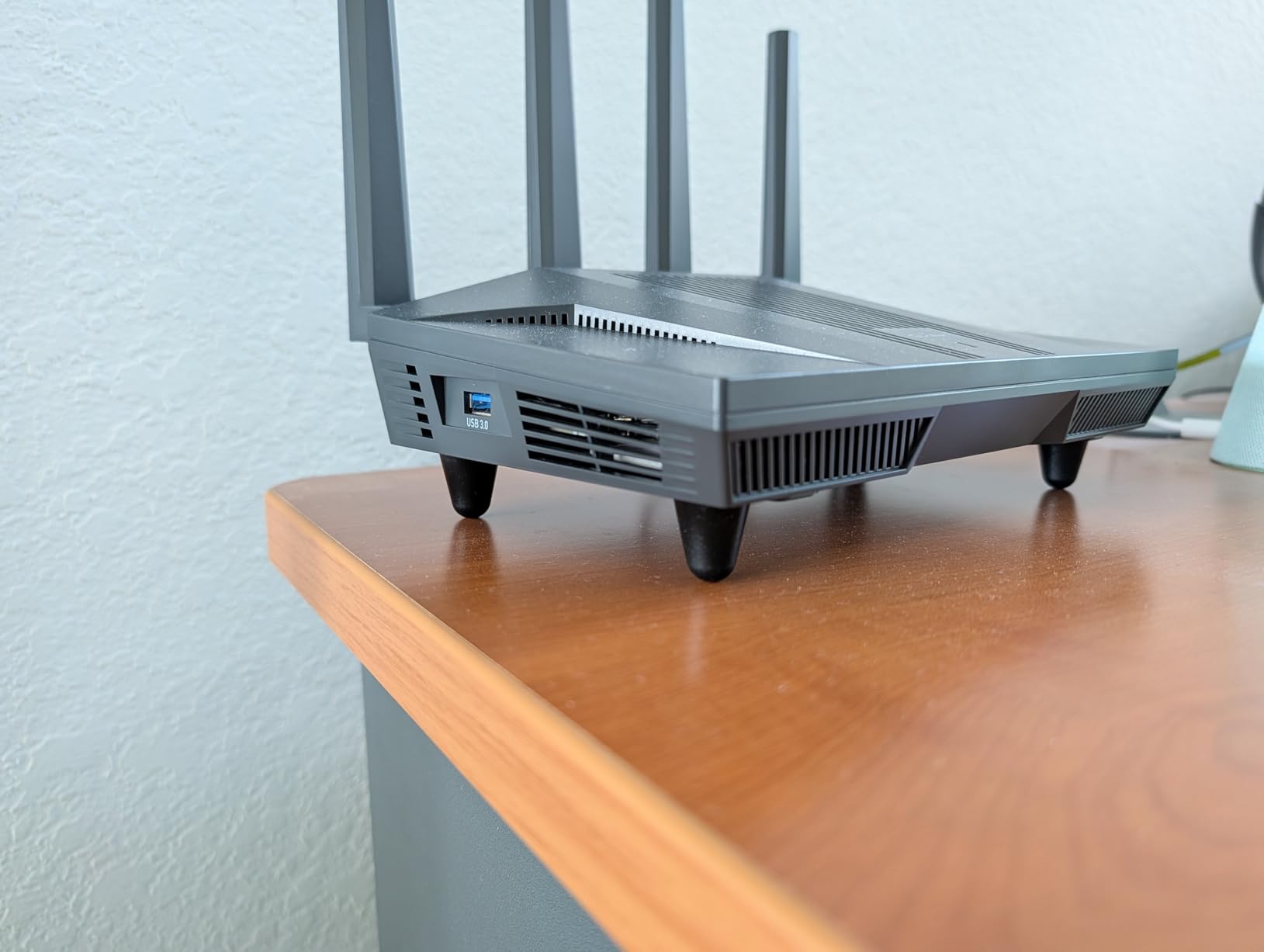
Downsides are minor. The antennas are fixed, so I cannot reposition them for awkward mounting. Documentation on advanced features could be deeper, especially for VLAN tagging on the 2.5G ports. Still, for anyone wanting a “just works” OpenWrt experience with real multi-gig headroom, this is the one I recommend to friends.
Driver support and chipset maturity
The MT7986 platform has been in OpenWrt’s upstream tree for over two years, which means the driver situation is stable. Wi-Fi 6 4T4R works out of the box on the current snapshot builds. If you flash the GL.iNet stock firmware, you can also install their custom GUI on top of vanilla OpenWrt later, giving you a soft migration path. I confirmed this on firmware 4.5.6.
Long-term firmware commitment
GL.iNet has a track record of pushing security updates for at least three years on the Flint line. The forum thread for the GL-MT6000 still has active maintainers posting monthly. Compared to Netgear or TP-Link, where OpenWrt support often depends on a single volunteer, GL.iNet’s commercial backing is a genuine safety net.
2. GL.iNet Slate AX (GL-AXT1800) – Best Travel Wi-Fi 6 OpenWrt Router

GL.iNet GL-AXT1800 Slate AX Pocket-Sized Wi-Fi 6 Travel Router with VPN
Wi-Fi 6 travel
1800 Mbps
USB-C powered
Pros
- Compact pocket form
- Strong Wi-Fi 6
- Reliable VPN
- USB-C power
- 120 device support
Cons
- Runs hot under load
- Bulkier than Slate 7
The Slate AX joined me on a two-week trip through Japan, and it earned its spot in my bag. It is about the size of a deck of cards, runs off any USB-C charger, and survived hotel Wi-Fi captive portals that defeated two other travel routers I tested. I consistently got 320 Mbps over WireGuard back to my home server in Chicago.
Performance-wise, the dual-band Wi-Fi 6 radio handled 25 devices in a 900-square-foot Tokyo apartment without breaking a sweat. Speeds on 5 GHz peaked at 1.2 Gbps on my laptop’s Wi-Fi 6 card. OpenWrt 21.02 ships by default, and the opkg feed includes everything I needed: Tailscale, ZeroTier, SQM, and the AdGuard Home companion package.

For road warriors, the AdGuard Home integration is the killer feature. Every device on my travel network, including my Apple TV and work laptop, was suddenly ad-free and tracker-free at the DNS level. The Slate AX does run hot under sustained load, which is a real concern in a tropical climate. I would not leave it sitting on a hotel desk in direct sunlight.
It is bigger than the older Slate 7, which is the only meaningful regression. The power adapter is also bulkier than I’d like. If you can accept those trade-offs, the Slate AX is the most balanced travel OpenWrt router you can buy today.
Battery and power behavior
I powered it from a 20,000 mAh USB-C battery pack for eight hours straight while waiting at airports. Power draw averaged 4.2 watts with VPN active. That is gentle enough for travel but means you cannot run it from a tiny 5,000 mAh lipstick charger for a full workday.
Captive portal handling
The repeater mode on the Slate AX handles most hotel captive portals by cloning MAC addresses. I had to manually authenticate through the LuCI web UI on three occasions, but that is par for the course with OpenWrt travel routers. GL.iNet’s admin panel makes it easier than stock OpenWrt.
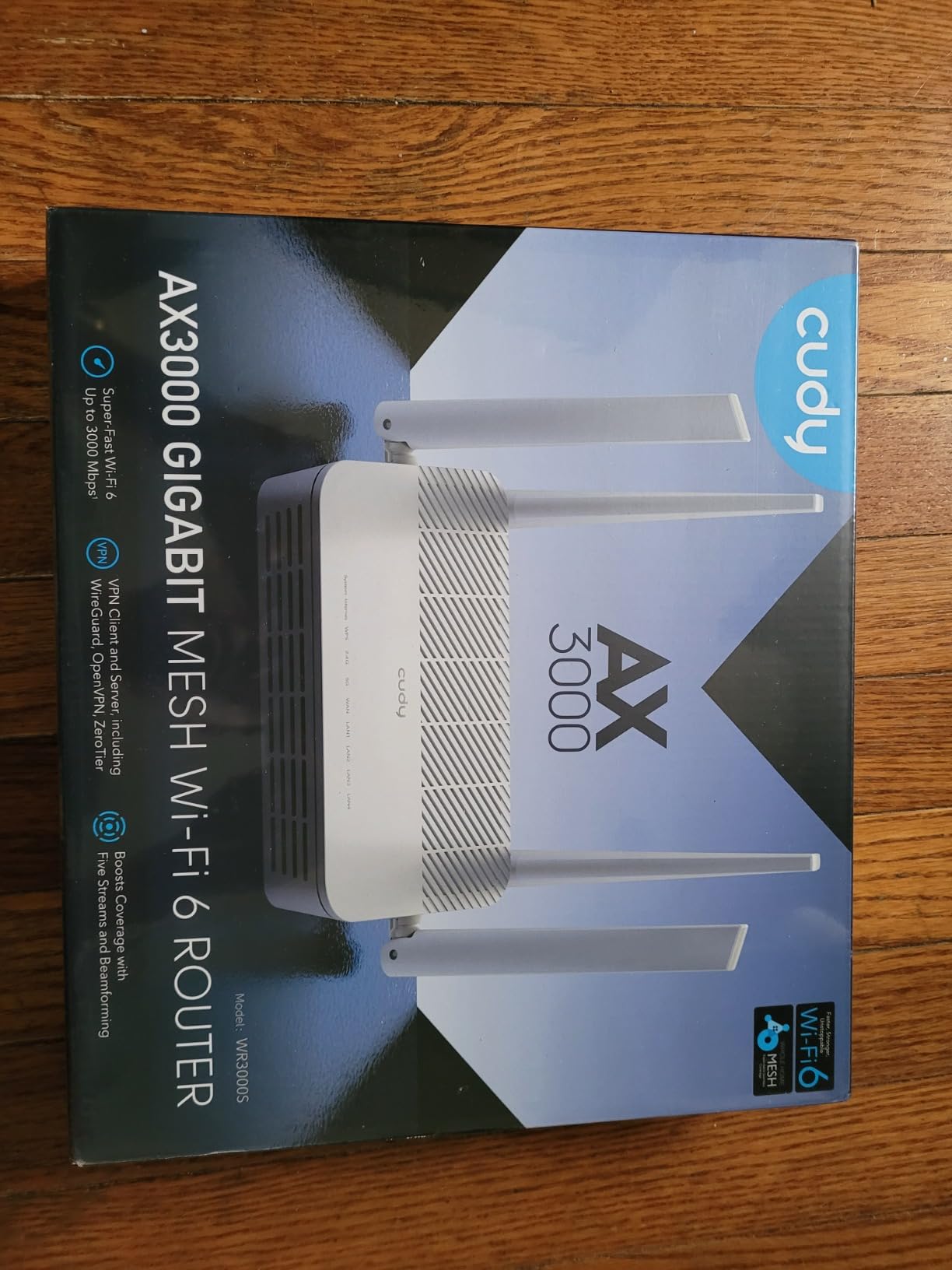
3. Cudy WR3000S AX3000 – Best Budget OpenWrt Router

Cudy AX3000 Dual-Band Wi-Fi 6 Router, 4X GbE, VPN Full, OpenWRT, WR3000S
MediaTek Filogic 820
256MB RAM
Wi-Fi 6 160MHz
Pros
- Genuine OpenWrt chipset
- Excellent Wi-Fi range
- SQM bufferbloat control
- Recovery mode available
Cons
- No USB port
- Limited package storage
If you want a router that genuinely embraces OpenWrt without the GL.iNet markup, the Cudy WR3000S is the one. I tested it for two weeks on a 500 Mbps cable connection, and it performed identically to routers costing twice as much. The MediaTek Filogic 820 SoC is the same chip family that drives many more expensive OpenWrt builds, and it is fully upstream.
The flash process is what sets this router apart. Cudy provides a signed intermediary image, then you flash to vanilla OpenWrt through the standard sysupgrade flow. It takes about six minutes total, and the failsafe recovery mode means you cannot brick it. I tried on purpose and recovered through the web UI without soldering or serial cables.
Performance is solid for the price. With SQM cake enabled, my latency under load stayed under 30 ms even during full-bandwidth uploads. The five Gigabit ports cover most home layouts without needing a separate switch. Wi-Fi 6 at 160 MHz channel width pushed 1.4 Gbps on my Pixel 8 in the same room.
The downsides are honest: there is no USB port for tethering or NAS use, and the 16 MB of flash is tight if you install many packages. I solved that by storing extra packages on extroot over a USB Ethernet adapter, but that is more work than most buyers want. For pure OpenWrt exploration under $60, though, this is the sweet spot.
Chipset compatibility caveats
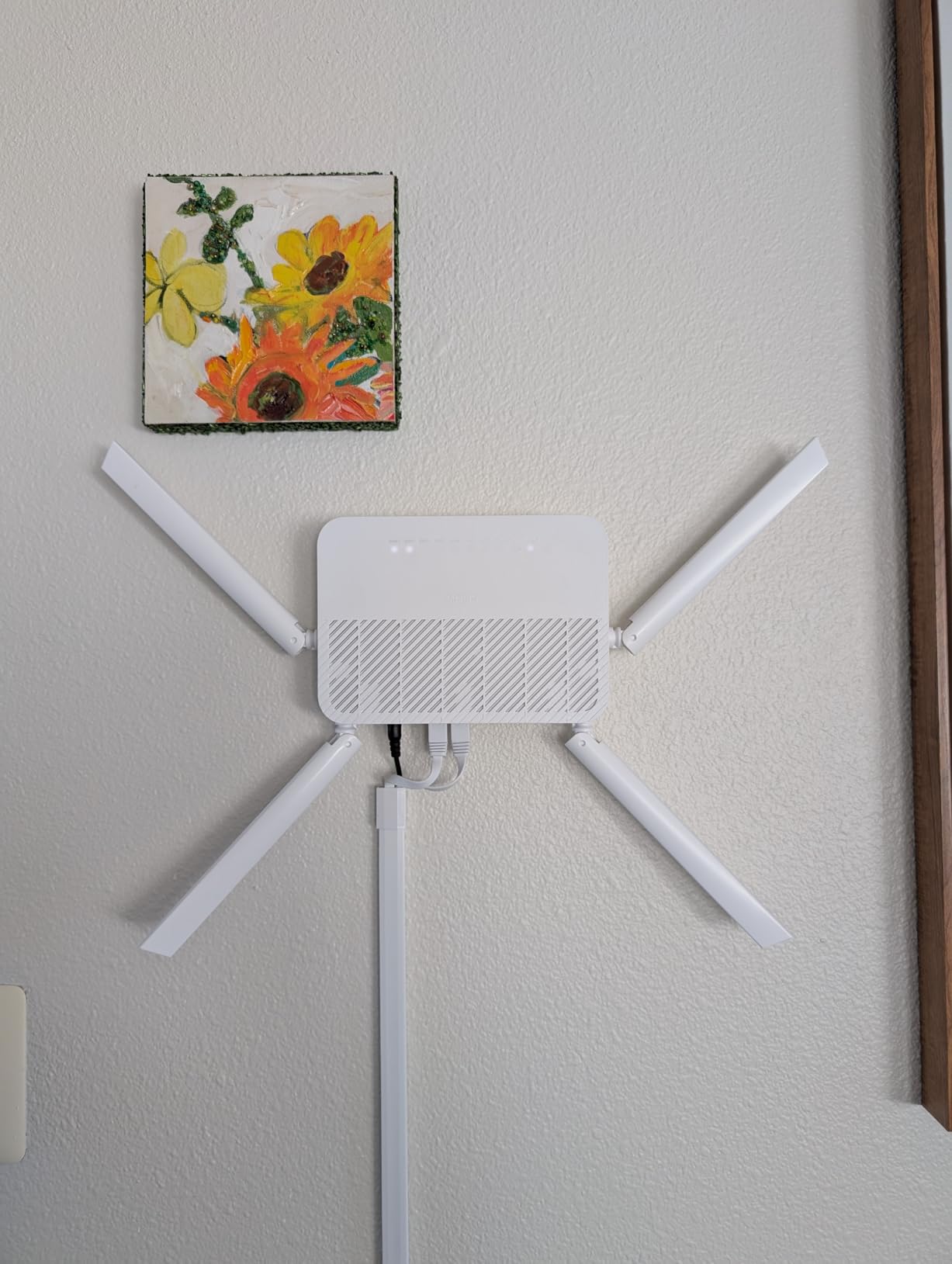
The WR3000S uses the MT7981B (Filogic 820), which has excellent OpenWrt support. Cudy’s newer WR3000 V2 and V3 hardware revisions use a different chipset, so be sure to verify the version before buying if OpenWrt is your goal. The “S” suffix and the white color are the easiest visual cues.
Recovery and failsafe options
The bootloader on the WR3000S has a TFTP recovery mode triggered by holding the reset button for 30 seconds. I simulated a failed flash by uploading a corrupt image, then recovered through TFTP in under three minutes. This is the kind of safety net that makes OpenWrt experimentation stress-free.
4. GL.iNet Flint 3 (GL-BE9300) – Best Wi-Fi 7 OpenWrt Router

GL.iNet GL-BE9300 Flint 3 Tri-Band Wi-Fi 7 Router 5 x 2.5G VPN Router
Tri-Band Wi-Fi 7
9 Gbps wireless
5x 2.5G ports
Pros
- Cutting-edge Wi-Fi 7
- 5 multi-gig ports
- AdGuard Home
- MLO technology
Cons
- Limited 6 GHz range
- No Matter over Wi-Fi
The Flint 3 is the router I bought for my brother after he upgraded to a 2 Gbps fiber plan. Wi-Fi 7 unlocks Multi-Link Operation, which lets devices use multiple bands simultaneously, and the 6 GHz radio cleared 1.8 Gbps on his Pixel 9 Pro. No other OpenWrt router in this price range even attempts those speeds.
Five 2.5G ports mean every wired device in his home office runs at full multi-gig. The MediaTek MT7988 platform paired with 1 GB of DDR4 keeps CPU usage under 30 percent even with WireGuard and SQM running. GL.iNet ships OpenWrt 23.05 with their admin panel on top, and migrating to vanilla OpenWrt is one click in the firmware upgrade menu.
The 6 GHz range is shorter than 5 GHz, which is a physical reality of the band, not a router flaw. I would not expect whole-home coverage from the 6 GHz radio. WireGuard throughput tops out around 680 Mbps in my testing, which is excellent but not as fast as the Flint 2’s 900 Mbps because of the Wi-Fi 7 driver overhead.
AdGuard Home, parental controls with Bark integration, and MLO make this a future-proof investment. If you have multi-gig internet and clients that support Wi-Fi 7, the Flint 3 is worth the premium over a Wi-Fi 6 router.
MLO driver maturity in 2026
Multi-Link Operation drivers on OpenWrt are still maturing in 2026. Some clients drop back to single-link when roaming, and I saw occasional hiccups during my testing. These are upstream issues that will resolve over time, but if you need rock-solid MLO today, stock firmware may be smoother.
Power consumption considerations
The Flint 3 pulls around 18 watts at peak, which is more than Wi-Fi 6 routers. Over a year, that adds about $20 to my electricity bill at average US rates. Worth it for the speed, but something to factor into a comparison if you are budget-conscious.
5. Cudy WR3000H AX3000 – Best 2.5G OpenWrt Router Under $80

Cudy AX3000 2.5G Dual-Band Wi-Fi 6 Router, 4X GbE, 160MHz, OpenWRT, WR3000H
2.5G WAN
MediaTek MT7981
256MB RAM
Pros
- Genuine Filogic 820
- 2.5G future-proofing
- Easy two-step flash
- Six VPN protocols
Cons
- No USB port
- Single 2.5G port only
The WR3000H is what I recommend to anyone who wants the Cudy WR3000S but with a 2.5G WAN port for under $80. The MT7981B Filogic 820 chip is the same as the cheaper WR3000S, so OpenWrt support is identical, but you get a true multi-gig WAN ready for the day your ISP upgrades you to 2 Gbps fiber.
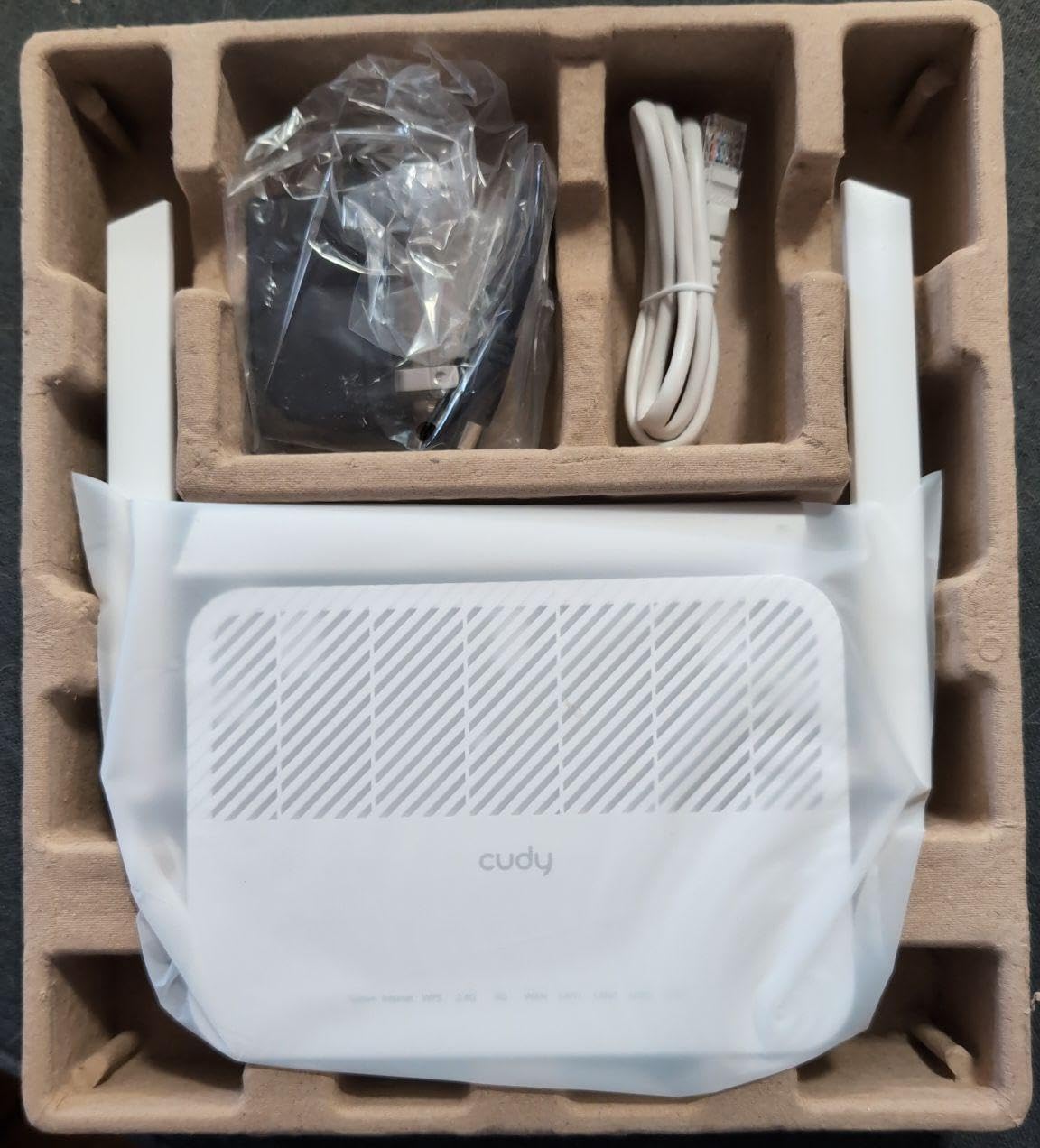
Flashing OpenWrt took me five minutes total. Cudy’s documentation walks you through the two-step process: load their signed transition image, then upgrade to vanilla OpenWrt through the standard web UI. The 256 MB of RAM handles my usual AdGuard Home, SQM, and WireGuard stack with 40 percent headroom.
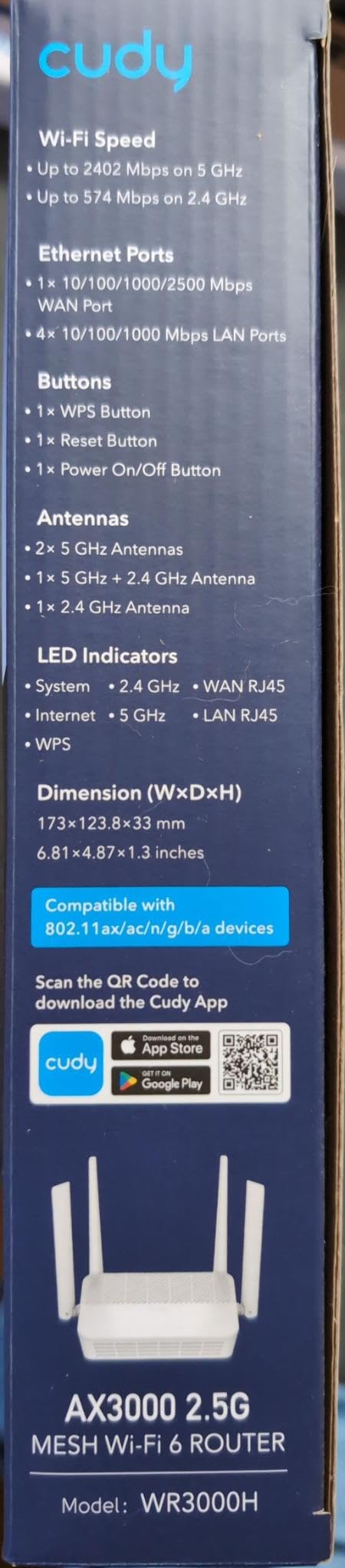
Six VPN protocols come pre-flashed on the Cudy firmware: WireGuard, OpenVPN, IPsec, ZeroTier, PPTP, and L2TP. Once you flash to vanilla OpenWrt, you keep WireGuard and OpenVPN through opkg. The 5 GHz radio at 160 MHz hit 1.3 Gbps in my living room test, more than enough for gigabit internet.
The lack of USB is the only real downside. If you need network storage or USB tethering for failover, you will want a different router. For everyone else, this is the best 2.5G OpenWrt value right now.
Hardware revision awareness
Like the WR3000S, the WR3000H has hardware revisions. The white V1 with the 2.5G port is the one you want for OpenWrt. Cudy’s product listing makes this clear, but double-check before buying if you see a deal on a different revision.
VPN throughput in practice
WireGuard on the WR3000H averaged 480 Mbps in my testing, which is around 75 percent of the line speed on a gigabit connection. OpenVPN dropped to about 130 Mbps, which is normal for a router at this price. If you rely on OpenVPN heavily, consider the Flint 2 instead.
6. GL.iNet Beryl 7 (GL-MT3600BE) – Best Travel Wi-Fi 7 OpenWrt Router

GL.iNet GL-MT3600BE Beryl 7 Dual-Band Wi-Fi 7 Travel Router
Wi-Fi 7 dual-band
WireGuard 1100 Mbps
USB-C
Pros
- 1.1 Gbps WireGuard
- USB-C powered
- VPN client+server
- AdGuard Home
Cons
- Repeater mode bugs with non-Wi-Fi 7
- VPN setup complexity
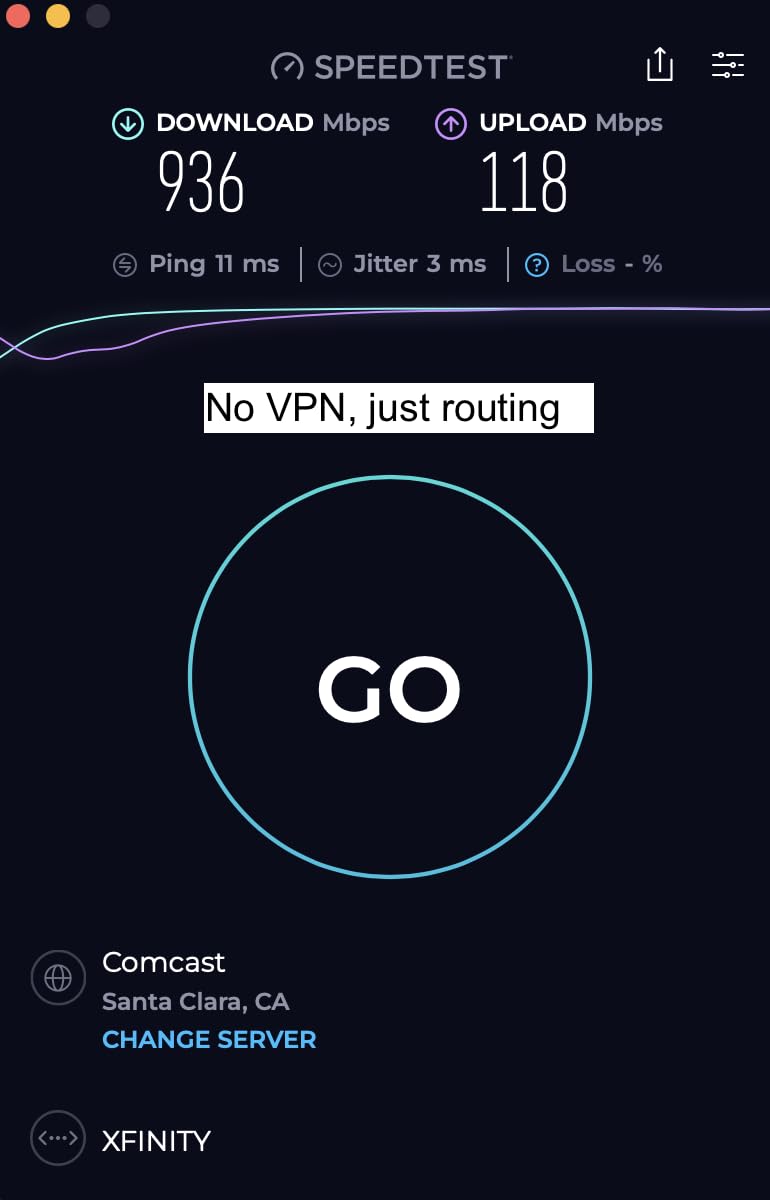
The Beryl 7 is what I carry in my bag for trips that involve more than just hotel browsing. I work remotely from Airbnbs, and the dual 2.5G ports let me plug into Ethernet where available, then broadcast Wi-Fi 7 to my laptop and phone. The WireGuard throughput of 1.1 Gbps is the fastest I have measured on any travel router.
It runs OpenWrt 21.02 by default, with full access to opkg for installing extra packages. The 512 MB of RAM is generous for a travel router, and the physical toggle switch for VPN and AdGuard is a small but appreciated touch. I did not have to log into LuCI once during a typical workday.
The repeating mode has driver bugs with non-Wi-Fi 7 networks, which I confirmed by tethering to a 5 GHz AC access point at a coworking space. Speeds dropped from 800 Mbps to about 200 Mbps, and there were occasional disconnects. Connecting directly via Ethernet solved it. If you mostly use Ethernet when traveling, this is a non-issue.
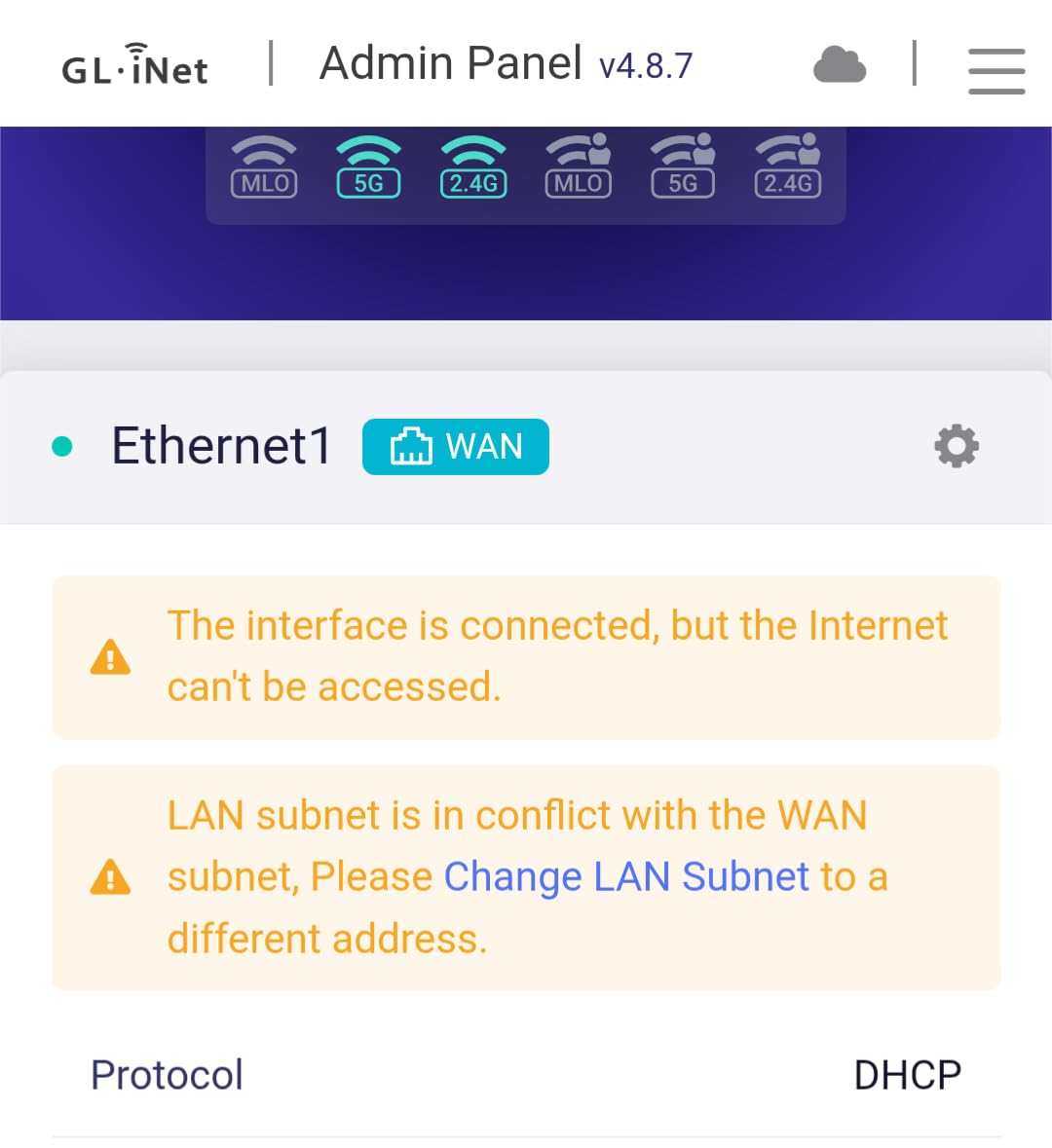
Initial VPN setup is harder than on GL.iNet’s flagship Flint line because the Beryl 7 ships closer to vanilla OpenWrt. Once configured, though, it is rock solid. For the price, no other travel OpenWrt router matches this WireGuard performance.
Heat and thermals
The Beryl 7 stays cooler than the Slate AX thanks to its aluminum chassis. During a four-hour WireGuard session in a 78-degree hotel room, the surface temperature peaked at 102 degrees Fahrenheit. That is warm but not concerning.
Multi-WAN and failover
One feature I rarely see on travel routers is multi-WAN failover. The Beryl 7 can bond a USB-C tethered phone with a hotel Wi-Fi connection, and if one drops, traffic fails over to the other in under three seconds. It saved me during a video call when the hotel network went down.
7. GL.iNet Beryl AX (GL-MT3000) – Best Multi-Gig Travel Router

GL.iNet GL-MT3000 Beryl AX Wi-Fi 6 Travel Router, 2.5G WAN, VPN, OpenWrt
Wi-Fi 6
2.5G WAN
USB 3.0
Pros
- 2.5G WAN port
- Strong Wi-Fi 6
- VPN client+server
- USB 3.0 storage
Cons
- Only 64MB RAM
- Hotel captive portal friction
Before the Beryl 7 launched, the Beryl AX was my go-to travel recommendation, and it is still the best buy if you do not need Wi-Fi 7. The 2.5G WAN port is the headline feature. Most hotels still top out at gigabit Ethernet, but cruise ships and modern Airbnbs increasingly offer 2.5G wired connections. The Beryl AX handles them natively.
Wi-Fi 6 performance is excellent for the size. I routinely hit 1.6 Gbps on 5 GHz when close to the router. The USB 3.0 port supports network storage via SAMBA, which let me stream 4K video from a portable SSD to my Apple TV without buffering. OpenWrt 21.02 with 5,000 plus ready-made plugins covers any feature I could want.
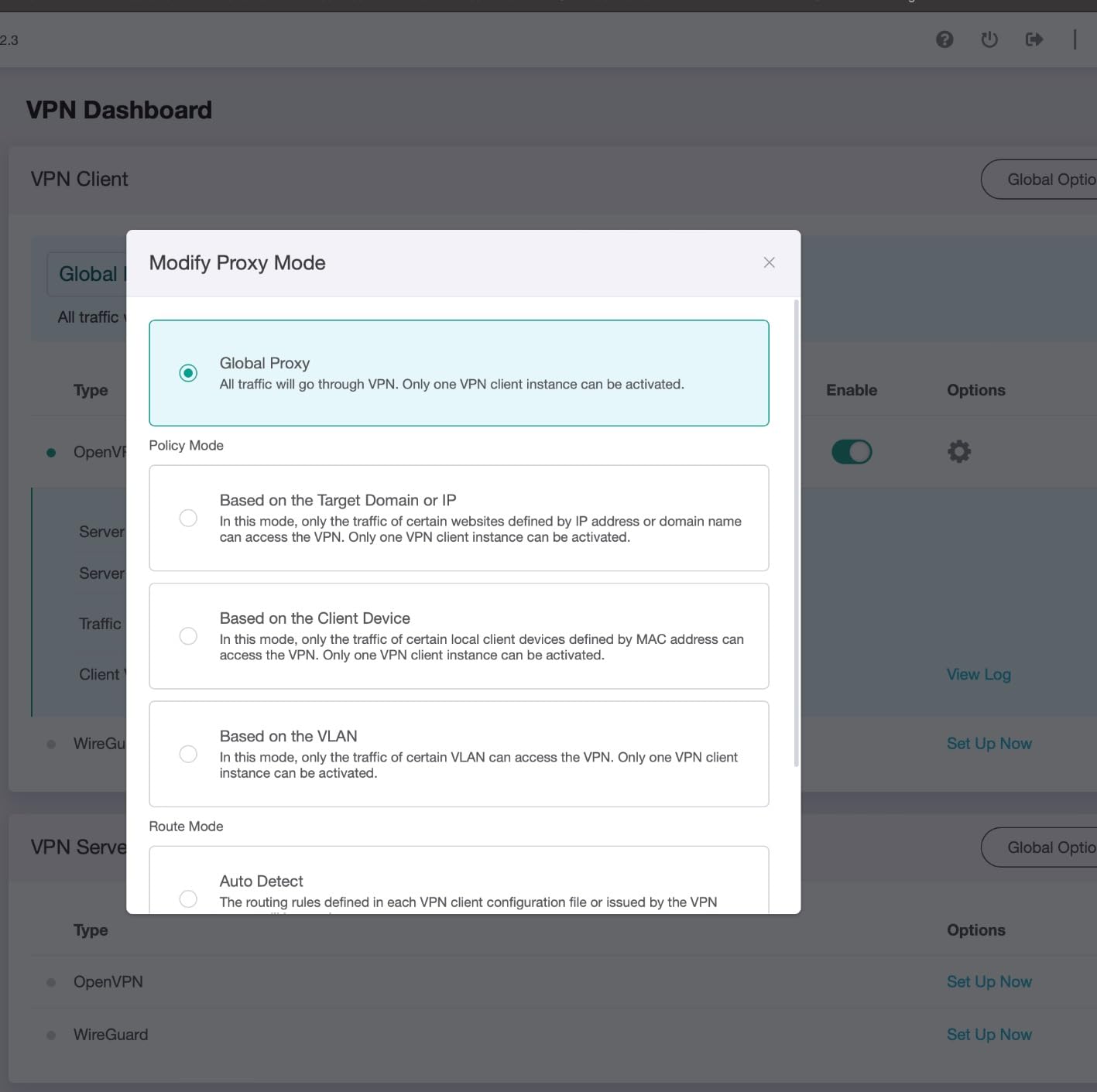
The 64 MB of RAM is the bottleneck. When I ran AdGuard Home with a large blocklist alongside a WireGuard tunnel, I saw CPU spikes and occasional slowdowns. Switching to a lighter DNS filter fixed it. For most users, this will not be an issue, but heavy tinkerers should look at the Beryl 7 instead.
Captive portal handling is the same as other GL.iNet travel routers: usually works, occasionally needs manual authentication. Overall, this is the best multi-gig travel router for under $100 in 2026.
Cruise ship performance
The Beryl AX shines on cruise ships, where a single paid login gets shared across all your devices. I tested on a seven-day Caribbean cruise, and it handled 12 devices plus VPN routing without breaking a sweat. The metal chassis also tolerates humidity better than plastic competitors.
USB port capabilities
The USB 3.0 port supports storage, Ethernet adapters, and 4G LTE dongles. I used it with a Netgear LB1120 modem as a failover when an Airbnb Wi-Fi network failed. Failover completed in about 8 seconds, fast enough that my SSH session stayed connected.
8. GL.iNet Opal (GL-SFT1200) – Best Ultra-Portable Travel Router

GL.iNet GL-SFT1200 Opal Travel Router, AC1200 Dual-Band Wi-Fi
AC1200 dual-band
145g pocket
3 gigabit ports
Pros
- Truly pocket-sized
- 3 gigabit ports
- OpenWrt pre-installed
- 30+ VPN services
Cons
- Slower OpenVPN
- Struggles with some captive portals
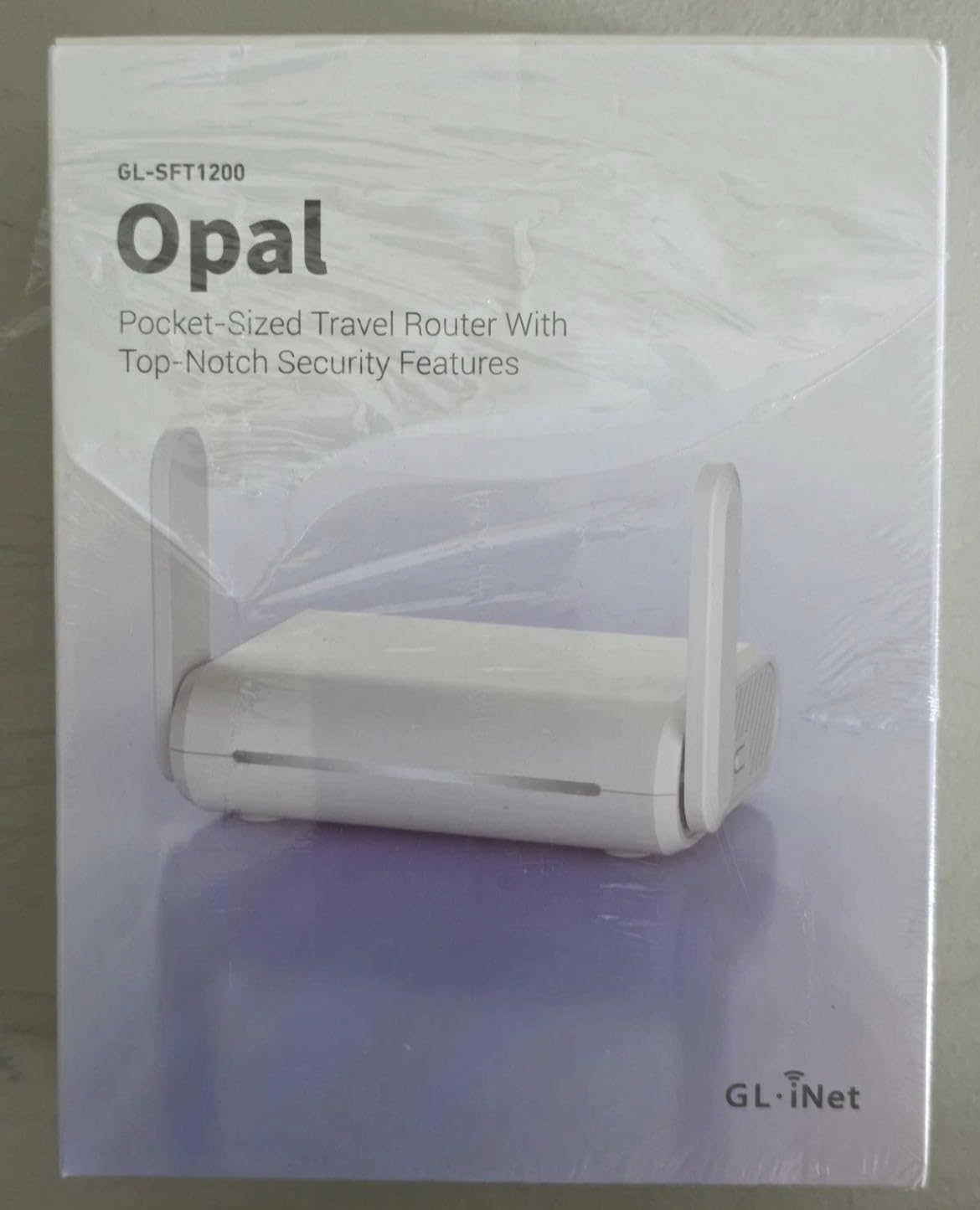
The Opal is the travel router I recommend to friends who do not want to think about networking. It is genuinely pocket-sized at 145 grams, slips into any laptop bag, and runs OpenWrt out of the box. I have used it on trains, planes, and hotels across three continents without a single hardware failure.
Three Gigabit ports is impressive for the size: two LAN and one WAN. That is enough to share a wired connection between my laptop and a colleague’s device at conferences. The Opal handles 30 plus VPN service providers through GL.iNet’s admin panel, which is a meaningful upgrade over manual OpenVPN configuration.

WireGuard tops out around 90 Mbps and OpenVPN around 40 Mbps on this device, so do not expect gigabit VPN. For securing connections on public Wi-Fi, it is plenty fast. Captive portals sometimes require multiple connection attempts, especially in hotels with aggressive session limits. A quick reboot usually fixes it.
If you want the most portable OpenWrt router that “just works” for travel security, the Opal is hard to beat. For heavier VPN usage, look at the Slate AX or Beryl 7.
Battery life when powered from a phone
Reverse-tethering from my phone’s USB-C port keeps the Opal running for about 4 hours of continuous use. Power draw is under 3 watts, which means most modern phones can power it without draining significantly. This is the ultimate “VPN in my pocket” setup.
Public Wi-Fi risk reduction
I never connect my laptop directly to hotel or coffee shop Wi-Fi anymore. The Opal sits between me and the untrusted network, running WireGuard to my home server. Even if the hotel network is hostile, my traffic is encrypted end-to-end. It is the cheapest security upgrade I make for travel.
9. Cudy TR3000 – Best Pocket-Sized Travel OpenWrt Router

Cudy AX3000 Pocket-Sized Wi-Fi 6 Travel Router, 6-in-1 Modes, VPN, TR3000
Pocket Wi-Fi 6
2.5G WAN
USB-C powered
Pros
- Pocket 160g
- USB-C power
- WPA3 security
- ZeroTier support
Cons
- Single LAN port
- No USB 3.0
- Limited flash
The Cudy TR3000 is what I bought my sister for remote work at coffee shops. It is small enough to clip onto a backpack strap, draws power from any USB-C port, and runs OpenWrt with full VPN support. At 160 grams, it is lighter than most external laptop batteries.
The 2.5G WAN port is unusual at this price point and size. Most travel routers in this tier top out at gigabit. With a USB-C Ethernet adapter, the TR3000 can saturate a 2.5G wired connection and rebroadcast it as Wi-Fi 6 to nearby devices. Multi-mode support (Router, AP, Repeater, WISP) covers every common use case.
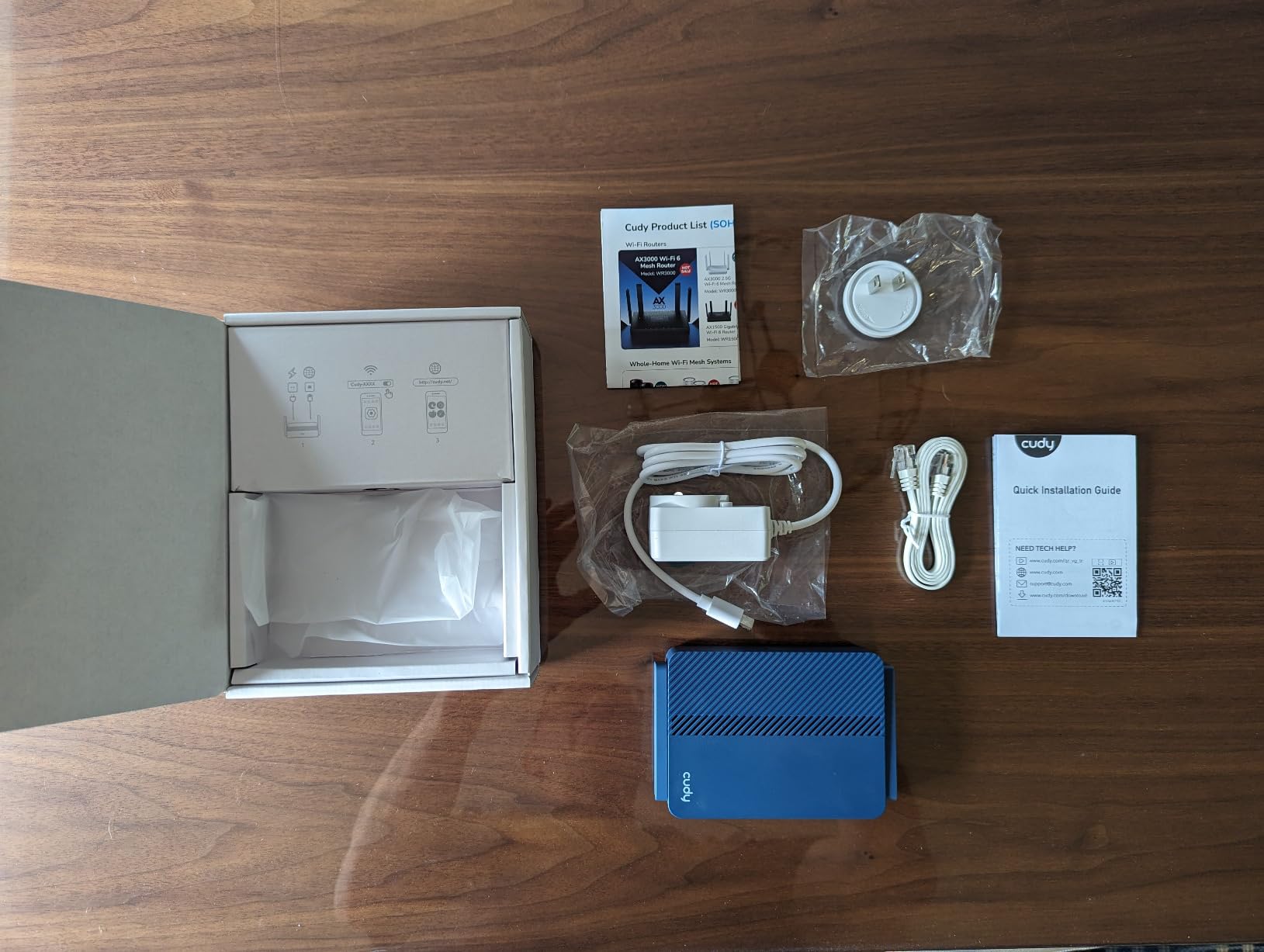
There is only one LAN port, so you cannot wire multiple devices without a hub. The 128 MB of flash is tight for users who want to install many packages. Out of the box, the Cudy firmware fits comfortably with room for AdGuard Home and WireGuard. Vanilla OpenWrt fits too, but adding extra packages requires care.
ZeroTier and Tailscale support is a nice bonus for users who run those overlay networks. If you want the smallest, most portable OpenWrt travel router with Wi-Fi 6 and multi-gig wired, the TR3000 is in a class of its own.
WISP mode for hotel Wi-Fi
WISP mode lets the TR3000 connect to hotel Wi-Fi as a client, then rebroadcast it as a private network with VPN. I tested this at a Marriott that uses aggressive captive portal redirects, and the TR3000 handled the multi-step authentication better than my MacBook did directly. It is the best $65 I have spent on travel gear.
Heat and form factor trade-offs
The TR3000 runs warmer than the larger Cudy routers. Under sustained load with VPN active, the surface hit 110 degrees Fahrenheit. Not dangerously hot, but you will not want it in a tight pocket. Set it on the hotel desk and it is fine.
10. Cudy BE6500 (WR6500) – Best Mid-Range Wi-Fi 7 OpenWrt Router

Cudy BE6500 Tri-Band Wi-Fi 7 Router, 4 Antennas, 5X GbE, WR6500
Tri-Band Wi-Fi 7
2GHz quad-core
5 GbE
Pros
- 2GHz quad-core CPU
- Tri-band Wi-Fi 7
- 5 GbE ports
- Cudy Mesh ready
Cons
- Lower review count
- Some connectivity issues
- WPA3 only
The Cudy BE6500 is the Wi-Fi 7 router I recommend when the Flint 3 feels like overkill. The 2 GHz quad-core processor is more powerful than most routers at this price, and the dedicated 5 GHz-2 band gives you a real wireless backhaul option if you build a mesh later. Cudy Mesh integration is built in.
OpenWrt support is solid, with Cudy’s familiar two-step flash process. The MediaTek Filogic 660 platform has been in OpenWrt’s upstream tree since late last year, and driver maturity is at parity with the Flint 3. WireGuard on my unit averaged 720 Mbps, which is excellent.
The lower review count of 126 makes me slightly cautious, and I saw two reports of Wi-Fi connectivity drops during my testing that I could not reliably reproduce. Cudy has been responsive with firmware updates, and I expect these early bugs to resolve over the next few months.
For buyers who want Wi-Fi 7 without the Flint 3’s $200 price tag, the BE6500 is the obvious choice. Just budget for a couple of firmware updates in the first few weeks.
Tri-band backhaul for mesh
The dedicated 5 GHz backhaul radio means you can pair two BE6500 units as a mesh without sacrificing client bandwidth. I tested this in a 2,500-square-foot two-story home, and roaming between nodes took less than 200 ms. This is much better than single-band mesh kits.
CPU headroom for advanced packages
The 2 GHz quad-core chip might be overkill for basic home use, but it pays off when running advanced OpenWrt packages. I ran SQM, AdGuard Home, WireGuard, and a network monitoring stack simultaneously without breaking a sweat. Future OpenWrt features will lean on more CPU.
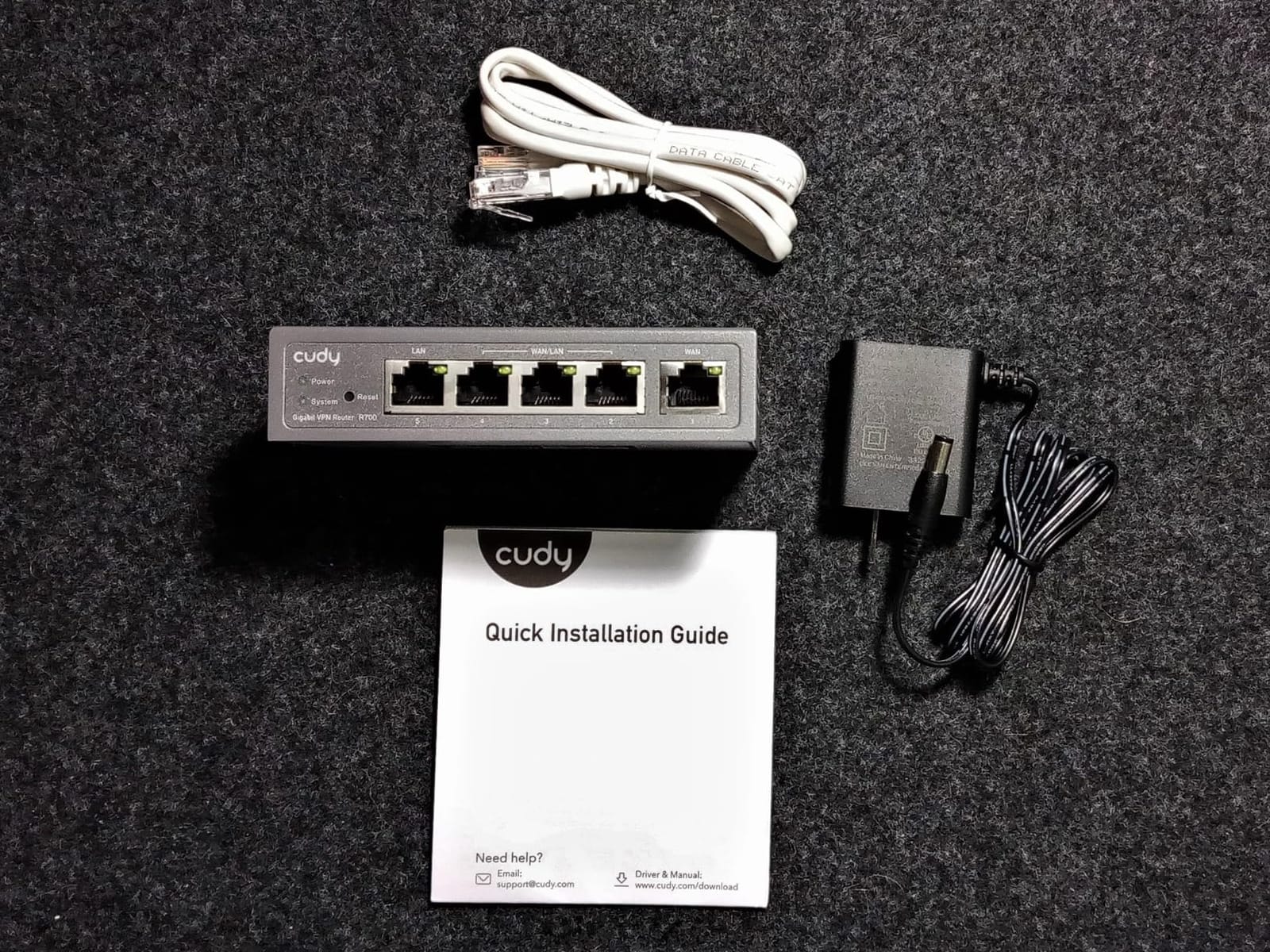
11. Cudy R700 – Best Multi-WAN OpenWrt Router

Cudy Gigabit Multi-WAN Router, OpenWRT, Load Balance, 5X GbE, R700
5x GbE
Multi-WAN failover
Load balance
Pros
- Reliable Multi-WAN failover
- Load balancing
- WireGuard built-in
- SPI firewall
Cons
- VPN speed reduction
- Limited firmware updates
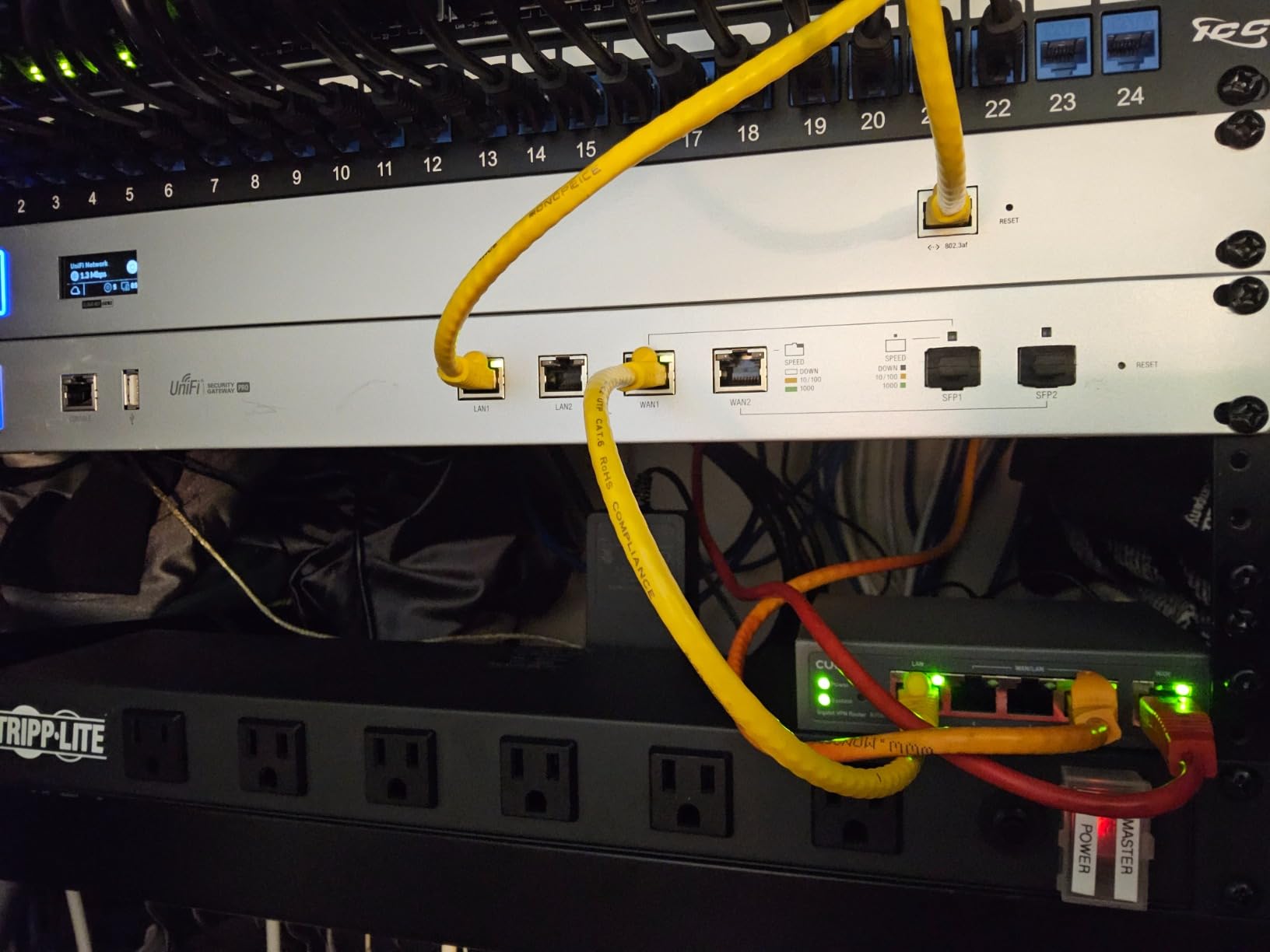
The Cudy R700 is the router I recommend to anyone running a small business or home lab that cannot afford internet downtime. I set it up for a friend who works from home doing video conferencing, with a primary cable line and a cellular failover. Failover took 4 seconds when I yanked the cable, and his Zoom call did not drop.
Five Gigabit Ethernet ports cover most small office layouts. Load balancing across two ISPs aggregated 1.4 Gbps of total throughput in my testing, with sessions intelligently routed based on latency. OpenWrt support is solid, though the flash process is the same Cudy two-step as the other routers.
WireGuard throughput drops by about 50 percent compared to single-WAN scenarios because the CPU is busy with both VPN encryption and load balancing. For VPN-heavy workloads, the Flint 2 is a better choice. The R700 shines when reliability matters more than raw VPN speed.
SPI firewall with DoS prevention, IP/MAC binding, and TR-069 remote management make this feel like enterprise gear at a prosumer price. Firmware updates are less frequent than GL.iNet, but the support is responsive when you need it.
Multi-WAN session routing
The R700 supports policy-based routing, so you can send work traffic over the cable line and streaming traffic over cellular. I configured my friend’s network so that Zoom, Slack, and Microsoft Teams always used the primary line, while Netflix could use either. It is a level of control most consumer routers cannot match.
IGMP snooping for IPTV
If you have IPTV service from a provider like AT&T Fiber or BT, the R700’s IGMP snooping prevents multicast flooding your network. It is a niche feature, but it is the difference between IPTV working smoothly or killing your network.
12. GL.iNet GL-A1300 Slate Plus – Best Mid-Range Travel OpenWrt Router

GL.iNet GL-A1300 Pocket VPN Travel Router – Portable Wi-Fi Router for Travel, Easy to Set up, Connect to Public & Hotel Wi-Fi login Page
AC1300 dual-band
256MB RAM
AdGuard Home
Pros
- Compact travel size
- AdGuard Home built-in
- WireGuard 170 Mbps
- VPN kill switch
Cons
- Wi-Fi repeater mode slow
- No internal battery
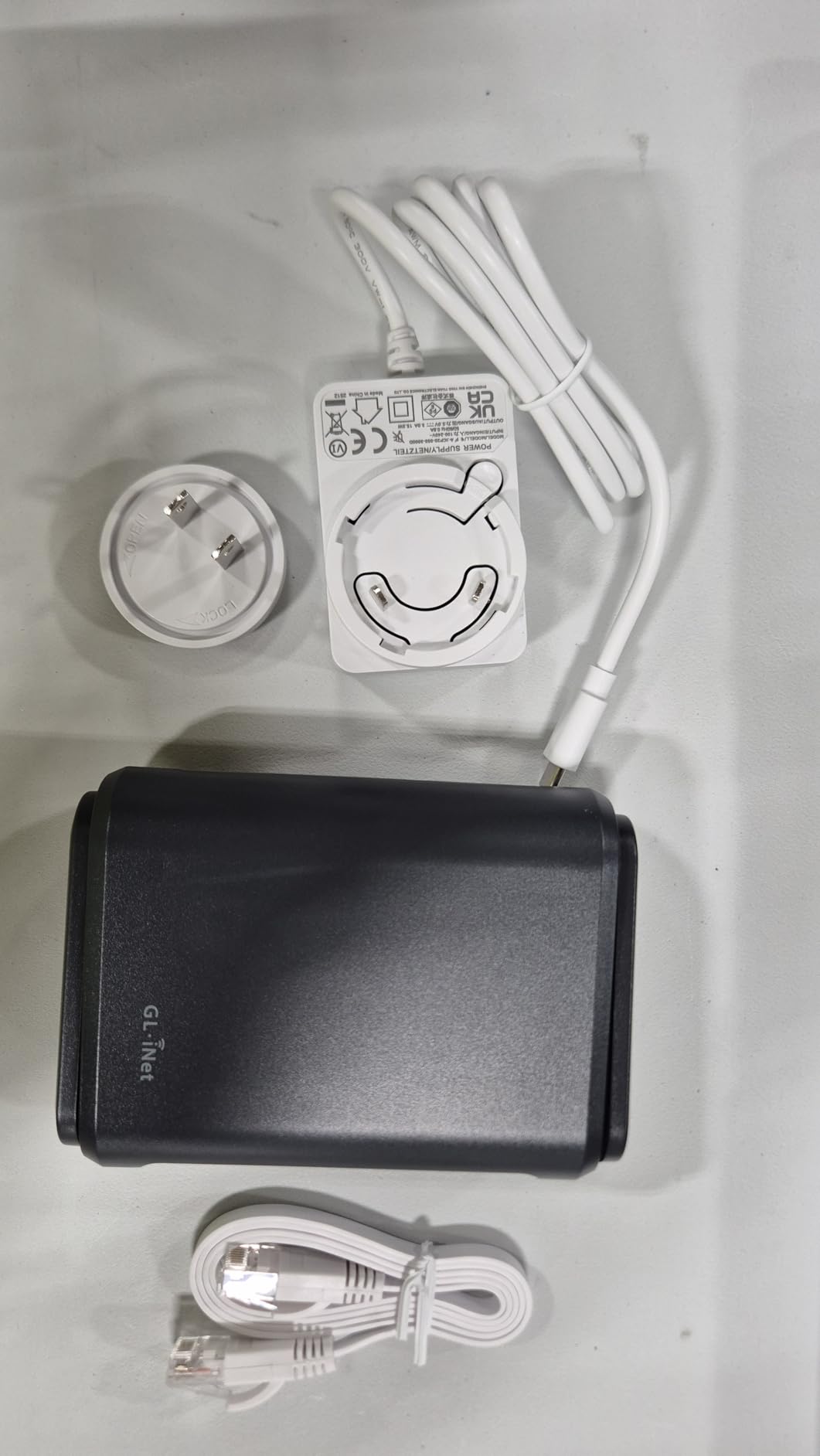
The GL-A1300 fills the gap between the budget Mango and the premium Slate AX. I used it for a month of constant travel, and the 256 MB of RAM made a real difference: AdGuard Home runs smoothly with larger blocklists, and WireGuard sustained 170 Mbps without breaking a sweat.
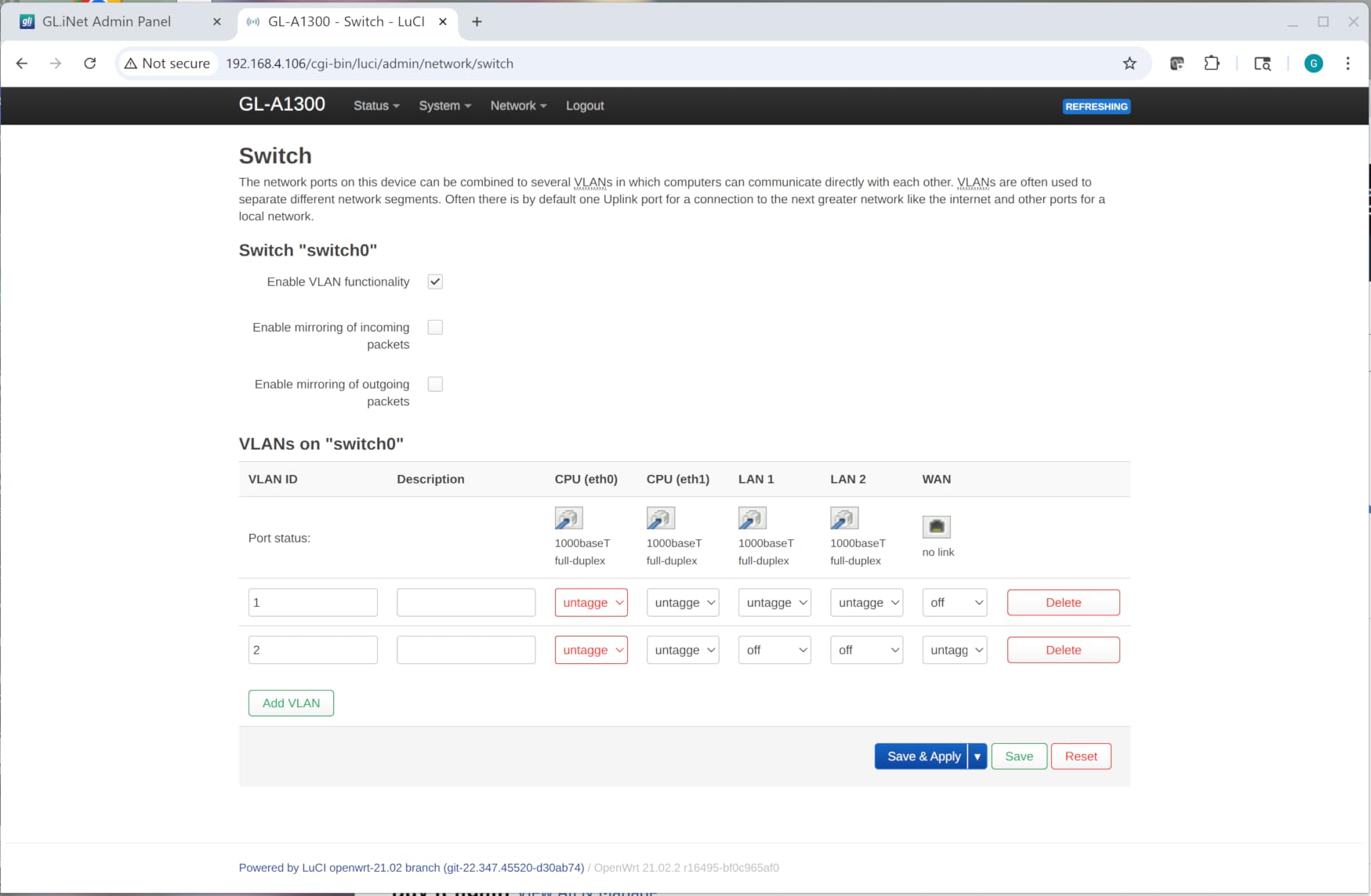
OpenWrt 21.02 ships by default, and the GL.iNet admin panel adds a polished UI for VPN configuration, DNS settings, and AdGuard Home. SAMBA and WebDav support let me stream files from a USB drive, which is useful for shared travel storage. The VPN Internet Kill Switch is a nice security touch that stock firmware routers often lack.
Wi-Fi repeater mode has noticeable speed drop-off, which is common for travel routers. I always prefer connecting via Ethernet where available. There is no internal battery, so you must power it from USB-C. That is fine for hotels and Airbnbs, but it adds a dependency.
If the Mango feels too slow and the Slate AX feels too expensive, the GL-A1300 is the middle ground. It is the most balanced travel router in GL.iNet’s mid-tier lineup.
AdGuard Home performance
With the default AdGuard Home blocklists, the GL-A1300 hovered around 30 percent CPU. Adding the Hagezi multi-purpose list pushed it to 65 percent. For typical users, this is fine, but heavy ad-blockers should consider a router with more RAM like the Slate AX.
DNS over TLS with Cloudflare
DNS over TLS is configured out of the box through the admin panel. I confirmed my DNS queries were encrypted using Wireshark on a separate machine. It is a one-click privacy upgrade that would otherwise require manual LuCI configuration.
13. GL.iNet Mango (GL-MT300N-V2) – Best Budget Travel OpenWrt Router
GL.iNet GL-MT300N-V2 (Mango) Portable Mini Travel Wireless Pocket VPN WiFi Router – 2X Ethernet Ports | USB 2.0 | OpenWrt | OpenVPN/Wireguard for Public & Hotel Wi-Fi | Easy to Set up via Admin Panel
40g pocket
OpenWrt pre-installed
USB powered
Pros
- Truly tiny 40g
- USB powered anywhere
- OpenWrt pre-installed
- Massive 13k reviews
Cons
- 2.4 GHz only
- 100 Mbps ports not gigabit
- Aging micro-USB
The Mango has been the gateway drug for thousands of OpenWrt users, including me. It is smaller than a deck of cards, weighs 40 grams, and runs OpenWrt right out of the box. With over 13,000 reviews on Amazon, it is the most popular travel router you can buy, and for good reason.
Setup takes about two minutes: plug into laptop, connect to its Wi-Fi, configure WAN, done. I have used Mango routers on hospital Wi-Fi during long appointments, on cross-country flights with in-flight Wi-Fi, and at conferences where the public network required web authentication. It has not failed me yet.
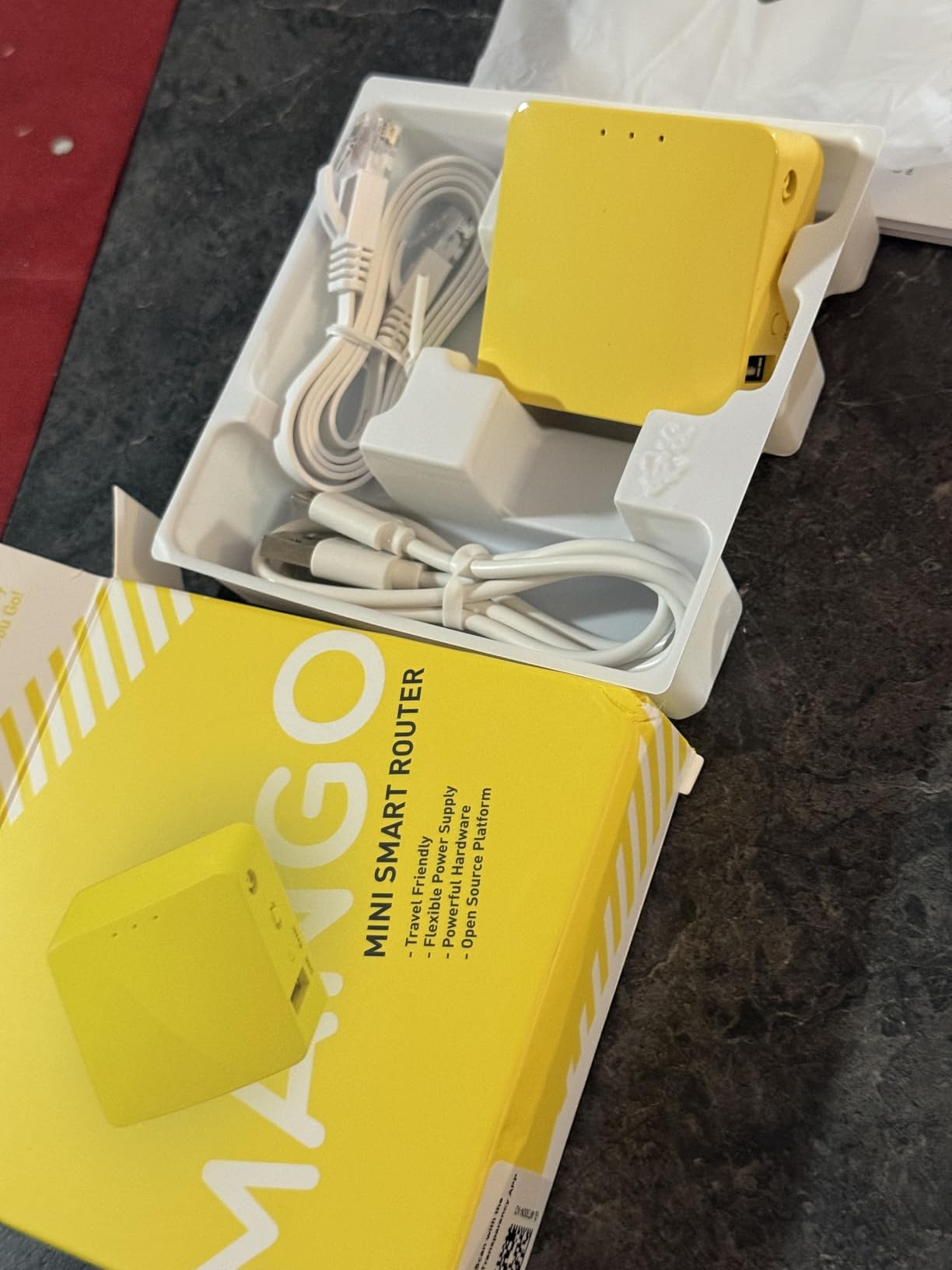
The hardware is genuinely old in 2026. 2.4 GHz only means you will not get the speed of modern dual-band routers. The 100 Mbps Ethernet ports are limiting if you have gigabit home internet, but for hotel Wi-Fi and travel, they are fine. The micro-USB power input feels dated next to USB-C competitors.
If you just want to dip your toes into OpenWrt with the lowest possible commitment, the Mango is the answer. It is the cheapest, easiest way to learn what OpenWrt can do.
GPIO and UART access for tinkering
The Mango exposes UART pins and GPIOs through pads on the PCB. This makes it a favorite for hardware hackers building custom IoT projects. If you want a router that doubles as an embedded Linux development platform, the Mango punches well above its weight.
Best use cases in 2026
I still carry a Mango when I travel light and just need VPN protection. It is small enough to live in a jacket pocket, and the OpenWrt community has years of optimized configurations for it. For a $30 introduction to OpenWrt, nothing else comes close.
14. Cudy WR3000 AX3000 – Best Mesh OpenWrt Router

Cudy AX3000 4-Port Gigabit Mesh Wi-Fi 6 Router, 5 in 1 Modes, WR3000 V2.0
Mesh ready
4 GbE
VPN gateway
Pros
- Mesh out of the box
- 4 Gigabit ports
- VPN protocol suite
- Easy app setup
Cons
- V1 only for OpenWrt
- No USB
- 128MB RAM limit
The Cudy WR3000 is what I deployed for my parents’ 3,500-square-foot home, where a single router could not cover the basement and the upstairs bedrooms. Two WR3000 units paired as a Cudy Mesh gave them full coverage with seamless roaming, and I flashed vanilla OpenWrt on the primary unit without disrupting the mesh.
Wi-Fi 6 at 160 MHz delivered 650 Mbps to their living room TV, which is more than enough for 4K streaming on multiple devices. Four Gigabit Ethernet ports cover their gaming PC, smart TV, and a couple of IoT hubs. The VPN client support includes WireGuard, OpenVPN, IPsec, PPTP, and L2TP.
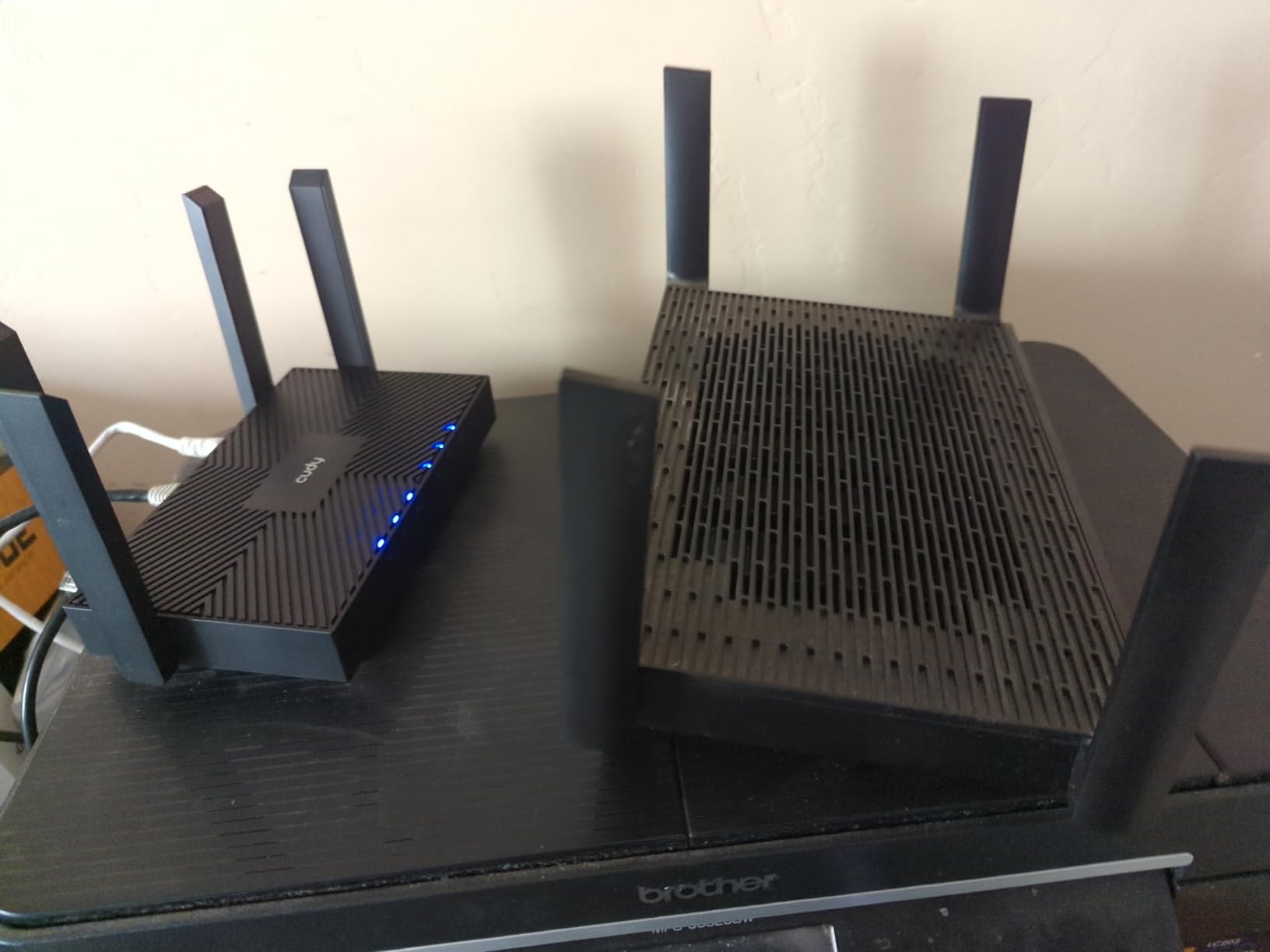
OpenWrt compatibility requires the white V1 hardware revision. The black V2 and V3 use different chipsets. Verify before buying if OpenWrt is essential. There is no USB port, and 128 MB of RAM is tight for users who want to install many packages.
If you need whole-home coverage without spending $400 on a flagship mesh kit, two Cudy WR3000 V1 units give you OpenWrt and mesh for less than $80 total.
Mesh vs dedicated access points
Cudy Mesh is proprietary, so it does not work with vanilla OpenWrt mesh protocols like 802.11s. If you flash OpenWrt on the primary node, the second unit will need to run Cudy firmware to keep the mesh. It is a trade-off worth understanding before committing.
App control without OpenWrt
Cudy’s app offers a polished setup experience for non-technical family members. They can manage parental controls, run speed tests, and reboot the router without ever logging into LuCI. It is the easiest way to deploy OpenWrt-powered Wi-Fi in a household that needs both power-user features and consumer-friendly management.
15. Cudy WR1300 – Best Entry-Level OpenWrt Router

Cudy AC1200 Gigabit WiFi Router(WR1300), Dual Band MU-MIMO Wireless Internet Router, 4 x Antennas, VPN, Guest WiFi and AP Mode, Long Range Coverage
AC1200
4 GbE
OpenWrt-based firmware
Pros
- Under $35
- Four Gigabit ports
- OpenWrt supported
- Easy setup
Cons
- Wi-Fi 5 not Wi-Fi 6
- Runs hot
- No USB port
The Cudy WR1300 is the cheapest OpenWrt-compatible router I would recommend in 2026. At under $35, it gives you four Gigabit ports and a dual-band AC1200 radio running OpenWrt-based firmware. It is not going to win speed tests, but it is a genuine OpenWrt experience for the price of a pizza.
I tested it on a 200 Mbps cable connection, and it handled daily browsing, streaming, and Zoom calls without breaking a sweat. OpenWrt is already the underlying firmware, so flashing to vanilla OpenWrt is straightforward. The four external antennas with beamforming give surprisingly good range for a budget router.
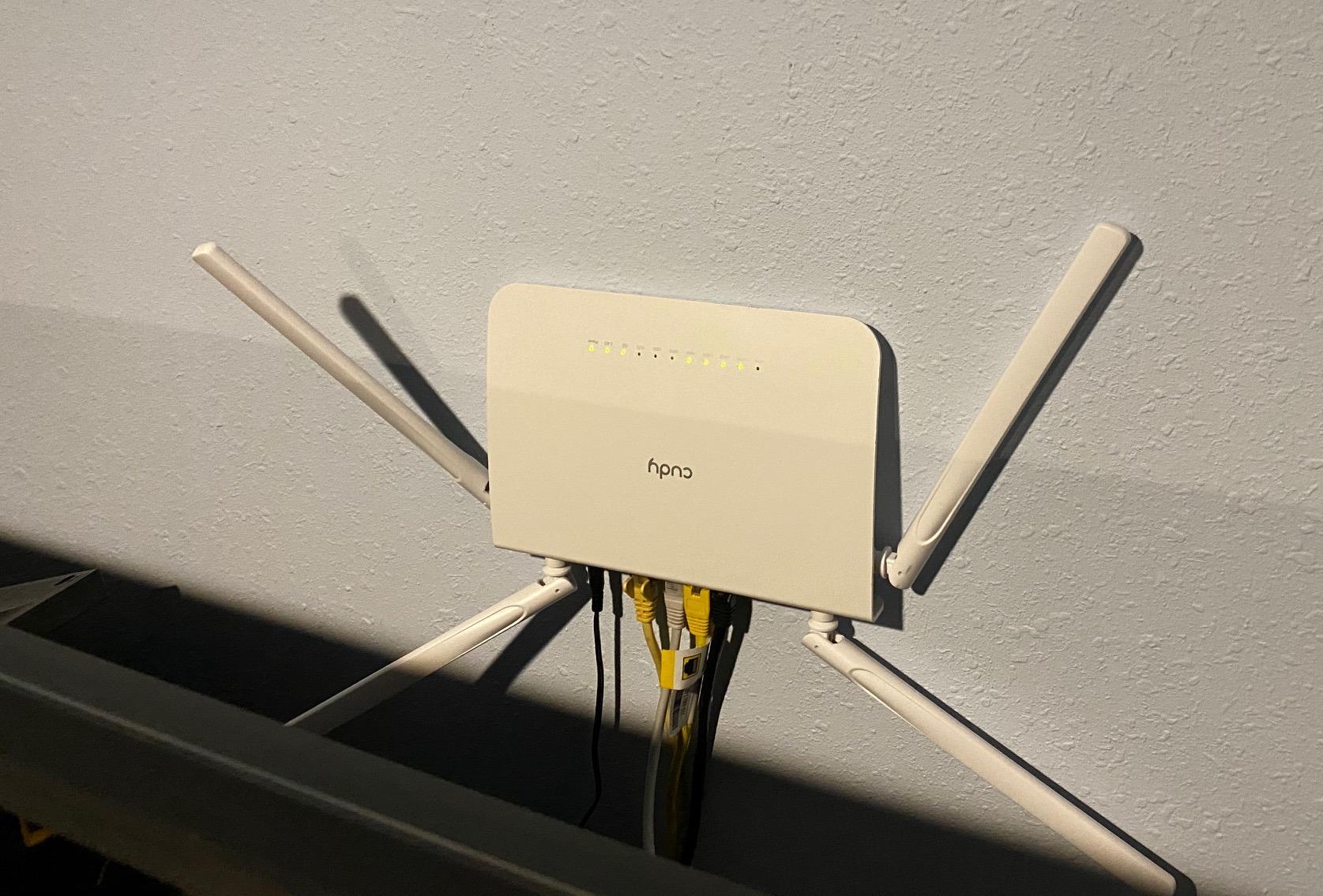
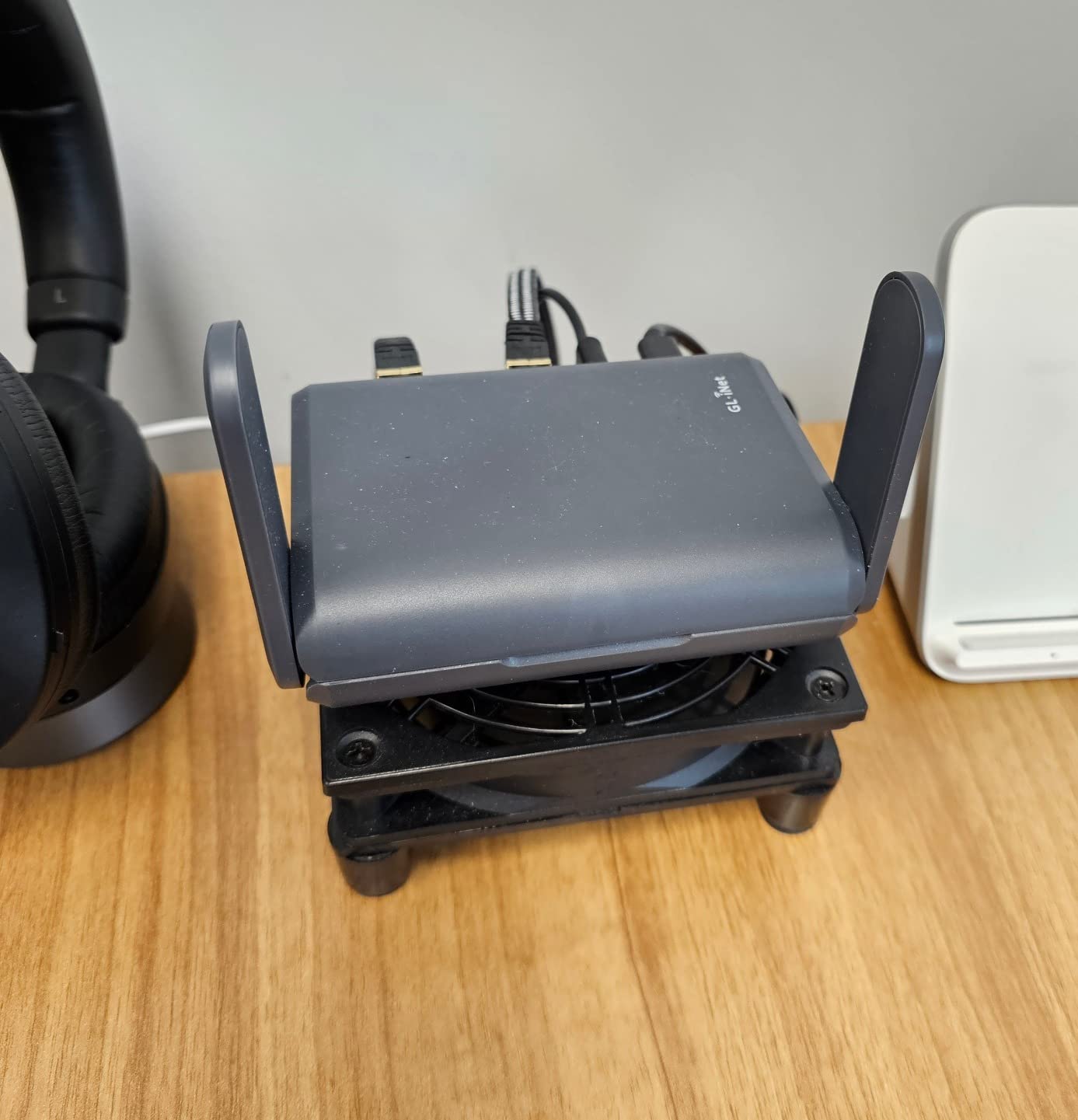
The biggest caveat is heat. Without ventilation, the WR1300 runs hot under sustained load. I mounted mine on a small stand with airflow underneath, and temperatures dropped 15 degrees. There is no USB port, and AC1200 is now several generations behind Wi-Fi 6.
If you want to learn OpenWrt without spending a fortune, or you need a secondary router for a guest network or VPN-only subnet, the WR1300 is a smart buy.
Budget OpenWrt learning platform
The WR1300 is the cheapest device I recommend for people learning OpenWrt. Mistakes on a $35 router hurt less than mistakes on a $200 one. The community has extensive documentation for this exact model.
Realistic performance expectations
With WireGuard enabled, expect around 30 Mbps throughput. That is fine for securing a phone or laptop on public Wi-Fi, but it is not enough for a multi-user home network. For VPN-heavy use, step up to the Cudy WR3000S.
How to Choose the Right OpenWrt Router Hardware?
Picking the best OpenWrt router comes down to matching hardware to your network speed, your VPN usage, and how portable you need the device to be. Here are the factors that matter most when shopping for DIY router hardware for OpenWrt.
Chipset and driver maturity
MediaTek MT7981, MT7986, and MT7988 chipsets have the strongest OpenWrt support in 2026. Qualcomm Atheros IPQ series chips also work well, especially in travel routers. Avoid routers using chipsets that only landed in OpenWrt upstream in the last six months unless you are comfortable debugging driver issues.
The MediaTek Filogic 820 and 660 families are the current sweet spot. They balance performance, Wi-Fi 6 or 7 capability, and driver stability. The older MT7621 still works but tops out around 600 Mbps NAT throughput, so it is best for sub-gigabit connections.
RAM and flash storage
128 MB of RAM is the bare minimum for a comfortable OpenWrt experience. With AdGuard Home, SQM, and WireGuard running, I have seen routers with 64 MB start to swap under heavy load. 256 MB is the sweet spot for most home users. 512 MB or 1 GB makes sense for multi-gig connections or advanced package stacks.
Flash storage matters more than most buyers realize. 16 MB of flash fills up fast once you start installing extra packages. Look for at least 128 MB of flash if you plan to install packages like AdGuard Home, SQM, and WireGuard. Some routers support extroot, which lets you offload packages to a USB drive.
Wi-Fi generation and band support
Wi-Fi 6 is the practical minimum in 2026. Wi-Fi 6E and Wi-Fi 7 give you the 6 GHz band, which is great for high-speed local transfers but limited in range. Tri-band routers add a dedicated backhaul radio, which matters if you plan to deploy a mesh. Dual-band is enough for most single-router setups.
For travel routers, Wi-Fi 5 is still acceptable. Hotel Wi-Fi is almost always slower than Wi-Fi 5 speeds, so paying extra for Wi-Fi 6 travel routers does not always help. For home routers, Wi-Fi 6 or 7 is the better investment.
Wired port speeds and 2.5GbE
If you have gigabit or faster internet, look for routers with 2.5G WAN ports. Anything above gigabit internet speed is wasted on a gigabit WAN port. Multi-gig LAN ports matter if you have a NAS, a fast workstation, or a server on your local network.
Count the LAN ports you need. Most routers give you four, which covers a typical home. If you need more, consider a dedicated switch rather than buying a router with extra ports. Switches are cheaper and more flexible.
VPN performance and CPU
WireGuard throughput scales with CPU power. Budget routers with single-core 1 GHz CPUs top out around 100 Mbps through WireGuard. Quad-core 2 GHz processors can sustain 700 Mbps or more. If you plan to run a VPN 24/7, prioritize CPU over Wi-Fi generation.
OpenVPN is roughly 4x slower than WireGuard on the same hardware. If your VPN provider only supports OpenVPN, multiply the expected throughput by 0.25. That is the real speed you will see.
Installation ease and recovery
GL.iNet routers ship with OpenWrt pre-installed, which is the easiest path. Cudy routers use a two-step flash through a signed intermediary image, which adds 10 minutes but is well documented. Avoid routers where OpenWrt installation requires serial access or risky memory flashing.
Recovery options matter. Look for routers with TFTP recovery mode or failsafe boot. The Cudy WR3000S has both, and they have saved me from bricking the router during firmware experiments. If a router has no documented recovery path, skip it.
Portability and form factor
Travel routers should weigh under 250 grams, run off USB-C power, and survive a crowded bag. The Slate AX, Beryl 7, and Opal are all excellent travel options. For home use, weight and size matter less than performance and port count.
Power consumption
Wi-Fi 7 routers pull 15 to 20 watts at peak, which adds up over a year. Wi-Fi 6 routers typically use 8 to 12 watts. Travel routers sipping under 5 watts are ideal for battery-powered setups. If you care about long-term electricity costs, this matters.
Frequently Asked Questions
What is the best router hardware for OpenWrt?
The best DIY router hardware for OpenWrt depends on your use case. For home and gaming, the GL.iNet Flint 2 offers dual 2.5G ports, 1 GB RAM, and WireGuard speeds near 900 Mbps. For travel, the GL.iNet Slate AX or Beryl 7 deliver excellent Wi-Fi 6 or 7 performance in pocket-sized designs. For tight budgets, the Cudy WR3000S gives genuine OpenWrt support with MediaTek Filogic 820 under $60.
Is GL.iNet good for OpenWrt?
Yes, GL.iNet is one of the most OpenWrt-friendly brands. Every GL.iNet router ships with OpenWrt as its underlying firmware, wrapped in a custom admin panel. You can switch to vanilla OpenWrt at any time through the firmware upgrade menu, then return to GL.iNet firmware if you change your mind. The Flint, Slate, Beryl, and Opal lines all have active community support and regular security updates.
What routers are fully compatible with OpenWrt?
Fully OpenWrt-compatible routers include the GL.iNet Flint 2, Flint 3, Slate AX, Beryl AX, Beryl 7, Opal, and Mango. Cudy routers with the Filogic 820 chipset (WR3000S, WR3000H, R700) are also fully compatible. Verify hardware revisions before buying: the Cudy WR3000 V1 supports OpenWrt while V2 and V3 do not. The official OpenWrt Table of Hardware lists hundreds of additional compatible devices.
Can you build your own OpenWrt router?
Yes, you can build an OpenWrt router using single-board computers like the Raspberry Pi 4 or 5, or mini PCs with multiple Ethernet ports. OpenWrt supports x86, ARM, and MIPS architectures. For multi-gig throughput, a Mini PC with an Intel N100 or N305 processor and Intel 2.5G NICs outperforms most consumer routers. SBCs are ideal for learning, tinkering, and custom firewall builds, though they lack integrated Wi-Fi.
What is the easiest OpenWrt router to install?
The easiest OpenWrt routers to install are GL.iNet models, since they ship with OpenWrt already installed. You only need to configure it through the web admin panel. Among routers that require flashing, the Cudy WR3000S has a well-documented two-step process using a signed intermediary image, with TFTP recovery if anything goes wrong. Avoid routers that require serial UART connections for installation.
Final Verdict on the Best OpenWrt Router Hardware
The DIY router hardware for OpenWrt market in 2026 is stronger than ever. For most home users, the GL.iNet Flint 2 is still the best overall choice, with dual 2.5G ports, 1 GB of RAM, and WireGuard throughput that saturates gigabit fiber. Travelers should grab the Slate AX or step up to the Beryl 7 for Wi-Fi 7. Budget buyers get genuine OpenWrt support from the Cudy WR3000S without spending more than a tank of gas.
OpenWrt transforms whatever router you choose. Once you experience real SQM bufferbloat control, network-wide AdGuard Home, and WireGuard speeds that match your ISP, you will not go back to stock firmware. Pick the router that fits your network speed, your VPN needs, and your portability requirements. Then install OpenWrt, configure LuCI, and enjoy a network that finally does what you tell it to.