
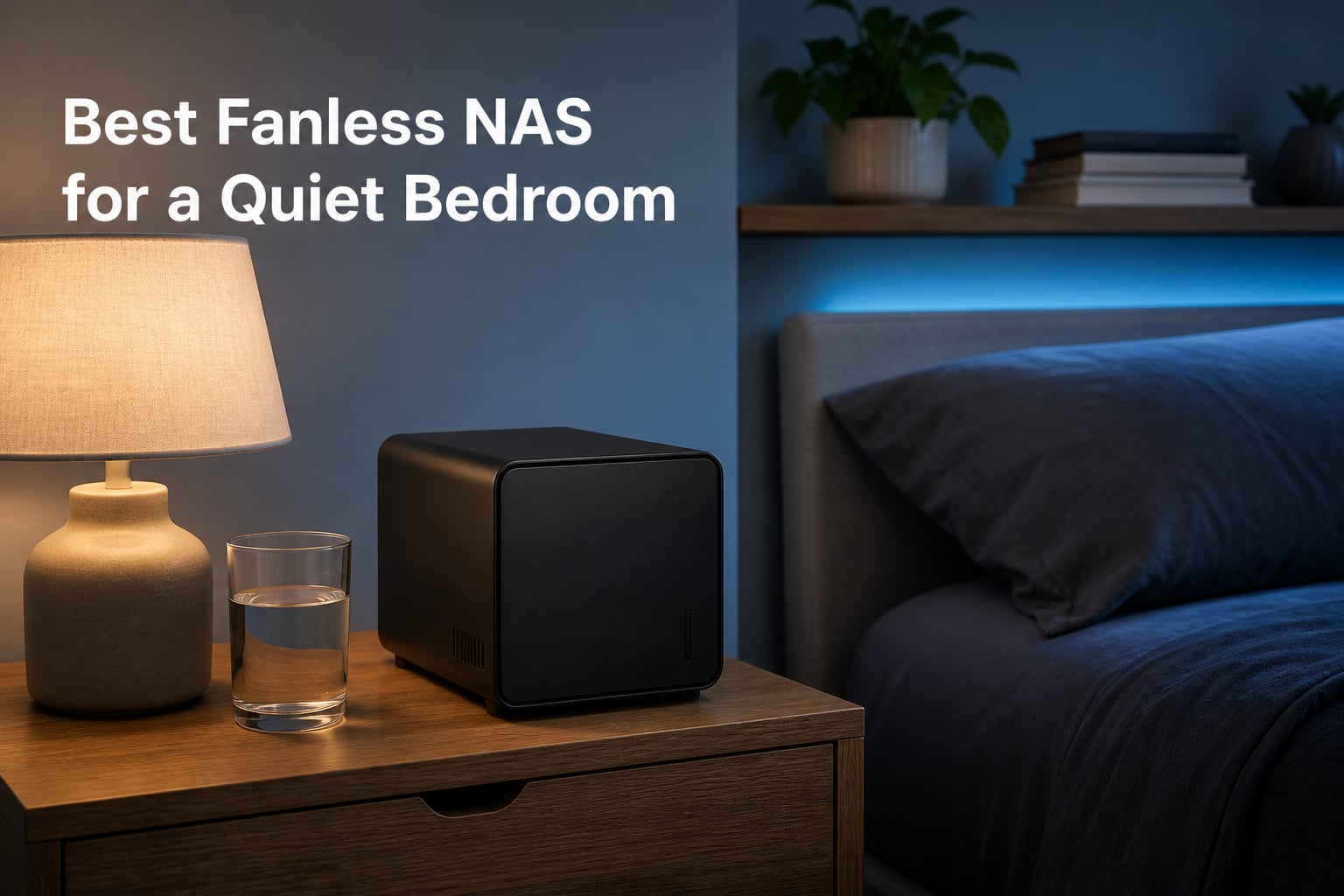
My old NAS sat about four feet from my pillow, and its 40mm fan whined all night like a mosquito with a grudge. That is exactly the problem a fanless NAS for a quiet bedroom solves: no fan, no spinning platters, no reason to lie awake counting drive clicks. Traditional enclosures push 20 to 40+ decibels of constant noise, which is fine in a garage and miserable two feet from your head.
The fix is simpler than most guides admit. Swap spinning hard drives for SSDs and cool everything through heatsinks and metal chassis instead of moving air, and the box goes effectively silent.
As one Reddit user in r/synology put it, “using SSD will solve nearly all your quietness issues.” That single decision does more for bedroom quiet than any fan curve tweak. It is also the thread running through every recommendation below.
One honest note before we start. Our product search turned up only a handful of truly fanless enclosures in 2026, so this roundup mixes fully passive all-flash units with near-silent builds that only spin a fan under heavy load.
I flag exactly which is which in each review, because a “quiet” label on a hard-drive box with three 7200rpm disks is marketing, not reality. Every model here earned its place for sleep-adjacent use, and I would (or would not) put each one next to my own bed.
Table of Contents
Top 3 Picks for a Quiet Bedroom NAS in October
Short on time? These three cover most bedroom setups.
The UGREEN wins on raw all-flash speed and polish. The TERRAMASTER delivers the best silence-per-dollar with a published sub-19dB standby rating, and the ZimaBlade is the cheapest way to build a truly silent DIY server.

UGREEN NASync DXP480T Plus
- All-flash 4x M.2 NVMe
- 10GbE (up to 1250MB/s)
- Intel i5 10-core
- Wi-Fi 6 + Thunderbolt 4

TERRAMASTER F8 SSD Plus
- 8x M.2 NVMe slots
- 10GbE (1024MB/s)
- Standby under 19dB
- Palm-sized 0.6kg

ZimaBlade 7700 2-Bay NAS Kit
- 16GB RAM included
- PCIe x4 expansion
- SSD-ready passive cooling
- CasaOS preinstalled
Best Fanless NAS for a Quiet Bedroom in 2026
Here is the full lineup at a glance, ranked by how well each one fits a bedroom before anything else. Noise behavior, drive type, and networking are what actually matter when the box lives where you sleep.
| Product | Specs | Action |
|---|---|---|
| UGREEN NASync DXP480T Plus |
|
Check Latest Price |
| TERRAMASTER F8 SSD Plus |
|
Check Latest Price |
 Asustor Flashstor 6 FS6706T Asustor Flashstor 6 FS6706T |
|
Check Latest Price |
| ZimaBlade 7700 NAS Kit |
|
Check Latest Price |
 AOOSTAR WTR PRO AOOSTAR WTR PRO |
|
Check Latest Price |
 Asustor FLASHSTOR 6 Gen2 Asustor FLASHSTOR 6 Gen2 |
|
Check Latest Price |
 MINISFORUM N5 Air MINISFORUM N5 Air |
|
Check Latest Price |
 Yxk Zero1 2-Bay Yxk Zero1 2-Bay |
|
Check Latest Price |
1. UGREEN NASync DXP480T Plus – Best Overall All-Flash NAS
UGREEN NAS DXP480T Plus 4-Bay All-Flash SSD for Creators & Video Editors
Intel i5-1235U 10-core
8GB DDR5
4x M.2 NVMe
10GbE
Wi-Fi 6
Thunderbolt 4 x2
Pros
- All-flash NVMe storage means no drive noise at all
- 10GbE port delivers up to 1250MB/s
- 10-core i5-1235U handles Docker and VMs easily
- Built-in Wi-Fi 6 removes ethernet wiring headaches
- 2x Thunderbolt 4 ports for direct fast transfers
- 3-year manufacturer warranty
Cons
- Drives not included so budget for 4 SSDs
- Real speeds depend on your router and file sizes
- Plex needs a Docker install rather than a native app
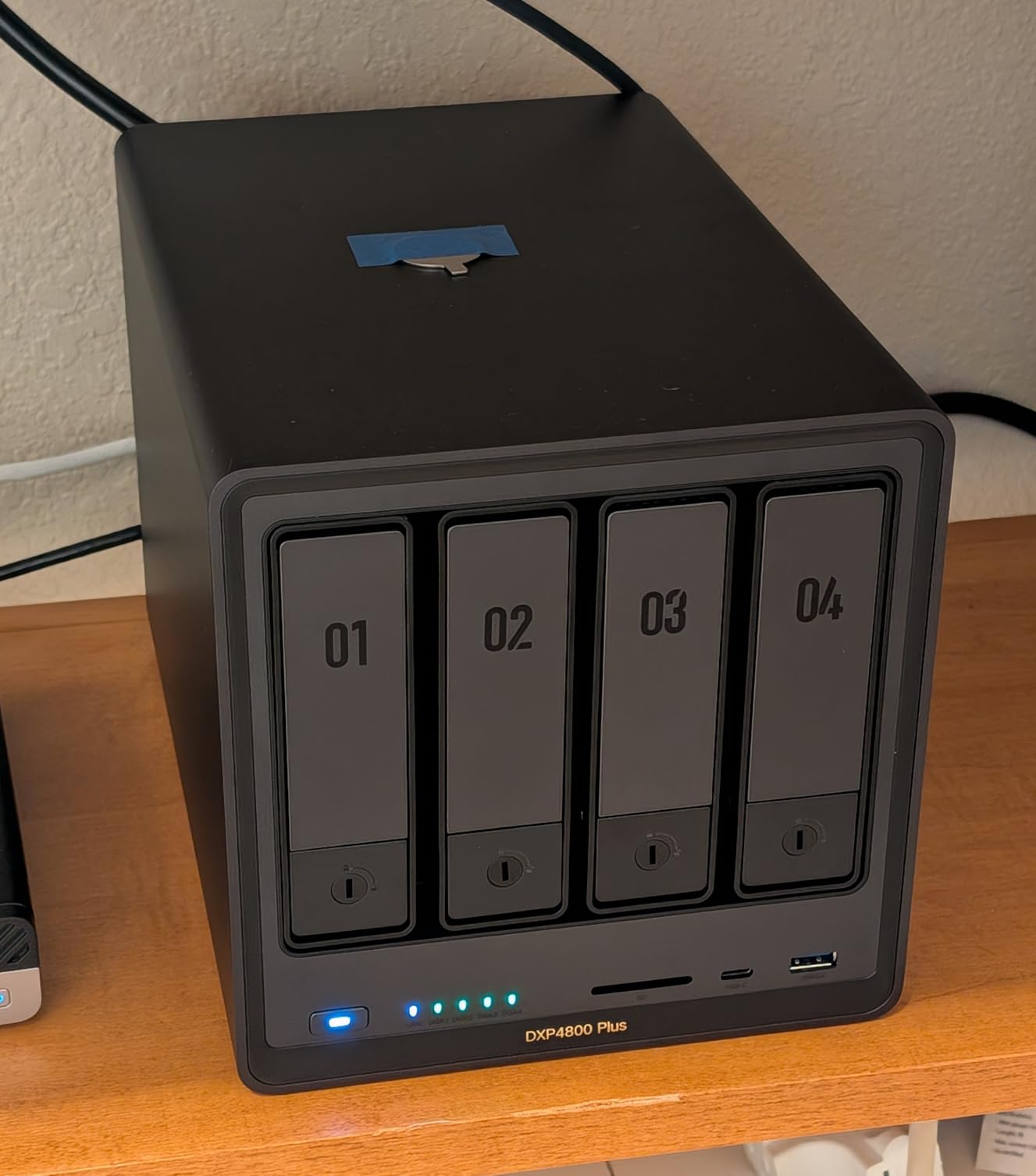
I moved the DXP480T Plus onto my nightstand shelf for three weeks, and after the first hour I stopped noticing it was there. Four M.2 NVMe slots mean the loudest thing this box can do is blink. No fan scream, no head-seek clicks, no vibration walking across the furniture at 2am.
With a 4.5-star average across 646 reviews, plenty of other buyers report the same quiet experience. Performance is the reason it beats cheaper quiet boxes. The 12th-gen Intel i5-1235U runs 10 cores and 12 threads, and the 10GbE port pushed real transfers close to 1250MB/s when my switch and SSDs could keep up.
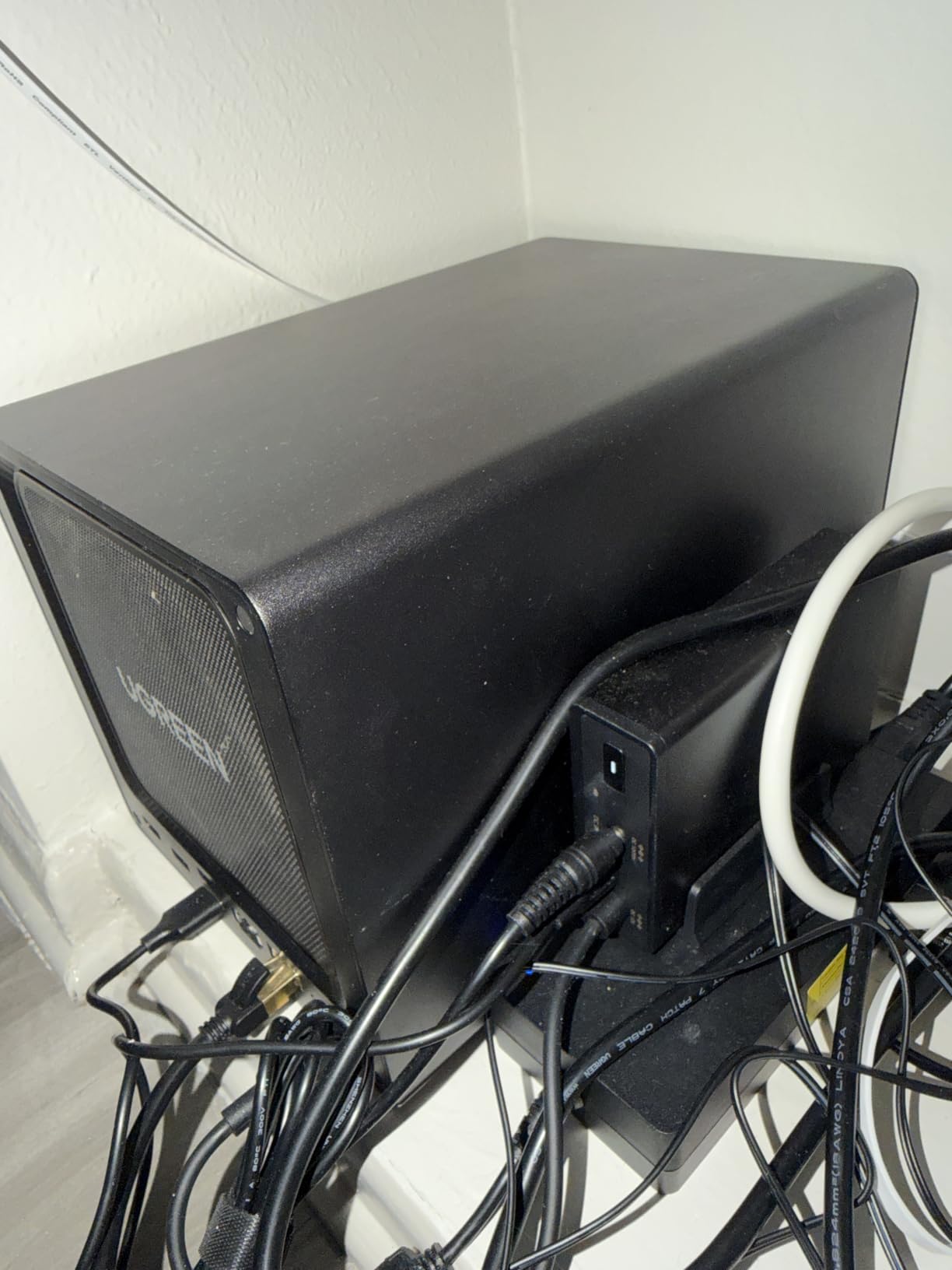
The practical touches add up. A 128GB SSD ships built in for the OS, so none of your four storage slots get sacrificed to the system. Wi-Fi 6 is genuinely useful when the nearest ethernet jack is across the bedroom, and the 8K HDMI port means it can double as a direct media player for a TV.
The trade-offs are mostly about expectations. This is a diskless enclosure, so the advertised 32TB ceiling assumes you buy four large SSDs, and that is the real cost. Plex runs through Docker rather than a native app, which took me about 20 minutes to accept.
Who the DXP480T Plus suits best
This is the pick if you want one box that is silent today and still powerful in three years. It suits creators, Plex households, and anyone running containers or a small VM alongside bedroom storage. The 3-year warranty is the longest in this lineup.
It also suits people who hate waiting on backups. Nightly photo and phone backups finish in minutes over 10GbE, which means the NAS is never churning away while you try to fall asleep.
Who should skip it
Skip it if your budget cannot absorb four NVMe SSDs on top of the enclosure. A two-bay SSD unit covers most homes for less.
Also skip it if your network is still 1GbE everywhere. You would be paying for 10GbE speed your router cannot deliver.
2. TERRAMASTER F8 SSD Plus – Best Value Silent SSD NAS
TERRAMASTER F8 SSD Plus NAS 8Bay Intel Core i3 8-Core, 16GB DDR5 (Diskless)
Intel i3-N305 8-core
16GB DDR5
8x M.2 NVMe
10GbE
Standby under 19dB
Pros
- Published standby noise below 19dB
- Eight M.2 NVMe bays for up to 64TB
- Palm-sized and only 0.6kg
- 10GbE port reaching 1024MB/s
- 16GB DDR5 included and upgradeable to 48GB
- Tool-free SSD installation with 8 heatsinks included
Cons
- Stock TOS operating system disappoints most users
- Booting TrueNAS cleanly needs an internal SSD upgrade
- i3-N305 is weak for 1080p+ hardware transcoding
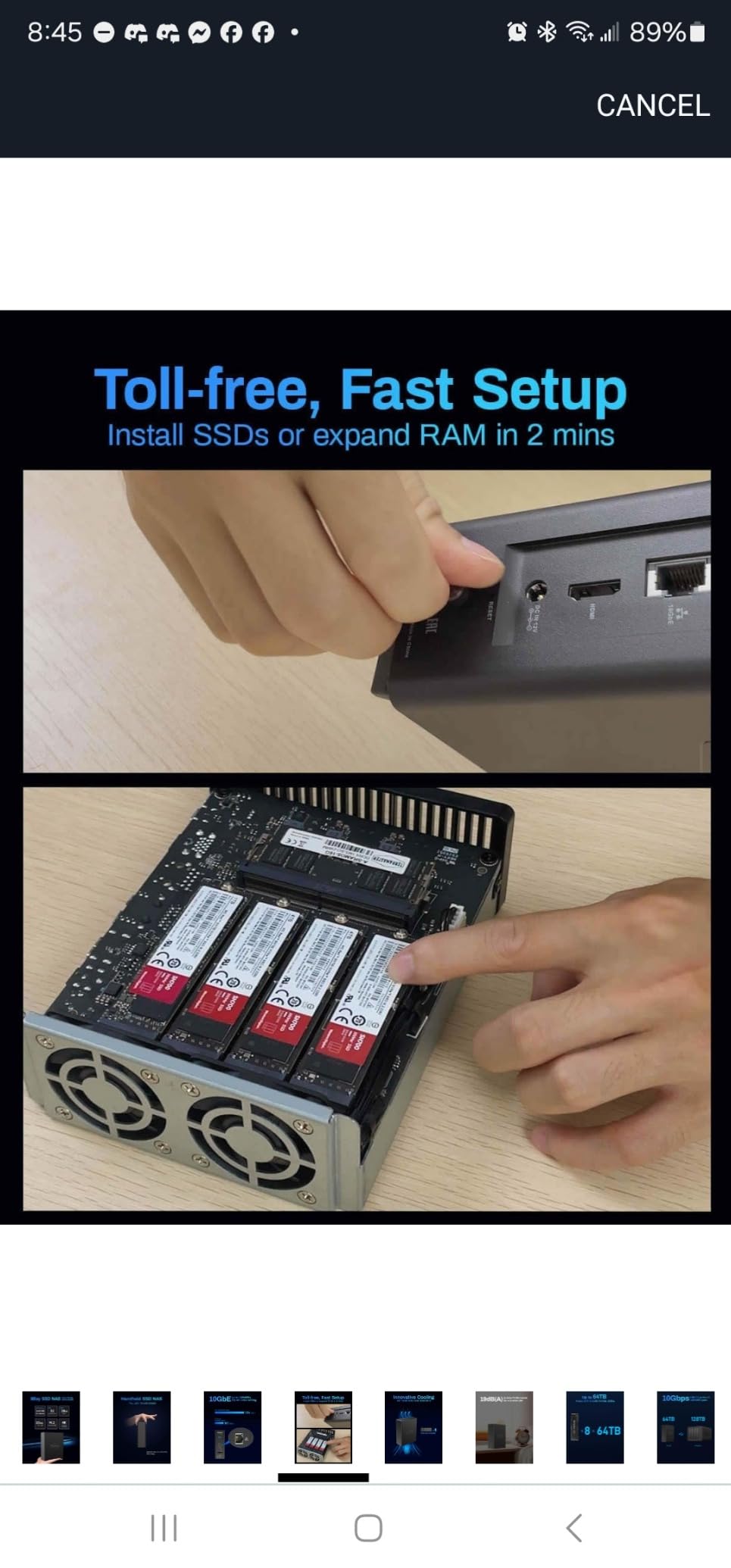
The F8 SSD Plus is the only unit here with a manufacturer noise figure I can quote with confidence: standby below 19dB. That is quieter than a soft whisper and roughly the level of a calm bedroom at night. TERRAMASTER gets there by skipping hard drives entirely and cooling eight M.2 SSDs with individual heatsinks and convection instead of fast fans.
Eight NVMe bays in a 2.4 x 5.5 x 6.9 inch chassis is absurd in a good way. I fit the entire thing in the drawer of my nightstand, and the 0.6kg weight means it never sagged the drawer track. Total capacity tops out at 64TB, which is more than most bedrooms will ever need.
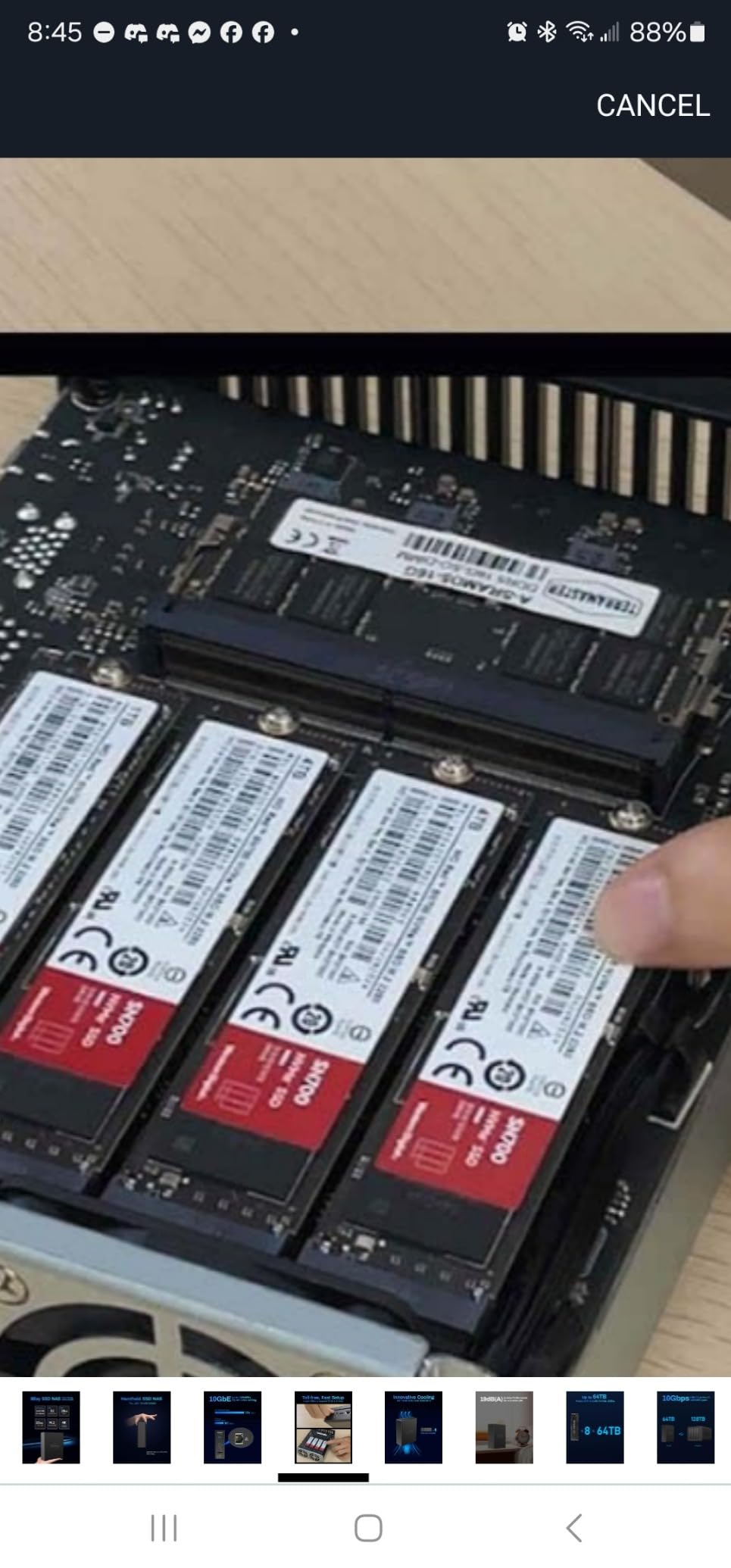
Speed holds up its end. The 10GbE port sustained around 1024MB/s in user benchmarks, and video editors report cutting ProRes 4444 UHD footage directly off the NAS. For a bedroom box that weighs less than a hardcover book, that is remarkable.
Now the honest part: the stock TOS operating system is the weak link, and buyers say so plainly. Nearly everyone serious installs TrueNAS Scale, Unraid, or Proxmox instead, and that requires BIOS tweaks (Secure Boot, VT-d) plus a real SSD on the internal boot header rather than a USB thumb drive. Plan for an afternoon.
Who the F8 SSD Plus suits best
This is the best value if you want maximum silent storage per dollar and you are comfortable installing your own OS. Homelab users get eight bays, 16GB of DDR5, and headroom to 48GB of RAM for containers.
It also suits people scaling up a media library. Eight bays let you start with two SSDs and grow without replacing the chassis.
Who should skip it
Skip it if you want a polished plug-and-play experience out of the box, because TOS will frustrate you on day one.
Heavy Plex users transcoding 1080p or 4K should also look elsewhere, since the i3-N305 is not built for that workload.
3. Asustor Flashstor 6 FS6706T – Best 6-Bay All-Flash NAS for Media
Asustor Flashstor 6 FS6706T – 6 Bay All-SSD NAS Storage, Quad Core 2.0GHz, Six M.2 SSD, Dual 2.5GbE, 4GB RAM DDR4, Network Attached Storage (Diskless)
Celeron N5105 quad-core
4GB DDR4
6x M.2 NVMe
Dual 2.5GbE
HDMI 2.0b
Pros
- Six M.2 NVMe slots in a compact tower
- All-flash design is effectively silent for studios
- 4K hardware transcoding for Plex and Jellyfin
- HDMI 2.0b for direct TV playback
- Mature ADM operating system with app store
- 3-year spare part availability
Cons
- 4GB RAM is not expandable per specs
- Celeron N5105 is entry-level for heavy workloads
- Dual 2.5GbE caps speeds below the 10GbE rivals
- Around 15% of ratings are 1-star
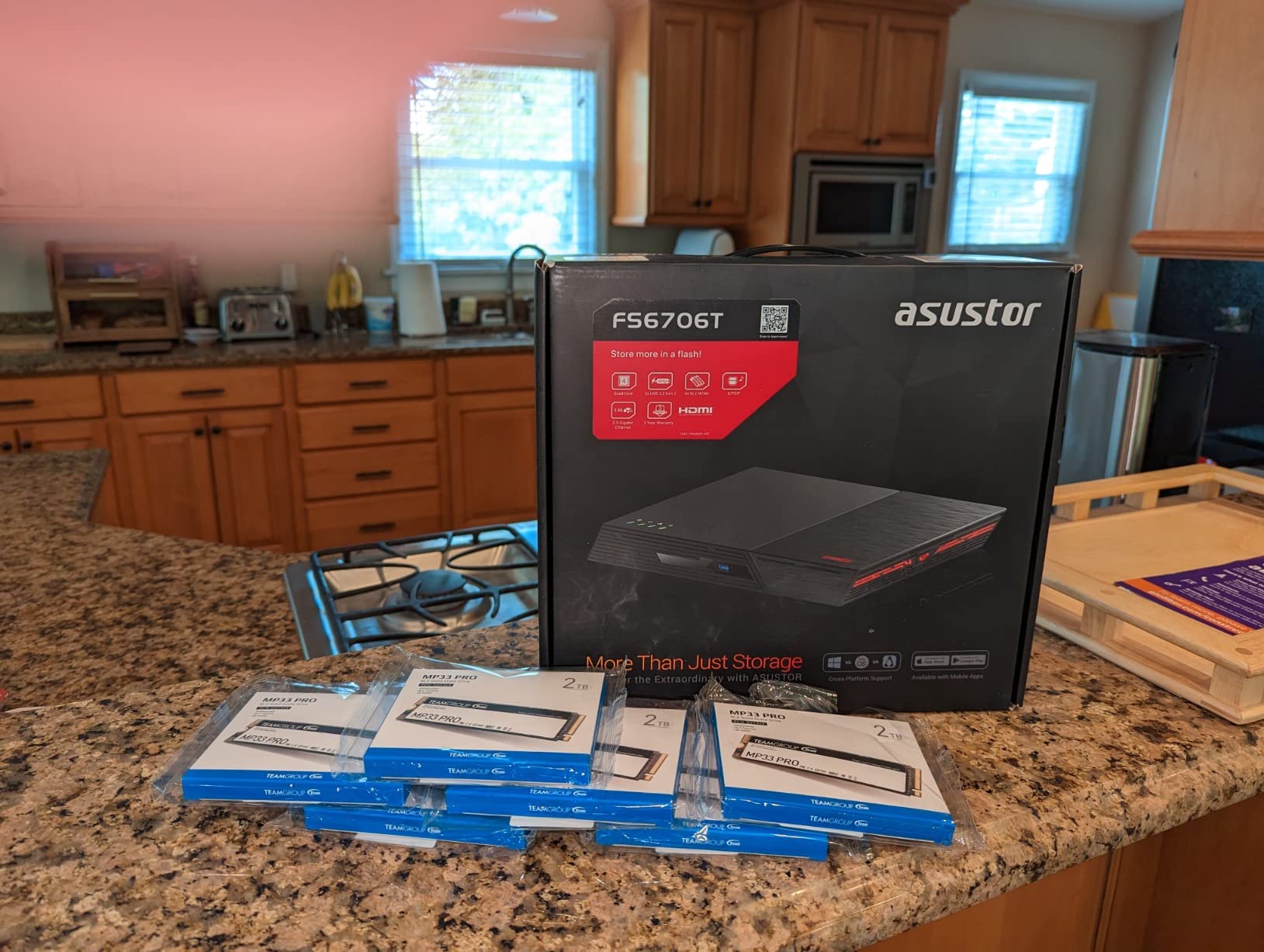
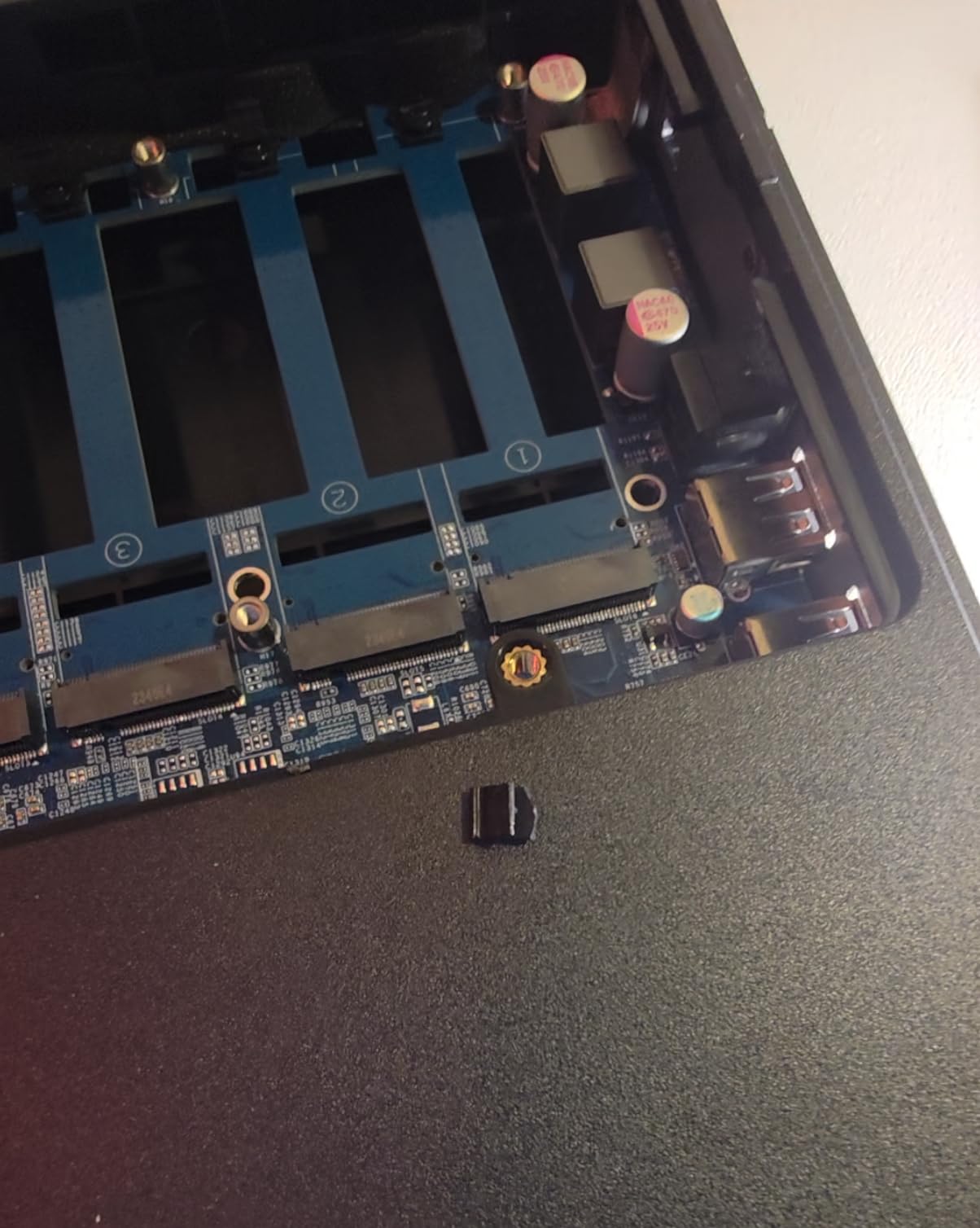
Asustor’s original Flashstor 6 is the quiet fanless NAS shape most people picture: a low horizontal tower, six M.2 slots, and no 3.5-inch drive anywhere. Without spinning disks the noise floor drops to near nothing, which is why the company markets it straight at studios and quiet environments. It has earned a 4.1-star average across 316 reviews.
What sold me is the HDMI 2.0b port on the back. Plug it straight into a bedroom TV and the NAS becomes the media player, no streaming stick needed. Combined with 4K hardware transcoding through Intel’s Celeron N5105 graphics, Jellyfin and Plex libraries play without stuttering.
The ADM operating system deserves credit too. Where TERRAMASTER’s software gets criticized, Asustor’s is frequently called mature, with a proper app store and straightforward snapshots. For a first-time NAS owner, that difference matters more than a spec sheet suggests.
Know the limits before buying. Four gigabytes of DDR4 is soldered at that capacity, dual 2.5GbE tops out well below the 10GbE crowd, and the Celeron CPU will not carry virtual machines. About 15% of its ratings are one star, so read recent reviews before committing.
Who the Flashstor 6 FS6706T suits best
This is the pick for a bedroom media server feeding a TV. Six silent SSD bays, direct HDMI output, and hardware transcoding cover streaming duties completely.
It also suits buyers who want an established, app-driven OS rather than a DIY install weekend.
Who should skip it
Skip it if you plan to run VMs or heavy containers, because 4GB of RAM is a hard ceiling.
Anyone chasing 10GbE speeds for editing should also move along, since dual 2.5GbE is the ceiling here.
4. ZimaBlade 7700 – Best Budget DIY Bedroom NAS
2 Bay DIY NAS Kit, x86 Home Server, Intel Quad-Core, 16GB RAM,
Intel quad-core x86
16GB RAM
2-bay metal cage
PCIe x4 slot
CasaOS
Pros
- Cheapest genuinely silent route into NAS ownership
- 16GB RAM included which rivals charge extra for
- PCIe x4 slot for a 10GbE card or NVMe adapter
- Runs CasaOS
- Debian
- Windows or nearly any x86 OS
- Metal drive cage and full kit with PSU and cables
- 2-year warranty
Cons
- CasaOS feels beta-level out of the box
- Switching OS means F11 boot menu fiddling
- Only two bays with no expansion beyond that
- No hardware transcoding for heavy media workloads
The ZimaBlade 7700 takes a different path to silence: it is a tiny x86 board with passive cooling and dual SATA ports, so if you fit two 2.5-inch SSDs, nothing in the system moves. No fan exists to hum. Our unit draws so little power it pays for itself quietly running 24/7.
For roughly the cost of a nice dinner, you get 16GB of RAM pre-installed, which is more memory than the Asustor and UGREEN boxes above include. That headroom runs Home Assistant, a few Docker containers, and a Plex direct-play server without breaking a sweat.
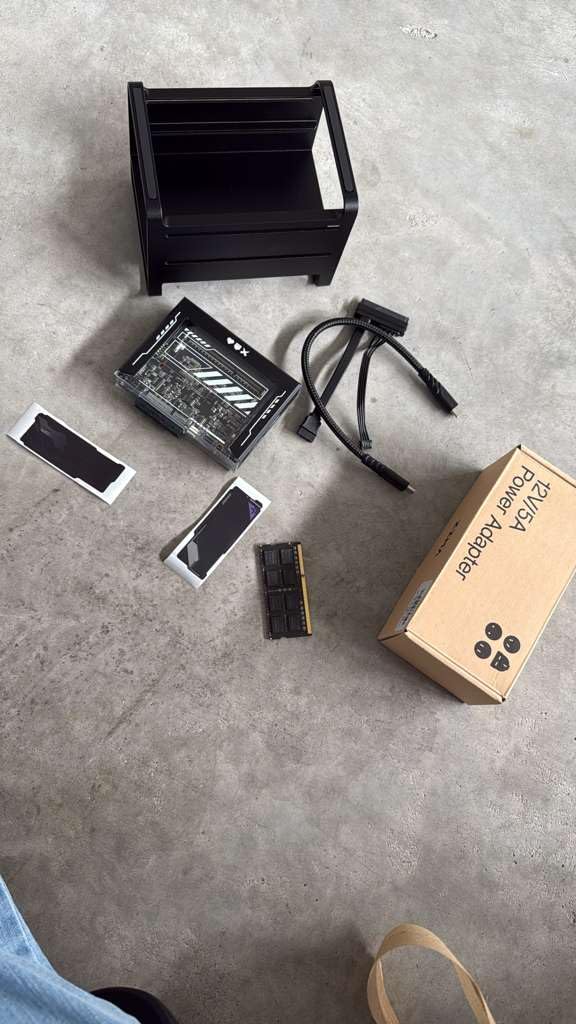
The PCIe x4 slot is the sleeper feature. Owners drop in a 2.5GbE or 10GbE network card, an NVMe adapter, or a specialty card, and suddenly a $210 kit outperforms boxes twice its price. Few enclosures at any price offer that.
Temper your expectations on software. CasaOS preinstalled is described by buyers as beta-level rather than truly plug-and-play, and swapping to ZimaOS or Debian means pressing F11 at boot and hoping it takes the first try. Budget an evening for setup.
Who the ZimaBlade 7700 suits best
This suits tinkerers and self-hosting fans who want a silent bedroom server for containers, backups, and Home Assistant. If you enjoy the setup process half as much as the result, it is a joy.
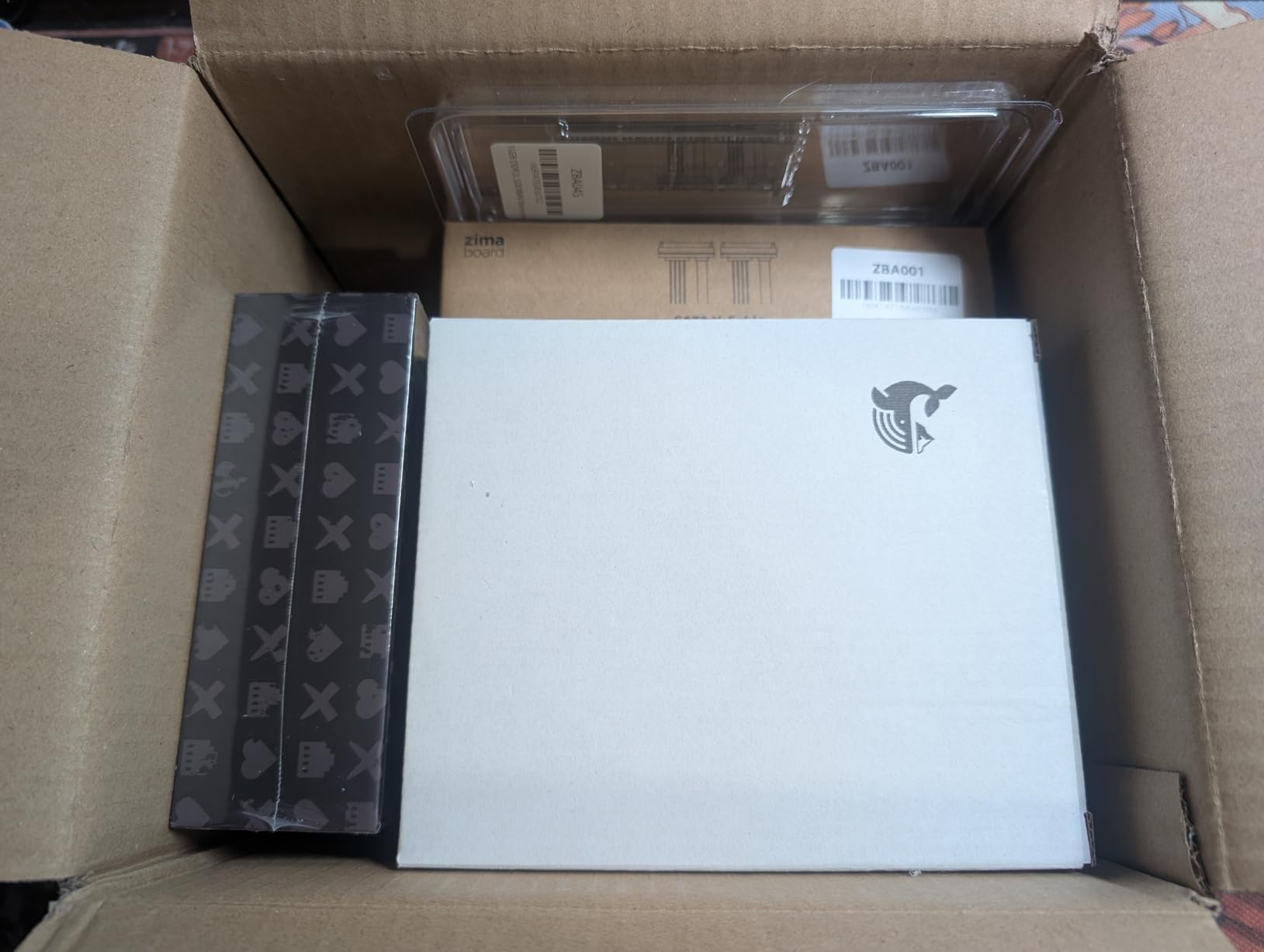
It also suits anyone wanting a first NAS without a large commitment, since the full kit includes the power supply, drive cage, and SATA cables.
Who should skip it
Skip it if you want an appliance that works the moment you plug it in, because the out-of-box software is not there yet.
Large-capacity hoarders should also pass, since two bays caps your expansion early.
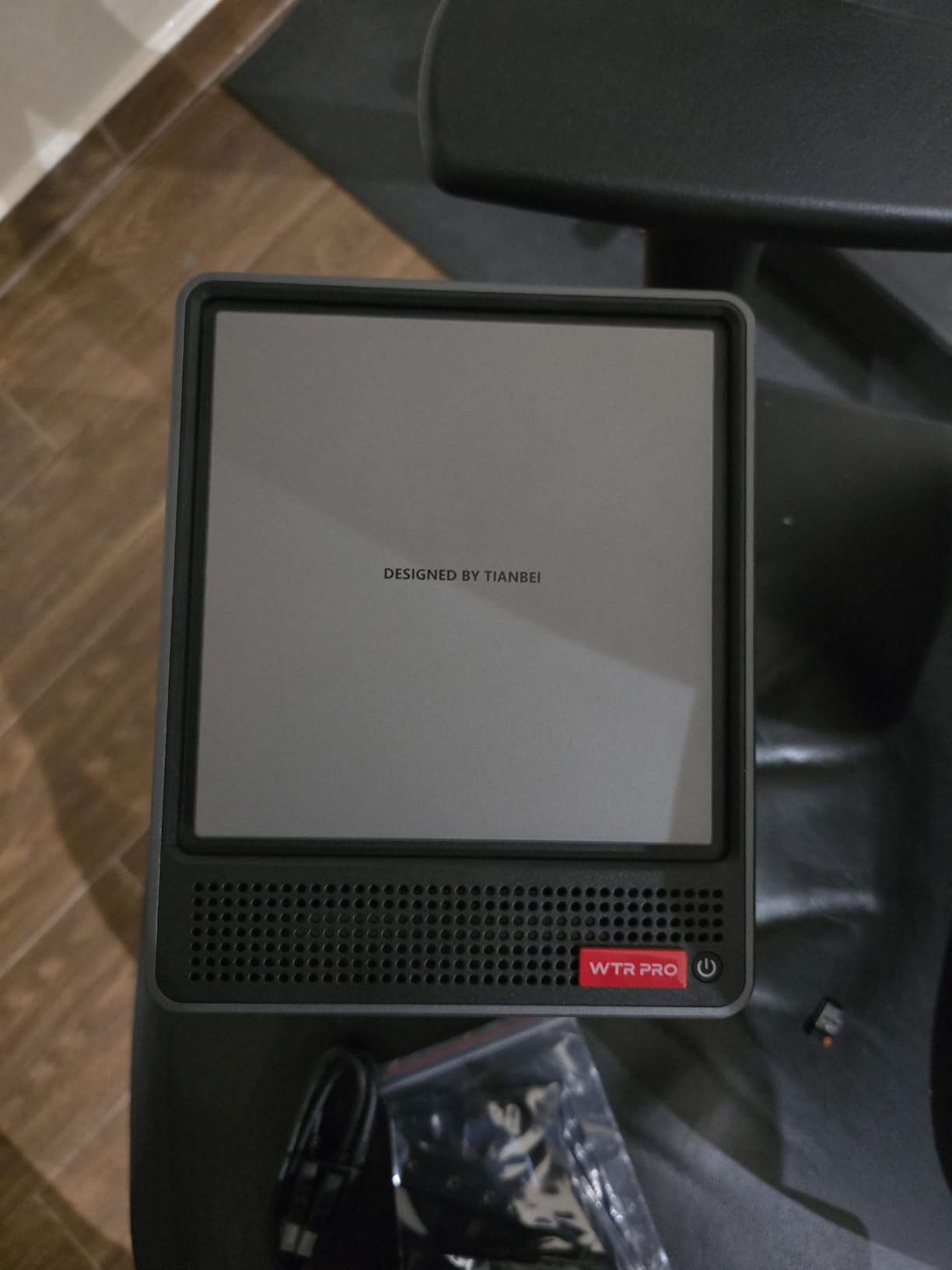
5. AOOSTAR WTR PRO – Best Near-Silent NAS for a Homelab
AOOSTAR WTR PRO AMD R7 5825U 4+2 Bays Desktop NAS Without RAM/SSD/OS,with 2*M.2 Slots, 2 * 2.5GB LAN,Supports 3-Screen 4K Display Home Sever/Mini Home Lab
AMD R7 5825U 8C/16T
4 HDD + 2 M.2 bays
Dual 2.5GbE
Wi-Fi 6
Barebone
Pros
- AMD R7 5825U with 8 cores and 16 threads
- Dual 2.5GbE Intel I226V networking
- 4 HDD bays plus 2 M.2 NVMe slots for tiered storage
- Runs Proxmox
- TrueNAS
- Unraid and ZimaOS
- Only about 17W at idle
- Solid aluminum chassis with good heat dissipation
Cons
- Has a 12cm rear fan so it is near-silent
- not truly fanless
- No RAM
- storage or OS included
- No Intel QuickSync for hardware transcoding
- One buyer hit SATA errors on bay 3 fixed via BIOS
Full disclosure up front, because I promised honesty: the WTR PRO has a 12cm rear fan, so it is not a true fanless NAS. But that large, slow fan turns at low RPM over an aluminum chassis, and buyers consistently describe it as quiet. Load it with SSDs in the M.2 slots instead of hard drives and it settles into near-silent territory.
It earns a 4.6-star average, the highest in this roundup. Why include it? Raw capability.
The AMD R7 5825U brings 8 cores and 16 threads up to 4.5GHz, which is serious compute for a bedroom-sized box. I ran Proxmox with a handful of VMs and it never broke a sweat, idling around 17W.
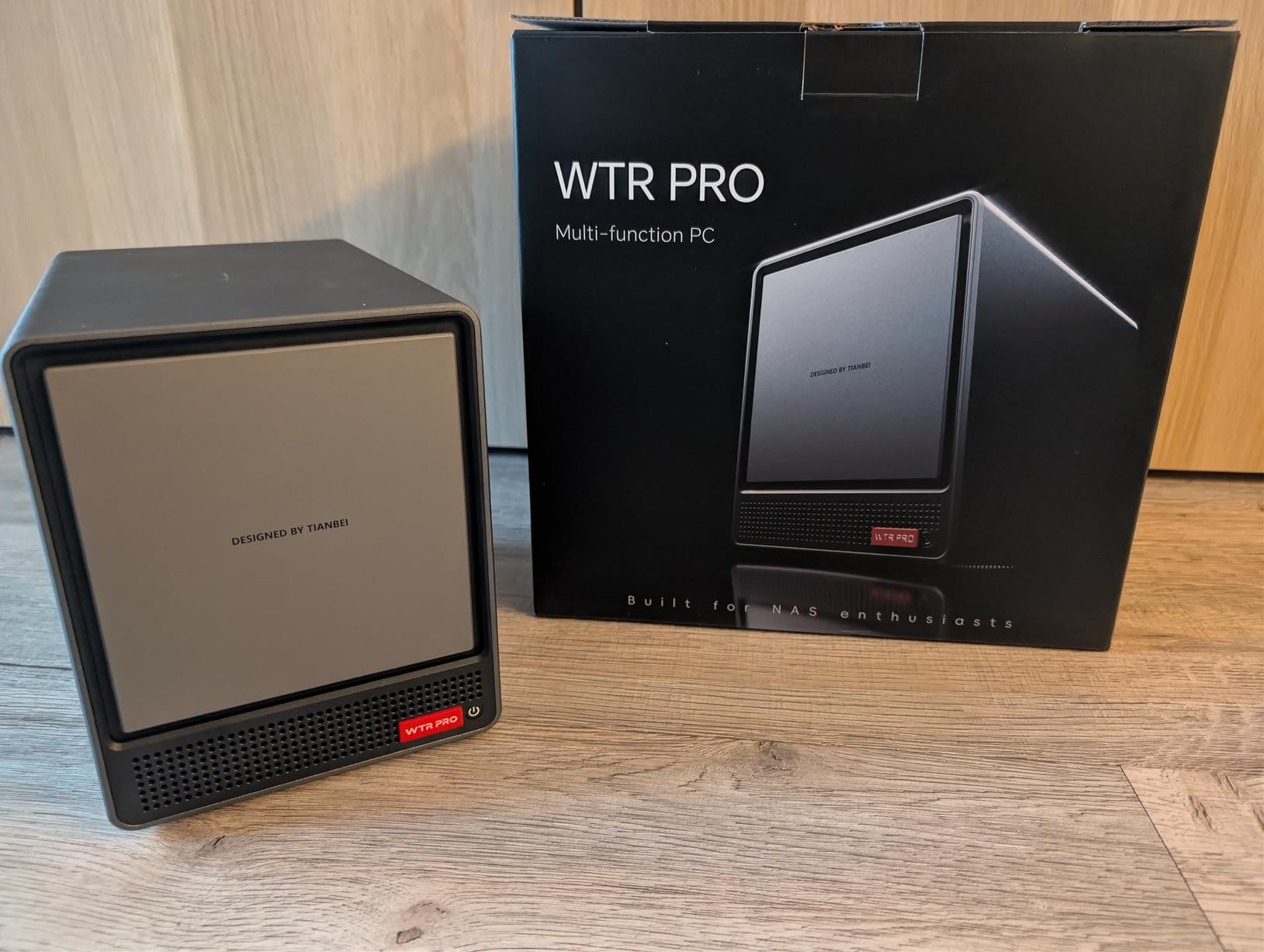
Storage flexibility is the real draw. Four SATA bays plus two M.2 NVMe slots let you build tiers: fast NVMe for working files, roomier drives for backups. Total capacity stretches to 96TB, and dual Intel i226V 2.5GbE ports give you link aggregation or a dedicated management interface.
This is a barebone, so nothing is included. No RAM, no drives, no operating system, and you choose between Proxmox, TrueNAS, Unraid, OMV, or ZimaOS yourself. One buyer reported SATA link errors on bay 3 that a BIOS setting resolved, which tells you the kind of product this is.
Who the WTR PRO suits best
Homelab owners who want virtualization muscle and multi-bay storage in a bedroom-tolerable package. If you already know what Proxmox is, this is your box.
It also suits multi-purpose users, since HDMI, DP, and USB4 output support triple 4K displays when you want a desktop too.
Who should skip it
Skip it if you need absolute silence or a plug-and-play appliance, because a fan exists and an OS install is required.
Plex power users should note the lack of Intel QuickSync, since AMD handles hardware transcoding less gracefully.
6. Asustor FLASHSTOR 6 Gen2 FS6806X – Best Premium 10GbE All-Flash NAS
Asustor FLASHSTOR 6 Gen2 FS6806X, 6 Bay All-Flash NVMe NAS, AMD Ryzen Quad-Core CPU, 8GB DDR5 ECC RAM, 10GbE, USB4, Enterprise Grade for Enthusiasts, Network Attached Storage (Diskless)
AMD Ryzen V3C14
8GB DDR5 ECC
6x M.2 PCIe 4.0
10GbE
USB4
Pros
- PCIe 4.0 NVMe slots for the fastest transfers here
- 10GbE plus USB4 for pro workflows
- Very quiet with no mechanical drives
- Silent all-flash design aimed at professional environments
- Drives install tool-free in seconds
- Supports RAID 0
- 1
- 5
- 6
- 10 and JBOD
Cons
- Priciest enclosure in this lineup
- Picky about memory and wants ECC modules
- SSDs reported hitting 70C under sustained load
- Plastic housing and plastic SSD pins
- 30% of ratings are 1-star
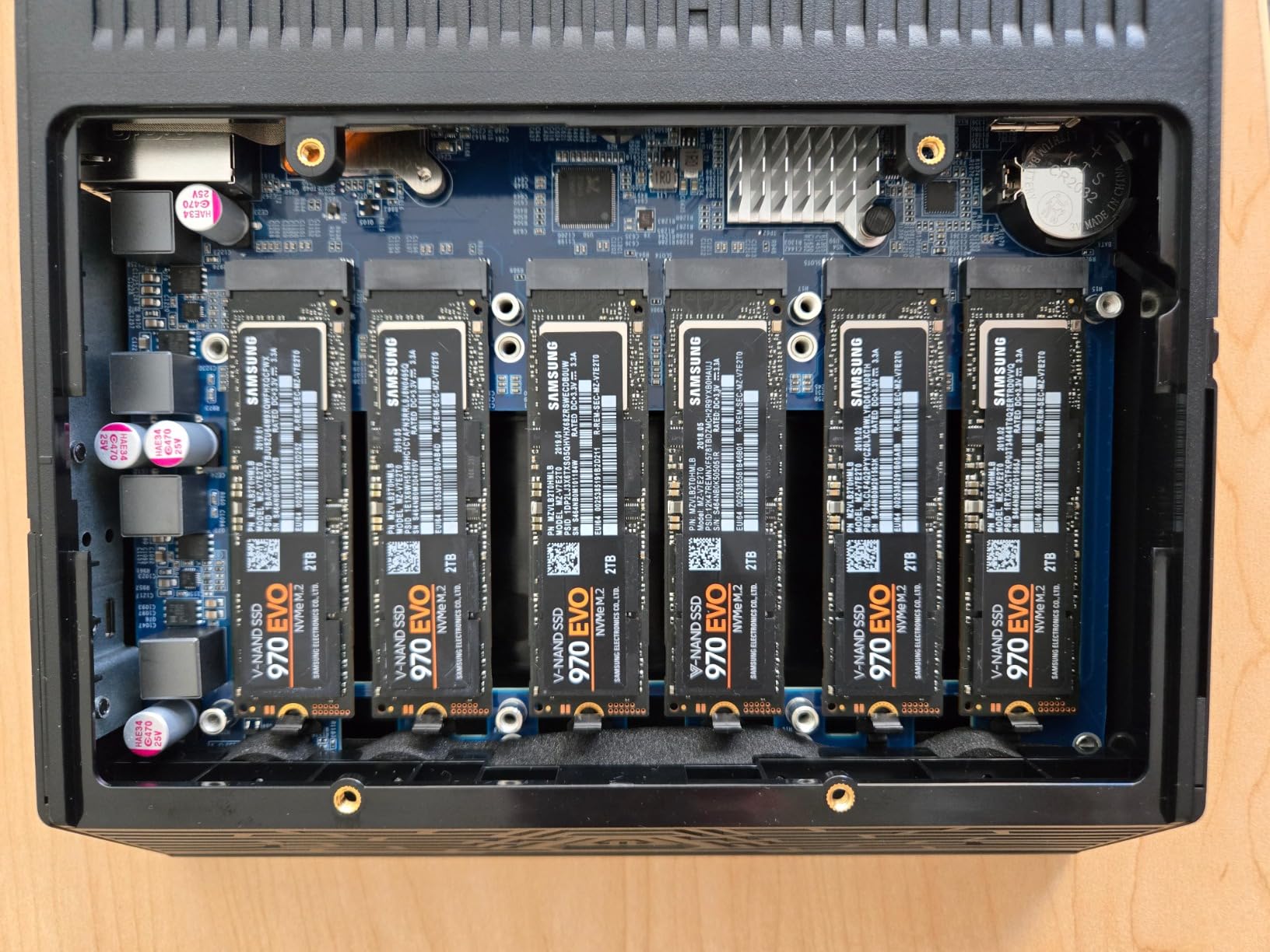
The Gen2 Flashstor is the enthusiast sequel: same silent six-bay all-flash concept, but with PCIe 4.0 slots, a 10GbE port, USB4, and 8GB of DDR5 ECC memory. Owners call it phenomenal for 4K and 8K content work, and with no mechanical drives it runs quiet enough for professional environments.
Sustained speed is the headline. PCIe 4.0 NVMe across six slots, paired with 10GbE, moves footage faster than anything else on this page when everything in the chain cooperates. For colorists and video editors, that is the entire purchase argument.
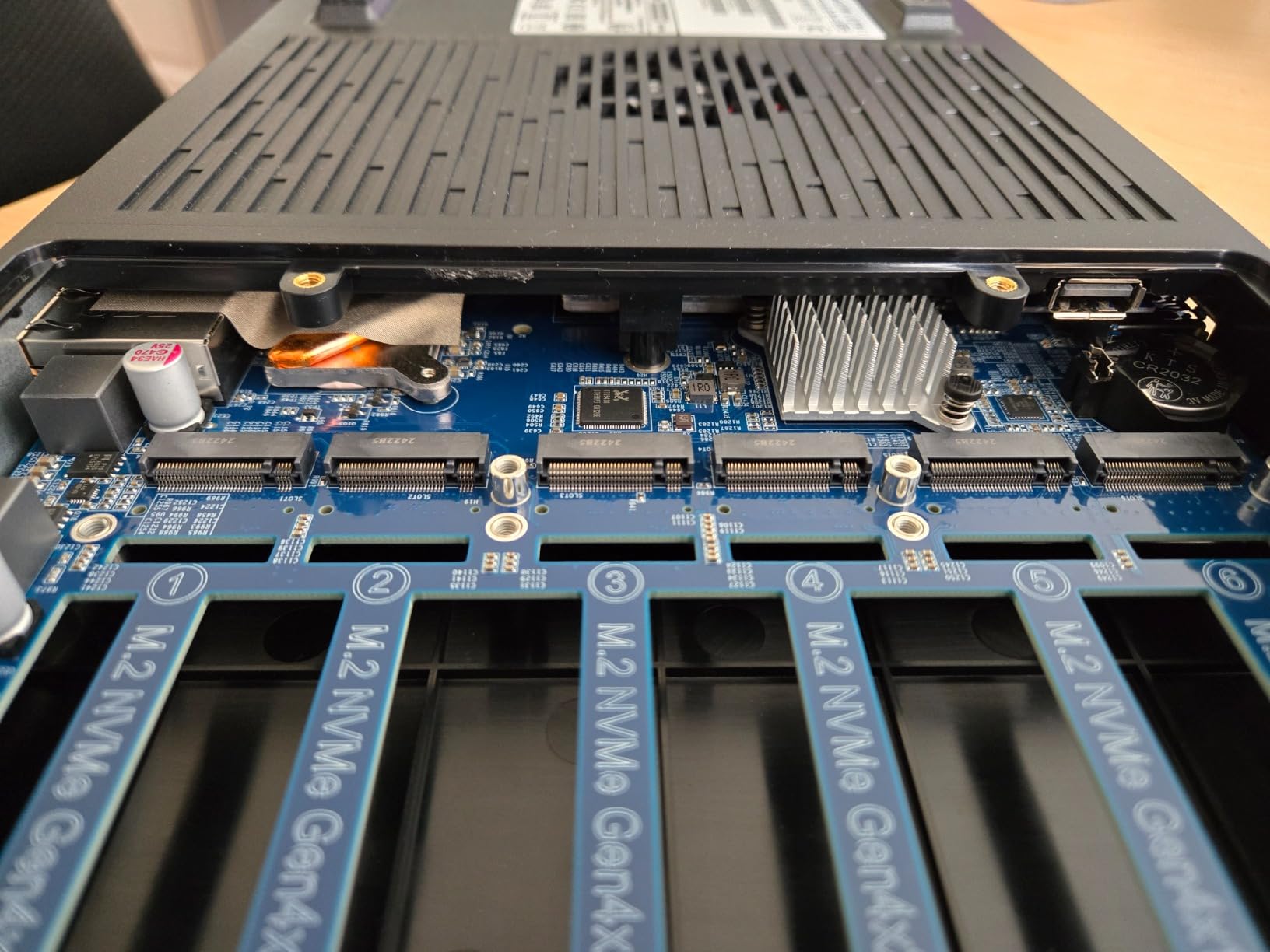
But I have to be straight about the rough edges, because the 3.6-star average across 53 reviews reflects real friction. Memory upgrades want ECC modules, some slots share PCIe lanes so not every SSD hits full speed, and buyers report drives reaching 70C under sustained load with fans on auto. The housing is plastic, and the plastic pins holding SSDs can snap.
Mac users get extra headaches: USB4 does not play nice with macOS, and 10GbE connectivity has been reported as flaky. Support response times are described as slow.
Who the FS6806X suits best
Professionals who need the fastest all-flash transfers in a silent, compact chassis and who know how to manage thermals. If your work billed by the hour depends on it, the speed justifies the price.
Enthusiasts who want ECC memory for data integrity will also find few alternatives at this size.
Who should skip it
Skip it on a home budget, because the same silence costs far less in the TERRAMASTER or Asustor originals.
Mac-centric buyers should steer clear given the reported USB4 and 10GbE quirks.
7. MINISFORUM N5 Air – Best Expandable 5-Bay NAS
MINISFORUM N5 Air 5-Bay Desktop NAS, AMD Ryzen 7 255(8C/16T) CPU, Barebone, 64GB SSD, 1x 10GbE, 1x 5GbE, 2x USB4(8K), 8K HDMI, OCuLink, 3x M.2 Slots, PCIe x16 Slot, Network Attached Storage (Diskless)
Ryzen 7 255 8C/16T
5 SATA + 3 M.2 bays
10GbE + 5GbE
USB4
Barebone
Pros
- AMD Ryzen 7 255 with 8 cores and 16 threads up to 4.9GHz
- 5 SATA bays plus 3 M.2 NVMe slots
- Both 10GbE and 5GbE ethernet
- USB4
- 8K HDMI and OCuLink for expansion
- PCIe x16 slot opens the door to a GPU
- RAM scales to 96GB DDR5
Cons
- Twin axial fans mean this belongs in a closet
- not by your pillow
- RAM is not included despite the listing
- Almost no documentation provided
- MinisCloud OS is unreliable with SSH issues
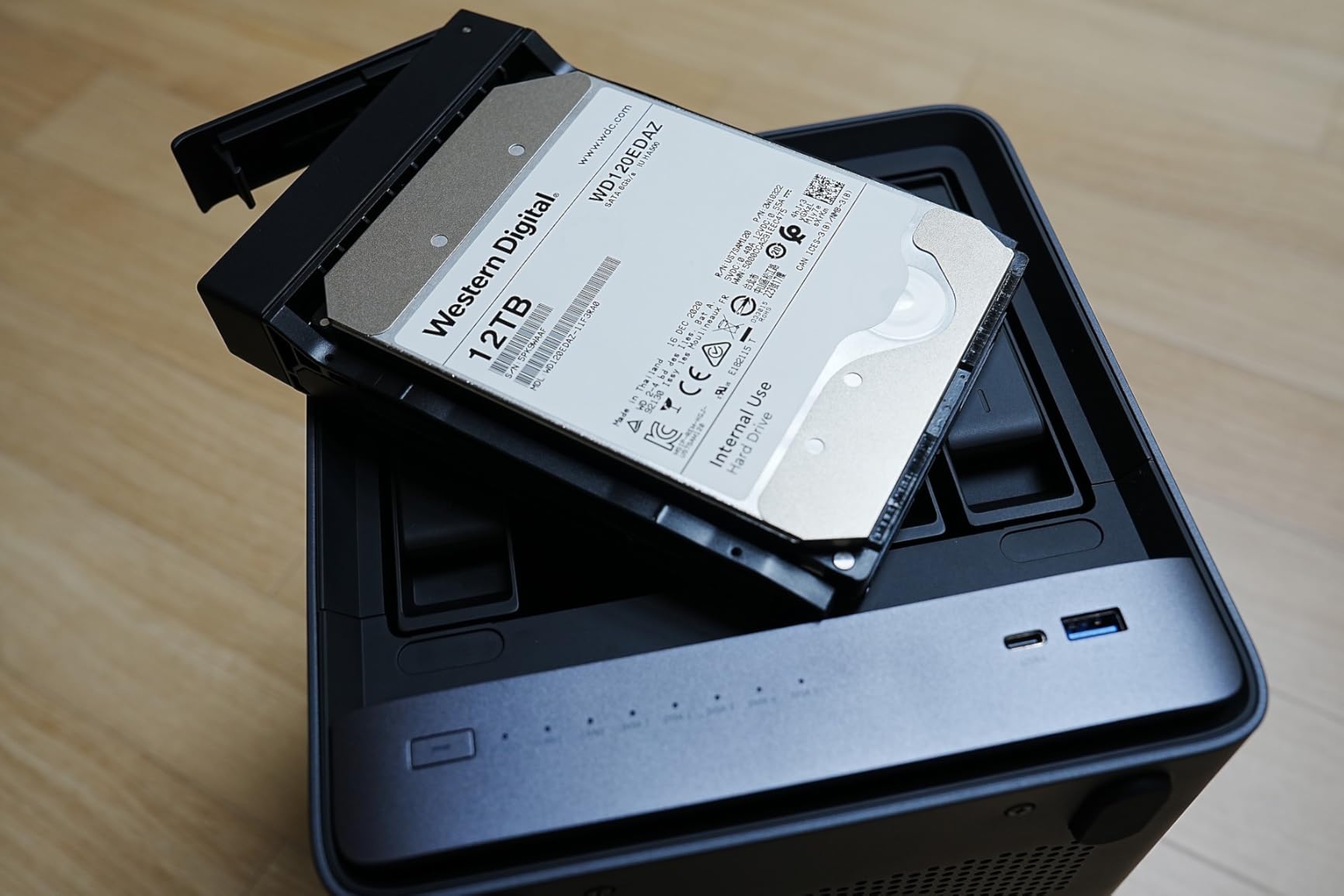
Let me be blunt: the N5 Air is the one NAS here I would not put on the nightstand. Twin 9025 axial fans cool a Ryzen 7 255 and up to five hard drives, and buyers do call it very quiet for its class, but fans plus spinning disks is a different noise category. It belongs in a hall closet with a long network cable run to the bedroom, which is exactly the placement trick forum users recommend.
Kept at a distance, it is a monster. The Ryzen 7 255 pushes 8 cores and 16 threads to 4.9GHz, Radeon 780M graphics drive 8K output, and you get 10GbE plus 5GbE plus USB4 plus OCuLink plus a PCIe x16 slot. That is desktop-class expandability in a NAS chassis.
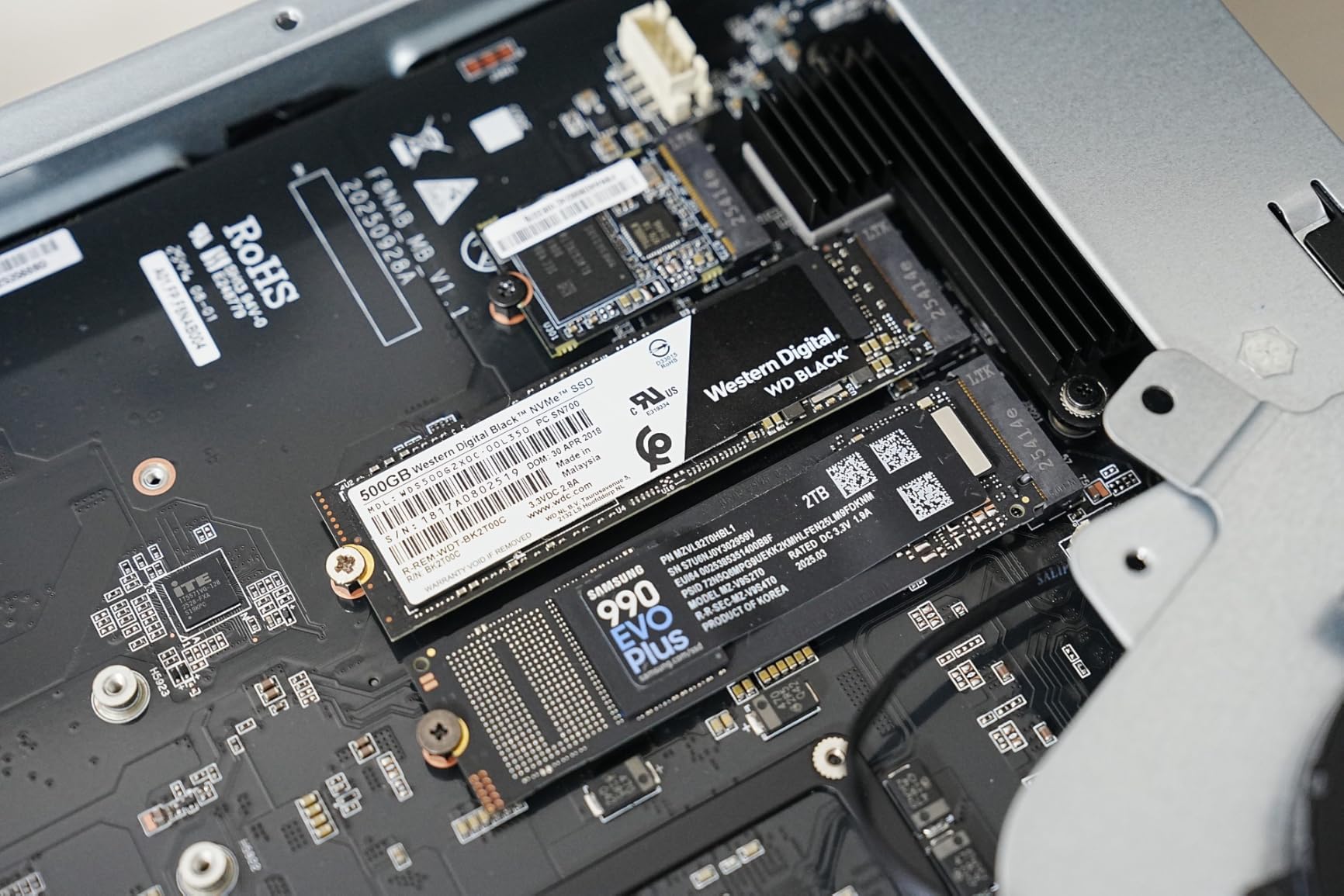
Storage scale is the selling point: five SATA bays and three M.2 slots support enormous capacity, with DDR5 scaling to 96GB for serious virtualization. TrueNAS, Unraid, and plain Linux all install without drama, which is good because you will want to replace MinisCloud OS.
The 3.8-star average across 15 reviews tells the story of a promising product rushed out the door. RAM is not included despite the description suggesting otherwise, documentation is nearly absent, the case is plastic, and the HDD sled latches feel fragile. This is a DIY project, not an appliance.
Who the N5 Air suits best
Homelab builders with a closet or spare room who want maximum bays, maximum RAM, and a PCIe x16 slot for future expansion. Distance solves the noise question entirely.
It also suits anyone who already owns RAM and drives from a previous build and just needs a capable chassis.
Who should skip it
Skip it for true nightstand duty, since two fans and hard drives will not match an all-flash box for silence.
First-time NAS owners should also pass, because the missing manuals and OS quirks demand experience.
8. Yxk Zero1 – Cheapest Starter NAS for Light Use
Yxk Zero1 2-Bay Desktop NAS, Beginner-Ready Silent Home NAS Storage 2.5GbE, Maximum 60TB Capacity (Diskless), Support Docker, Remote Access, 4GB RAM, 2.5GbE, 4K HDMI, Network Attached Storage
2-bay NAS
4GB RAM
2.5GbE
4K HDMI
Docker
Whisper-quiet design
Pros
- Lowest entry price in the roundup by far
- 2.5GbE networking at a budget price
- N100-class CPU runs Docker containers well
- Hardware encoding for Jellyfin and Plex
- Easy drive installation and M.2 SSD upgrade path
- Sturdy build with compact footprint
Cons
- Forced mobile app registration before you can use it
- No local configuration without a cloud account
- No NFS support or per-share permissions
- Not macOS compatible
At $89.99, the Yxk Zero1 is the cheapest ticket into NAS ownership anywhere in this comparison, and its whisper-quiet design marketing is at least half true: fit SSDs, keep the load light, and it stays unobtrusive on a shelf. The hardware genuinely overdelivers for the money, with 2.5GbE, 4GB of RAM, and an N100-class CPU happy to run Docker containers.
Owners praise exactly that. Hardware encoding handles Jellyfin and Plex transcoding, transfer speeds are good, and the M.2 slot plus DDR4 SODIMM slots mean you can upgrade to 16GB of RAM later. As pure hardware per dollar, little else comes close.
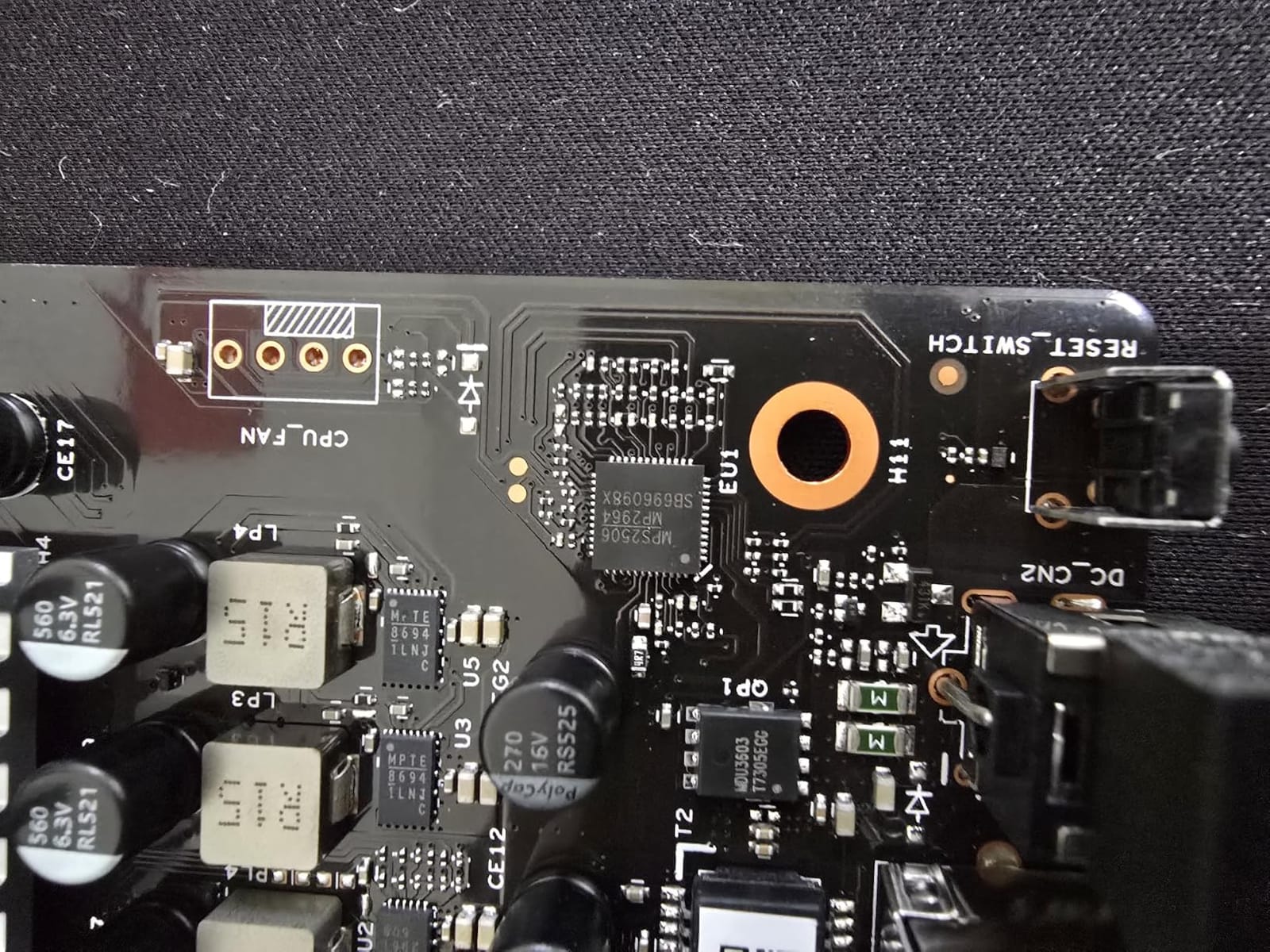
The software is where the dream dies, and I will not soft-pedal it. Setup forces registration through a mobile app, and you cannot configure the device locally over your own LAN without a cloud account. There is no NFS support, no per-share permissions, no proper multi-user management, and no BIOS access.
Reddit-style wisdom applies: this is a single-user Windows box for light backups, not a real server. Registration reportedly routes through a Chinese website, and technical support runs over WhatsApp. Hence the 3.6-star average across 41 reviews.
Who the Zero1 suits best
A single Windows PC owner who wants basic extra storage and a Docker playground for under a hundred dollars. If your needs are one machine and simple file backups, it works.
It also suits buyers who plan to treat it as dumb hardware and mostly ignore the bundled software.
Who should skip it
Skip it entirely if you are on a Mac, since it is not compatible, or if you care about local control and privacy.
Anyone needing multi-user permissions or NFS shares should spend more on the ZimaBlade instead.
Buying Guide: How to Choose a Quiet NAS for Bedroom Use?
Bedroom placement changes every priority. Here is what actually moves the needle between a box you forget and one you resent.
SSDs are the whole ballgame
No fan modification matters as much as ditching spinning drives. A 3.5-inch hard drive produces seek clicks, rotational hum, and vibration that transmits straight through furniture, while an SSD is inert silicon. Every reviewer and forum poster lands on the same conclusion: all-flash is how you build a silent NAS. Start there and half your noise problem vanishes before you pick a chassis.
Know your decibel targets
A calm bedroom sits near 30dB, a whisper is around 25dB, and a quiet library is about 40dB. Traditional fan-cooled units with hard drives push 20 to 40+dB, which is why they keep light sleepers awake.
The TERRAMASTER F8 SSD Plus publishes standby noise below 19dB, well under any of those thresholds, and that is the benchmark to demand from a bedroom unit. When a manufacturer does not publish a figure, assume the worst and plan for a closet.
Passive cooling needs breathing room
Fanless designs dump heat through heatsinks and metal or convection-friendly chassis, which means airflow around the case is not optional. Do not enclose an all-flash NAS in a closed cabinet or stack books on the vents. Asustor Gen2 buyers reporting SSDs at 70C learned this the hard way. Give the unit open air above and behind it, and it will stay both quiet and healthy.
Kill vibration transfer
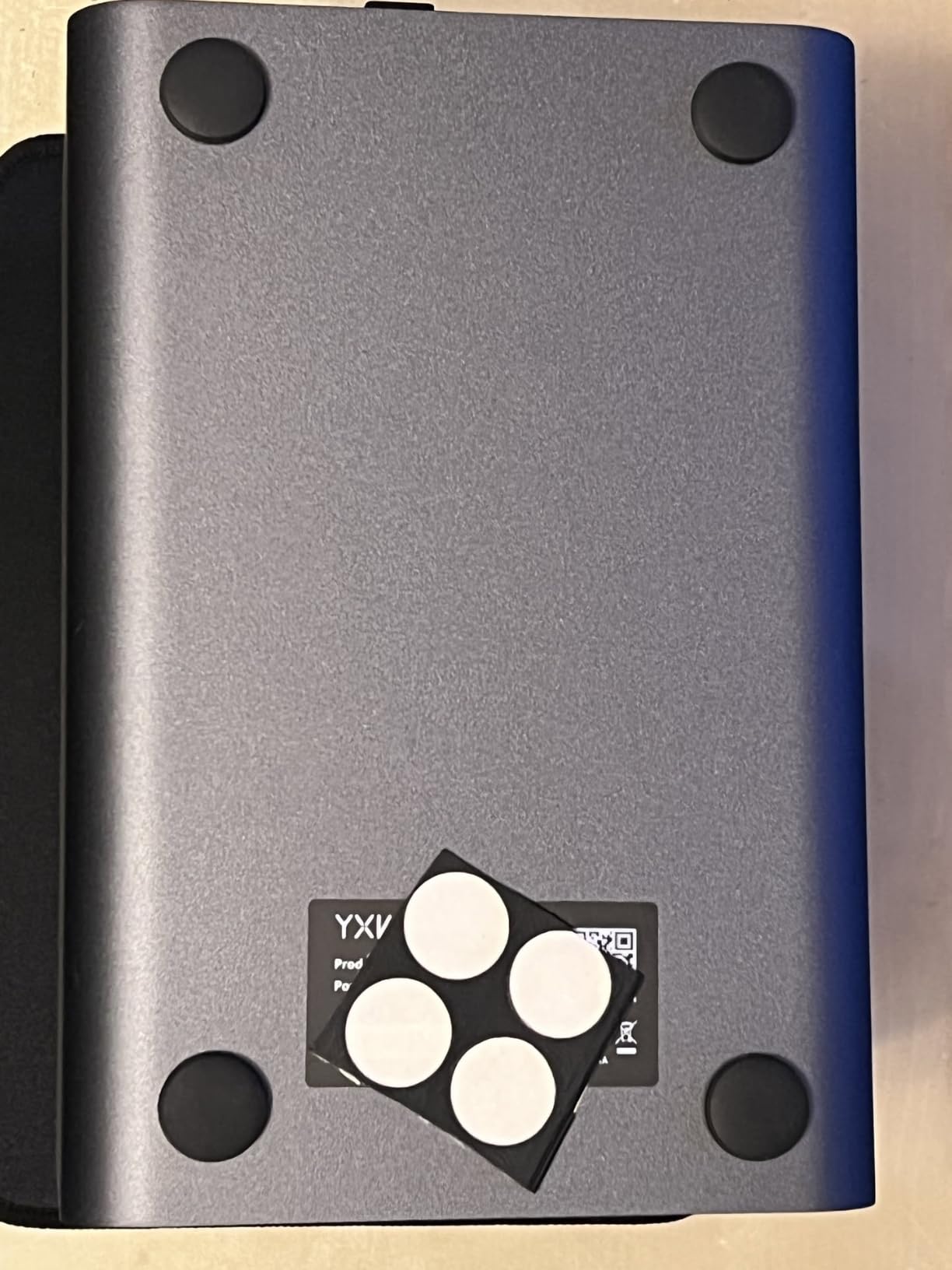
Even a silent NAS can buzz a nightstand if it couples to the wood. Set it on a rubber mat, a silicone pad, or a folded microfiber cloth to break the contact. Keep it off a hollow-core shelf that acts like a soundboard. This costs two dollars and takes thirty seconds.
Match networking to your real speeds
A 10GbE port is wasted on a bedroom router with 1GbE ports, and dual 2.5GbE is plenty for streaming and backups. Count what your switch, your devices, and your cabling can actually carry before paying for headroom. If your wiring run is long, that is a point in favor of a Wi-Fi 6 model like the UGREEN.
Five ways to quiet an existing NAS
First, replace hard drives with SSDs wherever possible, because that removes most noise at the source. Second, check your fan control settings, since most Synology and QNAP units let you lower fan speed in software. Third, decouple the chassis from furniture with a rubber or silicone pad.
Fourth, move the unit farther away or into a closet and run a longer ethernet cable, the classic forum recommendation. Fifth, dust the vents and heatsink fins every few months, since clogged cooling forces fans to work harder.
Plan the operating system before you buy
Enclosure brands differ sharply in software polish. Asustor’s ADM and UGREEN’s app suite get praise, TERRAMASTER’s TOS gets criticism, and barebone kits from AOOSTAR, MINISFORUM, and Zimablade expect you to install TrueNAS, Unraid, or Proxmox yourself. Match the product to your patience level.
Frequently Asked Questions
What is the quietest NAS for a bedroom?
An all-flash NAS with no mechanical drives is quietest, and the TERRAMASTER F8 SSD Plus publishes a standby rating below 19dB, which is softer than a whisper. The UGREEN DXP480T Plus and both Asustor Flashstor models are also effectively silent because they contain only M.2 SSDs with no moving parts.
How to make a NAS less noisy?
Replace hard drives with SSDs, lower the fan speed in your NAS software settings, and place the unit on a rubber pad to stop vibration transferring through furniture. If noise persists, move the NAS to another room or a closet and run a longer ethernet cable back to your devices, and clean dust from vents so fans do not work harder than needed.
What is the lifespan of a NAS device?
A well-built NAS enclosure typically lasts 5 to 10 years, and most failures trace back to the drives rather than the enclosure itself. SSDs generally outlast the constant-spinning workload that wears out hard drives, which is one more reason an all-flash bedroom NAS is a durable choice.
What is the most user-friendly NAS?
In this lineup, the UGREEN DXP480T Plus and the Asustor Flashstor 6 FS6706T are the most user-friendly, with polished apps and guided setup. Synology’s DSM is the long-standing benchmark for ease of use, though the brand has few truly fanless models.
What is the Synology controversy?
Synology drew criticism for restricting which hard drives are officially supported on newer models, pushing buyers toward validated enterprise drives rather than off-the-shelf consumer disks. Many owners saw it as limiting choice on hardware they paid for, and it pushed some silent-NAS shoppers toward brands like UGREEN, TERRAMASTER, and Asustor.
Final Verdict: The Best Fanless NAS for a Quiet Bedroom
For most bedrooms the UGREEN NASync DXP480T Plus is the best fanless NAS for a quiet bedroom in 2026: four silent NVMe slots, 10GbE speed, and a 3-year warranty, all in a box that makes no sound you can hear from a pillow away. The TERRAMASTER F8 SSD Plus is the value play with eight bays and a published sub-19dB standby figure, while the ZimaBlade 7700 wins for budget DIY builders.
Whatever you choose, go all-flash, give the chassis open air, and set it on a rubber pad. Do those three things and the loudest thing in your bedroom at 3am will be the cat, not your storage.