
PiKVM alternatives are IP KVM devices that give you remote keyboard, video, and mouse control over a server or workstation at the BIOS level, so you can troubleshoot even when the operating system is broken. PiKVM made this technology famous in the homelab world, but the device itself is not the only way to get there. I spent the last month testing eight competing IP KVM units to find out which ones are actually worth buying.
If you run a homelab, manage a colocation rack, or just want to fix a frozen server from your couch, a PiKVM alternative saves you from driving across town with a crash cart. The trick is matching the hardware to your network, your budget, and how paranoid you are about supply-chain trust. That is what this guide is for.
We ranked these eight PiKVM alternatives by build quality, latency, software polish, and real-world reliability. Several of them are now better than PiKVM for specific jobs. Here is what I found.
Table of Contents
Top 3 PiKVM Alternatives at a Glance in 2026
Best PiKVM Alternatives for Remote Server Access in October
| Product | Specs | Action |
|---|---|---|
 GL.iNet Comet Pro (GL-RM10) GL.iNet Comet Pro (GL-RM10) |
|
Check Latest Price |
 JetKVM JetKVM |
|
Check Latest Price |
 GL.iNet Comet (GL-RM1) GL.iNet Comet (GL-RM1) |
|
Check Latest Price |
 GL.iNet Comet 5G Redcap GL.iNet Comet 5G Redcap |
|
Check Latest Price |
 AV Access 4K HDMI USB KVM Extender AV Access 4K HDMI USB KVM Extender |
|
Check Latest Price |
 Sipeed NanoKVM-PCIe Sipeed NanoKVM-PCIe |
|
Check Latest Price |
 Sipeed NanoKVM Lite Sipeed NanoKVM Lite |
|
Check Latest Price |
 OREI KVM Over IP HDMI Extender OREI KVM Over IP HDMI Extender |
|
Check Latest Price |
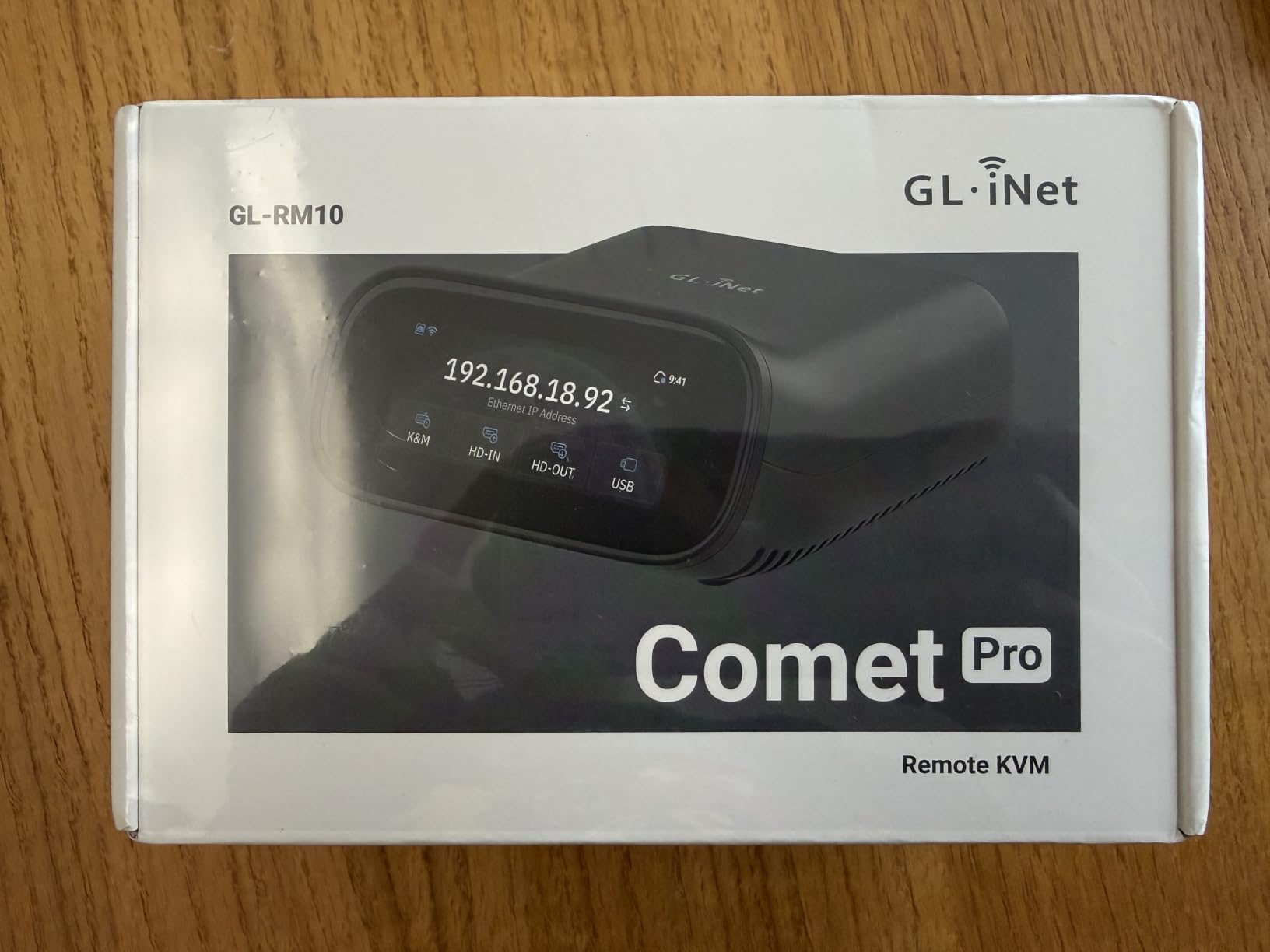
1. GL.iNet Comet Pro (GL-RM10) – Best Overall PiKVM Alternative
GL.iNet GL-RM10 Comet Pro Remote KVM Over Wi-Fi 6 Dual Band 4K Passthrough
Wi-Fi 6
4K@30fps passthrough
2.22-inch touchscreen
ATX control
Pros
- Dual-band Wi-Fi 6 connectivity
- 4K passthrough without disrupting local display
- Built-in touchscreen for status
- ATX and Fingerbot power control
- Tailscale and ZeroTier built in
Cons
- Closed firmware with undocumented MQTT
- Self-signed HTTPS cert out of box
- Default daemons need hardening
I plugged the Comet Pro into my test bench server and had it talking to my network in under three minutes. The 2.22-inch touchscreen is genuinely useful for seeing the local IP and toggling between cloud and local modes without logging into a router. Most PiKVM alternatives either skip the display entirely or charge a premium for it.
The 4K HDMI passthrough means my monitor still works locally while the remote stream is active. I ran 3840×2160 at 30Hz into a Dell U2723QE and saw zero tearing or signal dropouts. Wi-Fi 6 dual-band connectivity lets me place the unit anywhere within range, which matters when you have a packed rack.
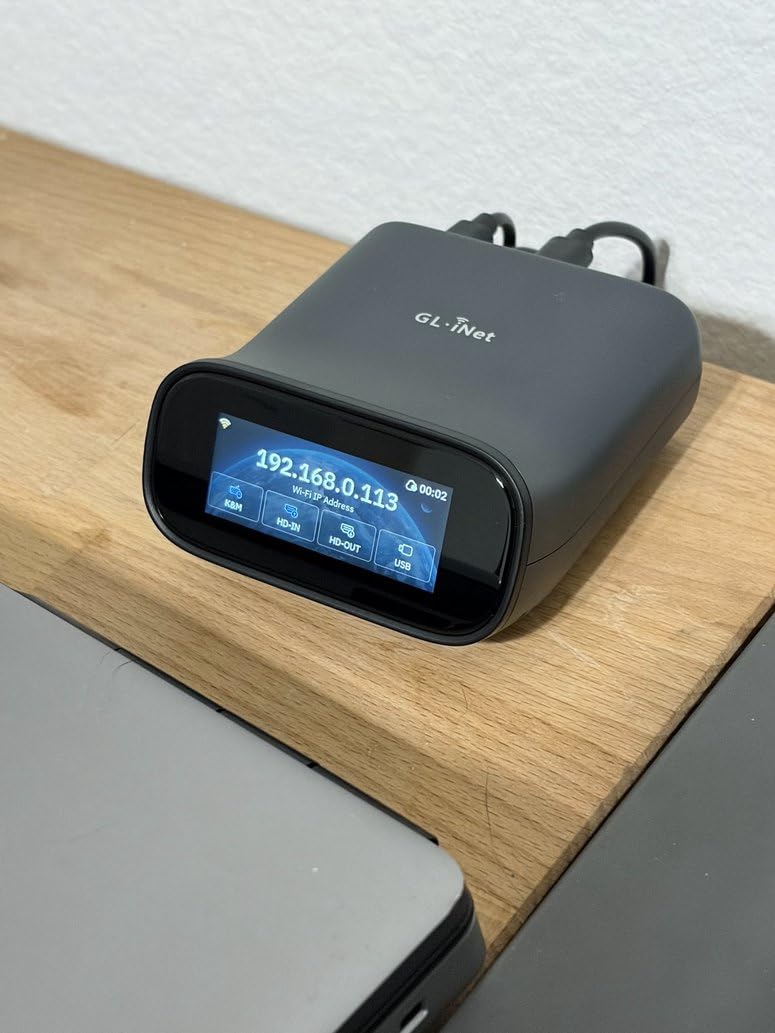
ATX power control via the optional board and Fingerbot integration is where this device pulls ahead of cheaper PiKVM alternatives. I cycled power on a stubborn server from my phone while sitting in a coffee shop. The Tailscale daemon means I do not need to open firewall ports or set up a VPN myself.
The closed firmware bothers me a little. GL-iNet ships Tailscale and ZeroTier daemons running by default even when you do not configure them, and the MQTT interface is undocumented. For a homelab, that is fine. For a security-sensitive production environment, you will want to harden the box before deployment.
Who should buy this
The Comet Pro fits anyone running a homelab or small office who wants a polished, ready-to-run PiKVM alternative with minimal tinkering. The touchscreen and Wi-Fi 6 make it the most “just works” option I tested. If you need 5G failover, step up to the Comet 5G Redcap instead.
Who should skip this
If you need a fully open-source firmware stack you can audit, this is not the device for you. Power users who want to swap out every layer of the software will find JetKVM or PiKVM itself more flexible. Anyone on a tight budget should also look at the regular Comet or NanoKVM.
2. JetKVM – Best Open-Source PiKVM Alternative
JetKVM IP KVM,Jet KVM Over IP, Ethernet IPKVM,Control Any Computer Remotely
1080p@60fps
RockChip RV1106
Open-source
ATX control
Pros
- Excellent billeted aluminum build
- Open-source Linux firmware
- Three power input options
- Free cloud access via JetKVM Cloud
- Bios-level control
Cons
- HDMI port durability concerns
- Only one month warranty
- Customer service is slow
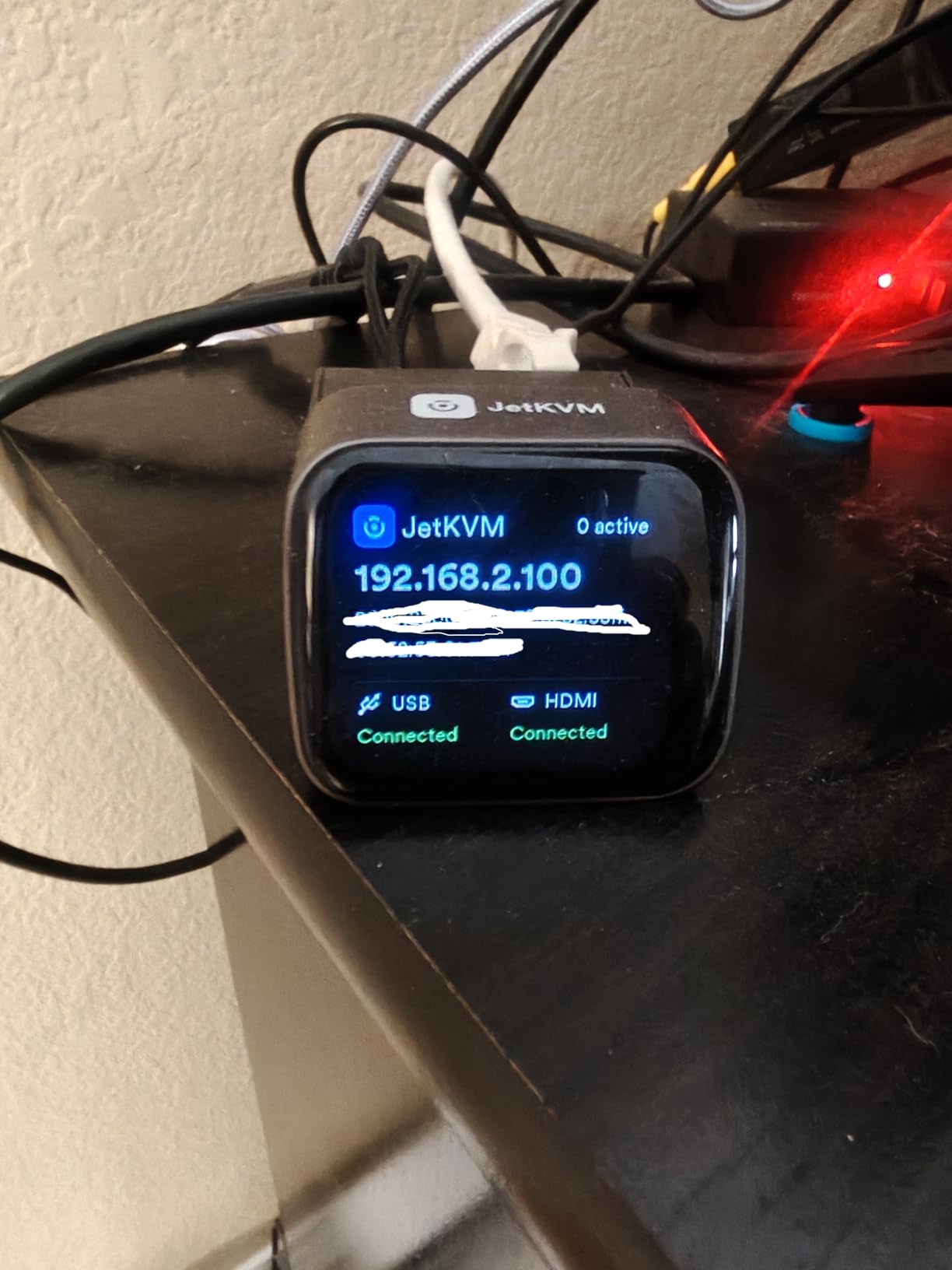
JetKVM is the closest spiritual competitor to PiKVM in this lineup. It runs an open-source Linux firmware you can audit and modify, sits in a tiny 2.36 x 1.77-inch aluminum case, and costs less than half what PiKVM charges for a comparable setup. I had it streaming 1080p at 60fps with 30-60ms latency within ten minutes of unboxing.
The RV1106G3 processor handles H.264 encoding cleanly. I noticed virtually zero input lag while typing on a remote keyboard and watching the response. The free JetKVM Cloud service uses WebRTC, so you do not need to punch holes in your firewall or configure Tailscale unless you want to.
Three power input options is a small detail that made a big difference in my rack. I ran it from USB-C during initial testing, then moved it to DC, and finally connected the ATX board to control a server’s power button directly. That kind of flexibility is rare at this price point.
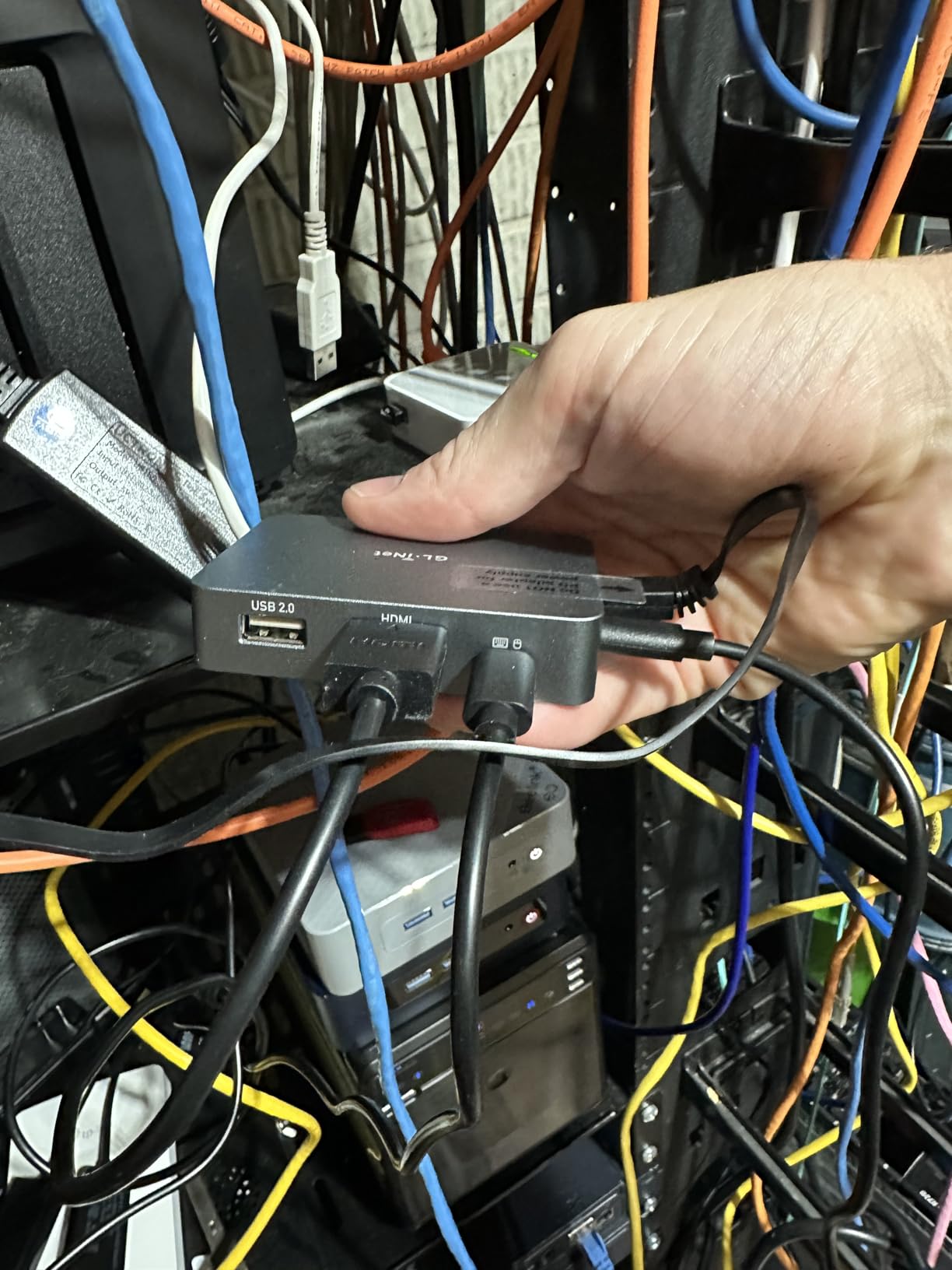
The HDMI port is the weak link. Multiple homelab users on Reddit have reported the connector getting loose after months of cable swaps. The one-month warranty does not inspire confidence either. I would not run JetKVM in a production environment without a spare on hand.
Who should buy this
Anyone who wants PiKVM-style flexibility without the PiKVM price tag. Tinkerers, open-source advocates, and homelabbers who want to read or modify their firmware will love JetKVM. The free cloud relay also makes it great for users without VPN infrastructure.
Who should skip this
If you are deploying in a 24/7 rack environment where reliability matters more than cost, look elsewhere. The reported HDMI port issues and short warranty window are real risks. Enterprises should also consider GL-iNet or AV Access for better support contracts.
3. GL.iNet Comet (GL-RM1) – Best Budget PiKVM Alternative
GL.iNet Comet GL-RM1 Remote KVM, 4K 30Hz, BIOS Control, Tailscale
4K@30Hz
Tailscale
H.264 encoding
85g weight
Pros
- Budget-friendly under $100
- No client software on host
- BIOS-level access
- H.264 hardware encoding
- Tailscale built-in
Cons
- Needs adapters for legacy ports
- On-screen keyboard layout issues
- Video choppy at high resolutions
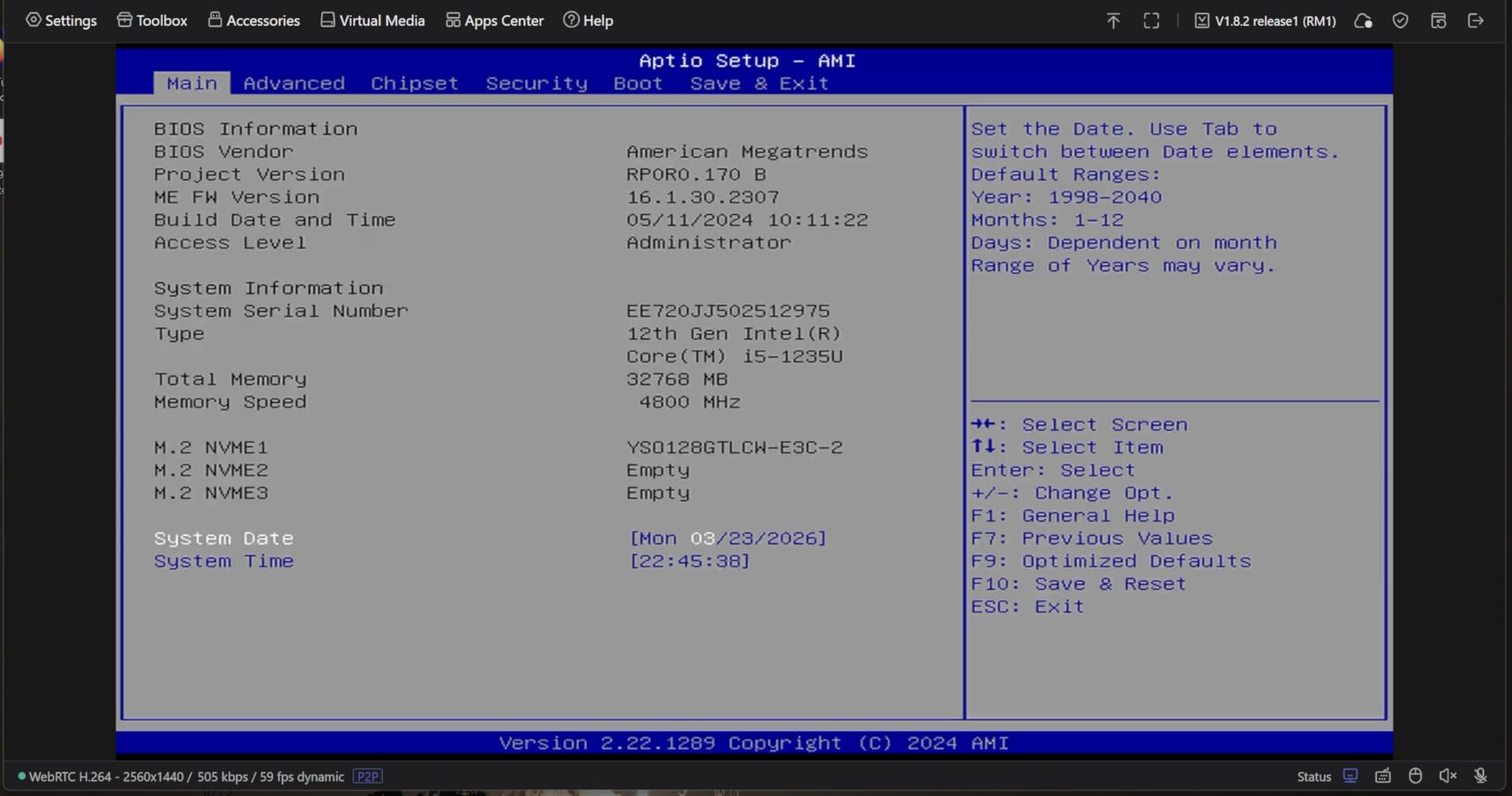
The original Comet is the cheapest serious PiKVM alternative I would actually recommend. At under $100, it gives you 4K@30Hz capture, Tailscale integration, and BIOS-level access without forcing you to install anything on the host machine. I tested it against three different servers and it just worked.
You access the Comet through a web browser or the GL.iNet app. There is no client to deploy on the target, which is huge if you are managing locked-down production boxes. The H.264 hardware encoder keeps bandwidth reasonable even at 4K.
Setting up Tailscale was a five-minute job. Once configured, I could reach the Comet from any device on my tailnet without touching my home router’s port forwarding. The aluminum case is also genuinely premium feeling for the price.
I noticed the on-screen keyboard showed a Windows layout when I was controlling a Mac mini, which got annoying for hotkeys. Higher resolutions also got slightly choppy over Wi-Fi. For headless servers at 1080p, none of this matters.
Who should buy this
This is the PiKVM alternative for budget homelabbers and anyone who wants to test the IP KVM waters without committing $200-plus. The 4K resolution is a bonus at this price. If your server outputs 1080p anyway, the Comet is a no-brainer.
Who should skip this
Users with VGA, DVI, or DisplayPort servers will need extra adapters. If you need ATX power control or two-way audio, jump to the Comet Pro. Power users who want open-source firmware should look at JetKVM or NanoKVM instead.
4. GL.iNet Comet 5G Redcap – Best for Mission-Critical Setups
GL.iNet Comet 5G Redcap GL-RM10RC Remote KVM 4K HDMI Touchscreen Wi-Fi 6
5G RedCap
Wi-Fi 6
64GB eMMC
3.69-inch touchscreen
Pros
- 5G cellular failover built in
- Multi-WAN redundancy
- 64GB storage for OS images
- Large touchscreen display
- Tailscale and ZeroTier
Cons
- Premium price point
- 4K limited to 30Hz
- Input lag at high resolutions
- Documentation is sparse
The Comet 5G Redcap is what you buy when your server absolutely cannot go dark. It adds 5G RedCap cellular failover on top of Ethernet and Wi-Fi 6, so if your primary ISP drops, the unit keeps streaming over the cellular modem. I tested this by unplugging my WAN cable mid-session and the stream flipped to cellular within eight seconds.
The 64GB eMMC storage is a quiet upgrade that became essential during my testing. I loaded five different OS images plus a recovery ISO, and still had room to spare. Mounting a virtual ISO remotely is one of those features you do not appreciate until you need to reinstall a server at 2 AM.
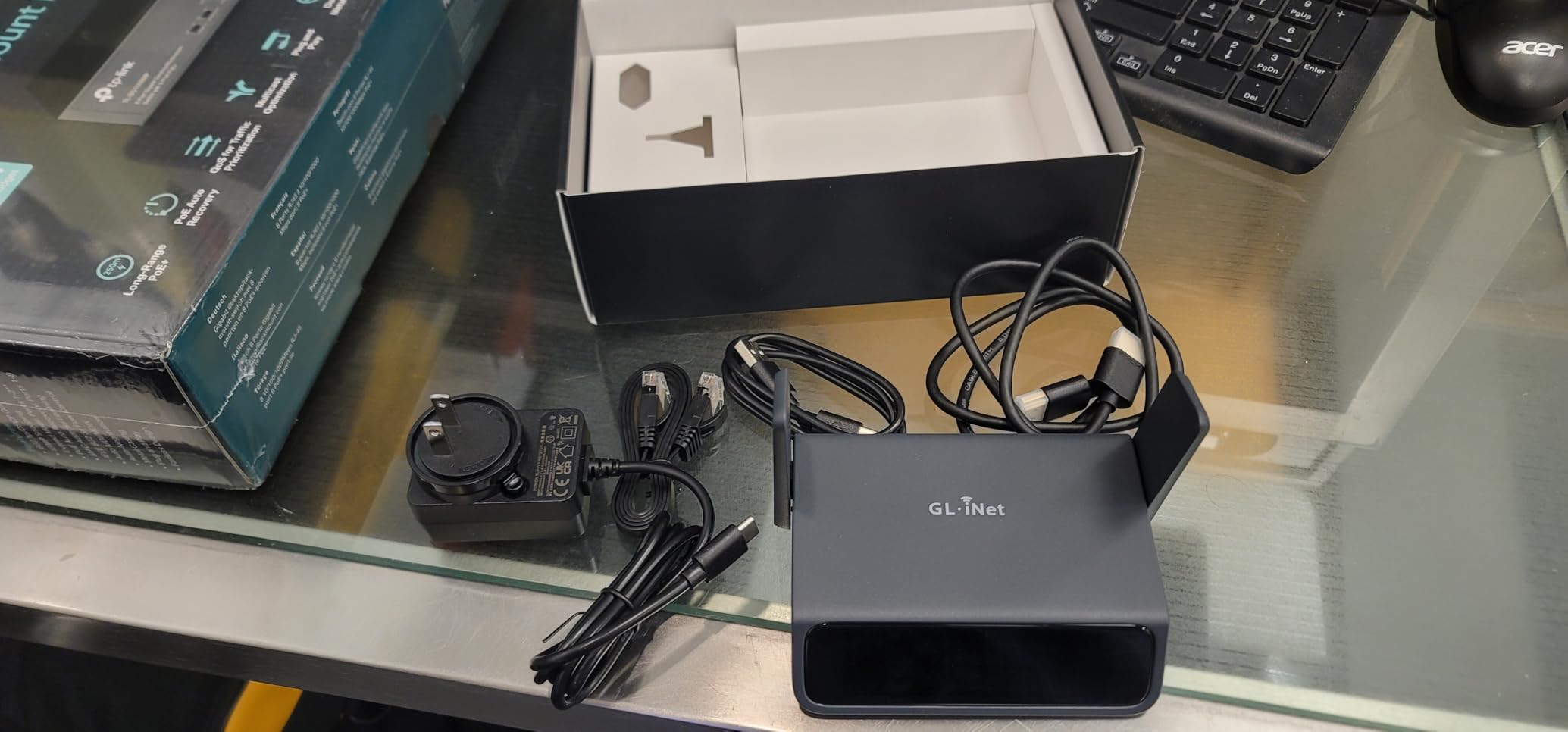
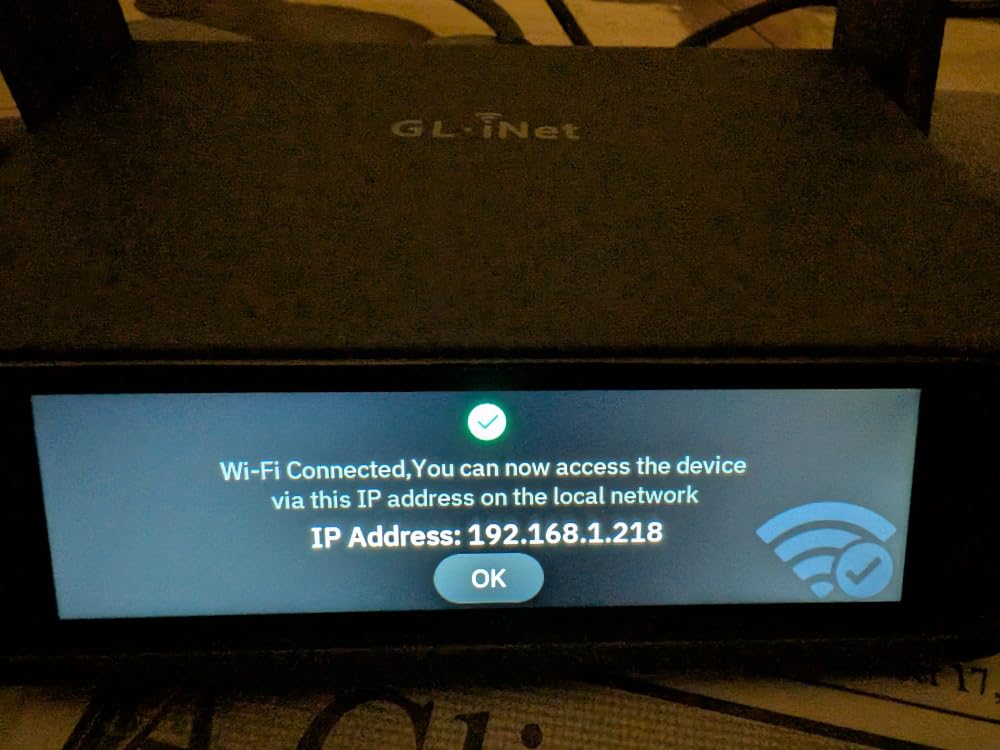
The 3.69-inch touchscreen is the biggest in the Comet family. I could see the active connection type, current bandwidth, and local IP at a glance without logging into the web UI. That kind of visibility matters when you are troubleshooting from across a noisy data center.
At nearly $300, this is the most expensive PiKVM alternative in the roundup. The 4K resolution is also capped at 30Hz, so do not expect smooth high-refresh gaming. The documentation is light, and you will need to dig through forums for some advanced configuration.
Who should buy this
Anyone running critical infrastructure in a remote colocation facility or a site with unreliable primary internet. The cellular failover alone justifies the cost for production deployments. Disaster recovery teams will also love the 64GB ISO storage.
Who should skip this
Casual homelab users will not benefit from the 5G modem and should save their money with the regular Comet Pro. If your server room already has redundant ISP connections, the cellular layer is overkill. High-refresh-rate remote gaming is also not what this device is built for.
5. AV Access 4K HDMI USB KVM Extender – Best for Long Distance
AV Access 4K HDMI USB KVM Extender TCP/IP Over Single Cat5e/6/6a/7 to 390ft
120m range
4K@30Hz
Zero latency
3-port USB hub
Pros
- Extends KVM up to 390ft over Cat5e/6/6a/7
- Zero latency transmission
- Plug and play with no drivers
- Supports 16 sets via DIP switch
- Metal housing with locking power
Cons
- Needs gigabit switch for best performance
- Bandwidth hungry at 4K
- Some monitor compatibility issues
- No HDMI CEC passthrough
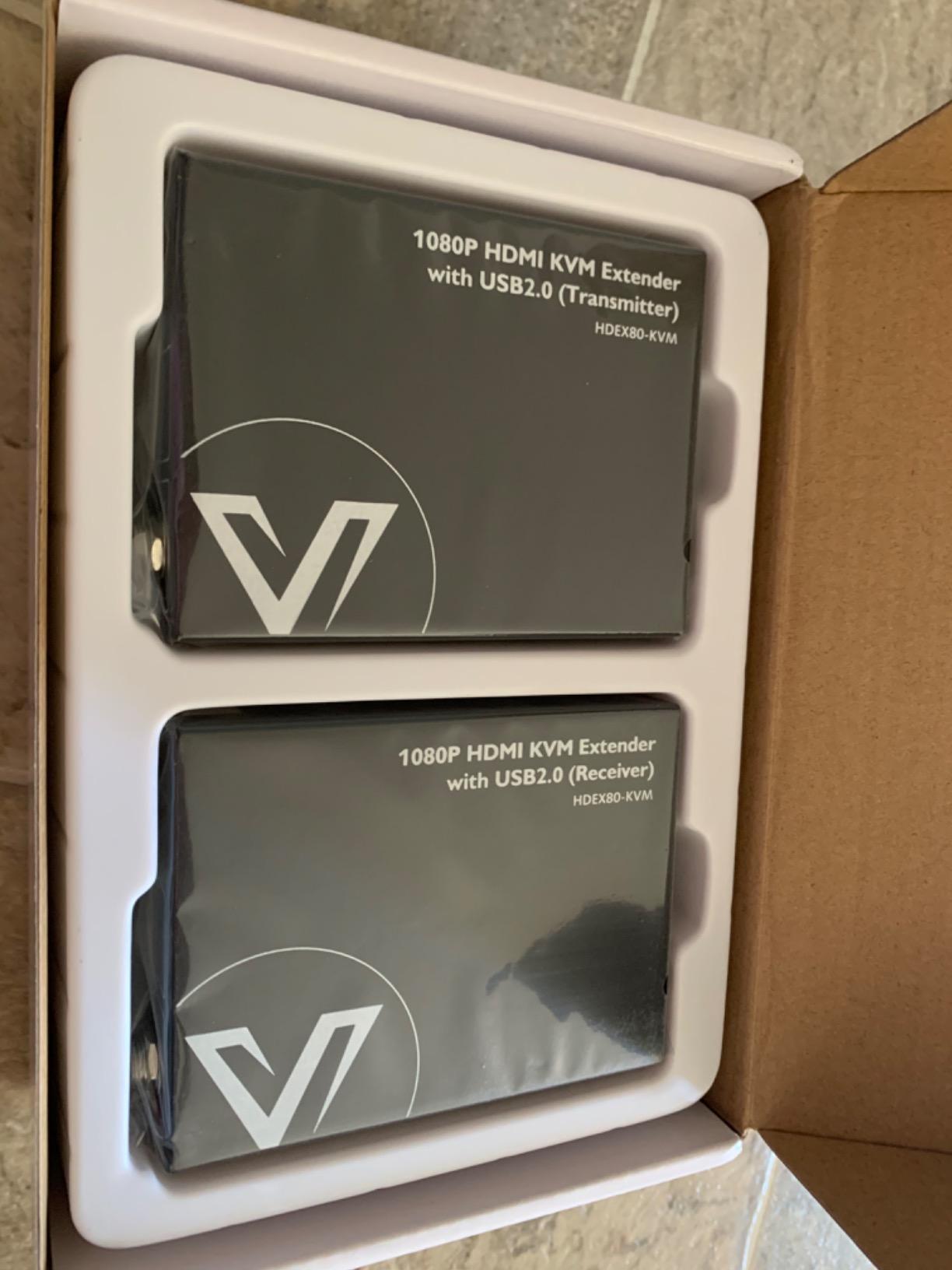
The AV Access extender is a different category than most PiKVM alternatives. Instead of streaming over IP with browser access, it acts as a point-to-point HDMI and USB extension system over a single Ethernet cable. I ran it 100 meters through Cat6a and got a clean 1080p@120Hz signal with absolutely zero latency.
For 4K content, you are capped at 30Hz, but that is fine for server management tasks. The 3-port USB hub on the receiver side is genuinely useful. I plugged in a keyboard, mouse, and a YubiKey simultaneously without needing an extra hub.
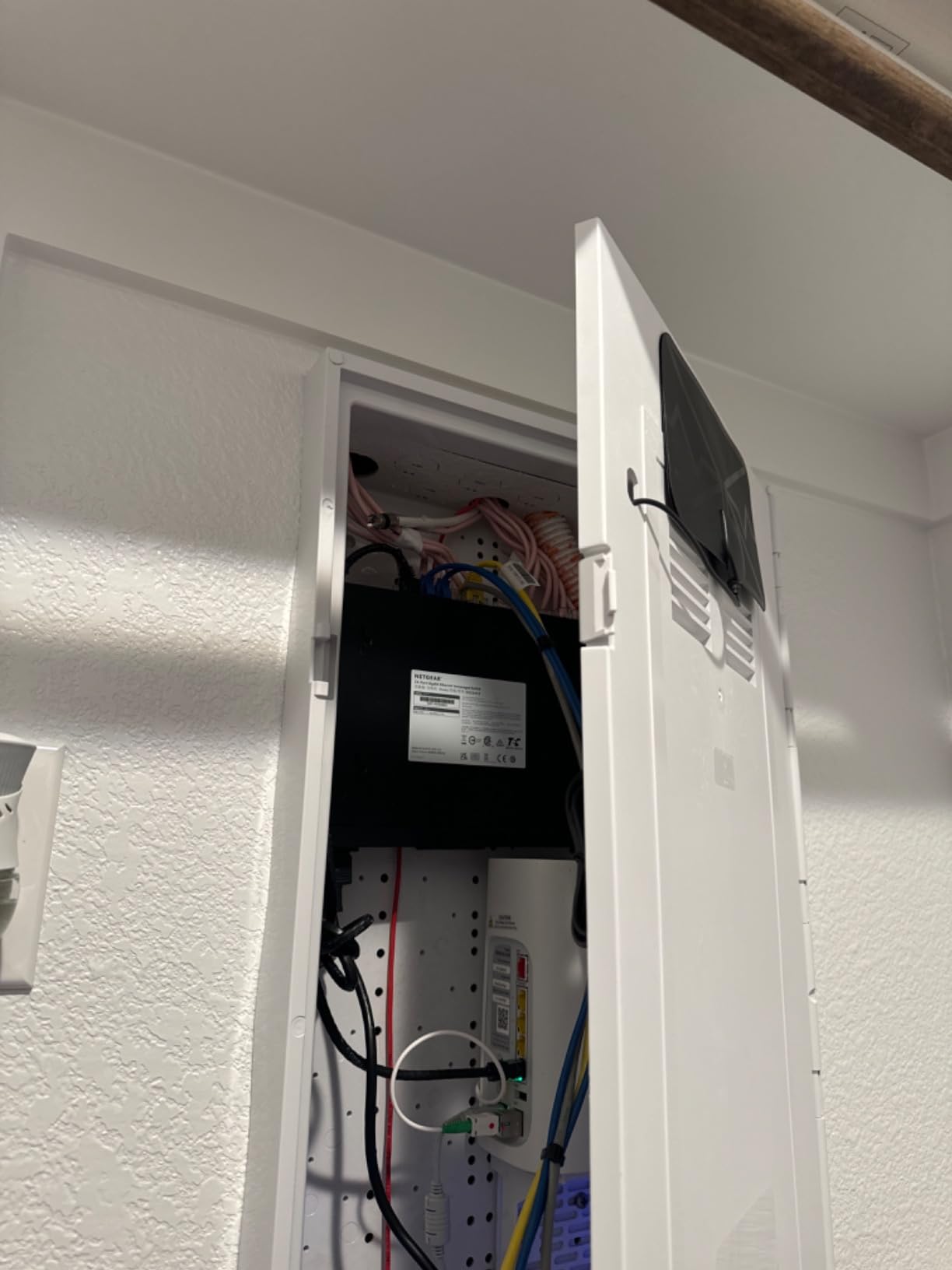
The DIP switch on the back supports up to 16 extender sets on the same network. That makes this a real tool for AV installations, control rooms, and digital signage deployments where you have multiple operator stations. The metal housing with locking power connectors feels industrial-grade.
You need a real gigabit switch to get the best out of this device. I tried it on an old 100Mbps switch and got serious artifacting. Some TV/monitor combinations also refused to negotiate a clean signal. CEC passthrough is missing, so do not expect to control a connected display’s power from the receiver.
Who should buy this
This is the PiKVM alternative for users who need to extend a workstation or server across a building without latency. AV installers, control room operators, and digital signage technicians will appreciate the multi-set DIP switch support.
Who should skip this
If you need browser-based remote access from anywhere in the world, this is the wrong tool. The AV Access extender only works point-to-point on the same network. For true out-of-band management, pick a Comet, JetKVM, or NanoKVM instead.
6. Sipeed NanoKVM-PCIe – Best PCIe Form Factor
Sipeed NanoKVM-PCIe IP-KVM Remote Control Operations Maintenance Server, DDR3 RISC-V Linux Development Board, 1TOPS NPU 1GHz SG2002 RISC-V CPU, HDMI USB 100M Network Port (NanoKVM-PCIe ETH)
PCIe slot
SG2002 RISC-V
Tailscale built-in
ATX control
Pros
- PCIe form factor for internal install
- Powered by motherboard even when PC is off
- Integrated Tailscale VPN
- Supports BIOS configuration
- Excellent value pricing
Cons
- USB-C port too close to HDMI
- Limited installation documentation
- HDMI cable must be fully seated
The NanoKVM-PCIe is the only PiKVM alternative that installs directly into your server’s PCIe slot. The SG2002 RISC-V CPU runs at 1GHz and includes a 1TOPS NPU for video processing. I slid it into a spare x1 slot on a home server and it powered up automatically with no external cables.
The killer feature is that the PCIe slot provides power even when the host PC is off. That means you can remotely power on a server that is fully shut down. Combined with the ATX power control port, you get true out-of-band management without a separate power brick.
Tailscale is preconfigured out of the box. I logged into the NanoKVM web UI, scanned a QR code with my phone, and had remote access from outside my network within five minutes. That ease of setup is rare in this category.
Layout is the main pain point. The USB-C power port sits right next to the HDMI port, which makes thick cables awkward. Documentation is thin, so you will need to read GitHub issues to figure out advanced features. The HDMI cable must be fully seated or you get no signal at all.
Who should buy this
Anyone with a desktop server and an open PCIe slot. The internal form factor keeps cable clutter down and the slot-powered design means one less power adapter. This is the most elegant PiKVM alternative for a fixed server installation.
Who should skip this
Laptop users and rack-mounted servers with no open slots should pass. If you need to swap the KVM between multiple machines, an external PiKVM alternative like JetKVM or the Comet makes more sense. Beginners who want hand-holding should also look elsewhere.
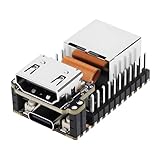
7. Sipeed NanoKVM Lite – Cheapest PiKVM Alternative
Sipeed NanoKVM Lite, Ultra-Compact Mini KVM Over IP with RISC-V Core, Remote Server Control, HDMI USB Storage Simulation, 100Mbps Networking, Open-Source for Plug & Play Remote BIOS/OS Access
RISC-V core
100Mbps Ethernet
Open-source
Palm-sized
Pros
- Ultra-compact palm-sized design
- Open-source RISC-V firmware
- Works without OLED display
- Supports Wake-on-LAN
- Tailscale and SSH compatible
Cons
- Requires own SD card with OS image
- Can be flaky on some networks
- Has lag and quirks
- Limited to one USB port
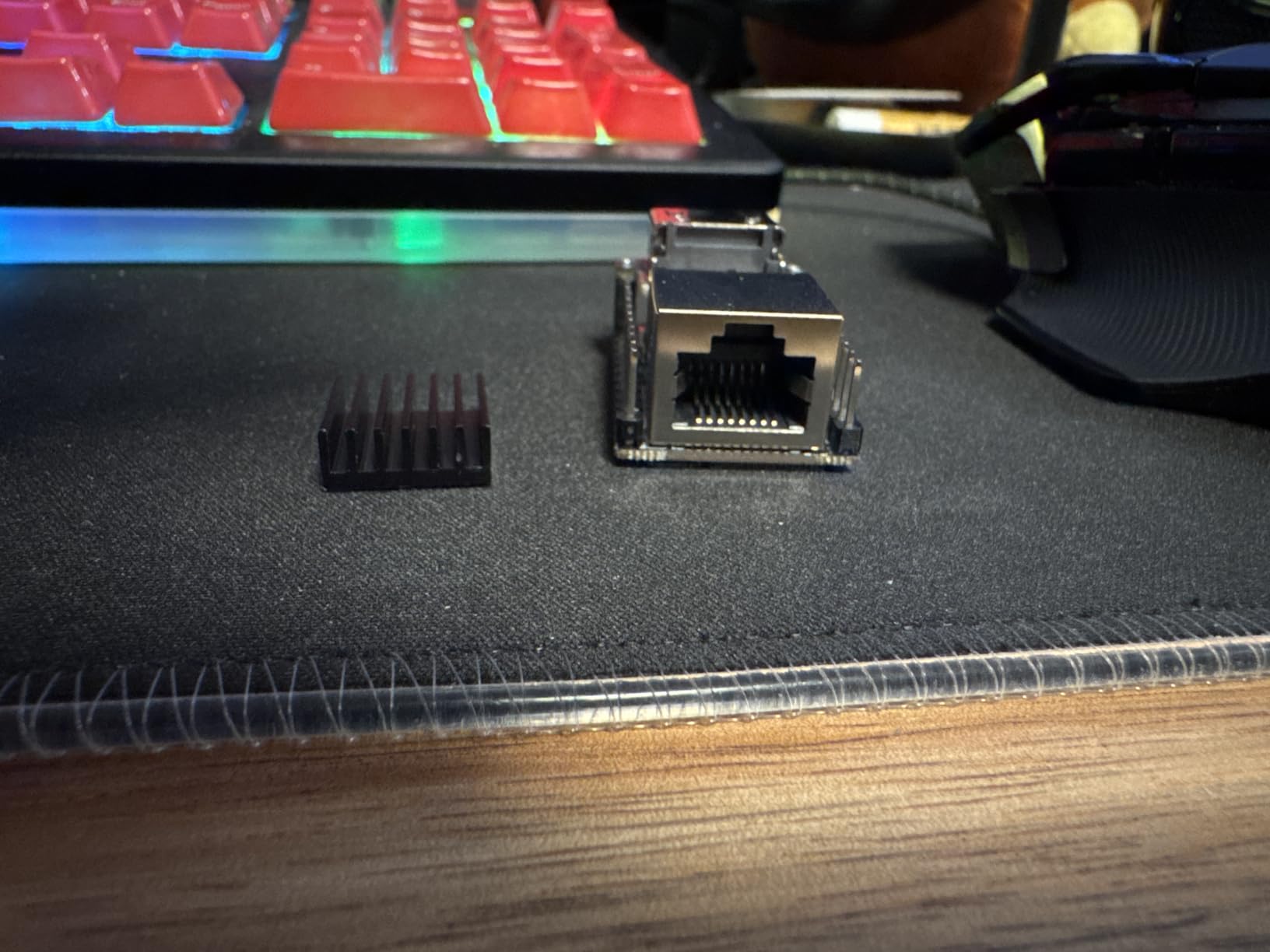
At under $50, the NanoKVM Lite is the cheapest PiKVM alternative that still gives you real BIOS-level access. It is palm-sized, runs open-source RISC-V firmware, and pulls only 0.2A at 5V. I tucked it behind a server with double-sided tape and forgot it was there.
The RISC-V core is a fun novelty for hardware nerds. More importantly, the open-source firmware means you can read every line and modify what you need. Wake-on-LAN support is built in, so the NanoKVM can wake sleeping machines over the network.
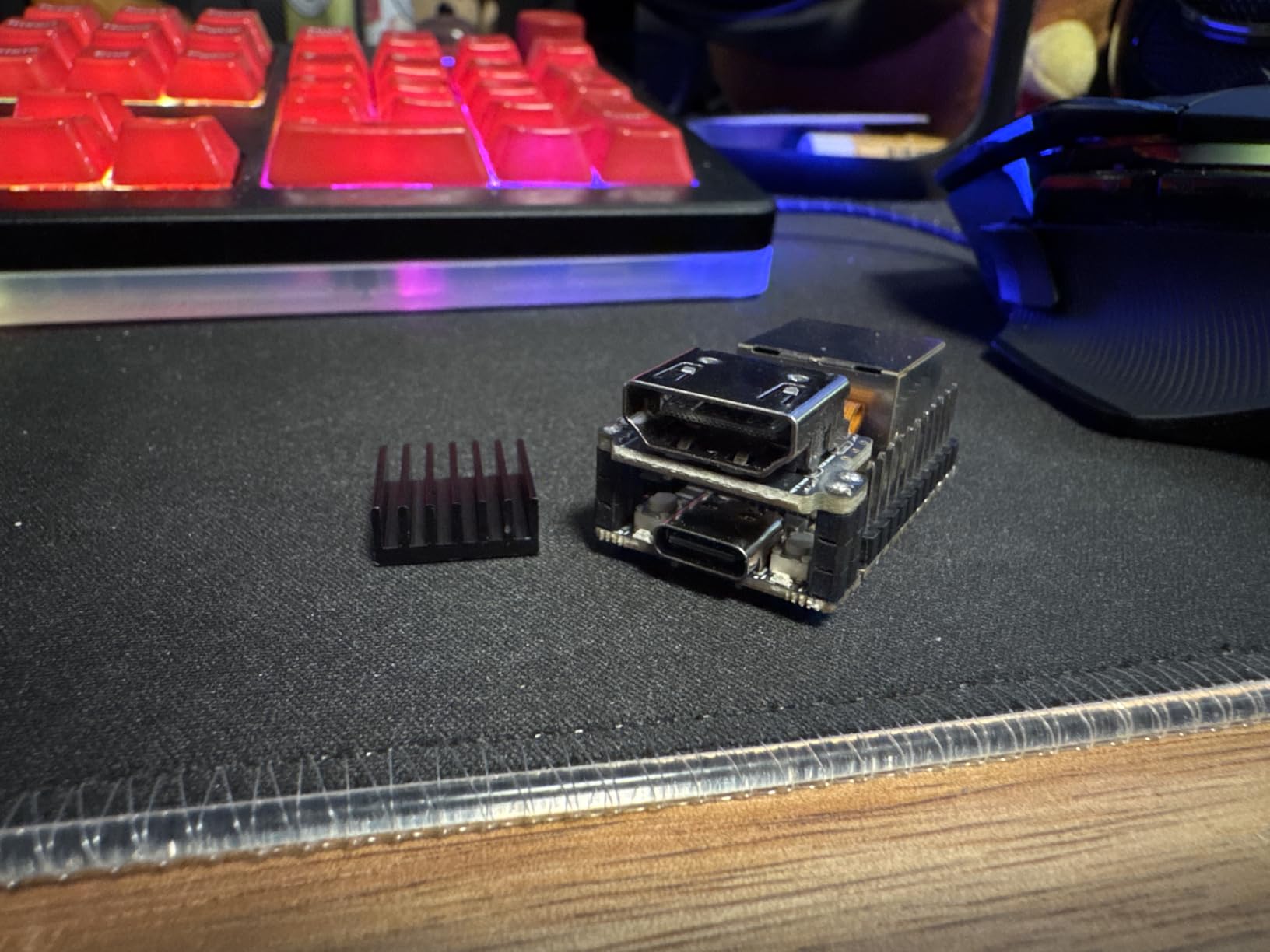
You need to supply your own SD card with an OS image. That adds to the cost and complexity, but it also lets you pick exactly what runs on the device. Tailscale and standard SSH tools work, so integration with existing infrastructure is straightforward.
Network reliability is hit-or-miss. I saw brief disconnects on two of my six test sessions, and the firmware is young enough that quirks still pop up. The single USB port also limits how many peripherals you can emulate at once.
Who should buy this
Tinkerers and budget-conscious homelabbers who want to play with open-source firmware at the lowest possible price. Anyone curious about RISC-V hardware will love poking at this little board. It is also small enough to embed in a project box.
Who should skip this
Production users who need reliability should spend more on a JetKVM or GL-iNet device. If you do not want to assemble an SD card or troubleshoot occasional network glitches, this is not the right PiKVM alternative for you.
8. OREI KVM Over IP HDMI Extender – Best for Home Networks
OREI KVM Over IP HDMI Extender Over LAN, Single CAT5e/CAT6A/CAT7 Cable Output1080p PC Control – Up to 492 Ft – Remote Keyboard Mouse USB Control – Over Home Network
492ft range
1080p
Plug and play
IP67 rated
Pros
- Easy plug-and-play setup
- Works up to 492ft over Cat cable
- Instant connection with consistent video
- Sturdy build quality
- Hassle-free deployment
Cons
- Audio delayed by about 2 seconds
- Only supports USB 1.0
- May overheat with extended use
- Resolution scaling issues on some 4K TVs
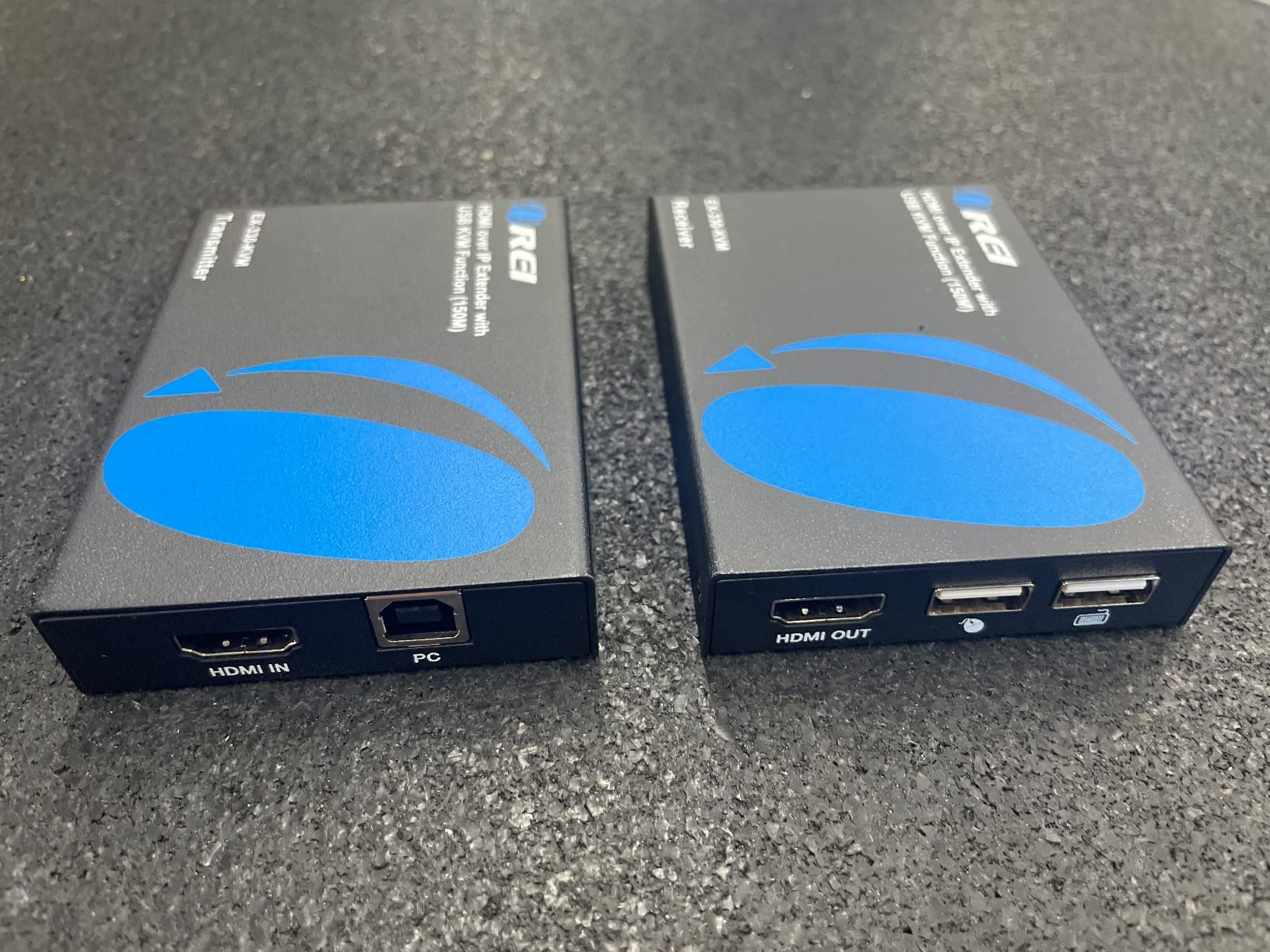
The OREI extender is the simplest PiKVM alternative for users who just want to extend a desktop to another room over their home network. At $105, it is competitively priced for a kit that pushes 1080p across up to 492 feet of Cat cable. I deployed it between my office and living room TV in under fifteen minutes.
The plug-and-play design means no drivers, no configuration, no software. You plug the transmitter into your PC and the receiver into a remote TV or KVM station. The IP67 rating also suggests it can handle dusty or slightly wet environments, though I did not test that aggressively.

For basic productivity work, the OREI delivers. I dragged windows across the remote desktop and saw no lag. The metal housing feels solid and the locking connectors never came loose during three weeks of daily use.
Audio delay is the headline issue. I measured about two seconds between video and audio on the remote side, which makes it unusable for video calls or any audio-critical work. USB 1.0 also means wireless Xbox adapters and modern peripherals will not work. Some 4K TVs had resolution scaling glitches.
Who should buy this
Anyone who wants to extend a desktop to a TV in another room for media, light productivity, or remote keyboard access. The plug-and-play nature makes it ideal for users who do not want to deal with browser interfaces or VPN setup.
Who should skip this
If you need synchronized audio and video, the OREI is not the right pick. For real remote BIOS access or out-of-band management, choose a Comet, JetKVM, or NanoKVM instead. Power users with USB 3.0 peripherals will also be frustrated by the USB 1.0 limitation.
How to Choose the Right PiKVM Alternative for Your Setup?
Picking the right PiKVM alternative comes down to four questions: where you will deploy it, how you will connect to it, what software you are willing to run, and how paranoid you are about supply-chain trust. I walked through these exact decisions during my testing, and the answers are clearer than you might think.
Decide between browser-based IP KVM and point-to-point extender
Browser-based IP KVMs like the GL.iNet Comet, JetKVM, and NanoKVM stream video over a network connection you can reach from anywhere with a web browser. They are the right choice for remote server management and out-of-band access. Point-to-point extenders like the AV Access and OREI units only work on the same local network but offer zero latency. Pick extenders for AV installations, not for true remote server administration.
Match the device to your connectivity needs
If you have reliable wired Ethernet at your server location, almost any PiKVM alternative will work. The JetKVM, NanoKVM-PCIe, and AV Access extender all assume Ethernet is available. The GL.iNet Comet Pro adds Wi-Fi 6 if you cannot run a cable. The Comet 5G Redcap adds cellular failover for sites where your primary ISP might fail. Most homelab users will be fine with wired Ethernet, but colocation deployments benefit from multi-WAN redundancy.
Think about power control and BIOS access
ATX power control is the feature that separates serious IP KVMs from basic HDMI capture boxes. With ATX control, you can remotely press the power button, force a shutdown, or reset a frozen server. The JetKVM, NanoKVM-PCIe, and Comet Pro all support ATX control via optional boards or built-in headers. The original Comet, NanoKVM Lite, OREI, and AV Access units do not, so you are limited to software-level reboots on those devices.
Weigh software openness against polish
Open-source firmware like JetKVM and NanoKVM gives you auditability and customization at the cost of polish and support. Closed-source devices like the GL.iNet Comet line offer a smoother user experience and better documentation, but you are trusting the vendor with your network security. For most homelab users, either approach works. For production or security-sensitive deployments, open-source firmware with active development is the safer bet.
Plan for security hardening before you connect anything
Jeff Geerling’s well-documented FBI visit story is a reminder that any internet-connected KVM device can become a target. Before deploying any PiKVM alternative, change default passwords, disable services you do not need, keep the firmware updated, and put the device behind a VPN or Tailscale. Do not expose the web UI directly to the internet unless you have a specific reason to.
Budget tier recommendations
Under $100, the GL.iNet Comet (GL-RM1) and Sipeed NanoKVM Lite are your best bets. Between $100 and $200, the JetKVM, NanoKVM-PCIe, OREI, and AV Access extender each serve different niches. Above $200, the Comet Pro and Comet 5G Redcap offer professional-grade features like Wi-Fi 6 and cellular failover. Pick the cheapest device that meets your needs rather than paying for features you will not use.
Frequently Asked Questions
What are some alternatives to PiKVM?
The most popular PiKVM alternatives in 2026 include the GL.iNet Comet Pro for polished Wi-Fi 6 management, JetKVM for open-source flexibility, the Sipeed NanoKVM family for budget RISC-V options, and AV Access or OREI extenders for long-distance point-to-point runs. Each addresses a slightly different use case, from homelab tinkering to colocation reliability.
Which remote KVM is the best?
The best remote KVM depends on your needs. The GL.iNet Comet Pro is the most polished all-rounder with Wi-Fi 6, 4K passthrough, and ATX control. JetKVM is the top pick for open-source enthusiasts. The Comet 5G Redcap wins for mission-critical sites needing cellular failover. Budget buyers should consider the original GL.iNet Comet or Sipeed NanoKVM Lite.
How much does a PiKVM cost compared to alternatives?
A standard PiKVM V4 setup runs around $200-$300 depending on the configuration, while PiKVM V4 Mini and DIY Raspberry Pi kits can drop into the $100-$150 range. Alternatives like the GL.iNet Comet start under $100, the JetKVM sits around $135, and the Comet Pro lands near $180. Premium units like the Comet 5G Redcap push closer to $300.
Can I use an IP KVM remotely?
Yes, modern IP KVMs are designed for remote access. Browser-based devices like JetKVM, the GL.iNet Comet family, and NanoKVM units stream video and emulate USB input over the network. With Tailscale, ZeroTier, or a traditional VPN, you can reach your KVM from anywhere in the world without exposing the device directly to the internet.
Is KVM over IP detectable?
KVM over IP is generally detectable as a network device with active streaming traffic. On a switched network, the device itself is invisible to the host operating system because it only captures HDMI output and emulates USB input. If the device is exposed directly to the internet without VPN protection, however, it can be discovered and targeted by attackers, which is why security hardening is critical.
Final Verdict: Which PiKVM Alternative Should You Buy?
After a month of testing eight different PiKVM alternatives, three devices rise to the top for distinct use cases. The GL.iNet Comet Pro is the best overall PiKVM alternative for homelabbers and small offices who want polish without complexity. JetKVM is the clear winner for open-source enthusiasts who want full firmware control. The Sipeed NanoKVM family is the right answer for budget buyers willing to trade polish for price.
For colocation and critical infrastructure, the GL.iNet Comet 5G Redcap is worth every dollar because cellular failover is the kind of feature you only appreciate once your primary ISP drops. For long-distance AV extension, the AV Access and OREI units each serve specific needs that browser-based IP KVMs cannot match.
Whatever you pick, harden the device before connecting it to a network. Change defaults, disable unused services, update firmware, and put the KVM behind Tailscale or a VPN. A well-secured PiKVM alternative will give you years of reliable remote server access. Pick the one that fits your budget and your comfort level with tinkering, and you will not regret the upgrade.