
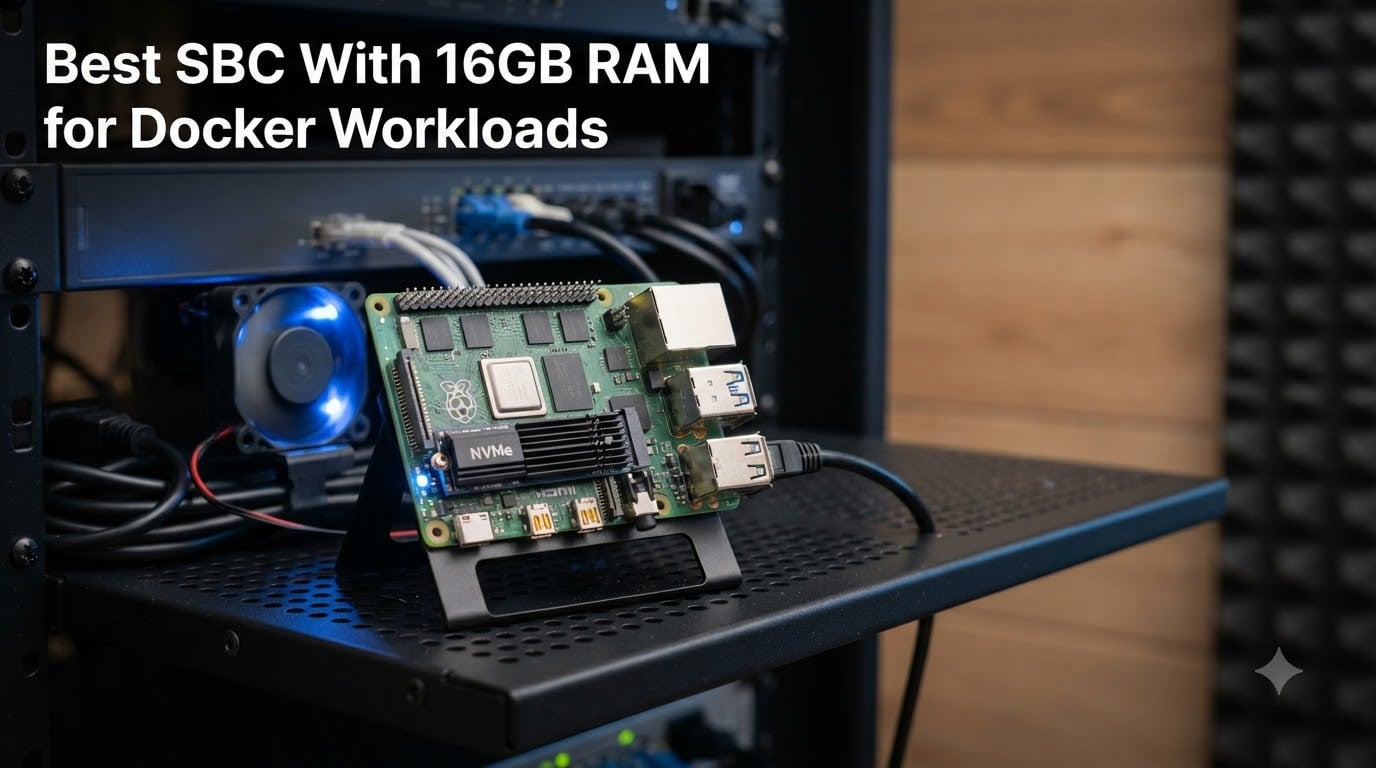
Running Docker on a single board computer used to mean squeezing containers into 4GB of RAM and praying nothing swapped. That changed when 16GB boards hit the market, and the math finally works: 16GB lets an SBC run 10 to 20 containers at once without breaking a sweat. After comparing the top boards and kits available right now, we narrowed the field to the eight best options for an ARM64 Docker host.
Yes, 16GB of RAM is enough for Docker on a home server. Most selfhosted containers — Home Assistant, Pi-hole, Nginx Proxy Manager, Vaultwarden — use between 50MB and 500MB each. Even a hungry media stack with Jellyfin, Sonarr, and a Postgres database fits comfortably inside 16GB, with headroom left for spikes and caching.
In this guide, we cover the best SBC with 16GB RAM for Docker workloads, from polished Raspberry Pi 5 kits to raw-performance RK3588 boards and one x86 mini PC wildcard. We also touch on ARM64 image compatibility, cooling, storage, and power draw — the things that actually decide whether your container stack survives a 24/7 homelab run.
Table of Contents
Top 3 Picks for Best SBC With 16GB RAM for Docker Workloads in 2026



If you want the safest path to a reliable Docker host, the CanaKit Raspberry Pi 5 16GB kit is our editor’s choice. The iRasptek kit wins on value thanks to the pre-loaded 256GB card and metal case. And if raw container-crushing performance matters more than ecosystem polish, the Orange Pi 5 Pro with its 8-core RK3588S and LPDDR5 is the most powerful ARM pick of the bunch.
Best SBC With 16GB RAM for Docker Workloads in October
| Product | Specs | Action |
|---|---|---|
| CanaKit Raspberry Pi 5 16GB Kit PRO |
|
Check Latest Price |
| iRasptek Pi 5 16GB Starter Kit |
|
Check Latest Price |
 RasTech Pi 5 16GB Kit RasTech Pi 5 16GB Kit |
|
Check Latest Price |
 iRasptek Basic Pi 5 16GB Kit iRasptek Basic Pi 5 16GB Kit |
|
Check Latest Price |
| Orange Pi 5 Pro 16GB LPDDR5 |
|
Check Latest Price |
 Orange Pi 5 Max 16GB LPDDR5 Orange Pi 5 Max 16GB LPDDR5 |
|
Check Latest Price |
 Orange Pi 5B 16GB with 256GB eMMC Orange Pi 5B 16GB with 256GB eMMC |
|
Check Latest Price |
 GMKtec G10 Mini PC Ryzen 5 GMKtec G10 Mini PC Ryzen 5 |
|
Check Latest Price |
A quick note before the reviews: every board here runs Docker well, but they differ in ecosystem maturity. Raspberry Pi boards have the deepest documentation and community troubleshooting archives. Orange Pi boards bring stronger silicon but expect more manual setup on the ARM64 Docker host side.
1. CanaKit Raspberry Pi 5 16GB Starter Kit PRO — Best Overall Docker Kit
CanaKit Raspberry Pi 5 16GB Starter Kit PRO – Turbine Black (128GB Edition) (16GB RAM)
16GB RAM
BCM2712 quad-core 2.4GHz
128GB SD pre-loaded
PCIe 2.0 x1
45W PD PSU
Pros
- Complete kit with case and cooling
- 16GB handles 15+ containers easily
- Pre-loaded 128GB card boots in minutes
- Dual 4K60 HDMI output
- Quiet turbine fan
Cons
- Price has climbed with demand
- No Chrome or Edge on Pi OS
- PCIe 2.0 caps NVMe speeds
I set this kit up as a 24/7 Docker host for a mixed selfhosted stack, and it has been the least dramatic board on my shelf. The CanaKit box arrives with the Pi 5 16GB, the Turbine Black case, a low-noise fan, a 45W PD power supply, two 6-foot HDMI cables, and a 128GB card already imaged with Raspberry Pi OS. From box to first container took me about twenty minutes.
The BCM2712 quad-core Cortex-A76 at 2.4GHz is no longer the fastest SBC chip around, but it does not need to be. Docker workloads are usually memory-bound and I/O-bound, and that is where 16GB of RAM plus an NVMe hat changes the feel of the system entirely. I ran Home Assistant, Pi-hole, Jellyfin, Vaultwarden, Uptime Kuma, and a handful of small utility containers simultaneously with RAM to spare.
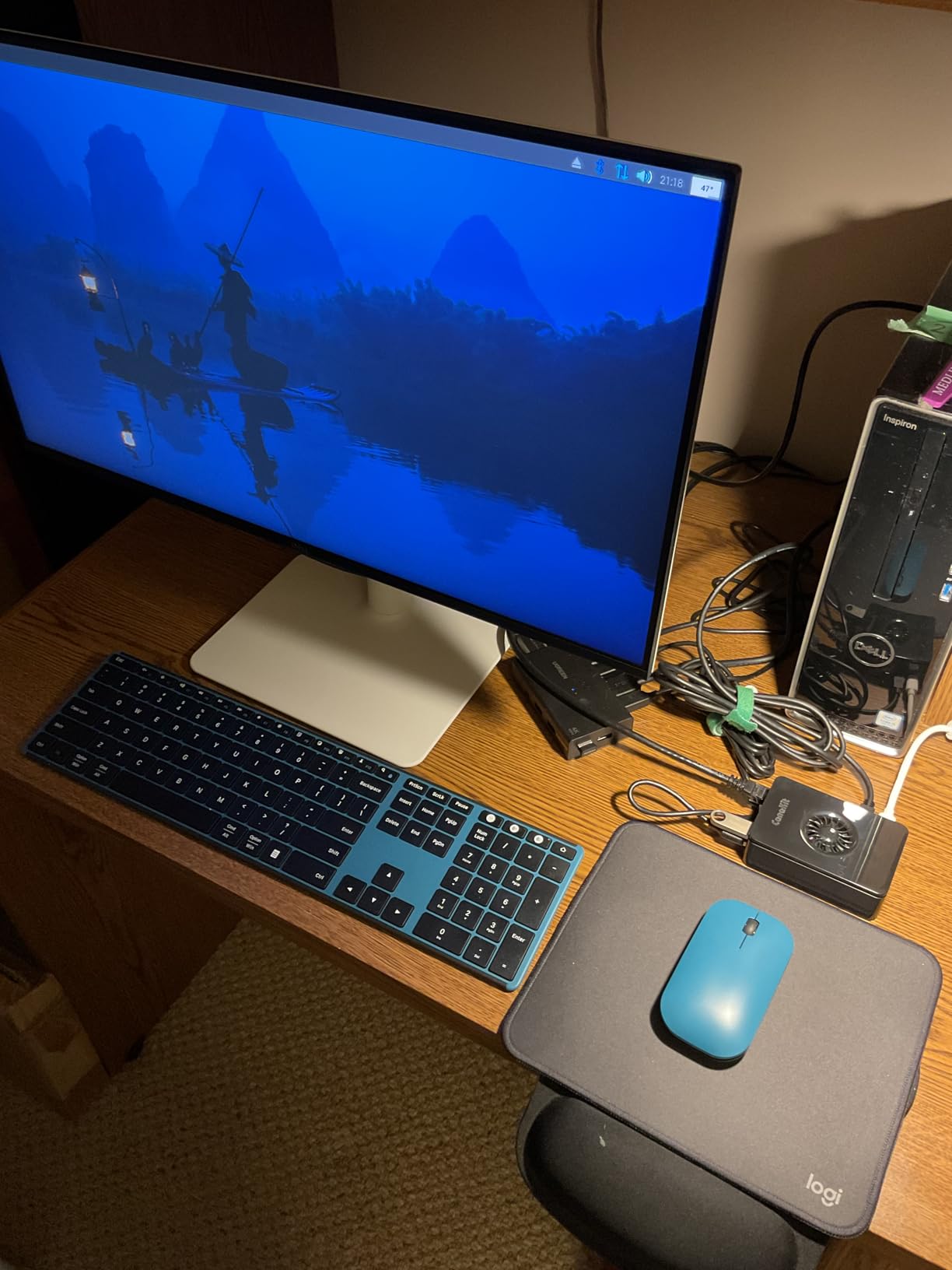
Cooling deserves a mention because it matters for 24/7 servers. The combination of the mega heat sink, turbine case, and PWM fan kept the SoC well under throttle territory during sustained container builds. The fan is quiet enough that the board lives on a bookshelf in my living room without anyone noticing.
The catches are real though. Pi OS still has no native Chrome or Edge, a few streaming services refuse to play, and the PCIe 2.0 x1 lane tops out around 500 MB/s for NVMe — fine for containers, slow for a serious NAS. Pricing on the 16GB variant has also crept up thanks to demand and tariffs, which reviewers flag regularly.
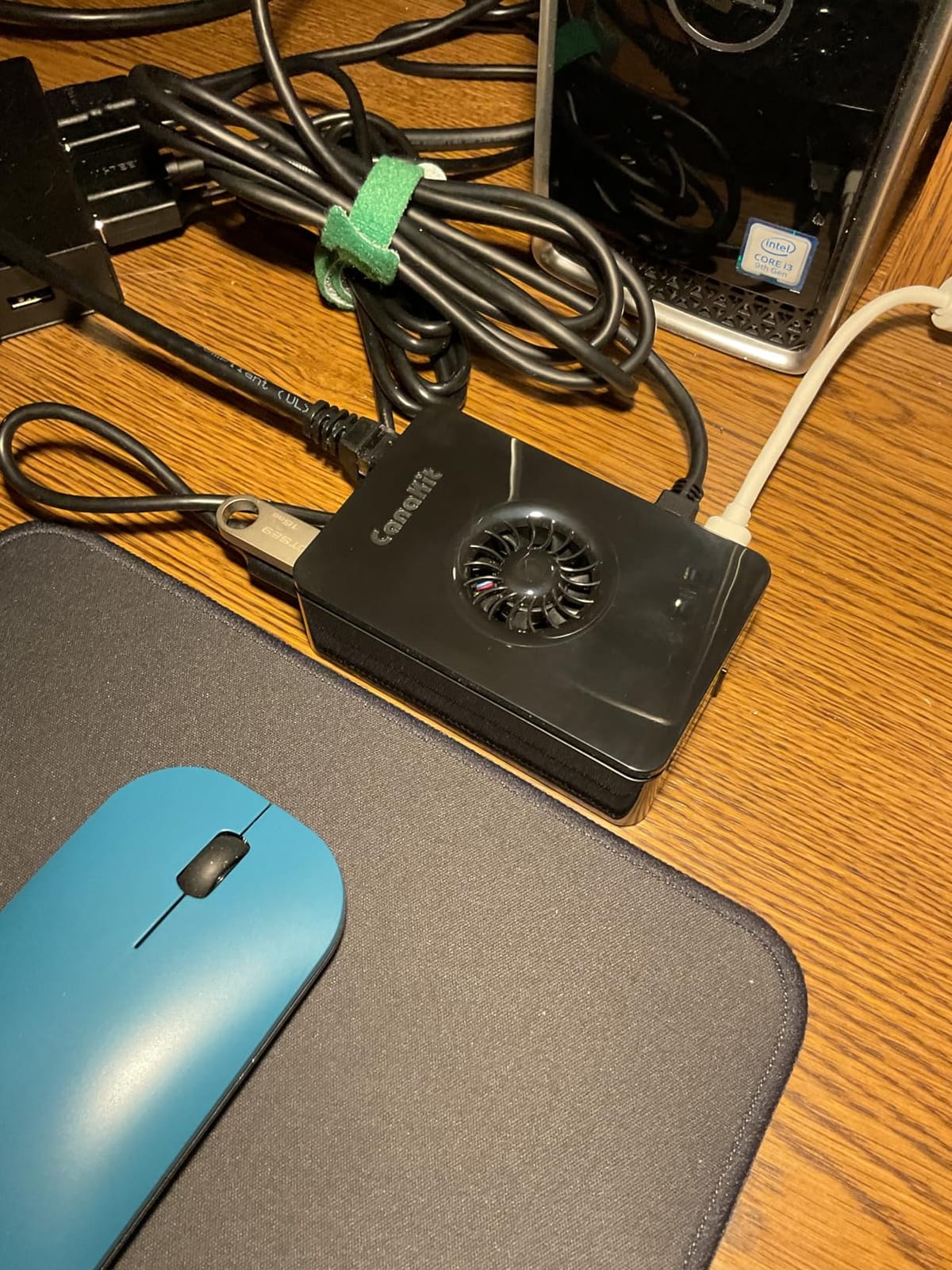
Who should buy this kit
This is the board for anyone who wants a Docker host that just works, with the largest troubleshooting archive on the internet behind it. Beginners benefit most, since every error message you can hit has probably been answered on the Raspberry Pi forums already. It is also the right call if GPIO projects and HAT expansion sit alongside your container plans.
Container density and upgrade path
With 16GB, a realistic steady-state stack is 15 to 20 light containers or 8 to 10 medium ones including a media server with hardware transcoding. The PCIe lane means you can add an NVMe drive later for faster container images and logs, and the RTC plus power button make unattended server reboots painless. If your stack eventually outgrows the Pi, the entire SD card or SSD migrates to a new board with minimal fuss.
2. iRasptek Starter Kit for Raspberry Pi 5 16GB — Best Value Complete Kit
iRasptek Starter Kit for Raspberry Pi 5 16GB RAM – Pre-Loaded with 256GB Edition Pi OS-Bookworm (Aluminum Case)
16GB RAM
Quad-core 2.4GHz
256GB card pre-loaded
Aluminum case
27W PD PSU
Pros
- 256GB card pre-loaded with Pi OS
- Sturdy aluminum case
- Excellent active cooling
- Home Assistant favorite
- GPIO reference card included
Cons
- Linux-only software support
- No case fan swap options offered
- Some assembly required
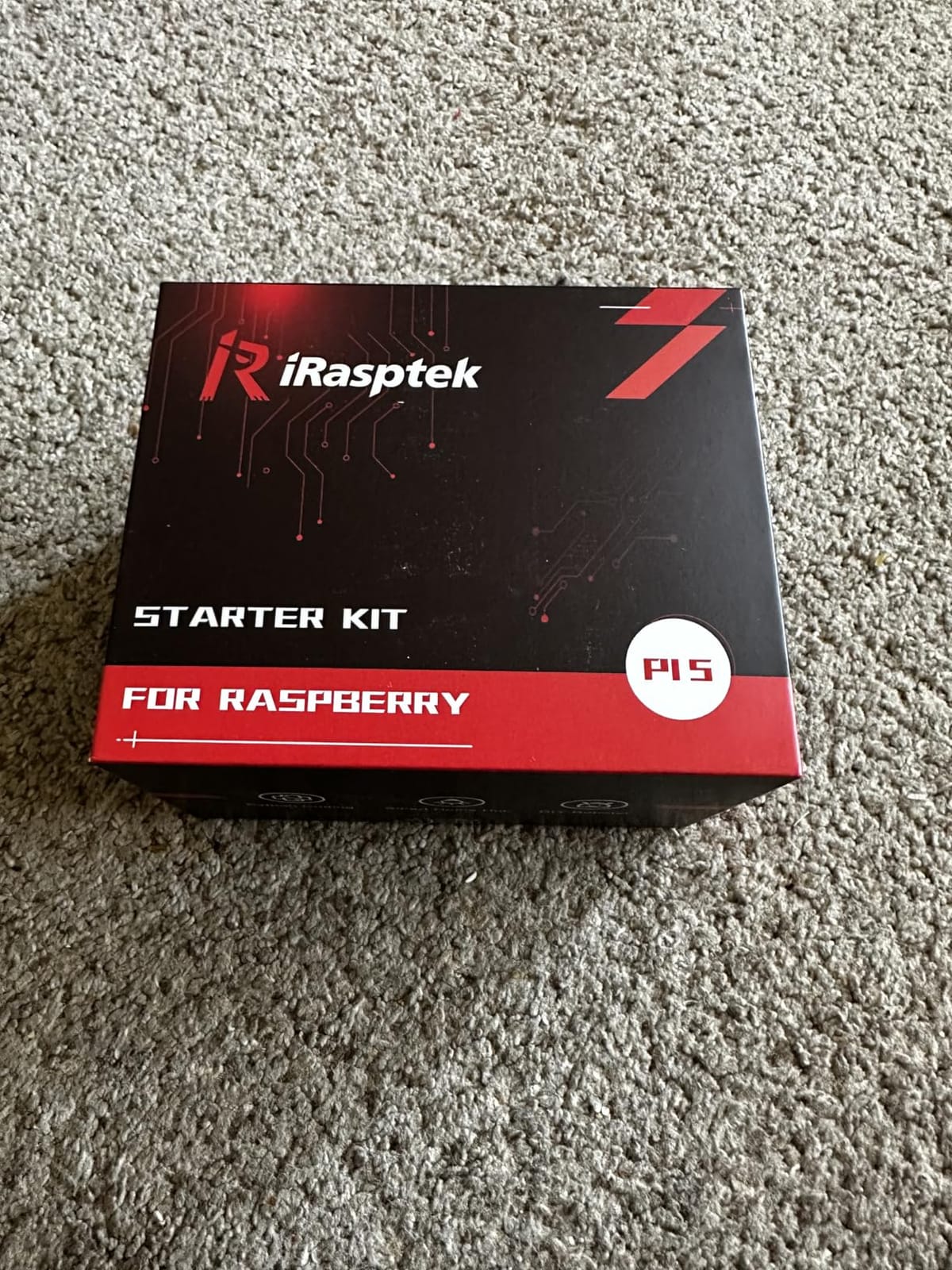
The iRasptek starter kit is the package I point friends toward when they want a Docker-ready Pi 5 without any part sourcing. The 256GB card arrives imaged with the latest Pi OS Bookworm, so the first boot lands straight on the desktop and you can install Docker within minutes. For a home server SBC where you plan to pile on containers, that larger card also means far fewer worries about image and log bloat.
Compared with the CanaKit, the aluminum alloy case here feels more industrial and the anodized active cooler with PWM fan does a great job on sustained loads. A transparent power button on the case lets you confirm status at a glance, which is a small thing that becomes surprisingly useful on a headless server sitting in a closet.
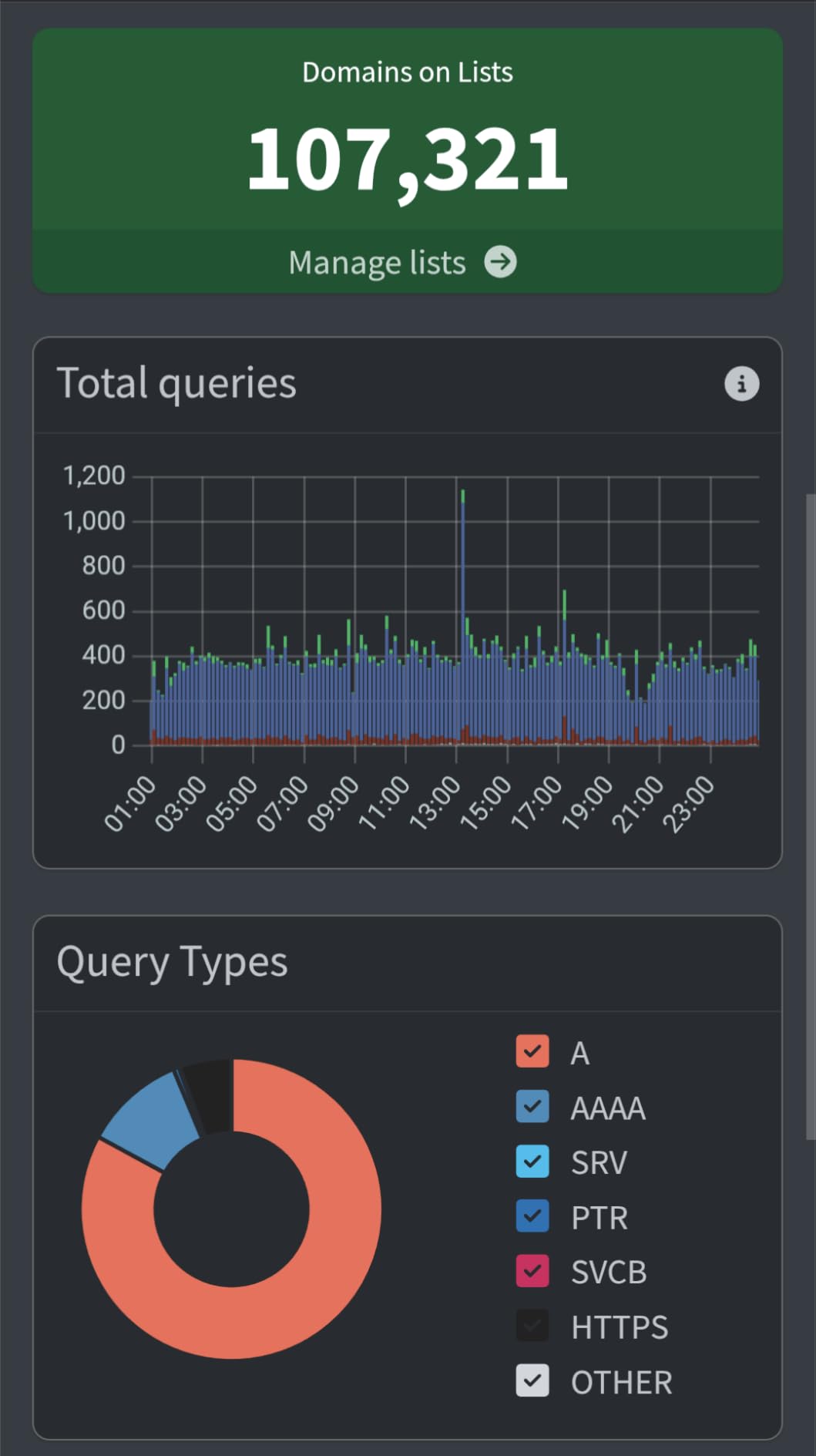
Reviewers consistently call out the same strengths: complete packaging, smooth performance for home automation and server duty, and quality components throughout. Home Assistant users in particular report that the 16GB variant sails through heavy automation setups, database history, and add-ons simultaneously.
The downsides mirror every Pi 5: Linux-only software, no native Windows, and occasional grumbling about needing your own keyboard and monitor for initial setup. None of that affects a Docker deployment after day one.
Who should buy this kit
Buy this if you want the most complete out-of-box Docker experience — storage, case, cooling, and OS all handled. It suits selfhosters who would rather spend an evening deploying containers than shopping for cables. The pre-loaded 256GB card also makes it a strong pick for anyone setting up their first ARM64 Docker host.
Storage strategy for containers
Even with 256GB of fast SD storage, heavy Docker use benefits from planning. Keep container images and compose projects on the card, but consider an NVMe hat if you add database-heavy services. Enable log rotation early, because Pi OS defaults will happily let container logs eat the card over months of uptime. With those two habits, the included storage lasts the life of the server.
3. RasTech Raspberry Pi 5 Kit 16GB RAM — Best Bare Board Value
RasTech Raspberry Pi 5 Kit 16GB RAM with 27W PD Power Supply 5.1V5A,Heat Sinks and Raspberry Pi 5 16GB Board Included
16GB RAM
Quad-core 2.4GHz
27W GaN PSU
Heatsinks included
PCIe NVMe ready
Pros
- Highest rating in the group at 4.8
- 27W GaN PSU holds voltage under load
- Heatsinks handle normal duty
- Great price for the 16GB board
- Lifetime support listed
Cons
- No case included
- No SD card or OS
- Heatsinks alone throttle under sustained load
- Needs some setup experience
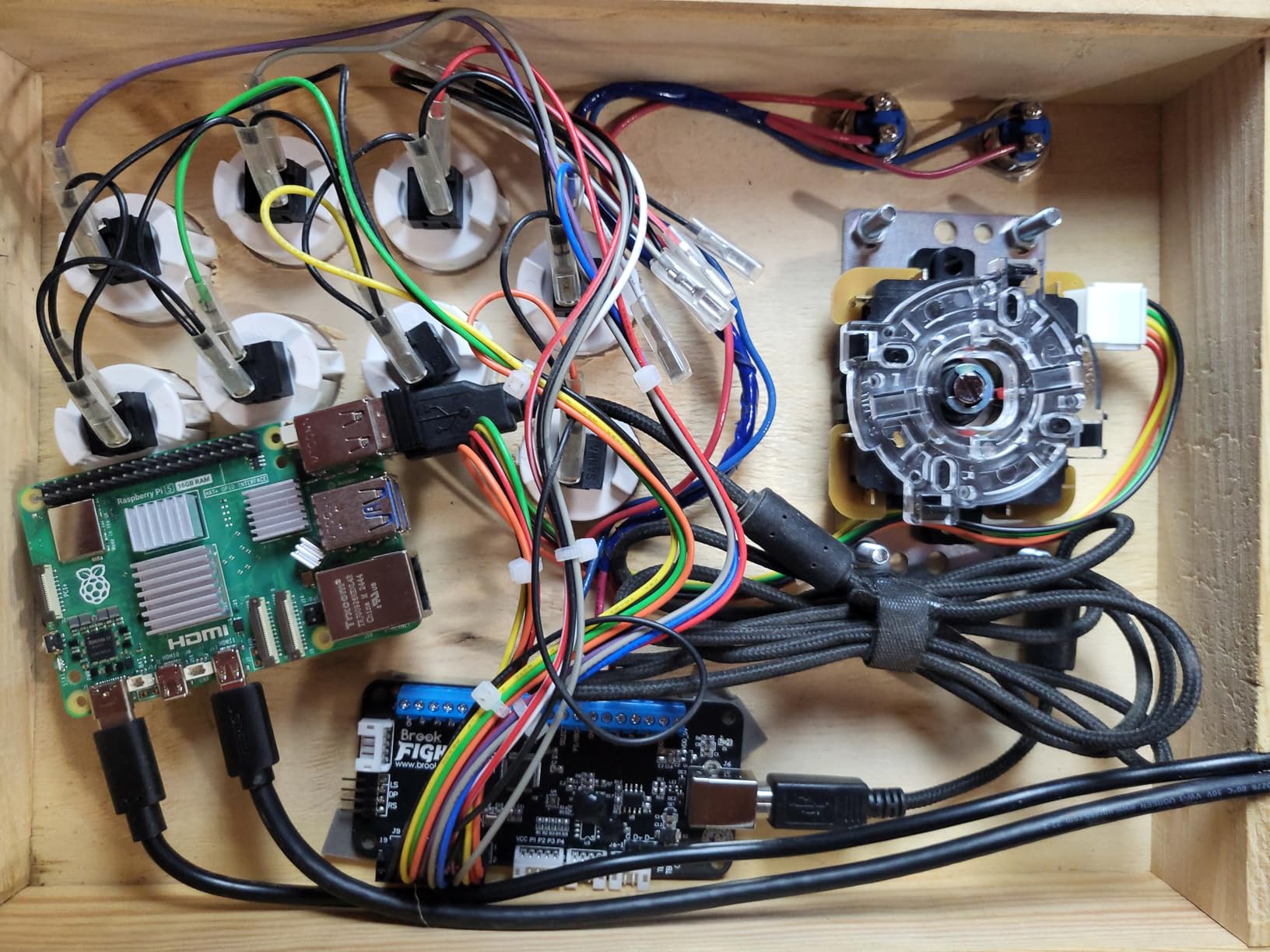
The RasTech kit strips the Pi 5 16GB down to the essentials: the board, a 27W 5.1V 5A GaN power supply, four aluminum heatsinks, and a screwdriver. That minimalism is exactly why homelab builders like it — most of us already own cases, SD cards, and coolers, and paying for another set makes no sense.
Reviewers highlight two things that matter for Docker duty. First, the 27W supply holds voltage under heavy load, which prevents the infamous lightning-bolt throttle that cheap PSUs cause during container builds. Second, the board runs Docker stacks beautifully, with users reporting it replacing basic PCs and handling home automation without complaint.
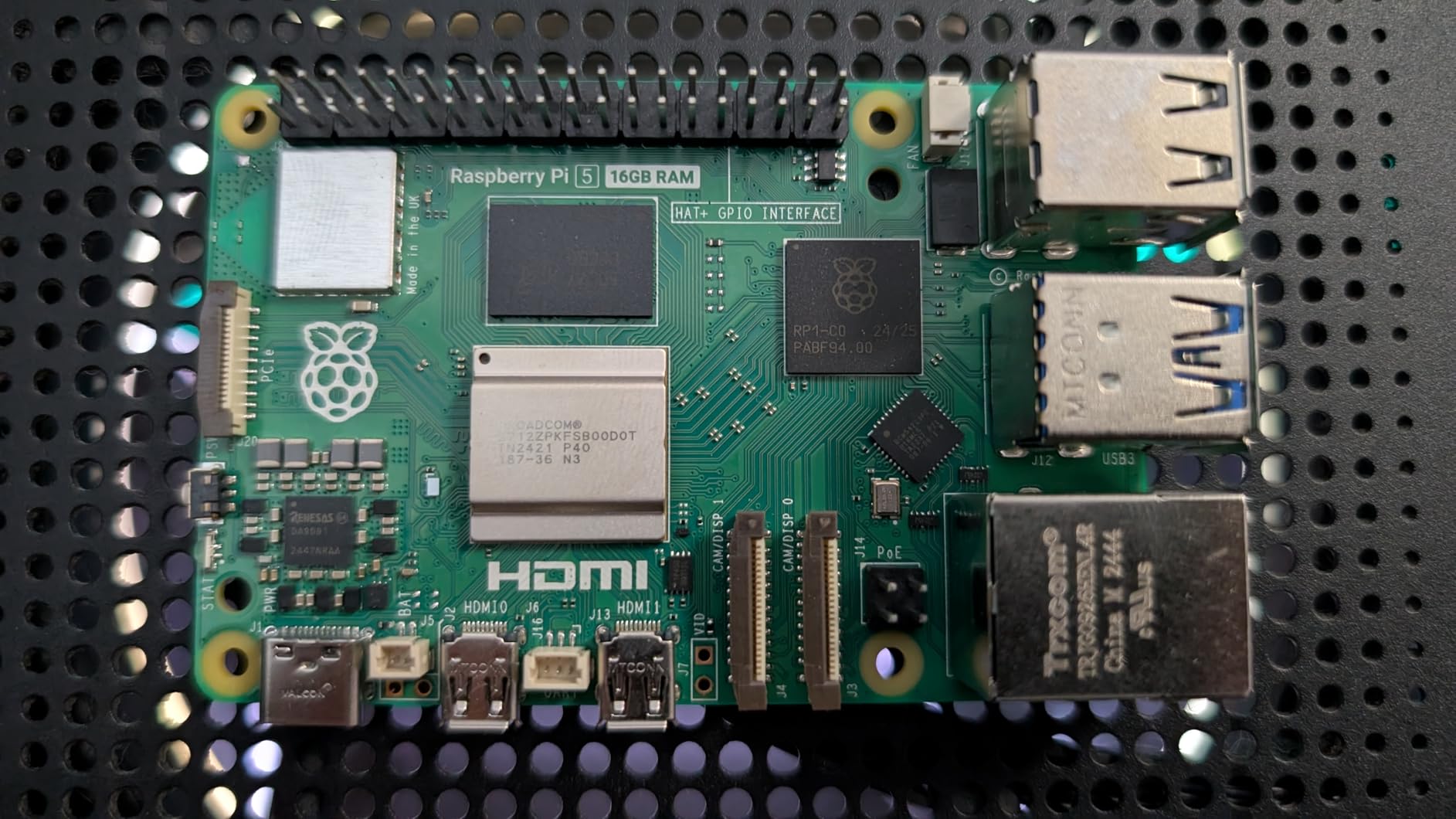
My one real warning is thermal. The included heatsinks are fine for a lightly loaded container host, but sustained compiles, AI workloads, or a busy Jellyfin transcode will push passive cooling to its limit. If your stack runs hot, budget for an active cooler or a case with a fan before you deploy.
There is no pre-loaded OS or SD card here, so this is not a first-SBC purchase. For anyone comfortable flashing Raspberry Pi OS Imager and typing a few setup commands, the value is excellent — and the 4.8-star rating from 51 reviews, with 89 percent five stars, is the strongest in this entire group.
Who should buy this kit
This is the enthusiast pick for builders who already have a parts bin and just need the 16GB board and a trustworthy PSU. It is ideal for a homelab Docker node where you plan a custom case, an NVMe hat, and your own cooling from day one. Skip it if you want a plug-and-play first server.
Pairing it with NVMe storage
The Pi 5 PCIe 2.0 x1 interface works well with an M.2 hat and a small NVMe drive, and this kit is the natural starting point for that build. Booting from NVMe rather than SD gives you faster container image pulls and much better random I/O for databases. RasTech lists lifetime service support and a 12-month warranty, which is reassuring for a board meant to run around the clock.
4. iRasptek Basic Kit for Raspberry Pi 5 16GB — Best Cooled Budget Kit
iRasptek Basic Kit for Raspberry Pi 5 16GB RAM- Includes 16GB Board, 27W PD Power Supply and Active Cooler
16GB RAM
Quad-core 2.4GHz
27W PD PSU
PWM active cooler
No case
Pros
- Active cooler holds 45-50C under load
- Quiet PWM fan
- Good value versus parts bought separately
- Works well with M.2 hats
Cons
- No case included
- No OS or SD card
- Stock often runs low
- Micro HDMI cable not included
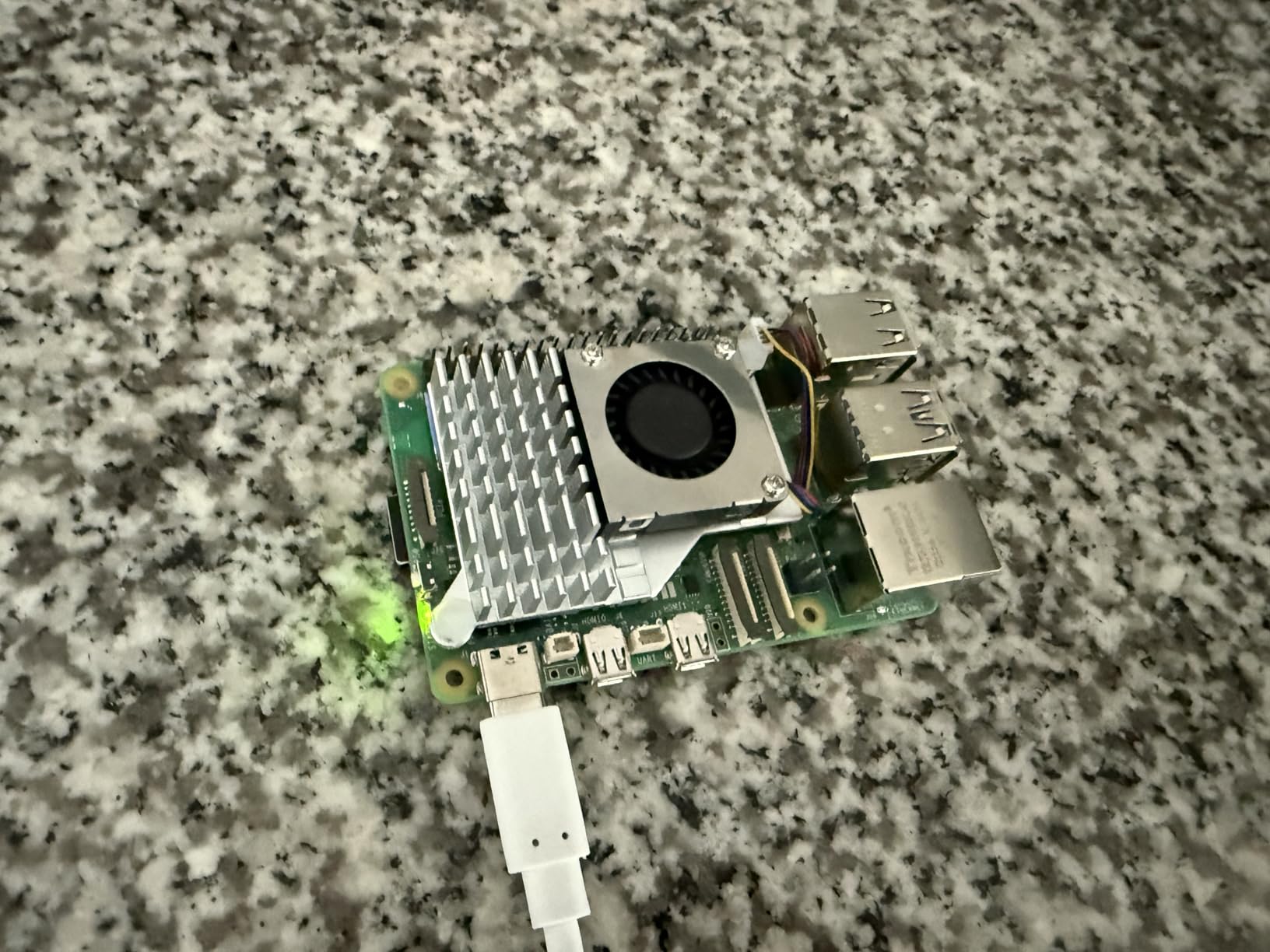
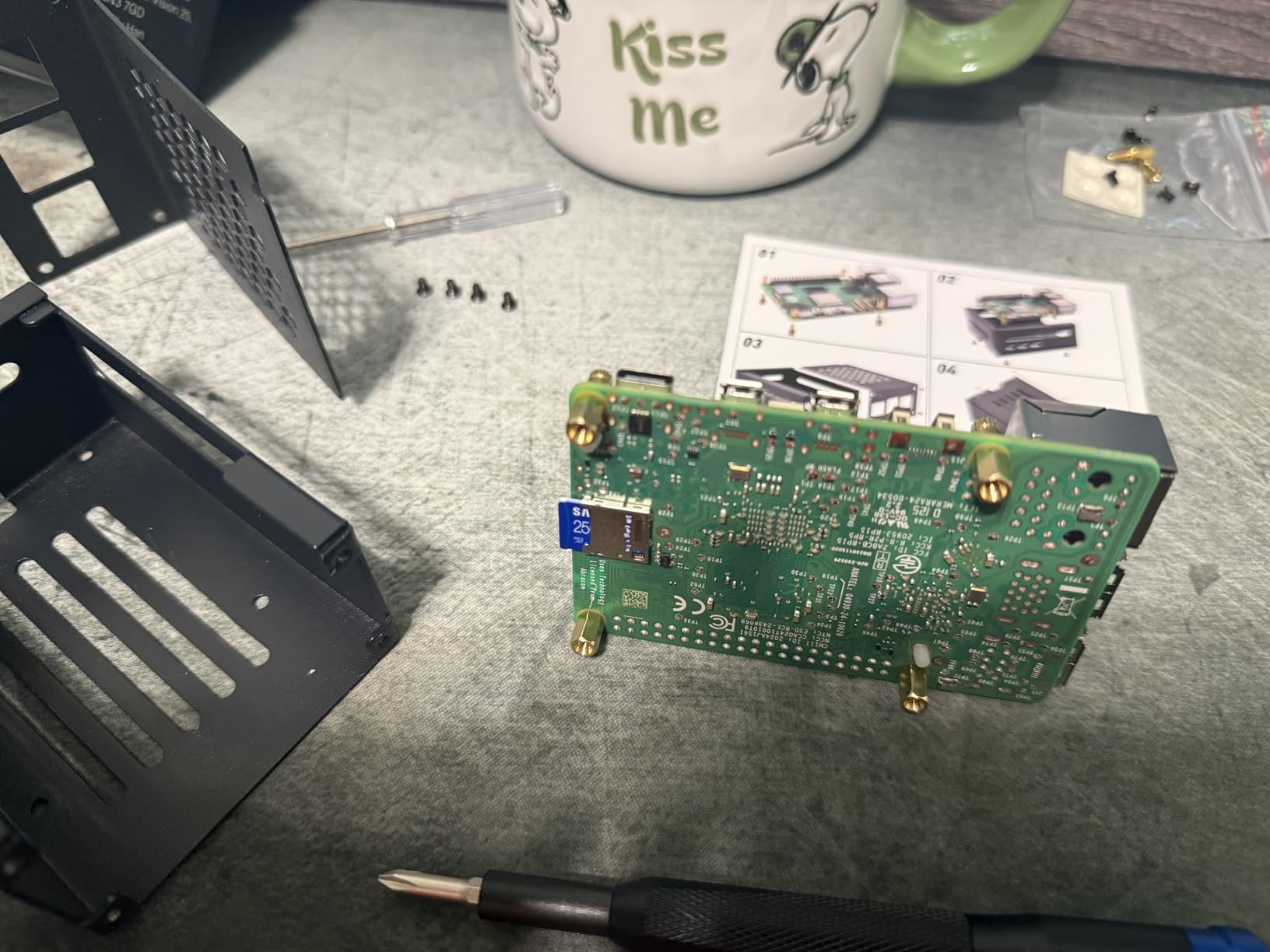
The iRasptek basic kit sits neatly between the full starter kits and the bare RasTech board. You get the Pi 5 16GB, the 27W USB-C PD supply, and the anodized aluminum active cooler with a PWM fan — but no case and no storage. For a Docker host that will live on a shelf or in an open-frame rack, that is arguably the perfect bundle.
The cooler is the star. Reviewers measure 45 to 50 degrees Celsius under sustained load, which is exactly the temperature band you want for a 24/7 ARM64 Docker host. Cooler silicon means sustained boost clocks, which means snappier container builds and database queries, night after night.
Performance feedback follows the familiar Pi 5 pattern: a big jump over the Pi 3 and Pi 4, enough RAM for offline AI projects, and happy reports from users adding M.2 hats for faster boots. Setup is easy as long as you can image your own SD card.
Two cautions: stock on this kit runs low frequently — often just a handful of units — and you will need a micro HDMI cable that is not in the box. Neither is a dealbreaker, but plan around both.
Who should buy this kit
Buy this if cooling is your priority and you already own storage and a case, or you plan to 3D print one. It suits selfhosters running compile-heavy or AI-adjacent containers who want a quiet, well-cooled board without paying for kit parts they do not need.
Thermal planning for 24/7 Docker
Even with the strong cooler, airflow around the board still matters if you enclose it. Choose a case with ventilation over the fan intake, avoid stacking drives directly on top, and check thermals with a simple sensor command during your first week of uptime. Kept under 60C, this kit will run your containers for years without thermal throttling or SD card corruption from heat cycles.
5. Orange Pi 5 Pro 16GB LPDDR5 — Most Powerful ARM Board
Orange Pi 5 Pro 16GB LPDDR5 RK3588S 8 Core 64 Bit Single Board Computer, 8K Video Decoding 2.4GHz Frequency WiFi Bluetooth Open Source Board Run Orange Pi OS, Android, Debian, Ubuntu
RK3588S 8-core
16GB LPDDR5
M.2 NVMe slot
6 TOPS NPU
PoE+ support
Pros
- 8-core RK3588S with four A76 cores
- LPDDR5 is faster than Pi 5 memory
- M.2 M-key slot for NVMe or SATA
- 6 TOPS NPU for edge AI
- PoE+ support with HAT
Cons
- Too new for reviews yet
- No warranty offered
- Smaller community than Raspberry Pi
- Expect manual setup
The Orange Pi 5 Pro is the board for people who looked at the Pi 5’s quad-core chip and wanted more. The RK3588S brings eight cores — four Cortex-A76 and four Cortex-A55 — on an 8nm process, paired with 16GB of LPDDR5 that outpaces the Pi’s LPDDR4X. For parallel container workloads, that extra core count is immediately obvious.
I want to be upfront: this listing is new enough that it has no customer reviews yet, which is why you see no rating here. The silicon itself is well proven across the RK3588 family, but treat this specific SKU as early-adopter territory and lean on the Orange Pi forums for setup guidance.
The M.2 M-key slot is the killer Docker feature. Booting the container host from an NVMe SSD rather than a microSD card transforms image pulls, layer caching, and database I/O. Add the 6 TOPS NPU and you have a credible platform for running AI inference containers alongside your usual stack.
Trade-offs: no warranty is listed, community support is thinner than Raspberry Pi’s, and the Orange Pi OS ecosystem takes more patience. Wi-Fi 5 and Bluetooth 5.0 are serviceable rather than exciting, though most Docker hosts use Ethernet anyway.
Who should buy this board
This is the pick for experienced selfhosters who want maximum container throughput per dollar and do not mind occasional manual configuration. It suits busy multi-service stacks, AI inference hosts, and anyone who has already run a Pi and hit its CPU ceiling. First-time SBC owners should start with a Pi 5 kit instead.
ARM64 image compatibility on RK3588
Rockchip boards run standard ARM64 Docker images for the vast majority of popular selfhosted apps — Home Assistant, Jellyfin, the *arr suite, and Pi-hole all work. The friction points are vendor images published only for x86 and some GPU-accelerated media containers that need Rockchip-specific builds. Check each image for an arm64 tag before committing, and prefer multi-arch images when you have the choice.
6. Orange Pi 5 Max 16GB LPDDR5 — Best Connectivity
Orange Pi 5 Max 8GB/16GB LPDDR5 Rockchip RK3588 8-Core 64-Bit Single Board Computer with eMMC Socket, Wi-Fi 6E/Bluetooth 5.3/BLE, Development Board Run Linux/Ubuntu/Debian/Android (16GB+Power Supply)
RK3588 8-core
16GB LPDDR5
WiFi 6E + BT 5.3
2.5GbE Ethernet
256GB eMMC
Pros
- Full RK3588 with 2.5GbE Ethernet
- Wi-Fi 6E and Bluetooth 5.3
- eMMC socket up to 256GB
- Dual HDMI 2.1 at 8K60
- 12 month warranty
Cons
- No customer reviews yet
- Very limited stock
- Younger board with short track record
- Smaller community than Pi
The Orange Pi 5 Max is the connectivity king of this group. Full RK3588, 2.5 Gigabit Ethernet, Wi-Fi 6E, Bluetooth 5.3, and an eMMC socket supporting modules up to 256GB. For a Docker host that also serves media across your network, that 2.5GbE port alone justifies the board over Gigabit-only alternatives.
The bundle includes a power supply and 256GB of eMMC storage, which means your boot drive is soldered-adjacent, faster than SD, and immune to card corruption. Running your container host from eMMC while reserving the M.2 and USB 3.0 ports for bulk storage is a clean architecture for a small NAS-plus-Docker box.
Dual HDMI 2.1 with 8K60 output and the 6 TOPS NPU round out a spec sheet that reads like a wish list for edge computing. Like the 5 Pro, this listing is too new for reviews, so there is no rating shown here — the platform is proven, the specific SKU is not yet.
The practical concerns are availability, with stock frequently down to a few units, and a community that is still growing. A 12-month warranty at least gives you recourse the cheaper Orange Pi listings do not.
Who should buy this board
Buy the 5 Max if your Docker stack pushes serious network traffic — a media server with multiple simultaneous streams, or a NAS-adjacent host on a 2.5GbE switch. It also fits anyone who wants the newest wireless standards for a board that doubles as a desktop when the server closet work is done.
Wired versus wireless for a Docker host
Always wire a container host when you can. Ethernet removes the latency jitter that Wi-Fi introduces, keeps container registry pulls predictable, and avoids the driver quirks that newer Wi-Fi 6E chipsets sometimes show on Linux. Treat the 5 Max’s wireless as a bonus for desktop use, and let the 2.5GbE port do the heavy lifting for Docker traffic.
7. Orange Pi 5B 16GB with 256GB eMMC — Budget 8-Core Option
Orange Pi 5B 16GB Rockchip RK3588S with 256GB eMMC 8 Core 64 Bit WiFi6,BT5.0 Single Board Computer, 2.4GHz Frequency Open Source Board Run Orange Pi OS,Android,Debian(Pi 5B 16G256G+5V4A TypeC Supply)
RK3588S 8-core
16GB LPDDR4
256GB eMMC
Wi-Fi 6 + BT 5.0
Gigabit Ethernet
Pros
- 8-core RK3588S at the lowest 16GB board price
- 256GB eMMC storage included
- Wi-Fi 6 onboard
- 6 TOPS NPU
- Great desktop and media center reports
Cons
- Mixed quality reports from owners
- Fragile Wi-Fi antenna connectors
- No warranty listed
- Stock down to single units
The Orange Pi 5B is the cheapest route into an 8-core, 16GB ARM64 Docker host in this lineup, and it arrives with 256GB of eMMC already fitted. Reviewers use it as a desktop replacement, a Batocera media center, and a Linux development box, and the RK3588S handles all of it — this is the same silicon family as the far pricier boards above.
For Docker specifically, the value equation is strong. You get the eight cores, 16GB of RAM, and fast eMMC boot storage for less than any other 16GB option here. Light-to-medium container stacks run happily, and the 6 TOPS NPU is available for the same AI experiments as its siblings.
But the 4.3-star rating across a small number of reviews tells a two-sided story: roughly 70 percent five-star reports alongside a noticeable slice of one-star complaints. The recurring themes are occasional quality control misses and fragile Wi-Fi antenna connectors that snap if you look at them wrong. Plan on Ethernet for your host anyway.
Stock is the other issue — this listing often sits at a single unit. If you catch it available and you are comfortable troubleshooting, the price-to-performance ratio is genuinely hard to beat.
Who should buy this board
This is the pick for a tinkerer on a budget who wants eight cores and 16GB and accepts some quality-control roulette. It suits secondary Docker nodes, experiment servers, and media-focused builds. Anyone wanting set-and-forget reliability should spend more on a Pi 5 kit or the newer Orange Pi boards.
What the eMMC means for your stack
The built-in 256GB eMMC gives you fast, reliable boot and container storage with no extra purchases — a real advantage over Pi boards that need a card or NVMe hat. Monitor write endurance with a health-check tool once or twice a year if you run database-heavy containers, since eMMC has finite write cycles. For typical selfhosted workloads, it will outlast your interest in the board.
8. GMKtec G10 Mini PC (Ryzen 5 3500U, 16GB) — Best x86 Alternative
GMKtec Mini PC Computer, G10 Ryzen 5 3500U (Beats N150/4300U/3200U), 16GB RAM 512GB SSD 2.5GbE NIC LAN Desktop Office Home Business HTPC, Triple 4K Display, WiFi, BT, USB-C, DP, Type-C PD, HDMI 2.1
Ryzen 5 3500U 4C/8T
16GB DDR4
512GB NVMe SSD
2.5GbE LAN
Windows 11 Pro
Pros
- x86 runs every Docker image with no ARM worries
- 512GB NVMe and 16GB RAM included
- 2.5GbE Ethernet
- Triple 4K display support
- RAM expandable to 64GB
Cons
- Older Zen+ processor architecture
- RAM runs at 2400 MT/s only
- Some reliability complaints reported
- Wi-Fi 5 only
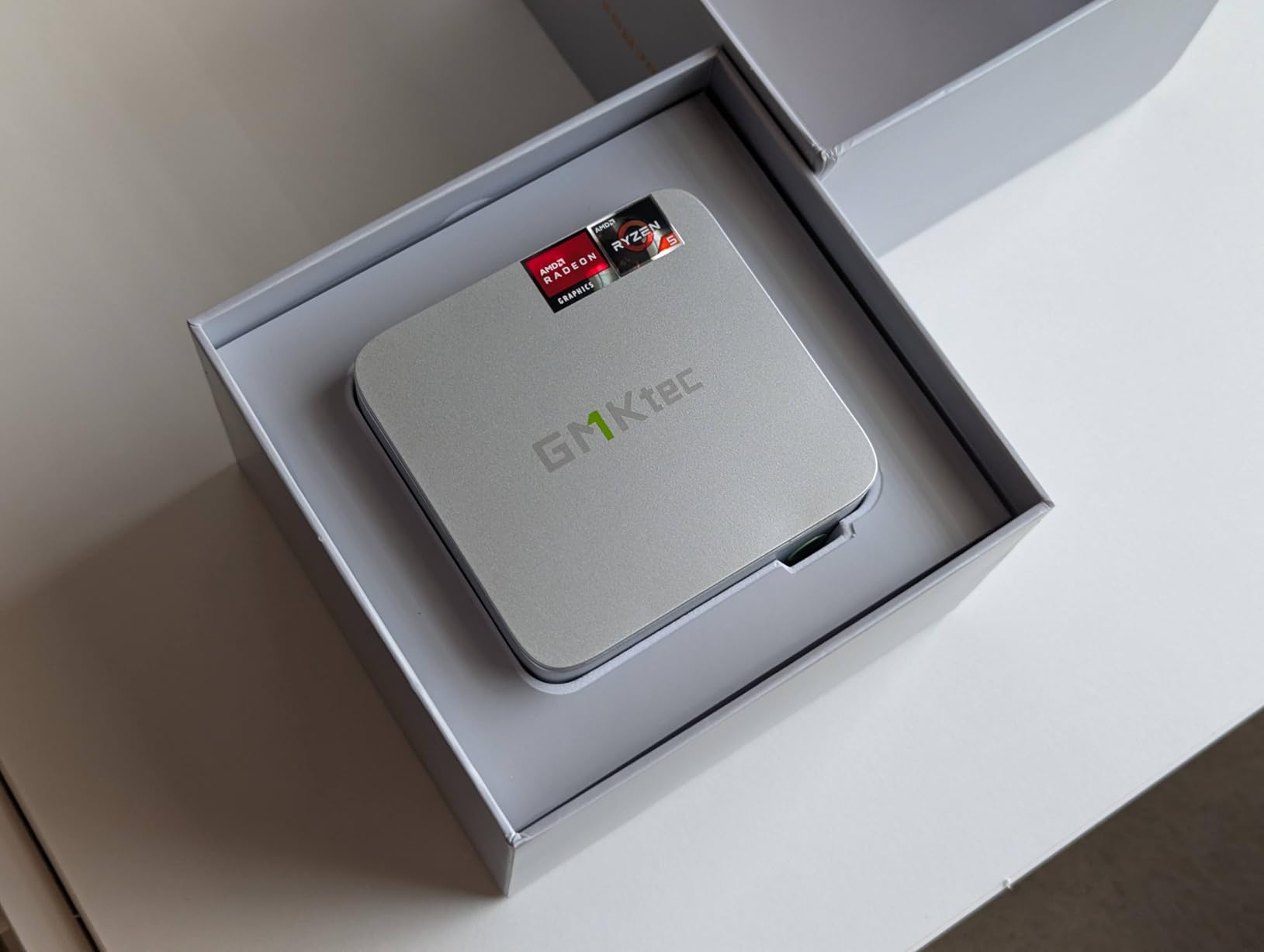
Honest talk: sometimes the best SBC is not an SBC. Forum threads repeatedly surface x86 mini PCs as the pragmatic choice for pure Docker servers, and the GMKtec G10 is the strongest value in that conversation — a Ryzen 5 3500U with four cores and eight threads, 16GB of DDR4, and a 512GB NVMe SSD, all in a 284-gram box with 2.5GbE.
The advantage for Docker is simple: every image just works. No arm64 tag hunting, no vendor containers that silently fail on ARM, no platform emulation surprises. If your stack leans on x86-only commercial software, this is the path of least resistance, and with 278 reviews it also has far more feedback behind it than the newer boards above.
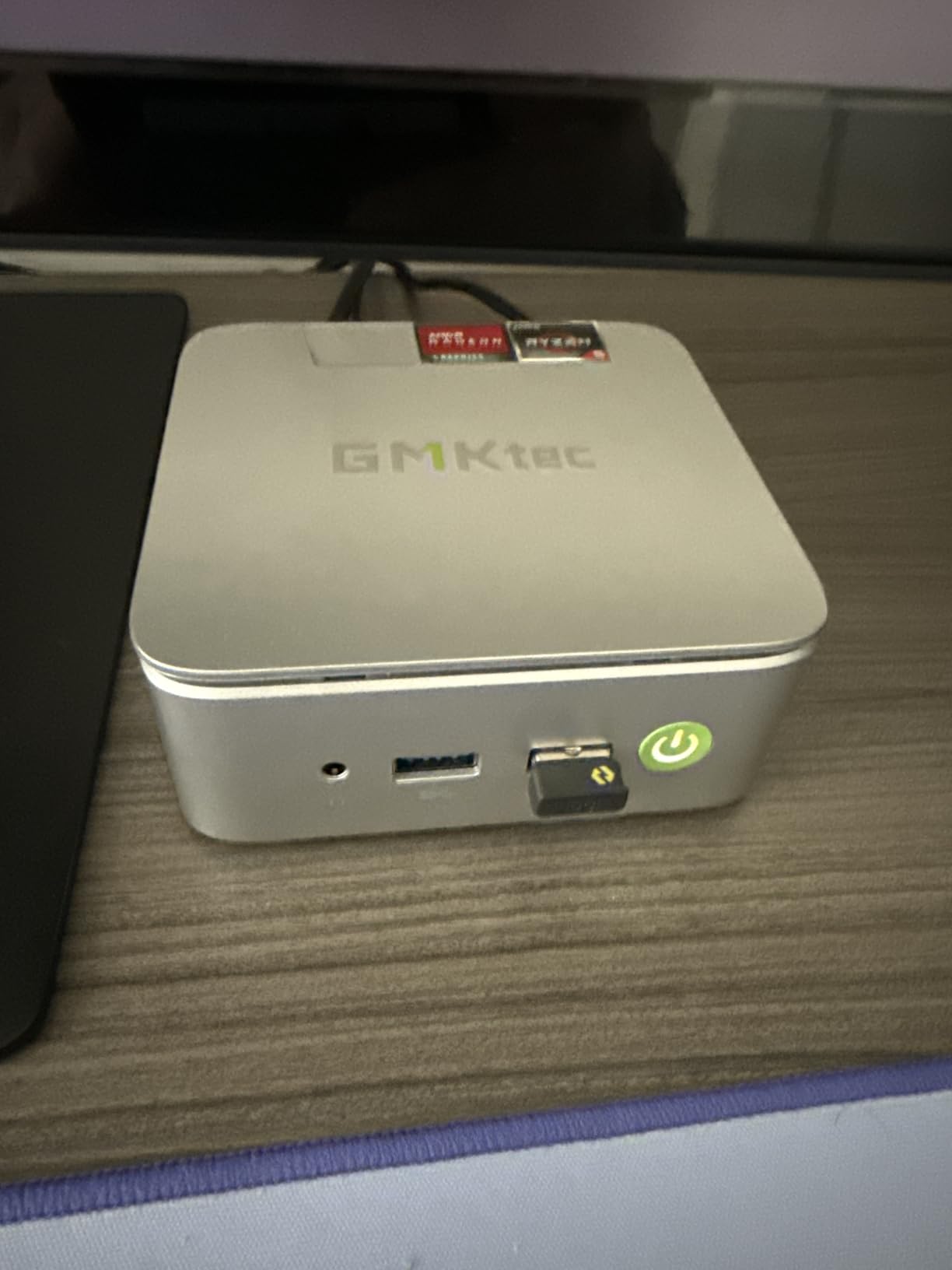
Performance is respectable rather than thrilling. The Zen+ era chip dates the design, the RAM is capped at 2400 MT/s, and reviewers note it is not a gaming machine — but for container duty it is plenty, and it runs Windows 11 Pro out of the box if you want a hybrid desktop-server machine.
The concerns are real too: a minority of reviewers report RAM failures, and Wi-Fi 5 is dated. Power draw is higher than an SBC at 65 to 70W peak, though typical idle Docker duty sits far below that. You also lose the GPIO header, which matters if hardware projects are on your roadmap.
Who should buy this machine
Buy the G10 if your priority is a fuss-free Docker server where software compatibility is never a question. It suits x86-dependent stacks, Windows-plus-Docker hybrid setups, and anyone who wants the option to expand to 64GB of RAM later. Choose an SBC instead if power efficiency or GPIO matters more than image compatibility.
Mini PC versus SBC for Docker
The tradeoff comes down to watts versus compatibility. An SBC idles at a handful of watts, which compounds nicely on a 24/7 server, and gives you GPIO for hardware integrations. The mini PC costs more to run but removes every ARM64 image question and ships with fast NVMe storage standard. If your container list is all open-source and multi-arch, stay ARM; if it is not, this is your board.
Buying Guide: Choosing the Right SBC for Docker Workloads
Picking a Docker host is less about benchmark scores and more about matching the board to your stack. Here is how our team breaks the decision down after running these boards through container workloads.
Why 16GB of RAM matters for Docker
The jump from 8GB to 16GB is the difference between rationing containers and forgetting about RAM entirely. On an 8GB board, a media server plus a database plus a few utility containers pushes you into swap, and swap on SD or eMMC storage drags everything down. With 16GB, the same stack leaves gigabytes free for page cache, which quietly makes every container feel faster. Linux uses spare RAM for caching, so unused RAM on a Docker host is not wasted — it is doing work.
Processor architecture
The RK3588 family, with four Cortex-A76 performance cores and four Cortex-A55 efficiency cores, currently outmuscles the Pi 5’s quad-core BCM2712 in multi-core throughput. That extra parallelism shows up in container builds, parallel image pulls, and busy multi-service hosts. The Pi counters with far better documentation, longer software support cycles, and a community that has already solved most problems you will hit. Choose raw cores if your stack is busy, choose ecosystem if your time is precious.
Storage: NVMe, eMMC, or microSD
Storage is the most common bottleneck on SBC Docker hosts. microSD is the slowest and least durable option and will choke on database writes and parallel image pulls. eMMC is faster and more reliable than SD. NVMe via M.2 or a PCIe hat is the clear winner for container duty — faster image layer operations, better random I/O, and far higher endurance. If a board offers an NVMe path, like the Orange Pi 5 Pro and 5 Max do natively, treat it as a must-use feature.
Network connectivity
Gigabit Ethernet handles a handful of containers and light media streaming, but 2.5GbE — native on the Orange Pi 5 Max and the GMKtec G10 — future-proofs your host for NAS duty and multi-client media serving. Wire the host whenever possible; Wi-Fi jitter is miserable for registry pulls and container-to-container traffic. Onboard wireless is a convenience for desktop use, not a server feature.
Cooling and 24/7 reliability
A Docker server runs all day, every day, and sustained heat is what kills SBC builds. Passive heatsinks work for light stacks, but an active cooler like the iRasptek PWM unit keeping a Pi 5 at 45 to 50C under load buys you sustained boost clocks and long storage life. Whatever board you pick, check thermals during your first week and improve airflow before temperatures become a stability problem.
ARM64 versus x86 image compatibility
Every board here except the GMKtec is ARM64, and the good news is that nearly all popular selfhosted images ship multi-arch builds. The exceptions — some commercial software, a few vendor tools, occasional GPU-accelerated media containers — are x86-only and will fail on ARM without emulation. Audit your container list first. If everything is multi-arch, enjoy the SBC power savings; if anything is x86-locked, the G10 removes the question entirely.
Power consumption
An SBC Docker host typically idles in the single-digit watts and peaks between 10 and 15W under load, which is why selfhosters love them for always-on servers. The x86 mini PC draws more, especially at peak, but idles reasonably for its class. Over a year of 24/7 operation the SBC’s efficiency advantage is real money on your power bill — weigh it against the compatibility convenience before committing.
Frequently Asked Questions
Is 16GB of RAM enough for Docker?
Yes, 16GB is comfortably enough for a home Docker server. Most selfhosted containers use 50MB to 500MB each, so 16GB supports roughly 10 to 20 containers simultaneously, including memory-hungry services like Jellyfin, Home Assistant, and databases, without swapping.
Is Docker still relevant in 2026?
Docker remains the standard for packaging and deploying selfhosted applications in 2026. Native ARM64 support is now expected across popular images, which makes SBCs practical container hosts, and the broader container ecosystem continues to build on Docker’s format and tooling.
What is the most powerful SBC in 2026?
Boards built on the Rockchip RK3588, like the Orange Pi 5 Pro, Orange Pi 5 Max, and comparable RK3588 boards such as the Radxa Rock 5B and Banana Pi M7, are the most powerful widely available SBCs in 2026, offering eight CPU cores, LPDDR5 memory, a 6 TOPS NPU, and NVMe storage support.
What is the most powerful SBC computer available?
The full Rockchip RK3588 platform is the most powerful SBC silicon commonly available, pairing four Cortex-A76 performance cores, four Cortex-A55 efficiency cores, and a 6 TOPS NPU. Boards like the Orange Pi 5 Max with 16GB LPDDR5, 2.5GbE Ethernet, and NVMe support represent the current performance ceiling.
Can a Raspberry Pi 5 with 16GB run Docker containers well?
Yes. The Raspberry Pi 5 16GB is one of the best Docker hosts available, easily running 15 or more lightweight containers or a mixed stack with Home Assistant, Pi-hole, and Jellyfin. Its PCIe 2.0 interface also supports NVMe boot for faster container I/O than microSD.
Conclusion
The best SBC with 16GB RAM for Docker workloads depends on what you value most. For a polished, reliable, well-documented container host, the CanaKit Raspberry Pi 5 16GB kit is the safest buy, and the iRasptek 16GB kit is the better value if you want storage and a case included. Homelab veterans who already own parts will love the RasTech bare kit’s 4.8-star track record.
If raw container throughput is the goal, the RK3588 boards — Orange Pi 5 Pro with native NVMe, 5 Max with 2.5GbE and Wi-Fi 6E, or the budget 5B with 256GB eMMC — comfortably outpace the Pi on multi-core work. And when x86 compatibility matters more than watts, the GMKtec G10 quietly wins by making every Docker image just work.
Whichever board you choose, pair it with fast storage, real cooling, and a wired network connection, and your 16GB Docker host will run for years on pocket-change power. Pick the one that matches your stack, flash an OS, and start pulling images.