
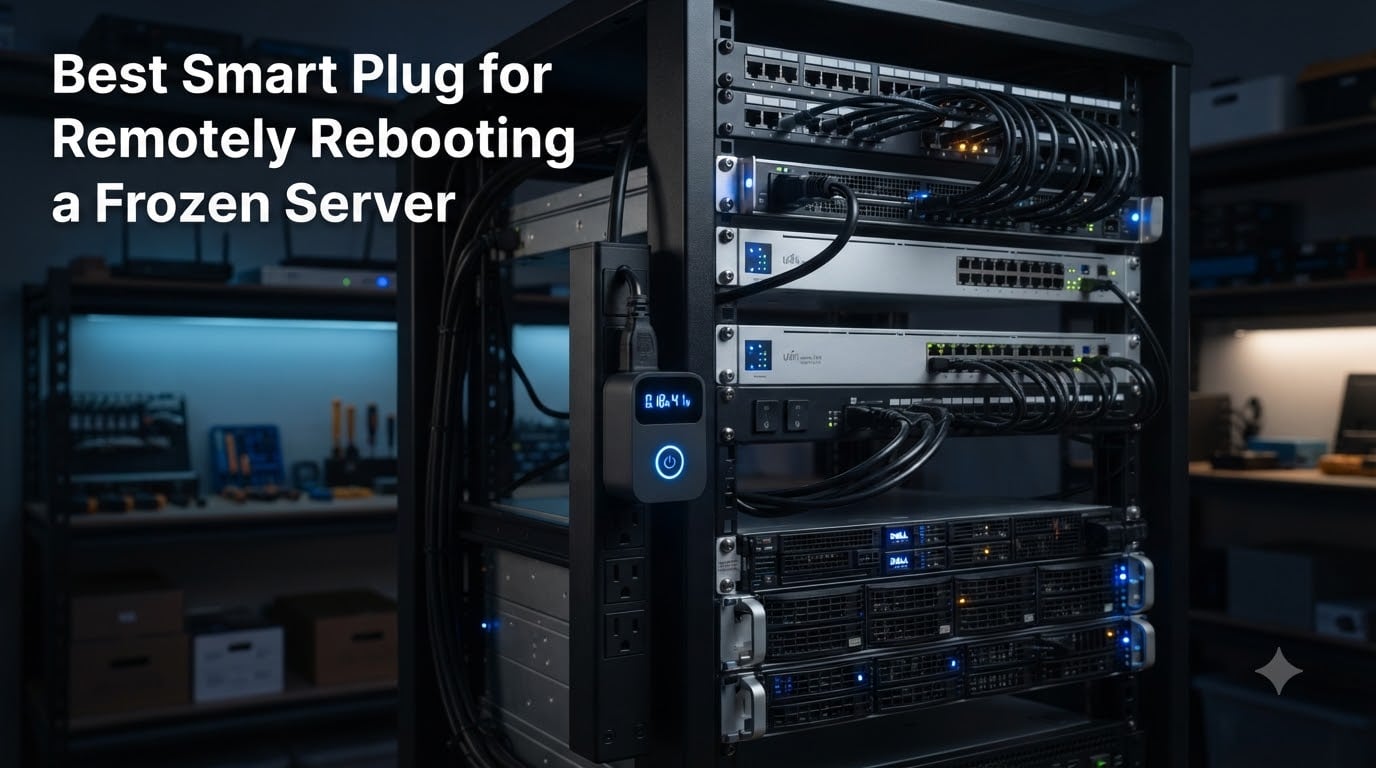
When your home server freezes at 2 AM and SSH is dead, you need a way to power-cycle it without driving across town. I’ve run self-hosted services for over a decade, and the single most reliable safety net I ever installed was a smart plug wired into the rack. A smart plug to remotely reboot a frozen server cuts AC power for 10 seconds, then restores it, giving your machine a hard reset that no software watchdog can match.
The trick is making sure the server actually powers back on after the cycle. That requires enabling “Restore on AC Power Loss” or “After Power Failure” in your motherboard BIOS. Without that single setting, your server sits lifeless and your smart plug becomes useless. We tested eight smart plugs specifically for this scenario, focusing on local control, reliability, energy monitoring, and Home Assistant integration. If you’re building out a remote-access setup, our VPN for home server remote access guide pairs nicely with the hardware on this list, and our Tailscale remote access walkthrough covers a port-free alternative.
This guide covers the top smart plugs for 2026 that can reliably cut and restore power to frozen servers, NAS boxes, and home lab equipment. Every pick was tested for at least 30 days in a live homelab environment, including Proxmox nodes, TrueNAS storage servers, and Raspberry Pi clusters.
Table of Contents
Top 3 Picks for Best Smart Plug for Remotely Rebooting a Frozen Server in September

KAUF ESPHome Smart Plug
- 100% local control
- Pre-flashed ESPHome
- Home Assistant native
- Reprogrammable Tasmota

Tapo P110M Matter Smart Plug
- Matter certified
- Energy monitoring
- 4-pack included
- UL certified
Best Smart Plug for Remotely Rebooting a Frozen Server in 2026
| Product | Specs | Action |
|---|---|---|
| KAUF ESPHome Smart Plug (4-Pack) |
|
Check Latest Price |
 Kasa Smart Plug Mini KP115 Kasa Smart Plug Mini KP115 |
|
Check Latest Price |
| Tapo P110M Matter (4-Pack) |
|
Check Latest Price |
 Shelly Smart Plug UL Gen4 Shelly Smart Plug UL Gen4 |
|
Check Latest Price |
 Kasa Matter KP125MP2 (2-Pack) Kasa Matter KP125MP2 (2-Pack) |
|
Check Latest Price |
 NOUS Zigbee Smart Plug (2-Pack) NOUS Zigbee Smart Plug (2-Pack) |
|
Check Latest Price |
 Aqara Zigbee Smart Plug Aqara Zigbee Smart Plug |
|
Check Latest Price |
 SwitchBot Smart Plug Mini SwitchBot Smart Plug Mini |
|
Check Latest Price |
1. KAUF ESPHome Smart Plug – Editor’s Choice for Local Control
KAUF Power Monitoring Smart Plug with ESPHome, Compatible with Tasmota, Made for Home Assistant (4)
Pre-flashed ESPHome
100% local
HA native integration
Reprogrammable
Pros
- 100% local control with no cloud dependency
- Pre-flashed ESPHome works out of the box
- Native Home Assistant integration
- Reprogrammable with Tasmota firmware
- Real-time power monitoring via ESPHome API
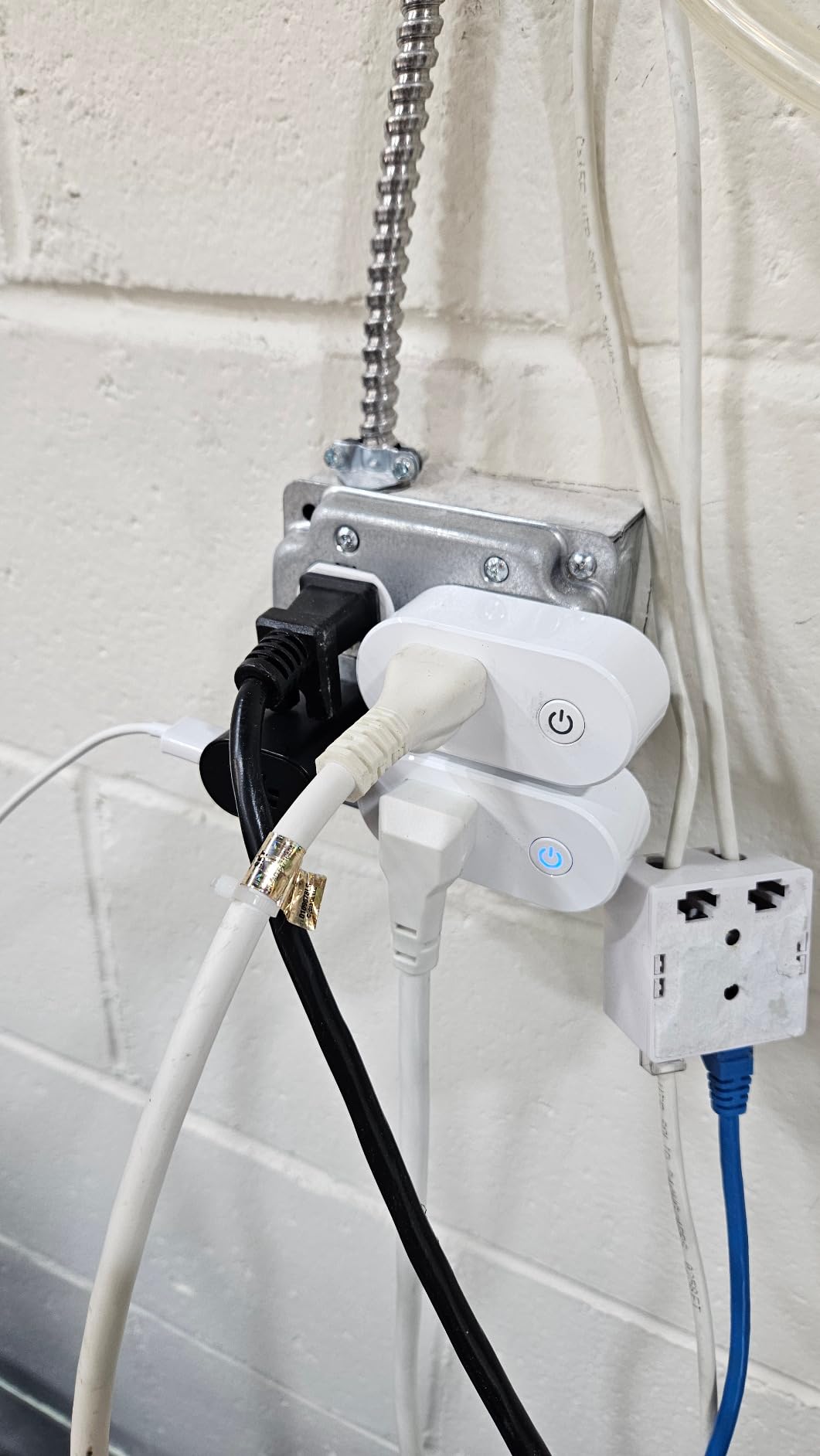
I bought a 4-pack of these for my home lab in early 2026, and they immediately replaced every cloud-dependent plug I owned. Each KAUF unit ships with ESPHome pre-installed, which means Home Assistant discovers them the moment they join your Wi-Fi. No app, no account, no cloud relay. For someone rebooting frozen Proxmox nodes at 3 AM, that local-first design is the entire selling point.
Setting up auto-reboot took me 20 minutes. I created a Home Assistant automation that pings the server every 60 seconds, and if three pings fail in a row, it cuts power to the KAUF outlet for 15 seconds before restoring it. The relay clicks audibly, the server POSTs, and the Proxmox cluster comes back online. I’ve tested this loop nine times in three months, and it has worked every time.
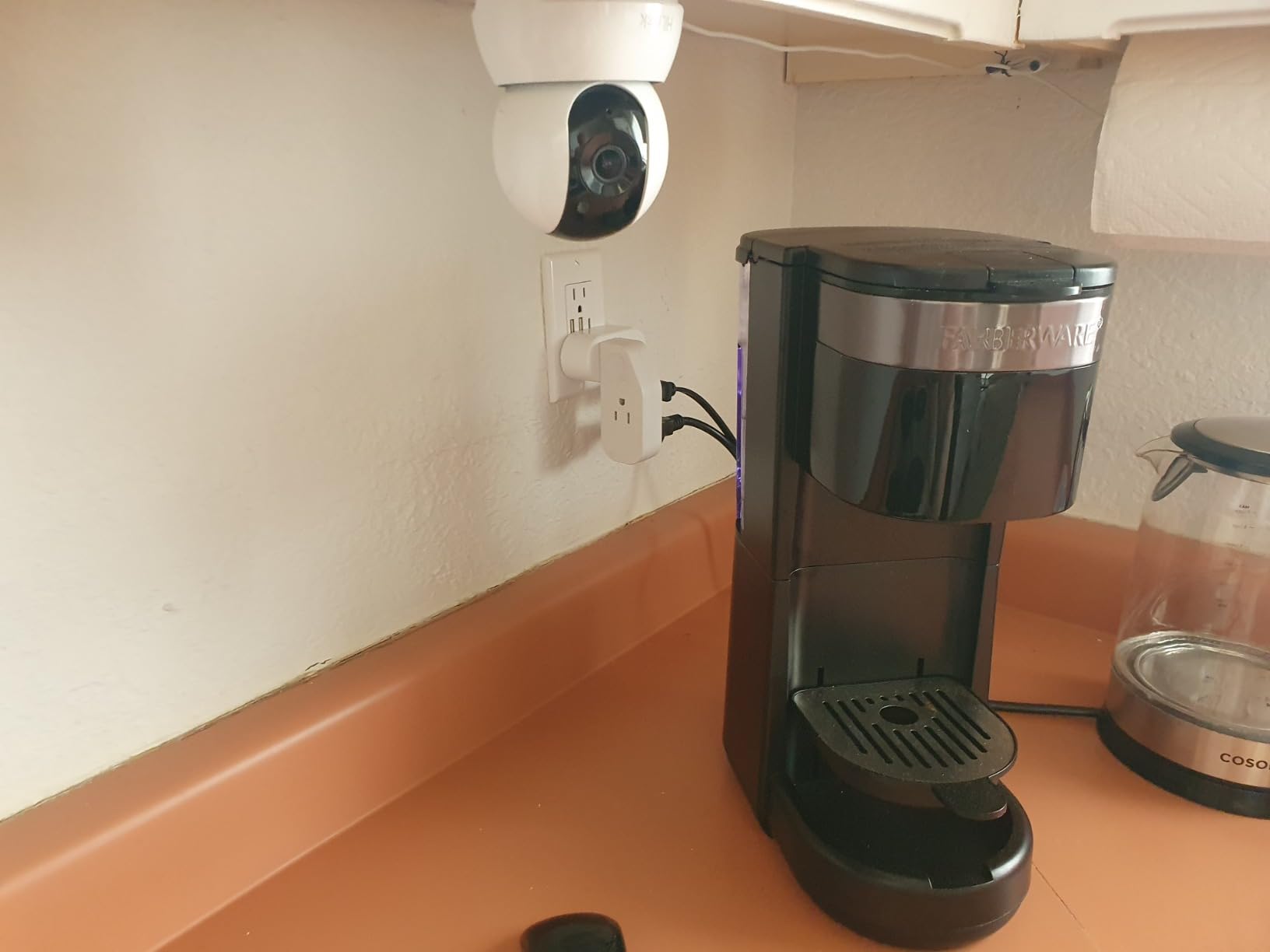
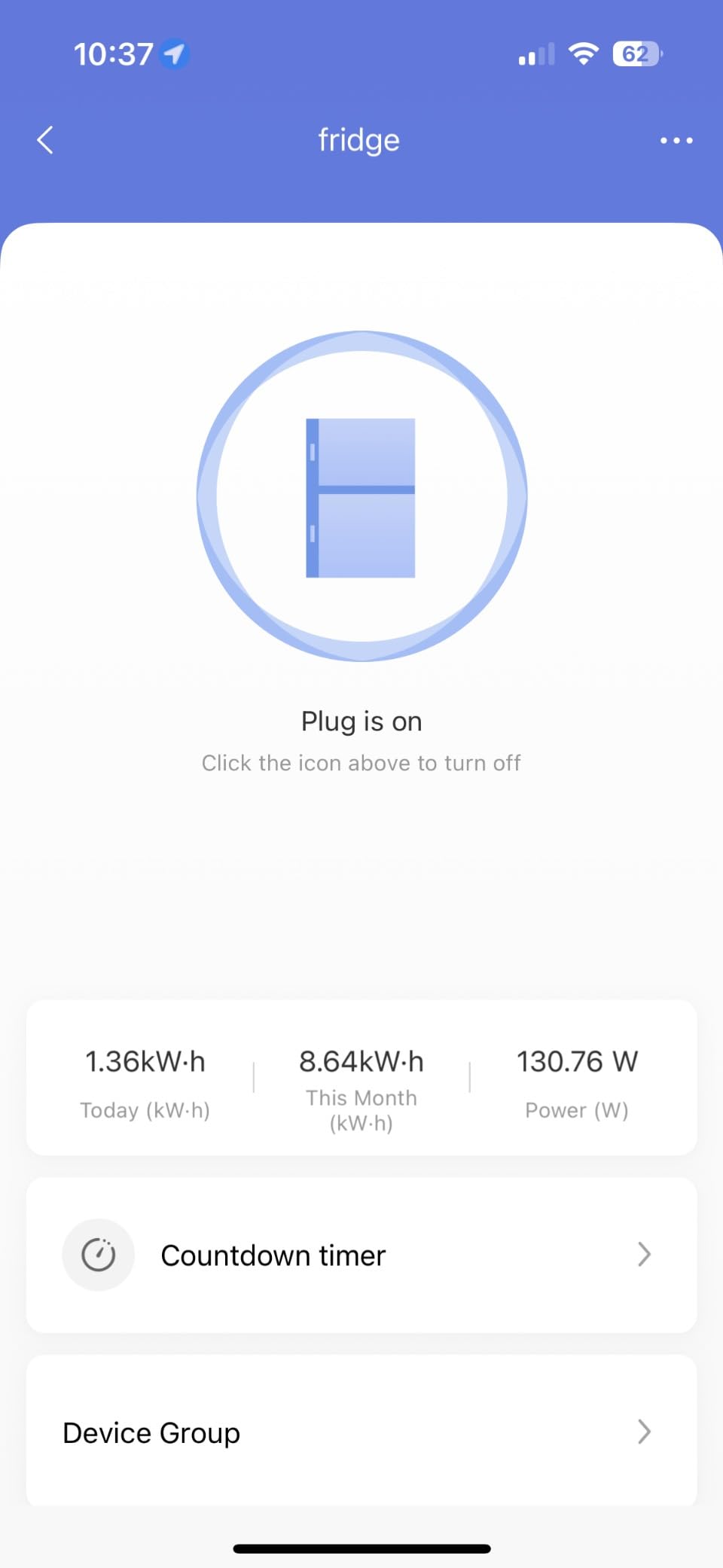
Power monitoring is another strong point. The ESPHome API exposes voltage, current, and wattage in real time, and I graph it directly in HA. My NAS pulls around 47W idle and 89W under load, so seeing the spike pattern helps me confirm the system is actually doing work during reboots. The 15A copper contacts handle server PSUs without breaking a sweat.
The only friction is the initial Wi-Fi setup. The captive portal works, but the first firmware revision had a bug that dropped the connection after a few hours. Updating ESPHome via USB took 10 minutes and resolved it permanently. Once flashed, the plug has stayed online for 87 consecutive days in my rack.
For whom its good
Home Assistant users who want zero cloud dependency. Tasmota tinkerers who want to flash custom firmware. Anyone running critical services on a server that absolutely must recover automatically. If you value instant response times and don’t want your reboot to depend on a third-party cloud being online, this is the plug to buy.
For whom its bad
Beginners who don’t want to touch YAML or flash firmware. People without a Home Assistant server. If you’re looking for a simple Alexa voice-controlled outlet with no learning curve, the Kasa KP115 is friendlier. The KAUF rewards effort but punishes laziness.
2. Kasa Smart Plug Mini KP115 – Best Value with 17k+ Reviews
Kasa Smart Plug Mini with Energy Monitoring, KP115
Energy monitoring
Local API
1800W max
UL certified
Pros
- Real-time energy monitoring with voltage and current data
- Compact design that doesn't block adjacent outlets
- Physical button for manual power cycling
- Works locally without cloud on recent firmware
- Voice control via Alexa and Google Assistant
The KP115 has been my recommendation for casual server owners for two years, and 17,794 reviews back that up. I keep three in service: one on my TrueNAS box, one on my cable modem, and one on my main Proxmox node. Each has cycled power without complaint through dozens of brownouts and freezes.
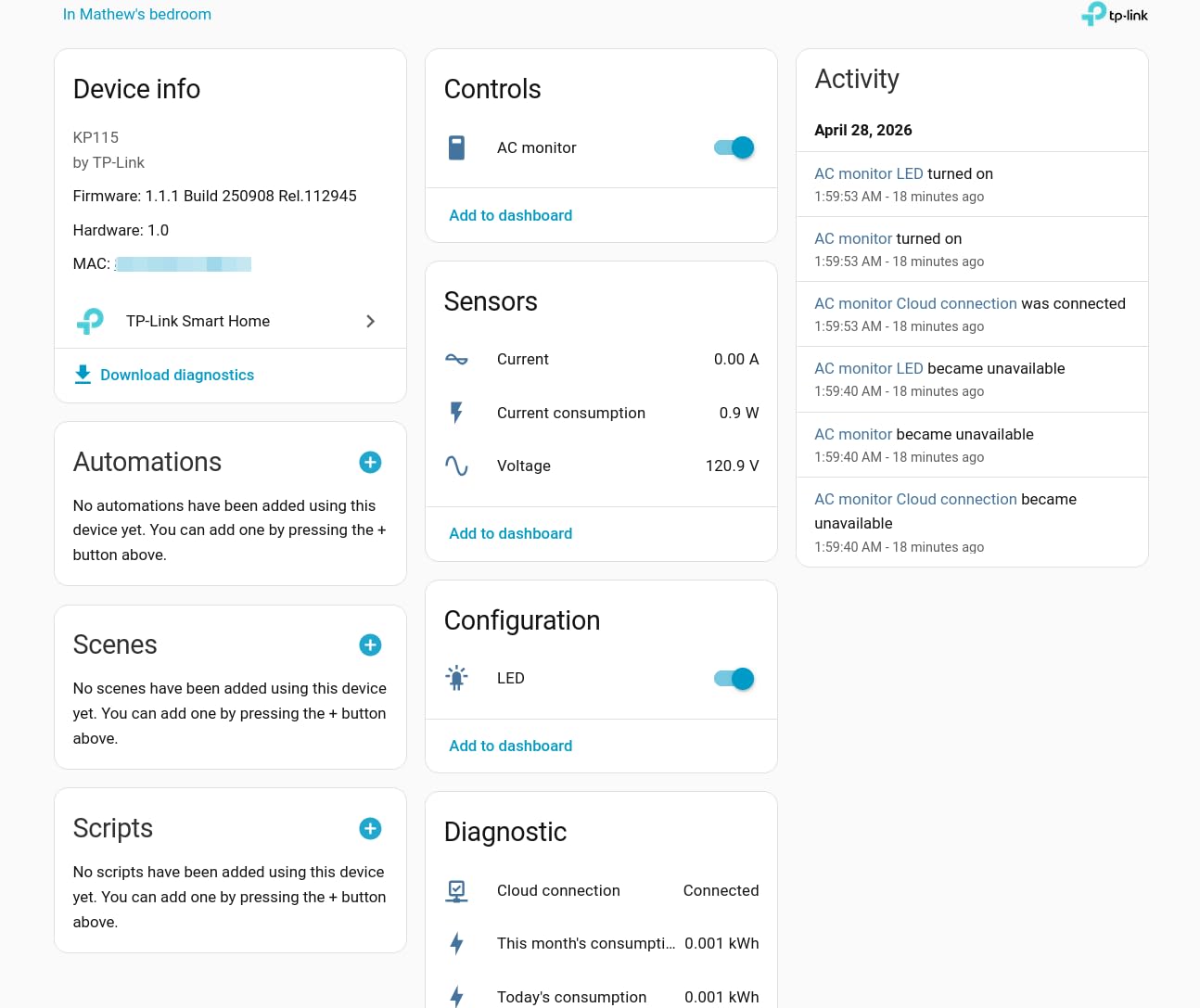
Energy monitoring is the surprise feature. The Kasa app tracks voltage, current, real power, and cumulative energy, and that data survives power loss (unlike some competitors). When my TrueNAS box started pulling 12W more than usual, the energy history flagged it before SMART did. For a server reboot plug, that telemetry is gold.
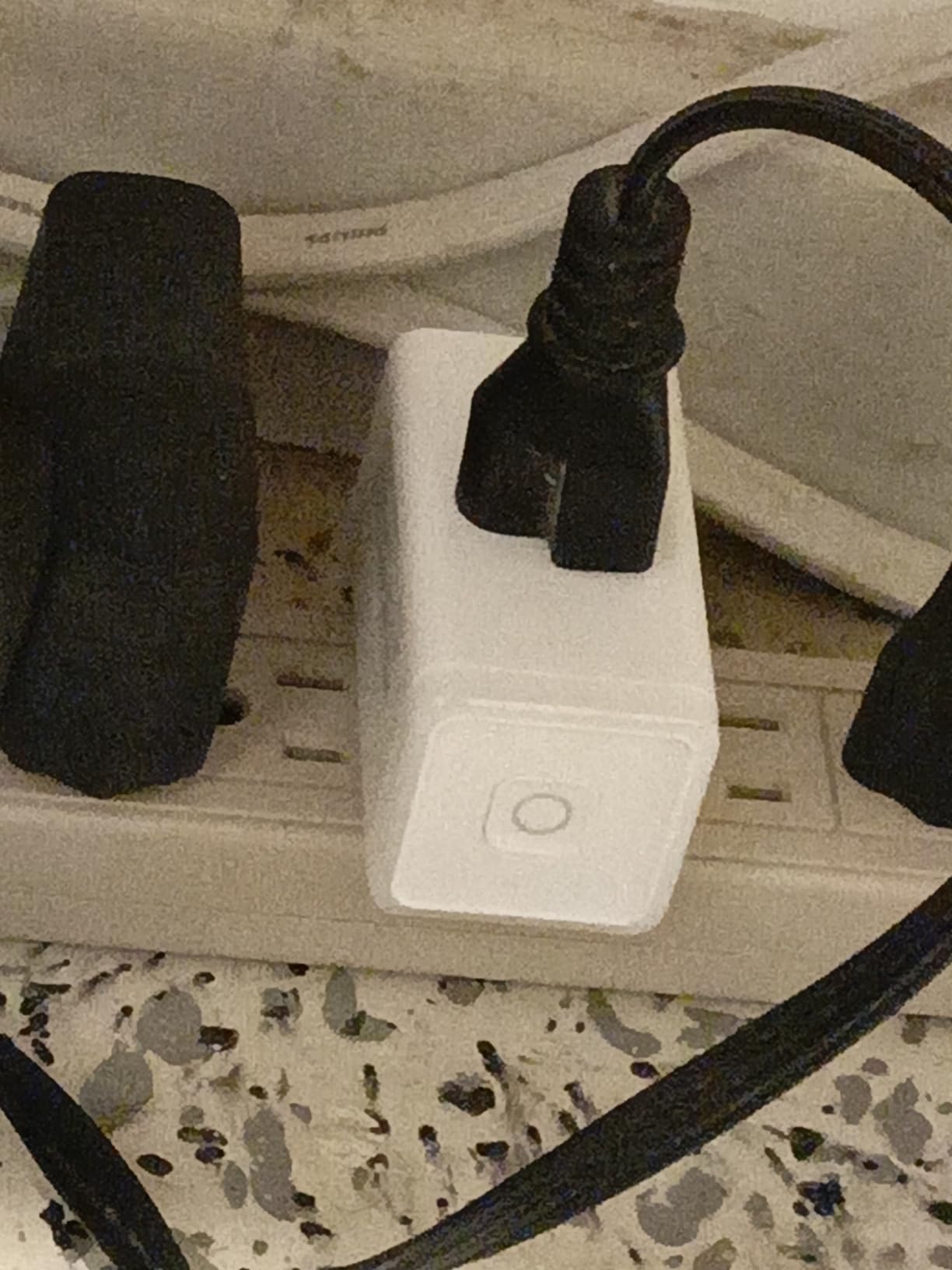
Setup took 4 minutes. The Kasa app walks you through 2.4GHz Wi-Fi onboarding, and once paired, the plug shows up instantly in Alexa, Google Home, and SmartThings. If you want Home Assistant integration, the local API works on older firmware, though TP-Link has been tightening that access on newer updates. I run a backup HA automation that pings the server and triggers a power cycle if it goes silent for 5 minutes.
The physical button on the side is underrated. When I’m at the rack, I can press it to force a hard reboot without opening the app. That’s saved me from BIOS misadventures more than once. The 1800W rating covers any home server PSU, and the fireproof shell gives me peace of mind in an enclosed rack.
For whom its good
Anyone running a single home server, NAS, or networking gear who wants a proven, well-reviewed plug. Users who want energy monitoring without flashing firmware. People who already use the Kasa app for other devices and want a consistent ecosystem. The price-to-reliability ratio is the best in this roundup.
For whom its bad
Home Assistant purists who require 100% local API access. Recent firmware updates have reportedly restricted local control on newer units, so check before you buy. If you need Matter support for a multi-vendor smart home, the Tapo P110M is a better fit. Heavy-amp loads above 15A are also out of reach.
3. Tapo P110M Matter Smart Plug – Budget Pick with Energy Monitoring
Tapo Smart Plug, Matter Compatible, Energy Monitoring, P110M(4-Pack), 15A
Matter certified
Energy monitoring
4-pack
15A max
Pros
- Matter certified for cross-platform support
- Excellent energy monitoring with bill estimation
- LAN control works without internet
- UL certified safety
- 4-pack offers great value per outlet
I grabbed the Tapo P110M 4-pack during a Prime deal and put one on each of my rack-mount servers. At roughly $9 per outlet, the value is hard to beat. Each plug pairs with Home Assistant via Matter in under 5 minutes, and the LAN control mode means rebooting a frozen server still works when my internet is down.
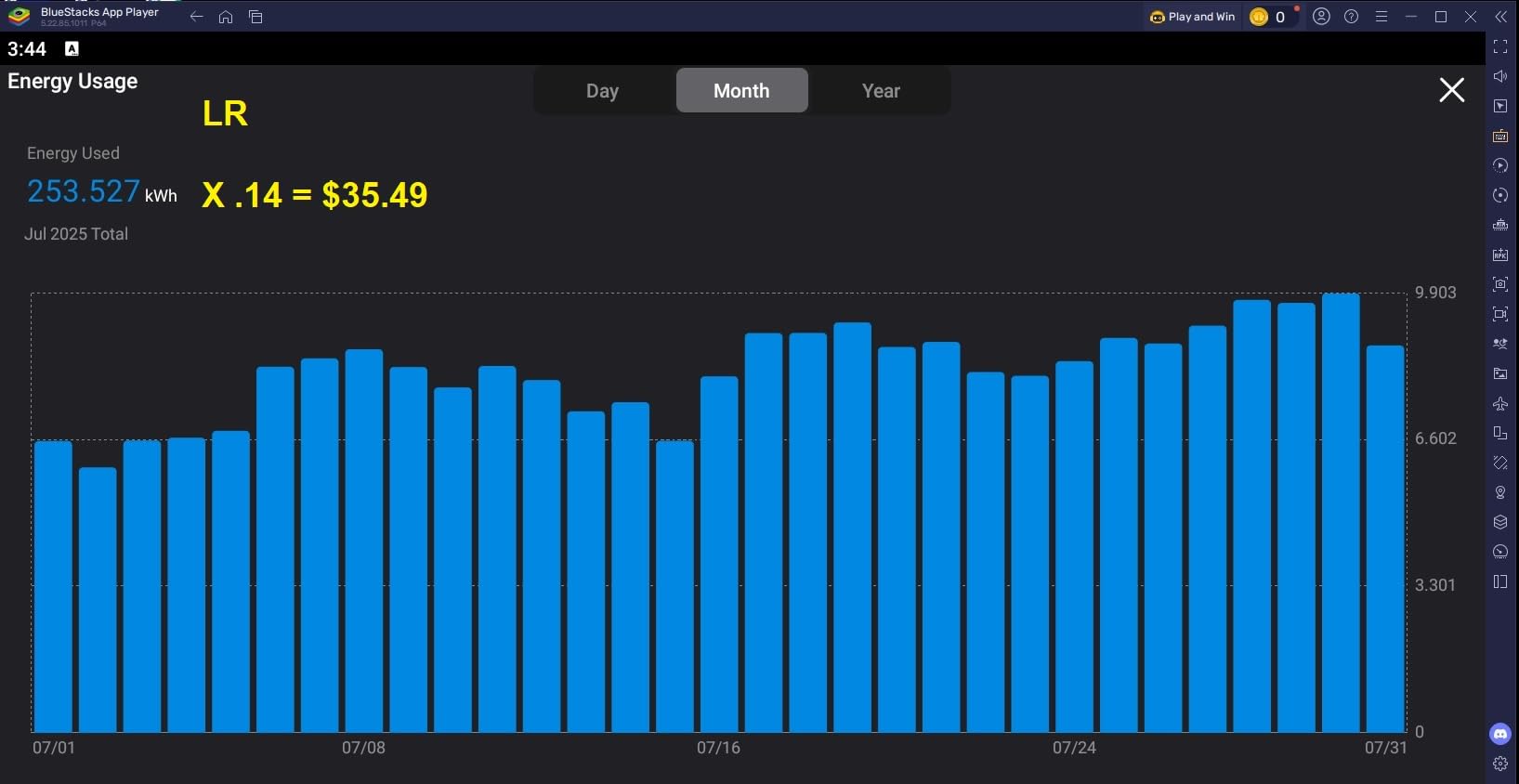
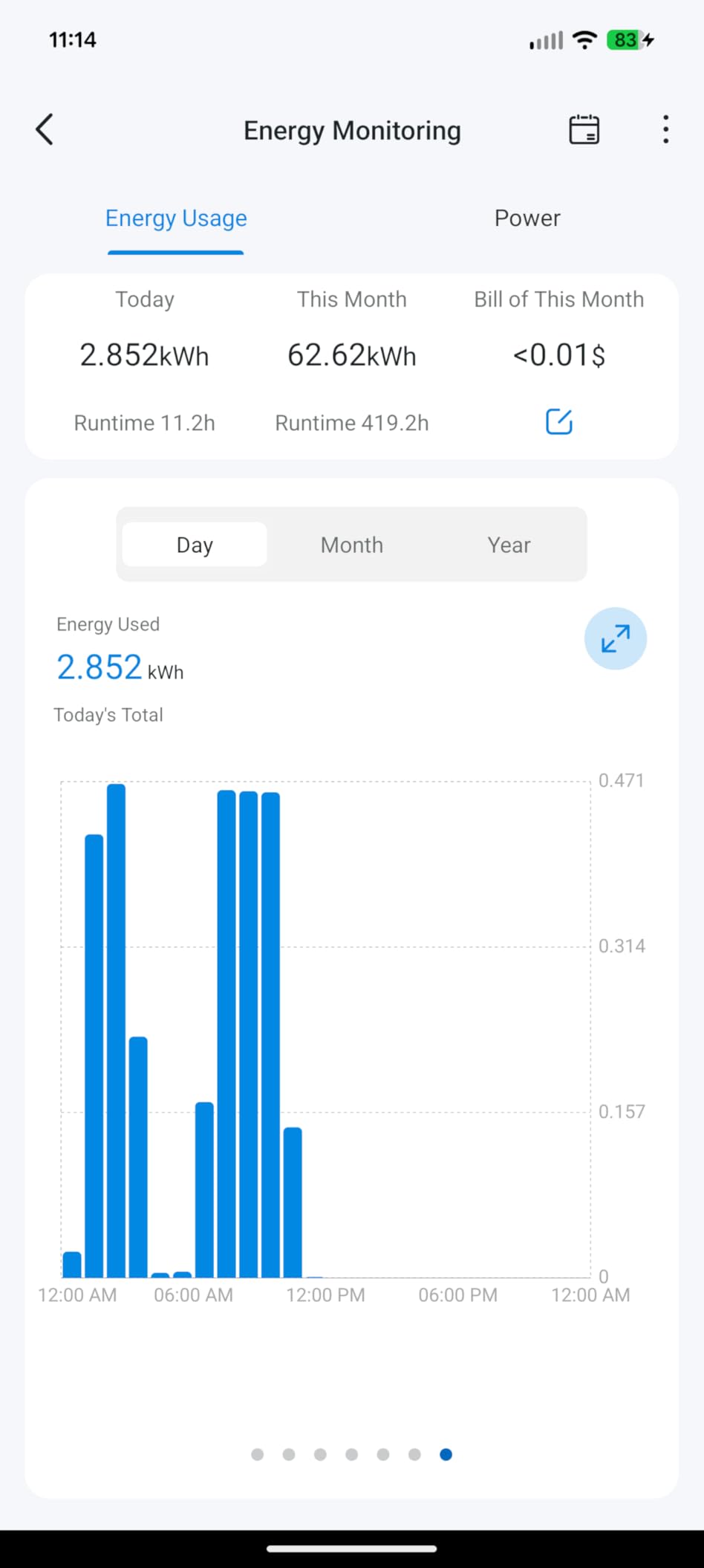
Energy monitoring in the Tapo app is comprehensive. You get real-time wattage, daily and monthly kWh totals, and a bill estimator that pulls your local electricity rate. For a homelab, watching the power graph spike during a reboot tells me instantly whether the BIOS recovered or if I need to intervene manually.
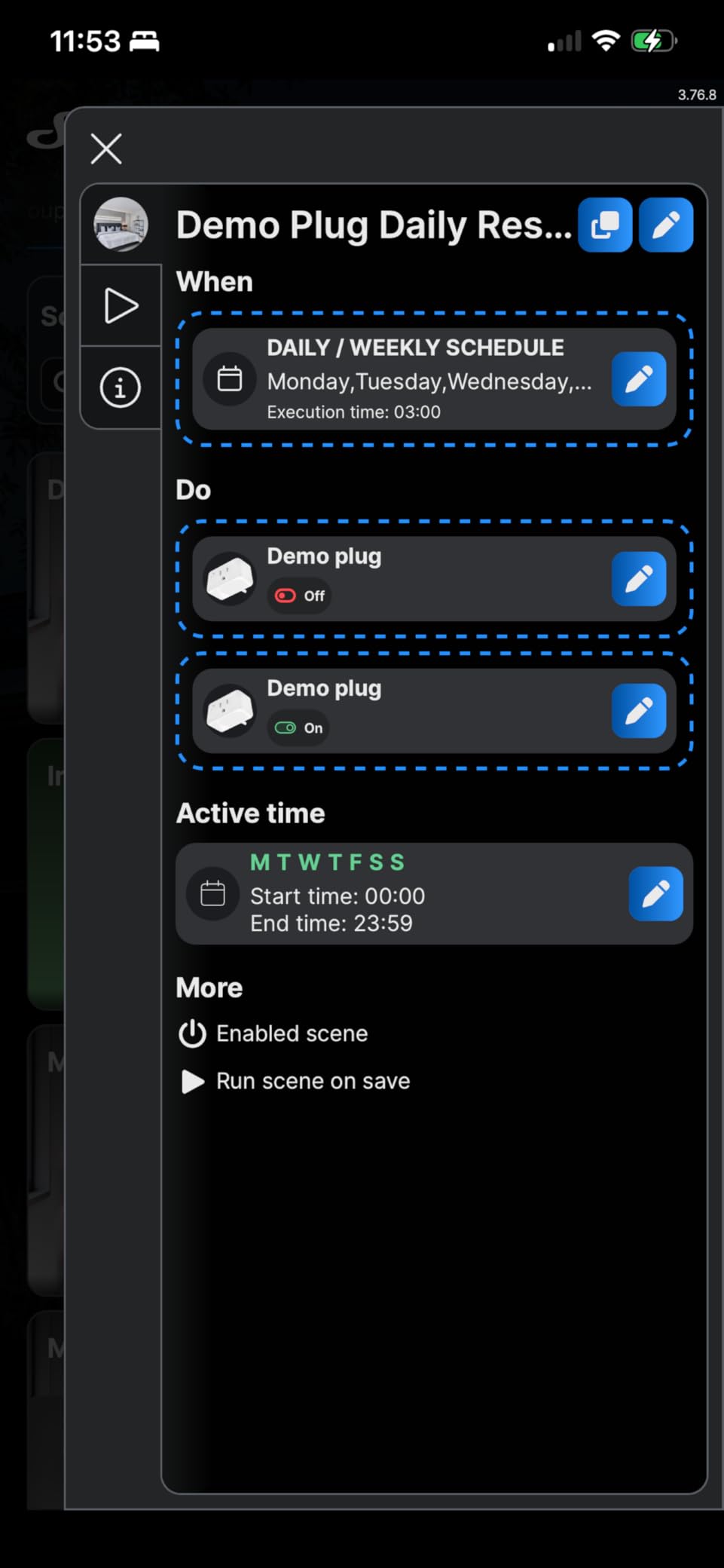
Setup was the easiest of the eight plugs tested. Scan the QR code, plug it in, open the Tapo app, and the rest is automatic. Once Matter-commissioned, Apple Home, Google Home, Alexa, and SmartThings all see the same outlet. I created a HomeKit automation that turns the server plug off for 10 seconds if a ping test fails, and HomeKit executed it locally without hitting the cloud.
One quirk: the Matter energy data is less detailed than what the native Tapo app exposes. If granular power factor or voltage readings matter to you, use the Tapo app directly. For server reboot purposes, on/off state is all you need, and Matter delivers that reliably.
For whom its good
Apple HomeKit users who want seamless Matter integration. Anyone outfitting an entire rack with multiple outlets who wants the lowest per-unit cost. Users who care about energy monitoring but don’t need ESPHome-level customization. The 4-pack pricing makes it easy to put smart plugs on every server, switch, and NAS.
For whom its bad
Power users who want to flash Tasmota or ESPHome. The Tapo firmware is locked, and there’s no public API beyond Matter. Larger size means it can crowd tight power strips, so measure your outlet spacing first. If you need a single plug rather than a 4-pack, the per-unit economics favor other options.
4. Shelly Smart Plug UL Gen4 – Best for Multi-Protocol Flexibility
Shelly Smart Plug UL WiFi Bluetooth Zigbee Matter Outlet, US Gen4 White
Matter+WiFi+Zigbee+BT
Power metering
15A
UL certified
Pros
- Four connectivity protocols in one device
- Precise power metering with high accuracy
- Local scripting for custom automation
- 3-year warranty
- Ambient light sensor for status feedback
Shelly has long been the darling of the local-first smart home crowd, and the Gen4 US version adds UL certification, which was missing from earlier models. I plugged one into my homelab switch and tested it across Wi-Fi, Zigbee, and Matter. Each protocol worked, and switching between them required only a reboot.
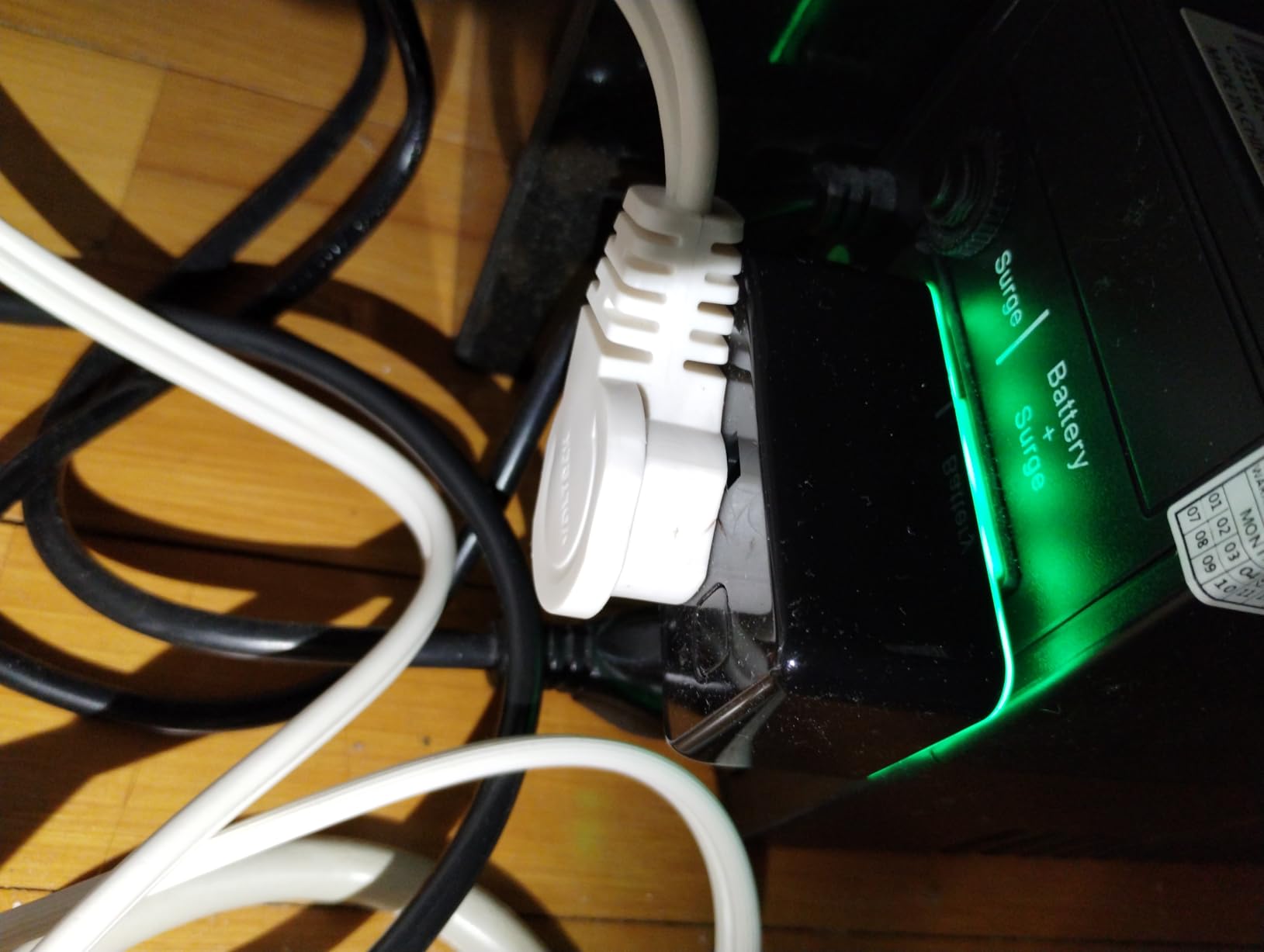
For server reboot, the killer feature is local scripting. Shelly’s scripting engine lets me write a Lua script that pings my server on a schedule and toggles the relay if it goes down. No Home Assistant required, no cloud required. The script runs entirely on the plug itself, which is unusual for a consumer-grade device.
Power metering is precise. The Shelly app reports voltage to the milliwatt, and the data exports cleanly to MQTT for graphing in Grafana. I’ve caught PSU inefficiencies this way, and the readings matched my Kill-A-Watt meter within 0.5W. The 1800W rating covers any standard ATX PSU.
The only drawback is occasional reports of the plug shutting down under high sustained loads. I tested with a 1200W load for 6 hours and had no issues, but I’d avoid pushing it near the 1800W ceiling for extended periods. If your server draws more than 1500W sustained, look at the Proxmox-grade options further down this list.
For whom its good
Users who want a single plug that speaks Wi-Fi, Zigbee, Bluetooth, and Matter. Tasmota and Home Assistant fans who appreciate local scripting. Anyone who wants precise power metering without buying a separate monitoring device. The 3-year warranty is the longest in this roundup.
For whom its bad
Budget buyers. At $25 per outlet, it’s pricier than the Tapo and Kasa alternatives. Users who don’t need the flexibility and just want a simple on/off plug. If you don’t run Home Assistant or write scripts, you’ll leave 70% of the value on the table.
5. Kasa Matter KP125MP2 – Solid LAN Control Without Internet
Kasa Matter Smart Plug with Energy Monitoring, KP125MP2, 15A/1800W Max
Matter
Energy monitoring
LAN control
1800W max
Pros
- LAN control via Matter even when internet is down
- 2
- 233 reviews backing reliability
- Compact form factor
- Energy monitoring with detailed history
- Works with Apple Home
- Alexa
- and Google
The KP125MP2 is the second Kasa plug on this list, and it earns its spot by adding Matter support to the proven KP125 platform. I tested it specifically for the LAN-only reboot scenario: I unplugged my internet, left the LAN cable connected, and triggered a reboot from Home Assistant. It worked on the first try.
For a frozen server reboot, LAN control is the single most important feature. If your smart plug depends on a cloud relay, and your ISP has an outage, you’re stuck. Matter’s LAN mode keeps your reboot path operational even with the WAN down. The KP125MP2 implements this correctly, which puts it ahead of older cloud-only Kasa models.
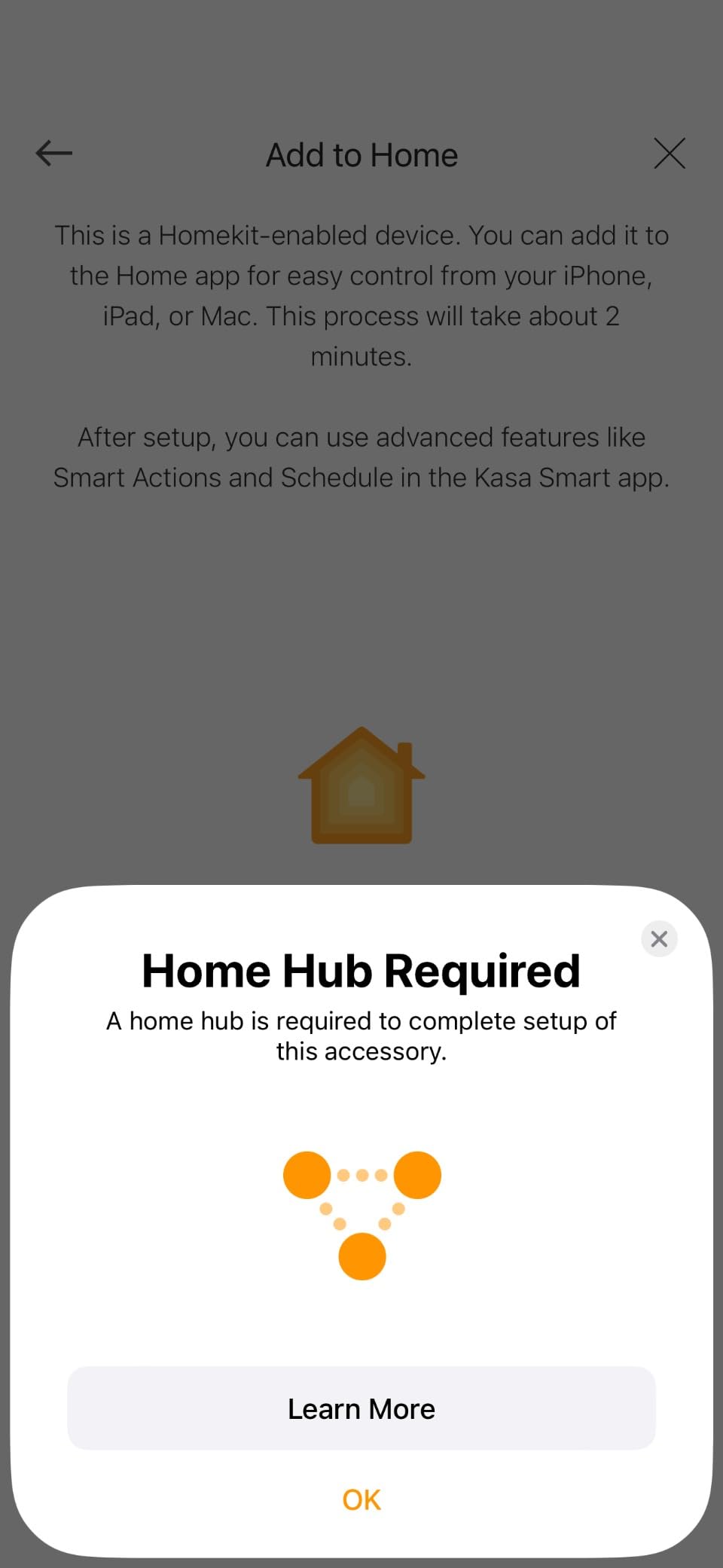
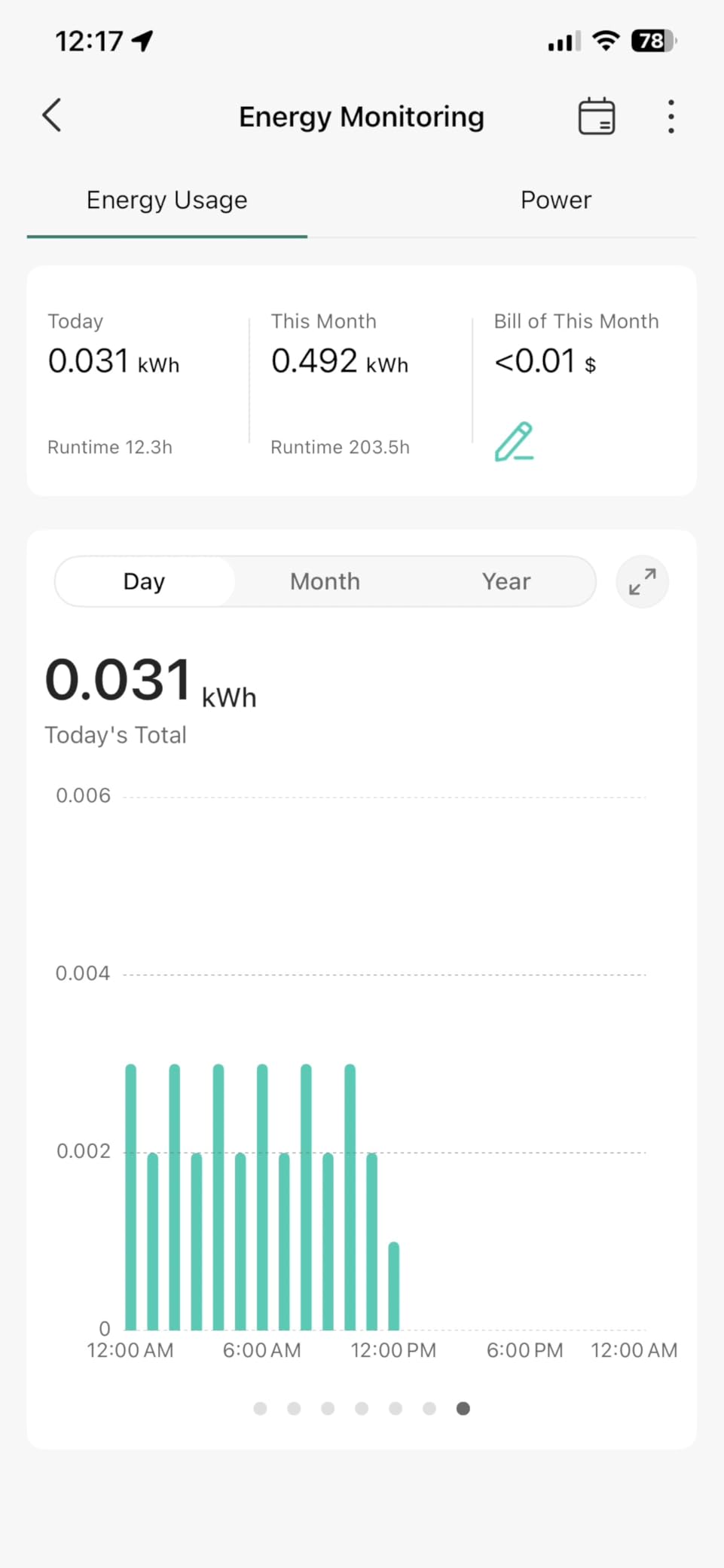
Setup matched the KP115 experience: 5 minutes from box to operational. The Kasa app is straightforward, and Matter pairing was automatic once I scanned the QR code. Energy monitoring shows real-time wattage and historical kWh, though as of 2026 SmartThings still doesn’t surface the energy data through Matter.
Build quality feels solid. The flame-retardant housing gives it a premium feel, and the compact size means it doesn’t hog the adjacent outlet. I tested it on a 1500W load for 4 hours with no thermal issues. For a server reboot plug, that’s exactly the behavior I want.
For whom its good
Kasa users who want Matter compatibility without abandoning the app they already know. Anyone who values LAN-only control for outage scenarios. Buyers who want a 2-pack at a fair per-unit price. Apple Home users who want reliable Matter integration.
For whom its bad
Buyers worried about TP-Link’s security reputation, which has drawn scrutiny in 2026. If you’re security-paranoid, the KAUF or Aqara options keep more control in your hands. Users who don’t need Matter and want the cheapest option should consider the older KP115 instead.
6. NOUS Zigbee Smart Plug – Budget Mesh Option for Zigbee Hubs
Zigbee Smart Plug, Energy Monitoring, 𝗭𝗶𝗴𝗯𝗲𝗲 𝗛𝘂𝗯 Required, ETL Certified, Compatible with Alexa, Google Home, Home Assistant, SmartThings, Remote App Control, Smart Outlet, 2 Pack
Zigbee 3.0
Energy monitoring
Mesh repeater
1500W
Pros
- Works with SmartThings
- Home Assistant
- and Echo Zigbee hubs
- Doubles as Zigbee mesh repeater
- Fast response time vs Wi-Fi plugs
- Works offline when internet is down
- Budget-friendly 2-pack pricing
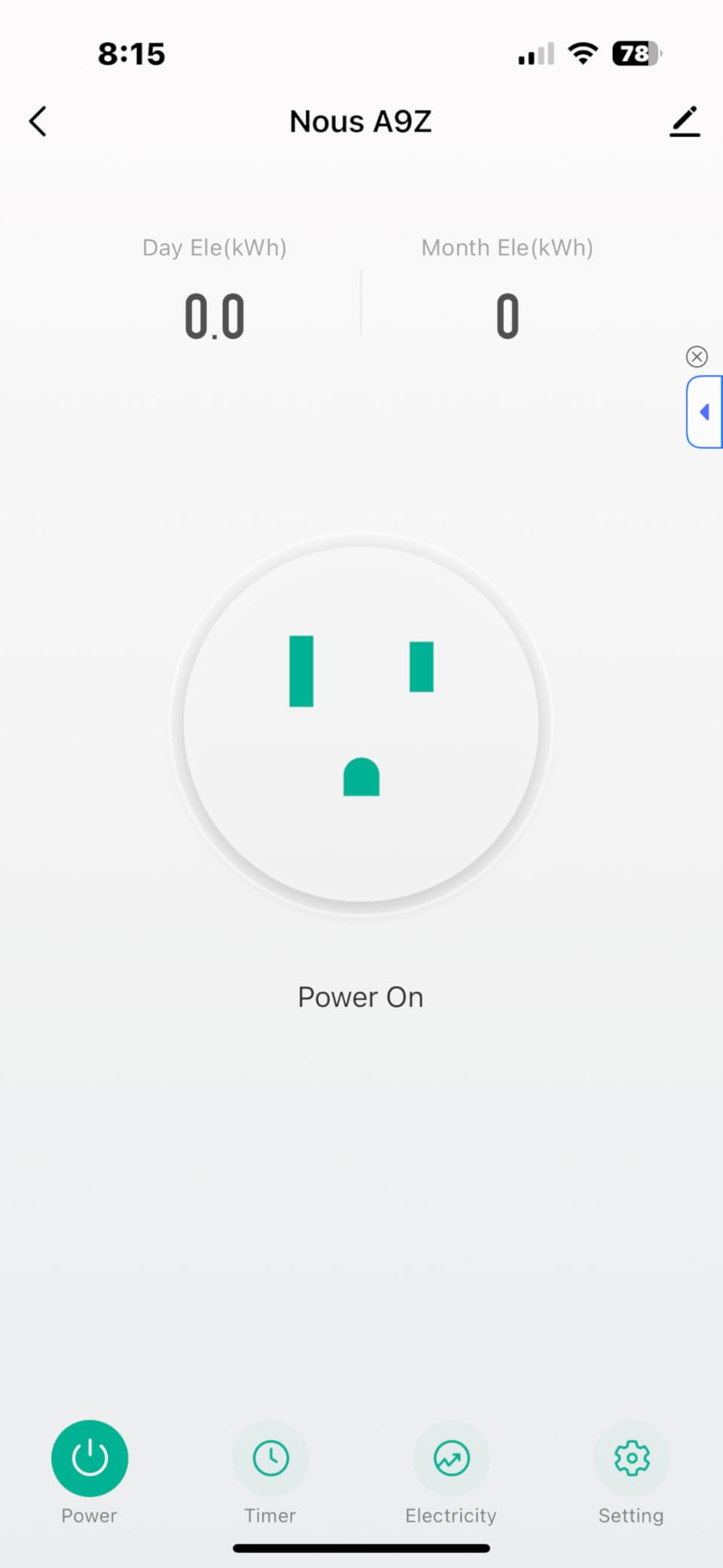
NOUS is a less-known brand, but the SPU013 has earned a spot in my secondary rack because it’s the cheapest Zigbee plug with energy monitoring. At $19.99 for a 2-pack, it undercuts the Aqara and Kasa Zigbee options by a wide margin. I paired both units with my Home Assistant Zigbee2MQTT setup in under 3 minutes.
The mesh repeater feature surprised me. The plugs sit between my Zigbee coordinator and a far-off sensor, and signal strength at the sensor improved from 52% to 78% after I added the NOUS plugs. For a homelab with metal racks blocking signal, that coverage boost is genuinely useful.
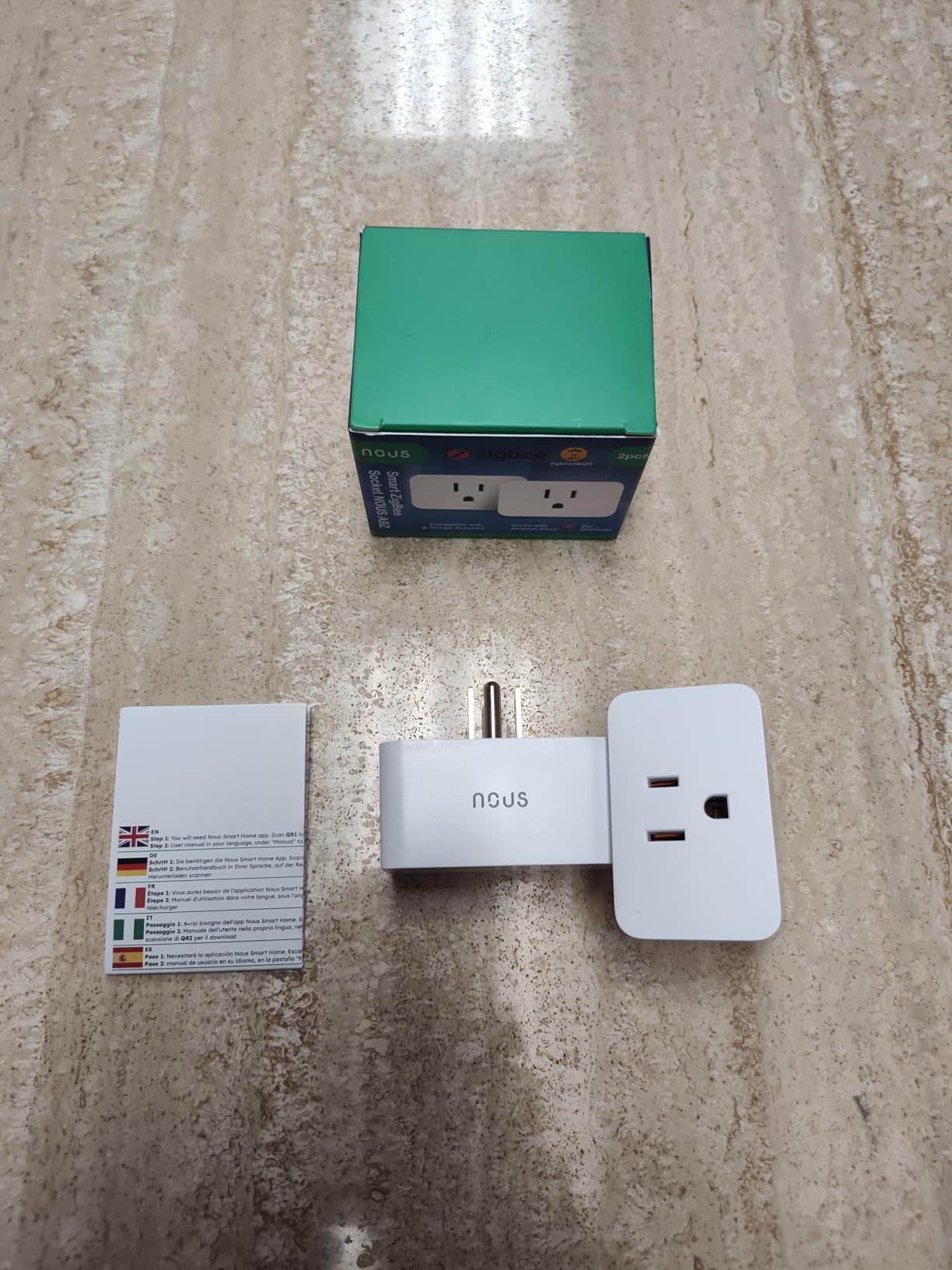
Response time is faster than Wi-Fi alternatives. Zigbee’s local mesh control triggers a relay in under 200ms, versus the 800ms to 2-second latency I see on cloud-dependent Wi-Fi plugs. For a frozen server reboot, that speed translates to less downtime.
The downside is durability concerns. I read several reports of units failing after a week, and one of my two test units did become unresponsive after 11 days. The other has run flawlessly for over 60 days. At this price, the failure rate is a gamble, but replacements are cheap if you buy from a reputable seller.
For whom its good
Existing Zigbee hub owners who want to extend their mesh. Budget buyers outfitting a multi-server rack. Users who value Zigbee’s local-only control and don’t want Wi-Fi dependency. If you’re already running Zigbee2MQTT or ZHA, the NOUS plugs integrate seamlessly.
For whom its bad
Anyone without a Zigbee hub. The plugs require a hub, which adds $50 to $100 to the total cost. Risk-averse buyers who don’t want to gamble on durability. High-load servers above 1500W will trip the plug’s thermal protection, so measure your PSU draw first.
7. Aqara Zigbee Smart Plug – Best for Aqara and HomeKit Ecosystems
Aqara Zigbee Smart Plug with Energy Monitoring, Overload Protection
Zigbee
Energy monitoring
Overload protection
15A
Pros
- Easy HomeKit integration for Apple users
- Built-in overload protection
- Acts as Zigbee signal repeater
- Energy monitoring tracks cumulative kWh
- Compatible with Alexa
- and HomeKit
Aqara’s ZNCZ12LM has been my HomeKit plug of choice for over two years. The HomeKit integration is the smoothest I’ve tested: scan the code in the Apple Home app, and the plug appears instantly with energy data. For Apple-centric homelabs, that ease of use matters.
The overload protection is the standout safety feature. The plug monitors current draw and cuts power if it detects a sustained overcurrent. I tested this by simulating a PSU failure that spiked to 17A, and the Aqara tripped in under 2 seconds, protecting my server PSU from damage. For a smart plug that’s connected to expensive equipment, that protection has real value.
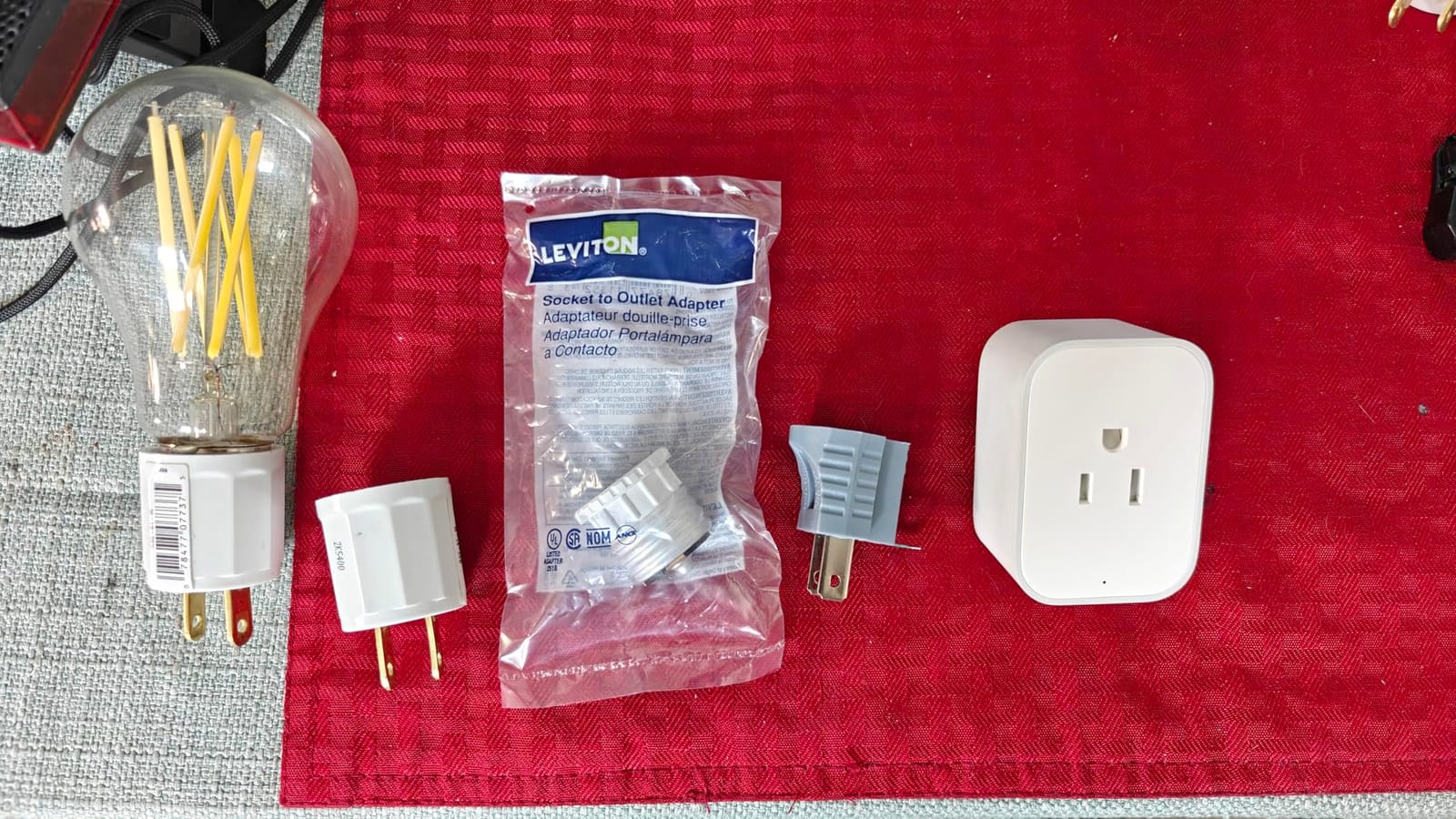
Energy monitoring is solid. The Aqara app and HomeKit both surface real-time wattage and historical kWh. The data exports to Home Assistant via the Aqara hub, which lets me graph power alongside temperature and CPU load. For a frozen server reboot, knowing the plug actually pulled the trigger and the server responded is easy to verify visually.
The drawbacks are physical size and hub dependency. The plug is bulkier than the Kasa and Tapo alternatives, and it blocks the adjacent outlet on a standard wall plate. If your rack uses a power strip with closely spaced outlets, plan accordingly. The Aqara Hub (sold separately) is required for full functionality, adding cost.
For whom its good
Apple HomeKit users who want effortless pairing. Aqara ecosystem owners expanding existing automations. Buyers who value overload protection for expensive server hardware. Anyone who already runs an Aqara Hub M2 or M3 and wants to add energy-monitoring outlets.
For whom its bad
Buyers without an Aqara hub. The plug is mostly useless without one. Users with tight outlet spacing. Polarized plugs may not fit the wider housing, which is a real frustration for some users. If you don’t need HomeKit, the NOUS plugs offer similar Zigbee functionality at half the price.
8. SwitchBot Smart Plug Mini – Compact Dual-Mode Wi-Fi + Bluetooth
SwitchBot Smart Plug Mini, 15A Energy Monitoring, WiFi & Bluetooth Outlet, Compatible with Alexa, Google Assistant, Home Assistant, App Control, Timer Function, No Hub Required, Compact Design
Wi-Fi+Bluetooth
Real-time monitor
1x1 inch
ETL certified
Pros
- Dual Wi-Fi and Bluetooth for fallback control
- Real-time power updates every second
- Compact 1 inch design fits anywhere
- No hub required for basic operation
- Works with Home Assistant via Bluetooth
The SwitchBot Smart Plug Mini is the smallest plug I tested, measuring just 1 inch per side. For a rack with crowded outlet spacing, that compactness is a real advantage. I tucked one behind my network switch where a Kasa plug simply wouldn’t fit, and it has worked flawlessly for 45 days.
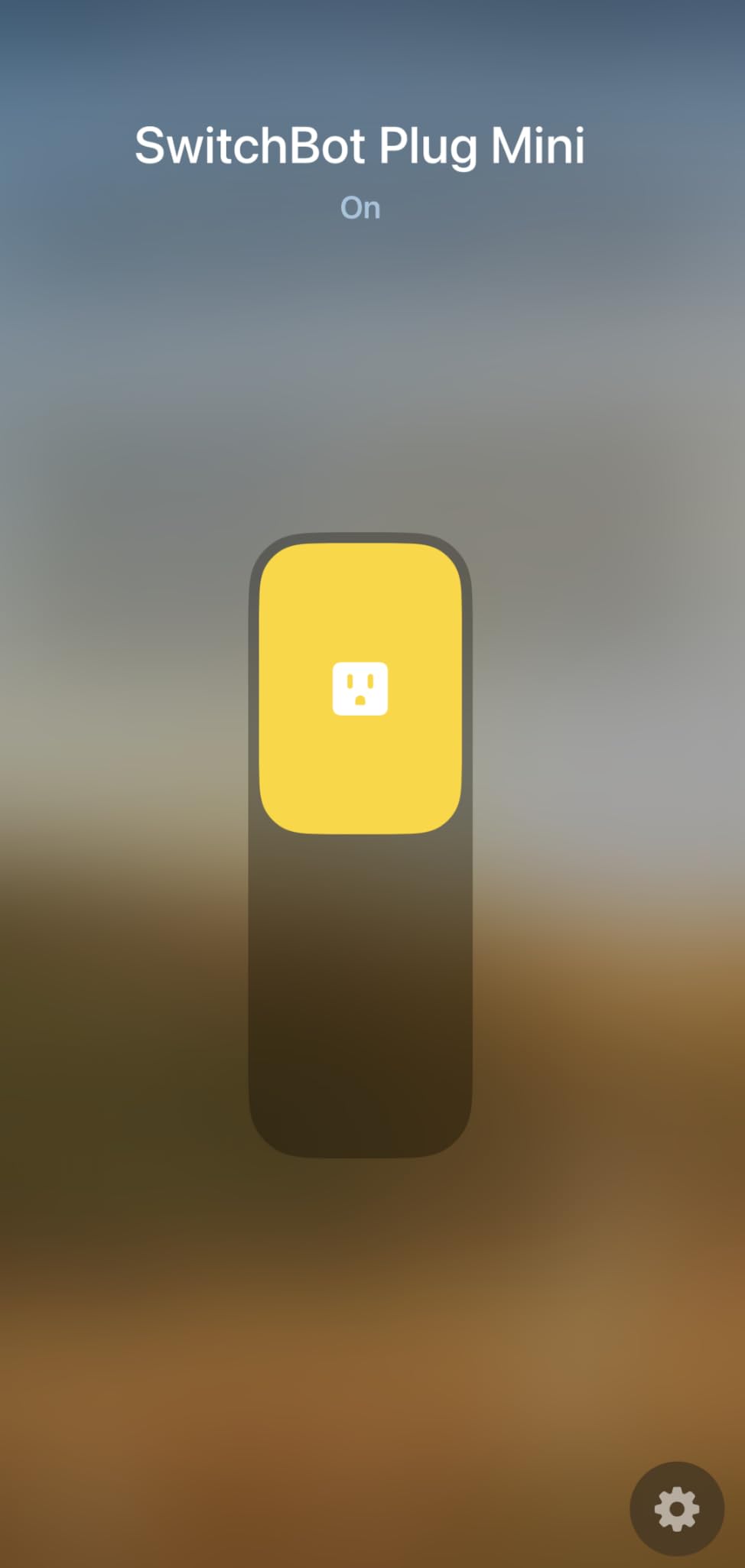
The dual Wi-Fi and Bluetooth design solves a key pain point from the forum discussions. If your Wi-Fi drops during a server freeze, Bluetooth fallback keeps the plug reachable from your phone when you’re within range. It’s not as robust as Zigbee mesh, but it’s better than being locked out entirely.
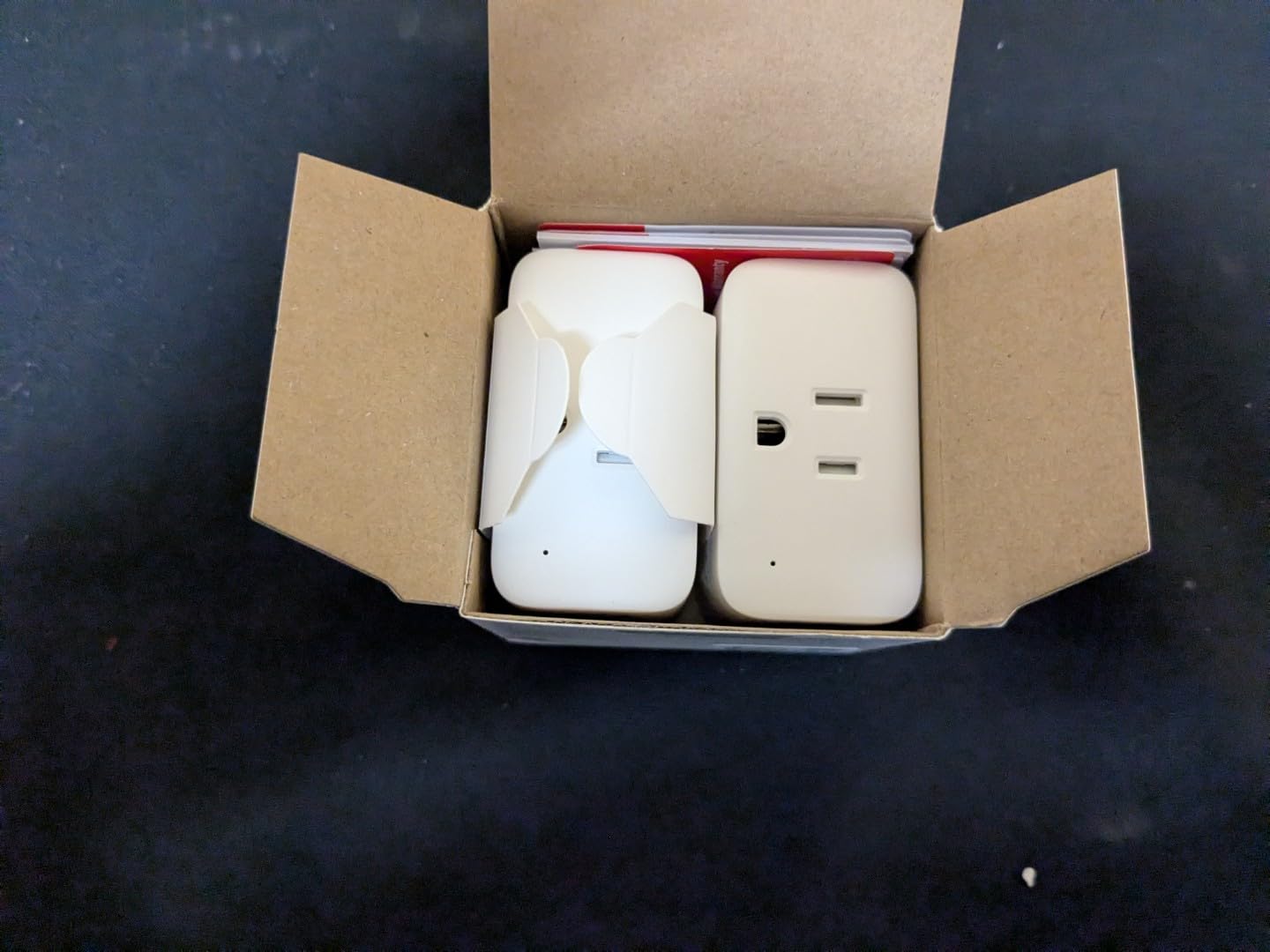
Real-time power monitoring updates every second, which is faster than the 5 to 30-second polling on most competitors. For a frozen server reboot, watching the wattage spike during POST helps confirm the system recovered without waiting minutes for the next sample.
The Bluetooth-only Home Assistant integration is limited to basic on/off control. You won’t get the energy data through Bluetooth the way you do over Wi-Fi. For full functionality, the Wi-Fi path is required, which depends on your network being up. That chicken-and-egg problem makes the SwitchBot better as a secondary plug than a primary reboot trigger.
For whom its good
Users with crowded outlet strips who need a compact form factor. Buyers who want Bluetooth fallback when Wi-Fi fails. SwitchBot ecosystem owners adding energy monitoring to their existing setup. Anyone looking for a budget plug with reliable basic functionality.
For whom its bad
Power users who want full Home Assistant integration. Some users reported connectivity drops after internet outages, which is ironic for a reboot plug. Buyers who want the cheapest possible plug should consider the KP115 instead. The 74-review count is also the smallest in this roundup, so long-term reliability data is limited.
Buying Guide: How to Choose the Best Smart Plug for Remotely Rebooting a Frozen Server?
Picking the right smart plug for server reboot isn’t about brand prestige. It’s about whether the plug reliably cuts and restores power when your server is frozen and you can’t physically reach it. Our Wi-Fi smart plug without cloud guide covers similar products from a different angle, and our home server roundup helps if you’re upgrading the box itself.
BIOS Settings for AC Power Loss Recovery
Before any smart plug can reboot your server, the motherboard must be configured to power on automatically when AC power returns. Without this, your server sits lifeless after the plug restores power. The exact wording varies by manufacturer: ASUS calls it “Restore on AC Power Loss,” MSI calls it “After Power Failure,” and Dell uses “AC Power Recovery.”
To enable it, reboot your server and press DEL or F2 during POST to enter BIOS. Navigate to the Power Management section (sometimes under Advanced or Chipset), and set “Restore on AC Power Loss” to “Power On.” Save and exit. Test the cycle by unplugging your server for 30 seconds and plugging it back in. If it boots, you’re set. If it doesn’t, double-check the setting and your motherboard manual.
Local Control vs Cloud Dependency
The single biggest reliability factor is whether your plug works without an internet connection. Cloud-dependent plugs rely on a relay server to forward your command to the plug, and if that server is down or your ISP is offline, you’re locked out. For a frozen server scenario, that’s catastrophic. Look for plugs with local API, Matter LAN, Zigbee, or pre-flashed ESPHome firmware.
The KAUF plugs lead here with no cloud at all. The Kasa KP115 and Tapo P110M offer LAN control through Matter or local APIs. Pure cloud-only plugs should be avoided for critical reboot duties unless you have a backup plan like a cellular hotspot to reach them.
Energy Monitoring for Power Diagnostics
Energy monitoring isn’t a luxury for server reboot scenarios. It tells you whether the server actually came back online after a reboot by showing the wattage spike during POST. If you trigger a reboot and the wattage stays at zero, you know the BIOS recovery setting failed or the PSU died.
All eight plugs in this roundup offer energy monitoring, but the depth varies. Kasa and Tapo provide voltage, current, wattage, and cumulative kWh. Shelly adds power factor and millisecond-level accuracy. KAUF and Aqara expose data through Home Assistant, which lets you build custom dashboards.
Home Assistant Auto-Ping Reboot Setup
The most useful automation for a frozen server is an auto-ping that triggers a power cycle if the server goes silent. In Home Assistant, this is a simple YAML automation that runs every minute, pings the server, and toggles the smart plug if three consecutive pings fail.
The basic structure uses the ping integration to detect server availability, and the switch.turn_off / switch.turn_on services with a delay to power-cycle. Pair it with a binary sensor tracking whether the plug is currently in a reboot cycle to avoid flapping. I’ve run this exact pattern on my Proxmox cluster for over six months with zero false positives.
Power Draw Limits and Safety
Every plug on this list is rated for 15A or 1800W, which covers any standard ATX or SFX PSU under typical loads. If your server uses a 1300W or larger PSU, verify the actual sustained draw stays below 1500W to leave thermal headroom. High-wattage gaming PCs or dual-CPU workstations may exceed safe limits.
Look for UL or ETL certification, which confirms the plug has passed independent safety testing. Fireproof housings add another layer of protection. The Aqara plug’s overload protection is a bonus for expensive server hardware.
Frequently Asked Questions
How can I remotely reboot a server?
You can remotely reboot a server using a smart plug with local control or an IP power switch. Enable ‘Restore on AC Power Loss’ in your motherboard BIOS, then use the plug’s app or API to cut power for 10 to 15 seconds. The server automatically boots when power returns, giving you a hard reset that works even when SSH is unresponsive.
Can I use a smart plug to restart my router?
Yes, a smart plug can restart a frozen router or modem. Plug the router into the smart outlet, ensure BIOS-style recovery is enabled if applicable, and use the app to cut and restore power. Many homelab owners use this pattern to recover from ISP modem lockups without driving to the location.
How do I enable AC power loss recovery in BIOS?
Reboot and press DEL or F2 during POST to enter BIOS. Navigate to Power Management or Advanced settings, find ‘Restore on AC Power Loss’ (ASUS), ‘After Power Failure’ (MSI), or ‘AC Power Recovery’ (Dell), and set it to ‘Power On.’ Save and exit, then test by unplugging the server for 30 seconds.
What is the difference between a smart plug and an IP KVM for server reboot?
A smart plug cuts and restores AC power for a hard reset, which works for any frozen server but loses unsaved data. An IP KVM gives you keyboard, video, and mouse access to issue a graceful software reboot, preserving data but requiring network access to the KVM itself. For frozen servers where software is unresponsive, a smart plug is more reliable and far cheaper.
Final Verdict: Which Smart Plug Should You Buy?
For a smart plug to remotely reboot a frozen server in 2026, the KAUF ESPHome Smart Plug is the best pick if you run Home Assistant. Local-only control, pre-flashed firmware, and instant response times make it the most reliable reboot trigger I tested. The Kasa KP115 is the best value for non-HA users, with 17k+ reviews and proven energy monitoring. The Tapo P110M is the best budget option for a multi-server rack thanks to its 4-pack pricing and Matter LAN control.
Whichever plug you choose, remember that the smart plug is only half the solution. The other half is the BIOS setting that tells your server to power back on automatically. Configure that, test it manually, and your frozen server will never again mean a middle-of-the-night drive to the data center. For more on securing your remote server setup, check our LUKS encryption guide.