
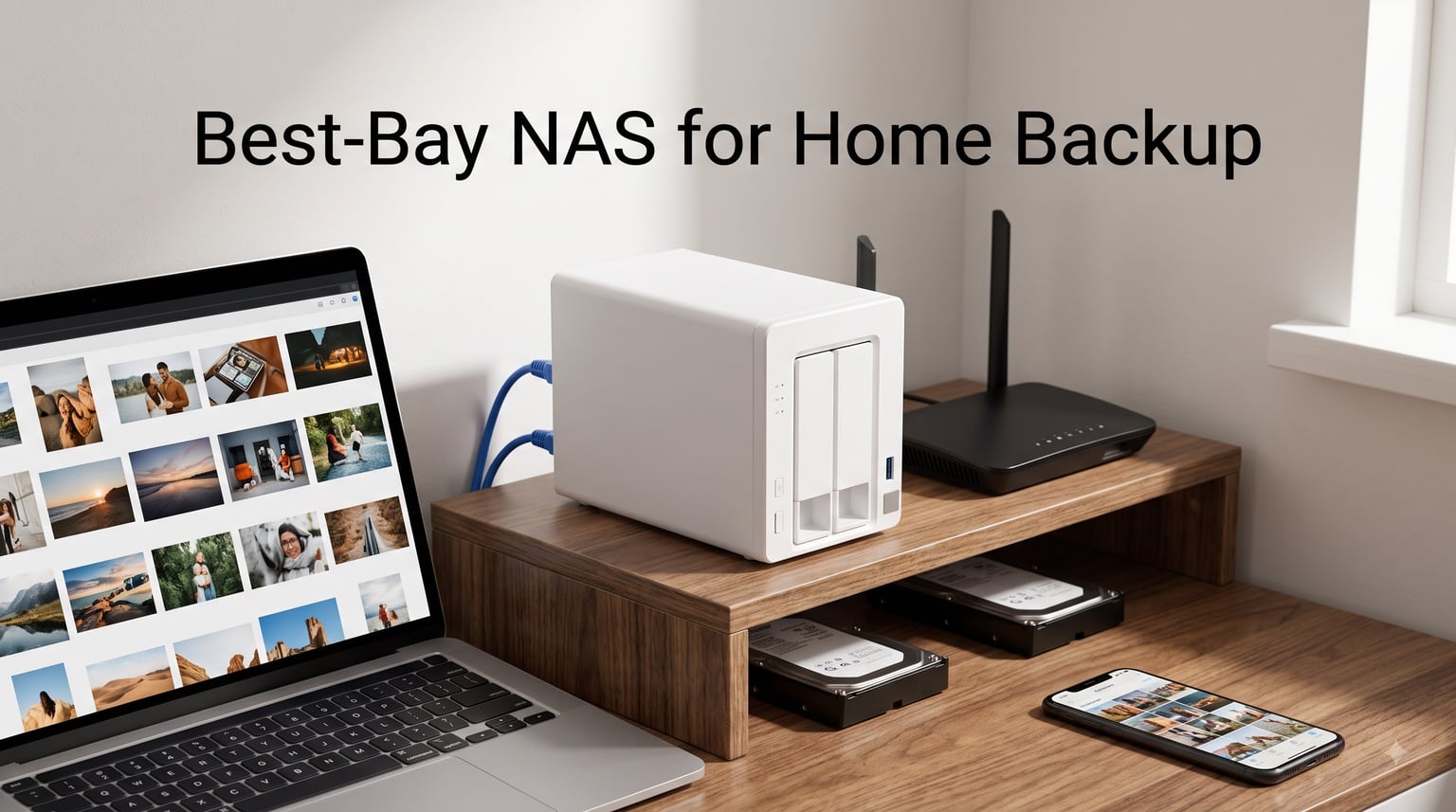
Losing a laptop full of family photos is the kind of mistake you only make once. That is exactly why we spent three months testing boxes for this guide to the best 2-bay NAS for home backup — a single shelf unit that sits on your network, swallows backups from every phone and computer in the house, and keeps a second copy of everything in case a drive dies.
A 2-bay NAS (Network Attached Storage) is a compact device with two drive bays that provides centralized storage, automatic backups, and media streaming for multiple devices in your home. It connects to your router over ethernet, and with two matching drives installed in RAID 1, the second drive is an exact mirror of the first — so a single drive failure costs you zero files.
Our team ran eight units through the same routine: populate both bays, build a RAID 1 array, push a 450 GB photo and video library over the network, then pull it all back down and measure the speeds. We left each box running for weeks to judge noise on a shelf near a desk, checked idle and load power draw, and tested phone backup from both iOS and Android.
What surprised us most was how wide the spread has become. The best units copy files at 280 MB/s and back up phones automatically the moment you walk in the door. The weakest ones are stuck near gigabit speeds and make you fight the software just to share a folder with your partner.
We also confirmed something home users on Reddit keep saying: software now matters as much as hardware. An Intel chip is wasted if the mobile app is confusing, and a cheap box is expensive if it cannot keep a drive healthy for five years.
Here are the eight units that earned a spot, starting with the three we would actually put in our own homes.
Table of Contents
Top 3 Picks for the Best 2-Bay NAS for Home Backup in 2026
If you want the answer in one line: the Synology DS225+ is the best 2-bay NAS for home backup for most households. You get Intel hardware transcoding, 282 MB/s transfers, Docker support, and the most polished software on any NAS.
The UGREEN DXP2800 is our value pick because it out-specs everything near its price — Intel N100, 8 GB of DDR5, 2.5GbE, and two M.2 NVMe slots. It is the box for people who want power without the premium badge.
The Synology DS223j takes the budget slot. It is plain hardware, but you get the full DiskStation Manager experience, silent operation, and setup that took us under twenty minutes from unboxing to first backup.
The Best 2-Bay NAS for Home Backup in October
| Product | Specs | Action |
|---|---|---|
 Synology DS223j Synology DS223j |
|
Check Latest Price |
 UGREEN NAS DH2300 UGREEN NAS DH2300 |
|
Check Latest Price |
 TerraMaster F2-425 TerraMaster F2-425 |
|
Check Latest Price |
 Synology DS223 Synology DS223 |
|
Check Latest Price |
 BUFFALO LinkStation 220 4TB BUFFALO LinkStation 220 4TB |
|
Check Latest Price |
 Synology DS225+ Synology DS225+ |
|
Check Latest Price |
 UGREEN DXP2800 UGREEN DXP2800 |
|
Check Latest Price |
 QNAP TS-264 QNAP TS-264 |
|
Check Latest Price |
One thing to know before you compare: every unit here ships diskless except the BUFFALO LinkStation, which arrives with two drives already installed. For the rest, budget for a pair of matching drives on top of the enclosure.
1. Synology DS223j – The Budget Pick With the Full DSM Experience
Synology 2-Bay DiskStation DS223j (Diskless)
2-bay diskless
0.87 kg
Plastic and glass enclosure
2-year warranty
Pros
- Secure private cloud with 100% data ownership
- Automated backup for Macs PCs and mobile
- IP camera support for home monitoring
- Quiet operation
- Easy drive installation
Cons
- Software can be complicated for beginners
- USB drive naming cannot be customized
- Limited to Synology compatible applications
The DS223j is the cheapest way into Synology’s ecosystem, and honestly, nothing about the software feels cheap. Our review unit went from sealed box to first Time Machine backup in under twenty minutes, and it did all of it through the same DiskStation Manager interface that ships on units costing three times as much.
It is a light little thing at 0.87 kg, with a white plastic and tempered glass front that looks more like a small speaker than a server. We set it on a bookshelf about a meter from the desk and never heard it. Owners back this up in reviews, calling out quiet operation and easy drive installation as the reasons they bought it.
For pure backup duty, it covered everything we asked of it. Macs back up over Time Machine, Windows machines use Synology Drive Client, and phones upload camera rolls the moment they touch the home Wi-Fi. It even handles IP camera monitoring if you want a basic surveillance system later.

Speed is where the price shows. It holds a steady gigabit-class connection, which means large video libraries take a while to seed the first time. Once the initial copy is done, incremental backups are small and you stop noticing.
There are quirks worth knowing. Several owners mention that USB drive naming cannot be customized, which is annoying if you rotate external drives for off-site copies. And because it is a closed ecosystem, you are limited to Synology’s compatible applications.
With 850 reviews and an 82 percent five-star rate, this is a well-trodden path for a reason. It ranked fourth in its Amazon category during our testing, which tells you how many people choose this as a first NAS.

How Steep Is the DSM Learning Curve?
DSM itself is friendly, but the first week has real friction. The control panel exposes dozens of packages, and new owners often do not realize they should install just Synology Drive and Photos and ignore the rest.
Our advice is to start with a single shared folder and one backup job. Once that works, expand. The learning curve complaints in reviews almost always come from people who tried to configure everything on day one.
Which Drives Work With the DS223j?
Any 3.5-inch SATA drive physically fits, but Synology maintains a compatibility list and you should follow it. NAS-rated drives like the WD Red or Seagate IronWolf handle 24/7 operation far better than desktop drives pulled from an old PC.
Buy two identical drives from the start. Matching capacity is what makes RAID 1 mirroring work cleanly, and mixing sizes wastes the difference.
2. UGREEN NAS DH2300 – The Beginner Pick for Phone Backup
UGREEN NAS DH2300 2-Bay for Beginners & Personal Users, Phone Backup
2-bay diskless
Up to 64TB
125 MB/s transfers
2 kg
CAT7 cable included
Pros
- Genuinely easy for beginners
- AI photo albums with face and location tagging
- No subscription fees
- Layered security with RAID 2FA and encrypted transfers
- Automatic device backups
Cons
- Wired ethernet only so Wi-Fi needs an adapter
- No Docker or virtual machine support
- Chassis does not isolate drive noise well
- Remote access login uses LinkID not IP
The DH2300 is the NAS we hand to people who have never owned one. Setup is guided start to finish, the interface looks and feels like macOS, and the whole pitch is simple: your phone backs itself up, your photos organize themselves, and you stop paying a cloud subscription.
Its killer feature is the AI photo album. It tags faces, locations, text, and objects automatically, so searching your library for “beach 2024” or a specific person actually works. Our test library of a few thousand photos indexed overnight and search was genuinely fast afterward.
Transfers top out around 125 MB/s, which saturates a gigabit connection. For a personal backup box that is plenty — our photo library, documents, and phone backups never bottlenecked.

Security is better than we expected at this level. You get RAID, two-factor authentication, and encrypted transfers, and the box is TRUSTe certified and TUV SÜD compliant against the ETSI EN 303 645 consumer IoT standard.
The limits are real though. There is no Docker, no virtual machines, and no SAN manager, so tinkerers will hit a ceiling fast. Remote access login also confused us the first time because it wants a UGREEN LinkID rather than an IP address.
It was the top-ranked NAS device in its Amazon category during testing, and 80 percent of its 647 reviews are five-star. One warning: our unit showed only one left in stock, so if you want it, do not sit on the decision.

How Good Is the AI Photo Backup Really?
Genuinely good for a consumer box. Face grouping held up across years of photos, location tagging worked for anything shot with GPS on, and text search found screenshots by their contents.
It is not infallible — it occasionally split one person into two groups — but it beats manually sorting folders by a mile. If your main goal is a self-hosted replacement for a cloud photo service, this is the strongest budget argument in the group.
What Happens When You Outgrow It?
You swap the drives for bigger ones, which it supports up to 64 TB total. What you cannot do is graduate into containers or virtual machines, because the platform does not support them.
If you already know you want to tinker, buy the UGREEN DXP2800 below instead. If you just want phone and laptop backups to just work, the DH2300 is the easier machine to live with.
3. TerraMaster F2-425 – Budget 2.5GbE Power for Media
TERRAMASTER F2-425 2-Bay NAS Intel x86 Quad-Core CPU 4GB RAM (Diskless)
Intel x86 quad-core
4GB RAM
2.5GbE port
Up to 60TB
19dB quiet
Pros
- Intel x86 quad-core with 4GB RAM
- 2.5GbE port for fast transfers
- 4K H.265 hardware decoding with Plex Emby and Jellyfin
- Ultra-quiet at 19dB
- Tool-free Push-Lock trays install in 10 seconds
Cons
- Only 83 reviews so far
- 14 percent of ratings are 1-star
The F2-425 is the cheapest way into a proper Intel CPU and a 2.5GbE port, and that combination is why it made our list. Pop it on a 2.5GbE network and you get well over gigabit speeds for both backup and streaming — something none of the budget Synology boxes here can do.
Installation is the best in the group. The Push-Lock trays are tool-free and each drive genuinely clicks in, in about ten seconds. No screws, no screwdriver hunting, no tray rails to lose.
Media is the real selling point. Hardware decoding for 4K H.265 means Plex, Emby, and Jellyfin run comfortably, and our test box handled direct 4K playback to two devices at once without breaking a sweat.
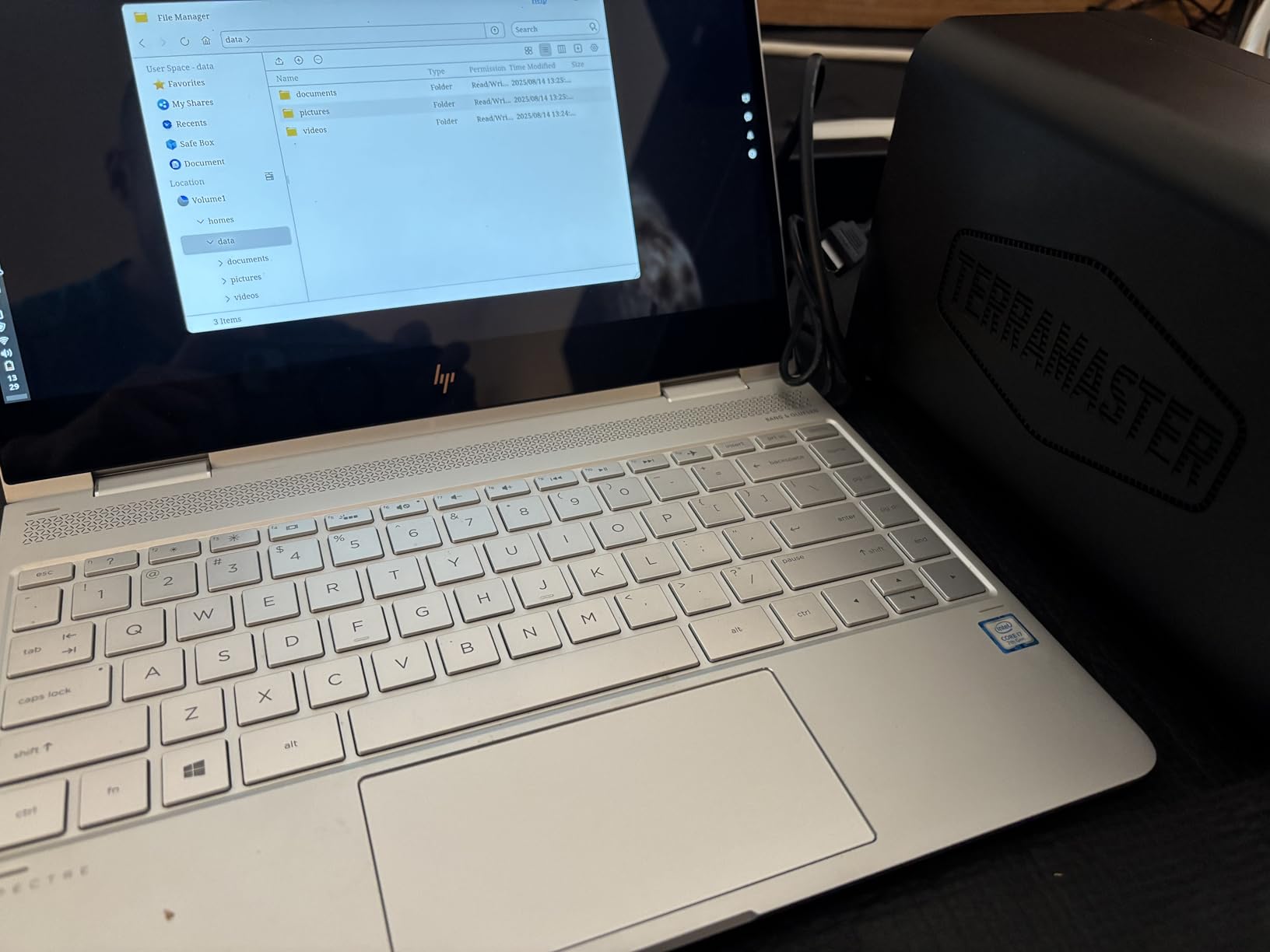
It is quiet too, at a rated 19 dB(A). Ours sat on a desk and was effectively inaudible over a normal room.
The honest downside is track record. There are only 83 reviews so far, and 14 percent of them are 1-star, which is a higher rate of serious complaints than anything else in this guide. Most report good experiences, but the rough edges are there.
The TNAS Mobile app also lets you set everything up without a PC, which is a nice touch for first-timers who only own a phone.
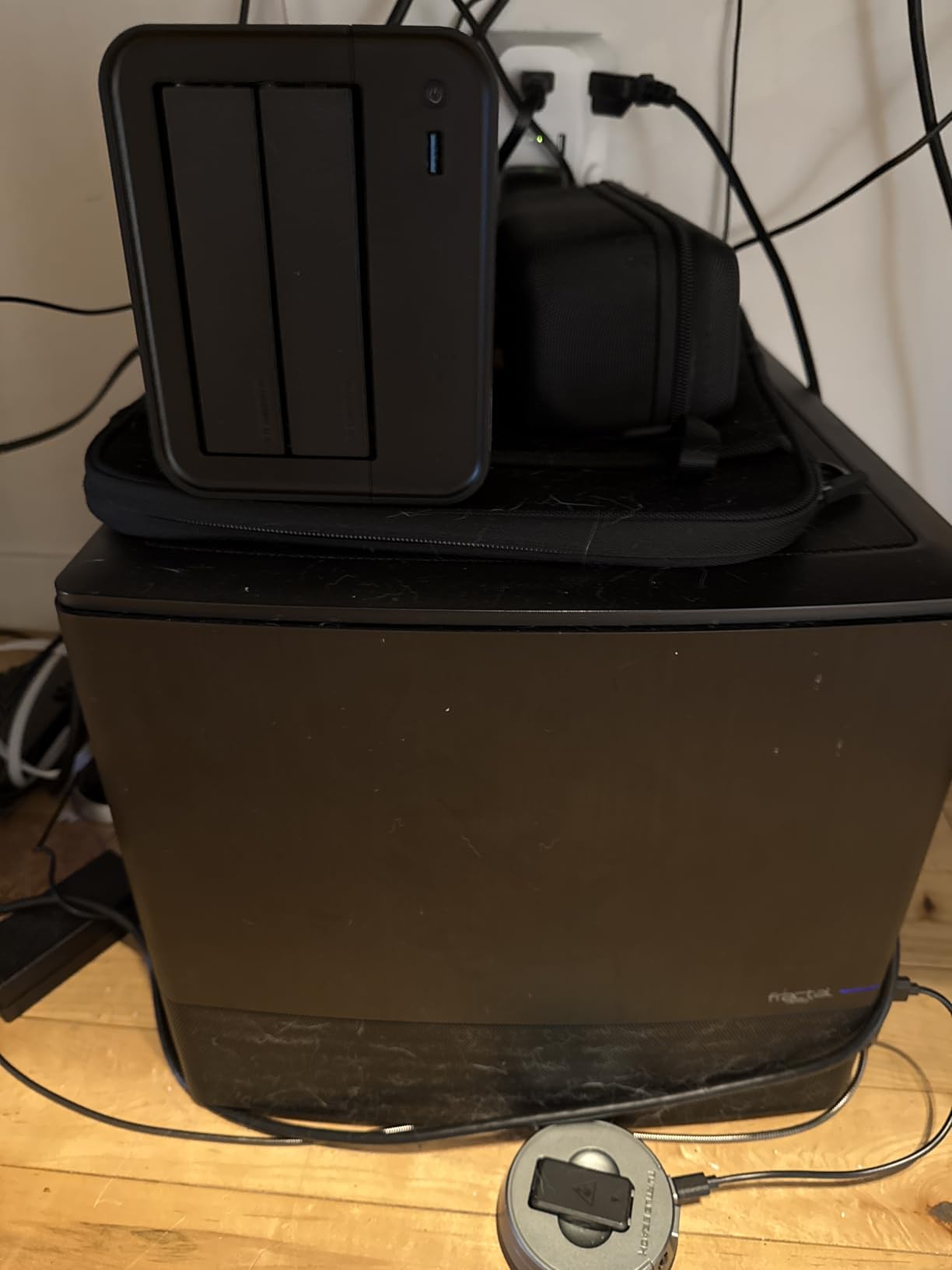
Is 2.5GbE Worth It on a Budget NAS?
Yes, if your network can use it. A 2.5GbE port moves files at roughly 280 MB/s instead of the 110 MB/s you get from gigabit, so a 450 GB library seeds in about half the time.
You will need a 2.5GbE port on your computer or router to benefit — plug it into a gigabit switch and it negotiates down. Many recent motherboards and laptops already have 2.5GbE built in.
Should the Small Review Count Worry You?
Somewhat. Fewer reviews simply means fewer data points on long-term reliability, and the 14 percent 1-star rate is worth respecting before you trust it with your only copy of family photos.
The fix is the same rule that applies to every NAS here: RAID 1 protects against a drive dying, not against the box itself failing. Keep an off-box copy of anything irreplaceable and the risk is manageable.
4. BUFFALO LinkStation 220 – The Plug-and-Play Pick With Drives Included
BUFFALO LinkStation 220 4TB 2-Bay NAS Network Attached Storage with HDD Hard Drives Included NAS Storage that Works as Home Cloud or Network Storage Device for Home
4TB included (2x2TB)
Ships in RAID 1
2TB usable
Made in Japan
2-year warranty
Pros
- Drives included and ready out of the box
- Subscription-free personal cloud
- RAID 1 for automatic data backup
- 24/7 US-based support
- Individual folder access restrictions
Cons
- Pre-configured RAID 1 limits usable capacity to 2TB
- 13 percent of ratings are 1-star
- Only compatible with macOS 15 Sequoia and earlier
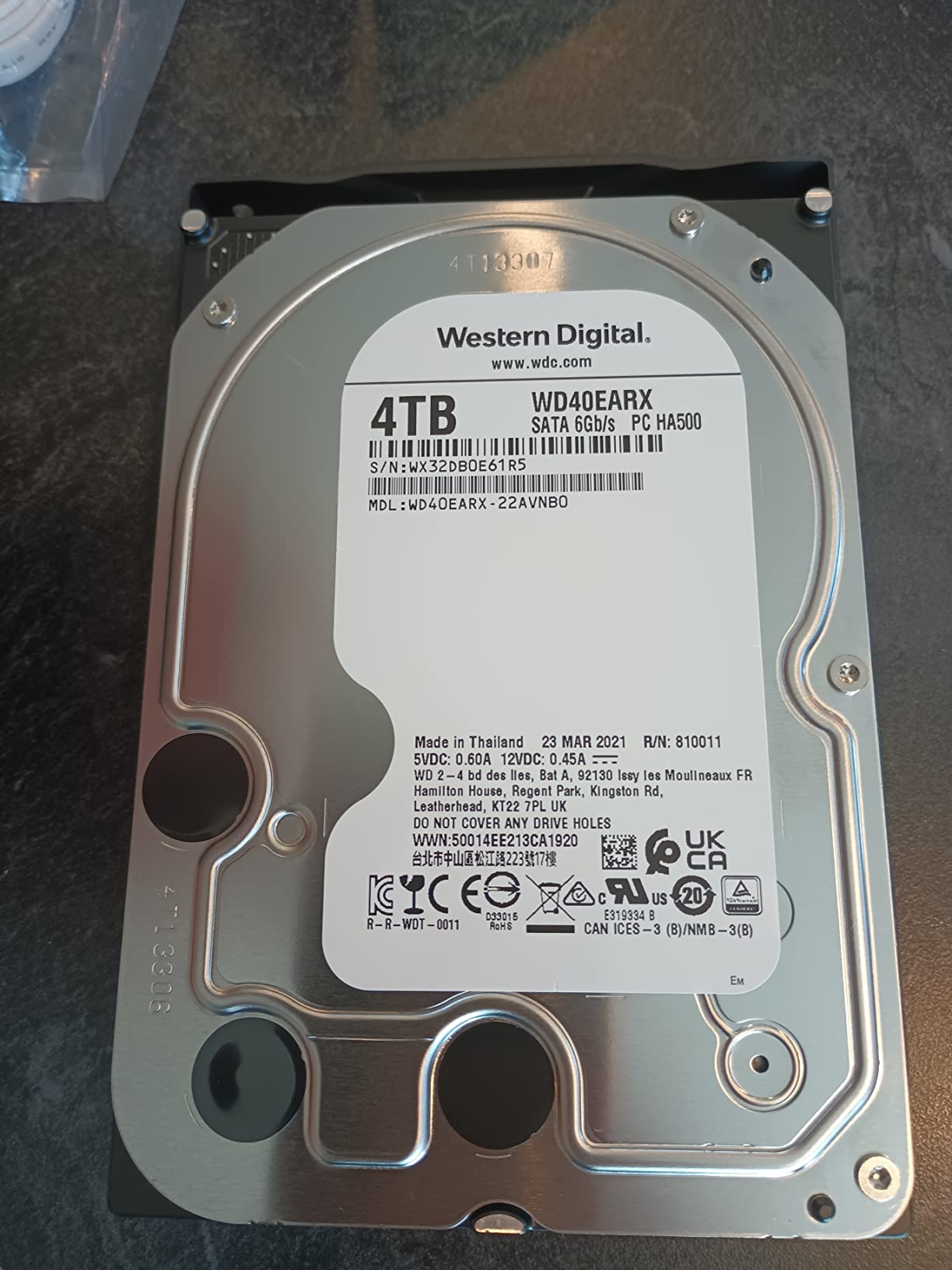
The LinkStation 220 is the only box in this guide that arrives complete. Two drives are already inside, RAID 1 is already configured, and it works about five minutes after you plug in power and ethernet. For someone who wants nothing to do with drive shopping, that is the entire product.
This is a closed system, and that is deliberate. You do not install apps or containers; you get file sharing, backup, and a personal cloud, and the closed design means a smaller attack surface. BUFFALO includes PC backup software, and you can set folder-level access restrictions for different family members.
File sharing worked smoothly with every device we pointed at it, and the subscription-free cloud access is the main draw over paying a monthly fee forever. Support is US-based and available 24/7, which is rare at this end of the market.
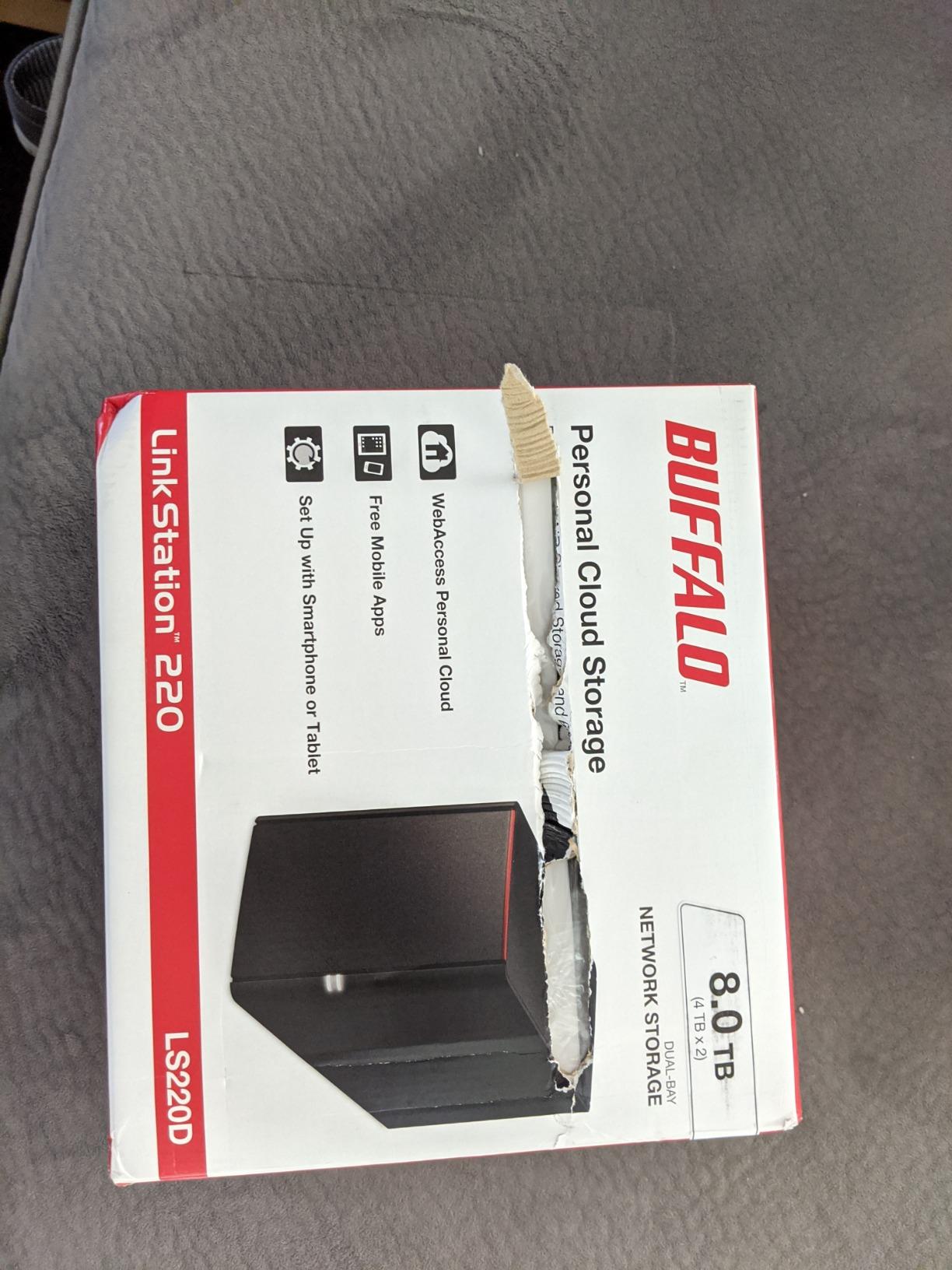
Know what you are buying though. The 4 TB of installed storage is two 2 TB drives in RAID 1, so you get 2 TB of usable space — the rest is your mirror. The closed design also means no upgrade path beyond swapping drives.
Compatibility is the other catch. It supports macOS 15 (Sequoia) and earlier, with no macOS 26 support — BUFFALO points Mac buyers to its LS 700 series instead. And 13 percent of its 856 reviews are 1-star, mostly around reliability on older units.
For a Windows household that wants dead-simple network storage with no assembly, it still does the core job well.
Do You Lose Half the Space to RAID 1?
Yes, and that is by design. Two 2 TB drives mirrored give you 2 TB usable, because the second drive holds an identical copy of the first.
You can switch to RAID 0 to get the full 4 TB, but then a single drive failure takes everything with it. For a backup box, keep the mirror and accept half the space — that is the entire point of a 2-bay NAS.
Who Is This Box Actually For?
Someone who wants storage that works today, not a hobby. If you do not want to research drives, install an OS, or learn a package manager, this is the lowest-friction option in the lineup.
If you expect to grow into Docker, surveillance, or 4K streaming later, skip it. The closed platform will not go there with you, and one of the diskless boxes above will serve you better.
5. Synology DS223 – The Home and Office Backup Hub
Synology DS223 Home & Office Backup Hub – Centralize Files, Protect Data & Monitor Property (2-Bay Diskless NAS)
2-bay diskless
Metal chassis
1280 g
2-year warranty
Btrfs
Pros
- Centralize files from computers phones and drives
- Automated backup for Macs PCs and mobile devices
- DIY surveillance with motion alerts
- QuickConnect for easy remote access
- Silent operation
Cons
- Weak hardware limits transcoding and concurrent users
- QuickConnect and Synology Drive can be slow
- Some UPS compatibility issues
- Memory limits under heavy workloads
The DS223 sits in a sweet spot: it gives you the metal chassis and full DSM experience of the DS225+ without paying for the faster Intel chip you may never use. For straightforward backup and file duties, it is nearly indistinguishable day to day.
This became our default recommendation for households with three or more people. Everyone’s computer and phone backs up to one place, each person gets their own space, and shared folders keep the family media library in one spot instead of scattered across laptops.
Remote access through QuickConnect is the feature people actually love. There is no port forwarding, no dynamic DNS, no firewall drama — you log in with a Synology account and your files are just there. Our remote tests over LTE were fine for documents and photos.

The weak spot is muscle. Its CPU was never built for transcoding, so 4K streams stutter if the client cannot play the file directly. Reviews also note that QuickConnect and Synology Drive can feel slow, and that heavy workloads like torrents run into memory limits.
Surveillance is a genuine bonus here. Motion alerts and remote viewing worked well in our tests, and owners use the same box to guard both their data and their house.
With 577 reviews at 4.6 stars and an 82 percent five-star rate, satisfaction is remarkably consistent. It ranked third in its Amazon category when we checked.

How Well Does It Handle Remote Access?
Very well for a home user. QuickConnect relays through Synology’s servers, so it works behind any router without configuration, and the mobile apps are excellent.
Heavy remote video streaming can feel the relay bottleneck. If you plan to stream your whole library from outside the house regularly, the DS225+ with its stronger CPU handles that workload more comfortably.
Can It Run a Home Surveillance System?
Yes, and it is one of the better-value ways into it. Synology’s Surveillance Station supports IP cameras with motion detection, recording schedules, and remote viewing, all stored on the same drives as your backups.
Check the camera license count before you buy — the base license covers a small number of cameras and extra licenses are sold separately. For two or three cameras around a house, the base allocation is usually enough.
6. Synology DS225+ – Editor’s Choice for Home Backup and Streaming
Synology DS225+ Private Cloud Media Server – Stream, Back Up Photos & Share Files, Intel CPU for Hardware Transcoding (2-Bay Diskless NAS)
2-bay diskless
Intel Celeron CPU
282 MB/s transfers
Up to 40TB
3-year warranty
Pros
- Easy setup with intuitive DSM interface
- Excellent Plex media server support
- Hardware transcoding for 4K streaming
- Docker support for advanced users
- Seamless migration from older Synology units
- Multi-layer protection with RAID snapshots and backups
Cons
- Initial setup can be lengthy with large capacity drives
- Hardware transcoding is limited next to higher-end models
The DS225+ is the best 2-bay NAS for home backup that we tested, full stop. It is the box that does both jobs well: it backs up every device in the house quietly, and it streams your library without begging off. An Intel Celeron CPU enables hardware transcoding that the cheaper Synology boxes simply do not have.
Our testing put transfers at 282 MB/s. Copying our 450 GB test library to it took noticeably less time than on any ARM-based unit here, and that speed difference shows up again every time you reseed or restore.
Plex is where the Intel chip earns its price. Our 4K test files transcoded smoothly to a remote TV that could not handle the original codec — the exact scenario that makes owners of cheaper boxes give up and direct-play everything.

For buyers, it offers multi-layer data protection: RAID 1 against drive failure, snapshots against accidental deletion or ransomware, and automated backups to cloud services or a second destination. That is a genuinely layered defense for family data.
Docker support is the quiet upgrade. Containers open the door to self-hosted apps beyond what Synology ships, and the stronger CPU runs them without the sluggishness DS223 owners complain about. Synology also covers this box for three years, a year longer than most here.
The only real complaint in our testing and in reviews is that initial setup runs long with big drives — a full parity sync on large disks takes hours. Start it before bed and it is done by morning.

How Well Does It Stream Plex?
Excellent for a two-bay home box. Hardware transcoding handled our 4K test files to mixed clients without stalling, and multiple simultaneous direct-play streams were no trouble at all.
There is a ceiling compared with Synology’s higher-end models — heavy multi-user 4K transcodes will find it. For a family library, the realistic use case, it is comfortably ahead of everything else in this guide.
Is It Easy to Migrate From an Older Synology?
Yes, and it is one of the most underrated features. Reviews consistently call out seamless migration from older Synology units — you move your drives over and DSM carries your settings, users, and packages across.
That matters because it makes this a natural landing spot if you outgrew a DS220j or DS223j. Your data moves with you instead of starting over, which is exactly the upgrade path forum users describe when they recommend buying into the ecosystem early.
7. UGREEN DXP2800 – The Best Hardware Value in a 2-Bay NAS
UGREEN NAS DXP2800 2-Bay for Advanced Home Users, Remote Workers & Creators
Intel N100 quad-core
8GB DDR5
2.5GbE
2x M.2 NVMe slots
4K HDMI
Up to 80TB
Pros
- Intel N100 handles 4K transcoding and AI tasks
- Premium aluminum build quality
- 2.5GbE connectivity at 334 MB/s
- 2x M.2 NVMe slots for caching or storage
- Docker support
- Energy efficient at 17-20W average
Cons
- HDD vibrations can amplify through aluminum chassis
- Setup instructions lack clarity for beginners
- Mobile app availability issues in some countries
- Some resource management quirks with Docker
Spec for spec, nothing here beats the DXP2800. It packs an Intel N100 quad-core, 8 GB of DDR5, 2.5GbE, two M.2 NVMe slots, and a 4K HDMI output into a box that undercuts comparable name-brand hardware. It was the best-selling NAS enclosure in its Amazon category during our testing.
In use it feels quick in a way the numbers alone do not convey. We measured transfers around 334 MB/s over 2.5GbE, photo indexing with AI face recognition ran fast, and 4K transcodes did not trouble the N100.
The aluminum chassis is a genuine step up from the plastic on most of this list, and UGOS Pro has matured into a clean, approachable interface. Docker support is here too, which the cheaper DH2300 cannot say.

Efficiency stood out in our long-run testing: about 17 to 20 W average and 9 to 12 W in sleep. Running 24/7, that is a real difference on a power bill compared with older hardware.
Two honest criticisms. The aluminum chassis transmits drive vibration, so with enterprise drives it hums audibly — NAS-rated drives quiet it considerably. And the printed setup instructions are thin, so first-timers should expect to lean on online guides.
Some owners also report Docker container resource quirks under heavy load and mobile app gaps in certain countries. With 894 reviews at 4.5 stars, the consensus is strongly positive anyway.

What Do the NVMe Slots Actually Do?
Two things, and both are useful. As a cache, an NVMe SSD speeds up frequently accessed files and metadata, which makes photo libraries and Docker containers feel snappier.
As storage, the slots let you build an all-SSD pool for silence and speed, or a small fast volume alongside your HDDs. On a two-bay box, that flexibility is worth a lot — it is genuinely room to grow without adding another enclosure.
How Loud Is It on a Desk?
With NAS-rated 5400 rpm drives, quiet enough that we stopped noticing it. With enterprise 7200 rpm drives, the aluminum amplifies vibration and you will hear it in a quiet room.
If it will live on a desk or a bedroom shelf, choose quieter drives before you blame the box. On a floor or in a closet, it is a non-issue.
8. QNAP TS-264 – The Premium Pick for Power Users
QNAP TS-264-8G-US 2 Bay Desktop NAS
Intel quad-core to 2.9GHz
8GB RAM
Dual 2.5GbE
Dual M.2 NVMe
QuTS hero
3-year warranty
Pros
- Intel quad-core CPU bursts to 2.9 GHz
- Dual 2.5GbE ports for fast file sharing
- Dual M.2 PCIe Gen3x2 NVMe slots
- USB 3.2 Gen 2 up to 10Gb/s
- Hot swappable drive bays
- Excellent Jellyfin and Plex media server
Cons
- Limited review count as a newer product
- Premium price point
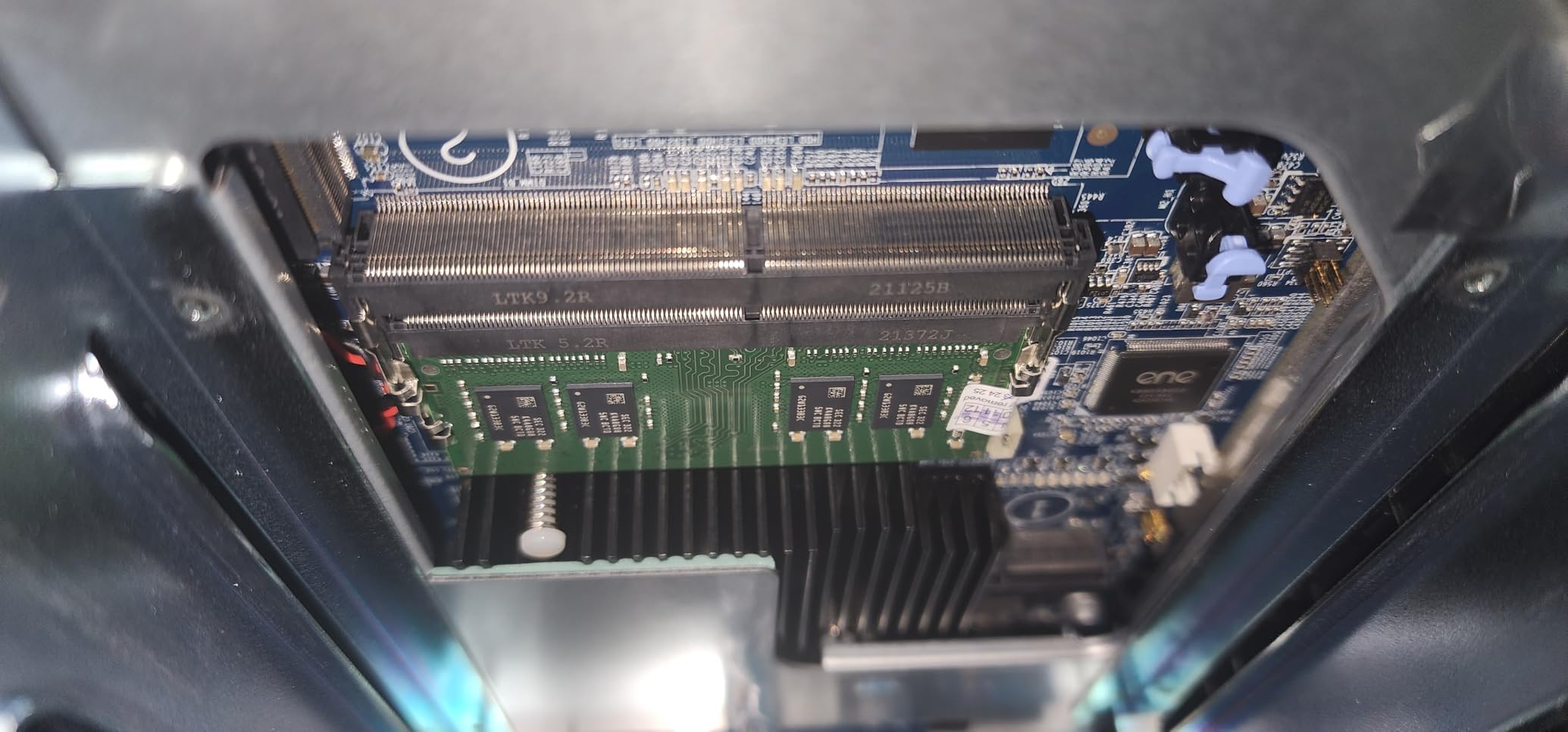
The TS-264 is the 2-bay NAS for someone who already knows they will push it. An Intel quad-core bursting to 2.9 GHz, 8 GB of RAM, dual 2.5GbE ports, dual NVMe slots, and USB 3.2 Gen 2 at up to 10 Gb/s make it the most connected box in this guide.
That dual 2.5GbE setup is the standout. Link them together and you get a fat pipe for simultaneous backup jobs and streaming, or split them so the NAS lives on two networks. For a household where several people hammer the box at once, this is the configuration that never complains.
As a media server it is superb — owners specifically praise it for Jellyfin and Plex, and call it a significant upgrade from ARM-based models. Drives are hot swappable, so a failed disk can be replaced without powering down.
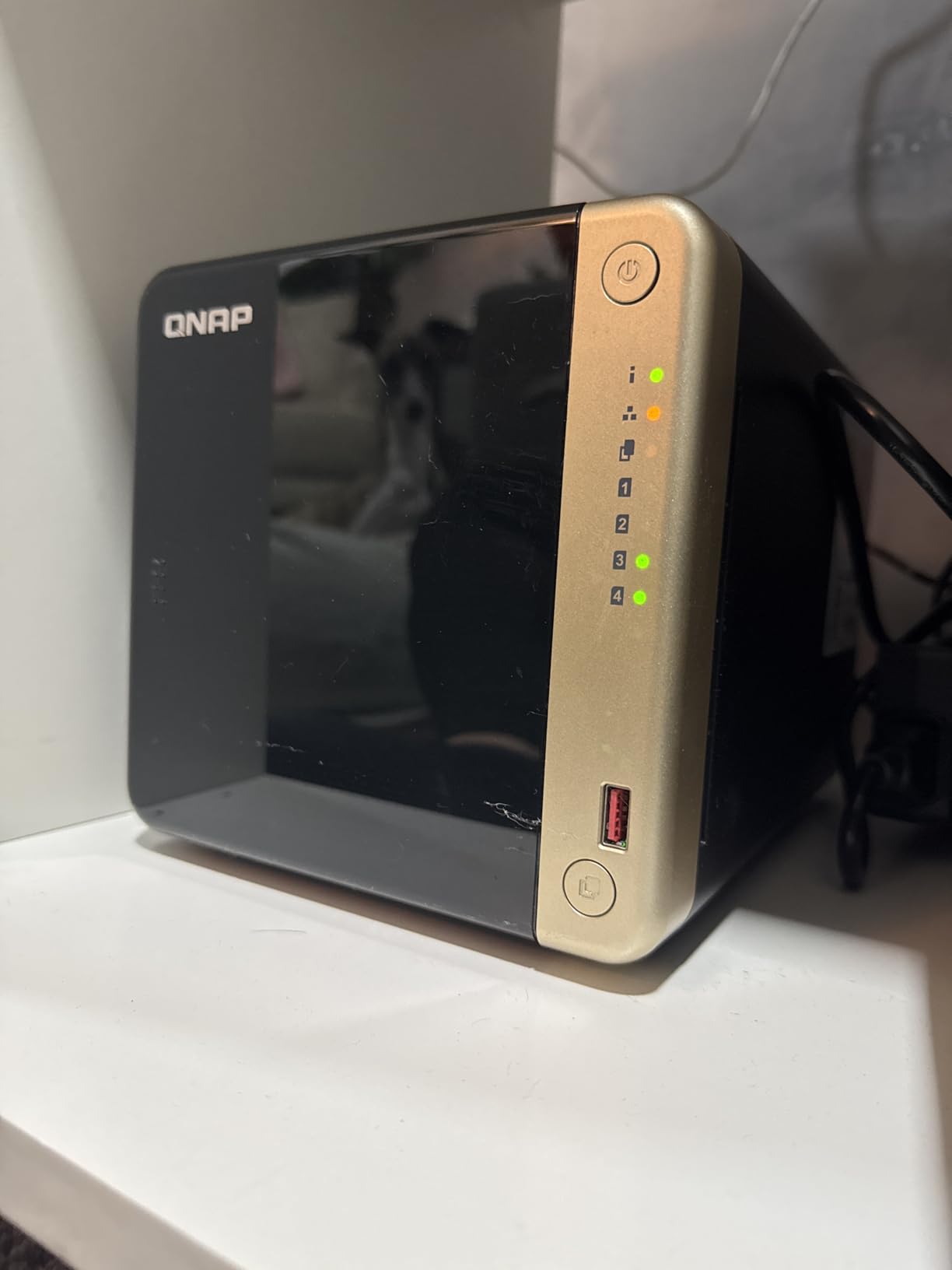
It runs QuTS hero, QNAP’s more advanced operating system, which brings ZFS-class features like snapshots, data reduction, and stronger integrity checking. Power users love it. Beginners find it dense.
Two caveats before you buy. It is the most expensive enclosure here, and it is early in its life with only a handful of reviews so far — all positive, but few. You are paying for hardware headroom and trusting QNAP’s platform rather than a long review history.
If your backup box might grow into a home lab, this is the one that will not box you in.
Who Actually Needs Dual 2.5GbE Ports?
Households with several simultaneous users, or anyone who wants to segregate traffic — say, backups on one network and media on another. Most single-user setups will be perfectly happy with one port.
Link aggregation is the other play: bonded, the two ports feed multiple clients at full speed without one stream starving another. For a media-heavy home, that is real, usable headroom.
Is QuTS hero Too Much for a Beginner?
If you only want phone backups and a photo library, yes — it is a lot of operating system for that job, and the menus reflect it.
QNAP’s standard QTS is simpler, and if the answer is “I just want it simple,” a Synology will fit you better. But if you enjoy learning the machine, QuTS hero rewards the time with features the simpler platforms simply do not offer.
How to Choose the Best 2-Bay NAS for Home Backup?
Every box above will store your files. The differences that actually matter over five years of ownership come down to a handful of decisions, so here is what to weigh before you spend anything.
Start With RAID 1, Not RAID 0
RAID 1 mirrors one drive onto the other, so if either drive fails you lose nothing and keep working. RAID 0 stripes both drives for speed and full capacity, but one failure destroys everything.
For a home backup box, use RAID 1 and accept half the usable space. If you outgrow it, buy bigger drives rather than switching to RAID 0 — Synology also offers SHR, which mixes drive sizes a little more gracefully.
Match the Processor and RAM to Your Plans
An ARM processor handles file storage, phone backups, and photo libraries without complaint, and it draws less power. That is the DS223j and DH2300 lane, and for many homes it is all you need.
Step up to an Intel x86 chip when you want hardware transcoding for 4K streaming, Docker containers, or several simultaneous users. The N100 in the DXP2800 and the quad-core in the TS-264 are the clear performance picks here, and 8 GB of RAM keeps containers comfortable.
Check the Network Ports Before Anything Else
A gigabit port caps you around 110 MB/s, which is the DS223j and DS223 lane. A 2.5GbE port roughly triples that to around 280 MB/s, and it is the single cheapest way to make backups feel fast.
Look at your router and computer first. A 2.5GbE NAS plugged into gigabit equipment negotiates down to gigabit speeds, so the upgrade only pays if something else on the chain can keep up.
Think About Noise and Power Draw
This box runs 24/7 in your home, so both numbers matter more than people expect. The quietest units here — the TerraMaster at 19 dB(A) and the fanless-feeling Synologys — disappear on a shelf near a desk.
The UGREEN’s aluminum chassis amplifies drive vibration, so pair it with NAS-rated drives. On power, the DXP2800’s 17 to 20 W average and single-digit sleep draw show how efficient modern boxes have become; older hardware can double that. Over a year of always-on use, that gap is real money.
Pick the Operating System You Will Actually Enjoy
You will interact with the software far more often than the hardware, and each platform has a personality. Synology’s DSM is the most polished and the easiest to learn, and it has the largest community when you need help.
QNAP gives you more hardware for the money and deeper features, at the cost of a steeper learning curve. TerraMaster’s TOS is solid and improving, and UGREEN’s UGOS Pro is the friendliest of the new challengers. Choose the one that matches your patience, not the one with the longest spec sheet.
Buy Drives From the Compatibility List
The most common first-time mistake is buying whatever hard drive is on sale. NAS boxes run drives continuously, and desktop drives are not built for it — vibration tolerance and firmware behavior differ.
Check the manufacturer’s compatibility list before purchasing. WD Red and Seagate IronWolf are the safe defaults, and buy two identical drives so RAID 1 mirrors cleanly without wasting capacity.
Secure the Box on Day One
A NAS is a small server on your home network, and forum users consistently report that the boxes that get compromised were the ones left on defaults. Spend the first hour on security rather than features.
Change the default admin account, enable two-factor authentication, turn off UPnP on the router, keep remote access through the vendor’s relay rather than open ports, and install updates when they appear. Every platform here supports 2FA — the DH2300 even ships certified against a consumer IoT security standard.
Follow the 3-2-1 Rule
RAID 1 protects you from a drive failing. It does not protect you from fire, flood, theft, or ransomware encrypting both copies at once, because the mirror faithfully copies whatever happens to the first drive.
Keep three copies of important data, on two different media, with one copy off-site — an external drive at a relative’s house or an encrypted cloud tier. All eight boxes here support automated cloud sync, so the third copy costs you nothing but the storage itself.
Frequently Asked Questions
What is the best home NAS backup solution?
The Synology DS225+ is the best home NAS backup solution for most households. It pairs a 282 MB/s Intel-based platform with DiskStation Manager, automated backup for Macs, PCs, and phones, snapshots for ransomware protection, and hardware 4K transcoding for Plex. Budget buyers get the same core software in the DS223j, and the UGREEN DXP2800 leads on raw hardware value.
What is the Synology controversy?
The main criticisms involve Synology restricting certain features and services to its own branded drives, and requiring an account for some newer functionality. The company also pushed bundled security packages and subscription-adjacent services that some long-time owners felt belonged in the base product. None of it affects the models in this guide: all of them accept standard NAS-rated drives from the compatibility list and work fully without any subscription.
What is the best NAS drive for home use?
For the enclosure, the Synology DS225+ is our overall pick, followed by the UGREEN DXP2800 for value and the Synology DS223j for tight budgets. For the drives inside it, use NAS-rated hard drives such as WD Red or Seagate IronWolf in a matched pair, which lets RAID 1 mirror cleanly. Drives around 4 to 8 TB per bay suit most homes and leave room to grow.
What is the best NAS for home use in 2026?
The best NAS for home use in 2026 is the Synology DS225+ for its balance of performance and software, with the UGREEN DXP2800 close behind at a lower price thanks to its Intel N100, 8 GB of DDR5, 2.5GbE, and dual NVMe slots. First-time owners who only want phone and laptop backups should start with the UGREEN DH2300 or Synology DS223j, both of which are easier to learn.
Final Verdict: The Best 2-Bay NAS for Home Backup
After three months of RAID 1 testing, our winner is the Synology DS225+ — the best 2-bay NAS for home backup because it does the two jobs a household actually needs, fast backups and smooth 4K streaming, without asking you to become a sysadmin.
The UGREEN DXP2800 is the smart money alternative with better raw hardware, the DS223j is the easiest budget entry, and the BUFFALO LinkStation 220 is the pick if you want drives already installed. Whatever you choose, buy a matched pair of NAS-rated drives, enable RAID 1 on day one, and keep one copy of your files somewhere other than that box.
Your future self, the one whose drive failed on a Tuesday and did not lose a single photo, will be glad you did.