
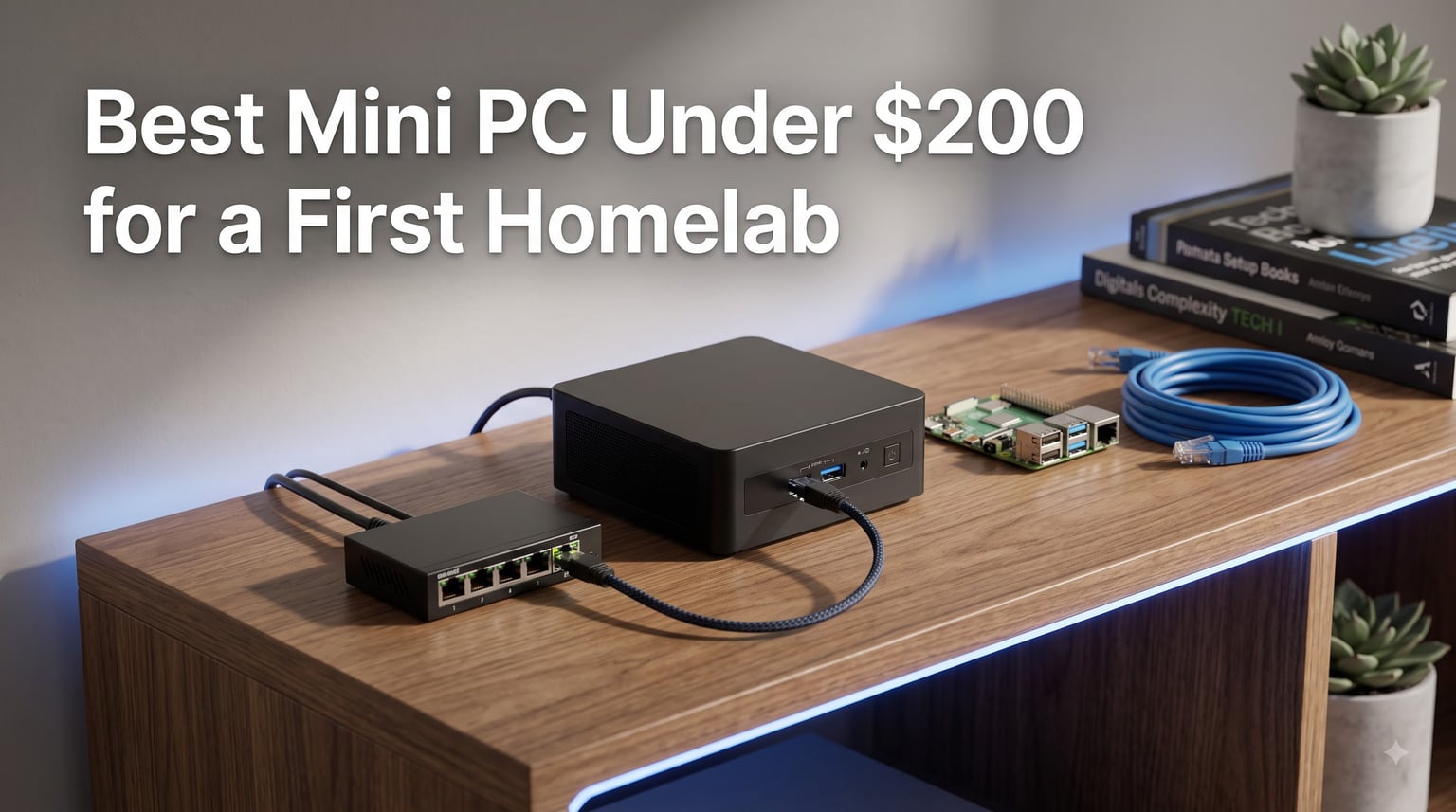
Starting your first homelab does not need a rack, a server, or a big budget. A off-lease business mini PC plugged into a wall outlet can run Proxmox, Docker containers, Pi-hole, and Home Assistant around the clock while drawing less power than a light bulb. After comparing eight machines and digging through hundreds of buyer reports, we found the best mini PC under $200 for a first homelab is the HP EliteDesk 800 G4 Mini with its six-core i5-8500T and 16GB of RAM.
The trick with a homelab is that server duty is easier on hardware than gaming or video editing. The machine sits at 5 to 15 percent load most of the day, so a quiet, efficient, corporate-grade PC beats a flashy consumer tower every time. Former office machines are built to run 24/7 for a decade, which is exactly the job description here.
In this guide we rank eight machines that fit a first-homelab budget, from six-core powerhouses down to a sub-hundred-dollar AMD box that still runs a VoIP PBX for one Reddit user. We also cover what specs matter, our checklist for buying renewed hardware, and what your electricity bill will actually look like.
Table of Contents
Top 3 Picks for a First Homelab Under $200 in 2026
If you want the short answer before the details, here are our top three. The HP EliteDesk 800 G4 Mini takes the top spot for its six cores and 16GB of RAM out of the box. The Lenovo ThinkCentre M700 Tiny is our value pick with the highest buyer rating on this list. The Dell OptiPlex 3020 Micro is the cheapest machine we would still trust as a server.


The Best Mini PCs Under $200 for a First Homelab in October
Here is the full lineup side by side. Every machine below runs Proxmox VE or a plain Linux install without complaints, and every one is a small-form-factor box that hides behind a monitor or sits on a shelf.
| Product | Specs | Action |
|---|---|---|
| HP EliteDesk 800 G4 Mini |
|
Check Latest Price |
| Lenovo ThinkCentre M700 Tiny |
|
Check Latest Price |
 Dell OptiPlex 3020 Micro Dell OptiPlex 3020 Micro |
|
Check Latest Price |
 Lenovo ThinkCentre M710q Tiny Lenovo ThinkCentre M710q Tiny |
|
Check Latest Price |
 HP EliteDesk 800 G2 Mini HP EliteDesk 800 G2 Mini |
|
Check Latest Price |
 HP EliteDesk 800 G3 Mini HP EliteDesk 800 G3 Mini |
|
Check Latest Price |
 Bmax B1 Plus Bmax B1 Plus |
|
Check Latest Price |
 HP EliteDesk 705 G3 Mini HP EliteDesk 705 G3 Mini |
|
Check Latest Price |
1. HP EliteDesk 800 G4 Mini – Six Cores and 16GB of Headroom
HP EliteDesk 800 G4 Mini Tiny Business PC, Intel Hexa-Core i5-8500T up to 3.5GHz, 16GB DDR4 RAM, 256GB NVMe SSD, Dual Monitor Support, WiFi, Bluetooth, HDMI, DisplayPort, Windows 11 64-bit (Renewed)
6-core i5-8500T
16GB DDR4
256GB NVMe SSD
Windows 11 Pro
Pros
- Six real cores handle many containers at once
- 16GB RAM is enough for Proxmox plus VMs
- NVMe SSD boots and migrates fast
- HDMI plus DisplayPort for dual monitors
Cons
- Renewed units can need new thermal paste
- Included WiFi dongles are cheap quality
- Some units arrive without internal WiFi
This is the machine I recommend to friends who keep saying they want to build a lab. The i5-8500T gives you six cores and six threads, which is the difference between one or two comfortable virtual machines and a whole shelf of them. Paired with 16GB of DDR4, it handles Proxmox VE with a handful of LXC containers and still has room for a Windows VM when you want to experiment.
Because it is an 8th-generation Intel chip, you also get proper virtualization support with VT-x and VT-d, so PCI passthrough tricks and Docker workloads behave themselves. Buyers describe it as fast and quiet, with one common thread in the reviews: this is one of the few budget boxes people specifically call out as working well for home lab use.
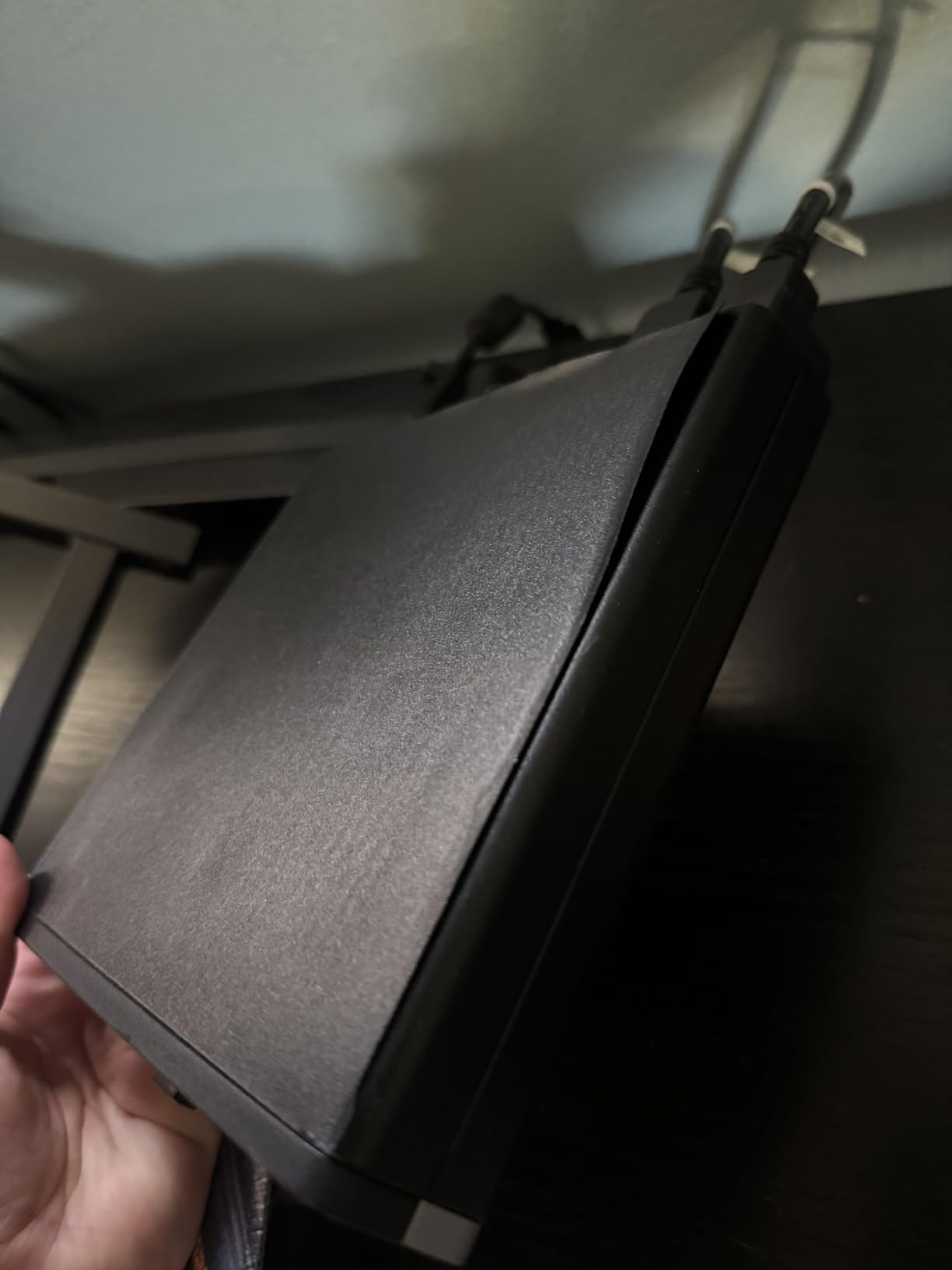
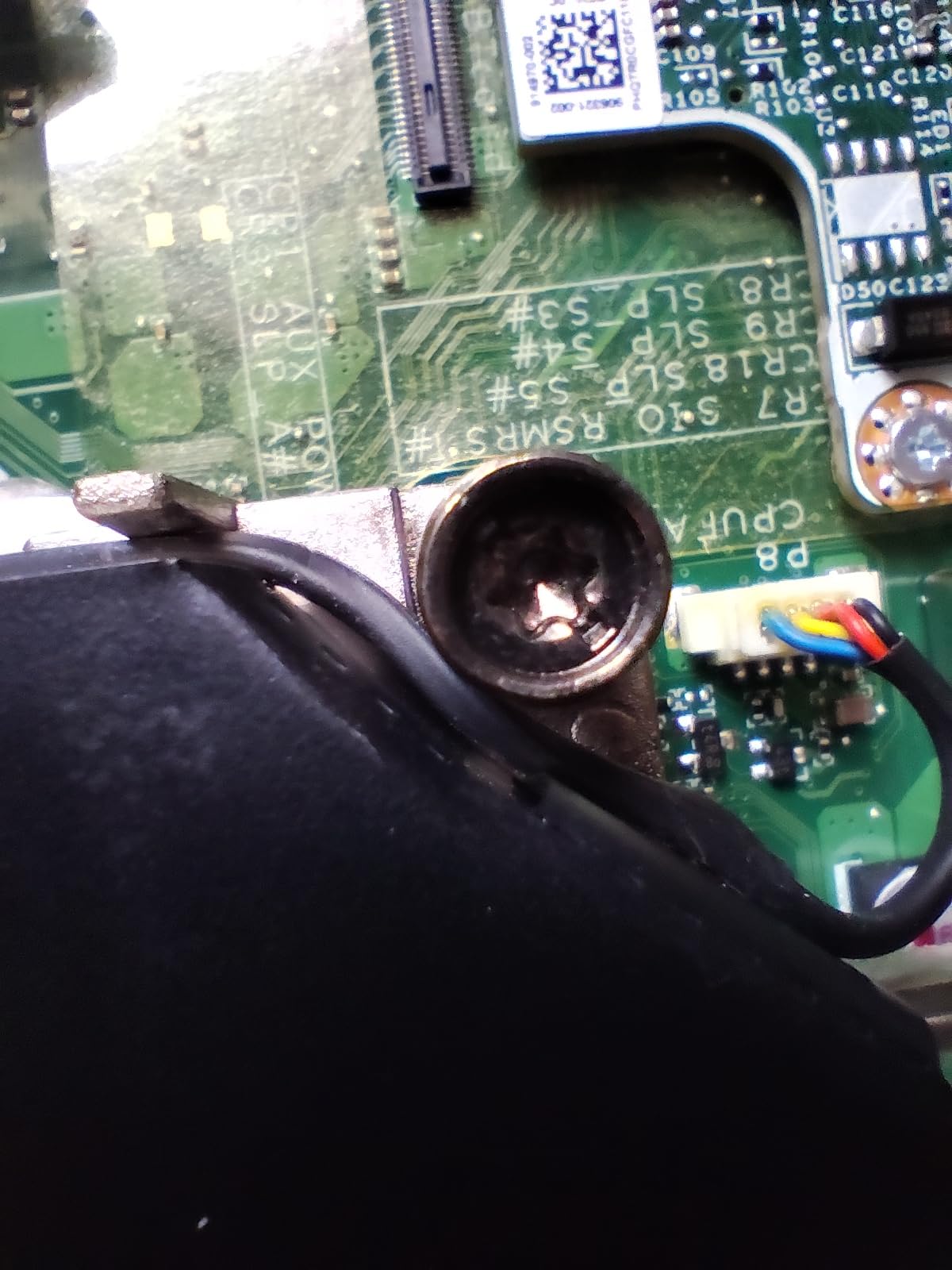
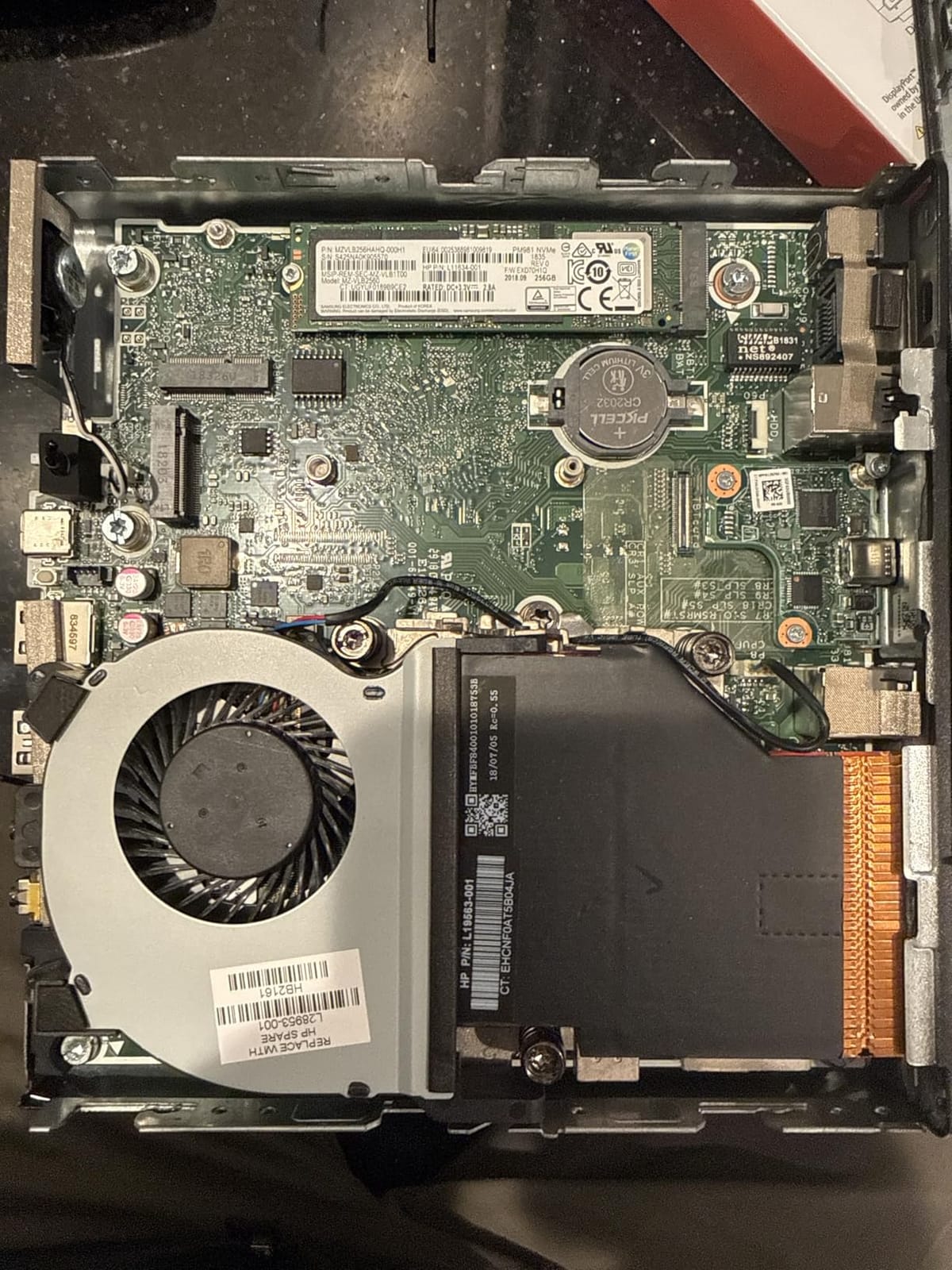
The main risks with renewed units are thermal, not electronic. A few buyers reported overheating after a day or two of continuous load, which almost always means dried-out thermal paste from years in an office. A ten-minute repaste fixes it permanently, and the chassis opens with a single latch.
The other complaint is the bundle. Cheap WiFi dongles and occasionally dead HDMI adapters show up in the box, so plan on ethernet for a server anyway. Wired is the right call for a homelab regardless.
Who should buy this one
Anyone who wants to grow beyond two containers in the next year. Six cores and 16GB mean you will not hit a wall the first time you spin up Jellyfin, Nextcloud, and a VPN server together.
It is also the right pick if you want Windows 11 Pro ready to go, since this generation is fully supported rather than relying on workaround installs.
Who should skip it
If your plan is strictly Pi-hole and one or two light containers, this is more machine than you need, and the cheaper picks below do that job for less.
It is also not the pick if you want zero maintenance ever. A renewed 8th-gen box has a real chance of wanting a repaste, and you should be willing to open it up.
2. Lenovo ThinkCentre M700 Tiny – The Reliable Cheap Workhorse
Lenovo Think Center M700 Tiny Desktop PC, Intel Quad Core I5-6500T 2.5GHz up to 3.1G, 8G, 240G SSD, WiFi, BT 4.0, HDMI, USB 3.0, DP Port, W10P64 (Renewed)
Quad-core i5-6500T
8GB DDR4
240GB SSD
2x DisplayPort
Pros
- Highest buyer rating on our list at 4.4 stars
- Tiny quiet and dependable
- Opens easily for RAM and SSD upgrades
- Parts are cheap and everywhere
Cons
- WiFi and Bluetooth use USB adapters
- Refurbished quality varies by seller
- Some SSD failures reported after 90 days
The M700 Tiny is the safe recommendation, and it carries the best average rating of anything we compared. The i5-6500T is a quad-core Skylake part that virtualizes cleanly, and the platform is famous for being easy to service. One buyer reported a ten-minute setup from box to desktop, and users consistently describe these boxes as quiet enough to forget they exist.
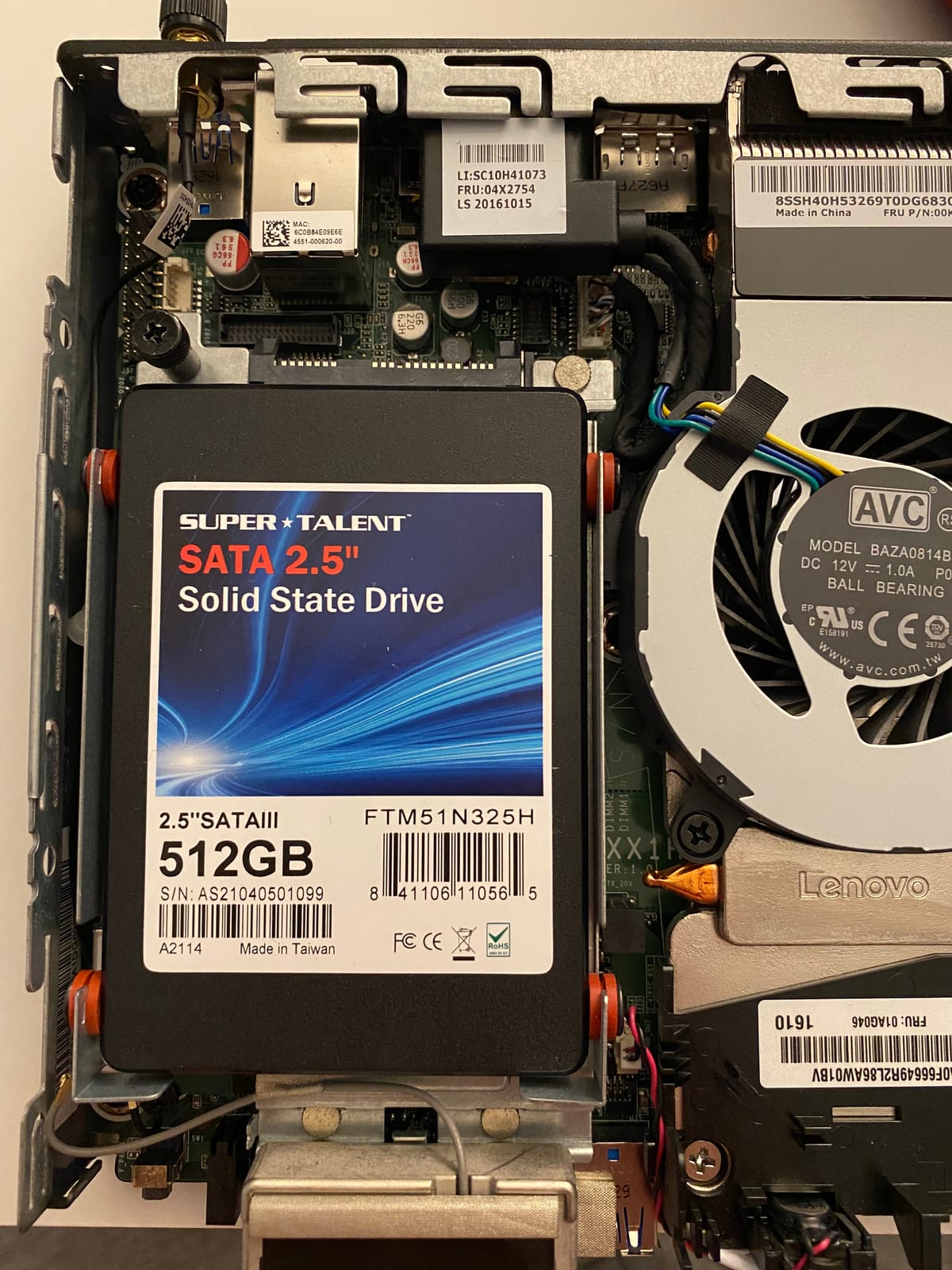
For a first homelab, that serviceability matters more than raw speed. You can pull the drive tray, swap in a bigger SATA SSD, and push the RAM to 32GB later without any special tools. Forum regulars have run M-series Tinies as always-on servers for years, which is the strongest endorsement a budget box can get.
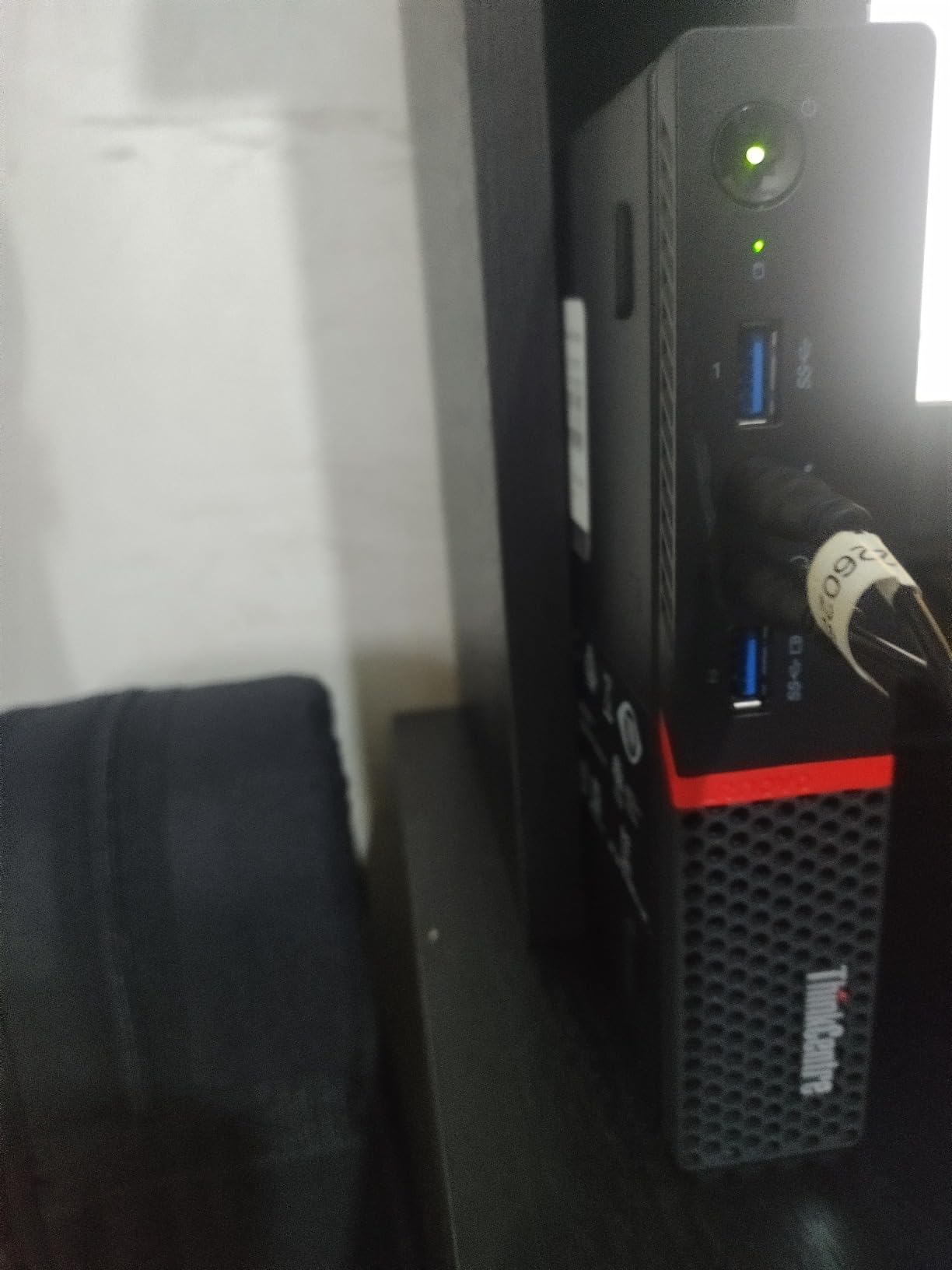
Two things to know before ordering. Wireless is handled by included USB adapters rather than built-in cards, which is fine for a wired server but annoying if you wanted WiFi. And like every renewed machine here, seller quality varies, so stick to high-volume refurbishers with real return policies.
A small number of buyers reported SSDs dying around the 90-day mark. Our advice is to plan around the stock drive from day one, either by keeping backups of anything important or by budgeting for a fresh SSD as your first upgrade.
Who should buy this one
First-timers who want the highest odds of a trouble-free purchase. The rating history here is genuinely strong for refurbished hardware, and the platform is forgiving to work on.
It is also great for anyone who already knows they will upgrade later, since the M700 takes standard SO-DIMM DDR4 and 2.5-inch drives.
Who should skip it
If you want six cores for heavier virtualization, step up to the EliteDesk 800 G4 above. Four Skylake cores fill up fast once you add a Windows VM to the mix.
Purists who want built-in wireless should also look elsewhere, since the USB adapter approach occupies a port and adds clutter.
3. Dell OptiPlex 3020 Micro – The Cheapest Trustworthy Server
Dell Optiplex 3020 Micro Desktop Computer Ultra Small Tiny PC, Intel Quad Core i5-4590T, 8GB RAM, 256GB SSD, WiFi, HDMI, Windows 11 Pro (Renewed)
Quad-core i5-4590T
8GB DDR3L
256GB SSD
HDMI and VGA
Pros
- Lowest-cost dependable entry point
- Has actual HDMI out unlike many refurbs
- Compact with six USB 3.0 ports
- Includes keyboard mouse and WiFi adapter
Cons
- Fourth-gen CPU is the oldest here
- No built-in Bluetooth
- Included WiFi dongle is 2.4GHz only
- DDR3L limits upgrade value
This is the cheapest machine on the list that we would still plug in and forget about. The i5-4590T is a fourth-generation quad-core, which sounds ancient, but it runs Proxmox, Docker, and Pi-hole without breaking a sweat. Buyers call it nippy for everyday use, and it ships with a keyboard, mouse, and WiFi adapter in the box.
The underrated feature is HDMI. Most corporate mini PCs of this era shipped with DisplayPort and VGA only, so the fact that this Dell plugs straight into a spare monitor or TV saves you an adapter hunt on day one.
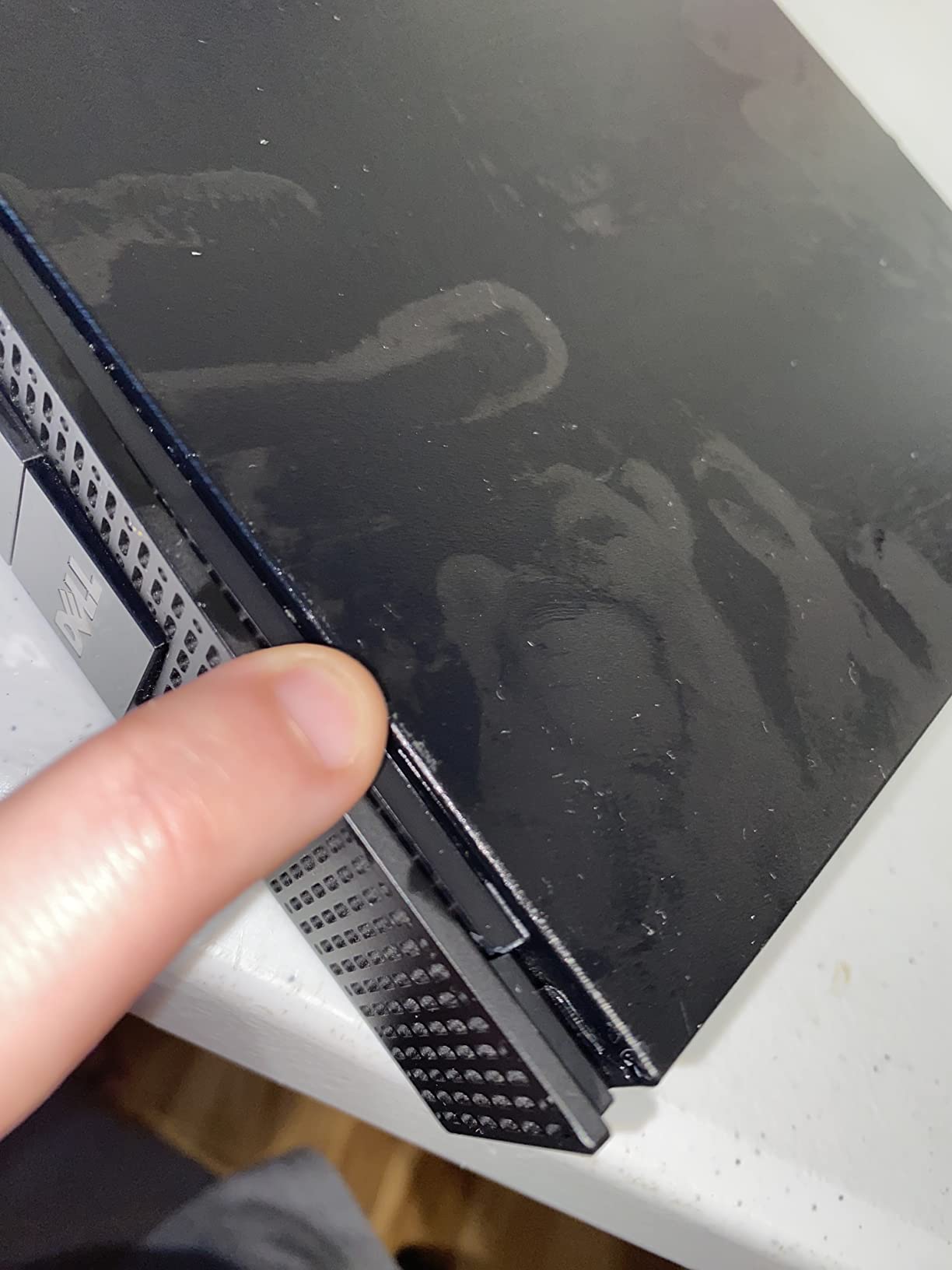
Be realistic about the limits. DDR3L RAM is cheap but this platform gains less from an upgrade than the newer machines do, and the included WiFi dongle only does 2.4GHz. For a wired server that second point is irrelevant, but do not plan on fast wireless.
A few buyers mentioned loose battery slots on their units, a classic refurb quirk that can reset BIOS settings after a power cut. It is a five-minute fix if you ever notice the clock drifting.
Who should buy this one
Anyone who wants to spend the absolute minimum to learn Proxmox. If your first project is Pi-hole, a couple of Docker containers, and maybe Home Assistant, this covers it.
It also suits a secondary node. At this price, buying two for a small cluster costs less than one mid-range machine.
Who should skip it
If you plan to transcode media or run several VMs, the older cores and DDR3L platform will hold you back. The HP 800 G4 is worth the step up.
Anyone who wants a long upgrade runway should also pass, since there is less future in this platform than in the DDR4 machines.
4. Lenovo ThinkCentre M710q Tiny – 16GB of RAM Ready to Go
Lenovo ThinkCentre M710q Tiny – (Intel Core i5-7th gen Processor up to 3.00 GHz, 16GB DDR4, 256GB SSD, HD Graphics 630, Windows 11 Pro 64) – (Renewed)
Quad-core i5-7400T
16GB DDR4
256GB SSD
1 year warranty
Pros
- Ships with 16GB of DDR4 installed
- Buyers run it as a 24/7 web server
- Includes keyboard mouse and adapters
- Backed by a one year warranty
Cons
- Only TPM 1.2 which limits some Windows 11 features
- No HDMI adapter in the box
- One report of a damaged RAM slot
The M710q sits in a sweet spot between our top two picks. You get a seventh-generation quad-core i5-7400T and, more importantly, 16GB of RAM already installed. For Proxmox, RAM is usually the first thing you run out of, so starting at 16GB saves you an immediate upgrade.
The reviews are thin but enthusiastic. Owners describe plug-and-play setup and specifically praise it for 24/7 web server duty, which is exactly the workload a first homelab asks for. Lenovo ships it with a keyboard, mouse, and WiFi plus Bluetooth dongles in the box.
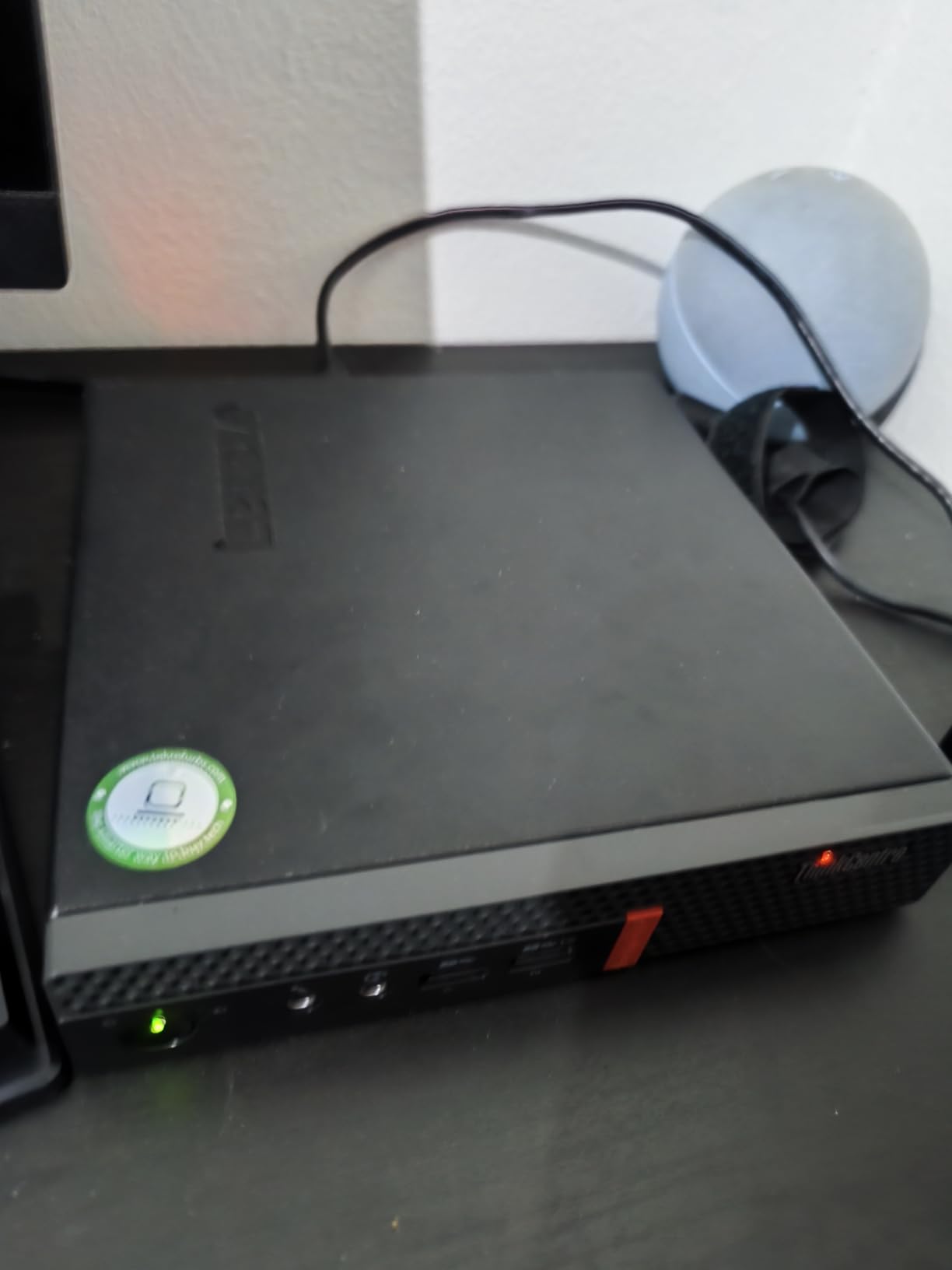
The one technical wrinkle is TPM 1.2. Windows 11 Pro comes preloaded, but some security features expect TPM 2.0, and purists notice. For a Linux homelab this is completely irrelevant, since Proxmox and Debian never touch the TPM.
One buyer reported a damaged RAM slot, a reminder that renewed units are individual machines with individual histories. Buy from a seller who takes returns and test your RAM in the first week.
Who should buy this one
Anyone who wants 16GB from day one without shopping for sticks or opening the case. It is the least-effort path to a comfortable Proxmox box on this list.
The one-year warranty is also the longest here, which matters if this is your first refurbished purchase and you want a safety net.
Who should skip it
If you need six cores for parallel VMs, the HP 800 G4 remains the better foundation. Four Kaby Lake cores are quick but finite.
Anyone dependent on HDMI should note the video output is DisplayPort, and no adapter ships in the box.
5. HP EliteDesk 800 G2 Mini – Silent, Solid, Stackable
HP EliteDesk 800 G2 Mini Business Desktop PC Intel Quad-Core i5-6500T-2.5 GHz ,8G DDR4,240G SSD,VGA,DP port,Windows 10 Professional 64 Bit-Multi-Language-English/Spanish (Renewed)
Quad-core i5-6500T
8GB DDR4
240GB SSD
M.2 plus SATA
Pros
- Totally silent in normal operation
- Both M.2 and SATA storage paths available
- Easy RAM and SSD upgrades
- Windows key embedded in BIOS
Cons
- No HDMI only VGA and DisplayPort
- RAM clips can bend during upgrades
- Some units have dried thermal paste
- Refurbished quality varies by seller
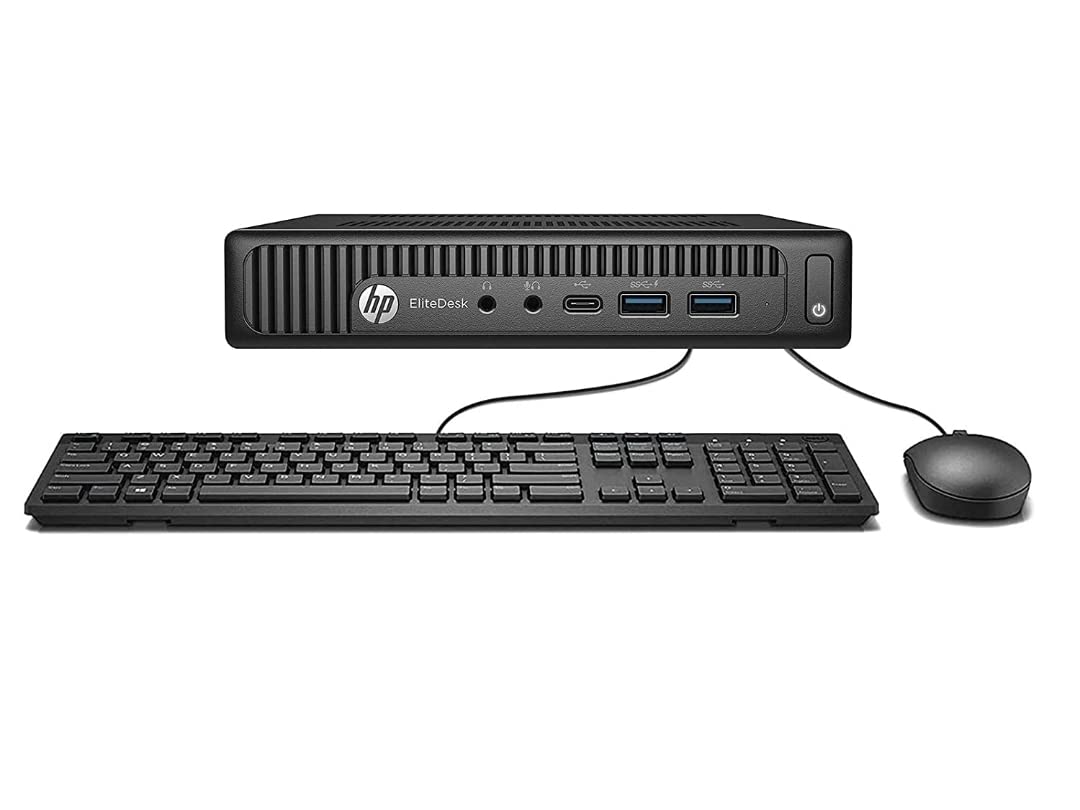
With 658 ratings, this is the most-reviewed machine on our list, and the feedback is unusually specific about homelab use. Owners call out the M.2 slot plus SATA connector, which means you can run a fast boot drive and a big data drive in the same tiny chassis. That dual-storage layout is exactly what you want for a Nextcloud or Jellyfin box.
The 800 G2 is also the quietest machine here according to buyers, with multiple reviews using the words totally silent. For something living on a shelf in your living room, that counts for a lot.
Like the Lenovo M700, this uses the i5-6500T, so performance lands in the same neighborhood: four capable cores that virtualize cleanly and handle a dozen containers without complaint. The embedded Windows key in the BIOS is a nice touch if you ever want it as a spare desktop.
The frustrations are physical. There is no HDMI, so you will need a DisplayPort adapter for a monitor, and a few buyers bent RAM retention clips during upgrades because the sockets are fiddly. Go slow with the screwdriver.
Who should buy this one
Builders who want two drives in one box. If your homelab plan includes storing files or media locally, the M.2 plus SATA combination is a genuine advantage over single-slot machines.
It is equally good for noise-sensitive placements like a bedroom or living room shelf.
Who should skip it
If you want a newer platform with more cores, keep moving up the list. Sixth-generation parts are the value tier, not the performance tier.
Anyone who dreads opening a refurb should also weigh the thermal-paste reports before choosing this one.
6. HP EliteDesk 800 G3 Mini – Full-Strength i5 and Seven USB Ports
HP EliteDesk 800 G3 Mini Desktop Computer, Intel Quad-Core i5-6500 Business PC, 16GB DDR4 RAM, 256GB SSD, Keyboard&Mouse, WiFi, BT, Windows 11 Pro (Renewed)
Quad-core i5-6500
16GB DDR4
256GB SSD
7 USB ports
Pros
- Standard 35W desktop-class i5-6500 not a T chip
- 16GB of RAM included
- Seven USB ports for dongles and drives
- Dual 4K output via DisplayPort and Type-C
Cons
- 21 percent of reviews are one star
- Some units arrive dead on arrival
- Mixed refurbishment quality
- Cheap included WiFi adapter
This machine is interesting because it uses the desktop i5-6500 rather than the power-sipping T variant, so clocks run higher and single-thread performance is a bit stronger. You also get 16GB of RAM, seven USB ports, and dual 4K display support through two DisplayPorts and a Type-C port. On paper it is a lot of machine.
When these units work, buyers describe performance that feels disproportionate to the size of the box, and several note it runs Linux happily. As a homelab node, that port count is genuinely useful for USB drives, Zigbee radios, and Z-Wave sticks.
Now the honest part. The rating is the lowest on our list, and 21 percent of reviews are one star, mostly from units that arrived dead or with critical errors. That is a seller-quality problem rather than a design problem, but it is a real risk you should price in mentally.
Our suggestion is to treat this as an enthusiast option only. If you are comfortable testing a machine on arrival and returning it if needed, the hardware itself is capable. If you want zero drama, pick one of the higher-rated machines above.
Who should buy this one
Tinkerers who will bench-test the machine on day one and enjoy the safety margin of a return window. The combination of 16GB, a full-fat i5, and seven USB ports is hard to find elsewhere at this level.
It also suits Home Assistant users with lots of USB radios to plug in.
Who should skip it
Anyone who wants a fit-and-forget purchase. The DOA rate reported in reviews makes this a gamble for a first build.
Anyone buying for a non-technical family member should also choose a machine with a stronger reliability record.
7. Bmax B1 Plus – The New Tiny Option for Light Duty
Bmax Mini PC B1 Plus, Intel Celeron J3355 (Up to 2.5GHz), 6GB RAM 128GB eMMC Support M.2 SSD Expansion (512GB/2TB), 4K Dual Display 2.4G/5G WiFi & BT5.0 Mini Desktop Computer for Home/Office
Celeron J3355
6GB RAM
128GB eMMC
Dual M.2 slots
Pros
- Brand new with Prime shipping
- Half-pound pocket-size chassis
- Two M.2 slots for SSD expansion
- Runs Debian and other Linux distros well
Cons
- Celeron J3355 is the weakest CPU here
- eMMC storage is slow
- LPDDR3 is soldered and cannot be upgraded
- Not built for demanding workloads
Every other pick here is refurbished, so the Bmax B1 Plus exists for people who want something new in a sealed box. It is a palm-sized, half-pound machine with 898 ratings behind it, and buyers confirm it runs Debian nicely, which is the main requirement for a light-duty Linux server.
The clever part is the dual M.2 layout, one SATA and one NVMe, so you can add a proper SSD up to 2TB and boot from that instead of the slower onboard eMMC. That single upgrade transforms the machine.
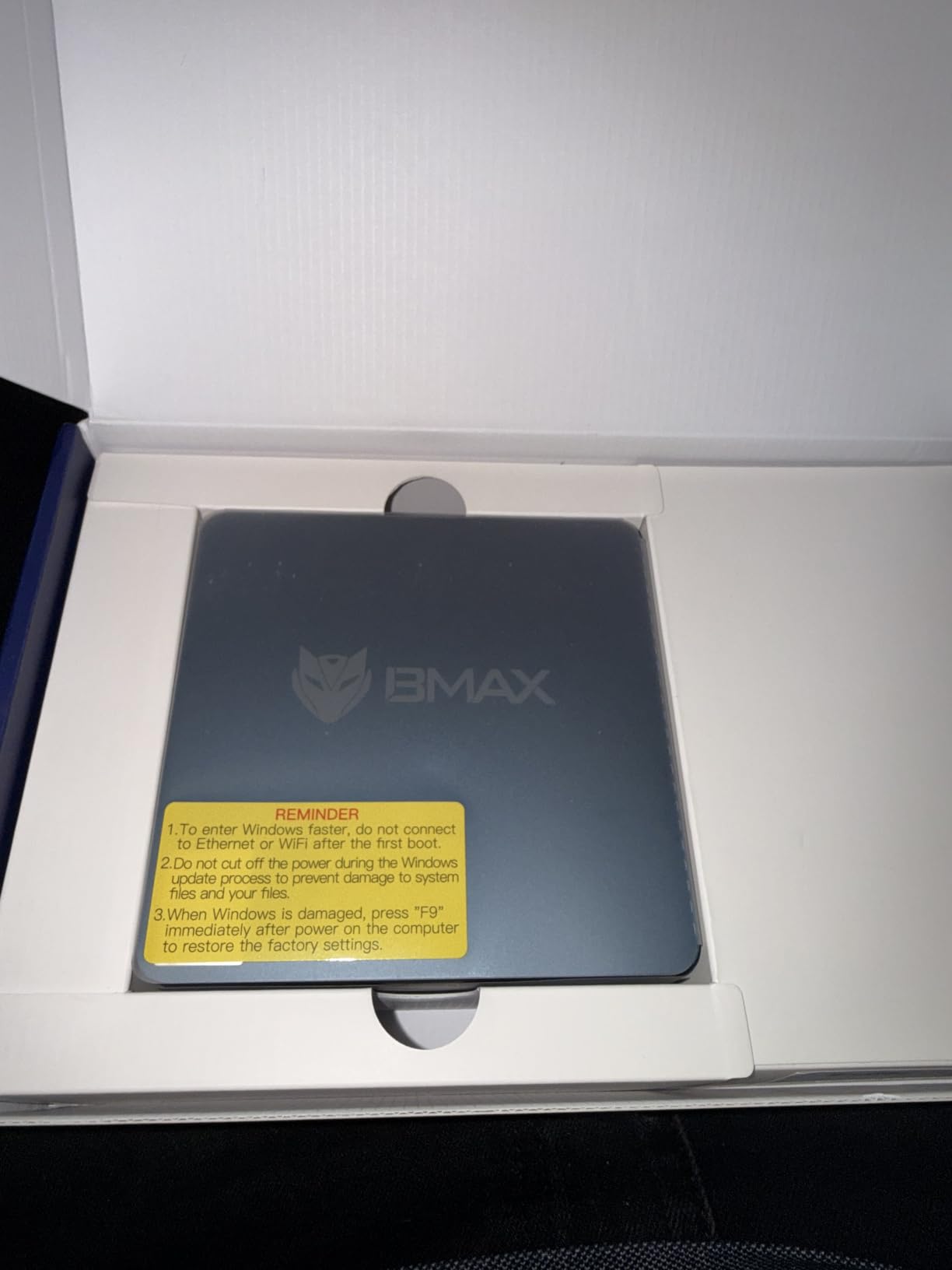
Be clear-eyed about the processor. The Celeron J3355 is a dual-core chip from a lightweight family, and buyers are blunt that it is not fast enough for demanding workloads. For Pi-hole, a small DNS setup, or a single lightweight container, it is fine. For a Proxmox host running several VMs, it will frustrate you.
The 6GB of LPDDR3 is also soldered, so what you buy is what you keep. That makes this a fixed-capacity machine rather than a growing platform, which is the opposite philosophy of the business boxes above.

Who should buy this one
Anyone who strongly prefers new hardware with a standard return process over refurbished savings. It ships Prime, in a sealed box, with a warranty from the manufacturer.
It also works well as an ultra-quiet, ultra-small always-on node for network services like Pi-hole or a lightweight VPN endpoint.
Who should skip it
If Proxmox with multiple VMs is the goal, this is not the machine. Two modest cores and 6GB of non-upgradable RAM cap your ambitions early.
Anyone planning local media storage should also note the eMMC boot drive is slow until you add an M.2 SSD.
8. HP EliteDesk 705 G3 Mini – The Absolute Floor Price
HP EliteDesk 705 G3 – Mini Desktop – A10 PRO-8770E 2.8 GHz – 8 GB – 128 GB SSD 1GG27US#ABA (Renewed)
AMD A10 PRO-8770E
8GB DDR4
128GB SSD
DisplayPort and VGA
Pros
- Cheapest entry point we would trust
- Proven in real 24/7 server roles
- Compact standard business chassis
- Keyboard and mouse included
Cons
- Runs hot at 60C plus even at idle
- RAM capped at 8GB permanently
- No HDMI without an active adapter
- No Windows 11 upgrade path
This is the cheapest capable box in the lineup, and it earns its place through one specific credential: buyers run these as always-on servers, including one who operates a VoIP phone system on theirs around the clock. That kind of endurance record is worth more than benchmark scores at this end of the market.
The AMD A10 PRO-8770E is a quad-core from the pre-Ryzen era, and the Radeon R7 graphics are honestly better than this machine needs. For light Linux duty it is perfectly pleasant, and owners report surprising responsiveness once the RAM situation is sorted.
Know the two hard limits before you click buy. The 8GB of DDR4 is the maximum this platform accepts, with no path beyond it. And the APU runs warm, with owners measuring above 60 degrees Celsius even at idle, so give it ventilation rather than burying it in a drawer.
There is also no HDMI port and no Windows 11 upgrade path at all. As a Linux homelab node neither matters, but as a general-purpose desktop this machine has a short runway.
Who should buy this one
Builders chasing the lowest possible entry cost for a first always-on Linux box. If the project is Pi-hole plus one or two services, this gets you running for the least money.
It is also a reasonable pick for a secondary node in a small cluster where capacity matters less than presence.
Who should skip it
Anyone who might want more than 8GB of RAM someday should rule this out immediately, because that door is welded shut.
In enclosed or hot spaces the thermal reports are a real concern, and anyone wanting Windows 11 later should look at the Intel options instead.
Buying Guide: How to Choose a Budget Mini PC for Your Homelab?
Choosing a mini PC under 200 for homelab duty comes down to four questions: how many cores, how much RAM, how expandable, and how much do you trust the seller. Here is how we weigh each one after going through the data.
CPU: Cores and Virtualization Support First
For homelab work, core count beats clock speed. Every Docker container and every virtual machine wants its own thread, so a six-core i5-8500T at modest clocks will feel far roomier than a fast dual-core.
Check for VT-x and VT-d support before anything else, since virtualization features are the foundation of Proxmox passthrough and hardware acceleration. Every Intel machine on this list has both.
Generation matters mainly for efficiency and platform features. Eighth-gen and newer gets you DDR4 speeds, NVMe support, and official Windows 11 compatibility, while fourth- and sixth-gen boxes trade those niceties for lower prices.
RAM: 16GB Is the Comfortable Sweet Spot
Proxmox itself is thin, but the guests are not. Eight gigabytes is workable for containers only, while 16GB lets you mix containers with one or two real VMs without constant memory pressure.
The best value play on a tight budget is buying an 8GB machine and adding a second stick later. SO-DIMM DDR4 is inexpensive, and business mini PCs make the upgrade a five-minute job.
Always confirm the maximum supported RAM for the specific model. The HP 705 G3 above is capped at 8GB forever, which is the cautionary tale.
Used vs New: What We Recommend
For pure value, renewed business hardware wins, and it is not close. Off-lease corporate machines were built for continuous operation, serviceability, and long lifespans, then depreciated by companies that refresh on schedule.
New budget machines like the Bmax trade performance for peace of mind: sealed boxes, current warranties, and easy returns. That is a legitimate choice for a first build if opening refurbished hardware sounds stressful.
Our recommendation for most first-timers is renewed, from a high-volume seller with a real return window. The savings buy you meaningfully better hardware.
The Checklist We Run Before Buying Renewed
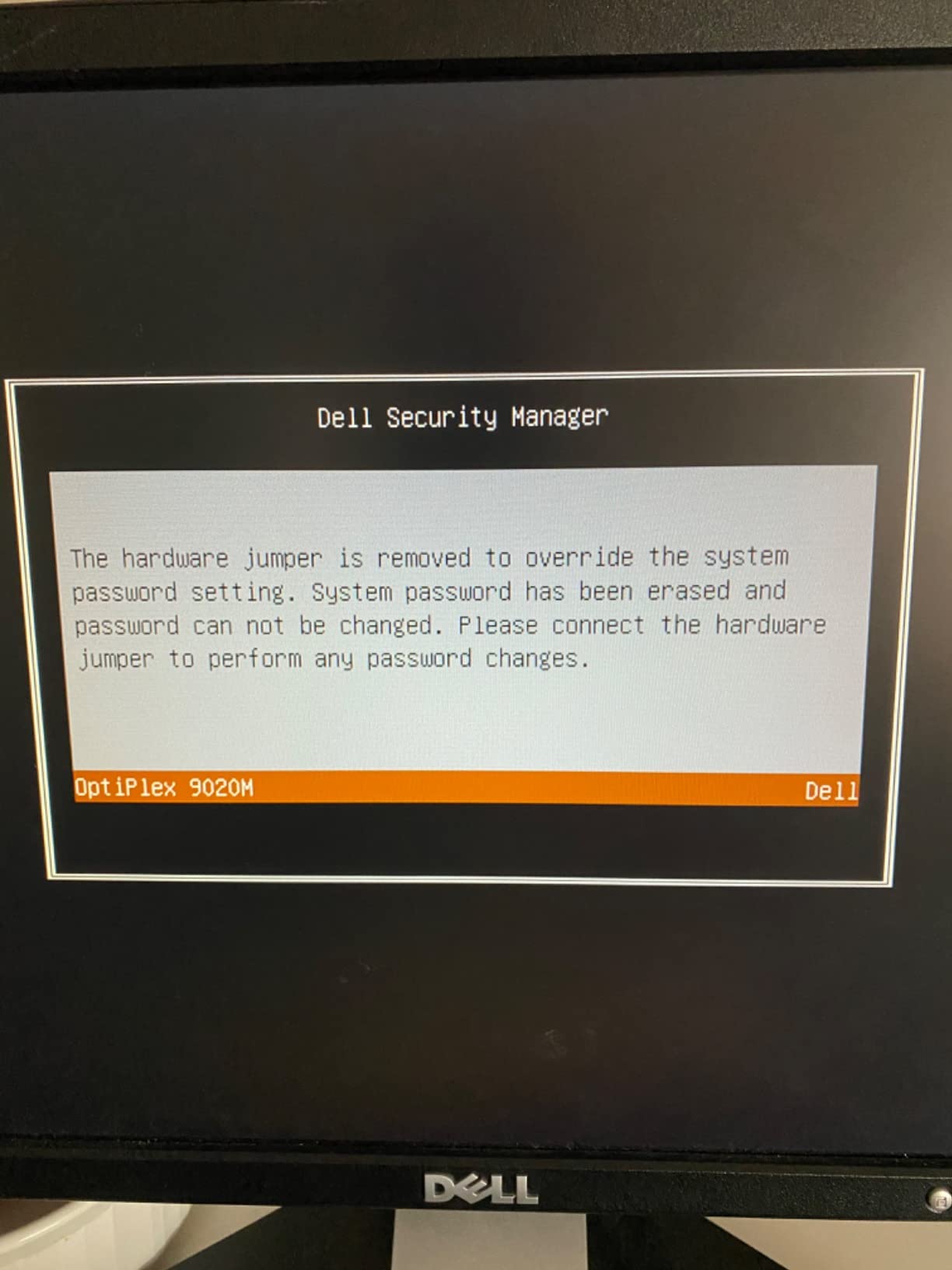
First, confirm the BIOS is unlocked. Corporate machines sometimes ship with supervisor passwords set, and a locked BIOS blocks the virtualization settings you need. Ask the seller directly before ordering.
Second, check the storage and RAM configuration actually installed, not just the listing title. Refurbishers swap parts, and the drive brand in your box may differ from the one photographed.
Third, run SMART data on the drive and a full memory test in the first week. Both take an evening and catch the two most common refurb failures while the return window is open.
Fourth, verify the video outputs against what you own. DisplayPort-only machines are cheap until you add the cost of the adapter you forgot to order.
What 24/7 Operation Actually Costs in Power
Power is the hidden line item in every homelab budget. These T-series and low-wattage processors idle somewhere between roughly 8 and 15 watts, which is the range where running a server all year costs tens rather than hundreds in electricity.
The reason the 35W-class business chips punch above their weight is idle efficiency. A machine that sips single digits at idle spends most of its life there, since DNS and container workloads are bursty by nature.
For context, an old tower or a retired gaming rig can idle three to five times higher, which is exactly why mini PCs replaced them in so many homelabs. If your electricity rate is high, the efficiency argument alone can justify the purchase.
The Software Side: Proxmox, Docker, and LXC
Proxmox VE is the natural first install. It is a free Debian-based hypervisor with a web interface, and it lets you run both full VMs and lightweight LXC containers from one dashboard.
LXC containers are the budget homelab secret weapon. They share the host kernel, so a handful of them costs you RAM but almost no CPU overhead, which is how an 8GB machine comfortably runs Pi-hole, Home Assistant, and a VPN server together.
Docker inside a VM or a container host covers anything else. Jellyfin, Nextcloud, and Portainer all ship as containers, and community guides for this exact stack on this exact class of hardware are everywhere.
Frequently Asked Questions
What is the best budget mini PC for a home lab?
The HP EliteDesk 800 G4 Mini is the best budget mini PC for a home lab, thanks to its six-core i5-8500T, 16GB of RAM, and NVMe storage. It runs Proxmox VE with multiple containers and VMs without strain. If you want the cheapest dependable option, the Dell OptiPlex 3020 Micro handles Pi-hole, Docker, and Home Assistant for less.
Which mini PC for Homelab?
Choose based on workload: the HP EliteDesk 800 G4 Mini for six-core Proxmox duty, the Lenovo ThinkCentre M700 or M710q Tiny for a balance of price and reliability, the Dell OptiPlex 3020 Micro for the lowest entry cost, and the Bmax B1 Plus if you insist on new hardware for light container work. Any of these runs Docker, Pi-hole, and Home Assistant comfortably.
What is the best budget mini PC under $200?
The best budget mini PC under $200 is the HP EliteDesk 800 G4 Mini, which pairs a six-core i5-8500T with 16GB of DDR4 and a 256GB NVMe SSD. For lighter workloads and lower cost, the Lenovo ThinkCentre M700 Tiny carries the highest buyer rating of the group at 4.4 stars and is the safer refurbished bet.
What is the best mini PC for a homelab to buy right now?
Right now the HP EliteDesk 800 G4 Mini is the best mini PC for a first homelab, followed by the Lenovo ThinkCentre M710q Tiny when you want 16GB of RAM preinstalled and a one-year warranty. Add a second cheap node such as the Dell OptiPlex 3020 Micro later if you want to experiment with clustering.
Conclusion: Our Picks for a First Homelab in 2026
The best mini PC under $200 for a first homelab is the HP EliteDesk 800 G4 Mini, because six cores and 16GB of RAM remove the two limits that frustrate new builders first. The Lenovo ThinkCentre M700 Tiny is our value pick with the strongest rating record, and the Dell OptiPlex 3020 Micro is the cheapest box we would trust running around the clock.
Start small and grow. Install Proxmox, add a Pi-hole container the first night, and expand from there as projects occur to you. Any machine on this list will teach you virtualization for less than the cost of a single year of most cloud subscriptions.