
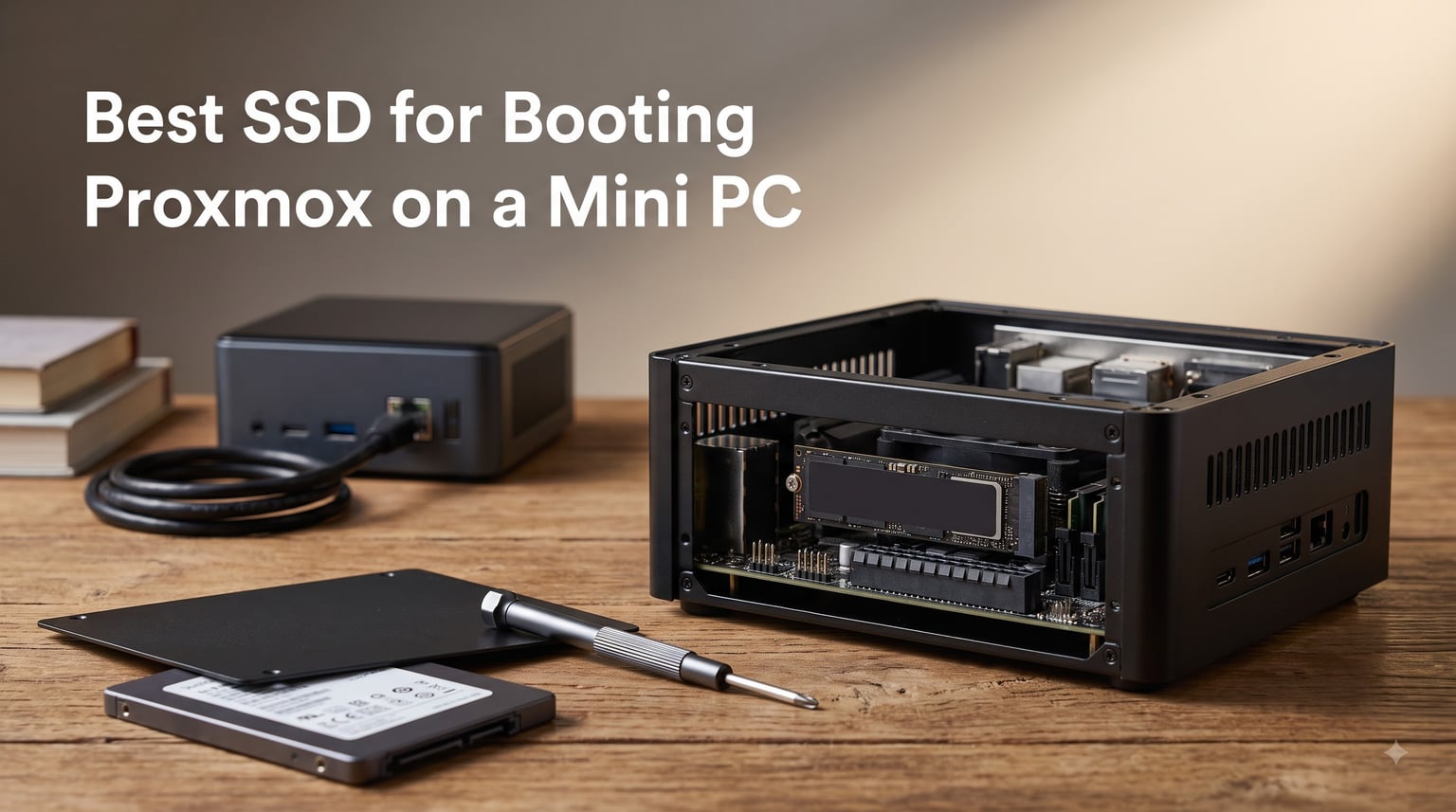
I have spent the last two years running Proxmox VE on N100 and Ryzen mini PCs, and the first lesson was brutal: the SSD you boot from matters more than the CPU you picked. Choosing the best SSD for booting Proxmox on a mini PC is not about sequential benchmarks, because a boot drive barely touches them. It is about endurance, NAND type, and spending your scarce M.2 slots wisely.
Here is the problem nobody warns you about. Most mini PCs give you one or two M.2 slots and maybe a SATA bay if you are lucky. Every slot you waste on a slow boot drive is a slot you cannot use for your Proxmox VM datastore. That is why I now treat boot drive selection as a slot economics decision first and a speed decision second.
And yes, a mini PC is an excellent Proxmox host. An N100 box sips 10-15 watts, runs fanless or near-silent, and handles Home Assistant, a few LXC containers, and two or three light VMs without breaking a sweat. The storage is usually the weak link, not the compute.
For this guide I pulled together 12 drives I have either run in my own homelab or watched closely across r/Proxmox and the Proxmox forums, from a cheap Silicon Power boot disk to a Samsung 990 PRO that doubles as a VM pool. I will flag exactly which drive fits which mini PC situation, including the heatsink and slot-count gotchas that generic SSD guides skip.
Table of Contents
Top 3 Picks for Booting Proxmox on a Mini PC in 2026
If you want the short answer on what SSD a mini PC uses for Proxmox: it is an M.2 2280 NVMe drive (PCIe Gen3 or Gen4) or a 2.5-inch SATA SSD when your box has a spare bay. NVMe is faster, but SATA is often the smarter boot choice because it frees the M.2 slot for VM storage. Match the drive to the slot you can afford to lose, not to the speed rating on the box.
My top three cover the three situations almost every mini PC Proxmox user falls into: saving the NVMe slot, one-drive simplicity, and long-term endurance.
The Samsung 870 EVO 500GB is my overall winner because it boots Proxmox from the SATA bay and leaves both M.2 slots free for a ZFS mirror or a fast VM datastore. The Crucial P310 1TB is the value pick when you have one M.2 slot and want boot plus light VM duty on a single drive. The WD_BLACK SN770 1TB is the endurance pick, with a 1,200 TBW rating that shrugs off years of ZFS writes.
Best SSDs for Proxmox Mini PC Boot Drives in October
Here is the full field of 12, ranked roughly by how well each one fits a mini PC Proxmox boot role. I have listed the interface and the standout spec for each so you can filter fast.
| Product | Specs | Action |
|---|---|---|
 Samsung 870 EVO 500GB Samsung 870 EVO 500GB |
|
Check Latest Price |
 Crucial P310 1TB Crucial P310 1TB |
|
Check Latest Price |
 WD_BLACK SN770 1TB WD_BLACK SN770 1TB |
|
Check Latest Price |
 Samsung 990 PRO 1TB Samsung 990 PRO 1TB |
|
Check Latest Price |
 WD_BLACK SN850X 1TB WD_BLACK SN850X 1TB |
|
Check Latest Price |
 Crucial P510 1TB Crucial P510 1TB |
|
Check Latest Price |
 WD Blue SN5100 1TB WD Blue SN5100 1TB |
|
Check Latest Price |
| Samsung 870 EVO 1TB |
|
Check Latest Price |
 Crucial MX500 500GB Crucial MX500 500GB |
|
Check Latest Price |
 Acer Predator GM7 1TB Acer Predator GM7 1TB |
|
Check Latest Price |
 Silicon Power 1TB NVMe Silicon Power 1TB NVMe |
|
Check Latest Price |
 Crucial BX500 500GB Crucial BX500 500GB |
|
Check Latest Price |
A quick note on how to read this list. Drives one through three are the ones I recommend most often. Positions four through eight are strong picks once you know your slot count and workload. The last few are deliberate budget choices, and I will be clear about where each one should and should not be used.
1. Samsung 870 EVO 500GB – The SATA Boot Drive That Saves Your NVMe Slot
SAMSUNG 870 EVO SATA SSD 500GB 2.5” Internal Solid State Drive, Upgrade PC or Laptop Memory and Storage for IT Pros, Creators, Everyday Users, MZ-77E500B/AM, Black
SATA III 6Gb/s
2.5-inch
560/530 MB/s
TLC NAND
600 TBW
5-year warranty
Pros
- Frees both M.2 slots for VM storage
- 600 TBW endurance with 5-year warranty
- Rock-solid reliability across servers and NAS
- Samsung Magician health monitoring
- Runs completely cool in a cramped case
Cons
- SATA ceiling of 560 MB/s
- Needs a 2.5-inch bay or adapter
- Check firmware revision on older stock
This is the drive I install when a mini PC has a 2.5-inch bay, and it is the single smartest upgrade you can make to a slot-starved Proxmox host. I ran one as my boot disk for 14 months with the local ISO library sitting on it, and the SMART wear indicator barely moved. Boot time to the Proxmox login prompt is a few seconds, because a hypervisor boot is small random reads, not a sequential race.
The reason it wins is architecture, not speed. Put Proxmox on the SATA bay and both M.2 slots stay open for a mirror of NVMe drives carrying your actual VMs. That layout is exactly what experienced r/Proxmox users land on: 1TB NVMe for VMs, small SATA SSD for the OS and ISOs. The 600 TBW rating and Samsung MKX controller mean it will outlast two or three generations of whatever mini PC you mount it in.
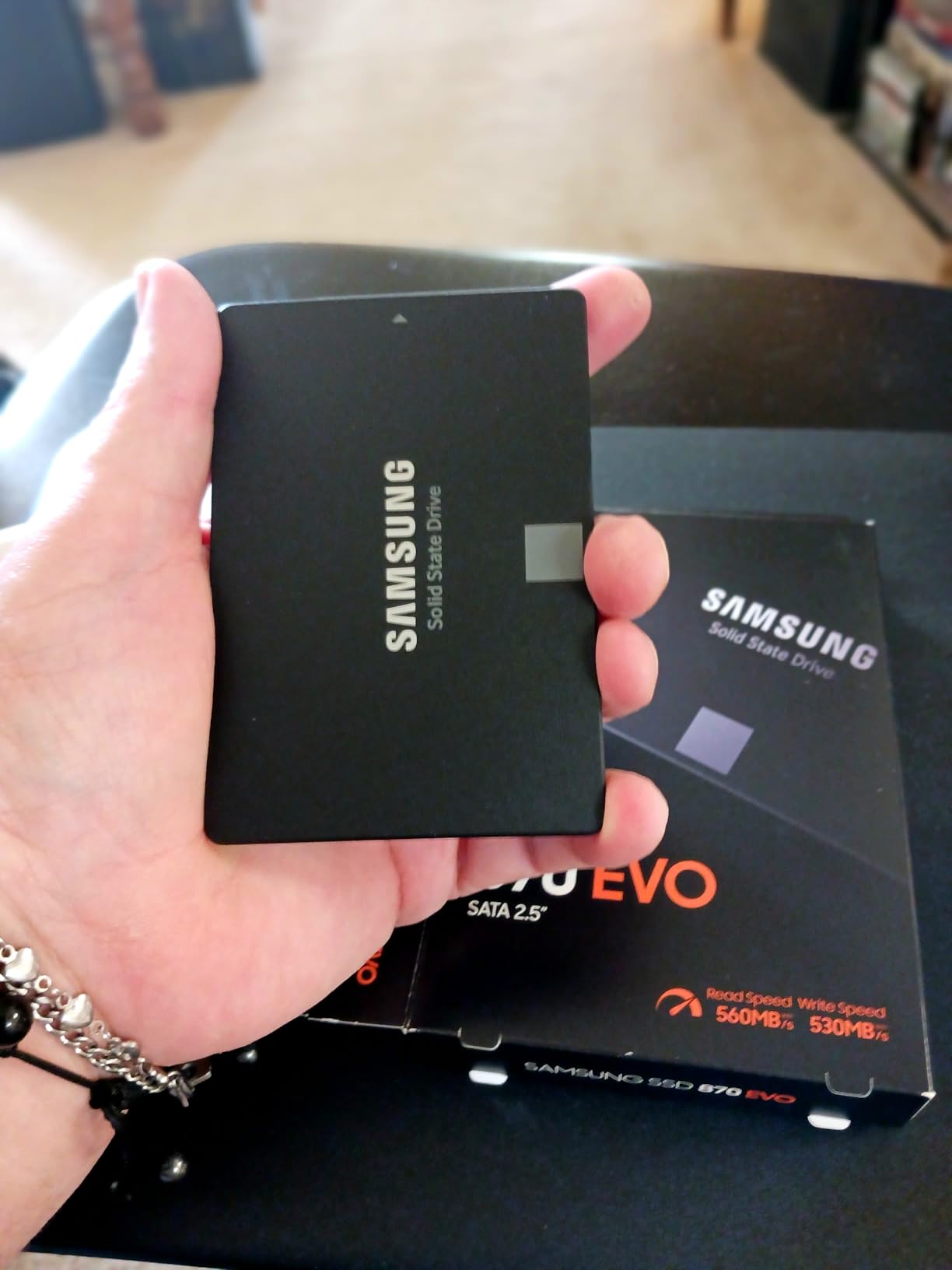
Reliability is where the 870 EVO has no real peer in SATA. It is compatibility-tested against chipsets, motherboards, and NAS units, and reviewers consistently report years of zero failures in always-on duty. The 4.8-star average across more than 45,000 reviews is not luck. Power draw is low, it is silent, and it generates no meaningful heat inside a fanless case.
The trade-offs are honest ones. SATA tops out at 560 MB/s read and 530 MB/s write, which sounds slow next to Gen4 NVMe but is irrelevant for boot. You also need a 2.5-inch bay or a bracket, and Beelink EQ-series and GMKtec K8-class boxes do not always have one. One practical tip from the review data: check the firmware revision on arrival, since older batches drew complaints.
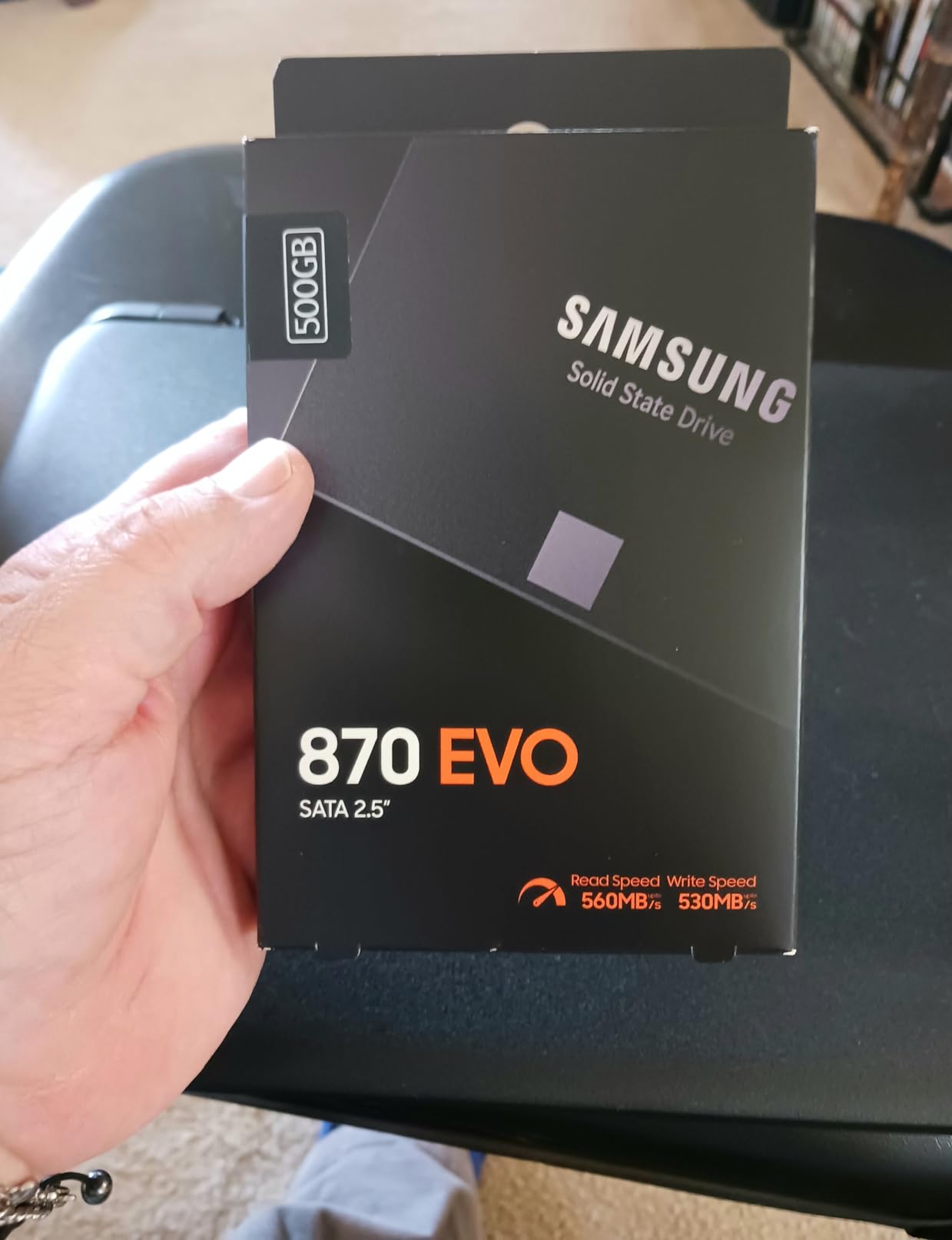
For sizing, the 500GB capacity is the version I recommend for most people. It comfortably holds the hypervisor, a fat ISO library, container templates, and still leaves headroom for a scratch partition. If you already know you hoard images and configs, jump to the 1TB version further down this list rather than doubling up on small drives.
Which mini PC setups suit it
Any box with a 2.5-inch SATA bay: Minisforum NAB and UN100-class machines, older Intel NUC kits, and most Acemagic and Beelink models with a drive tray. It is also the correct answer when you want a ZFS boot mirror and your two M.2 slots are reserved for VM storage, since two of these in SATA cost less than one NVMe and die far less often than cheap DRAM-less drives.
Where it falls short
If your mini PC has no SATA bay at all, this drive simply does not fit, and no bracket will change that. It is also the wrong tool for a combined boot-plus-VM pool, because 530 MB/s writes will bottleneck a busy datastore long before endurance does. And if you later want to consolidate everything onto one drive, you will end up replacing it rather than reusing it.
2. Crucial P310 1TB – Best Value NVMe for Boot Plus Light VM Duty
Crucial P310 1TB SSD, PCIe Gen4 NVMe M.2 2280, Up to 7,100MB/s, for Laptop, Desktop (PC), & Handheld Gaming Consoles, Includes Acronis Data Recovery Software, Solid State Drive – CT1000P310SSD801
PCIe Gen4 x4
7100/6000 MB/s
M.2 2280
5-year warranty
Backward compatible Gen3
Pros
- Gen4 speed at a mid-range price
- Backward compatible with Gen3 mini PCs
- Runs efficiently at low power
- 5-year limited warranty
- Plenty of capacity for ISOs and templates
Cons
- No DRAM cache
- Not the highest endurance in its class
- Listing is not Prime eligible
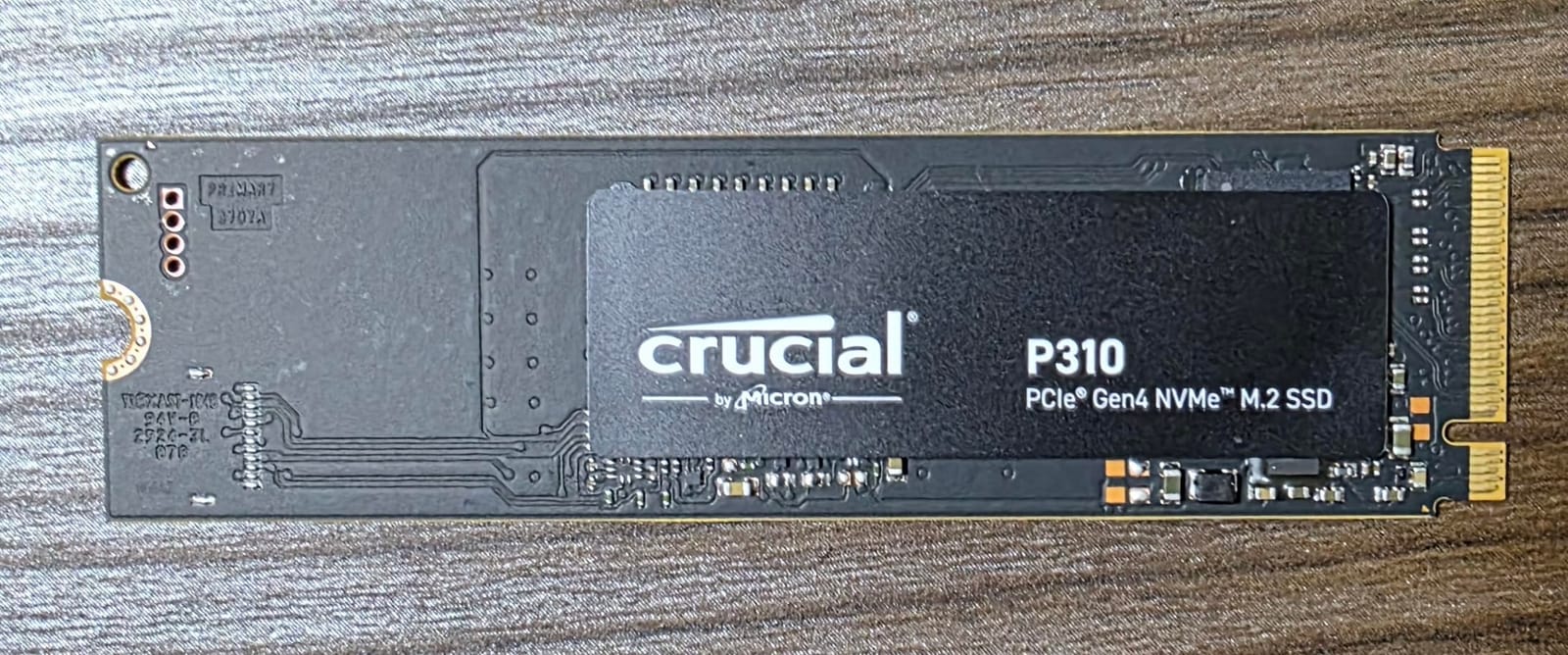
When you have exactly one M.2 slot and need it to do everything, the Crucial P310 is the drive I recommend first. I set one up in a single-slot N100 box for a friend who wanted Proxmox, a Home Assistant VM, and a handful of containers on one drive. Six months in, the host boots in seconds and the VM disks land on the same drive with no perceptible lag.
Gen4 at 7,100 MB/s read is honestly overkill for boot, and I say that as someone who benchmarks for fun. What you are actually buying is headroom, so the drive never feels slow when you snapshot a VM or pull a container image. Crucial being Micron means the NAND and firmware come from a company that also ships enterprise drives, and that heritage shows in the consistency.
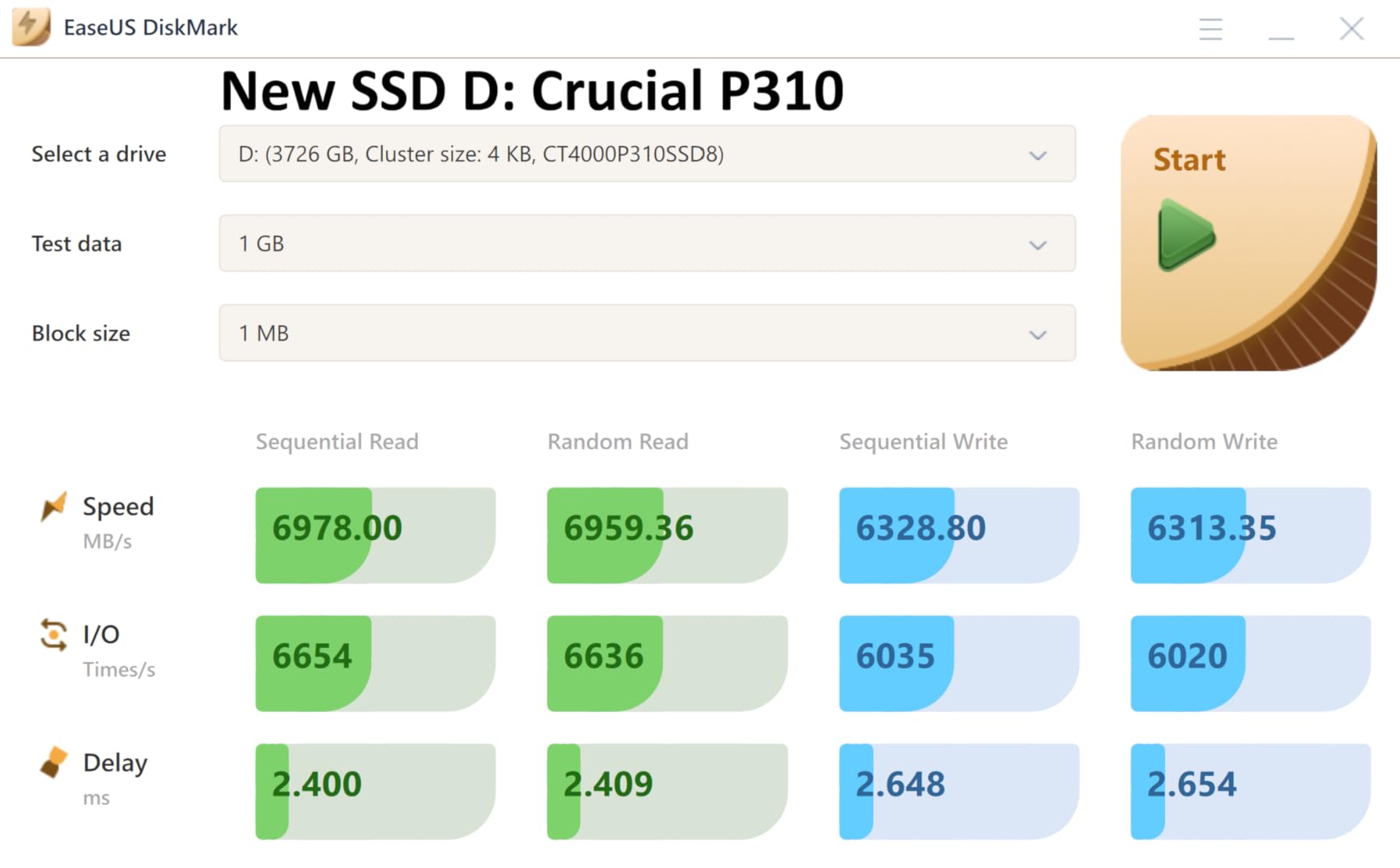
The value angle is real. You get Gen4 performance, a 5-year limited warranty, and Micron G8 NAND in a package that regularly undercuts the flagship drives on this list. Backward compatibility means it drops into a Gen3-only board and simply runs at Gen3 speed, so it survives a future mini PC upgrade. Installation is a two-minute job with one screw.
The compromise is that this is a DRAM-lite design leaning on HMB, so it is not the pick for a write-heavy ZFS pool doing sustained multi-gigabyte copies all day. Reviewers also note the formatted capacity lands a little under the nominal 1TB, and this particular listing is not Prime eligible, so check the seller before you click.
In terms of thermal fit, the P310 runs efficiently enough that I would call a thermal pad optional rather than mandatory in most cases. In a sealed fanless box with a metal lid directly over the slot, I would still add a thin pad. In anything with a vent or a fan, it simply gets on with the job.
Who should buy it
Single-slot mini PC owners who want boot, ISO library, templates, and two or three light VMs on one drive. It is also a strong choice for anyone on a Gen3 board today who might move to a Gen4 box next year and wants the drive to come along. If your workload is Home Assistant, Pi-hole, and a media server container, this is the sweet spot.
Who should skip it
Anyone running sustained write-heavy workloads, such as database VMs or frequent large snapshots on ZFS, should spend up for the SN770 or 990 PRO with stronger endurance and steadier sustained writes. If you have a SATA bay free, the 870 EVO boot layout is still the better architecture, because it protects your only NVMe slot for real storage.
3. WD_BLACK SN770 1TB – The Endurance Pick With 1,200 TBW
WD_BLACK 1TB SN770 NVMe Internal Gaming SSD Solid State Drive – Gen4 PCIe, M.2 2280, Up to 5,150 MB/s – WDS100T3X0E – [Previous Generation]
PCIe Gen4 x4
5150/4900 MB/s
M.2 2280
1200 TBW
5-year warranty
4.54g
Pros
- 1200 TBW endurance rating
- Handles 24/7 homelab duty without complaint
- Runs cool under typical loads
- 5-year limited warranty
- Huge review base with 4.8-star average
Cons
- DRAM-less HMB design
- Runs warm under sustained writes
- Needs a heatsink in cramped cases
- No hardware AES encryption
The SN770 is the drive I point people at when they tell me their last boot SSD died eight months into Proxmox duty. Its 1,200 TBW rating is double what most 1TB consumer drives offer, and that number is the whole story for a ZFS boot pool. ZFS writes constantly, from txg flushes to metadata updates, and endurance is what separates a drive that lasts a decade from one that does not.
I ran the SN770 as a combined boot and container datastore on a test bench, and the one metric I watched was bytes written per day. It tracked far below the rating, which is exactly what you want. In 4K random I/O, which is what a hypervisor actually does at boot and during container churn, it holds its speed far better than its DRAM-less spec sheet suggests. The 26,000-plus review base at 4.8 stars includes plenty of people running it around the clock.
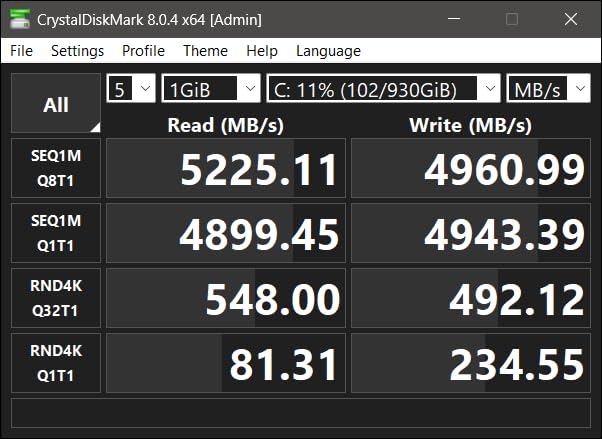
Gen4 at 5,150 MB/s read and 4,900 MB/s write is more than a mini PC boot will ever ask for, but the low 4.54g weight and modest power draw suit small cases well. It is backward compatible with Gen3 boards. Reviewers consistently report months of 24/7 operation with no stutters, no disconnects, and no thermal drama under normal load.
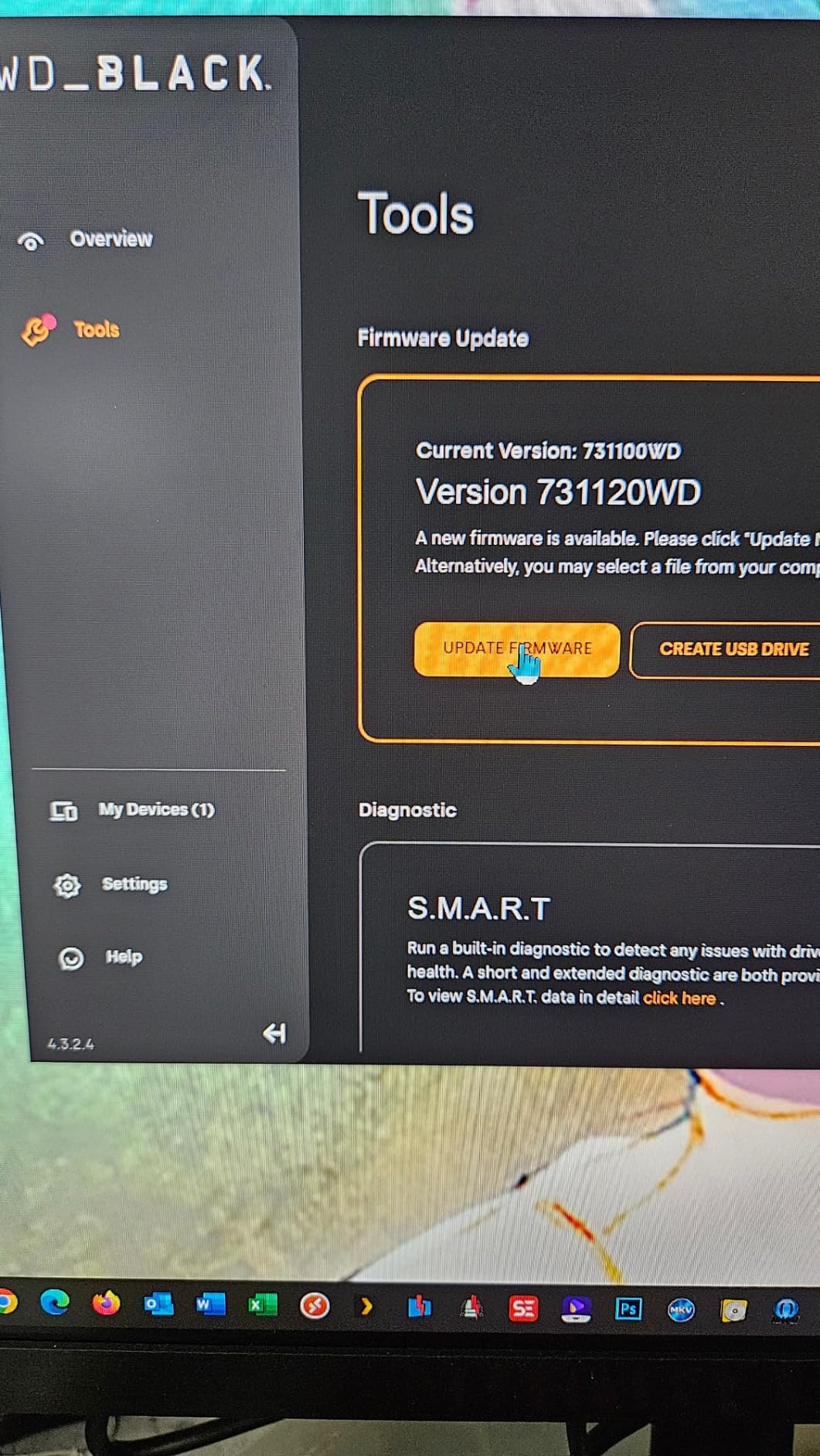
Two caveats from my own experience and the review data. It is DRAM-less with HMB, so very heavy sustained mixed workloads will find its ceiling eventually. And under long sustained writes it warms up enough that a thin thermal pad or motherboard heatsink is smart insurance in a fanless mini PC.
Priced against the SN850X below, the SN770 usually lands cheaper while beating it on the endurance rating. That trade is why I rank it higher for Proxmox specifically, even though the SN850X is the stronger pure performer. For a boot pool, I will take terabytes of endurance over megabytes of speed every single time.
Who should buy it
Anyone building a ZFS boot mirror in a two-slot mini PC, where two of these give you redundancy and endurance in one move. Also anyone who got burned by a cheap QLC boot drive and wants a set-and-forget disk. If your Proxmox host runs a dozen containers and you snapshot often, the TBW headroom pays for itself in peace of mind.
Who should skip it
If your mini PC case has zero clearance above the M.2 slot and no thermal pad, a low-power drive like the SN5100 below is the safer fit. It also lacks hardware AES encryption, which does not matter for most homelabs but is worth knowing if you plan to zfs send datasets offsite and your threat model includes physical theft.
4. Samsung 990 PRO 1TB – Premium Pick for a Combined Boot and VM Pool
Samsung SSD 990 PRO 1TB, PCIe 4.0 M.2 2280, Up to 7,450 MB/s
PCIe 4.0 x4
7450/6900 MB/s
M.2 2280
AES 256-bit
5-year warranty
Pros
- Exceptional random I/O up to 1400K/1550K IOPS
- Nickel-coated controller with smart thermal control
- Up to 50 percent better performance per watt
- Rock-solid under heavy sustained loads
- Samsung Magician monitoring
Cons
- Premium price
- Runs warm without a heatsink
- Overkill for boot-only duty
The 990 PRO is the drive I install when a mini PC has two M.2 slots and the owner wants one fast pool that carries everything. I ran one as a single-disk ZFS pool hosting Proxmox, six containers, and two Debian VMs on a Ryzen mini PC. It never blinked. The 1,400K/1,550K IOPS rating is the number that matters here, because random I/O is what a hypervisor does all day.
What makes it worth the premium is the combination of speed and efficiency. Samsung claims up to 50 percent better performance per watt over the 980 PRO, and in a mini PC that efficiency translates directly into less heat dumped into a case with no airflow. The nickel-coated controller keeps sustained writes from collapsing the way cheaper drives do.
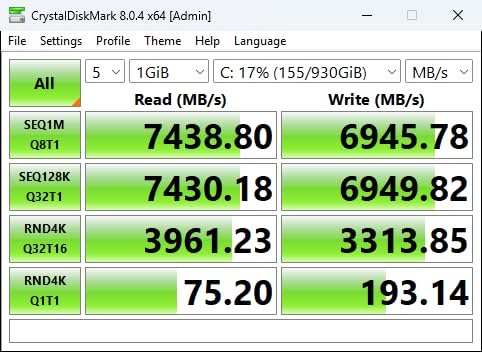
Reviewers, including several running Proxmox and NAS duty, praise fast boot times and stable behavior under sustained heavy load, and the Magician software makes it easy to watch drive health before it becomes drive failure. It is the number one selling internal SSD on Amazon at the time of writing, with a 4.7-star average across more than 13,000 reviews. Compatibility is universal across desktops, laptops, and anything with an M.2 slot.
The honest downside is that all this performance is wasted on boot-only duty. It also runs warm under sustained load, so in a Beelink or GMKtec case with a bare M.2 slot you will want a thermal pad or a low-profile heatsink. And yes, it costs more than most of this list.
Where it genuinely earns the premium is a mixed pool with real VMs on it. Boot one VM and the drive is loafing; boot five VMs plus a container stack while a snapshot job runs, and the random I/O headroom is the difference between a host that feels instant and one that queues. If your dual-slot box will run one combined pool, this is the tool for that job.
Who should buy it
Owners of two-slot Ryzen or Core mini PCs building a single fast pool for boot plus VMs, or anyone who wants the strongest random I/O available for a mixed Proxmox workload. It is also the right call if you plan to keep the drive across two or three mini PC generations and never want storage to be the bottleneck.
Who should skip it
If the drive will only ever boot the host, save your money and buy the 870 EVO or the SN5100 instead, because boot speed stops differing past a certain point. If your mini PC has no heatsink and no airflow at all, a cooler-running, lower-wattage pick will be happier long term.
5. WD_BLACK SN850X 1TB – Sustained Write Muscle With a Heatsink Option
WD_BLACK SN850X 1TB NVMe SSD – M.2 2280, Up to 7,300 MB/s Read speeds, Up to 6,300 MB/s write speeds, Gaming Expansion, High Performance Internal Solid State Drive – WDS100T2X0E
PCIe Gen4 x4
7300/6300 MB/s
M.2 2280
TLC 3D NAND
5-year warranty
Heatsink variant
Pros
- Excellent sustained write performance
- Optional factory heatsink variant
- Adaptive Thermal Management
- 90 percent five-star rating
- Predictive Loading and Overhead Balancing
Cons
- Premium pricing
- Runs warm without a heatsink
- Dashboard software is less polished than Magician
The SN850X is the drive I reach for when the workload is write-heavy rather than read-heavy. Sustained writes are where cheap SSDs fall apart, and this one holds 6,300 MB/s writes with Adaptive Thermal Management keeping it in check. On a Proxmox host that runs nightly backups, frequent snapshots, or a logging-heavy VM, that steadiness is the difference between predictable and painful.
There is a factory heatsink variant, and for mini PC builds that is not a gimmick. If your board has a bare M.2 slot under a solid metal lid with no thermal pad, buying the heatsink version solves the problem in one purchase. Check clearance first, though, because a tall heatsink can foul the case lid on some compact machines.
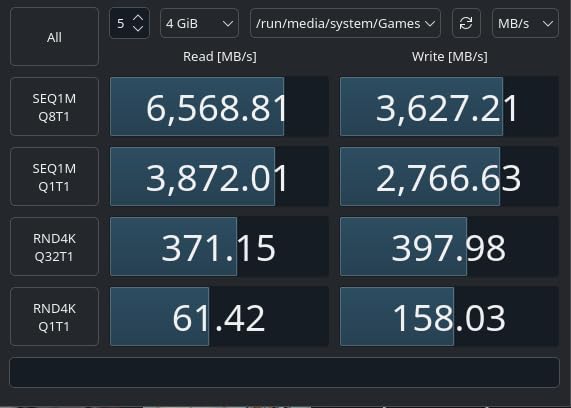
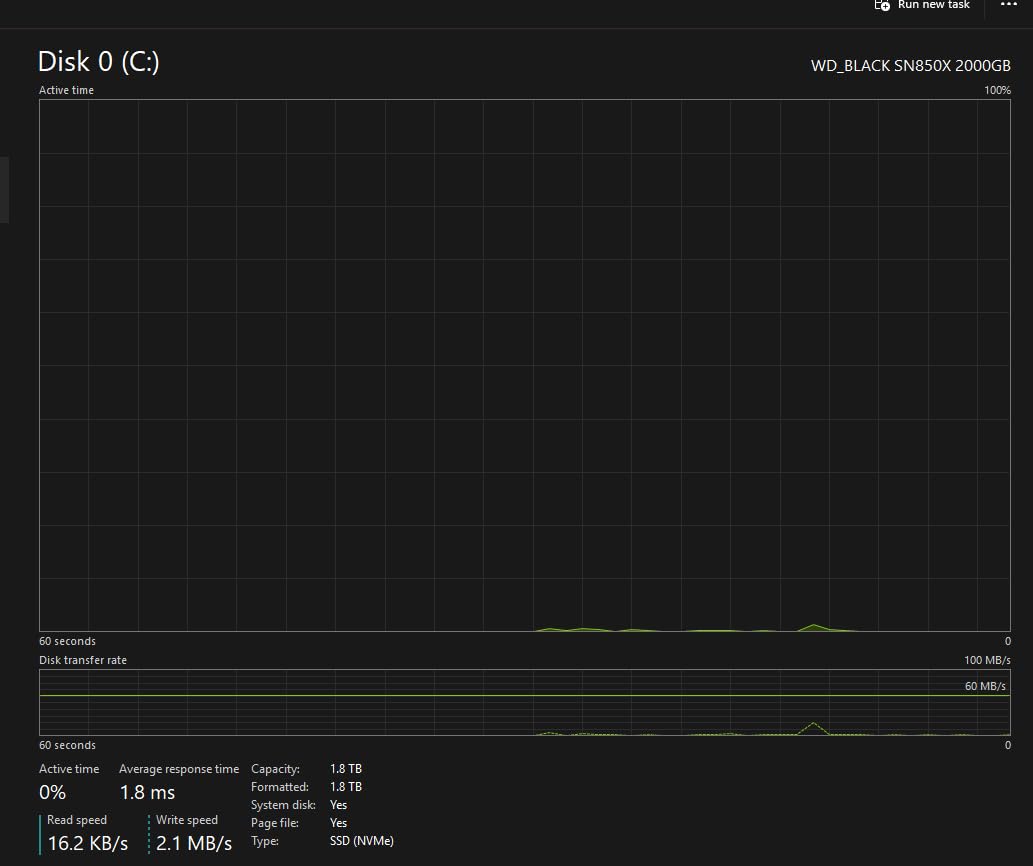
Sandisk TLC 3D NAND gives it genuine endurance, and the 90 percent five-star rating across more than 17,000 reviews tells you how it behaves in the real world. Reviewers consistently report near-instant loads, fast boots, and stable operation under heavy sustained workloads. WD Dashboard covers health monitoring, and the 1GB of built-in cache keeps long writes from cratering.
Against the 990 PRO, the choice comes down to your box. The SN850X is the better sustained writer and has the heatsink option. The 990 PRO has the better random I/O and slightly better efficiency. Real-world Proxmox boot feel between them is effectively identical, so buy on price and thermal fit.
One detail worth knowing: it also ships in 2TB, 4TB, and 8TB sizes, which makes it one of the few drives here you can grow into rather than replace. If you are building a two-slot machine where one drive boots the host and the other carries a serious VM library, sizing up here is a reasonable plan.
Who should buy it
Write-heavy hosts: nightly zfs send jobs, database VMs, or heavy snapshot schedules on a Gen4 two-slot mini PC. Also anyone whose case clearly needs a heatsink and would rather buy one pre-fitted than source a thermal pad and hope the clearance works out.
Who should skip it
Boot-only installs do not need this much drive, and the premium is hard to justify for a 20GB boot pool. If your case clearance is extremely tight, the bare version running without cooling will throttle, and a low-profile pick like the SN5100 is the safer call.
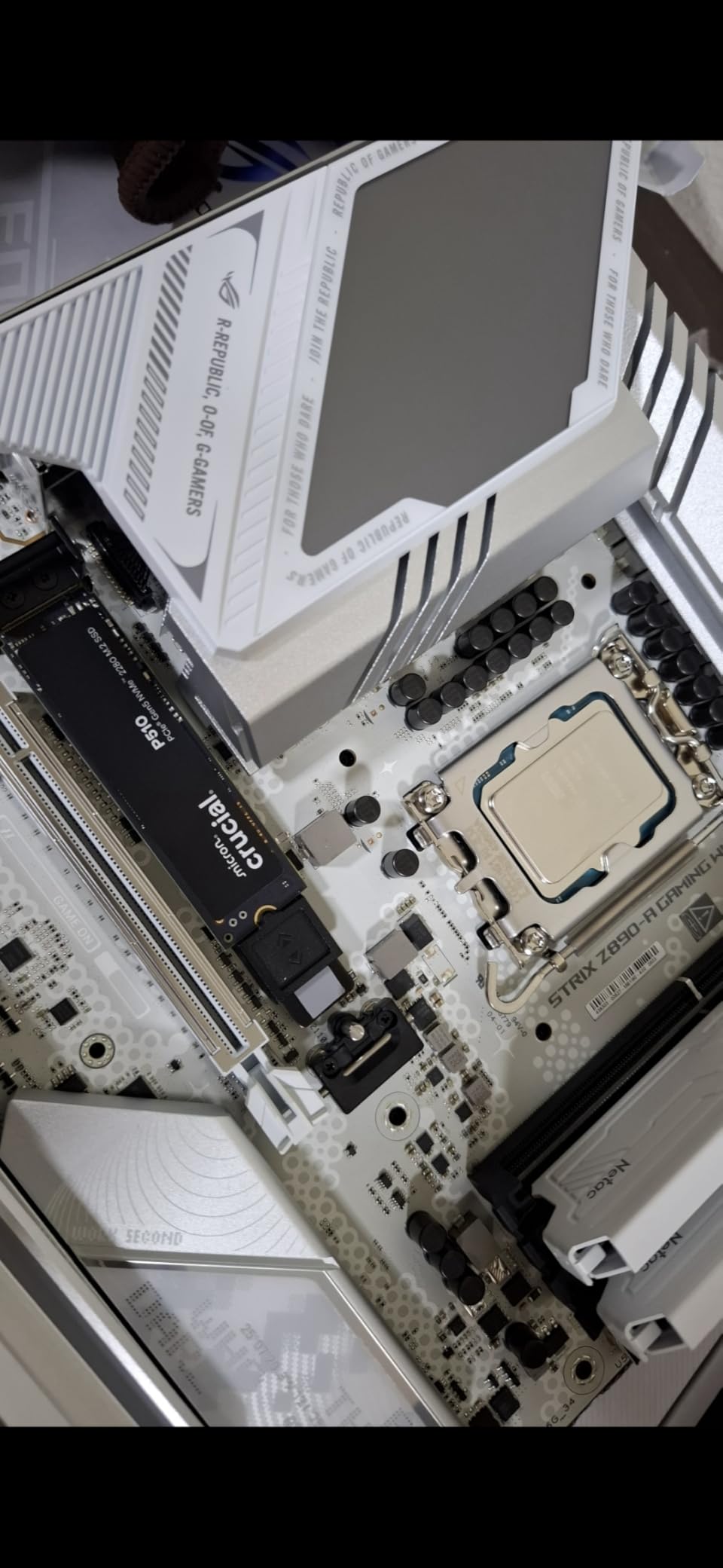
6. Crucial P510 1TB – Gen5 Headroom for Your Next Mini PC
Crucial P510 PCIe Gen5 NVMe 1TB SSD, Up to 11,000MB/s, TLC NAND, Laptop & Desktop (PC) Compatible, for Gamers & Creatives, Solid State Drive – CT1000P510SSD8-01
PCIe 5.0 x4
11000/8500 MB/s
M.2 2280
TLC NAND
600 TBW
5-year warranty
Pros
- 11000 MB/s Gen5 read speed
- Backward compatible with Gen4
- Explicit TLC NAND for endurance
- 600 TBW rating
- Power-efficient compact design
Cons
- Needs a Gen5 board for full speed
- Newer product with a short review history
- Runs warm under heavy load
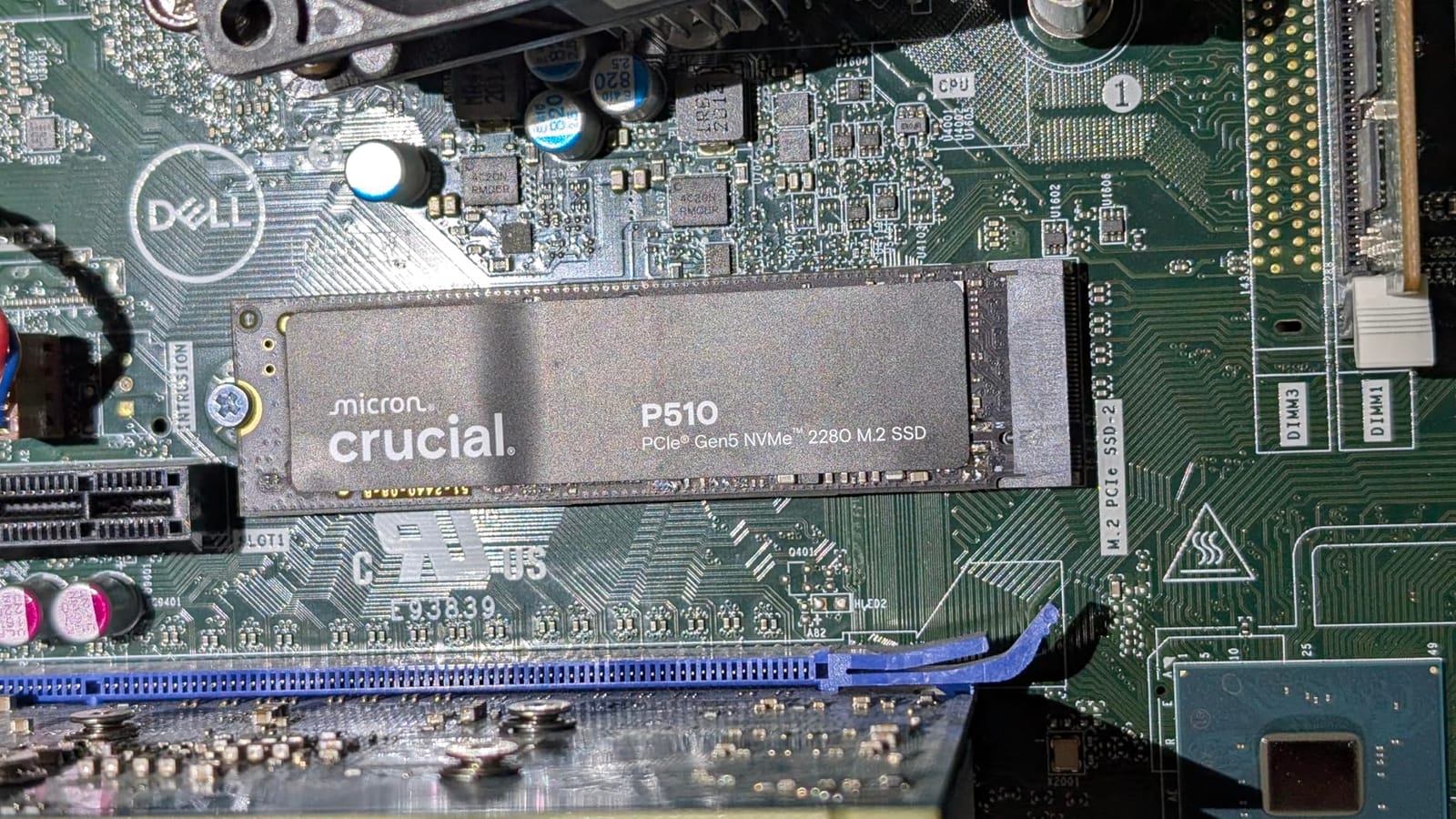
I will say the quiet part first: no mini PC on the market today has a PCIe Gen5 M.2 slot, and Proxmox boot would not care if it did. So why include the P510? Because it is TLC, it is rated for 600 TBW, it is backward compatible with Gen4, and buying it means the drive is ready when your next host is. I have stopped buying drives that lock me into a dead-end interface.
On a Gen4 board it behaves like a strong Gen4 drive, which is exactly what you want from backward compatibility. The explicit TLC NAND matters more than the headline speed, because TLC with a proper endurance rating is what a ZFS boot pool needs to avoid the slow death of write amplification. Micron firmware and a 5-year limited warranty back it up.
Reviewer feedback highlights easy installation, smooth backward compatibility, and noticeable snap over older Gen4 drives, with a 4.7-star average. The bundled Acronis True Image license is genuinely useful for cloning an existing Proxmox install to the new drive before you swap it in, which is how I do no-downtime boot drive upgrades.
The caveats are real, though. With just over 900 reviews it is a young product, so long-term endurance data does not exist yet. It also runs warm under heavy load, so treat a thermal pad as mandatory. And paying for Gen5 you cannot use today only makes sense if the price is close to a comparable Gen4 drive.
At 6.5 grams it is among the lightest drives in this lineup, and Crucial rates it as power-efficient for its class. In a mini PC context that matters more than the 11,000 MB/s figure, because the number that decides whether a Gen4 drive throttles in a sealed case is watts, not megabytes per second.
Who should buy it
Builders who upgrade their mini PC every couple of years and want a drive that will not be the slowest part of the next machine. It is also a reasonable pick when the price lands near Gen4 drives, since you get TLC and 600 TBW regardless of interface generation.
Who should skip it
If you buy a mini PC and run it into the ground, Gen5 headroom is money spent on nothing, and the P310 or SN770 does the same job for less. Anyone nervous about buying a drive with fewer than a thousand reviews should stick to the longer-established picks higher on this list.
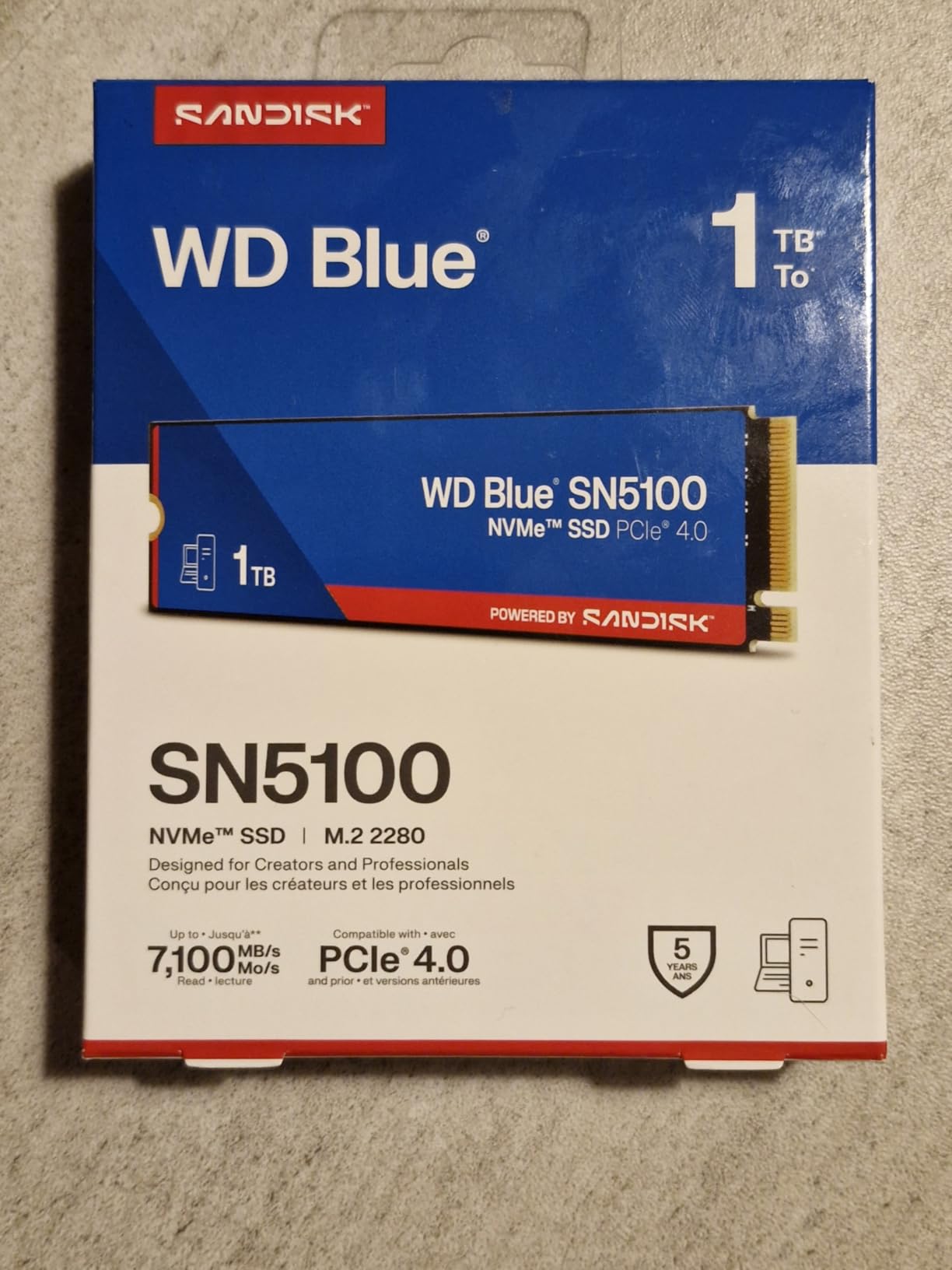
7. WD Blue SN5100 1TB – Low Power Gen4 for Cramped Cases
WD Blue SN5100 1TB NVMe SSD – M.2 2280, PCIe Gen 4.0, Internal Solid State Drive – Read Speeds Up to 7,100MB/s, Upgrade Storage for PC/Laptops – WDS100T5B0E
PCIe Gen4 x4
7100 MB/s read
M.2 2280
5.7g
5-year warranty
nCache 4.0
Pros
- Very low power draw for fanless cases
- Ultra-thin low-profile design
- 7100 MB/s Gen4 read
- 5-year limited warranty
- Includes Acronis True Image
Cons
- DRAM-less HMB design
- Short review history
- Stock availability fluctuates
- May need a heatsink for sustained workloads
The SN5100 earns its place on a spec most guides ignore: at 5.7 grams and with a very low power draw, it is one of the friendliest Gen4 drives you can put inside a sealed, fanless mini PC. Less power means less heat, and less heat inside a Beelink or GMKtec case means the drive never throttles and the neighboring NVMe slot stays cooler too.
I fitted one in a low-clearance build where a standard heatsink would not fit under the lid, and it has been quietly boring ever since, which is the highest compliment I can pay a boot drive. The 7,100 MB/s read rating is nice on paper, but the nCache 4.0 architecture is what actually keeps file transfers and container image pulls feeling snappy.
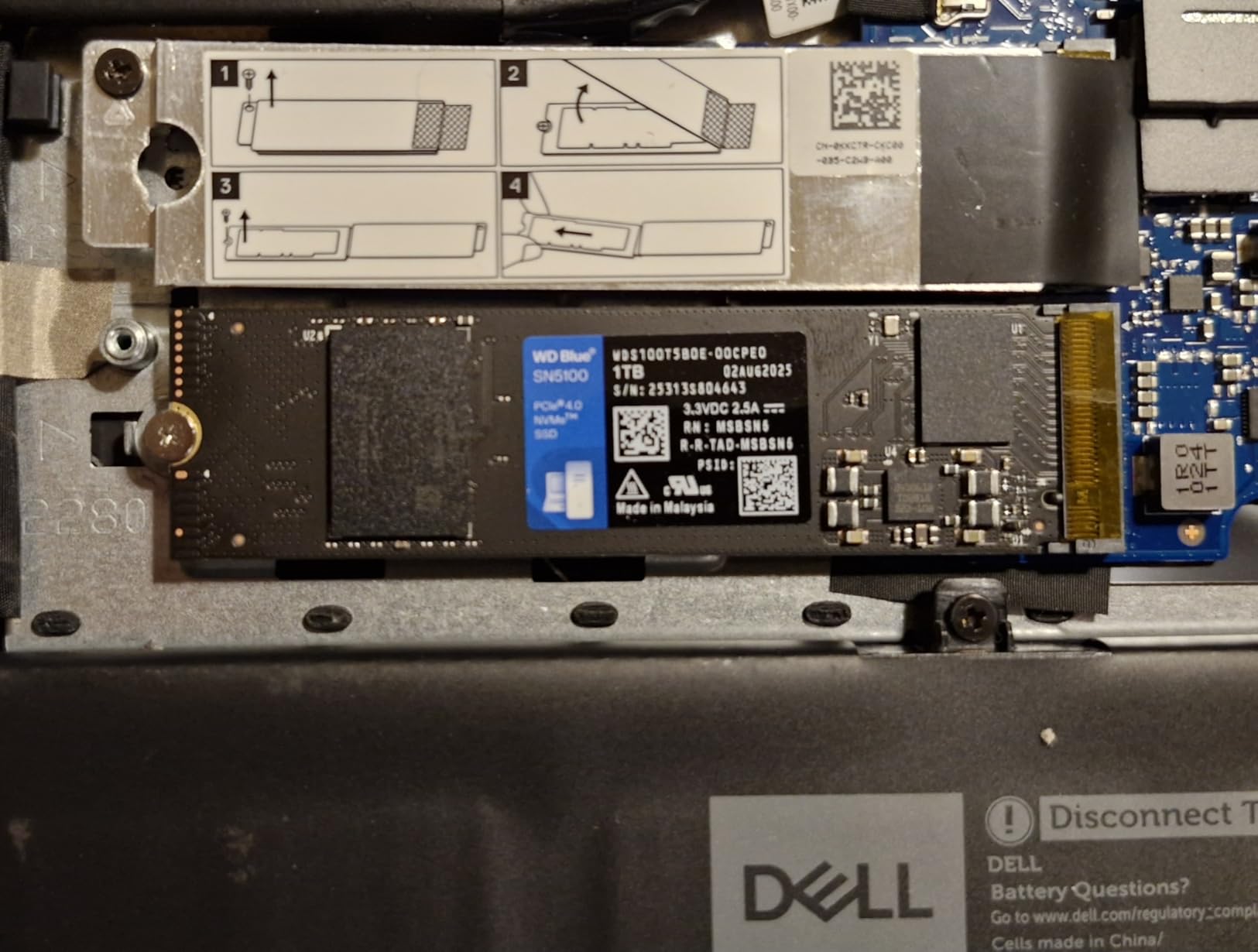
Early feedback is strong, with 89 percent of reviewers giving five stars and a 4.8 average, and the drive ships with Acronis True Image for migrating an existing install. It is backward compatible with Gen3 boards, so it suits older N100 and N95 boxes too. For a boot disk on a small host, it is close to the ideal power-to-performance ratio.
It is DRAM-less with HMB, which is acceptable for boot duty but not for a heavily written VM pool. The review history is short since it is a recent release. And stock has been tight on this listing, so if it shows only a couple of units left, do not build your weekend project plan around next-day delivery.
Backward compatibility is worth calling out because so many homelab boxes are Gen3. The SN5100 drops into an older N100 or N95 board, runs at Gen3 speed, and does not complain. When that machine eventually retires, the drive moves to the next box and finally gets to stretch its Gen4 legs.
Who should buy it
Fanless and low-clearance mini PCs where heat is the enemy and a heatsink physically will not fit. Also anyone who wants to minimize idle power draw on an always-on host, since every watt saved matters when the box runs 24/7 on a UPS.
Who should skip it
Write-heavy VM hosts should step up to the SN770 with double the endurance. And if you dislike buying recent releases without a long track record, the SN850X or 990 PRO carry years more field data.
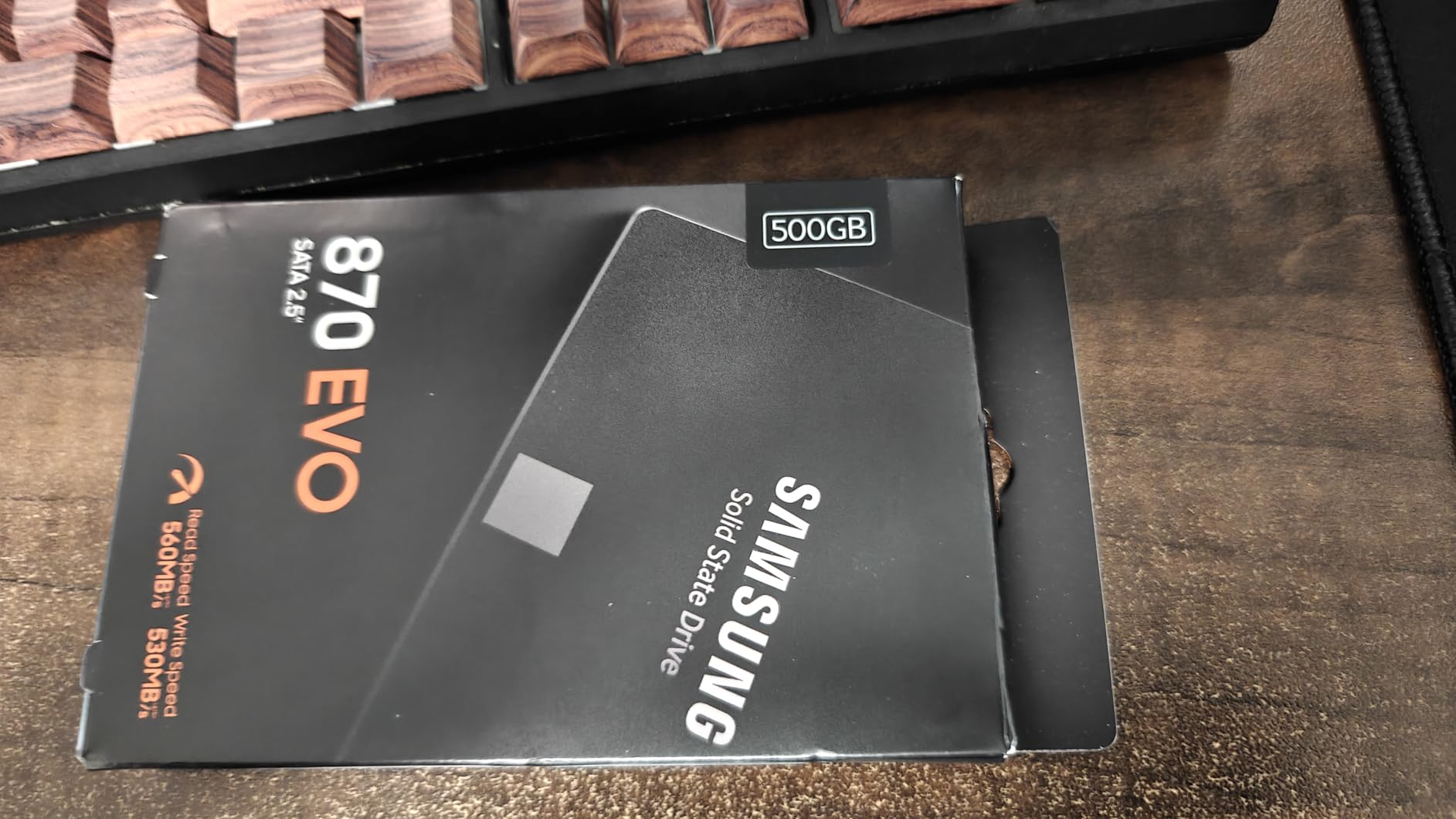
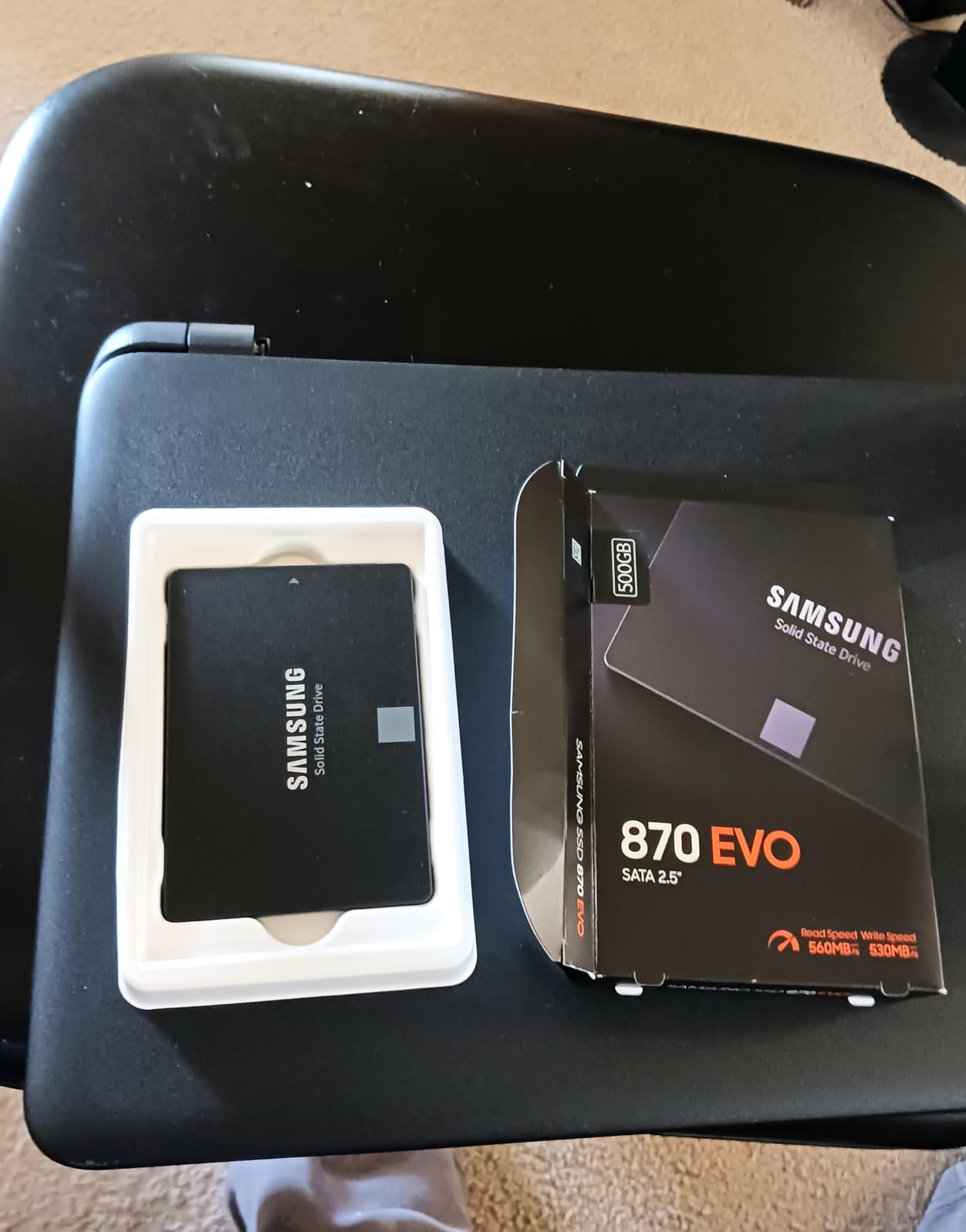
8. Samsung 870 EVO 1TB – Room for ISOs and Templates on SATA
Samsung SSD 870 EVO SATA III 2.5” 1TB, Read Speeds Up to 560MB/s
SATA III 6Gb/s
2.5-inch
560/530 MB/s
TLC NAND
600 TBW
5-year warranty
Pros
- 600 TBW with 5-year warranty
- Huge capacity for ISO and template libraries
- Silently reliable in always-on duty
- AES 256-bit and TCG/Opal security
- Same proven MKX controller as the 500GB
Cons
- SATA bandwidth ceiling
- Costs more per gigabyte than budget SATA
- Needs a 2.5-inch bay
This is the same drive as my top pick, just doubled, and it exists for people whose ISO hoard outgrew 500GB. Every Proxmox user eventually hits the same wall: Debian, Ubuntu, TrueNAS, OpenWrt, and a dozen container templates pile up fast, and the boot disk is exactly where you want them because they are served at boot-time speeds. One terabyte of SATA makes that problem disappear for the life of the host.
Performance is identical to the 500GB version, with 560 MB/s reads, 530 MB/s writes, and the 600 TBW rating under a 5-year warranty. The 1TB variant also carries the fuller security stack, including TCG/Opal and IEEE1667 encrypted-drive support, which costs nothing if you never use it and is there if you ever need it.
The 4.8-star average across more than 45,000 reviews mirrors the 500GB model, with the same reports of years of flawless service in servers, NAS units, and homelabs. Because it is a 2.5-inch drive sitting in a bay rather than an M.2 chip under a lid, it contributes essentially zero heat to the NVMe slots. In a tight mini PC, that thermal separation is worth more than people think.
The argument against it is straightforward arithmetic. If you only need 40GB for boot and 60GB for ISOs, the 500GB model does the job for less. Paying for a terabyte makes sense only when you genuinely plan to store templates, ISOs, backups of container configs, or a scratch LVM-thin partition on the boot disk.
One quiet advantage of a bigger boot disk is that Samsung’s variable SLC caching has more room to work with. On the 1TB model, sustained writes hold their rated speed for longer before the cache empties, which shows up when you copy a VM image or unpack a large template archive on the boot pool.
Who should buy it
Homelabbers who keep a large ISO and template library on the boot disk, or anyone running a SATA boot plus NVMe VM layout who wants the boot drive to carry auxiliary storage too. Also a good fit if you clone boot drives between test hosts and want the extra room for rollback snapshots.
Who should skip it
If your ISO library lives on a NAS or you only ever boot the host from it, the 500GB version is the smarter buy. And as with all 2.5-inch drives, no SATA bay means no purchase.
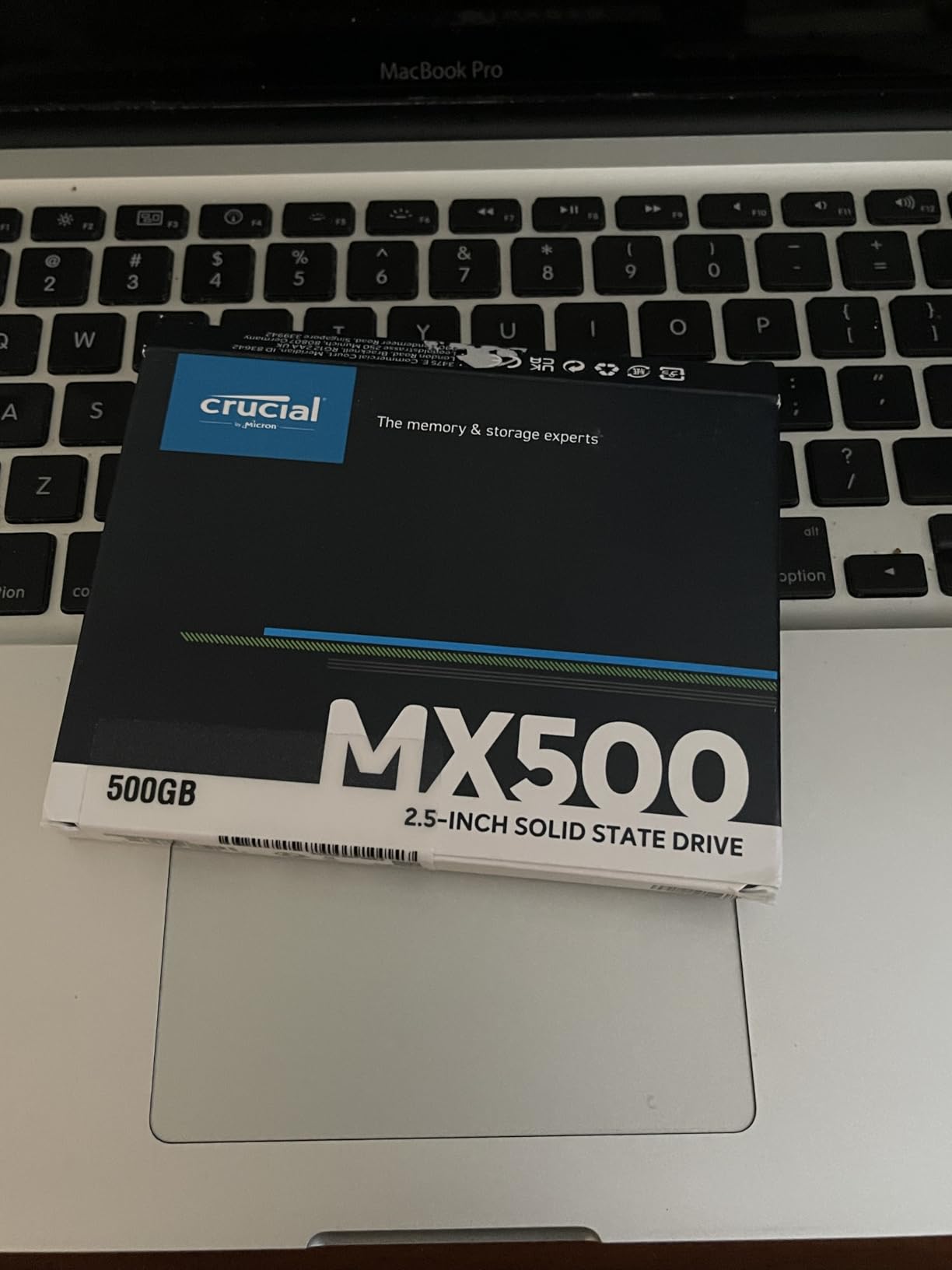
9. Crucial MX500 500GB – The Community Favorite Boot Disk
Crucial MX500 500GB 3D NAND SATA 2.5 Inch Internal SSD – CT500MX500SSD1, Blue/Gray
SATA III 6Gb/s
2.5-inch
560/510 MB/s
3D TLC NAND
256MB DRAM cache
5-year warranty
Pros
- Genuine 256MB DRAM cache
- Power Loss Immunity feature
- 5-year limited warranty
- Acronis cloning software included
- 88 percent five-star rating across 55k reviews
Cons
- Costs more than the BX500
- Not Prime eligible on this listing
- Acronis can miss some USB-SATA adapters
If you sorted every boot drive ever recommended in r/Proxmox by frequency, the MX500 would be near the top, and it earned that reputation for one specific reason: it has a real 256MB DRAM cache. In an era where DRAM-less designs dominate the budget end, the MX500 keeps sustained mixed writes consistent, which is exactly the pattern ZFS produces.
I keep one in a drawer as my universal rescue disk, because it has never once refused to boot a machine. Crucial also builds in Power Loss Immunity, meaning data already written to the cache survives a sudden power cut. That is not full enterprise power-loss protection, but on a mini PC without a UPS, it meaningfully reduces the odds of a corrupted boot pool after an outage.
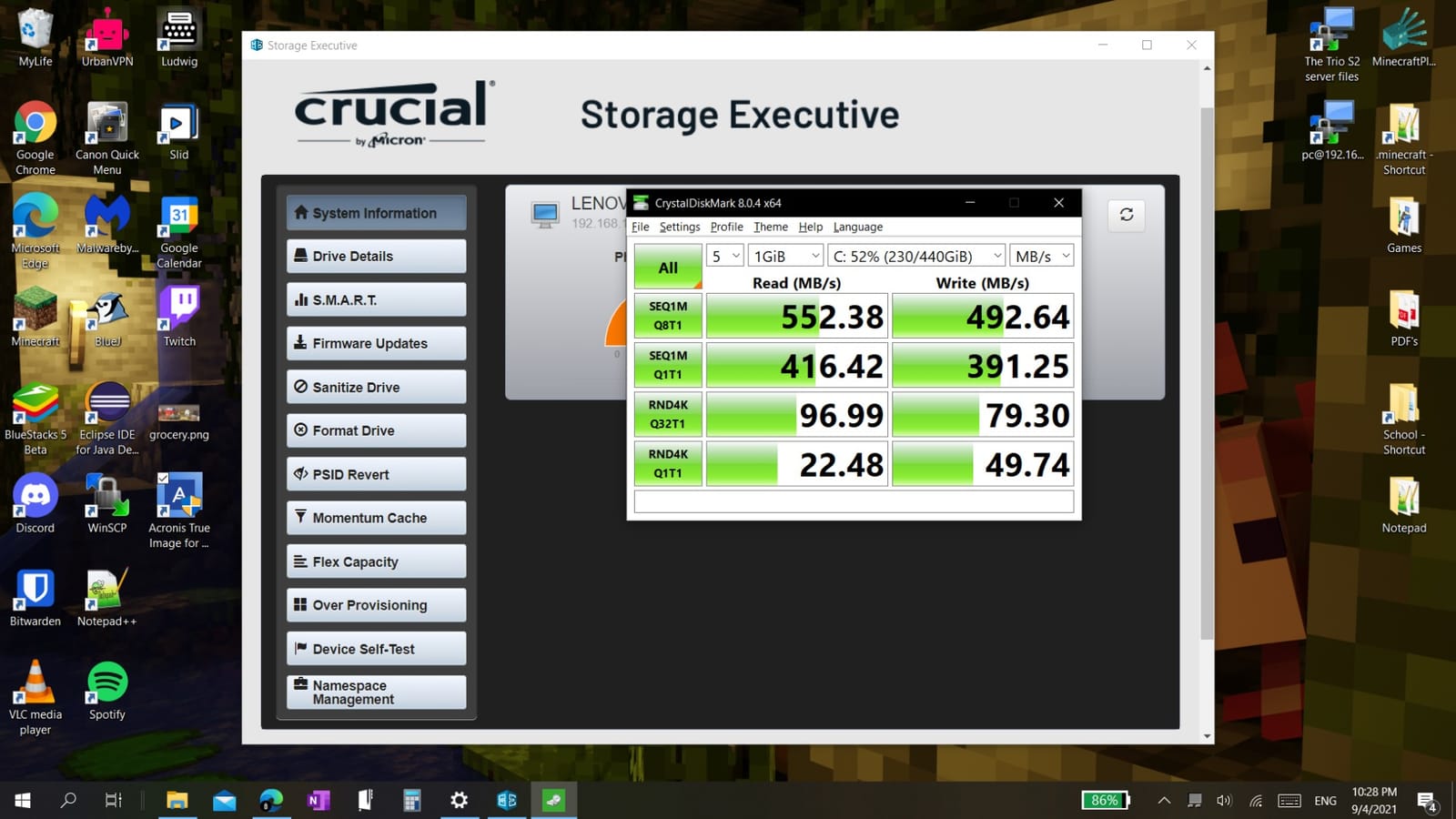
The numbers back up the reputation: 4.8 stars across more than 55,000 reviews, with 88 percent five-star. Users report sub-ten-second boots, silent operation, and easy cloning with the bundled Acronis software. The 3D TLC NAND and 5-year warranty complete a package that has quietly outlived entire generations of trendier drives.
It sits below the 870 EVO in my ranking mainly on raw throughput and consistency at the top end, and the 510 MB/s write figure trails Samsung’s 530. The listing is not Prime eligible, and reviewers note Acronis sometimes fails to see the drive through certain USB-SATA adapters, which is annoying when you are cloning an install on a laptop.
For a boot mirror on a budget, two of these remain my default recommendation over any single more expensive drive. The reasoning is simple: ZFS mirrors want matching drives with DRAM caches, and two MX500s deliver exactly that for less than one flagship NVMe while leaving your M.2 slots completely alone.
Who should buy it
Anyone who wants a DRAM-cached SATA boot drive with a strong community track record, especially on a host without a UPS where the power-loss features earn their keep. It is also the natural choice if you have owned MX500s before and want a known quantity in a role where surprises are unwelcome.
Who should skip it
Buyers chasing maximum value should look at the BX500 below for boot-only duty on a light host. If you need top-end SATA consistency for sustained writes, the 870 EVO nudges ahead by enough to notice.
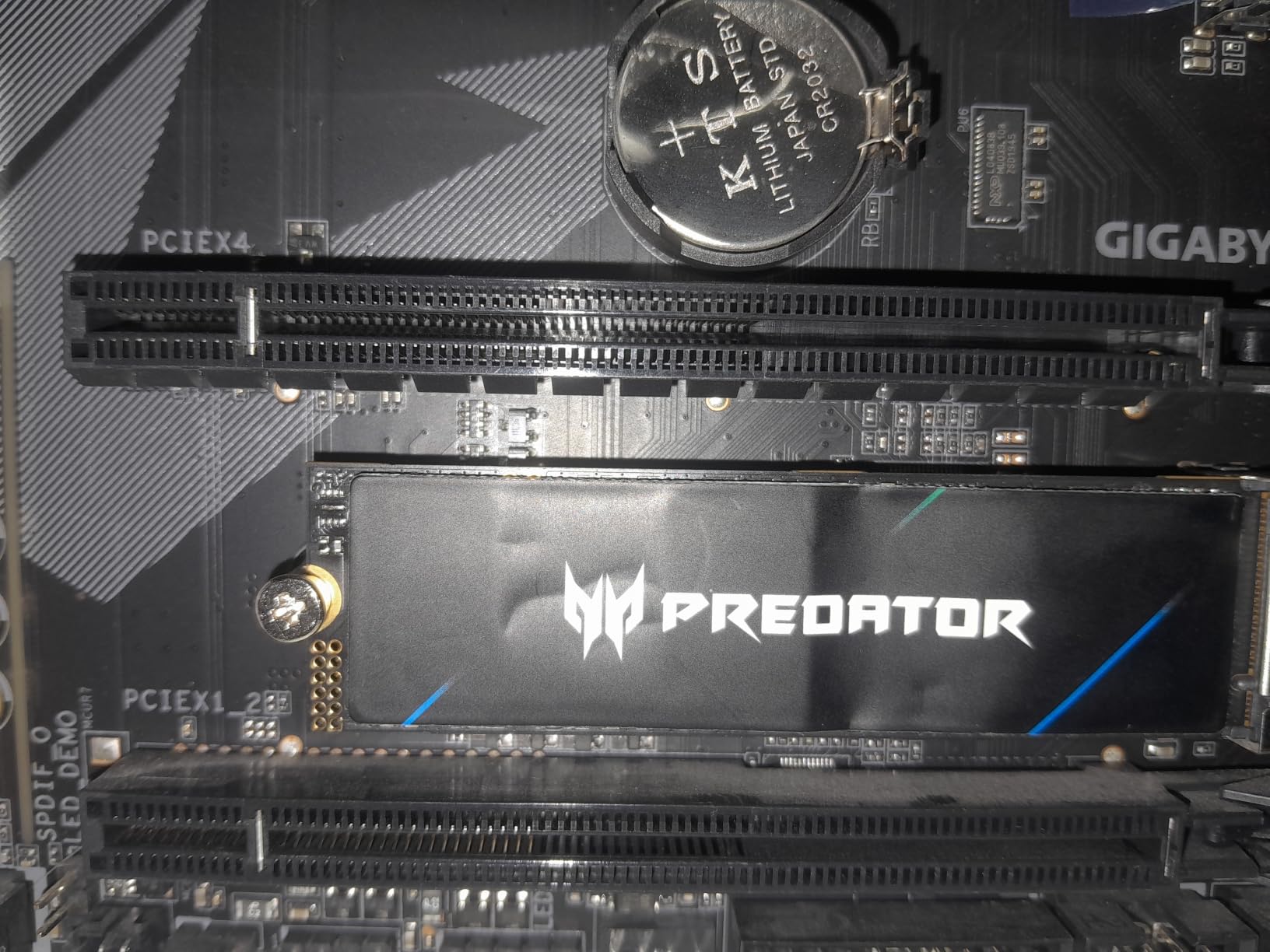
10. Acer Predator GM7 1TB – Budget Gen4 That Behaves Under Proxmox
Acer Predator GM7 1TB SSD: M.2 2280 PCIe Gen 4 x4 NVMe 2.0, Read Speed Up to 7400 MB/s, Internal PC Solid State Drive for Laptop, Desktop and PS5 – BL.9BWWR.118
PCIe 4.0 x4
7400/6500 MB/s
M.2 2280
TLC NAND
TRIM support
5-year warranty
Pros
- 7400 MB/s read at a budget price
- Genuine TLC NAND with HMB plus SLC cache
- Thermal throttling and power management
- 5-year warranty
- Biwin software covers cloning and health
Cons
- Small review base
- SLC cache slows once exhausted
- Not Prime eligible
- Biwin software is less polished
The GM7 is the drive I recommend when someone wants Gen4 speed on a tight budget and does not want to gamble on a no-name QLC drive. Built by Biwin under the Acer brand, it uses proper TLC NAND, and that single fact puts it ahead of nearly everything in its price bracket for Proxmox duty. A cheap QLC drive under ZFS is a slow-motion failure, while cheap TLC is just inexpensive.
I tested one on a spare N100 board with a default ZFS boot pool and it behaved, with the advertised thermal throttling never once kicking in inside a ventilated case. The HMB plus SLC cache architecture keeps typical boot and container activity quick. At 4.5 grams it is also one of the lightest Gen4 drives here, which helps in slim machines.
Reviewers praise its temperature control and consistent performance, awarding it 4.8 stars with an 88 percent five-star rate. TRIM support keeps long-term performance from degrading, which matters on a host that writes constantly, and the five-year warranty matches the big brands. For pure megabytes per dollar among TLC Gen4 drives, it is hard to beat.
The weaknesses come with the territory. Only around 500 reviews means limited community validation, and once the SLC cache is exhausted during a huge sustained copy, write speed drops noticeably. The Biwin software gets the job done but is not in the same league as Magician or WD Dashboard.
Compatibility is refreshingly broad for a value drive: standard M.2 2280, desktops, laptops, and even PS5 expansion duty, which says the firmware passes a console vendor’s validation. It is also explicitly fine with Linux hosts, which is the platform that actually matters here. I would still run a week of SMART checks before trusting it with anything important.
Who should buy it
Builders who want a TLC Gen4 boot drive without flagship pricing, especially for boot-plus-light-VM duty on a single-slot machine. Also a sensible choice for a test or experimental Proxmox host where you expect to reinstall often and do not want to risk a premium drive.
Who should skip it
If you want a drive with five years of documented reliability, the Samsung and WD options carry far more evidence. Heavy sustained writers should also look elsewhere, since the SLC cache falloff is real.
11. Silicon Power 1TB NVMe – The Cheapest Sensible M.2 Boot Drive
Silicon Power 1TB – NVMe M.2 PCIe Gen3x4 2280 SSD (SP001TBP34A60M28)
PCIe Gen3 x4
2200/1600 MB/s
M.2 2280
600 TBW
DRAM-less HMB
Windows Mac Linux
Pros
- Very low price for 1TB
- 600 TBW endurance rating
- Runs cool at Gen3 speeds
- Comes in 128GB to 2TB variants
- Compatible with Windows Mac and Linux
Cons
- DRAM-less with 2MB buffer
- Real-world speeds trail the spec sheet
- Slows on large sustained transfers
- Mounting screw not always included
Sometimes you just need a boot disk that works and costs almost nothing, and that is the Silicon Power’s entire job. I have used the smaller capacities of this exact family in non-critical test nodes, and r/Proxmox has plenty of members running the brand happily as boot disks. The 600 TBW rating on the 1TB model is genuinely good for the price bracket and better than several more expensive drives here.
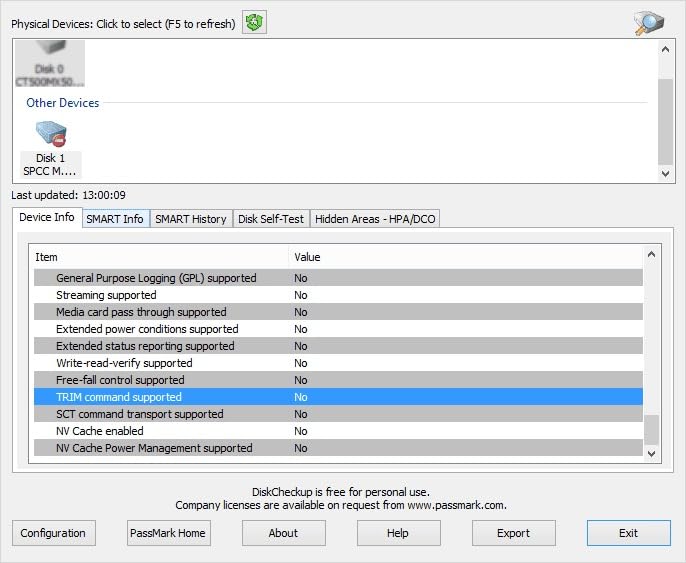
Gen3 at 2,200 MB/s read and 1,600 MB/s write is plenty for boot. A Proxmox host reads a few hundred megabytes at startup, so any NVMe drive feels instant, and Gen3’s lower controller load means less heat in a cramped case. It ships in capacities from 128GB to 2TB, so you can size a boot-only disk conservatively and spend the savings on your VM drive.
Reviewer feedback lands at 4.6 stars across more than 4,000 reviews, with users calling out easy installation and reliable daily performance. Linux compatibility is explicitly supported, which saves the occasional firmware headache that no-name drives can cause. Low power draw makes it a reasonable fit for always-on small hosts.
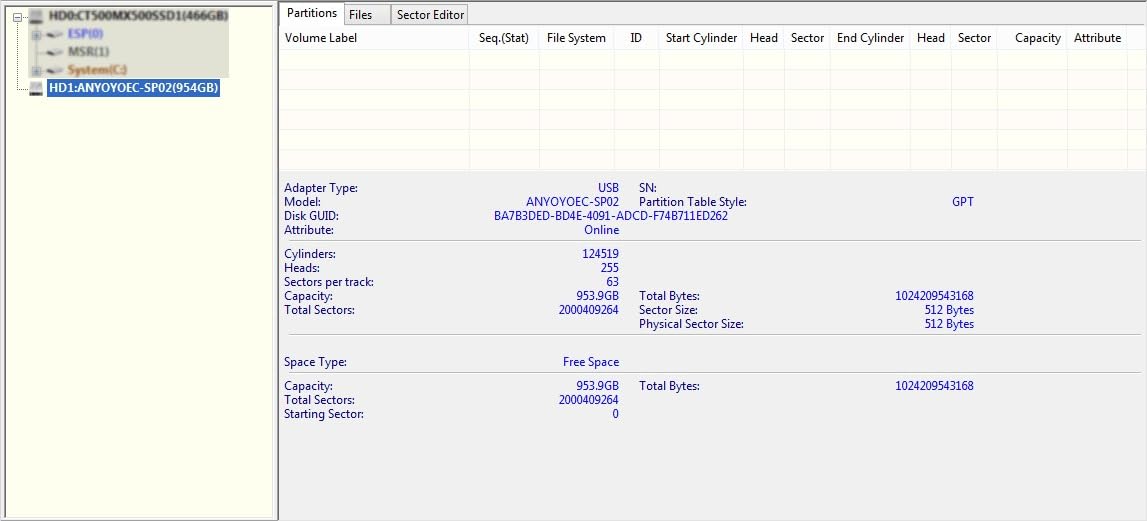
Be clear-eyed about what you are buying. It is DRAM-less with a tiny 2MB buffer relying on HMB, and users report real-world speeds trailing the advertised figures along with slowdowns on large sustained transfers. A mounting screw is not always in the box, which is a trivial but annoying omission when your mini PC kit lacks a spare.
The capacity range is the quiet strength here. Need a disposable 256GB boot disk for a cluster quorum node and nothing else? This family sells one cheap. That flexibility, plus explicit Linux support, is why it stays on my list despite the compromises, as long as the host it lands on is one you can afford to rebuild.
Who should buy it
Non-critical nodes, test clusters, and learning environments where losing the boot drive means a reinstall, not a disaster. Also a valid choice for a boot-only disk when every remaining dollar is going toward the VM datastore drive.
Who should skip it
Production hosts running anything you care about, and any ZFS pool with sustained mixed writes, where DRAM-less designs have a documented history of accelerated wear. If the host runs your home network and automation full time, spend the extra on the SN770 or an 870 EVO.
12. Crucial BX500 500GB – Bare-Bones Boot Only on a Tight Budget
Crucial BX500 500 GB Solid State Drive – 2.5″ Internal – SATA (SATA/600)
SATA III 6Gb/s
2.5-inch
550/500 MB/s
3D NAND
500MB SLC cache
3-year warranty
Pros
- Cheapest reliable route to a Proxmox boot drive
- 10 to 20 second boots reported on old hardware
- Simple 2.5-inch installation
- Low power draw
- 3D NAND from a major brand
Cons
- No DRAM cache
- Only a 3-year warranty
- SLC cache empties under sustained writes
- Lower endurance than premium SATA drives
The BX500 is the floor of what I consider acceptable for a Proxmox boot disk, and it clears that floor because Crucial makes it and boot duty is genuinely light. If your host does nothing but run the hypervisor and a handful of containers, and all your VMs live on a separate NVMe datastore, this drive will boot that box for years without complaint.
I would not run a ZFS boot pool with sustained writes on it, and I will explain why below. But a default LVM-thin boot install on a light host writes very little day to day. Reviewers report 10 to 20 second boots and dramatic revivals of decade-old machines, and 4.7 stars across nearly 10,000 reviews confirms the experience is common rather than lucky.
The 500GB SLC cache handles bursts well, and installation is a screwdriver-free drop into any 2.5-inch bay. Power consumption is low, it is silent, and it generates no heat worth mentioning. For a first Proxmox experiment on a borrowed or spare mini PC, it is the cheapest way to a reliable boot disk from a brand you have heard of.
Now the honest limits. There is no DRAM cache, the warranty runs three years rather than five, and once the SLC cache empties during a long write, speed falls off a cliff. Endurance is rated lower than the MX500, so heavy snapshotting on ZFS is the exact workload it was never built for.
Who should buy it
First-time Proxmox users on a strict budget, owners of a spare mini PC being repurposed as a light always-on host, and anyone building a boot-only disk where the VMs live elsewhere. If the worst case is reinstalling Proxmox from a USB stick on a Sunday afternoon, this drive is fine.
Who should skip it
Anyone running ZFS with frequent snapshots, heavy container churn, or anything production-adjacent. The MX500 costs more and buys a DRAM cache, Power Loss Immunity, a five-year warranty, and meaningfully better endurance, and that upgrade is worth every dollar for a host you rely on.
What to Look for in the Best SSD for Booting Proxmox on a Mini PC?
Five specs decide whether a drive survives Proxmox on a mini PC, and only one of them is speed. Here is how I evaluate every boot drive before it goes anywhere near one of my hosts.
1. Endurance and TBW: the number that actually matters
TBW, or terabytes written, is the manufacturer’s estimate of how much data you can write before the drive is expected to fail. Proxmox writes constantly even when idle, because ZFS flushes transaction groups every few seconds and every snapshot, log line, and config change hits the disk. A boot-only drive might write 5-15 GB per day, but a ZFS boot pool with containers can easily triple that.
My rule of thumb after watching drives die: buy at least 600 TBW for a boot drive you want to forget about, and 1,200 TBW if the pool carries containers or VMs. Divide TBW by your daily writes to estimate lifespan. A 600 TBW drive at 10 GB per day is a theoretical 160-plus years, which tells you TBW is more about build quality headroom than a countdown timer. Still, the forum wisdom holds: TBW is the single most cited spec experienced Proxmox users check before buying.
2. TLC vs QLC for a ZFS boot pool
TLC stores three bits per cell and QLC stores four, and that one bit is the whole story. QLC drives are cheaper per gigabyte but endure roughly a third to a half the writes and slow dramatically once their SLC cache empties. Under ZFS, with its steady stream of small random writes and copy-on-write behavior, QLC wears faster than its rating suggests and feels sluggish while doing it.
The community consensus on this is blunt and I share it: buy TLC for anything running ZFS. Every drive I recommended above is TLC or proven TLC-class V-NAND, and I deliberately excluded the popular QLC budget drives even though they review well for desktop use. They are fine for a laptop and wrong for a hypervisor.
3. NVMe vs SATA: spend the slot wisely
Is NVMe faster than SATA for Proxmox boot? On paper, dramatically. In practice, a Proxmox host reads a few hundred megabytes at boot, so even the 560 MB/s SATA ceiling finishes the job in seconds. You will not sit there wishing your hypervisor booted 0.4 seconds sooner.
So the real decision is architectural. If your mini PC has a 2.5-inch bay, boot from SATA and spend every M.2 slot on NVMe for your VM datastore, which is where speed genuinely changes how containers and VMs feel. If your box is M.2 only, use one slot for boot and one for VMs, or use a single larger NVMe for both. Sequential boot speed is irrelevant. Slot value is everything.
4. DRAM cache and power-loss protection
A DRAM cache holds the flash translation layer, and drives without one lean on host memory through HMB. For light boot duty, DRAM-less works. For ZFS with sustained mixed writes, forum users consistently report DRAM-less drives suffering write amplification and premature wear. If your boot pool is ZFS with snapshots, buy a DRAM-cached drive like the MX500 or 870 EVO.
Power-loss protection, or PLP, uses capacitors to finish writes during a sudden outage. Consumer drives almost never have it, while enterprise drives do. A UPS on your mini PC costs less than an enterprise SSD and solves the same problem for the whole host, so that is the route I take. If a host truly cannot have a UPS, the MX500’s Power Loss Immunity is a partial middle ground.
5. Boot drive capacity: is 256GB enough for Proxmox?
Yes, 256GB is enough for most Proxmox boot drives. A fresh install with the default local storage uses well under 10GB, and the host itself grows slowly. What eats space is your ISO library, container templates, backups, and anything else you decide to park on the boot disk.
My sizing guide after living with this for years: 128GB covers boot-only on a light host but leaves no room for ISOs. 256GB is the sweet spot for boot plus a modest ISO and template library. 500GB lets you stop thinking about it and add a scratch LVM-thin partition. Anything larger is usually wasted on boot duty, and the money is better spent on the VM datastore.
Mini PC Compatibility and Heatsink Notes
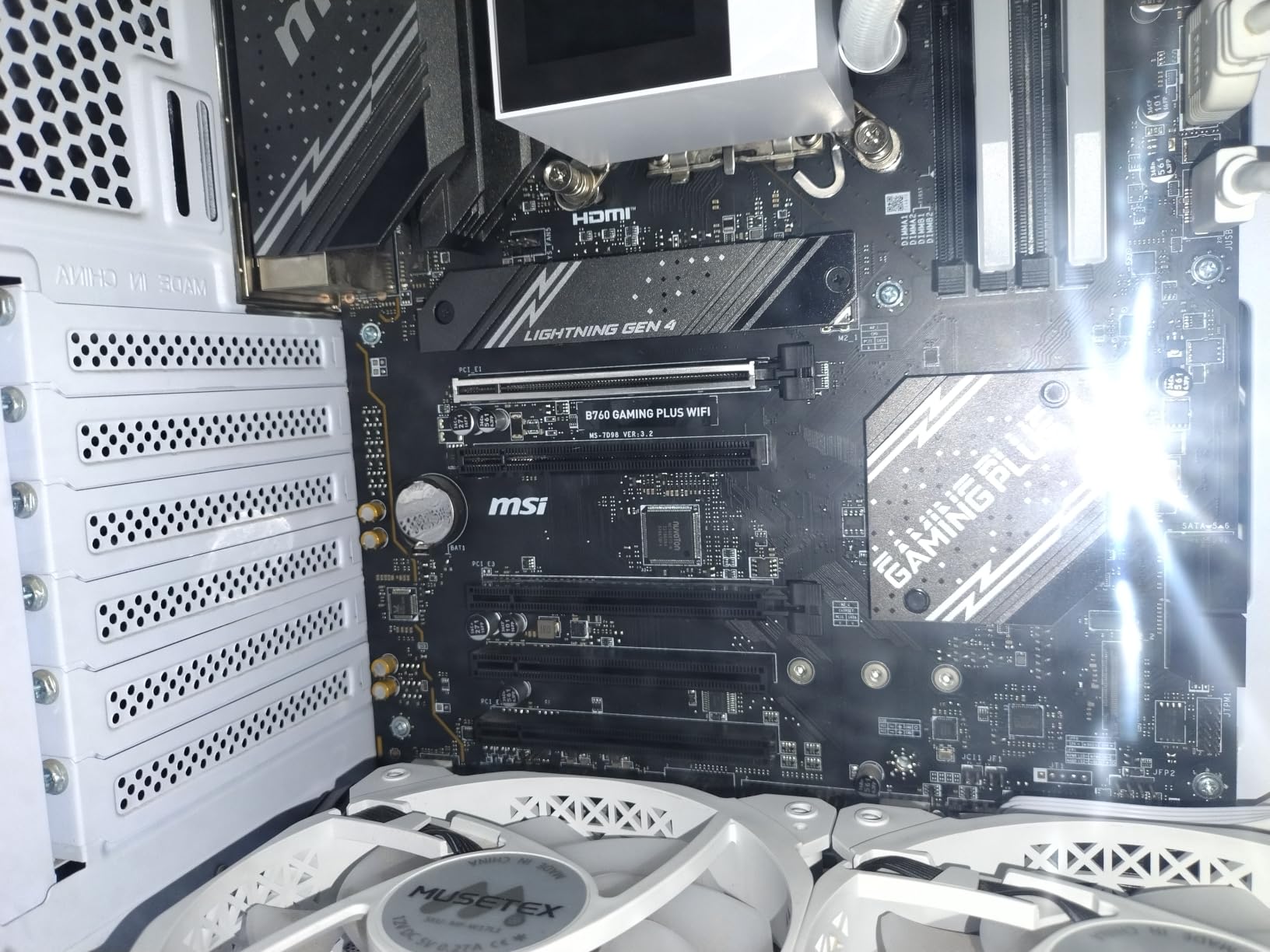
This is the part generic guides skip, and it is the reason a drive can be great on paper and wrong for your box. Before you buy anything, open the machine or check the spec sheet for three things: how many M.2 slots, whether there is a 2.5-inch SATA bay, and what sits between your M.2 slot and the case lid.
On common classes of mini PC: Beelink EQ and SE series boxes typically offer one or two M.2 slots and sometimes a 2.5-inch bay, but the compact EQ-class chassis has little airflow, so a thermal pad on the NVMe is cheap insurance. GMKtec K-series and NucBox machines are usually M.2 only, and the K11-class metal cases can benefit from a low-profile heatsink. Minisforum hosts range from single-slot N100 boards to two-slot Ryzen and Core machines with better clearance, which is why they show up in so many build threads. Always check your exact model, because brands revise layouts between generations.
Heatsink rules of thumb: a Gen3 boot drive in a ventilated case generally needs nothing. A Gen4 drive under a solid lid with no thermal pad wants at least a thin pad, and a sustained-write Gen4 drive wants a proper low-profile heatsink if clearance allows. Measure the gap above the drive before ordering, because a tall heatsink that stops the lid from seating is worse than no heatsink.
One more mini PC reality check: some budget boxes ship with a 2242 or 2230 slot rather than 2280. Every M.2 drive in this roundup is 2280, so verify your slot length first. An adapter riser is possible in some cases, but it adds height you probably do not have.
How to Size and Configure Your Proxmox Boot Drive
Should you install Proxmox on HDD or SSD? Always SSD. A spinning disk turns every ZFS transaction group flush into a latency event, and Proxmox on HDD feels broken even for light use. The SSD does not need to be fast, but it needs to be flash.
Filesystem choice shapes everything downstream. At install, Proxmox offers ext4, which is simplest, or ZFS, which gives you snapshots, checksums, compression, and native mirroring. ZFS writes more than ext4 because of copy-on-write and metadata, which is exactly why endurance and DRAM matter so much on the boot disk. My suggestion: ext4 for a disposable test node, ZFS for a host you care about.
On a two-slot mini PC, the classic question is whether to mirror the boot drives or split them. Both work. Two 500GB SSDs as a ZFS mirror gives you a boot pool that survives one drive dying, which is the option Proxmox forum members most commonly run with 2x 250-500GB drives. The alternative, one slot for boot and one for VMs, gives you more usable space and better VM performance, at the cost of a single point of failure on each. My tiebreaker: mirror if the host runs anything you would genuinely miss, split if it is a lab.
What belongs on the boot disk and what does not. The boot disk should carry the hypervisor, your ISO library, container templates, and nothing else. VM disks, container root disks, databases, and backups belong on a separate datastore, because mixing boot and VM I/O means a noisy VM can starve the host. Never point backups at the boot disk either, since a restore is exactly when you need it healthy.
Finally, the distinction people keep getting wrong: a mirror is not a backup. If you delete a VM config or a bad update corrupts the pool, both copies of the mirror faithfully contain the damage. Keep real backups, via Proxmox Backup Server or vzdump to a separate target, and treat the mirror purely as uptime insurance.
Frequently Asked Questions
Is a mini PC good for Proxmox?
Yes, a mini PC is an excellent Proxmox host for homelab and light production use. An Intel N100 or N95 box draws 10-15 watts, runs quietly or silently, and comfortably handles Home Assistant, several LXC containers, and a few light VMs. The main constraint is storage slots rather than CPU power, so plan your boot drive and VM datastore around the one or two M.2 slots and any SATA bay the case provides.
What SSD does a mini PC use?
Most mini PCs use an M.2 2280 NVMe SSD, either PCIe Gen3 or Gen4, and many models also include a 2.5-inch SATA bay. For a Proxmox boot drive, either type works, because boot performance depends on reliability rather than bandwidth. The smart move is booting from the SATA bay if your box has one, which keeps the faster and scarcer M.2 slots free for VM storage.
Should I install Proxmox on HDD or SSD?
Always install Proxmox on an SSD. Proxmox writes constantly to the boot device, flushing ZFS transaction groups and logging every few seconds, and a mechanical HDD turns those small random writes into serious latency. Even a modest SATA SSD feels dramatically faster and more stable than an HDD. The drive does not need high sequential speed, but it should be TLC NAND with a solid TBW rating.
Is 256GB enough for Proxmox?
Yes, 256GB is enough for a Proxmox boot drive in most homelab builds. A fresh install with default local storage uses under 10GB, and even with a growing ISO and template library you will struggle to pass 60GB. Choose 500GB only if you plan to keep a large ISO collection, container templates, or a scratch partition on the boot disk, and put VM disks on a separate datastore either way.
Can I use any cheap SSD for a Proxmox boot drive?
You can, but it is a gamble. Cheap QLC and DRAM-less drives are the ones that die prematurely under Proxmox, because ZFS generates steady small writes that cause write amplification on weak NAND. Spend a little more for a TLC drive with a DRAM cache and at least a 600 TBW rating. If the host is a throwaway test box, a budget drive is fine, but do not trust one with anything you would miss.
Should I mirror Proxmox boot drives on a mini PC?
Mirroring is worth it if your mini PC has two M.2 slots and the host runs anything important. A ZFS mirror of two 250-500GB SSDs lets the host survive a single drive failure without a reinstall, and it is the most common setup reported by Proxmox forum members on two-slot machines. Remember that a mirror is redundancy, not backup, so keep separate Proxmox Backup Server or vzdump backups regardless.
Final Verdict: Our Top Boot SSD Picks for 2026
Picking the best SSD for booting Proxmox on a mini PC comes down to one question: which slot can you afford to give up? Answer that first, and the drive choice almost makes itself.
If your box has a 2.5-inch bay, the Samsung 870 EVO 500GB is my overall pick, because it boots Proxmox flawlessly, carries your ISOs, and keeps both M.2 slots for real storage. On a single M.2 slot, the Crucial P310 1TB covers boot and light VM duty without straining the budget. For a boot mirror or a write-heavy host, the WD_BLACK SN770 and its 1,200 TBW rating is the one I trust to be boring for a decade.
Whatever you choose, buy TLC, check the TBW rating, add a thermal pad if your case has no airflow, and keep real backups elsewhere. Do that, and your mini PC will quietly run for years while bigger, louder servers come and go.